
R Basics Dr Yntze van der Hoek Edison
R Basics Dr. Yntze van der Hoek Edison Salazar (With acknowledgements to Columbia University)
Outline ◦ ◦ ◦ ◦ ◦ Why R, and R Paradigm References, Tutorials and links R Overview R Interface R Workspace Help R Packages Input/Output Reusing Results 2
Why R? It's free! It runs on a variety of platforms including Windows, Unix and Mac. OS. It provides an unparalleled platform for programming new statistical methods in an easy and straightforward manner. It contains advanced statistical routines not yet available in other packages. It has state-of-the-art graphics capabilities. APPLIED STATISTICAL COMPUTING AND GRAPHICS 3
Pero lo mas importante: It's free! It's free! APPLIED STATISTICAL COMPUTING AND GRAPHICS 4
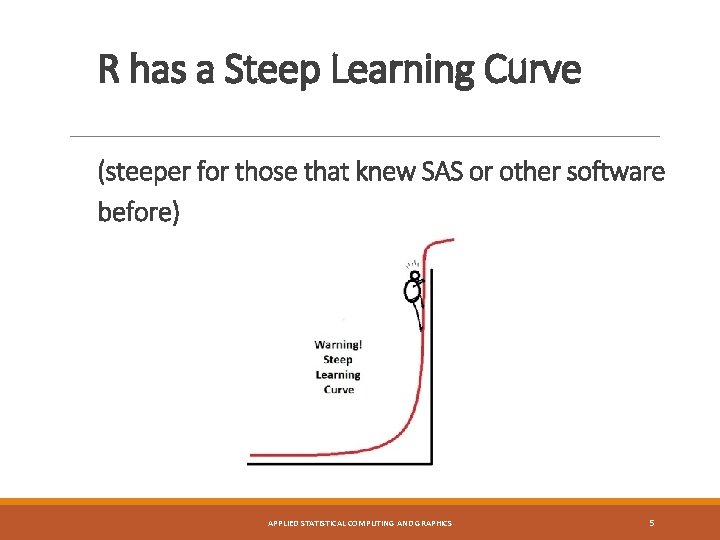
R has a Steep Learning Curve (steeper for those that knew SAS or other software before) APPLIED STATISTICAL COMPUTING AND GRAPHICS 5
R paradigm is different APPLIED STATISTICAL COMPUTING AND GRAPHICS 6
…porque? Porque necesitas hacer cada paso. Cada. Paso. APPLIED STATISTICAL COMPUTING AND GRAPHICS 7
How to download? ◦ Google it using R or CRAN (Comprehensive R Archive Network) ◦ http: //www. r-project. org APPLIED STATISTICAL COMPUTING AND GRAPHICS 8
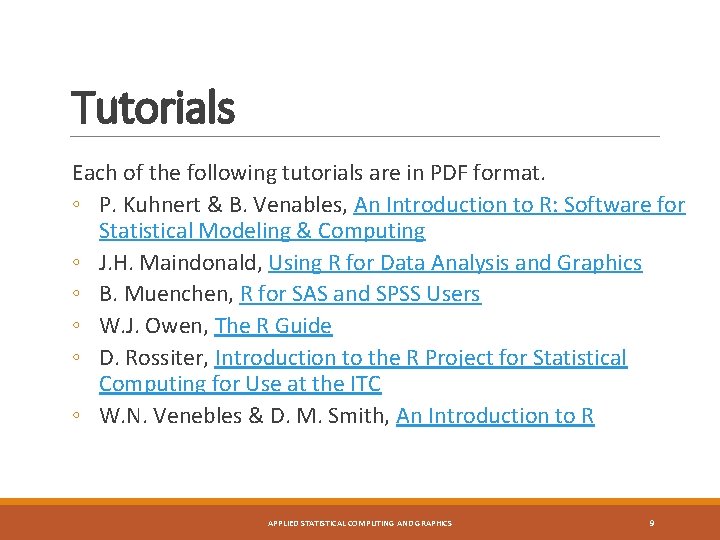
Tutorials Each of the following tutorials are in PDF format. ◦ P. Kuhnert & B. Venables, An Introduction to R: Software for Statistical Modeling & Computing ◦ J. H. Maindonald, Using R for Data Analysis and Graphics ◦ B. Muenchen, R for SAS and SPSS Users ◦ W. J. Owen, The R Guide ◦ D. Rossiter, Introduction to the R Project for Statistical Computing for Use at the ITC ◦ W. N. Venebles & D. M. Smith, An Introduction to R APPLIED STATISTICAL COMPUTING AND GRAPHICS 9
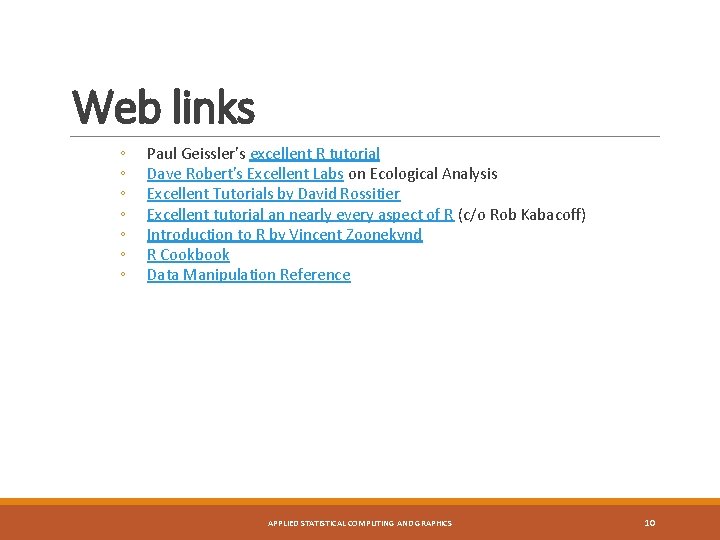
Web links ◦ ◦ ◦ ◦ Paul Geissler's excellent R tutorial Dave Robert's Excellent Labs on Ecological Analysis Excellent Tutorials by David Rossitier Excellent tutorial an nearly every aspect of R (c/o Rob Kabacoff) Introduction to R by Vincent Zoonekynd R Cookbook Data Manipulation Reference APPLIED STATISTICAL COMPUTING AND GRAPHICS 10
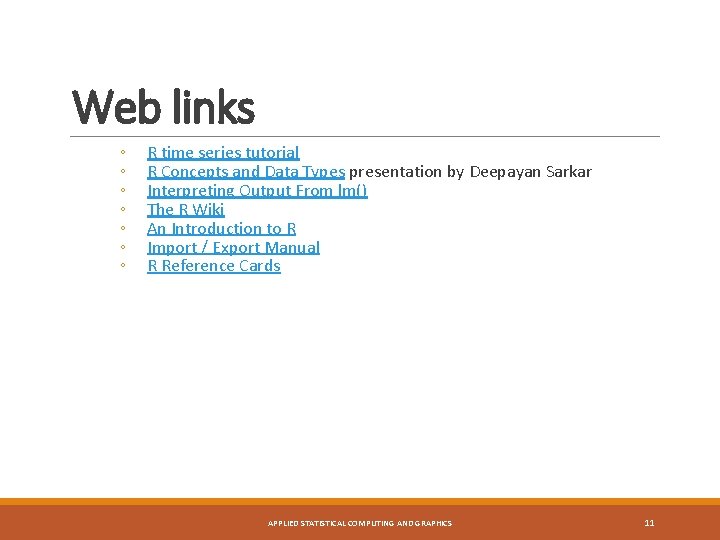
Web links ◦ ◦ ◦ ◦ R time series tutorial R Concepts and Data Types presentation by Deepayan Sarkar Interpreting Output From lm() The R Wiki An Introduction to R Import / Export Manual R Reference Cards APPLIED STATISTICAL COMPUTING AND GRAPHICS 11
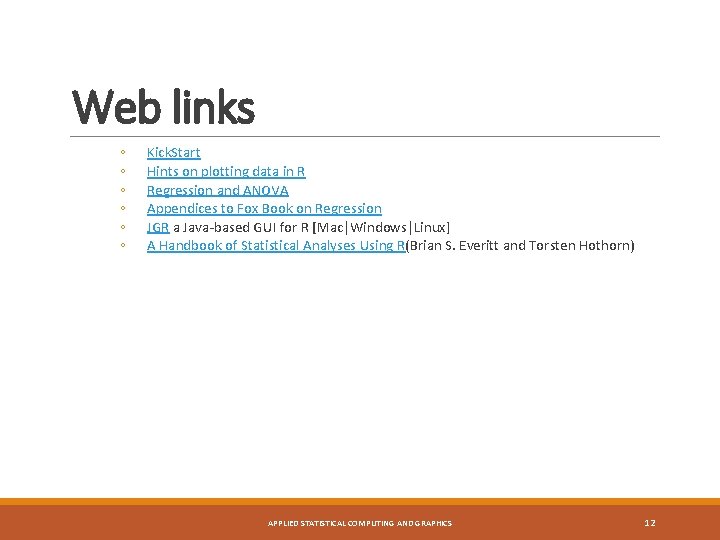
Web links ◦ ◦ ◦ Kick. Start Hints on plotting data in R Regression and ANOVA Appendices to Fox Book on Regression JGR a Java-based GUI for R [Mac|Windows|Linux] A Handbook of Statistical Analyses Using R(Brian S. Everitt and Torsten Hothorn) APPLIED STATISTICAL COMPUTING AND GRAPHICS 12
R Overview R is a comprehensive statistical and graphical programming language and is a dialect of the S language: 1988 - S 2: RA Becker, JM Chambers, A Wilks 1992 - S 3: JM Chambers, TJ Hastie 1998 - S 4: JM Chambers R: initially written by Ross Ihaka and Robert Gentleman at Dep. of Statistics of U of Auckland, New Zealand during 1990 s. Since 1997: international “R-core” team of 15 people with access to common CVS archive. APPLIED STATISTICAL COMPUTING AND GRAPHICS 13
R Overview ◦ You can enter commands one at a time at the command prompt (>) or run a set of commands from a source file. ◦ There is a wide variety of data types, including vectors (numerical, character, logical), matrices, dataframes, and lists. APPLIED STATISTICAL COMPUTING AND GRAPHICS 14
R Overview ◦ Most functionality is provided through built -in and user-created functions and all data objects are kept in memory during an interactive session. ◦ Basic functions are available by default. Other functions are contained in packages that can be attached to a current session as needed APPLIED STATISTICAL COMPUTING AND GRAPHICS 15
R Overview ◦ A key skill to using R effectively is learning how to use the built-in help system. Other sections describe the working environment, inputting programs and outputting results, installing new functionality through packages and etc. ◦ A fundamental design feature of R is that the output from most functions can be used as input to other functions. This is described in reusing results. APPLIED STATISTICAL COMPUTING AND GRAPHICS 16
R Interface Start the R system, the main window (RGui) with a sub window (R Console) will appear In the `Console' window the cursor is waiting for you to type in some R commands. APPLIED STATISTICAL COMPUTING AND GRAPHICS 17
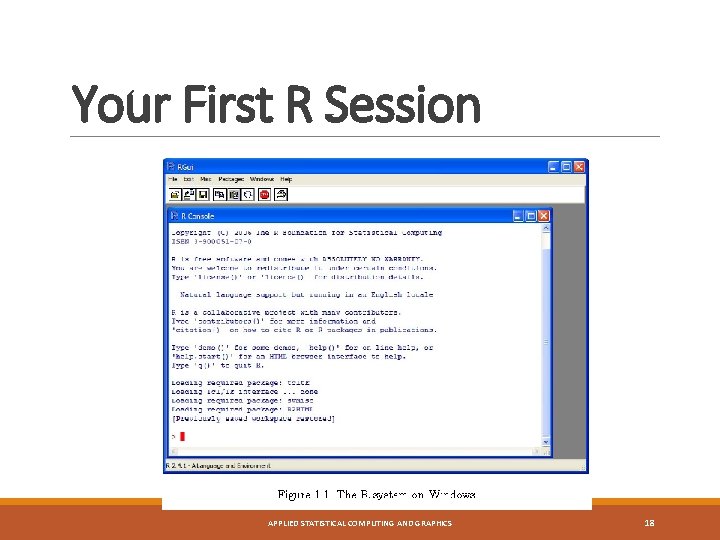
Your First R Session APPLIED STATISTICAL COMPUTING AND GRAPHICS 18
R Introduction Results of calculations can be stored in objects using the assignment operators: ◦ An arrow (<-) formed by a smaller than character and a hyphen without a space! ◦ The equal character (=). APPLIED STATISTICAL COMPUTING AND GRAPHICS 19
R Introduction These objects can then be used in other calculations. To print the object just enter the name of the object. There are some restrictions when giving an object a name: ◦ Object names cannot contain `strange' symbols like !, +, -, #. ◦ A dot (. ) and an underscore (_) are allowed, also a name starting with a dot. ◦ Object names can contain a number but cannot start with a number. ◦ R is case sensitive, X and x are two different objects, as well as temp and tem. P. APPLIED STATISTICAL COMPUTING AND GRAPHICS 20
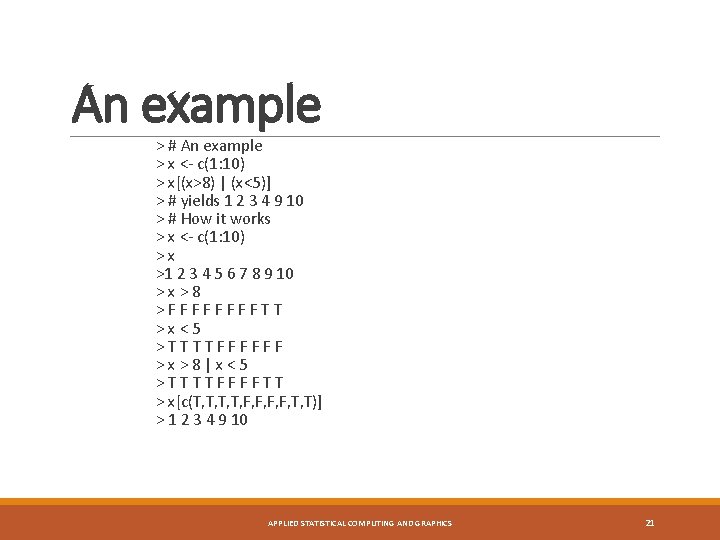
An example > # An example > x <- c(1: 10) > x[(x>8) | (x<5)] > # yields 1 2 3 4 9 10 > # How it works > x <- c(1: 10) > x >1 2 3 4 5 6 7 8 9 10 > x > 8 > F F F F T T > x < 5 > T T F F F > x > 8 | x < 5 > T T F F T T > x[c(T, T, F, F, T, T)] > 1 2 3 4 9 10 APPLIED STATISTICAL COMPUTING AND GRAPHICS 21
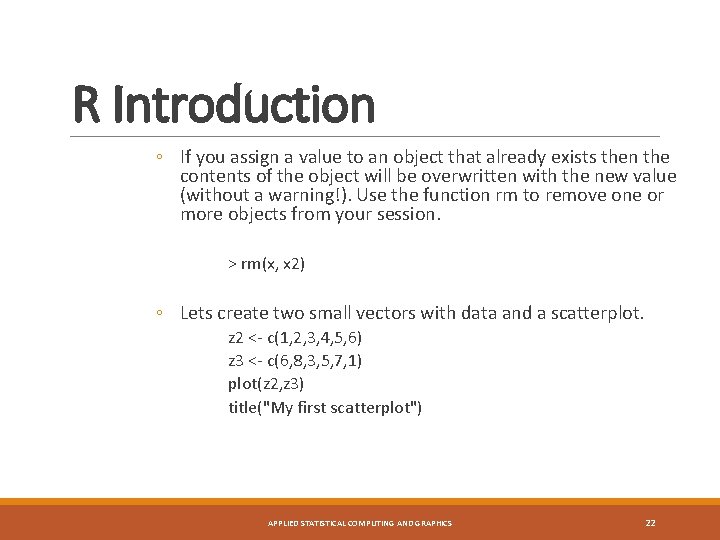
R Introduction ◦ If you assign a value to an object that already exists then the contents of the object will be overwritten with the new value (without a warning!). Use the function rm to remove one or more objects from your session. > rm(x, x 2) ◦ Lets create two small vectors with data and a scatterplot. z 2 <- c(1, 2, 3, 4, 5, 6) z 3 <- c(6, 8, 3, 5, 7, 1) plot(z 2, z 3) title("My first scatterplot") APPLIED STATISTICAL COMPUTING AND GRAPHICS 22
R Warning ! R is a case sensitive language. FOO, Foo, and foo are three different objects APPLIED STATISTICAL COMPUTING AND GRAPHICS 23
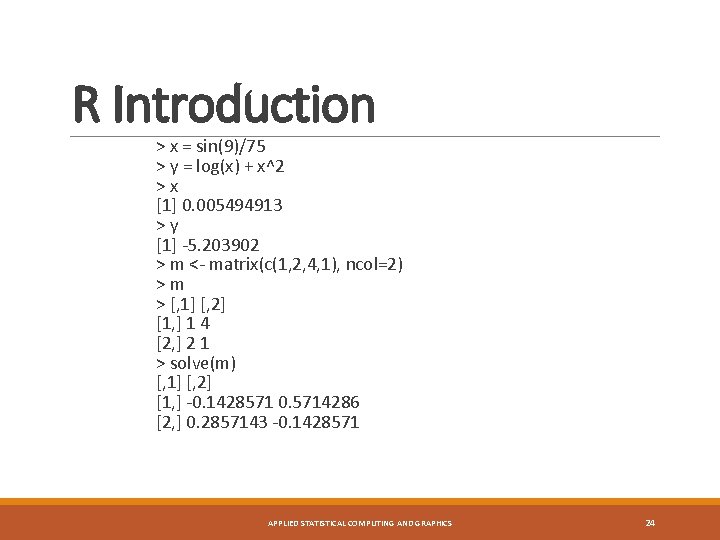
R Introduction > x = sin(9)/75 > y = log(x) + x^2 > x [1] 0. 005494913 > y [1] -5. 203902 > m <- matrix(c(1, 2, 4, 1), ncol=2) > m > [, 1] [, 2] [1, ] 1 4 [2, ] 2 1 > solve(m) [, 1] [, 2] [1, ] -0. 1428571 0. 5714286 [2, ] 0. 2857143 -0. 1428571 APPLIED STATISTICAL COMPUTING AND GRAPHICS 24
R Workspace Objects that you create during an R session are hold in memory, the collection of objects that you currently have is called the workspace. This workspace is not saved on disk unless you tell R to do so. APPLIED STATISTICAL COMPUTING AND GRAPHICS 25
R Workspace If you have saved a workspace image and you start R the next time, it will restore the workspace. So all your previously saved objects are available again. APPLIED STATISTICAL COMPUTING AND GRAPHICS 26
R Workspace Commands are entered interactively at the R user prompt. Up and down arrow keys scroll through your command history. You will probably want to keep different projects in different physical directories. APPLIED STATISTICAL COMPUTING AND GRAPHICS 27
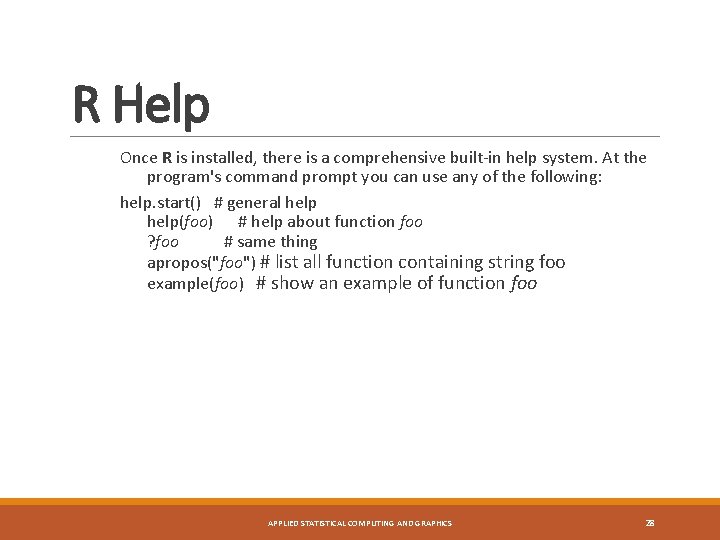
R Help Once R is installed, there is a comprehensive built-in help system. At the program's command prompt you can use any of the following: help. start() # general help(foo) # help about function foo ? foo # same thing apropos("foo") # list all function containing string foo example(foo) # show an example of function foo APPLIED STATISTICAL COMPUTING AND GRAPHICS 28
R Datasets R comes with a number of sample datasets that you can experiment with. Type > data( ) to see the available datasets. The results will depend on which packages you have loaded. Type help(datasetname) for details on a sample dataset. APPLIED STATISTICAL COMPUTING AND GRAPHICS 29
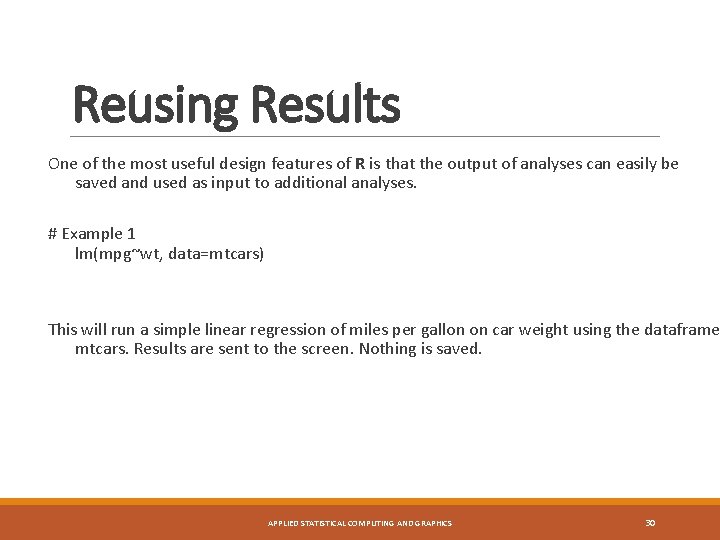
Reusing Results One of the most useful design features of R is that the output of analyses can easily be saved and used as input to additional analyses. # Example 1 lm(mpg~wt, data=mtcars) This will run a simple linear regression of miles per gallon on car weight using the dataframe mtcars. Results are sent to the screen. Nothing is saved. APPLIED STATISTICAL COMPUTING AND GRAPHICS 30
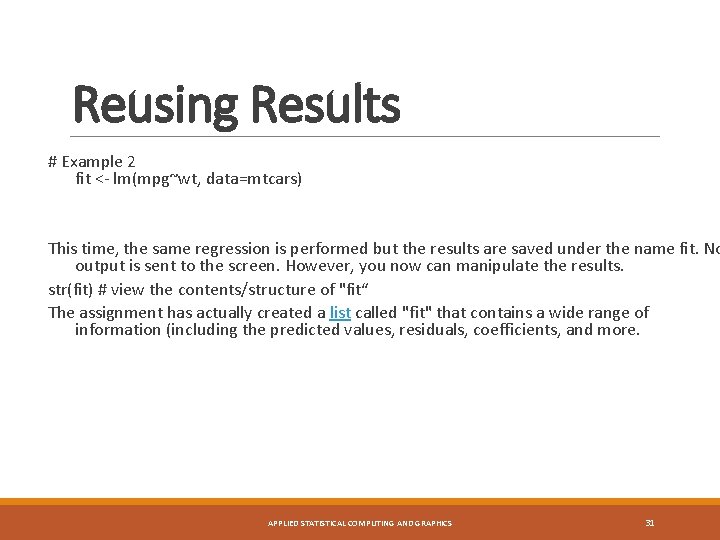
Reusing Results # Example 2 fit <- lm(mpg~wt, data=mtcars) This time, the same regression is performed but the results are saved under the name fit. No output is sent to the screen. However, you now can manipulate the results. str(fit) # view the contents/structure of "fit“ The assignment has actually created a list called "fit" that contains a wide range of information (including the predicted values, residuals, coefficients, and more. APPLIED STATISTICAL COMPUTING AND GRAPHICS 31
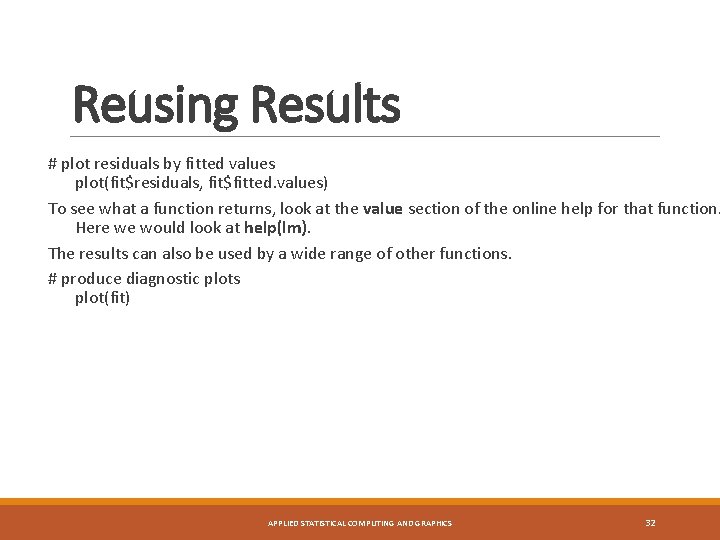
Reusing Results # plot residuals by fitted values plot(fit$residuals, fit$fitted. values) To see what a function returns, look at the value section of the online help for that function. Here we would look at help(lm). The results can also be used by a wide range of other functions. # produce diagnostic plots plot(fit) APPLIED STATISTICAL COMPUTING AND GRAPHICS 32
Data Types R has a wide variety of data types including scalars, vectors (numerical, character, logical), matrices, dataframes, and lists. APPLIED STATISTICAL COMPUTING AND GRAPHICS 33
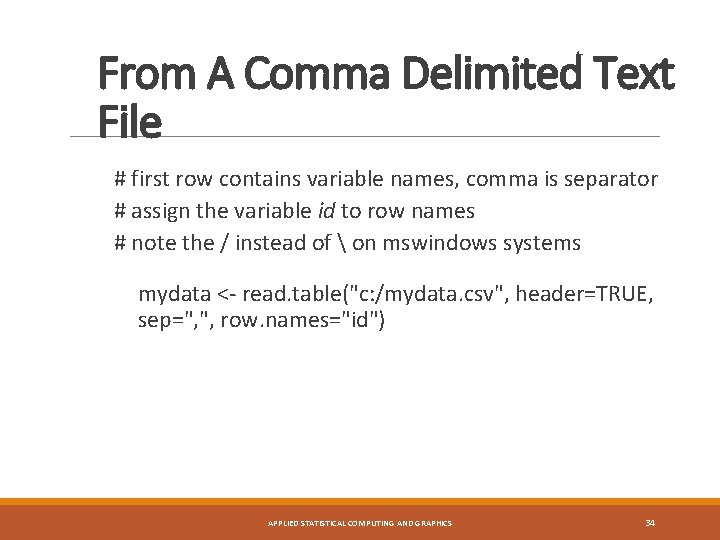
From A Comma Delimited Text File # first row contains variable names, comma is separator # assign the variable id to row names # note the / instead of on mswindows systems mydata <- read. table("c: /mydata. csv", header=TRUE, sep=", ", row. names="id") APPLIED STATISTICAL COMPUTING AND GRAPHICS 34
Ejemplo -Script -. cvs APPLIED STATISTICAL COMPUTING AND GRAPHICS 35
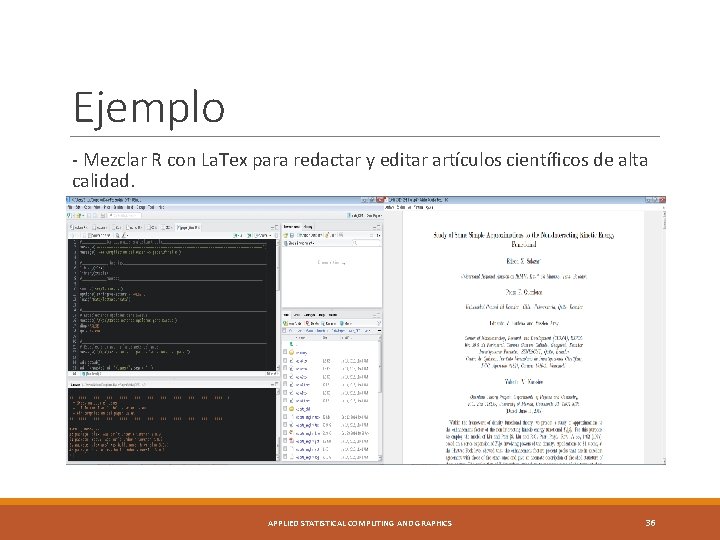
Ejemplo - Mezclar R con La. Tex para redactar y editar artículos científicos de alta calidad. APPLIED STATISTICAL COMPUTING AND GRAPHICS 36
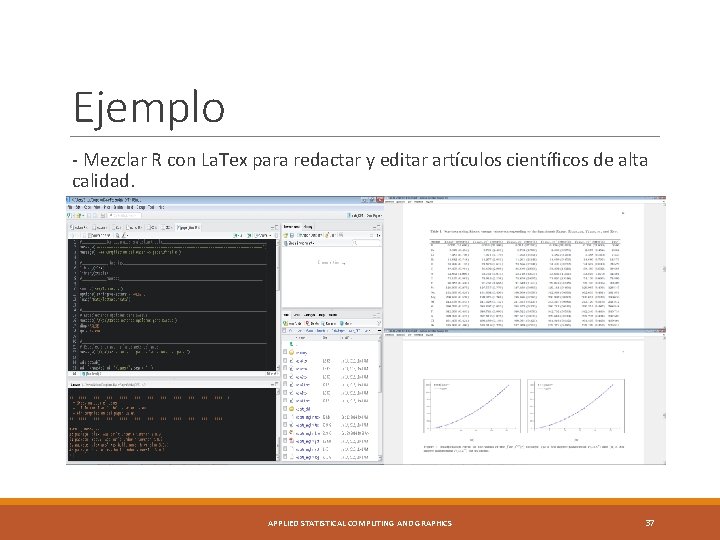
Ejemplo - Mezclar R con La. Tex para redactar y editar artículos científicos de alta calidad. APPLIED STATISTICAL COMPUTING AND GRAPHICS 37
Ventajas de usar R Ø Es libre (dominio público) y creciendo en popularidad. Ø Está disponible para las tres versiones más usadas de sistema operativo (Windows, Mac, Linux). Ø Posee una creciente libreria de paquetes que han sido desarrollados. Ø Se puede realizar excelentes gráficas y funciones de análisis. Ø Como lenguaje provee transparencia y flexibilidad. Ø Hay una basta cantidad de manuales y tutoriales en línea. APPLIED STATISTICAL COMPUTING AND GRAPHICS 38
Desventajas de usar R Ø En la mayoría de los casos se debe hacer líneas de código en lugar de utilizar un menú desplegable. Ø El análisis simbólico es extremadamente limitado para hacer una apropiada matemática. Ø Es bastante lento en ejecutar código complejo. Ø Posee su propia sintaxis por lo que es muy diferente al enfoque de otros lenguajes de programación. Ø Cuando se presenta errores pueden ser difíciles de detectar. APPLIED STATISTICAL COMPUTING AND GRAPHICS 39
- Slides: 39