
Querying on the Web XQuery RDQL Spar QL
Querying on the Web: XQuery, RDQL, Spar. QL Semantic Web - Spring 2007 Computer Engineering Department Sharif University of Technology Semantic web - Computer Engineering Dept. Spring 2006
Outline • XQuery – Querying on XML Data • RDQL – Querying on RDF Data • Spar. QL – Another RDF query language (under development) 2
Requirements for an XML Query Language David Maier, W 3 C XML Query Requirements: • Closedness: output must be XML • Composability: wherever a set of XML elements is required, a subquery is allowed as well • Can benefit from a schema, but should also be applicable without • Retains the order of nodes • Formal semantics 3
How Does One Design a Query Language? • In most query languages, there are two aspects to a query: – Retrieving data (e. g. , from … where … in SQL) – Creating output (e. g. , select … in SQL) • Retrieval consists of – Pattern matching (e. g. , from … ) – Filtering (e. g. , where … ) … although these cannot always be clearly distinguished 4
XQuery Principles • A language for querying XML document. • Data Model identical with the XPath data model – documents are ordered, labeled trees – nodes have identity – nodes can have simple or complex types (defined in XML Schema) • XQuery can be used without schemas, but can be checked against DTDs and XML schemas • XQuery is a functional language – no statements – evaluation of expressions 5
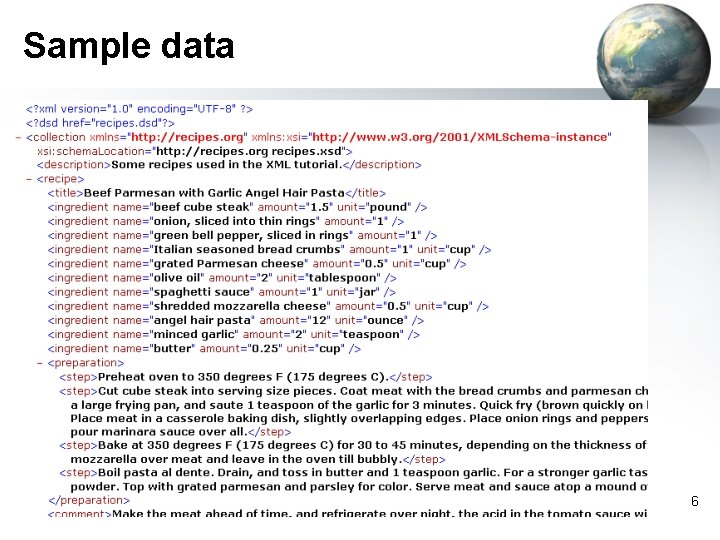
Sample data 6
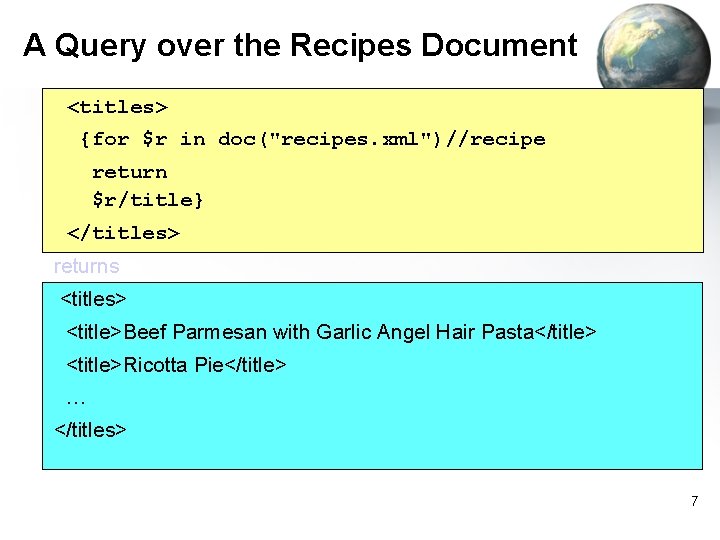
A Query over the Recipes Document <titles> {for $r in doc("recipes. xml")//recipe return $r/title} </titles> returns <titles> <title>Beef Parmesan with Garlic Angel Hair Pasta</title> <title>Ricotta Pie</title> … </titles> 7
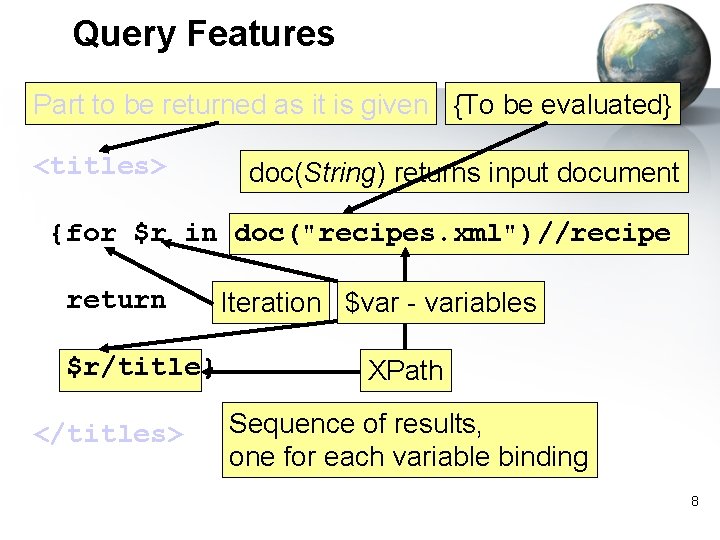
Query Features Part to be returned as it is given {To be evaluated} <titles> doc(String) returns input document {for $r in doc("recipes. xml")//recipe return $r/title} </titles> Iteration $var - variables XPath Sequence of results, one for each variable binding 8
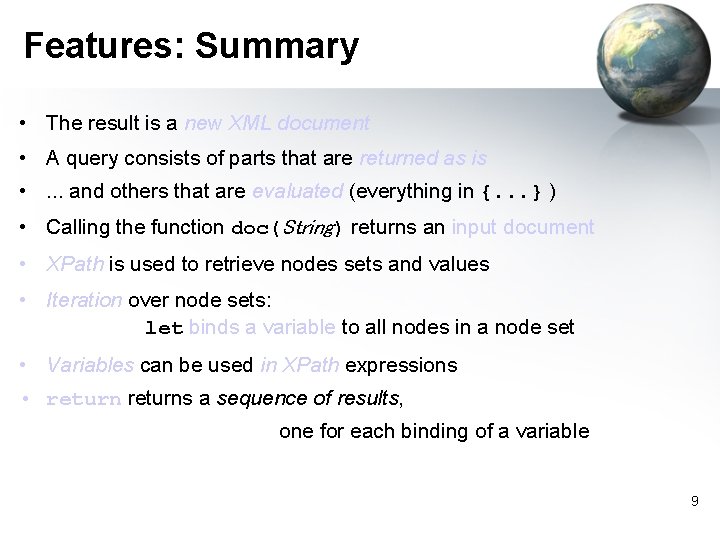
Features: Summary • The result is a new XML document • A query consists of parts that are returned as is • . . . and others that are evaluated (everything in {. . . } ) • Calling the function doc(String) returns an input document • XPath is used to retrieve nodes sets and values • Iteration over node sets: let binds a variable to all nodes in a node set • Variables can be used in XPath expressions • returns a sequence of results, one for each binding of a variable 9
![XPath is a Fragement of XQuery • doc("recipes. xml")//recipe[1]/title returns <title>Beef Parmesan with Garlic](http://slidetodoc.com/presentation_image/218049926da953f05a20a629d267ace5/image-10.jpg "XPath is a Fragement of XQuery • doc(\"recipes. xml\")//recipe[1]/title returns <title>Beef Parmesan with Garlic")
XPath is a Fragement of XQuery • doc("recipes. xml")//recipe[1]/title returns <title>Beef Parmesan with Garlic Angel Hair Pasta</title> an element • doc("recipes. xml")//recipe[position()<=3] /title returns <title>Beef Parmesan with Garlic Angel Hair Pasta</title>, <title>Ricotta Pie</title>, <title>Linguine Pescadoro</title> a list of elements 10
![Beware: XPath Attributes • doc("recipes. xml")//recipe[1]/ingredient[1] /@name → attribute name {"beef cube steak"} a](http://slidetodoc.com/presentation_image/218049926da953f05a20a629d267ace5/image-11.jpg "Beware: XPath Attributes • doc(\"recipes. xml\")//recipe[1]/ingredient[1] /@name → attribute name {\"beef cube steak\"} a")
Beware: XPath Attributes • doc("recipes. xml")//recipe[1]/ingredient[1] /@name → attribute name {"beef cube steak"} a constructor for an attribute node • string(doc("recipes. xml")//recipe[1] /ingredient[1]/@name) → "beef cube steak" a value of type string 11
![XPath Attributes (cntd. ) • <first-ingredient> {string(doc("recipes. xml")//recipe[1] /ingredient[1]/@name)} </first-ingredient> → <first-ingredient>beef cube steak</first-ingredient>](http://slidetodoc.com/presentation_image/218049926da953f05a20a629d267ace5/image-12.jpg "XPath Attributes (cntd. ) • <first-ingredient> {string(doc(\"recipes. xml\")//recipe[1] /ingredient[1]/@name)} </first-ingredient> → <first-ingredient>beef cube steak</first-ingredient>")
XPath Attributes (cntd. ) • <first-ingredient> {string(doc("recipes. xml")//recipe[1] /ingredient[1]/@name)} </first-ingredient> → <first-ingredient>beef cube steak</first-ingredient> an element with string content 12
![XPath Attributes (cntd. ) • <first-ingredient> {doc("recipes. xml")//recipe[1] /ingredient[1]/@name} </first-ingredient> → <first-ingredient name="beef cube](http://slidetodoc.com/presentation_image/218049926da953f05a20a629d267ace5/image-13.jpg "XPath Attributes (cntd. ) • <first-ingredient> {doc(\"recipes. xml\")//recipe[1] /ingredient[1]/@name} </first-ingredient> → <first-ingredient name=\"beef cube")
XPath Attributes (cntd. ) • <first-ingredient> {doc("recipes. xml")//recipe[1] /ingredient[1]/@name} </first-ingredient> → <first-ingredient name="beef cube steak"/> an element with an attribute 13
![XPath Attributes (cntd. ) • <first-ingredient old. Name="{doc("recipes. xml")//recipe[1] /ingredient[1]/@name}"> Beef </first-ingredient> → <first-ingredient](http://slidetodoc.com/presentation_image/218049926da953f05a20a629d267ace5/image-14.jpg "XPath Attributes (cntd. ) • <first-ingredient old. Name=\"{doc(\"recipes. xml\")//recipe[1] /ingredient[1]/@name}\"> Beef </first-ingredient> → <first-ingredient")
XPath Attributes (cntd. ) • <first-ingredient old. Name="{doc("recipes. xml")//recipe[1] /ingredient[1]/@name}"> Beef </first-ingredient> → <first-ingredient old. Name="beef cube steak"> Beef </first-ingredient> An attribute is cast as a string 14
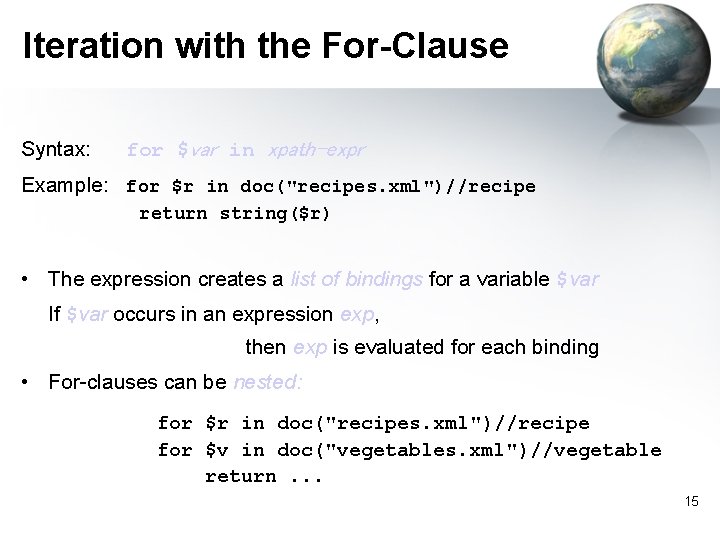
Iteration with the For-Clause Syntax: for $var in xpath-expr Example: for $r in doc("recipes. xml")//recipe return string($r) • The expression creates a list of bindings for a variable $var If $var occurs in an expression exp, then exp is evaluated for each binding • For-clauses can be nested: for $r in doc("recipes. xml")//recipe for $v in doc("vegetables. xml")//vegetable return. . . 15

Nested For-clauses: Example <my-recipes> {for $r in doc("recipes. xml")//recipe return <my-recipe title="{$r/title}"> {for $i in $r//ingredient return <my-ingredient> {string($i/@name)} </my-ingredient> } Returns my-recipes with titles as attributes and my-ingredients with names as text content </my-recipe> } </my-recipes> 16
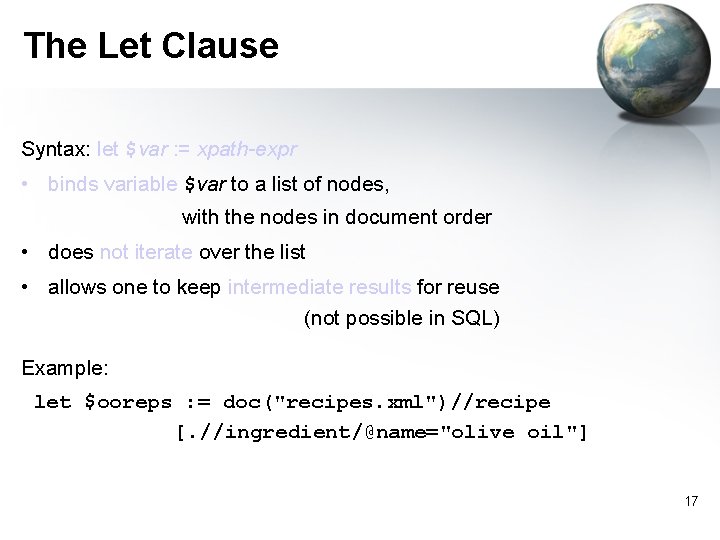
The Let Clause Syntax: let $var : = xpath-expr • binds variable $var to a list of nodes, with the nodes in document order • does not iterate over the list • allows one to keep intermediate results for reuse (not possible in SQL) Example: let $ooreps : = doc("recipes. xml")//recipe [. //ingredient/@name="olive oil"] 17
![Let Clause: Example <calory-content> {let $ooreps : = doc("recipes. xml")//recipe [. //ingredient/@name="olive oil"] for](http://slidetodoc.com/presentation_image/218049926da953f05a20a629d267ace5/image-18.jpg "Let Clause: Example <calory-content> {let $ooreps : = doc(\"recipes. xml\")//recipe [. //ingredient/@name=\"olive oil\"] for")
Let Clause: Example <calory-content> {let $ooreps : = doc("recipes. xml")//recipe [. //ingredient/@name="olive oil"] for $r in $ooreps return Calories of recipes <calories> {$r/title/text()} with olive oil {": "} {string($r/nutrition/@calories)} </calories>} </calory-content> Note the implicit string concatenation 18
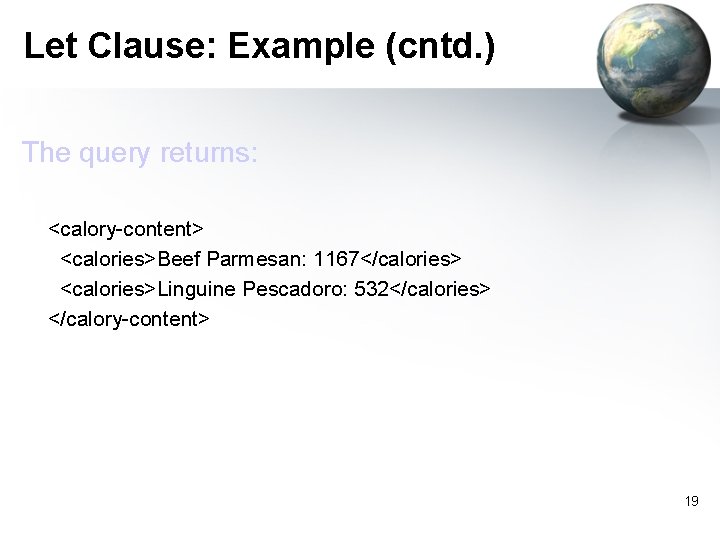
Let Clause: Example (cntd. ) The query returns: <calory-content> <calories>Beef Parmesan: 1167</calories> <calories>Linguine Pescadoro: 532</calories> </calory-content> 19
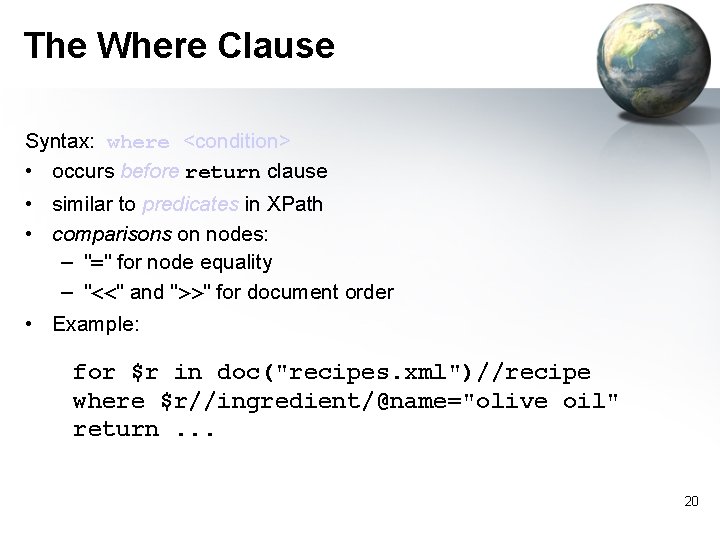
The Where Clause Syntax: where <condition> • occurs before return clause • similar to predicates in XPath • comparisons on nodes: – "=" for node equality – "<<" and ">>" for document order • Example: for $r in doc("recipes. xml")//recipe where $r//ingredient/@name="olive oil" return. . . 20
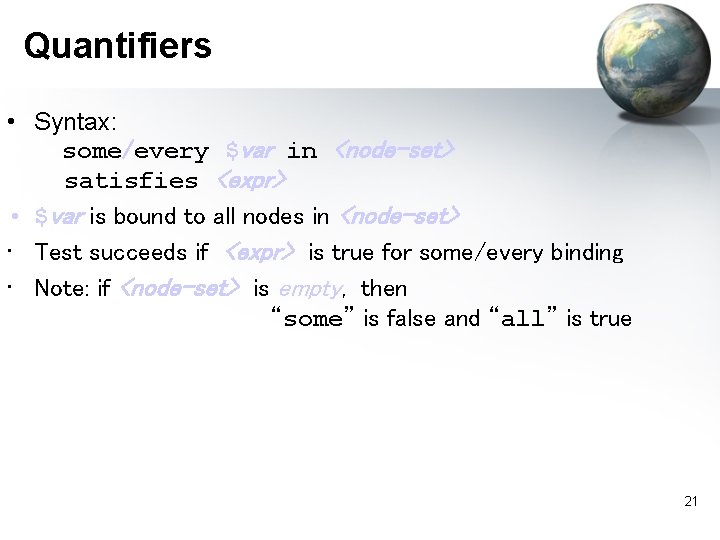
Quantifiers • Syntax: some/every $var in <node-set> satisfies <expr> • $var is bound to all nodes in <node-set> • Test succeeds if <expr> is true for some/every binding • Note: if <node-set> is empty, then “some” is false and “all” is true 21

Quantifiers (Example) • Recipes that have some compound ingredient for $r in doc("recipes. xml")//recipe where some $i in $r/ingredient satisfies $i/ingredient Return $r/title • Recipes where every ingredient is non-compound for $r in doc("recipes. xml")//recipe where every $i in $r/ingredient satisfies not($i/ingredient) Return $r/title 22
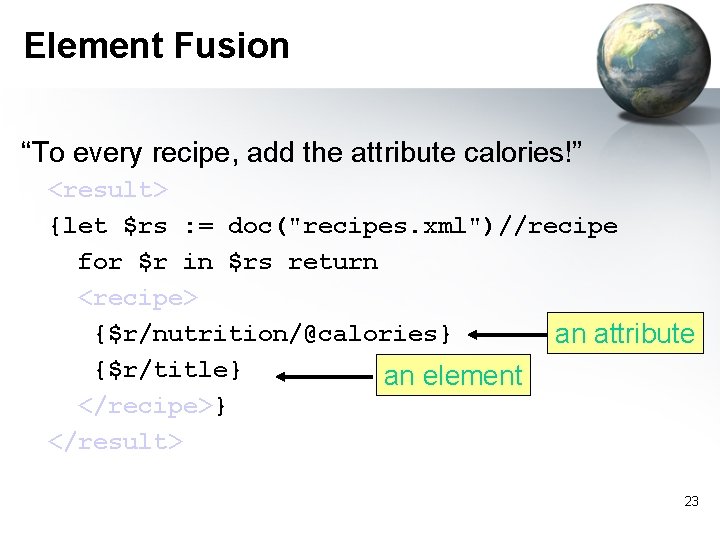
Element Fusion “To every recipe, add the attribute calories!” <result> {let $rs : = doc("recipes. xml")//recipe for $r in $rs return <recipe> {$r/nutrition/@calories} an attribute {$r/title} an element </recipe>} </result> 23
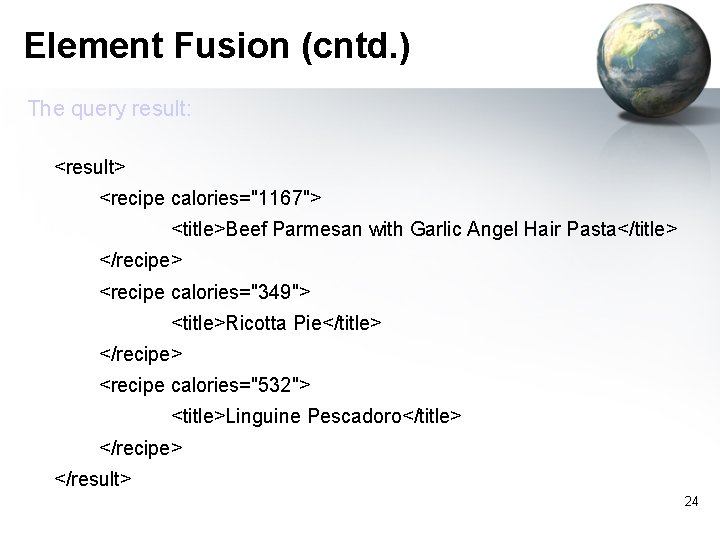
Element Fusion (cntd. ) The query result: <result> <recipe calories="1167"> <title>Beef Parmesan with Garlic Angel Hair Pasta</title> </recipe> <recipe calories="349"> <title>Ricotta Pie</title> </recipe> <recipe calories="532"> <title>Linguine Pescadoro</title> </recipe> </result> 24
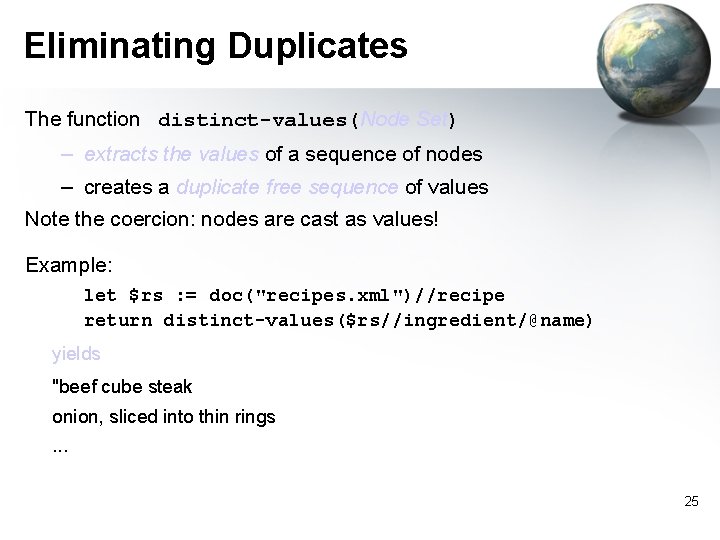
Eliminating Duplicates The function distinct-values(Node Set) – extracts the values of a sequence of nodes – creates a duplicate free sequence of values Note the coercion: nodes are cast as values! Example: let $rs : = doc("recipes. xml")//recipe return distinct-values($rs//ingredient/@name) yields "beef cube steak onion, sliced into thin rings. . . 25
![The Order By Clause Syntax: order by expr [ ascending | descending ] for](http://slidetodoc.com/presentation_image/218049926da953f05a20a629d267ace5/image-26.jpg "The Order By Clause Syntax: order by expr [ ascending | descending ] for")
The Order By Clause Syntax: order by expr [ ascending | descending ] for $iname in doc("recipes. xml")//@name order by $iname descending return string($iname) yields "whole peppercorns", "whole baby clams", "white sugar", . . . 26
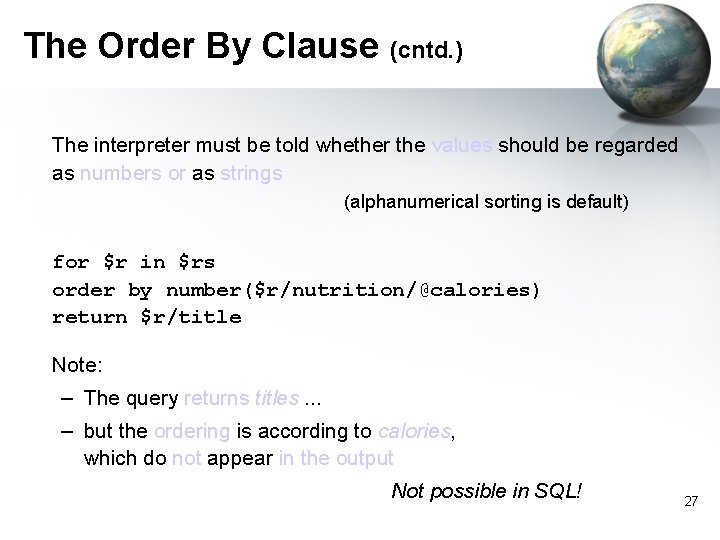
The Order By Clause (cntd. ) The interpreter must be told whether the values should be regarded as numbers or as strings (alphanumerical sorting is default) for $r in $rs order by number($r/nutrition/@calories) return $r/title Note: – The query returns titles. . . – but the ordering is according to calories, which do not appear in the output Not possible in SQL! 27
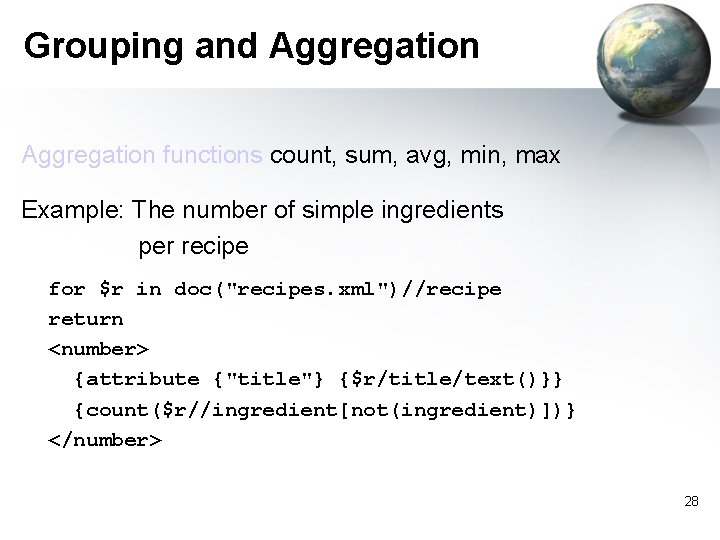
Grouping and Aggregation functions count, sum, avg, min, max Example: The number of simple ingredients per recipe for $r in doc("recipes. xml")//recipe return <number> {attribute {"title"} {$r/title/text()}} {count($r//ingredient[not(ingredient)])} </number> 28
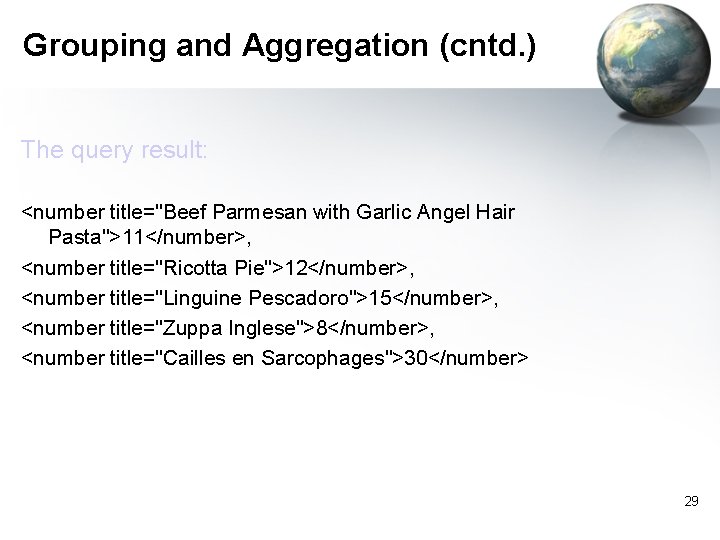
Grouping and Aggregation (cntd. ) The query result: <number title="Beef Parmesan with Garlic Angel Hair Pasta">11</number>, <number title="Ricotta Pie">12</number>, <number title="Linguine Pescadoro">15</number>, <number title="Zuppa Inglese">8</number>, <number title="Cailles en Sarcophages">30</number> 29
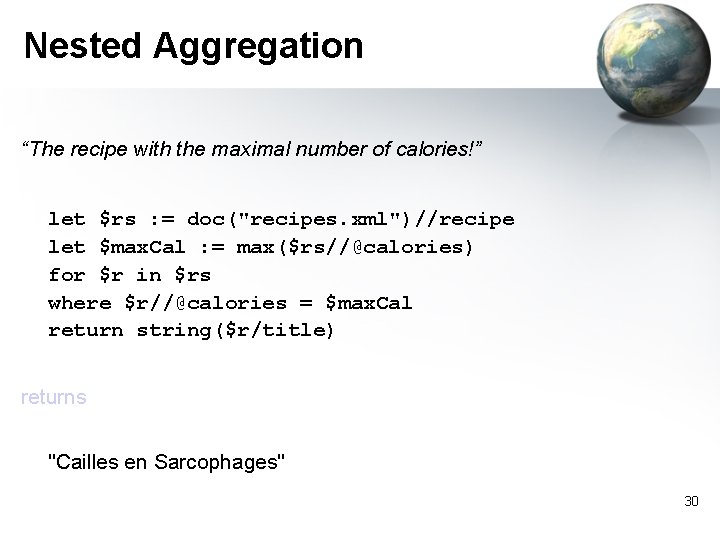
Nested Aggregation “The recipe with the maximal number of calories!” let $rs : = doc("recipes. xml")//recipe let $max. Cal : = max($rs//@calories) for $r in $rs where $r//@calories = $max. Cal return string($r/title) returns "Cailles en Sarcophages" 30
Running Queries with Galax • Galax is an open-source implementation of XQuery (http: //www. galaxquery. org/) – The main developers have taken part in the definition of XQuery 31
RDQL Querying on RDF data Semantic web - Computer Engineering Dept. Spring 2006
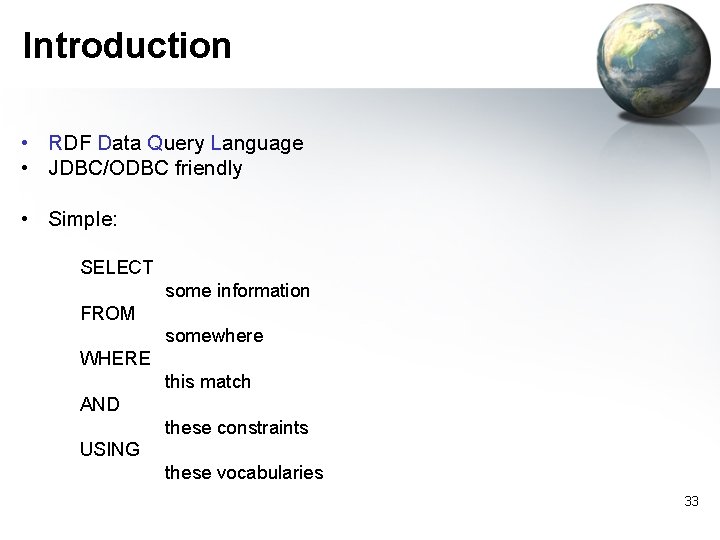
Introduction • RDF Data Query Language • JDBC/ODBC friendly • Simple: SELECT some information FROM somewhere WHERE this match AND these constraints USING these vocabularies 33
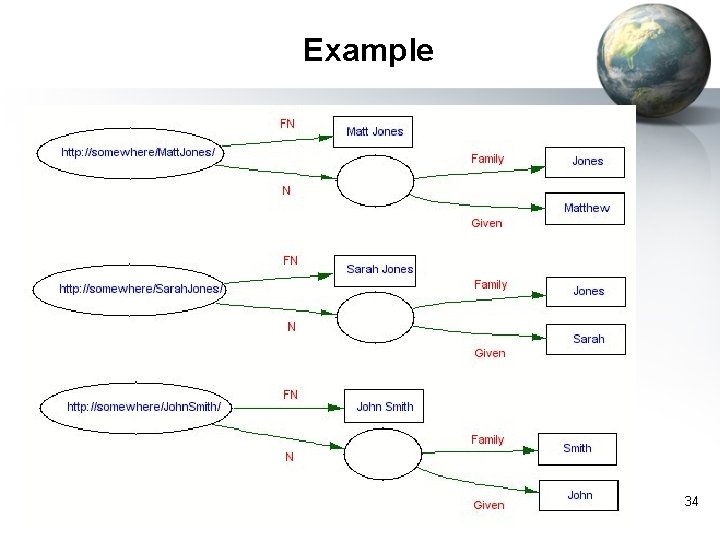
Example 34
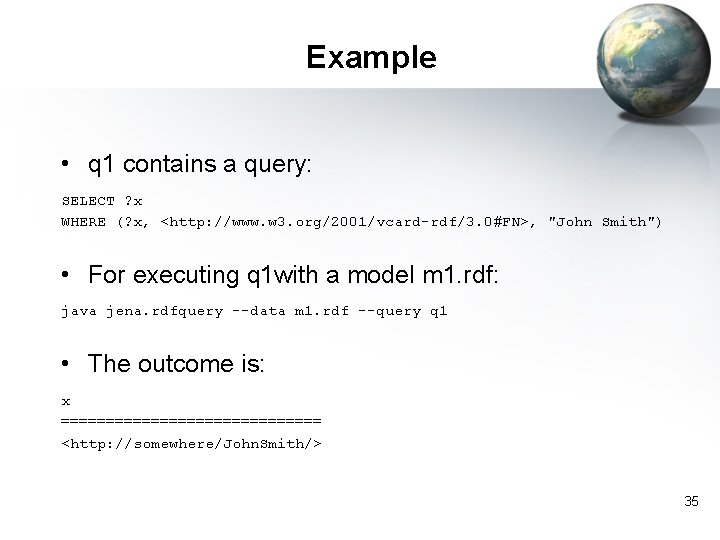
Example • q 1 contains a query: SELECT ? x WHERE (? x, <http: //www. w 3. org/2001/vcard-rdf/3. 0#FN>, "John Smith") • For executing q 1 with a model m 1. rdf: java jena. rdfquery --data m 1. rdf --query q 1 • The outcome is: x =============== <http: //somewhere/John. Smith/> 35
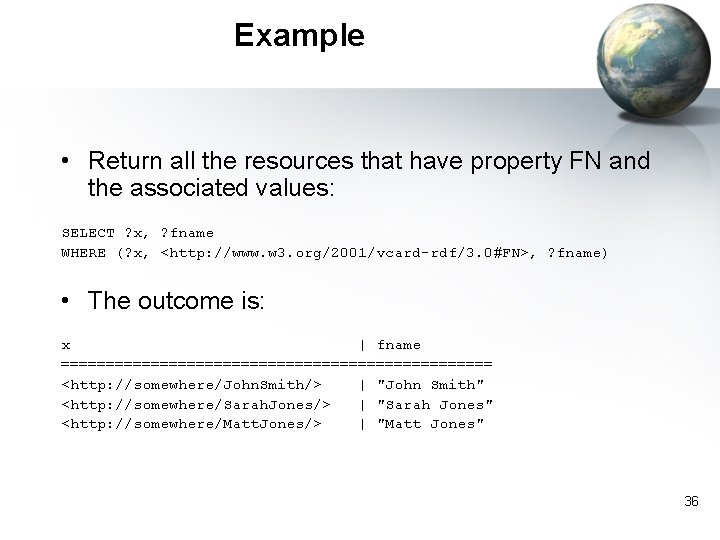
Example • Return all the resources that have property FN and the associated values: SELECT ? x, ? fname WHERE (? x, <http: //www. w 3. org/2001/vcard-rdf/3. 0#FN>, ? fname) • The outcome is: x | fname ======================== <http: //somewhere/John. Smith/> | "John Smith" <http: //somewhere/Sarah. Jones/> | "Sarah Jones" <http: //somewhere/Matt. Jones/> | "Matt Jones" 36
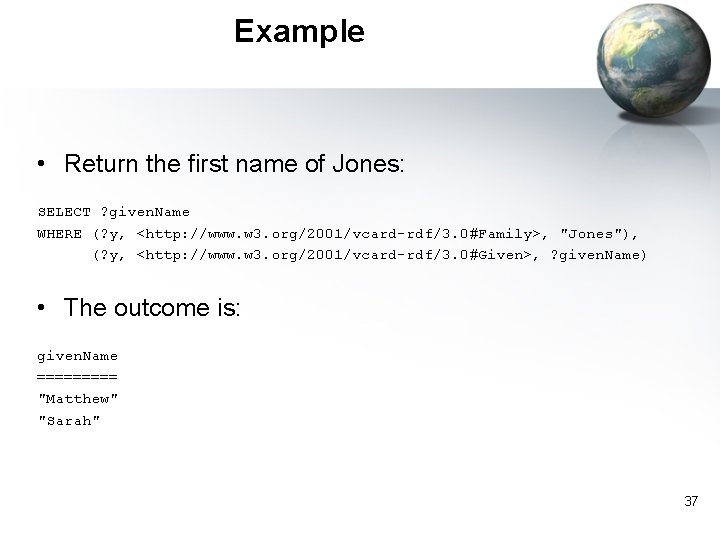
Example • Return the first name of Jones: SELECT ? given. Name WHERE (? y, <http: //www. w 3. org/2001/vcard-rdf/3. 0#Family>, "Jones"), (? y, <http: //www. w 3. org/2001/vcard-rdf/3. 0#Given>, ? given. Name) • The outcome is: given. Name ===== "Matthew" "Sarah" 37
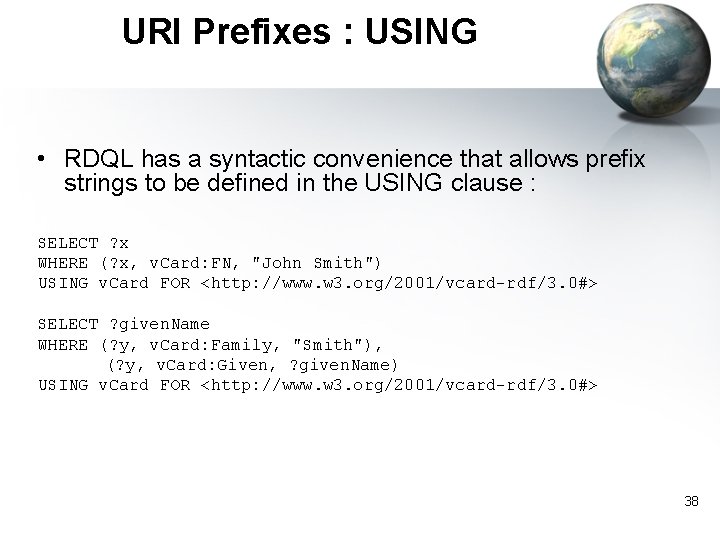
URI Prefixes : USING • RDQL has a syntactic convenience that allows prefix strings to be defined in the USING clause : SELECT ? x WHERE (? x, v. Card: FN, "John Smith") USING v. Card FOR <http: //www. w 3. org/2001/vcard-rdf/3. 0#> SELECT ? given. Name WHERE (? y, v. Card: Family, "Smith"), (? y, v. Card: Given, ? given. Name) USING v. Card FOR <http: //www. w 3. org/2001/vcard-rdf/3. 0#> 38
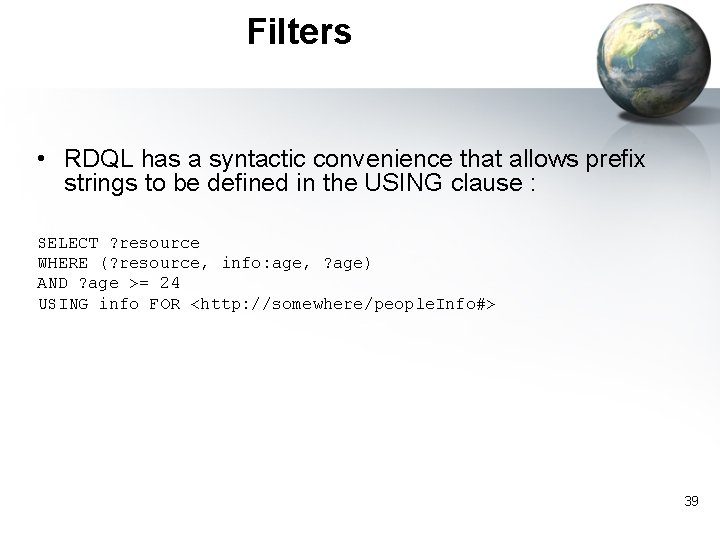
Filters • RDQL has a syntactic convenience that allows prefix strings to be defined in the USING clause : SELECT ? resource WHERE (? resource, info: age, ? age) AND ? age >= 24 USING info FOR <http: //somewhere/people. Info#> 39
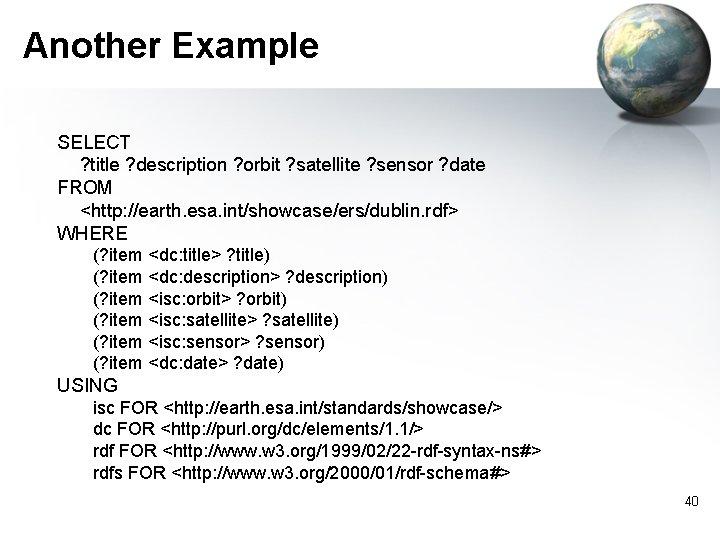
Another Example SELECT ? title ? description ? orbit ? satellite ? sensor ? date FROM <http: //earth. esa. int/showcase/ers/dublin. rdf> WHERE (? item <dc: title> ? title) (? item <dc: description> ? description) (? item <isc: orbit> ? orbit) (? item <isc: satellite> ? satellite) (? item <isc: sensor> ? sensor) (? item <dc: date> ? date) USING isc FOR <http: //earth. esa. int/standards/showcase/> dc FOR <http: //purl. org/dc/elements/1. 1/> rdf FOR <http: //www. w 3. org/1999/02/22 -rdf-syntax-ns#> rdfs FOR <http: //www. w 3. org/2000/01/rdf-schema#> 40
Implementations • Jena – http: //jena. sourceforge. net/ • Sesame – http: //sesame. aidministrator. nl/ • RDFStore – <http: //rdfstore. sourceforge. net/> 41
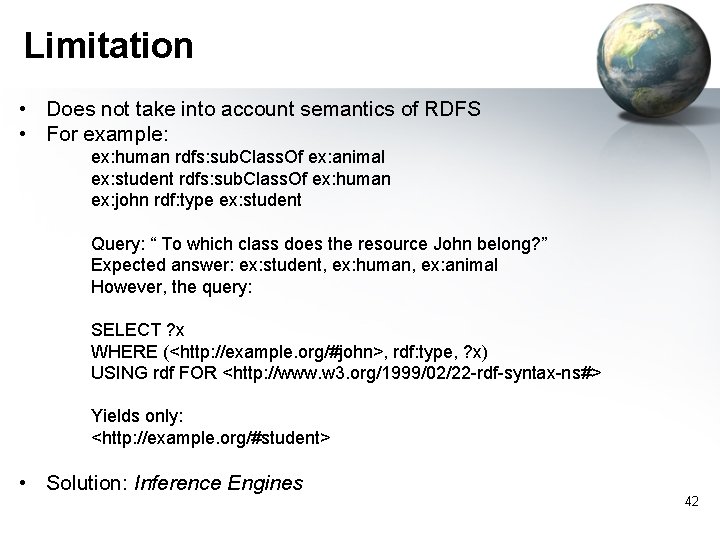
Limitation • Does not take into account semantics of RDFS • For example: ex: human rdfs: sub. Class. Of ex: animal ex: student rdfs: sub. Class. Of ex: human ex: john rdf: type ex: student Query: “ To which class does the resource John belong? ” Expected answer: ex: student, ex: human, ex: animal However, the query: SELECT ? x WHERE (<http: //example. org/#john>, rdf: type, ? x) USING rdf FOR <http: //www. w 3. org/1999/02/22 -rdf-syntax-ns#> Yields only: <http: //example. org/#student> • Solution: Inference Engines 42
Spar. QL Semantic web - Computer Engineering Dept. Spring 2006
Introduction • A RDF query language currently under development by W 3 C • Builds on previous RDF query languages such as rdf. DB, RDQL, and Se. RQL. 44
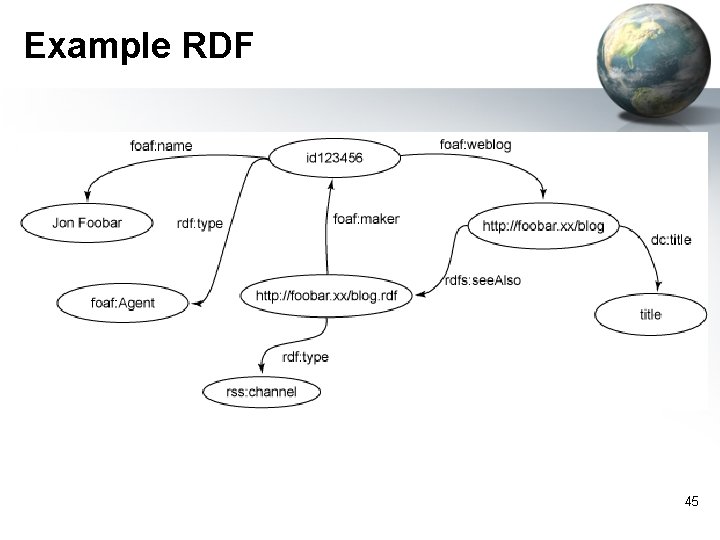
Example RDF 45
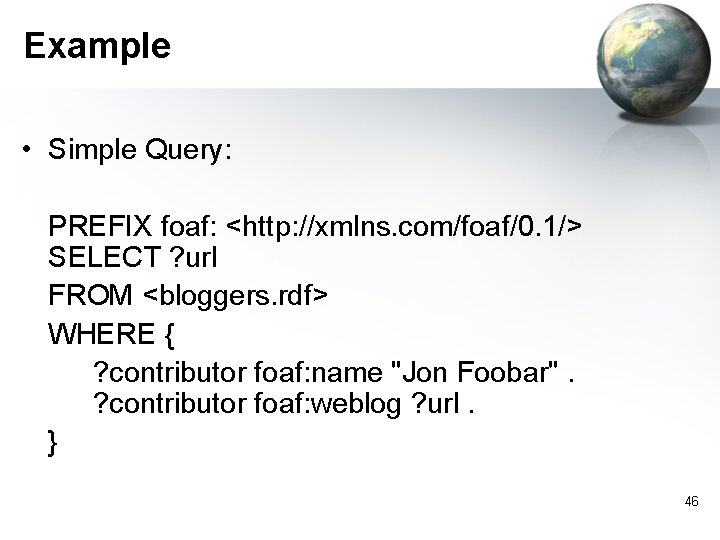
Example • Simple Query: PREFIX foaf: <http: //xmlns. com/foaf/0. 1/> SELECT ? url FROM <bloggers. rdf> WHERE { ? contributor foaf: name "Jon Foobar". ? contributor foaf: weblog ? url. } 46
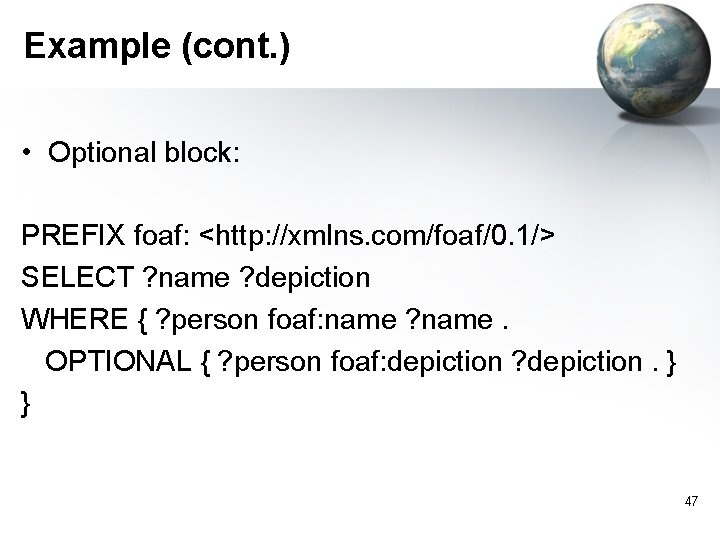
Example (cont. ) • Optional block: PREFIX foaf: <http: //xmlns. com/foaf/0. 1/> SELECT ? name ? depiction WHERE { ? person foaf: name ? name. OPTIONAL { ? person foaf: depiction ? depiction. } } 47
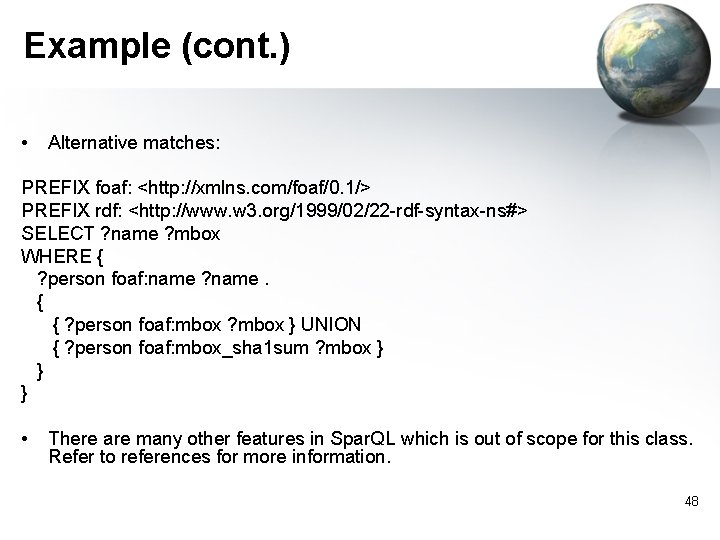
Example (cont. ) • Alternative matches: PREFIX foaf: <http: //xmlns. com/foaf/0. 1/> PREFIX rdf: <http: //www. w 3. org/1999/02/22 -rdf-syntax-ns#> SELECT ? name ? mbox WHERE { ? person foaf: name ? name. { { ? person foaf: mbox ? mbox } UNION { ? person foaf: mbox_sha 1 sum ? mbox } } } • There are many other features in Spar. QL which is out of scope for this class. Refer to references for more information. 48
References • http: //www. w 3. org/TR/xquery/ • A Programmer's Introduction to RDQL – http: //jena. sourceforge. net/tutorial/RDQL/ • http: //rdfstore. sourceforge. net/ • http: //jena. sourceforge. net • http: //sesame. aidministrator. nl/ • http: //www. w 3. org/TR/2004/WD-rdf-sparql-query-20041012/ • http: //www-128. ibm. com/developerworks/java/library/j-sparql/ 49
- Slides: 49