
Query Languages for XML XPath XQuery Slides adapted
![Selection Conditions A condition inside […] may follow a tag. If so, then only](https://slidetodoc.com/presentation_image_h2/998cacdd0c8e3b6952bf7a3c9df1fbc8/image-21.jpg "Selection Conditions A condition inside […] may follow a tag. If so, then only")
![Example: Selection Condition /BARS/BAR/PRICE[. < 2. 75] The current element. <BARS> <BAR name =](https://slidetodoc.com/presentation_image_h2/998cacdd0c8e3b6952bf7a3c9df1fbc8/image-22.jpg "Example: Selection Condition /BARS/BAR/PRICE[. < 2. 75] The current element. <BARS> <BAR name =")
![Example: Attribute in Selection /BARS/BAR/PRICE[@the. Beer = ”Miller”] <BARS> <BAR name = ”Joes. Bar”>](https://slidetodoc.com/presentation_image_h2/998cacdd0c8e3b6952bf7a3c9df1fbc8/image-23.jpg "Example: Attribute in Selection /BARS/BAR/PRICE[@the. Beer = ”Miller”] <BARS> <BAR name = ”Joes. Bar”>")
![Predicates Normally, conditions imply existential quantification. Example: /BARS/BAR[@name] means “all the bars that have](https://slidetodoc.com/presentation_image_h2/998cacdd0c8e3b6952bf7a3c9df1fbc8/image-40.jpg "Predicates Normally, conditions imply existential quantification. Example: /BARS/BAR[@name] means “all the bars that have")

![Document Order Comparison by document order: << and >>. Example: $d/BARS/BEER[@name=”Bud”] << $d/BARS/BEER[@name=”Miller”] is](https://slidetodoc.com/presentation_image_h2/998cacdd0c8e3b6952bf7a3c9df1fbc8/image-59.jpg "Document Order Comparison by document order: << and >>. Example: $d/BARS/BEER[@name=”Bud”] << $d/BARS/BEER[@name=”Miller”] is")
- Slides: 60
Query Languages for XML* XPath XQuery * Slides adapted from H. Molina's slides presented at Stanford 1
The XPath/XQuery Data Model Corresponding to the fundamental “relation” of the relational model is: sequence of items. An item is either: 1. A primitive value, e. g. , integer or string. 2. A node (defined next). 2
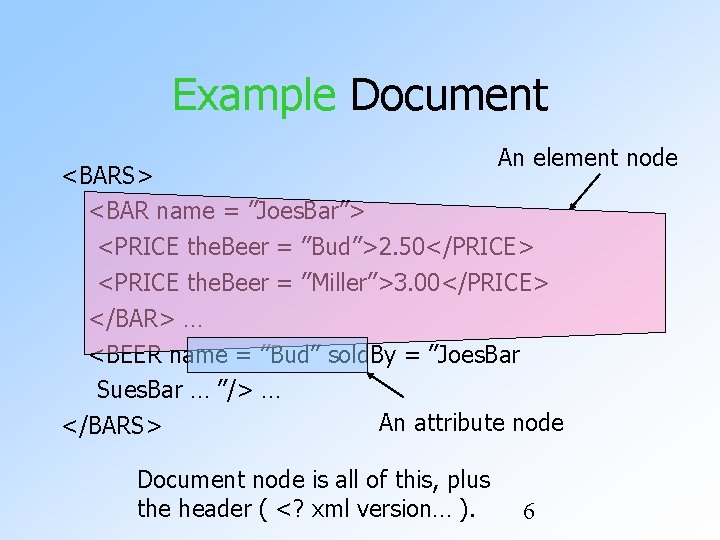
Principal Kinds of Nodes 1. Document nodes represent entire documents. 2. Elements are pieces of a document consisting of some opening tag, its matching closing tag (if any), and everything in between. 3. Attributes names that are given values inside opening tags. 3
Document Nodes Formed by doc(URL) or document(URL). Example: doc(/usr/class/cs 145/bars. xml) All XPath (and XQuery) queries refer to a doc node, either explicitly or implicitly. Example: key definitions in XML Schema have Xpath expressions that refer to the document described by the schema. 4
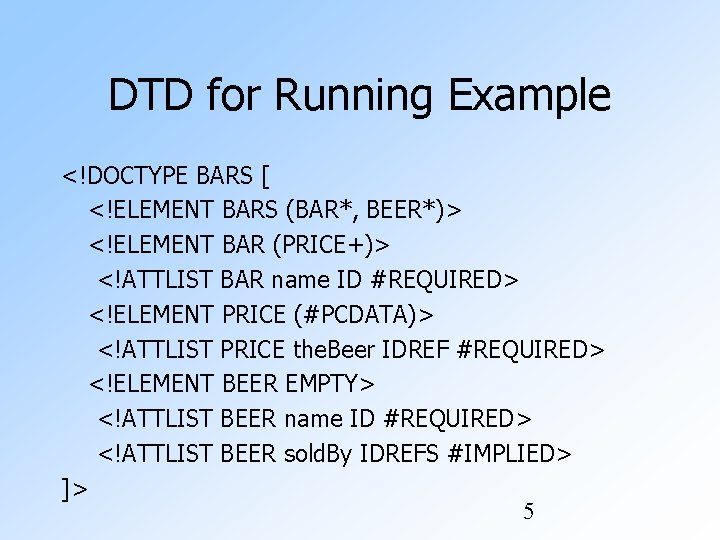
DTD for Running Example <!DOCTYPE BARS [ <!ELEMENT BARS (BAR*, BEER*)> <!ELEMENT BAR (PRICE+)> <!ATTLIST BAR name ID #REQUIRED> <!ELEMENT PRICE (#PCDATA)> <!ATTLIST PRICE the. Beer IDREF #REQUIRED> <!ELEMENT BEER EMPTY> <!ATTLIST BEER name ID #REQUIRED> <!ATTLIST BEER sold. By IDREFS #IMPLIED> ]> 5
Example Document An element node <BARS> <BAR name = ”Joes. Bar”> <PRICE the. Beer = ”Bud”>2. 50</PRICE> <PRICE the. Beer = ”Miller”>3. 00</PRICE> </BAR> … <BEER name = ”Bud” sold. By = ”Joes. Bar Sues. Bar … ”/> … An attribute node </BARS> Document node is all of this, plus the header ( <? xml version… ). 6
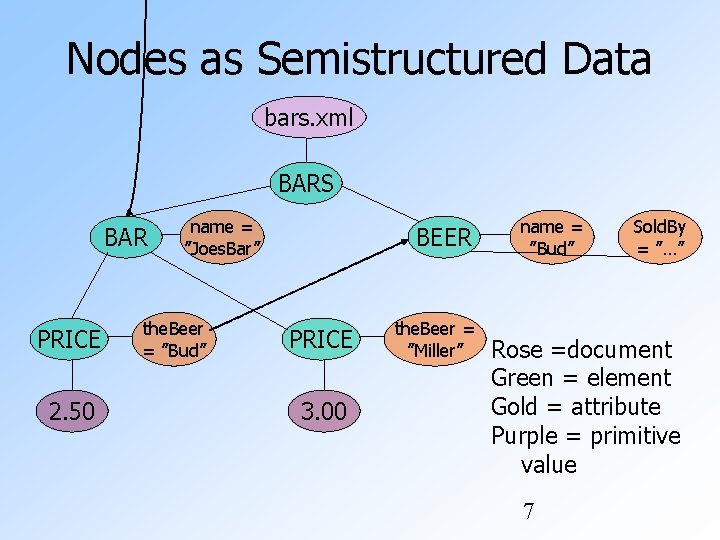
Nodes as Semistructured Data bars. xml BARS BAR PRICE 2. 50 name = ”Joes. Bar” the. Beer = ”Bud” BEER PRICE 3. 00 the. Beer = ”Miller” name = ”Bud” Sold. By = ”…” Rose =document Green = element Gold = attribute Purple = primitive value 7
Paths in XML Documents XPath is a language for describing paths in XML documents. The result of the described path is a sequence of items. 8
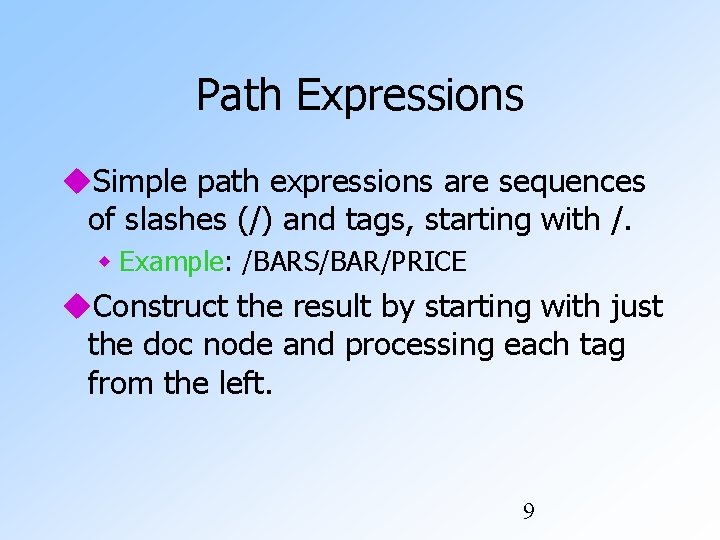
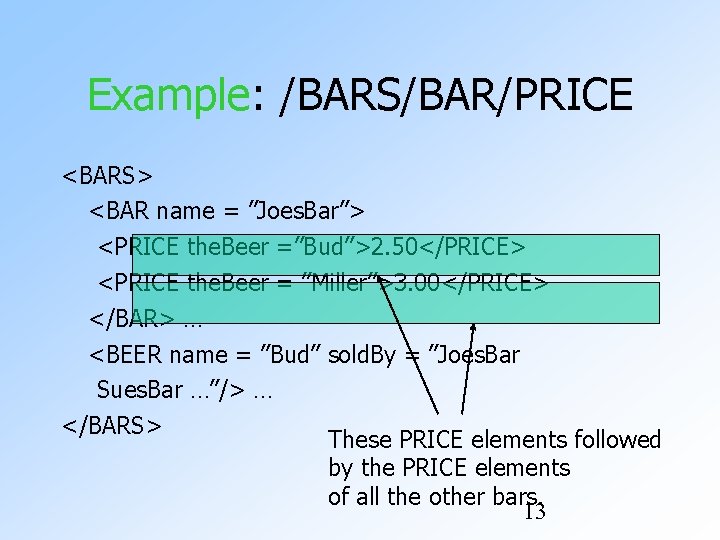
Path Expressions Simple path expressions are sequences of slashes (/) and tags, starting with /. Example: /BARS/BAR/PRICE Construct the result by starting with just the doc node and processing each tag from the left. 9
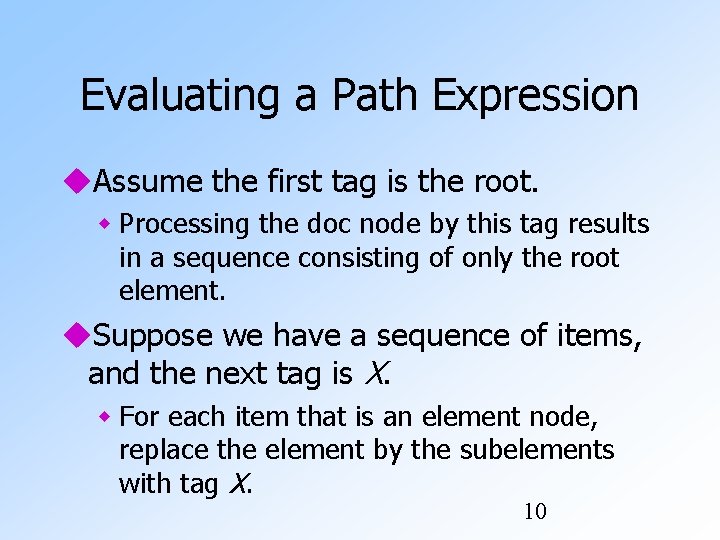
Evaluating a Path Expression Assume the first tag is the root. Processing the doc node by this tag results in a sequence consisting of only the root element. Suppose we have a sequence of items, and the next tag is X. For each item that is an element node, replace the element by the subelements with tag X. 10
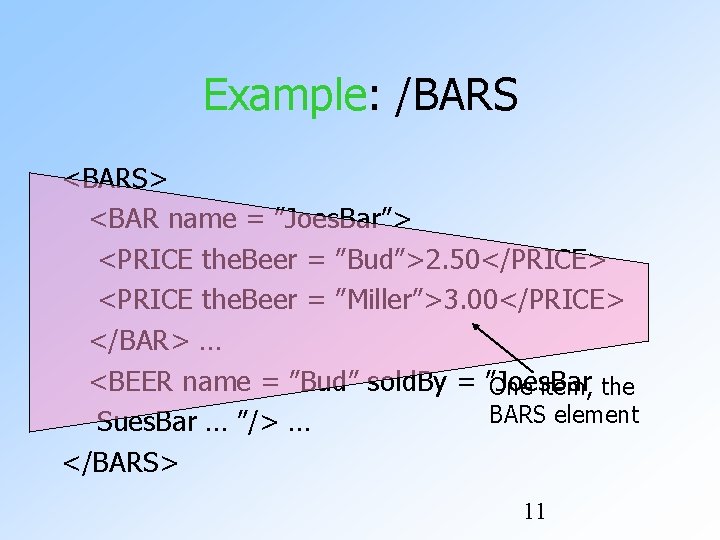
Example: /BARS <BARS> <BAR name = ”Joes. Bar”> <PRICE the. Beer = ”Bud”>2. 50</PRICE> <PRICE the. Beer = ”Miller”>3. 00</PRICE> </BAR> … <BEER name = ”Bud” sold. By = ”Joes. Bar One item, the BARS element Sues. Bar … ”/> … </BARS> 11
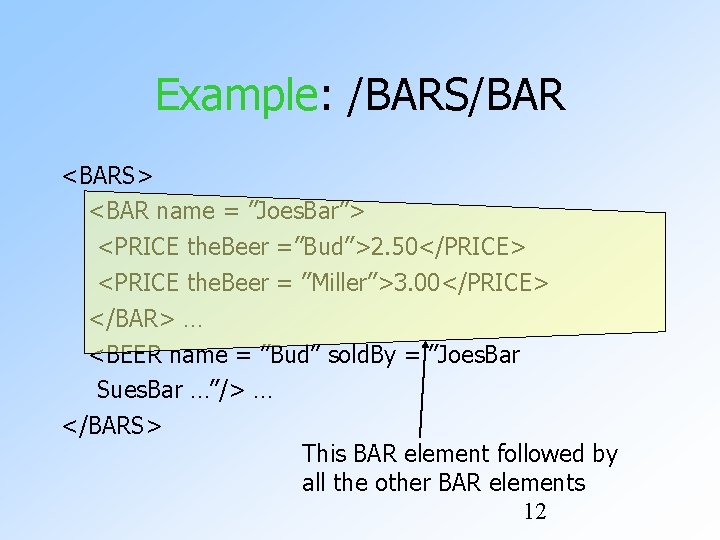
Example: /BARS/BAR <BARS> <BAR name = ”Joes. Bar”> <PRICE the. Beer =”Bud”>2. 50</PRICE> <PRICE the. Beer = ”Miller”>3. 00</PRICE> </BAR> … <BEER name = ”Bud” sold. By = ”Joes. Bar Sues. Bar …”/> … </BARS> This BAR element followed by all the other BAR elements 12
Example: /BARS/BAR/PRICE <BARS> <BAR name = ”Joes. Bar”> <PRICE the. Beer =”Bud”>2. 50</PRICE> <PRICE the. Beer = ”Miller”>3. 00</PRICE> </BAR> … <BEER name = ”Bud” sold. By = ”Joes. Bar Sues. Bar …”/> … </BARS> These PRICE elements followed by the PRICE elements of all the other bars. 13
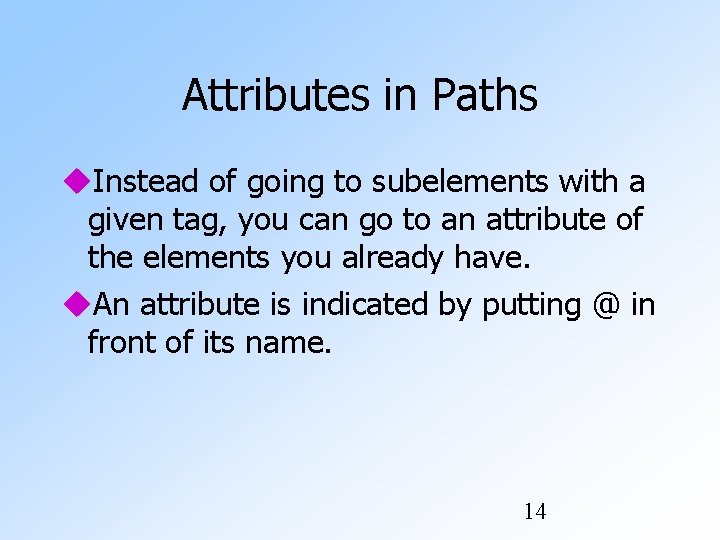
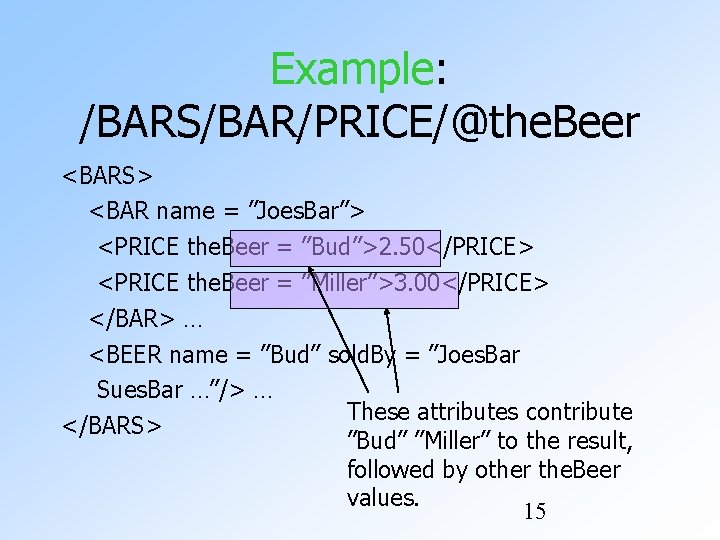
Attributes in Paths Instead of going to subelements with a given tag, you can go to an attribute of the elements you already have. An attribute is indicated by putting @ in front of its name. 14
Example: /BARS/BAR/PRICE/@the. Beer <BARS> <BAR name = ”Joes. Bar”> <PRICE the. Beer = ”Bud”>2. 50</PRICE> <PRICE the. Beer = ”Miller”>3. 00</PRICE> </BAR> … <BEER name = ”Bud” sold. By = ”Joes. Bar Sues. Bar …”/> … These attributes contribute </BARS> ”Bud” ”Miller” to the result, followed by other the. Beer values. 15
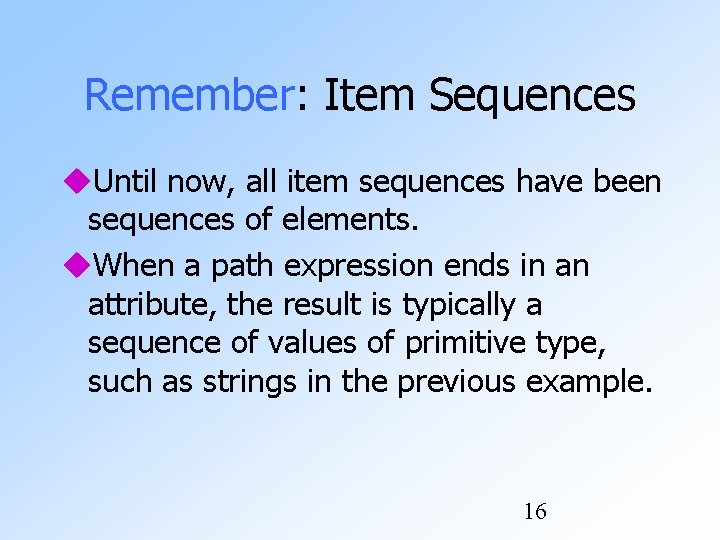
Remember: Item Sequences Until now, all item sequences have been sequences of elements. When a path expression ends in an attribute, the result is typically a sequence of values of primitive type, such as strings in the previous example. 16
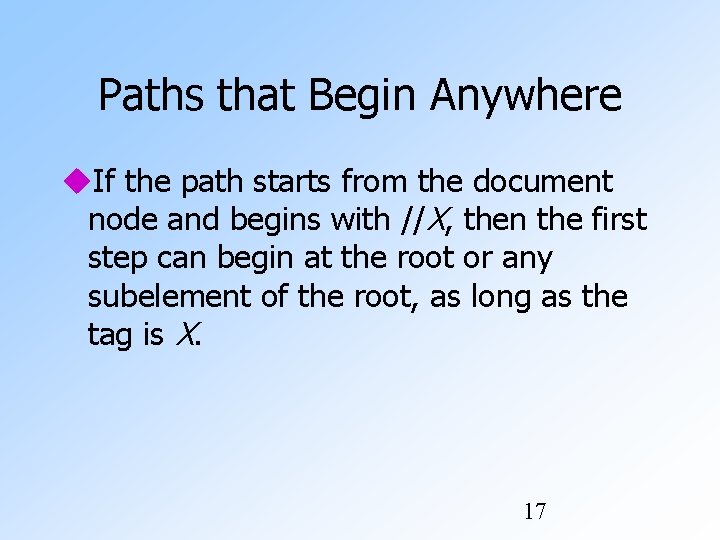
Paths that Begin Anywhere If the path starts from the document node and begins with //X, then the first step can begin at the root or any subelement of the root, as long as the tag is X. 17
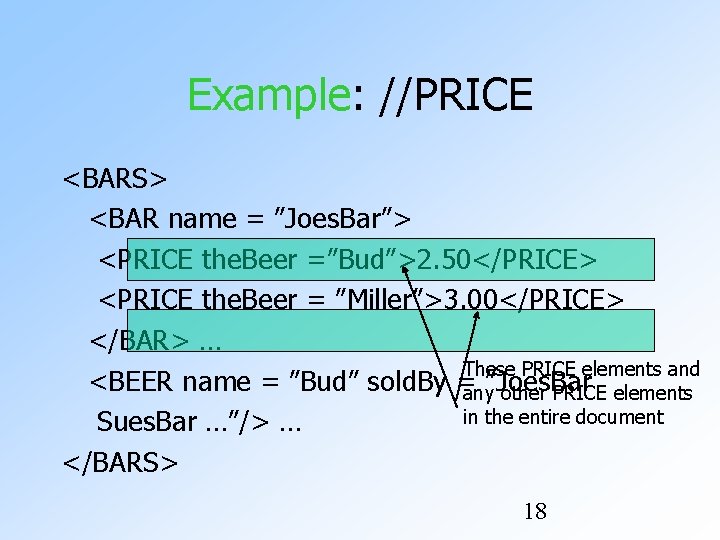
Example: //PRICE <BARS> <BAR name = ”Joes. Bar”> <PRICE the. Beer =”Bud”>2. 50</PRICE> <PRICE the. Beer = ”Miller”>3. 00</PRICE> </BAR> … These PRICE elements and <BEER name = ”Bud” sold. By =any”Joes. Bar other PRICE elements in the entire document Sues. Bar …”/> … </BARS> 18
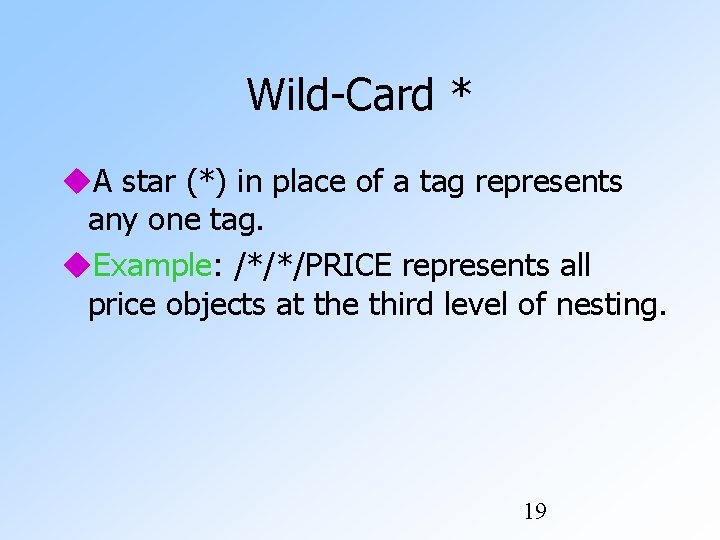
Wild-Card * A star (*) in place of a tag represents any one tag. Example: /*/*/PRICE represents all price objects at the third level of nesting. 19
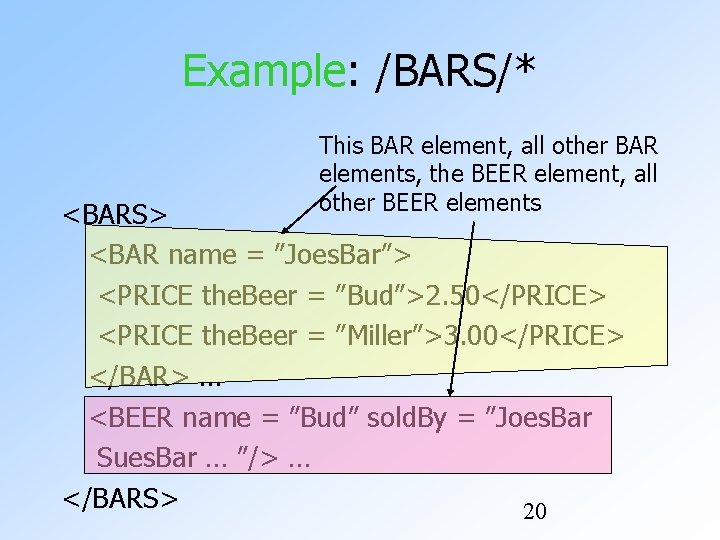
Example: /BARS/* This BAR element, all other BAR elements, the BEER element, all other BEER elements <BARS> <BAR name = ”Joes. Bar”> <PRICE the. Beer = ”Bud”>2. 50</PRICE> <PRICE the. Beer = ”Miller”>3. 00</PRICE> </BAR> … <BEER name = ”Bud” sold. By = ”Joes. Bar Sues. Bar … ”/> … </BARS> 20
Selection Conditions A condition inside […] may follow a tag. If so, then only paths that have that tag and also satisfy the condition are included in the result of a path expression. 21
Example: Selection Condition /BARS/BAR/PRICE[. < 2. 75] The current element. <BARS> <BAR name = ”Joes. Bar”> <PRICE the. Beer = ”Bud”>2. 50</PRICE> <PRICE the. Beer = ”Miller”>3. 00</PRICE> The condition that the PRICE be </BAR> … < $2. 75 makes this price but not the Miller price part of the result. 22
Example: Attribute in Selection /BARS/BAR/PRICE[@the. Beer = ”Miller”] <BARS> <BAR name = ”Joes. Bar”> <PRICE the. Beer = ”Bud”>2. 50</PRICE> <PRICE the. Beer = ”Miller”>3. 00</PRICE> </BAR> … Now, this PRICE element is selected, along with any other prices for Miller. 23
Axes In general, path expressions allow us to start at the root and execute steps to find a sequence of nodes at each step. At each step, we may follow any one of several axes. The default axis is child: : --- go to all the children of the current set of nodes. 24
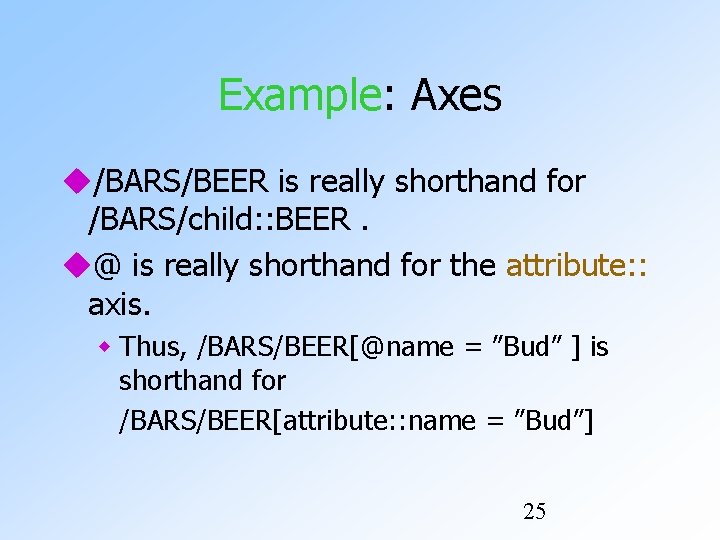
Example: Axes /BARS/BEER is really shorthand for /BARS/child: : BEER. @ is really shorthand for the attribute: : axis. Thus, /BARS/BEER[@name = ”Bud” ] is shorthand for /BARS/BEER[attribute: : name = ”Bud”] 25
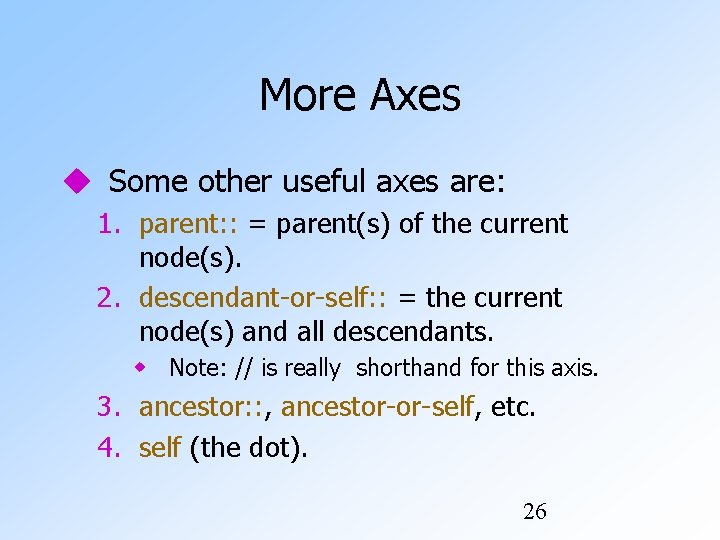
More Axes Some other useful axes are: 1. parent: : = parent(s) of the current node(s). 2. descendant-or-self: : = the current node(s) and all descendants. Note: // is really shorthand for this axis. 3. ancestor: : , ancestor-or-self, etc. 4. self (the dot). 26
XQuery extends XPath to a query language that has power similar to SQL. Uses the same sequence-of-items data model. XQuery is an expression language. Like relational algebra --- any XQuery expression can be an argument of any other XQuery expression. 27
More About Item Sequences XQuery will sometimes form sequences of sequences. All sequences are flattened. Example: (1 2 () (3 4)) = (1 2 3 4). Empty sequence 28
FLWR Expressions 1. One or more for and/or let clauses. 2. Then an optional where clause. 3. A return clause. 29
Semantics of FLWR Expressions Each for creates a loop. let produces only a local definition. At each iteration of the nested loops, if any, evaluate the where clause. If the where clause returns TRUE, invoke the return clause, and append its value to the output. 30
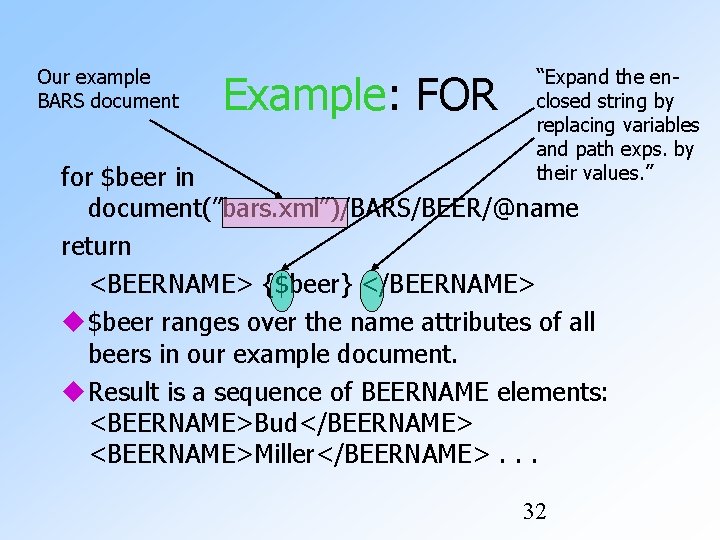
FOR Clauses for <variable> in <expression>, . . . Variables begin with $. A for-variable takes on each item in the sequence denoted by the expression, in turn. Whatever follows this for is executed once for each value of the variable. 31
Our example BARS document Example: FOR “Expand the enclosed string by replacing variables and path exps. by their values. ” for $beer in document(”bars. xml”)/BARS/BEER/@name return <BEERNAME> {$beer} </BEERNAME> $beer ranges over the name attributes of all beers in our example document. Result is a sequence of BEERNAME elements: <BEERNAME>Bud</BEERNAME> <BEERNAME>Miller</BEERNAME>. . . 32
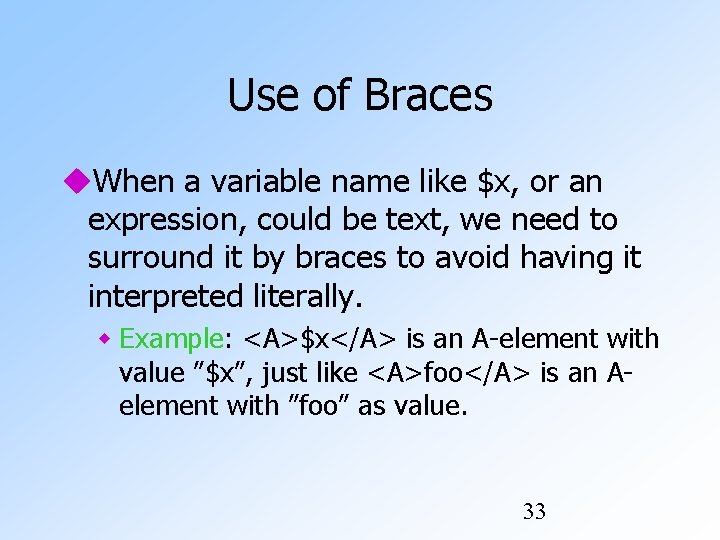
Use of Braces When a variable name like $x, or an expression, could be text, we need to surround it by braces to avoid having it interpreted literally. Example: <A>$x</A> is an A-element with value ”$x”, just like <A>foo</A> is an Aelement with ”foo” as value. 33
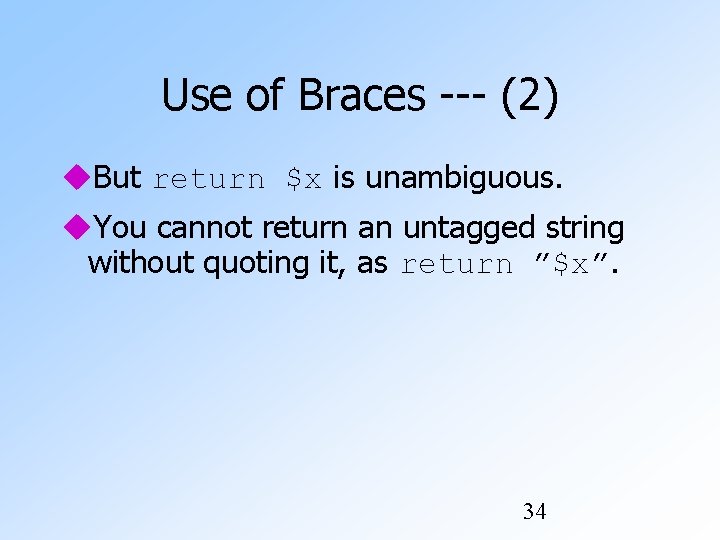
Use of Braces --- (2) But return $x is unambiguous. You cannot return an untagged string without quoting it, as return ”$x”. 34
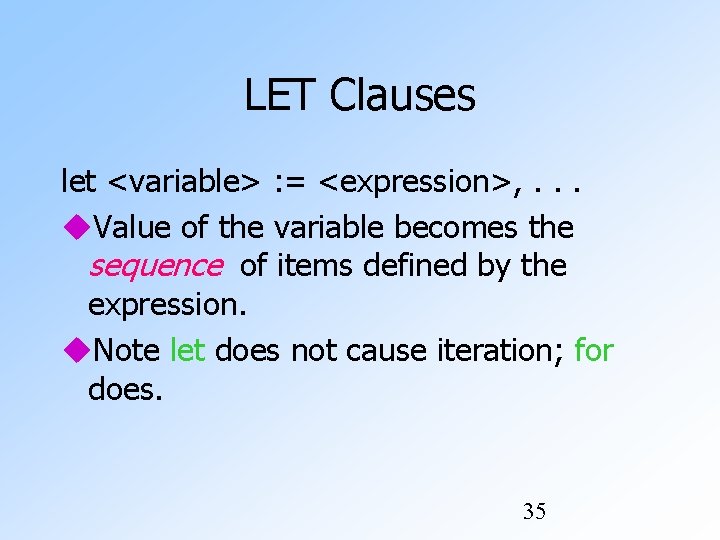
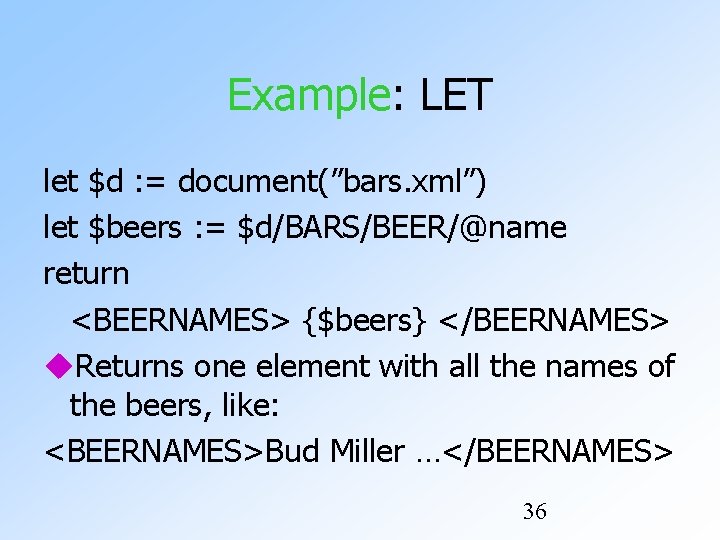
LET Clauses let <variable> : = <expression>, . . . Value of the variable becomes the sequence of items defined by the expression. Note let does not cause iteration; for does. 35
Example: LET let $d : = document(”bars. xml”) let $beers : = $d/BARS/BEER/@name return <BEERNAMES> {$beers} </BEERNAMES> Returns one element with all the names of the beers, like: <BEERNAMES>Bud Miller …</BEERNAMES> 36
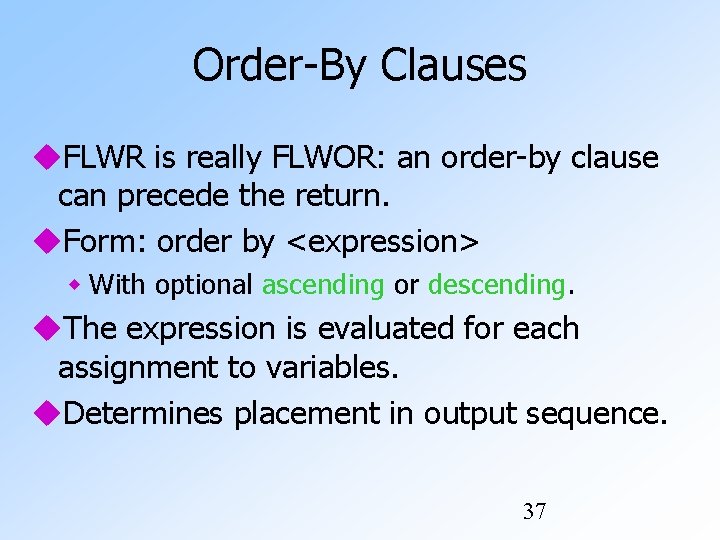
Order-By Clauses FLWR is really FLWOR: an order-by clause can precede the return. Form: order by <expression> With optional ascending or descending. The expression is evaluated for each assignment to variables. Determines placement in output sequence. 37
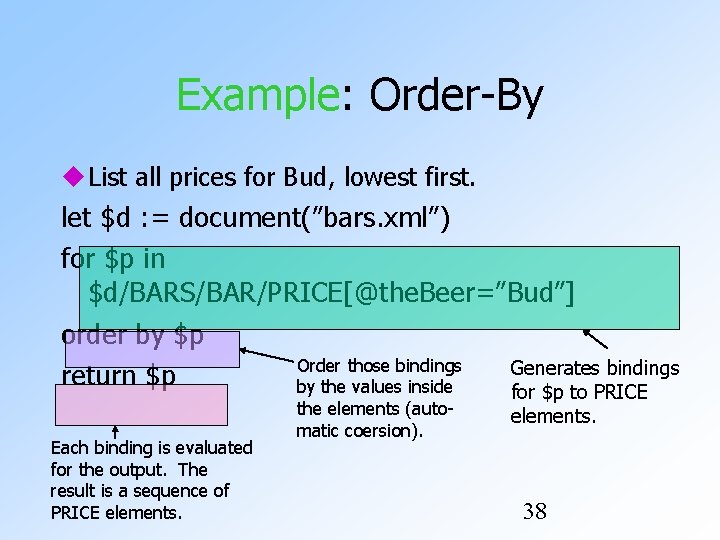
Example: Order-By List all prices for Bud, lowest first. let $d : = document(”bars. xml”) for $p in $d/BARS/BAR/PRICE[@the. Beer=”Bud”] order by $p Order those bindings Generates bindings return $p by the values inside Each binding is evaluated for the output. The result is a sequence of PRICE elements. the elements (automatic coersion). for $p to PRICE elements. 38
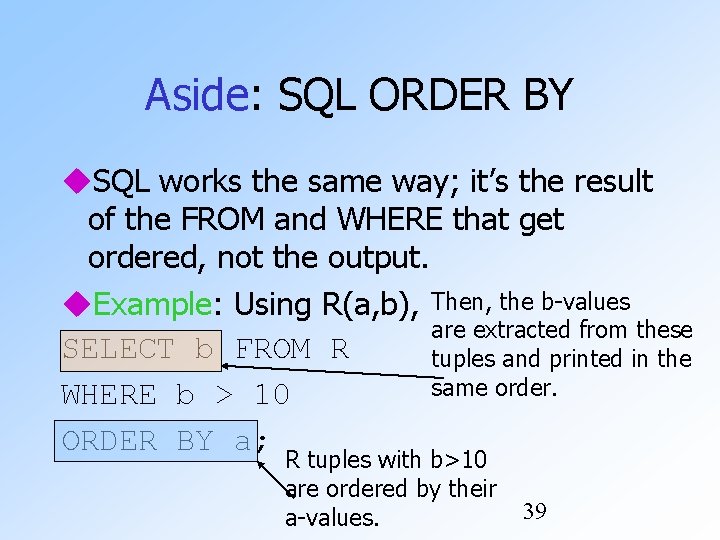
Aside: SQL ORDER BY SQL works the same way; it’s the result of the FROM and WHERE that get ordered, not the output. Example: Using R(a, b), Then, the b-values are extracted from these SELECT b FROM R tuples and printed in the same order. WHERE b > 10 ORDER BY a; R tuples with b>10 are ordered by their a-values. 39
Predicates Normally, conditions imply existential quantification. Example: /BARS/BAR[@name] means “all the bars that have a name. ” Example: /BARS/BEER[@sold. At = ”Joes. Bar”] gives the set of beers that are sold at Joe’s Bar. 40
Example: Comparisons Let us produce the PRICE elements (from all bars) for all the beers that are sold by Joe’s Bar. The output will be BBP elements with the names of the bar and beer as attributes and the price element as a subelement. 41
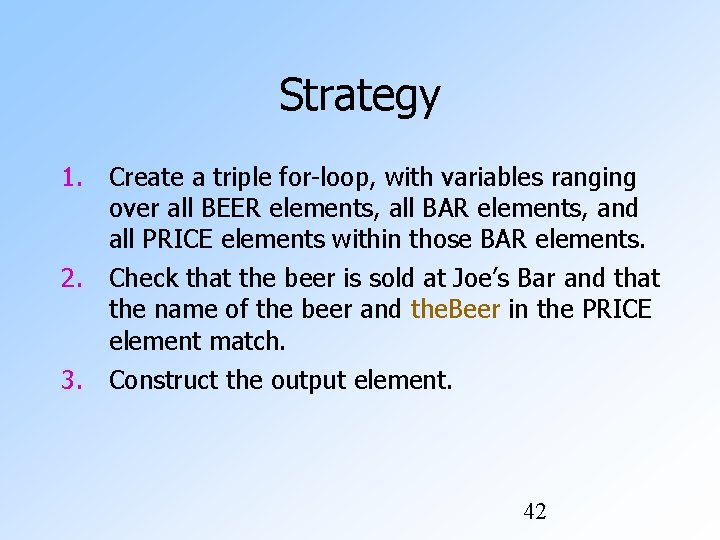
Strategy 1. Create a triple for-loop, with variables ranging over all BEER elements, all BAR elements, and all PRICE elements within those BAR elements. 2. Check that the beer is sold at Joe’s Bar and that the name of the beer and the. Beer in the PRICE element match. 3. Construct the output element. 42
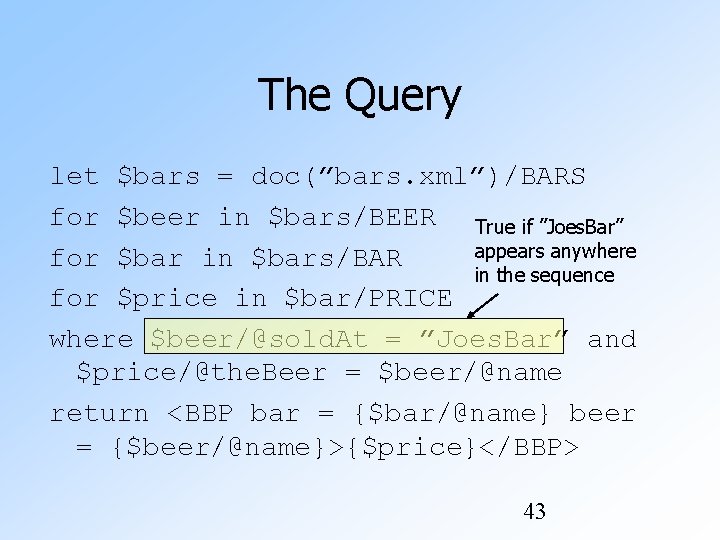
The Query let $bars = doc(”bars. xml”)/BARS for $beer in $bars/BEER True if ”Joes. Bar” appears anywhere for $bar in $bars/BAR in the sequence for $price in $bar/PRICE where $beer/@sold. At = ”Joes. Bar” and $price/@the. Beer = $beer/@name return <BBP bar = {$bar/@name} beer = {$beer/@name}>{$price}</BBP> 43
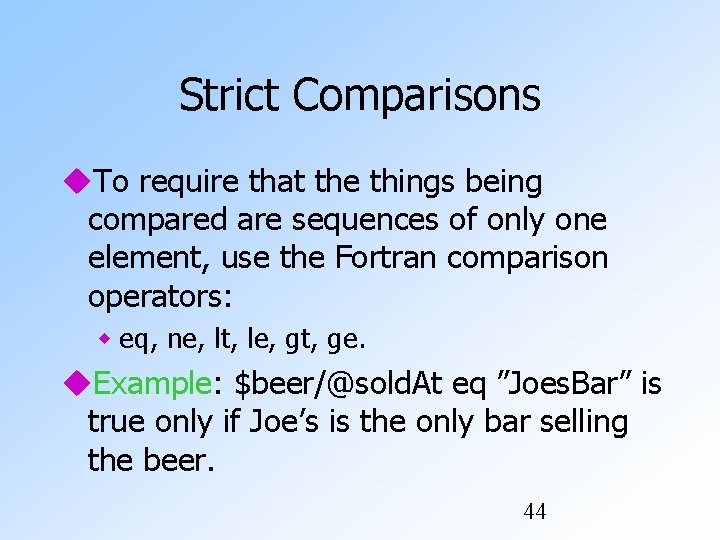
Strict Comparisons To require that the things being compared are sequences of only one element, use the Fortran comparison operators: eq, ne, lt, le, gt, ge. Example: $beer/@sold. At eq ”Joes. Bar” is true only if Joe’s is the only bar selling the beer. 44
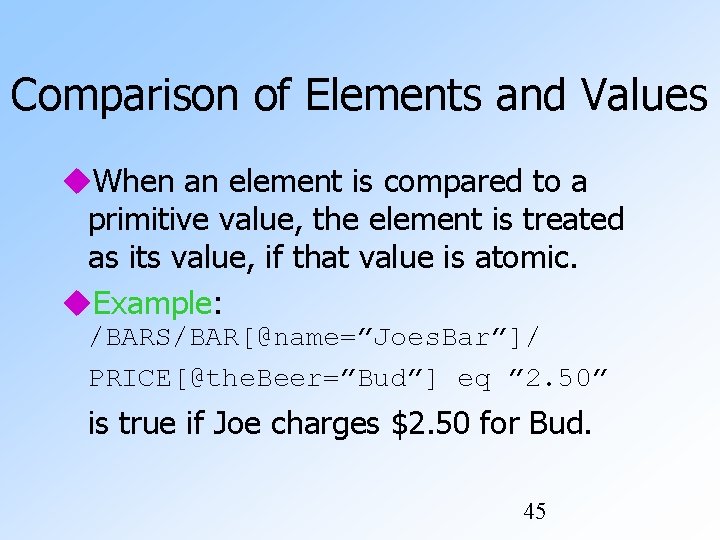
Comparison of Elements and Values When an element is compared to a primitive value, the element is treated as its value, if that value is atomic. Example: /BARS/BAR[@name=”Joes. Bar”]/ PRICE[@the. Beer=”Bud”] eq ” 2. 50” is true if Joe charges $2. 50 for Bud. 45
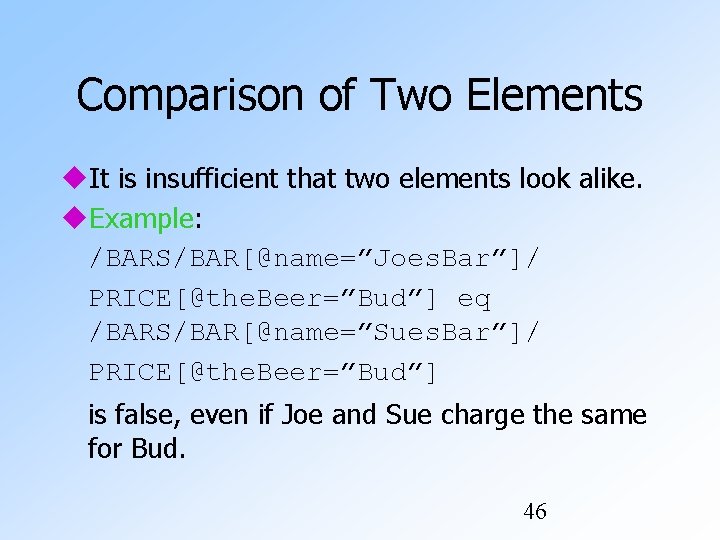
Comparison of Two Elements It is insufficient that two elements look alike. Example: /BARS/BAR[@name=”Joes. Bar”]/ PRICE[@the. Beer=”Bud”] eq /BARS/BAR[@name=”Sues. Bar”]/ PRICE[@the. Beer=”Bud”] is false, even if Joe and Sue charge the same for Bud. 46
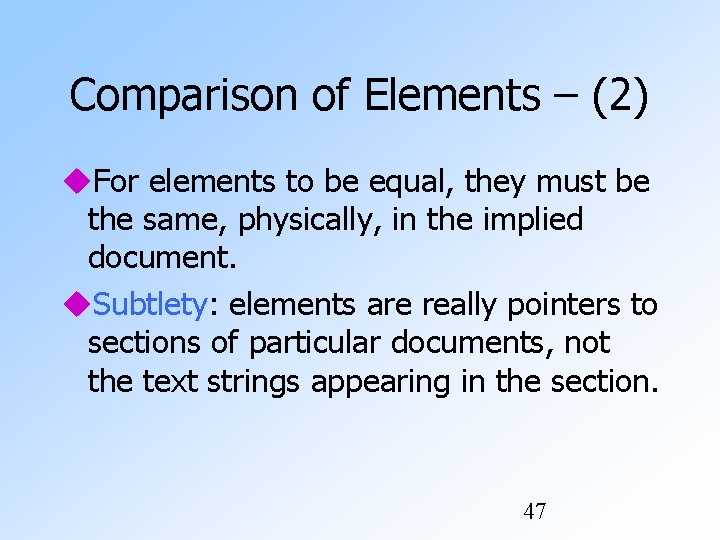
Comparison of Elements – (2) For elements to be equal, they must be the same, physically, in the implied document. Subtlety: elements are really pointers to sections of particular documents, not the text strings appearing in the section. 47
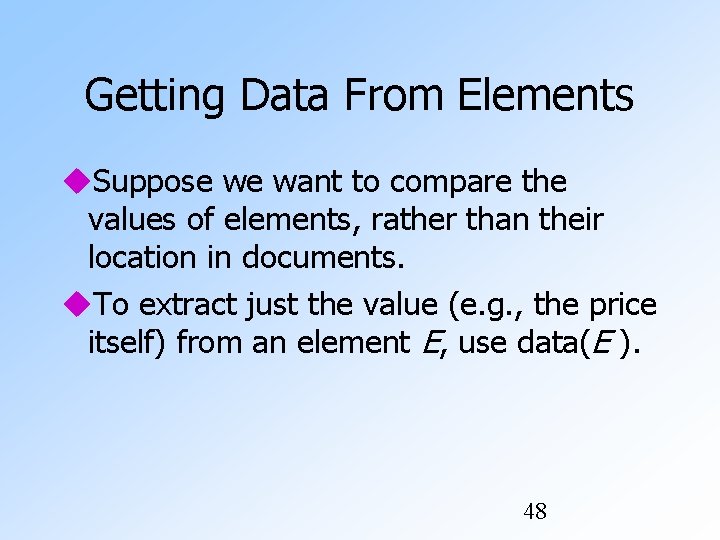
Getting Data From Elements Suppose we want to compare the values of elements, rather than their location in documents. To extract just the value (e. g. , the price itself) from an element E, use data(E ). 48
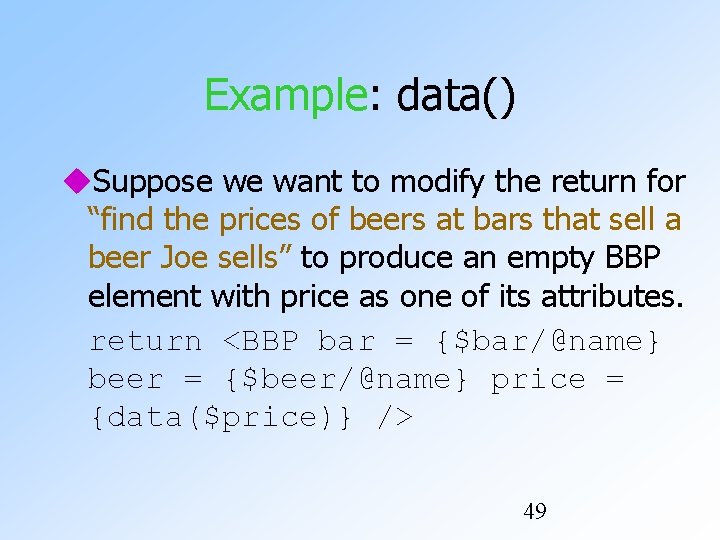
Example: data() Suppose we want to modify the return for “find the prices of beers at bars that sell a beer Joe sells” to produce an empty BBP element with price as one of its attributes. return <BBP bar = {$bar/@name} beer = {$beer/@name} price = {data($price)} /> 49
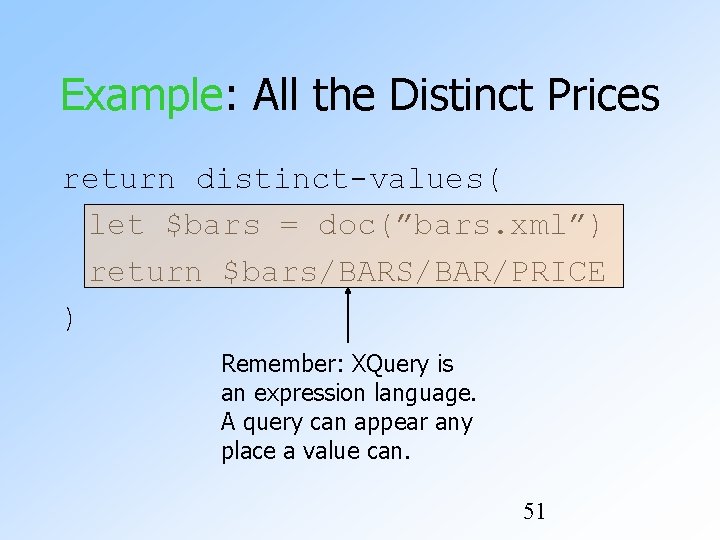
Eliminating Duplicates Use function distinct-values applied to a sequence. Subtlety: this function strips tags away from elements and compares the string values. But it doesn’t restore the tags in the result. 50
Example: All the Distinct Prices return distinct-values( let $bars = doc(”bars. xml”) return $bars/BARS/BAR/PRICE ) Remember: XQuery is an expression language. A query can appear any place a value can. 51
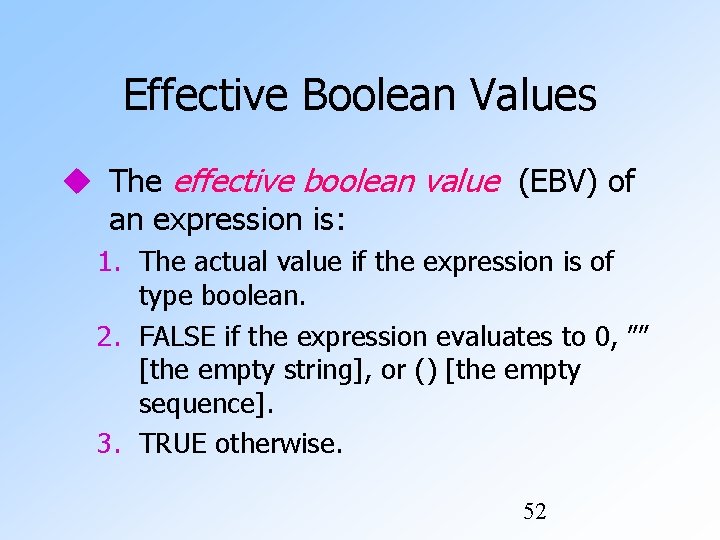
Effective Boolean Values The effective boolean value (EBV) of an expression is: 1. The actual value if the expression is of type boolean. 2. FALSE if the expression evaluates to 0, ”” [the empty string], or () [the empty sequence]. 3. TRUE otherwise. 52
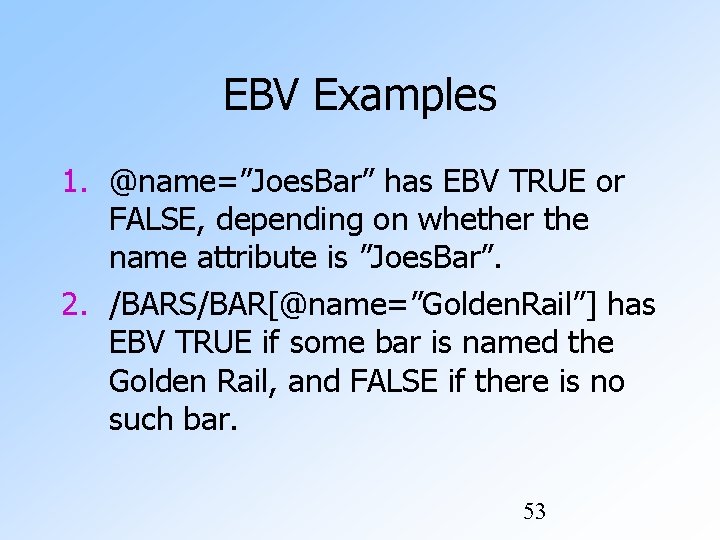
EBV Examples 1. @name=”Joes. Bar” has EBV TRUE or FALSE, depending on whether the name attribute is ”Joes. Bar”. 2. /BARS/BAR[@name=”Golden. Rail”] has EBV TRUE if some bar is named the Golden Rail, and FALSE if there is no such bar. 53
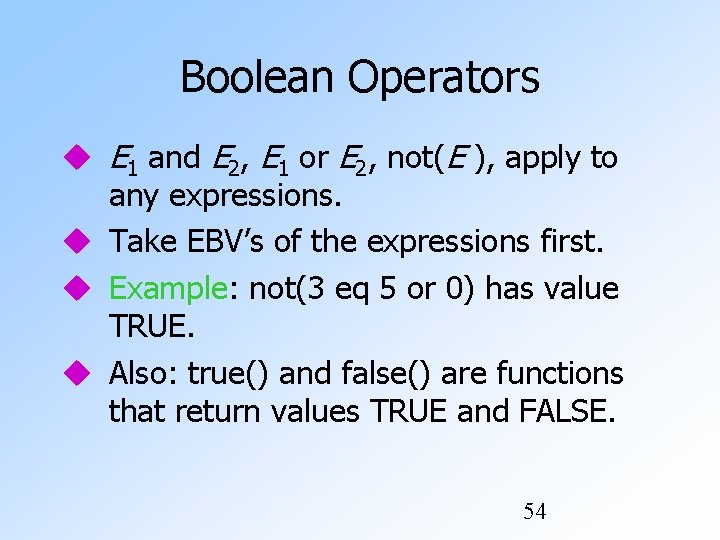
Boolean Operators E 1 and E 2, E 1 or E 2, not(E ), apply to any expressions. Take EBV’s of the expressions first. Example: not(3 eq 5 or 0) has value TRUE. Also: true() and false() are functions that return values TRUE and FALSE. 54
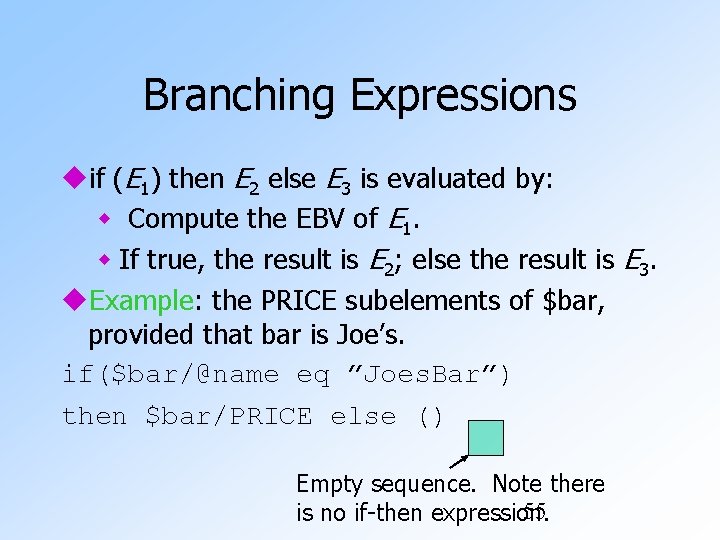
Branching Expressions if (E 1) then E 2 else E 3 is evaluated by: Compute the EBV of E 1. If true, the result is E 2; else the result is E 3. Example: the PRICE subelements of $bar, provided that bar is Joe’s. if($bar/@name eq ”Joes. Bar”) then $bar/PRICE else () Empty sequence. Note there 55 is no if-then expression.
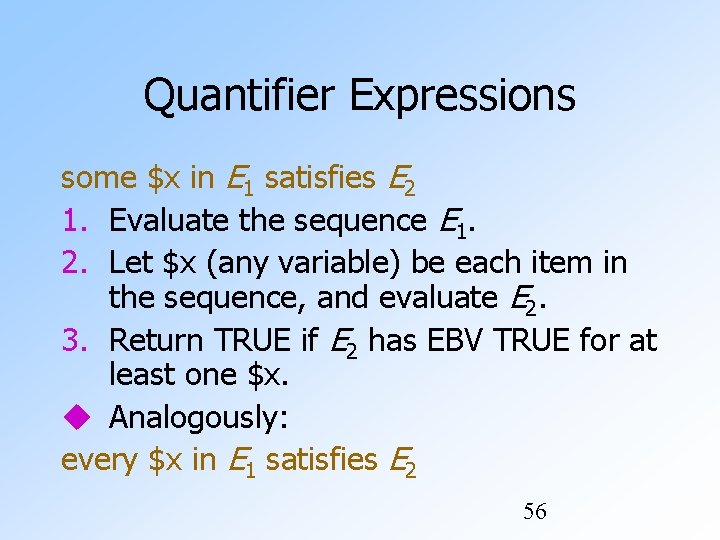
Quantifier Expressions some $x in E 1 satisfies E 2 1. Evaluate the sequence E 1. 2. Let $x (any variable) be each item in the sequence, and evaluate E 2. 3. Return TRUE if E 2 has EBV TRUE for at least one $x. Analogously: every $x in E 1 satisfies E 2 56
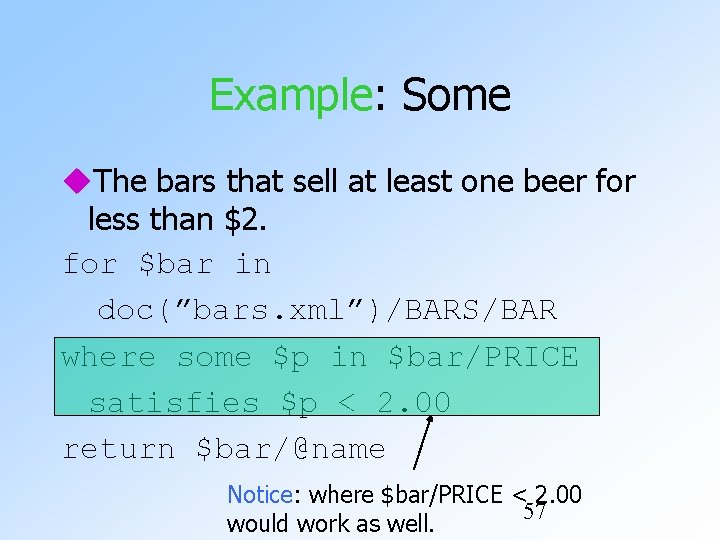
Example: Some The bars that sell at least one beer for less than $2. for $bar in doc(”bars. xml”)/BARS/BAR where some $p in $bar/PRICE satisfies $p < 2. 00 return $bar/@name Notice: where $bar/PRICE < 2. 00 57 would work as well.
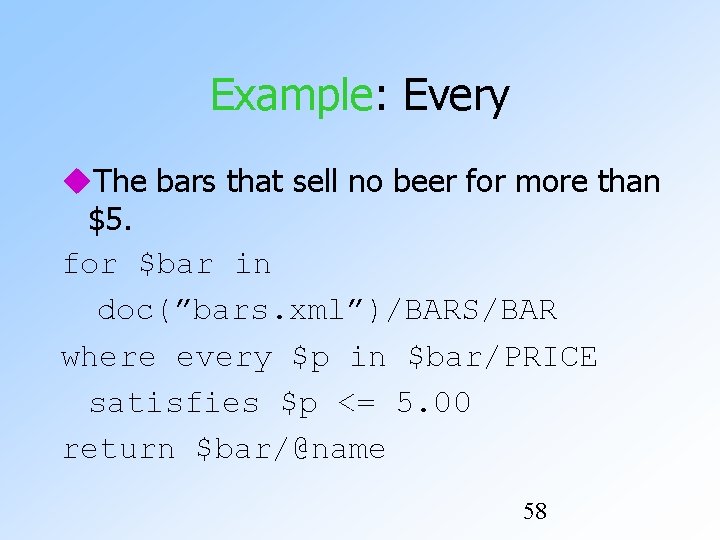
Example: Every The bars that sell no beer for more than $5. for $bar in doc(”bars. xml”)/BARS/BAR where every $p in $bar/PRICE satisfies $p <= 5. 00 return $bar/@name 58
Document Order Comparison by document order: << and >>. Example: $d/BARS/BEER[@name=”Bud”] << $d/BARS/BEER[@name=”Miller”] is true iff the Bud element appears before the Miller element in the document $d. 59
Set Operators union, intersect, except operate on sequences of nodes. Meanings analogous to SQL. Result eliminates duplicates. Result appears in document order. 60