
Quantitative Methods Conducting a User Survey and Interpreting


- Slides: 42
Quantitative Methods: Conducting a User Survey and Interpreting Data Midwest Archives Conference Fall Symposium October 22, 2010 Dayton, Ohio Christopher J. Prom, Ph. D Assistant University Archivist and Associate Professor University of Illinois at Urbana-Champaign prom@illinois. edu
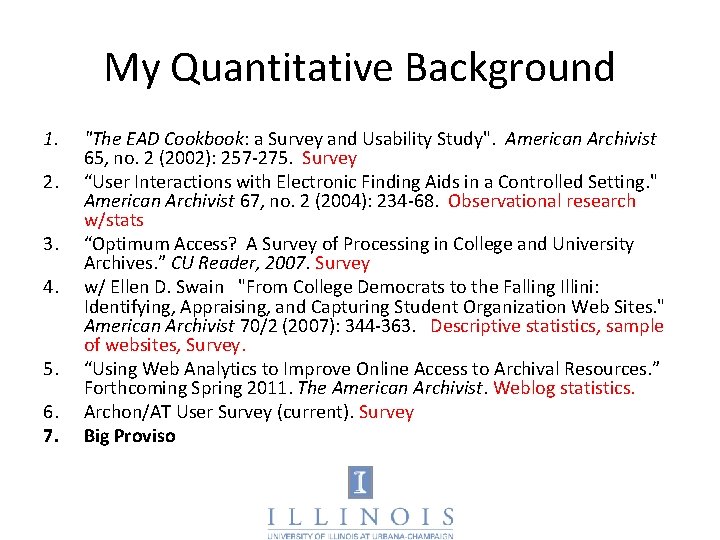
My Quantitative Background 1. 2. 3. 4. 5. 6. 7. "The EAD Cookbook: a Survey and Usability Study". American Archivist 65, no. 2 (2002): 257 -275. Survey “User Interactions with Electronic Finding Aids in a Controlled Setting. " American Archivist 67, no. 2 (2004): 234 -68. Observational research w/stats “Optimum Access? A Survey of Processing in College and University Archives. ” CU Reader, 2007. Survey w/ Ellen D. Swain "From College Democrats to the Falling Illini: Identifying, Appraising, and Capturing Student Organization Web Sites. " American Archivist 70/2 (2007): 344 -363. Descriptive statistics, sample of websites, Survey. “Using Web Analytics to Improve Online Access to Archival Resources. ” Forthcoming Spring 2011. The American Archivist. Weblog statistics. Archon/AT User Survey (current). Survey Big Proviso
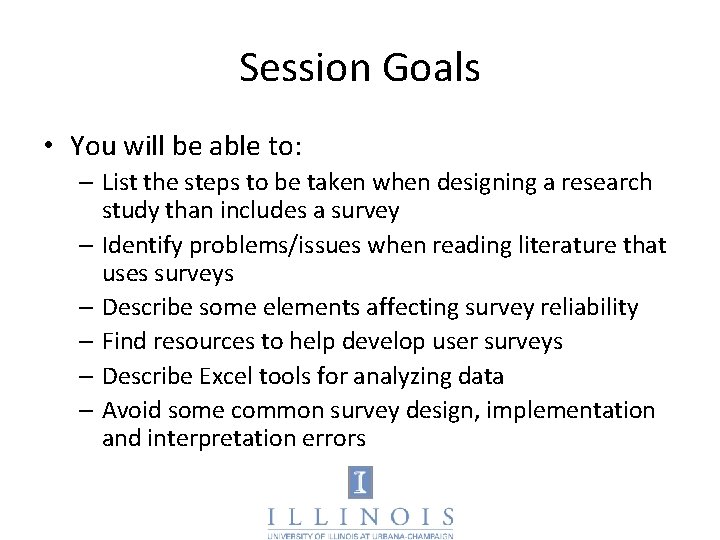
Session Goals • You will be able to: – List the steps to be taken when designing a research study than includes a survey – Identify problems/issues when reading literature that uses surveys – Describe some elements affecting survey reliability – Find resources to help develop user surveys – Describe Excel tools for analyzing data – Avoid some common survey design, implementation and interpretation errors
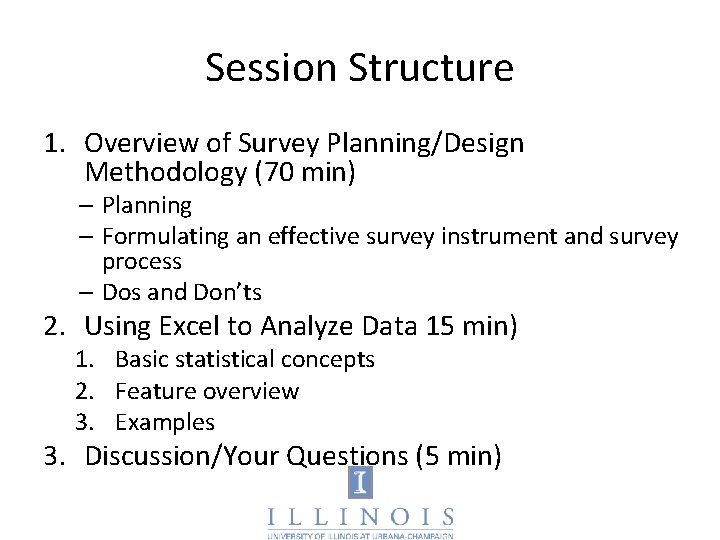
Session Structure 1. Overview of Survey Planning/Design Methodology (70 min) – Planning – Formulating an effective survey instrument and survey process – Dos and Don’ts 2. Using Excel to Analyze Data 15 min) 1. Basic statistical concepts 2. Feature overview 3. Examples 3. Discussion/Your Questions (5 min)
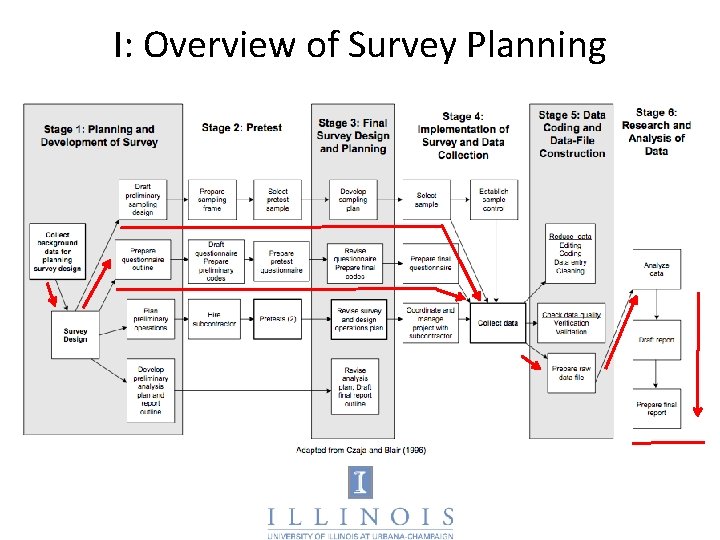
I: Overview of Survey Planning
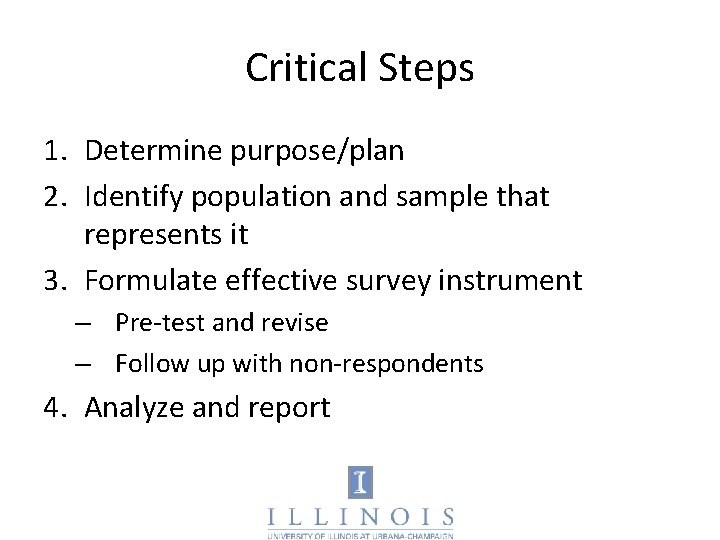
Critical Steps 1. Determine purpose/plan 2. Identify population and sample that represents it 3. Formulate effective survey instrument – Pre-test and revise – Follow up with non-respondents 4. Analyze and report
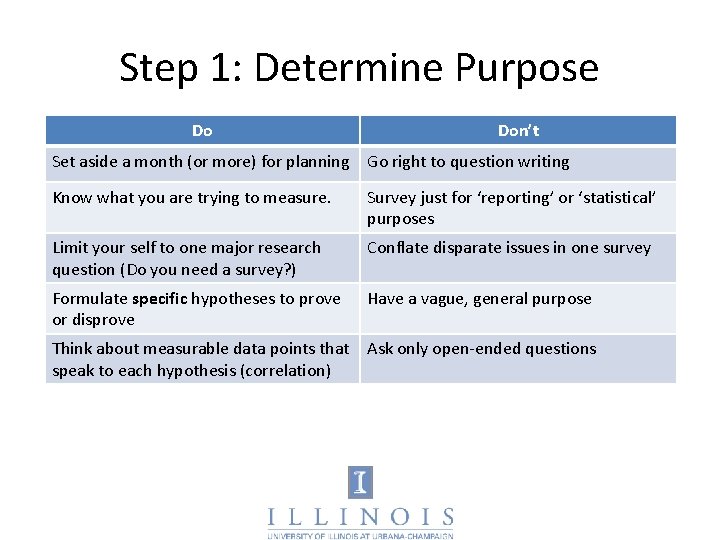
Step 1: Determine Purpose Do Don’t Set aside a month (or more) for planning Go right to question writing Know what you are trying to measure. Survey just for ‘reporting’ or ‘statistical’ purposes Limit your self to one major research question (Do you need a survey? ) Conflate disparate issues in one survey Formulate specific hypotheses to prove or disprove Have a vague, general purpose Think about measurable data points that Ask only open-ended questions speak to each hypothesis (correlation)
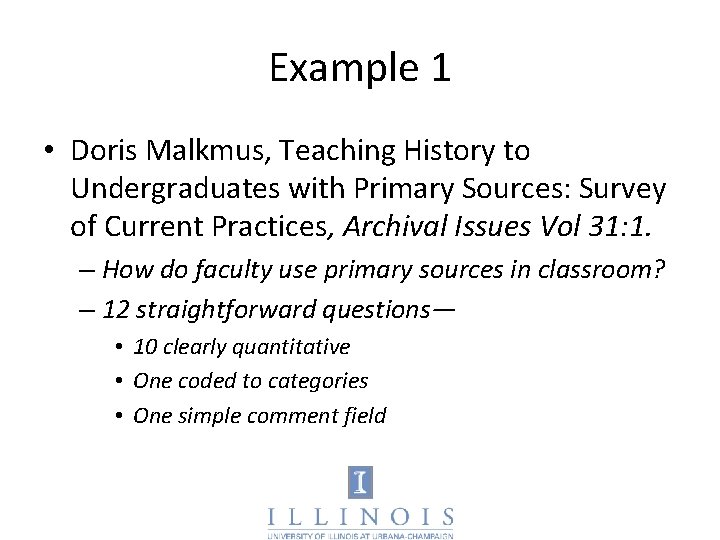
Example 1 • Doris Malkmus, Teaching History to Undergraduates with Primary Sources: Survey of Current Practices, Archival Issues Vol 31: 1. – How do faculty use primary sources in classroom? – 12 straightforward questions— • 10 clearly quantitative • One coded to categories • One simple comment field
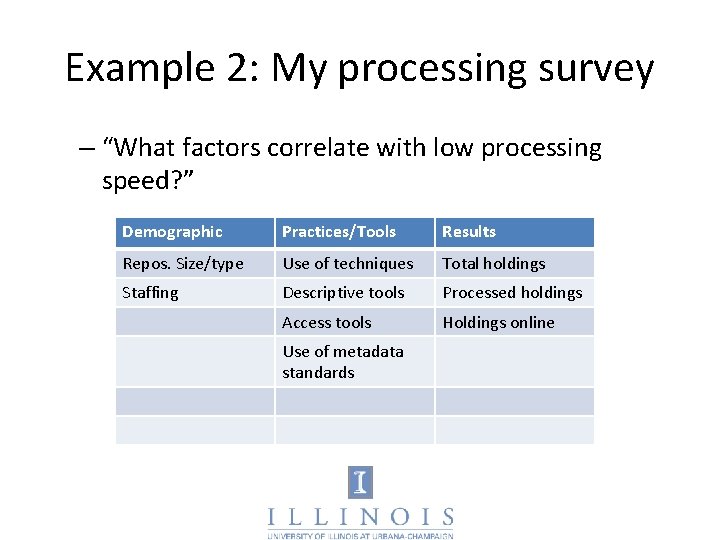
Example 2: My processing survey – “What factors correlate with low processing speed? ” Demographic Practices/Tools Results Repos. Size/type Use of techniques Total holdings Staffing Descriptive tools Processed holdings Access tools Holdings online Use of metadata standards
Exercise 1 • Select a partner • Working together, formulate: – An research question relevant to one of both of your repositories – Three data points that potentially speak to it.
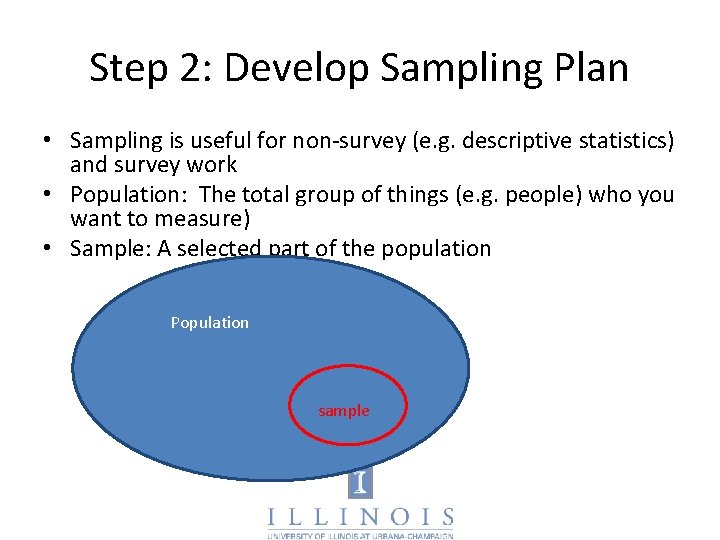
Step 2: Develop Sampling Plan • Sampling is useful for non-survey (e. g. descriptive statistics) and survey work • Population: The total group of things (e. g. people) who you want to measure) • Sample: A selected part of the population Population sample
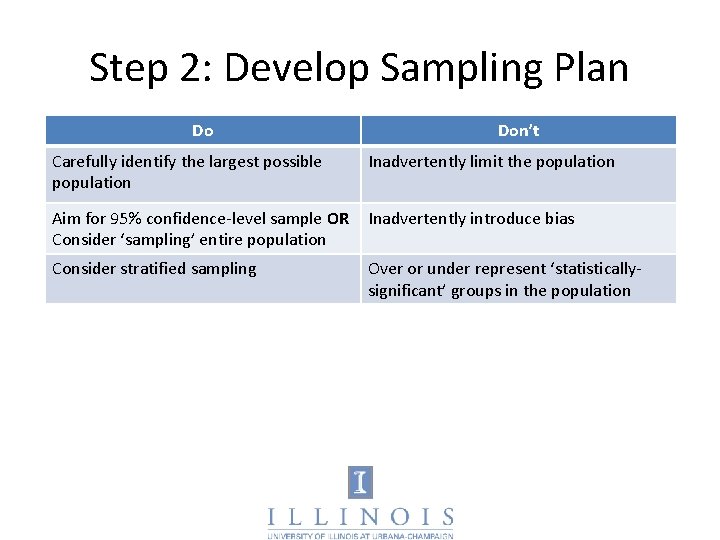
Step 2: Develop Sampling Plan Do Don’t Carefully identify the largest possible population Inadvertently limit the population Aim for 95% confidence-level sample OR Consider ‘sampling’ entire population Inadvertently introduce bias Consider stratified sampling Over or under represent ‘statisticallysignificant’ groups in the population
If you Sample: Gold Standard • Random: Every member has equal chance of being chosen • Complete: Every member in sample responds • Representative: Sample represents characteristics of population as a whole • All sampling involves inferential statistics
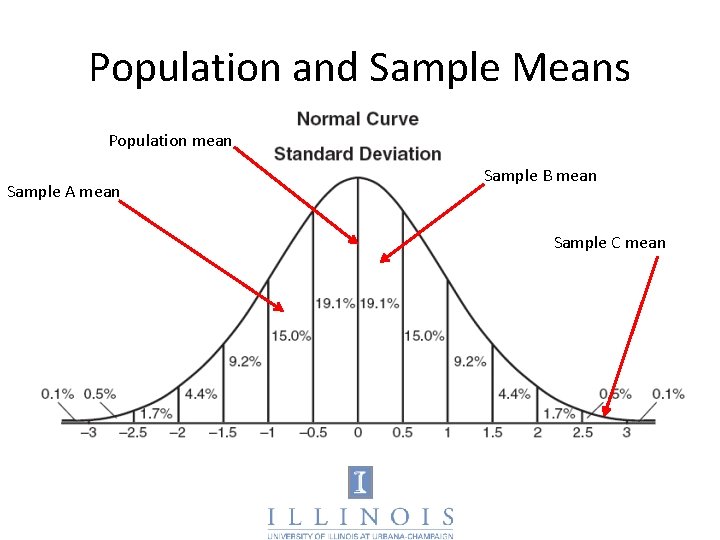
Population and Sample Means Population mean Sample A mean Sample B mean Sample C mean
Scary Sampling Terminology • Central Limit Theorem – For any distribution of a population, the distribution of the means of all random samples is itself approximately normal • Confidence Level – A range of numbers within with the population mean will lie, with the stated probability (e. g. 95%, 99%) • Standard Error – How much variability to expect, for a given sample.
Bottom Line • There are easy methods to increase confidence that your sample’s characteristics matches those of the population • When selecting sample, you need to – A: reduce bias; best way to do this is to select a truly random sample – B: Ensure sufficient sample size; must be measured against confidence level and standard error (aka ‘margin of error’
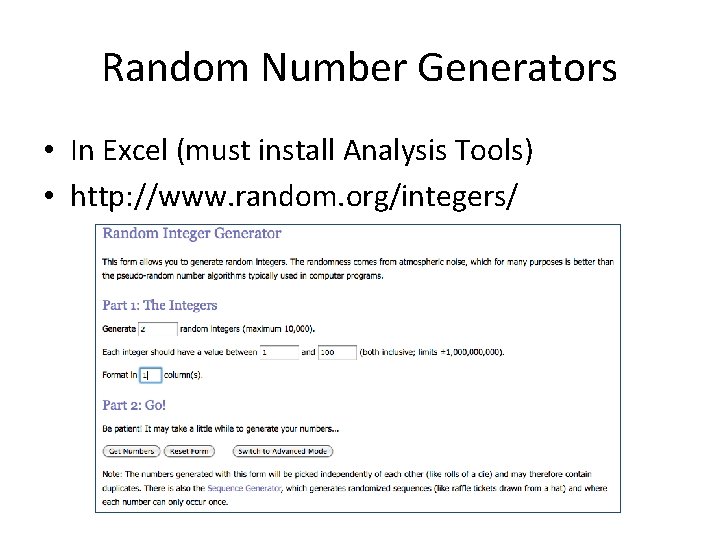
Random Number Generators • In Excel (must install Analysis Tools) • http: //www. random. org/integers/
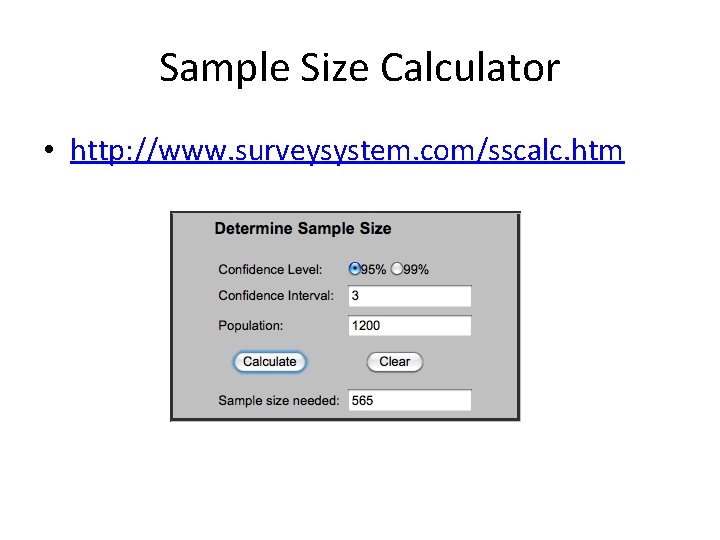
Sample Size Calculator • http: //www. surveysystem. com/sscalc. htm
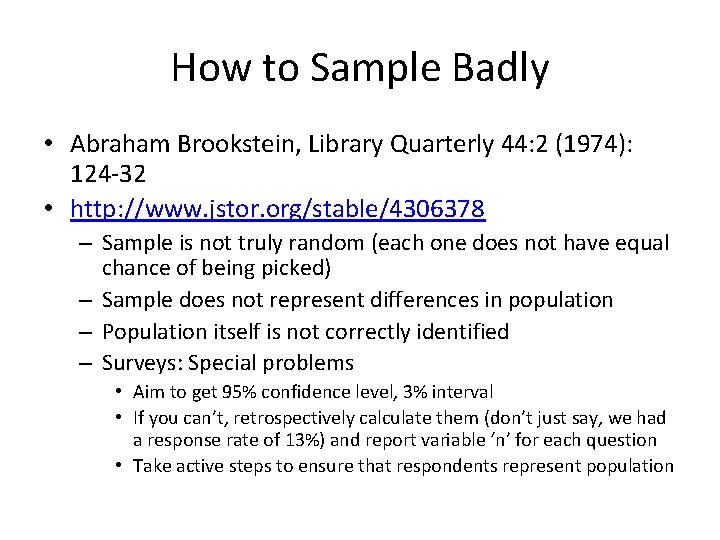
How to Sample Badly • Abraham Brookstein, Library Quarterly 44: 2 (1974): 124 -32 • http: //www. jstor. org/stable/4306378 – Sample is not truly random (each one does not have equal chance of being picked) – Sample does not represent differences in population – Population itself is not correctly identified – Surveys: Special problems • Aim to get 95% confidence level, 3% interval • If you can’t, retrospectively calculate them (don’t just say, we had a response rate of 13%) and report variable ‘n’ for each question • Take active steps to ensure that respondents represent population
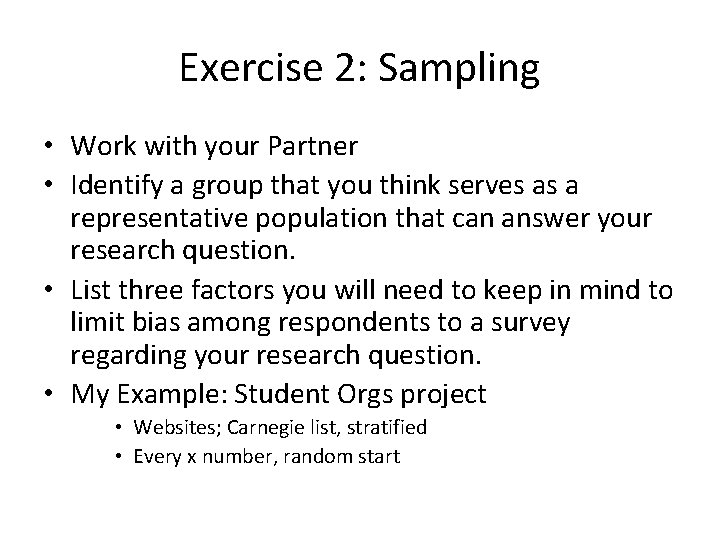
Exercise 2: Sampling • Work with your Partner • Identify a group that you think serves as a representative population that can answer your research question. • List three factors you will need to keep in mind to limit bias among respondents to a survey regarding your research question. • My Example: Student Orgs project • Websites; Carnegie list, stratified • Every x number, random start
Other Sampling Resources • http: //www. davidmlane. com/hyperstat/ • Ian Johnson, “I’ll give you a definite maybe, ” https: //records. viu. ca/~johnstoi/maybe/title. h tm (Section 6) • Random Samples and Statistical Accuracy, http: //www. custominsight. com/articles/rand om-sampling. asp (good for stratified sampling)
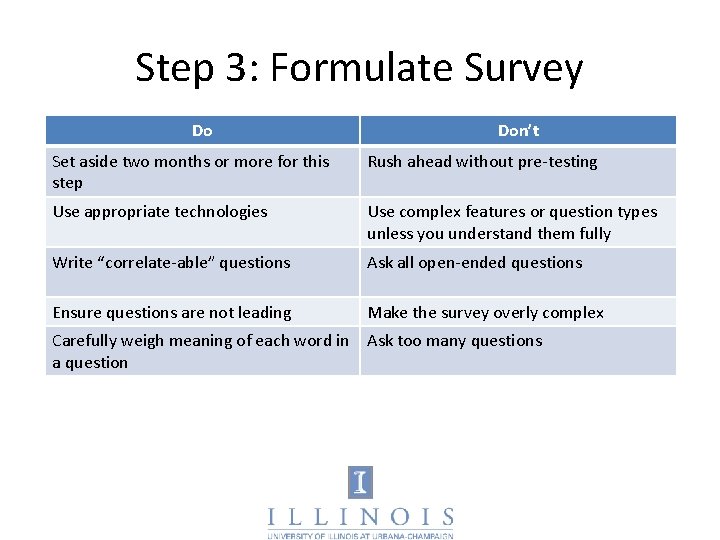
Step 3: Formulate Survey Do Don’t Set aside two months or more for this step Rush ahead without pre-testing Use appropriate technologies Use complex features or question types unless you understand them fully Write “correlate-able” questions Ask all open-ended questions Ensure questions are not leading Make the survey overly complex Carefully weigh meaning of each word in Ask too many questions a question
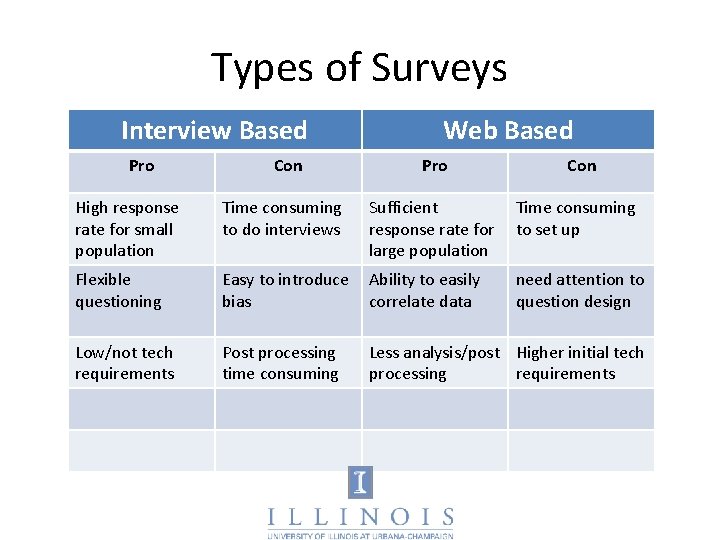
Types of Surveys Interview Based Pro Con Web Based Pro Con High response rate for small population Time consuming to do interviews Sufficient response rate for large population Time consuming to set up Flexible questioning Easy to introduce bias Ability to easily correlate data need attention to question design Low/not tech requirements Post processing time consuming Less analysis/post Higher initial tech processing requirements
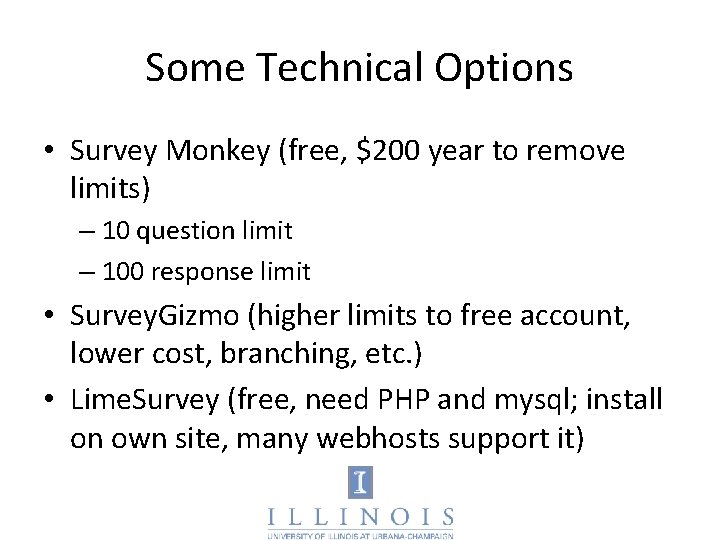
Some Technical Options • Survey Monkey (free, $200 year to remove limits) – 10 question limit – 100 response limit • Survey. Gizmo (higher limits to free account, lower cost, branching, etc. ) • Lime. Survey (free, need PHP and mysql; install on own site, many webhosts support it)
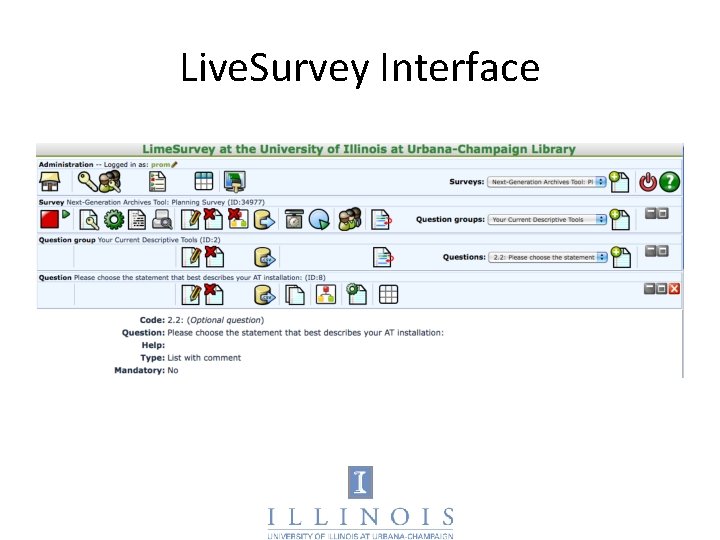
Live. Survey Interface
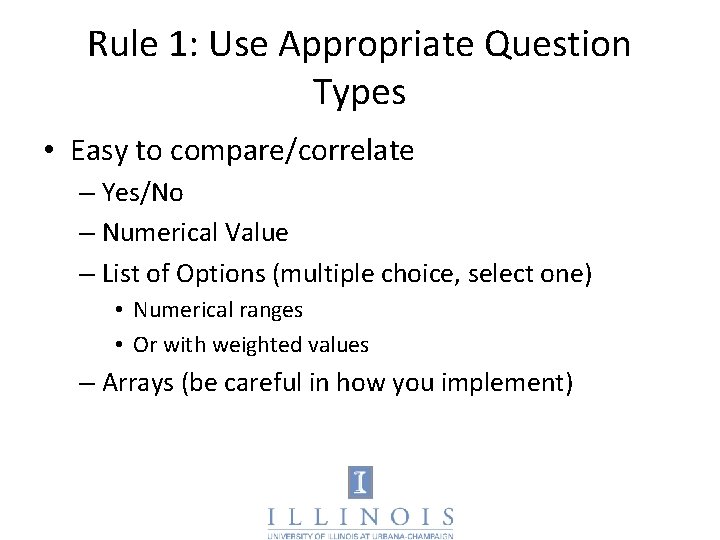
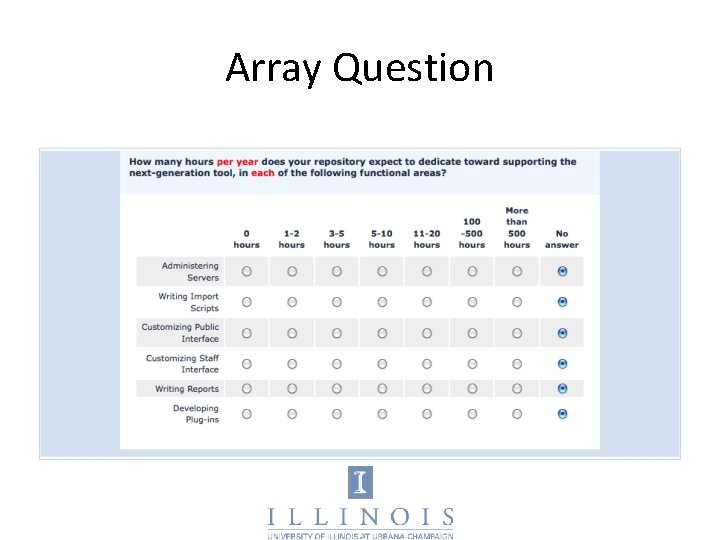
Rule 1: Use Appropriate Question Types • Easy to compare/correlate – Yes/No – Numerical Value – List of Options (multiple choice, select one) • Numerical ranges • Or with weighted values – Arrays (be careful in how you implement)
Array Question
Rule 1: Use Appropriate Question Types • Difficult to compare/correlate – List of Options (checkbox, select multiple) – Any open-ended question • Good list of question types – http: //docs. limesurvey. org/tikiindex. php? page=question+types – Use existing models (Archival Metrics) • Other bad questions – Any that do not speak to your research question or gather essential demographic information
Rule 2: Use Appropriate Pacing • Simple consent process (IRB review probably necessary) • Most important/interesting questions first • Not too many questions per page or total • Use software that can be ‘left off’ and picked up • Demographic questions at end
Rule 3: Group Questions • Demographics – Nature of those responding (type of user, age, archival experience, etc) • Subject of study – experiences with website – Service satifaction – Etc.
Rule 4: Word Questions Carefully • Simple but precise language • Terms unambiguous or defined • Pre-test every question among target audience.
Exercise 3 • Working with your partner, look back to the list of potential data points that you might wish to measure to help answer your research question. • Write a multiple choice question that you might present to the population. • Exchange questions with another group and provide each other feedback. • Then, rewrite your original question
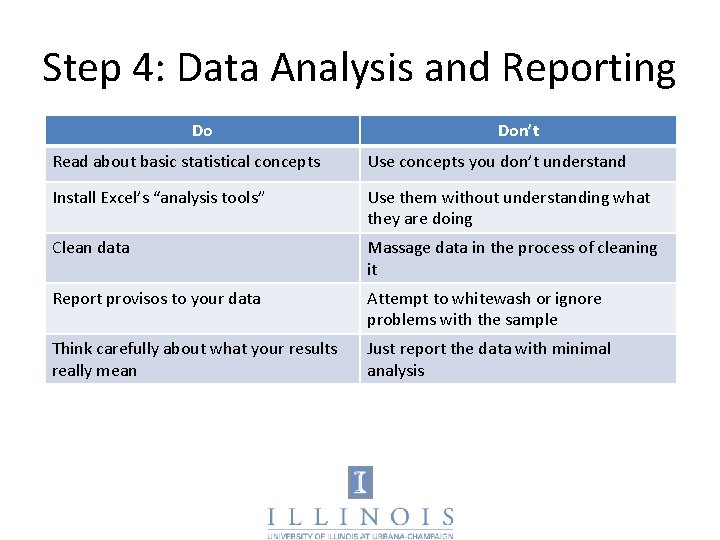
Step 4: Data Analysis and Reporting Do Don’t Read about basic statistical concepts Use concepts you don’t understand Install Excel’s “analysis tools” Use them without understanding what they are doing Clean data Massage data in the process of cleaning it Report provisos to your data Attempt to whitewash or ignore problems with the sample Think carefully about what your results really mean Just report the data with minimal analysis
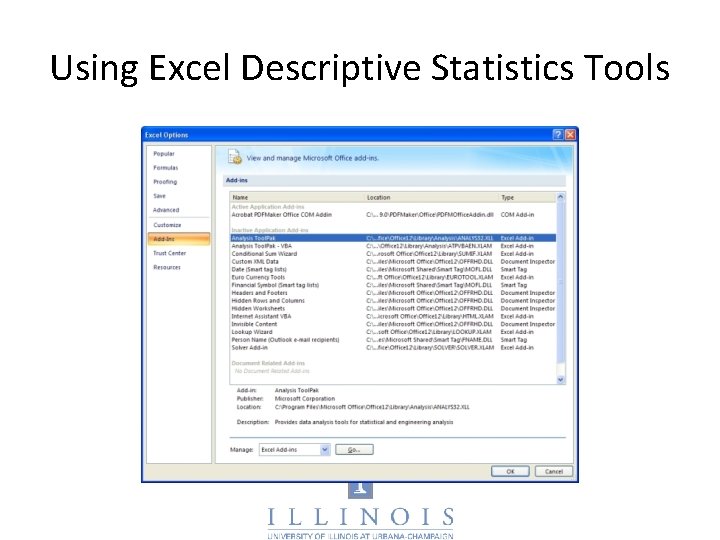
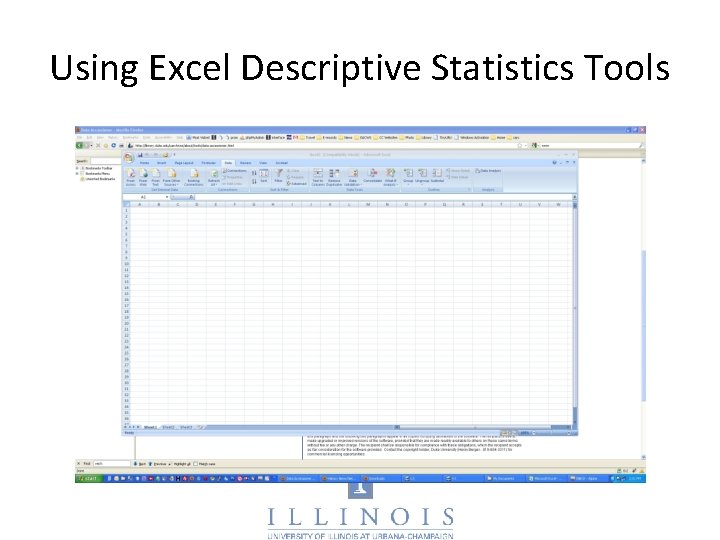
Using Excel Descriptive Statistics Tools
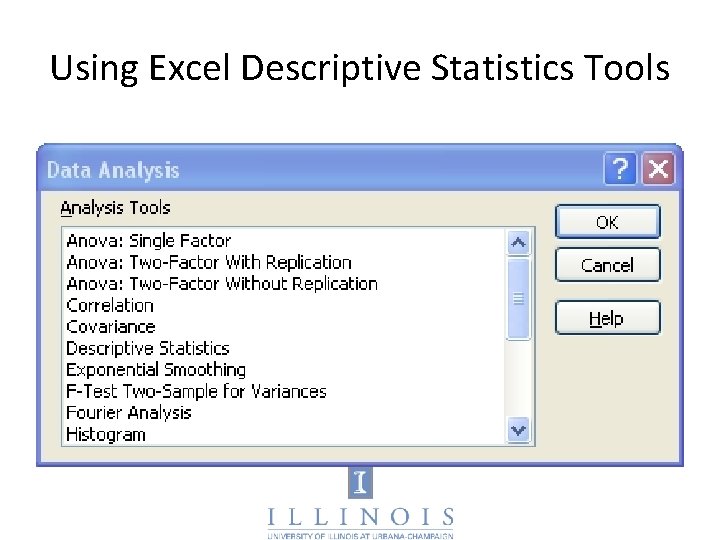
Using Excel Descriptive Statistics Tools
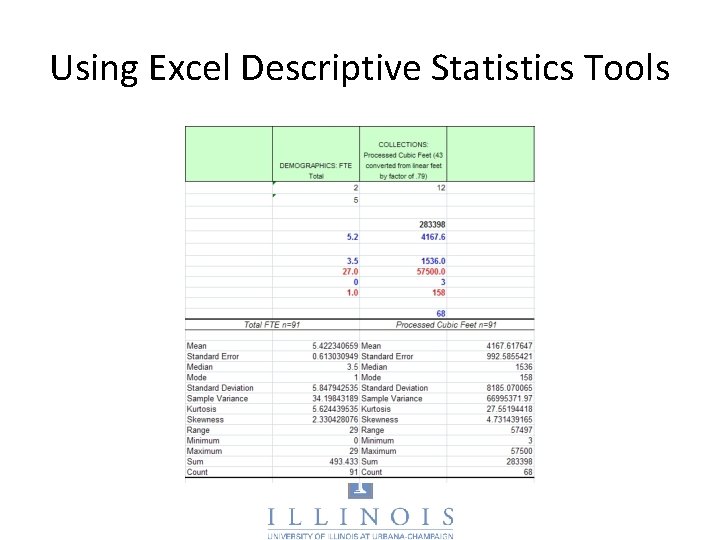
Using Excel Descriptive Statistics Tools
Using Excel Descriptive Statistics Tools
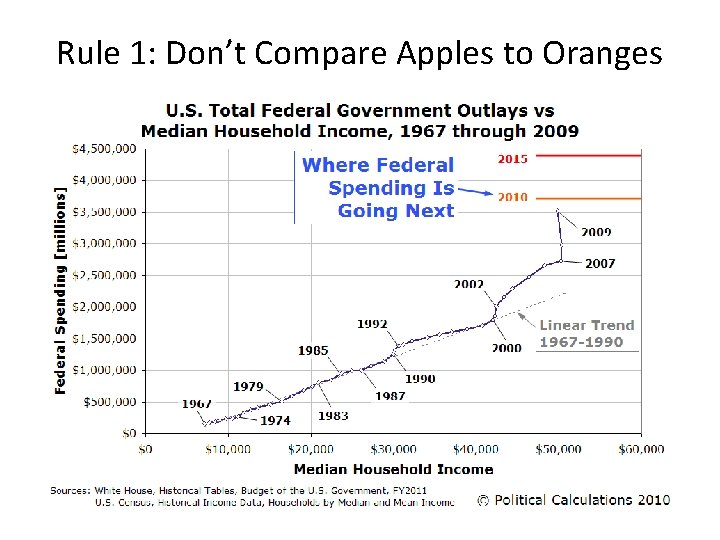
Rule 1: Don’t Compare Apples to Oranges
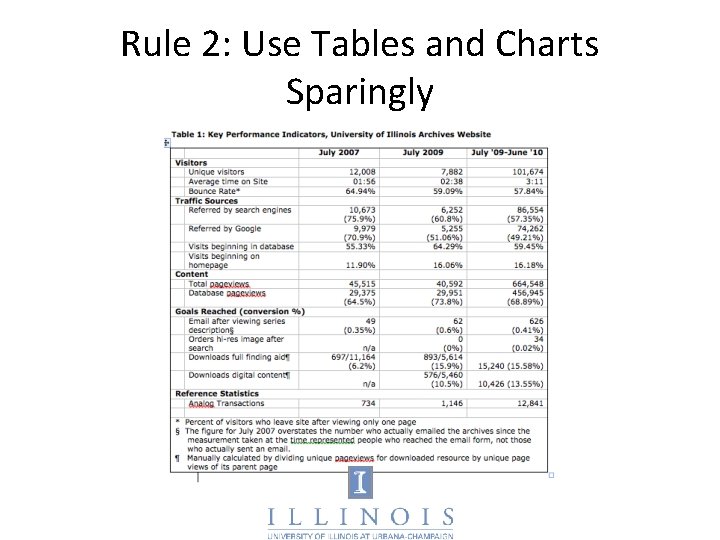
Rule 2: Use Tables and Charts Sparingly
Rule 3: Report What’s Meaningful • Common methods to show statistical significance – Limitations of Descriptive Stats – Correlation (CAUTION) – Variation from mean (in terms of standard deviations) – T-test (is difference between two means significant) • Use qualitative information to support the ‘why’ questions • Persuasive analysis should comprise heart of your report
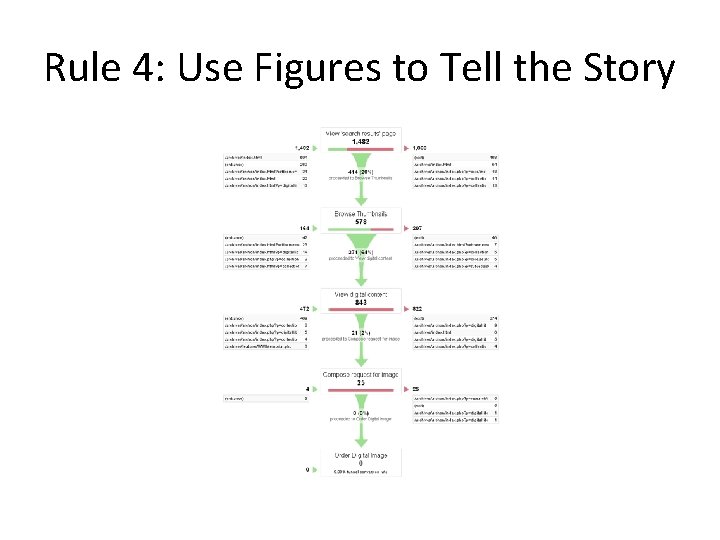
Rule 4: Use Figures to Tell the Story
Quantitative Methods: Conducting a User Survey and Interpreting Data Midwest Archives Conference Fall Symposium October 22, 2010 Dayton, Ohio Christopher J. Prom, Ph. D Assistant University Archivist and Associate Professor University of Illinois at Urbana-Champaign prom@illinois. edu