
QR Codes What are they What are they
- Slides: 12
QR Codes What are they? What are they used for? How they are being used with the South Gloucestershire in the First World War project Memorials Website How to create a QR code Presentation by Cherry Hubbard January 2018
What is a QR Code? • QR is short for Quick Response (they can be read quickly by a cell phone). They are used to take a piece of information from a transitory media and put it into your mobile. • For example, if you scan a QR code in a magazine advert then the website for that company comes up straight away on your device instead of having to use a search engine.
How do I get a QR code on my phone and how do I read one? • There is a QR app which you can install on your smart phone by going to the ‘app store’ • Open the QR code reader app installed on your device • Scan the QR code by lining it up inside the window on your screen. • The barcode is decoded on your device and specific instructions are sent to the app for appropriate action. e. g. opening a specific website.
Where can you use a QR code for your business? A QR code can be used on any publicity, from leaflets to t-shirts anywhere you think it might be useful to attract your audience to your website for the information they require.
Advantages of QR codes • In a heritage context a QR code can attract a different audience than those that would normally be interested in heritage. • Probably a new heritage audience who is media savvy and likes instant information. 94% of users use their smart phones to access information. • It will give a positive, up to date impression of the Museum. • They don’t have to write down a web address or phone number. It makes it easy for the audience to find the information. • It can be used to highlight particular things, like exhibitions or particular places.
Disadvantages of using a QR code • The other side of the coin is that it is designed for use with modern technology and if the audience do not have a mobile device or smart phone then it is useless to them. • So a QR code should be looked at as just one of the useful tools now available to us as part of a marketing plan. • Be aware that certain permissions are needed to put QR codes in certain public places.
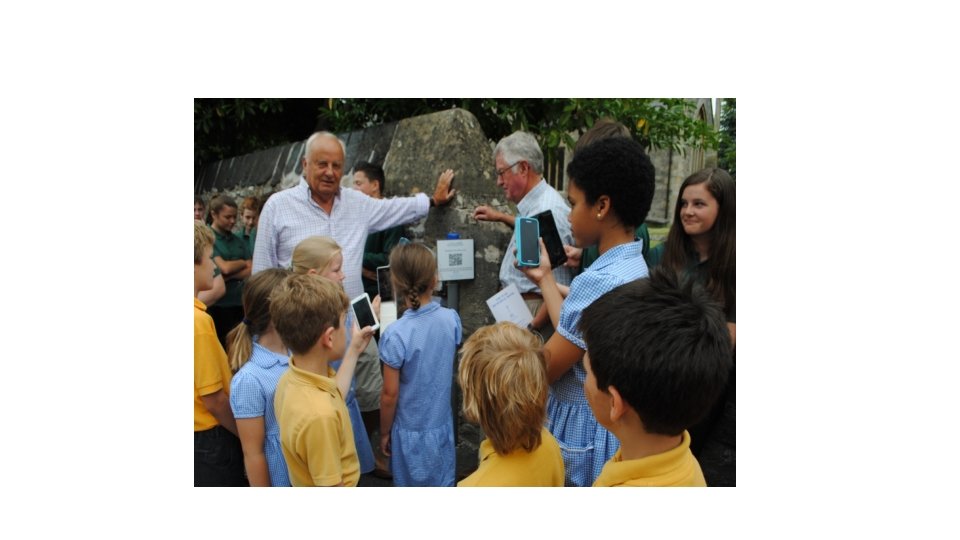
Planning • First set up your website with all the information clearly available. • Decide where you would like to position The QR codes • Gain permissions if necessary – War Memorials are listed. • Other interested parties – parish council – highways – etc. • Set up site meetings • Get approval for final decisions • Create code • Install • Publicise
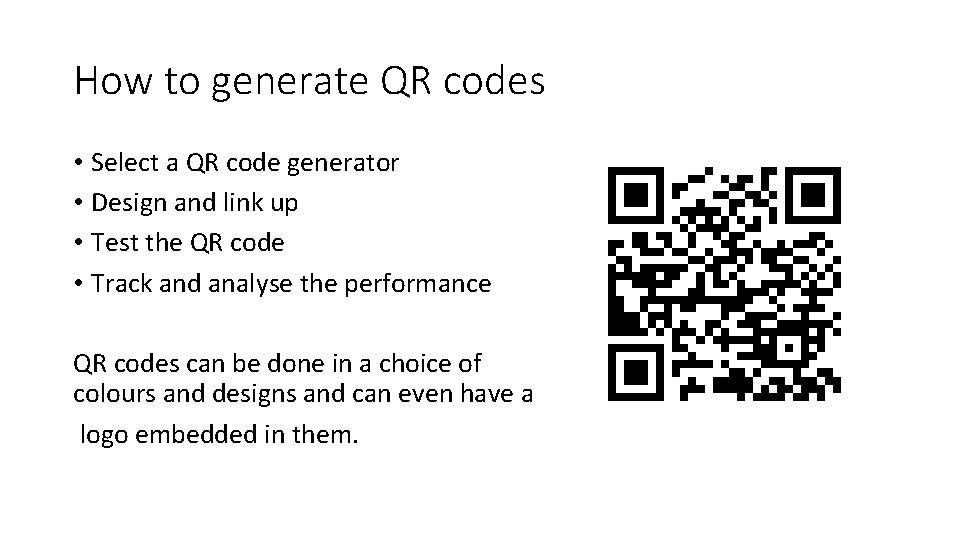
How to generate QR codes • Select a QR code generator • Design and link up • Test the QR code • Track and analyse the performance QR codes can be done in a choice of colours and designs and can even have a logo embedded in them.
Advice on how to position QR codes • Put QR codes where scanning is easy • Make sure the webpage they are going to gives a good mobile friendly experience. • Do include user instructions by your code, not every one knows what they are. • Make sure you choose one that can be read universally. • Make sure you are using it in the right place.
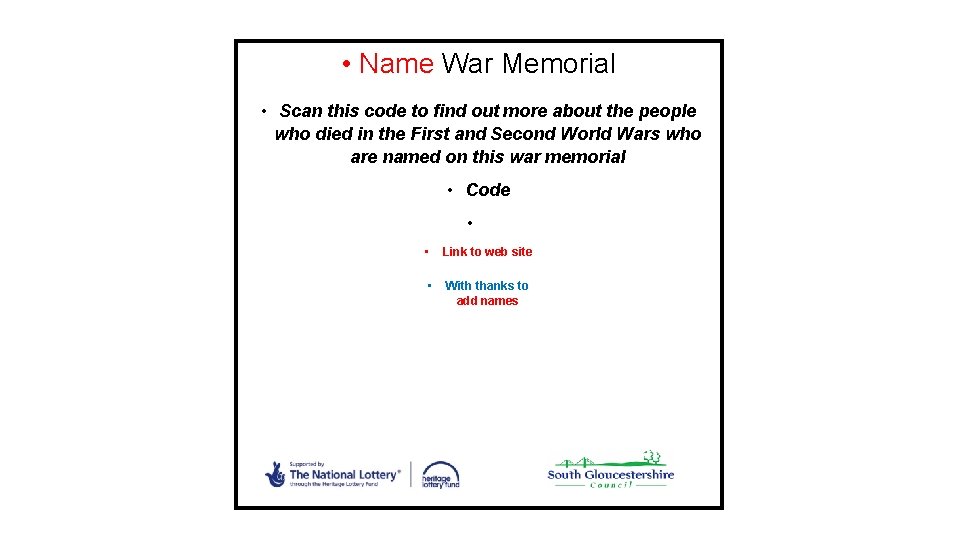
• Name War Memorial • Scan this code to find out more about the people who died in the First and Second World Wars who are named on this war memorial • Code • • • Link to web site With thanks to add names
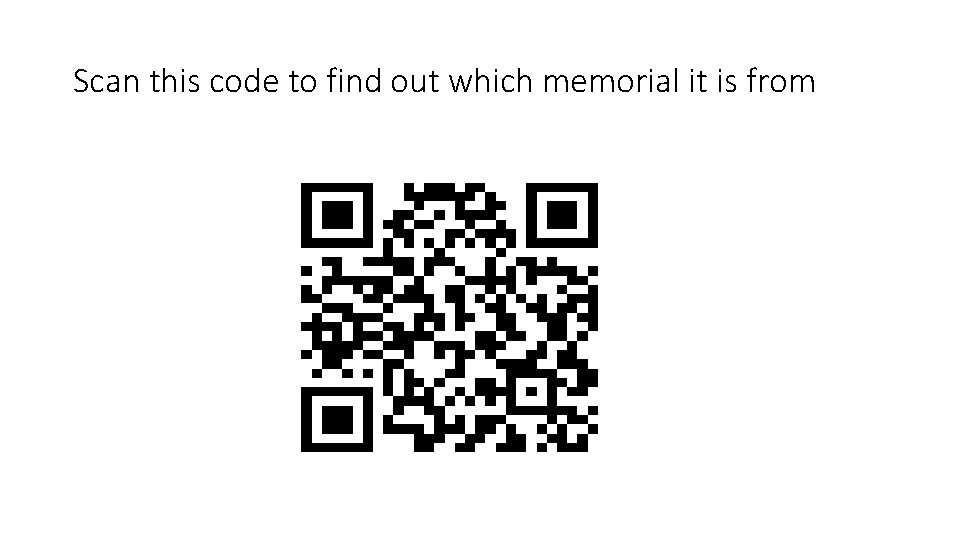
Scan this code to find out which memorial it is from