
Qr codes What are they QR stands for



- Slides: 9
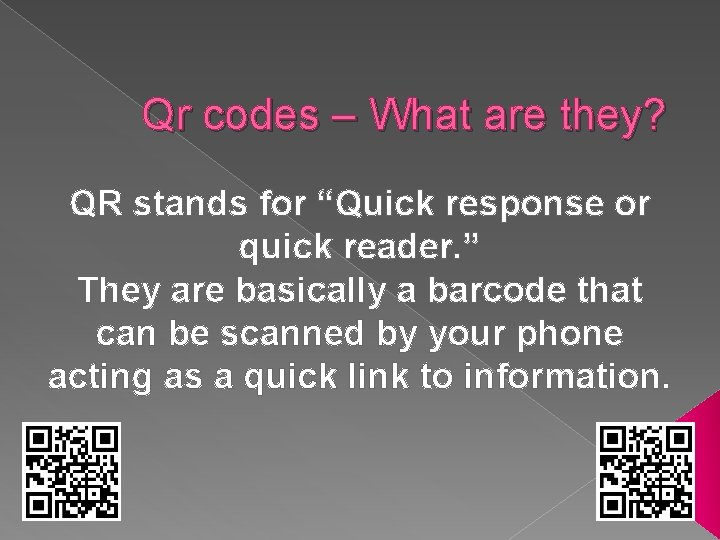
Qr codes – What are they? QR stands for “Quick response or quick reader. ” They are basically a barcode that can be scanned by your phone acting as a quick link to information.
What can I use them for in Education? � Linking to a school website page � Linking to a class blog � Linking to student writing � Giving instructions to students
How do I use them? � In order to scan a qr code, you will need to download a qr scanner or reader app. There are many free ones available. Check out the app store.
How do I make a qr code? You need to search for and choose a qr code generator on the internet. There are many to choose from. Some are listed below. � QRLicisous � QR Code Generator � Kaywa QR Code � Maestro
Follow these simples steps �I am going to a qr generator called GOQR. me. � Google GOQR
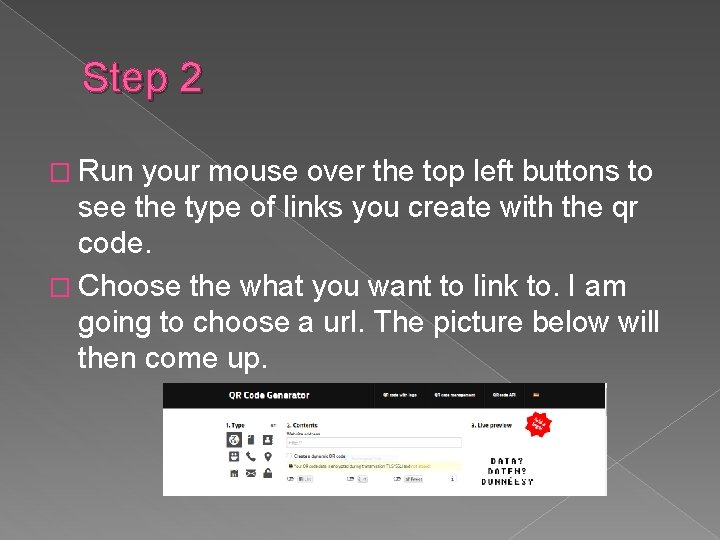
Step 2 � Run your mouse over the top left buttons to see the type of links you create with the qr code. � Choose the what you want to link to. I am going to choose a url. The picture below will then come up.
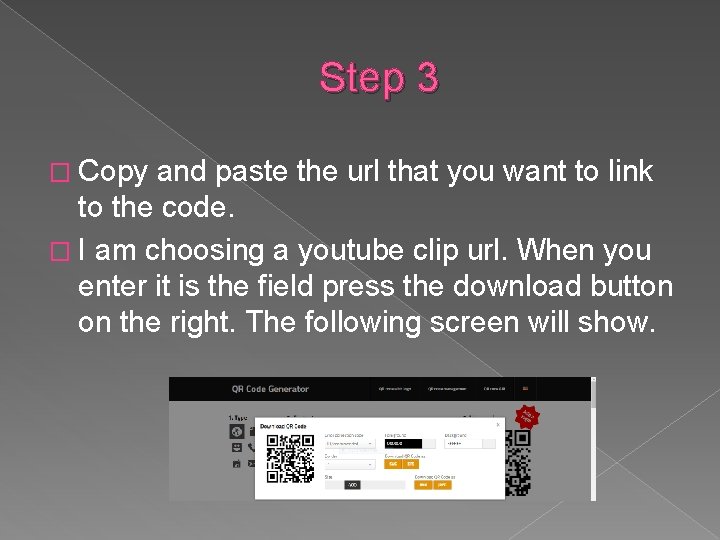
Step 3 � Copy and paste the url that you want to link to the code. � I am choosing a youtube clip url. When you enter it is the field press the download button on the right. The following screen will show.
Step 3 cont. � Once this field pops up you can choose to download as a png or jpeg file. I am going to choose jpeg. � The image will then download and you can choose to print it off either as a jpeg or you can save to a document and print it off.
Step 4. � All ready to go. . . Print off this code and scan. .