
Python Notebooks for AI Why Python Python has
Python & Notebooks for AI
Why Python • Python has become the most popular programming language today by some metrics • It’s a great higher-level programming language – Easy to learn and use – Many interesting and powerful features – Large library of modules; easy to install • Drawbacks: slow (interpreted); few built-in datatypes (no arrays!), poor multiprocessing, … • Overcome by new modules implementing efficient data structures in C (e. g. , Numpy)
Why Python for AI? • AI is currently undergoing a Cambrian explosion • New ideas appear every week and must be evaluated and explored rapidly to maintain an advantage or even keep up – Applies to companies, researchers, students • Python is great for rapid development • New neural network packages (e. g. , Tensor. Flow, Py. Torch) use efficient C modules for expensive computing parts, visualization, etc.
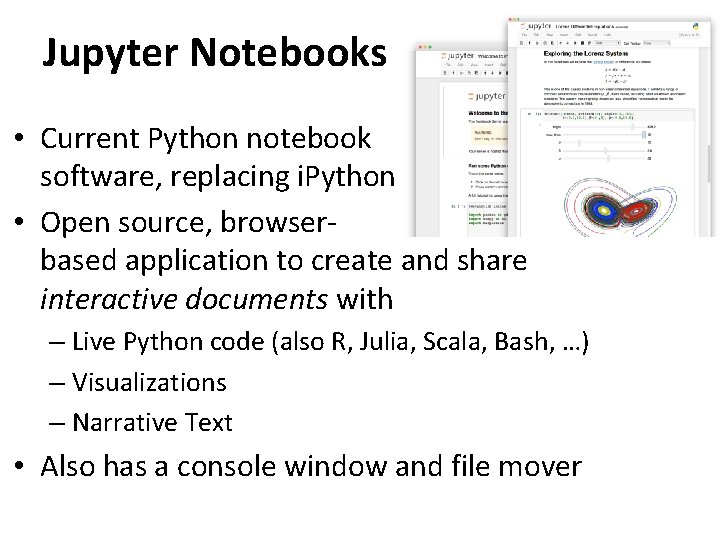
Jupyter Notebooks • Current Python notebook software, replacing i. Python • Open source, browserbased application to create and share interactive documents with – Live Python code (also R, Julia, Scala, Bash, …) – Visualizations – Narrative Text • Also has a console window and file mover
Many ways to use… • Install on your computer – Pip install jupyter; cd to working directory; execute command “jupyter notebook”; visit browser • In your browser, access UMBC’s remote Jupyter server, https: //jupyter. rs. umbc. edu/ – Requires authorization and then logging in • Access Google’s free Colab server at https: //colab. research. google. com/ – Powerful, harder to work with your local files • Binder https: //jupyter. org/binder is another free remote service
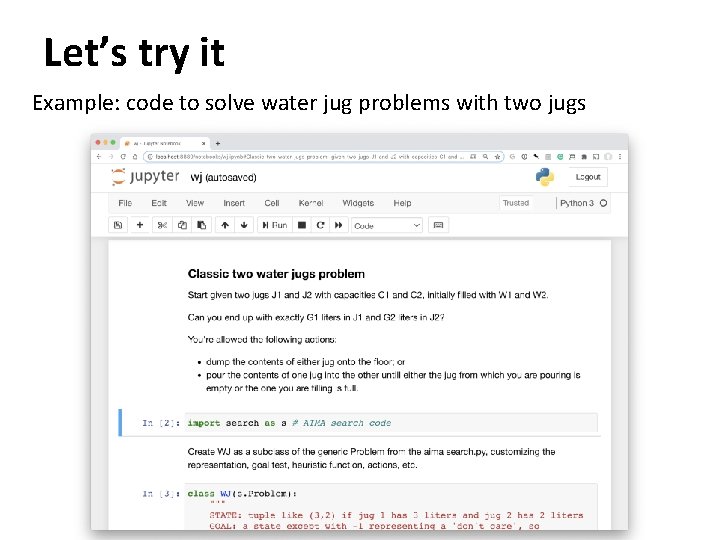
Let’s try it Example: code to solve water jug problems with two jugs
- Slides: 6