
Python dicts and sets Some material adapted from

![Creating & accessing dictionaries >>> d = {‘user’: ‘bozo’, ‘pswd’: 1234} >>> d[‘user’] ‘bozo’](https://slidetodoc.com/presentation_image_h2/f37c66dd9e81f4b13c3588d95da6281c/image-4.jpg "Creating & accessing dictionaries >>> d = {‘user’: ‘bozo’, ‘pswd’: 1234} >>> d[‘user’] ‘bozo’")
![Updating Dictionaries >>> d = {‘user’: ‘bozo’, ‘pswd’: 1234} >>> d[‘user’] = ‘clown’ >>>](https://slidetodoc.com/presentation_image_h2/f37c66dd9e81f4b13c3588d95da6281c/image-5.jpg "Updating Dictionaries >>> d = {‘user’: ‘bozo’, ‘pswd’: 1234} >>> d[‘user’] = ‘clown’ >>>")


![defaultdict >>> from collections import defaultdict >>> kids = defaultdict(list, {'alice': ['mary', 'nick'], 'bob':](https://slidetodoc.com/presentation_image_h2/f37c66dd9e81f4b13c3588d95da6281c/image-18.jpg "defaultdict >>> from collections import defaultdict >>> kids = defaultdict(list, {'alice': ['mary', 'nick'], 'bob':")
- Slides: 18
Python dicts and sets Some material adapted from Upenn cis 391 slides and other sources
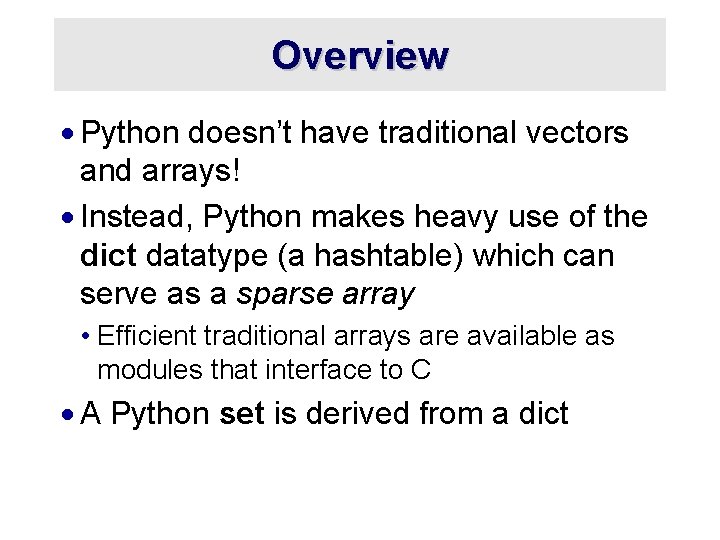
Overview · Python doesn’t have traditional vectors and arrays! · Instead, Python makes heavy use of the dict datatype (a hashtable) which can serve as a sparse array • Efficient traditional arrays are available as modules that interface to C · A Python set is derived from a dict
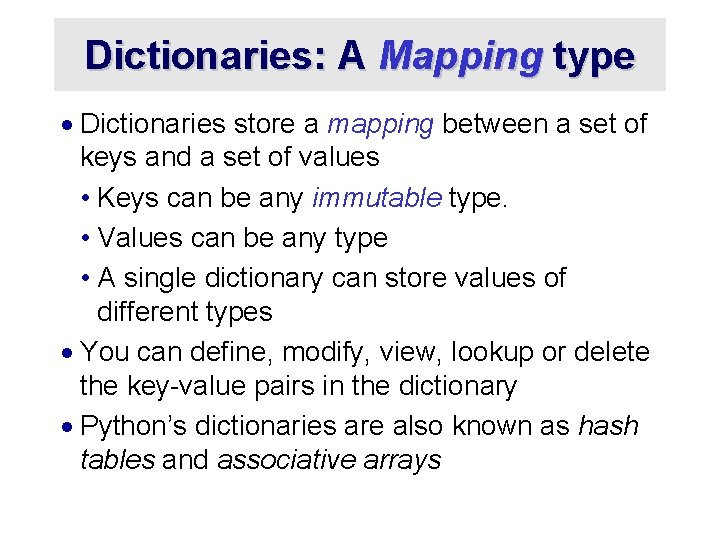
Dictionaries: A Mapping type · Dictionaries store a mapping between a set of keys and a set of values • Keys can be any immutable type. • Values can be any type • A single dictionary can store values of different types · You can define, modify, view, lookup or delete the key-value pairs in the dictionary · Python’s dictionaries are also known as hash tables and associative arrays
Creating & accessing dictionaries >>> d = {‘user’: ‘bozo’, ‘pswd’: 1234} >>> d[‘user’] ‘bozo’ >>> d[‘pswd’] 1234 >>> d[‘bozo’] Traceback (innermost last): File ‘<interactive input>’ line 1, in ? Key. Error: bozo
Updating Dictionaries >>> d = {‘user’: ‘bozo’, ‘pswd’: 1234} >>> d[‘user’] = ‘clown’ >>> d {‘user’: ‘clown’, ‘pswd’: 1234} · Keys must be unique · Assigning to an existing key replaces its value >>> d[‘id’] = 45 >>> d {‘user’: ‘clown’, ‘id’: 45, ‘pswd’: 1234} · Dictionaries are unordered • New entries can appear anywhere in output · Dictionaries work by hashing
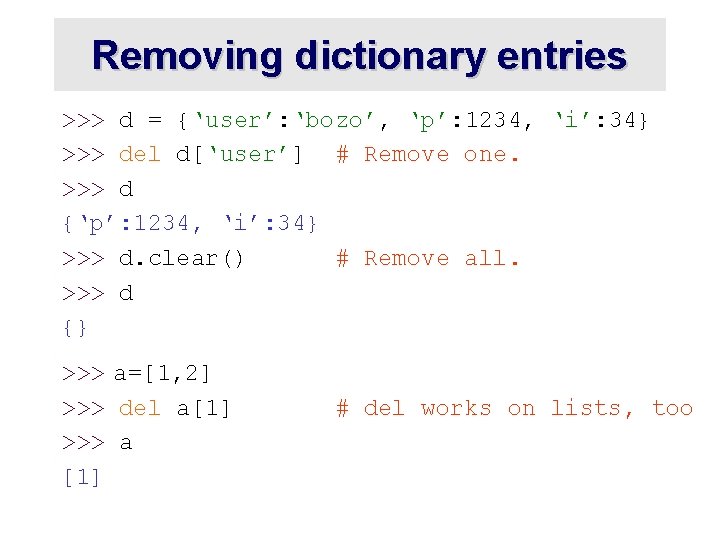
Removing dictionary entries >>> d = {‘user’: ‘bozo’, ‘p’: 1234, ‘i’: 34} >>> del d[‘user’] # Remove one. >>> d {‘p’: 1234, ‘i’: 34} >>> d. clear() # Remove all. >>> d {} >>> a=[1, 2] >>> del a[1] >>> a [1] # del works on lists, too
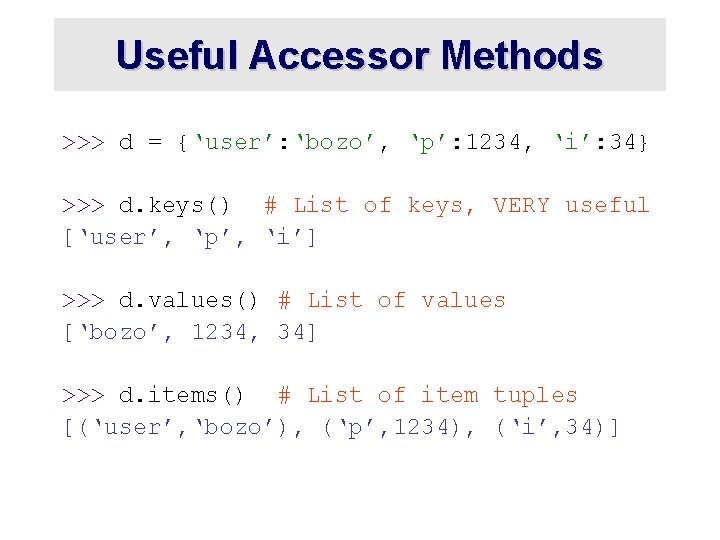
Useful Accessor Methods >>> d = {‘user’: ‘bozo’, ‘p’: 1234, ‘i’: 34} >>> d. keys() # List of keys, VERY useful [‘user’, ‘p’, ‘i’] >>> d. values() # List of values [‘bozo’, 1234, 34] >>> d. items() # List of item tuples [(‘user’, ‘bozo’), (‘p’, 1234), (‘i’, 34)]
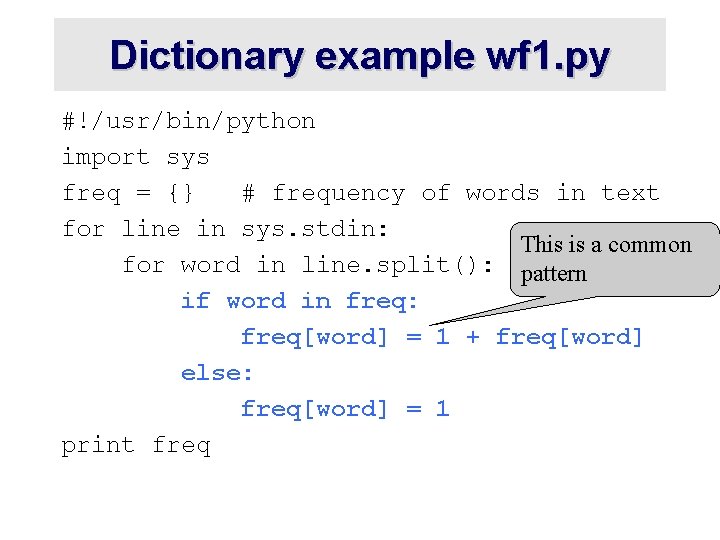
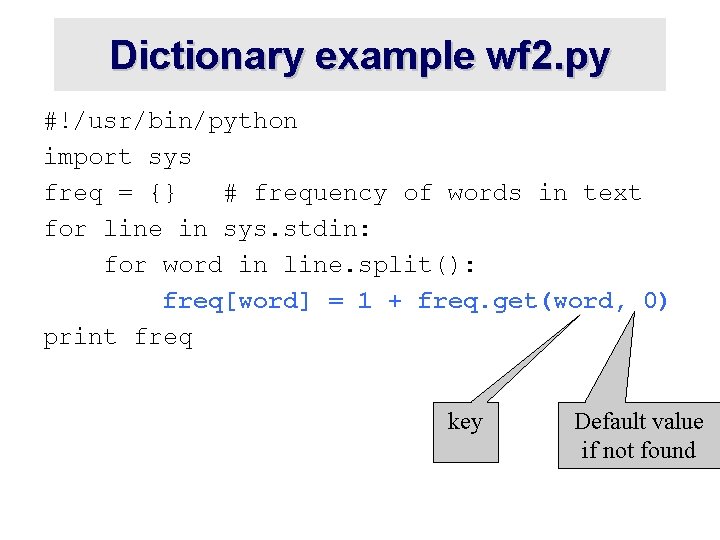
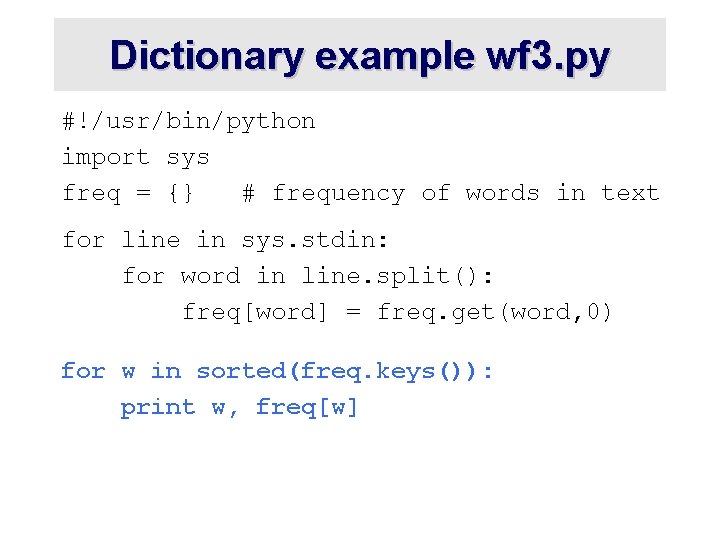
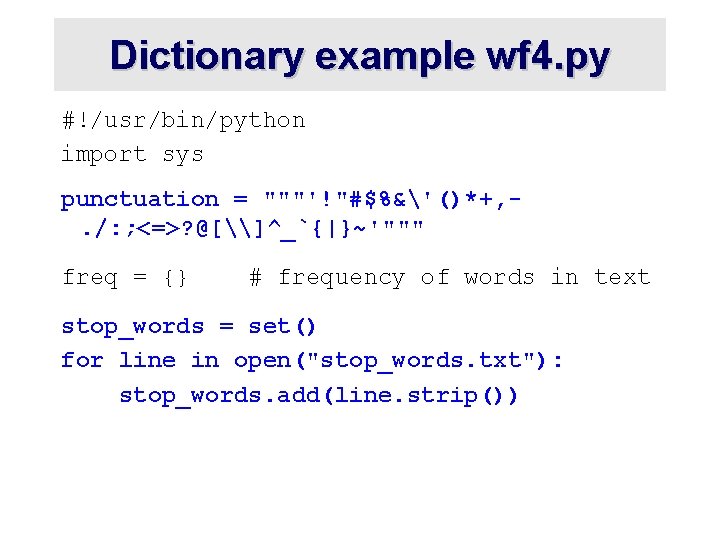
A Dictionary Example Problem: count the frequency of each word in text read from the standard input, print results Six versions of increasing complexity ·wf 1. py is a simple start ·wf 2. py uses a common idiom for default values ·wf 3. py sorts the output alphabetically ·wf 4. py downcase and strip punctuation from words and ignore stop words ·wf 5. py sort output by frequency ·wf 6. py add command line options: -n, -t, -h
Dictionary example: wf 1. py #!/usr/bin/python import sys freq = {} # frequency of words in text for line in sys. stdin: for word in line. split(): if word in freq: freq[word] = 1 + freq[word] else: freq[word] = 1 print freq
Dictionary example wf 1. py #!/usr/bin/python import sys freq = {} # frequency of words in text for line in sys. stdin: This is a common for word in line. split(): pattern if word in freq: freq[word] = 1 + freq[word] else: freq[word] = 1 print freq
Dictionary example wf 2. py #!/usr/bin/python import sys freq = {} # frequency of words in text for line in sys. stdin: for word in line. split(): freq[word] = 1 + freq. get(word, 0) print freq key Default value if not found
Dictionary example wf 3. py #!/usr/bin/python import sys freq = {} # frequency of words in text for line in sys. stdin: for word in line. split(): freq[word] = freq. get(word, 0) for w in sorted(freq. keys()): print w, freq[w]
Dictionary example wf 4. py #!/usr/bin/python import sys punctuation = """'!"#$%&'()*+, . /: ; <=>? @[\]^_`{|}~'""" freq = {} # frequency of words in text stop_words = set() for line in open("stop_words. txt"): stop_words. add(line. strip())
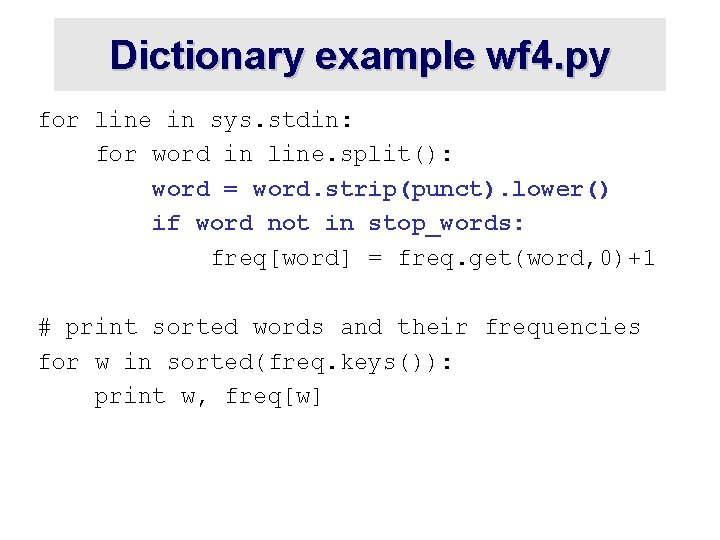
Dictionary example wf 4. py for line in sys. stdin: for word in line. split(): word = word. strip(punct). lower() if word not in stop_words: freq[word] = freq. get(word, 0)+1 # print sorted words and their frequencies for w in sorted(freq. keys()): print w, freq[w]
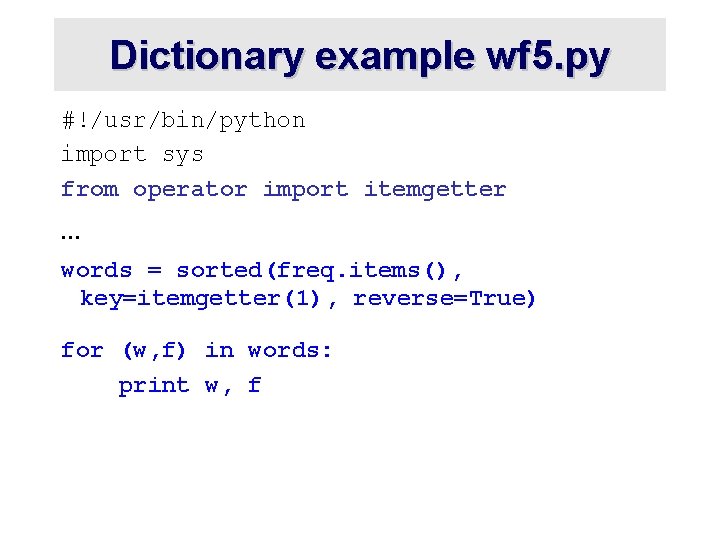
Dictionary example wf 5. py #!/usr/bin/python import sys from operator import itemgetter … words = sorted(freq. items(), key=itemgetter(1), reverse=True) for (w, f) in words: print w, f
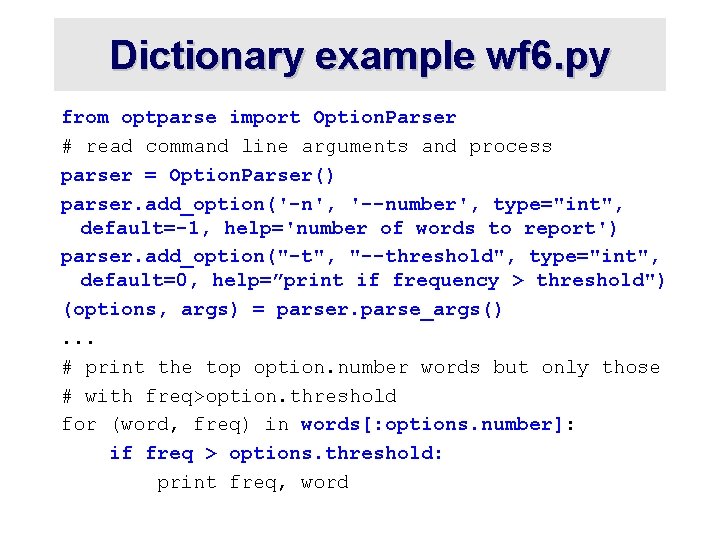
Dictionary example wf 6. py from optparse import Option. Parser # read command line arguments and process parser = Option. Parser() parser. add_option('-n', '--number', type="int", default=-1, help='number of words to report') parser. add_option("-t", "--threshold", type="int", default=0, help=”print if frequency > threshold") (options, args) = parser. parse_args(). . . # print the top option. number words but only those # with freq>option. threshold for (word, freq) in words[: options. number]: if freq > options. threshold: print freq, word
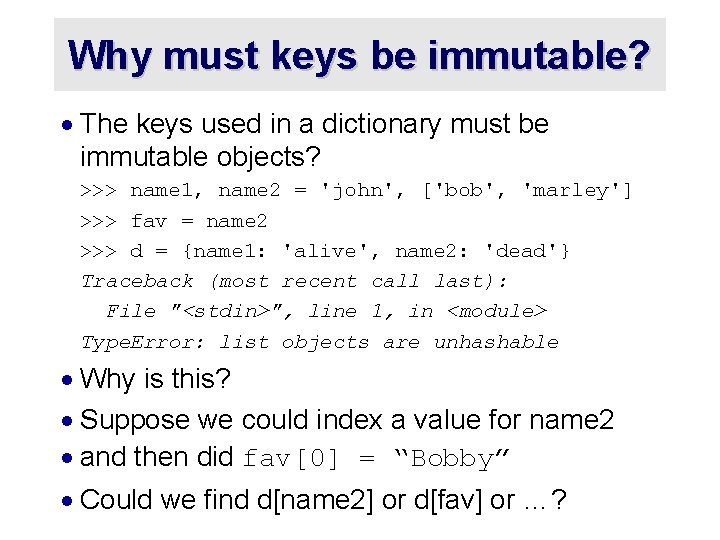
Why must keys be immutable? · The keys used in a dictionary must be immutable objects? >>> name 1, name 2 = 'john', ['bob', 'marley'] >>> fav = name 2 >>> d = {name 1: 'alive', name 2: 'dead'} Traceback (most recent call last): File "<stdin>", line 1, in <module> Type. Error: list objects are unhashable · Why is this? · Suppose we could index a value for name 2 · and then did fav[0] = “Bobby” · Could we find d[name 2] or d[fav] or …?
defaultdict >>> from collections import defaultdict >>> kids = defaultdict(list, {'alice': ['mary', 'nick'], 'bob': ['oscar', 'peggy']}) >>> kids['bob'] ['oscar', 'peggy'] >>> kids['carol'] [] >>> age = defaultdict(int) >>> age['alice'] = 30 >>> age['bob'] += 1 >>> age defaultdict(<type 'int'>, {'bob': 1, 'alice': 30})