
Python Control of Flow if Statements if x

- Slides: 11
Python Control of Flow
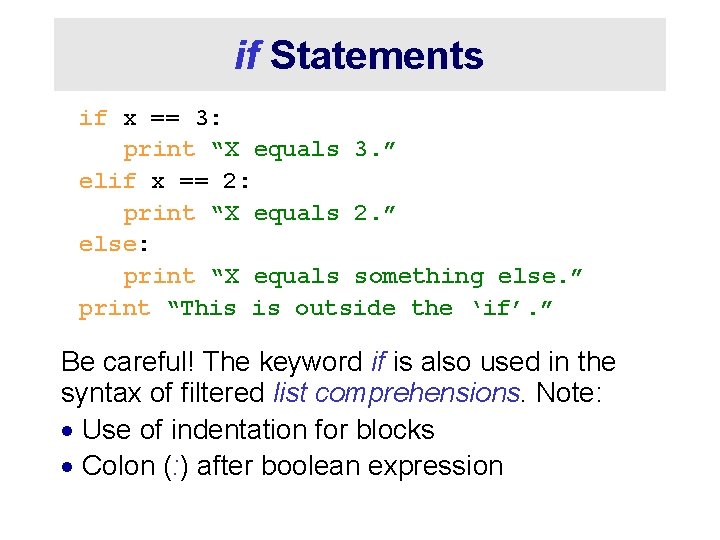
if Statements if x == 3: print “X equals 3. ” elif x == 2: print “X equals 2. ” else: print “X equals something else. ” print “This is outside the ‘if’. ” Be careful! The keyword if is also used in the syntax of filtered list comprehensions. Note: · Use of indentation for blocks · Colon (: ) after boolean expression
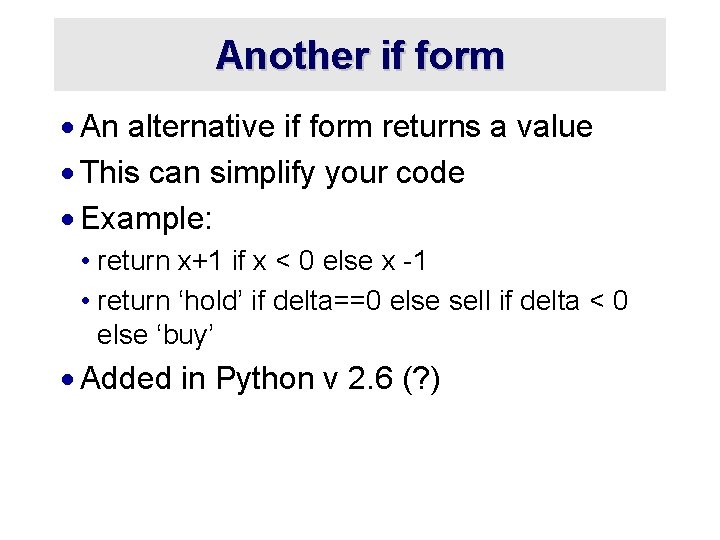
Another if form · An alternative if form returns a value · This can simplify your code · Example: • return x+1 if x < 0 else x -1 • return ‘hold’ if delta==0 else sell if delta < 0 else ‘buy’ · Added in Python v 2. 6 (? )
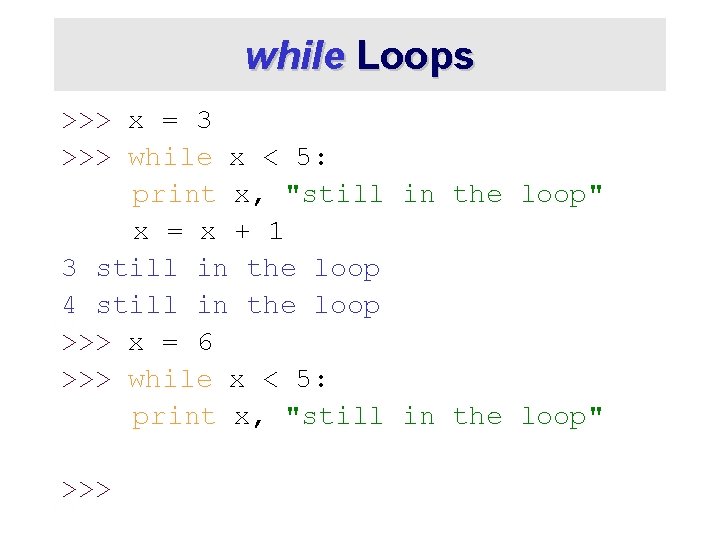
while Loops >>> x = 3 >>> while x < 5: print x, "still in the loop" x = x + 1 3 still in the loop 4 still in the loop >>> x = 6 >>> while x < 5: print x, "still in the loop" >>>
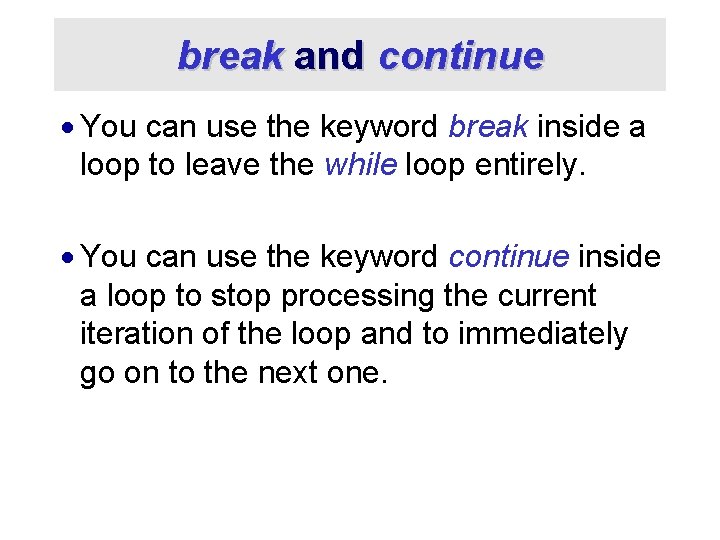
break and continue · You can use the keyword break inside a loop to leave the while loop entirely. · You can use the keyword continue inside a loop to stop processing the current iteration of the loop and to immediately go on to the next one.
For Loops
For Loops / List Comprehensions · Python’s list comprehensions provide a natural idiom that usually requires a for-loop in other programming languages. • As a result, Python code uses many fewer for -loops • Nevertheless, it’s important to learn about for -loops. · Take care! The keywords for and in are also used in the syntax of list comprehensions, but this is a totally different construction.
For Loops 1 · A for-loop steps through each of the items in a collection type, or any other type of object which is “iterable” for <item> in <collection>: <statements> · If <collection> is a list or a tuple, then the loop steps through each element of the sequence · If <collection> is a string, then the loop steps through each character of the string for some. Char in “Hello World”: print some. Char
For Loops 2 for <item> in <collection>: <statements> · <item> can be more than a single variable name · When the <collection> elements are themselves sequences, then <item> can match the structure of the elements. · This multiple assignment can make it easier to access the individual parts of each element for (x, y) in [(a, 1), (b, 2), (c, 3), (d, 4)]: print x
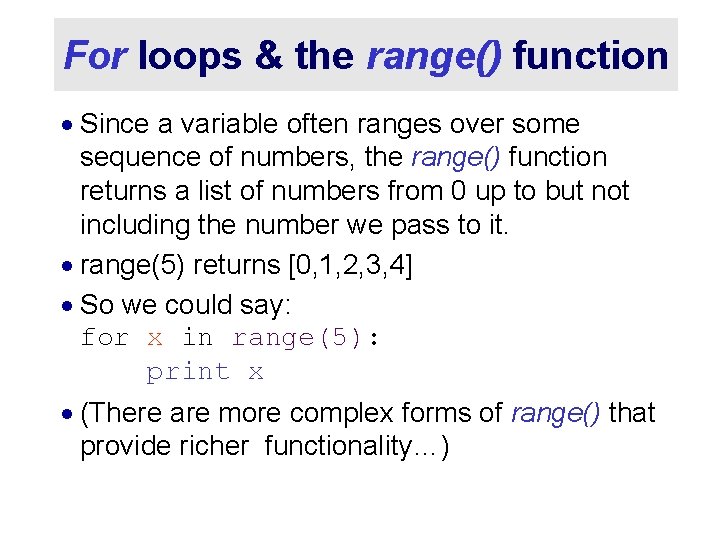
For loops & the range() function · Since a variable often ranges over some sequence of numbers, the range() function returns a list of numbers from 0 up to but not including the number we pass to it. · range(5) returns [0, 1, 2, 3, 4] · So we could say: for x in range(5): print x · (There are more complex forms of range() that provide richer functionality…)
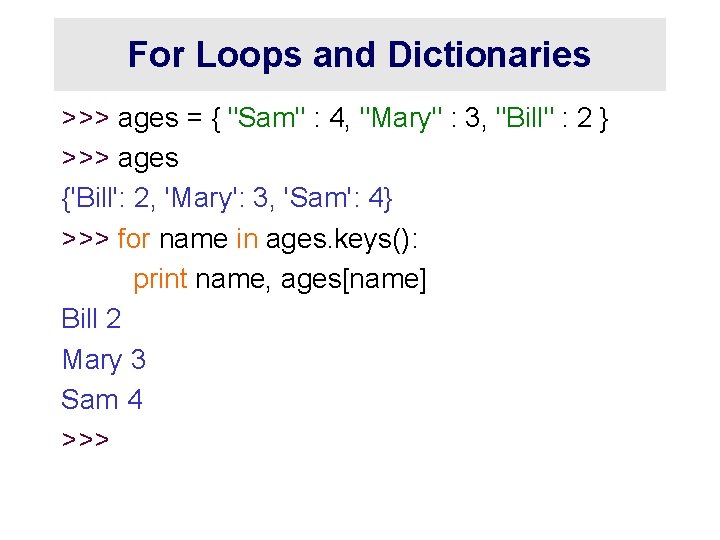
For Loops and Dictionaries >>> ages = { "Sam" : 4, "Mary" : 3, "Bill" : 2 } >>> ages {'Bill': 2, 'Mary': 3, 'Sam': 4} >>> for name in ages. keys(): print name, ages[name] Bill 2 Mary 3 Sam 4 >>>