
PYTHON CONDITIONALS AND RECURSION CHAPTER 5 FROM THINK
- Slides: 20
PYTHON CONDITIONALS AND RECURSION : CHAPTER 5 FROM THINK PYTHON HOW TO THINK LIKE A COMPUTER SCIENTIST
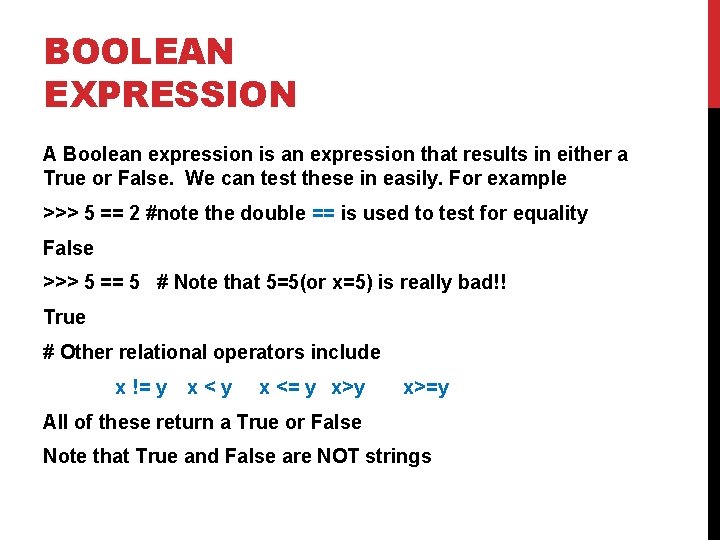
BOOLEAN EXPRESSION A Boolean expression is an expression that results in either a True or False. We can test these in easily. For example >>> 5 == 2 #note the double == is used to test for equality False >>> 5 == 5 # Note that 5=5(or x=5) is really bad!! True # Other relational operators include x != y x<y x <= y x>=y All of these return a True or False Note that True and False are NOT strings
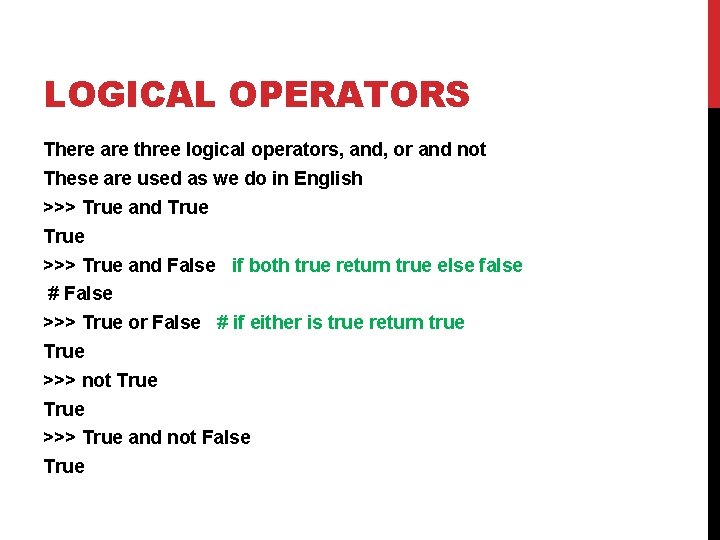
LOGICAL OPERATORS There are three logical operators, and, or and not These are used as we do in English >>> True and True >>> True and False if both true return true else false # False >>> True or False # if either is true return true True >>> not True >>> True and not False True
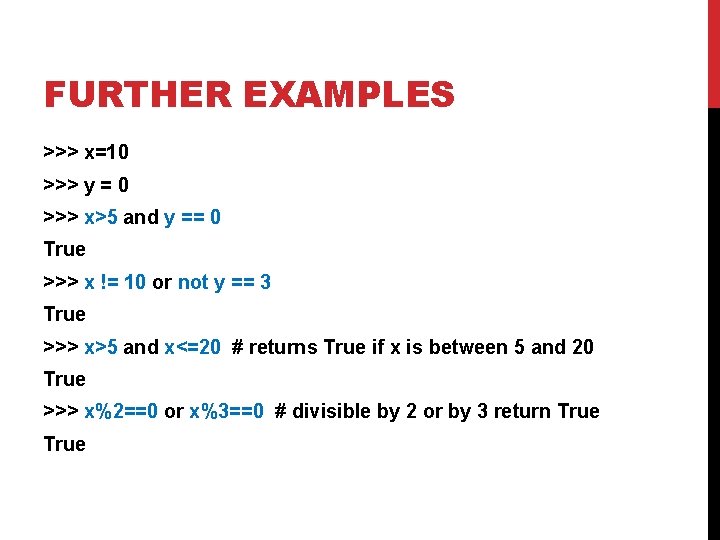
FURTHER EXAMPLES >>> x=10 >>> y = 0 >>> x>5 and y == 0 True >>> x != 10 or not y == 3 True >>> x>5 and x<=20 # returns True if x is between 5 and 20 True >>> x%2==0 or x%3==0 # divisible by 2 or by 3 return True
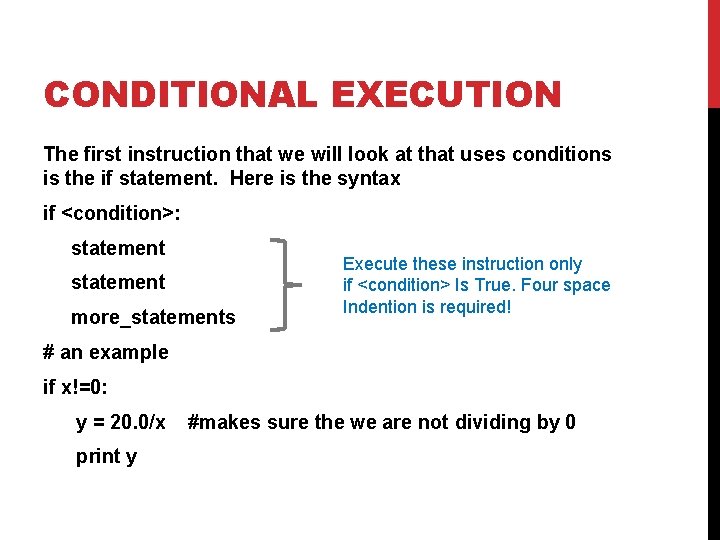
CONDITIONAL EXECUTION The first instruction that we will look at that uses conditions is the if statement. Here is the syntax if <condition>: statement more_statements Execute these instruction only if <condition> Is True. Four space Indention is required! # an example if x!=0: y = 20. 0/x print y #makes sure the we are not dividing by 0
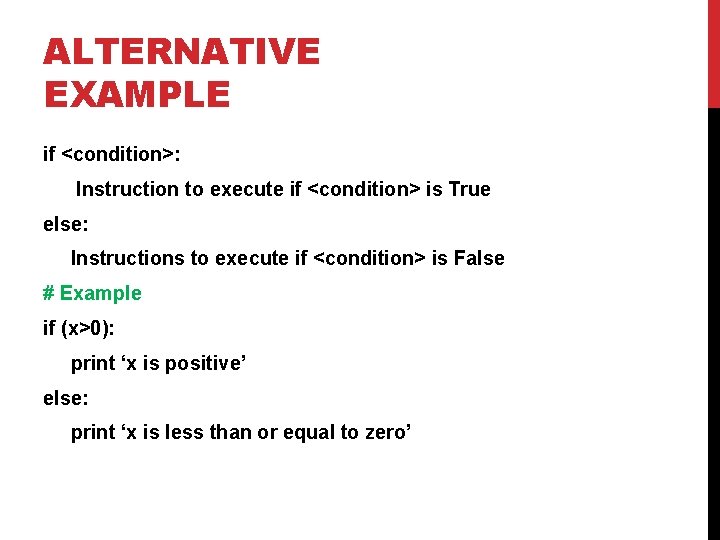
ALTERNATIVE EXAMPLE if <condition>: Instruction to execute if <condition> is True else: Instructions to execute if <condition> is False # Example if (x>0): print ‘x is positive’ else: print ‘x is less than or equal to zero’
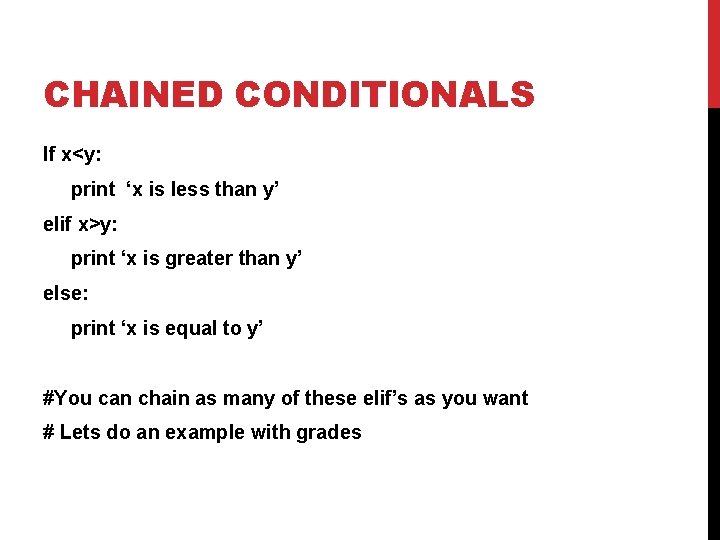
CHAINED CONDITIONALS If x<y: print ‘x is less than y’ elif x>y: print ‘x is greater than y’ else: print ‘x is equal to y’ #You can chain as many of these elif’s as you want # Lets do an example with grades
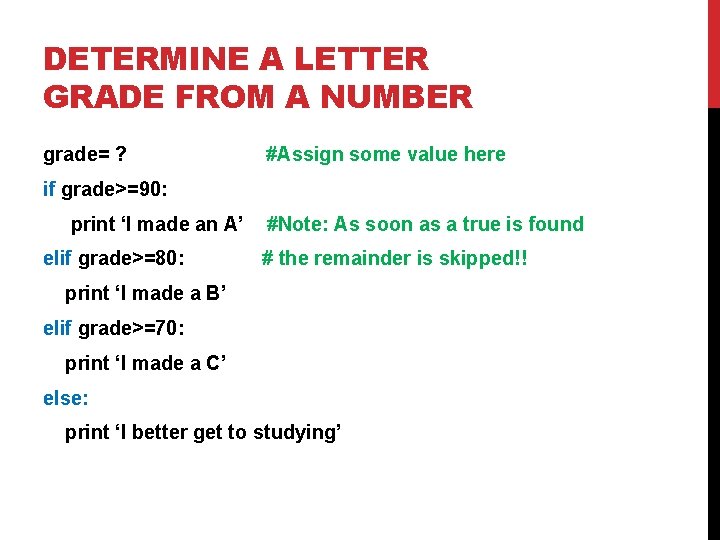
DETERMINE A LETTER GRADE FROM A NUMBER grade= ? #Assign some value here if grade>=90: print ‘I made an A’ elif grade>=80: #Note: As soon as a true is found # the remainder is skipped!! print ‘I made a B’ elif grade>=70: print ‘I made a C’ else: print ‘I better get to studying’
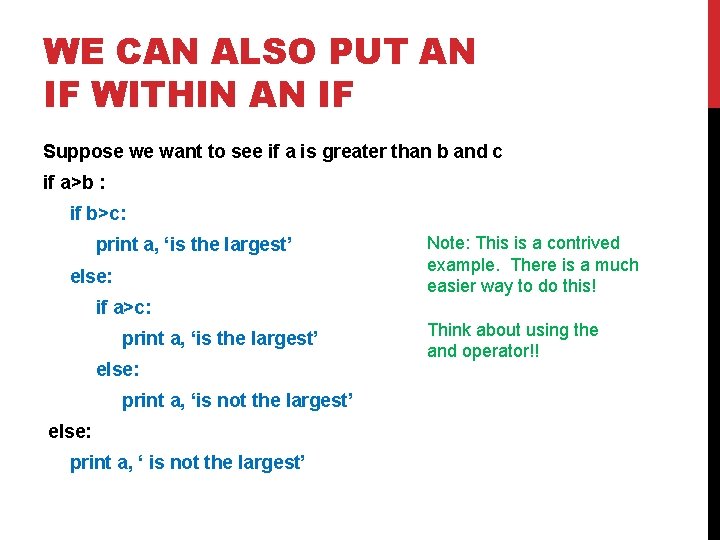
WE CAN ALSO PUT AN IF WITHIN AN IF Suppose we want to see if a is greater than b and c if a>b : if b>c: print a, ‘is the largest’ else: Note: This is a contrived example. There is a much easier way to do this! if a>c: print a, ‘is the largest’ else: print a, ‘is not the largest’ else: print a, ‘ is not the largest’ Think about using the and operator!!
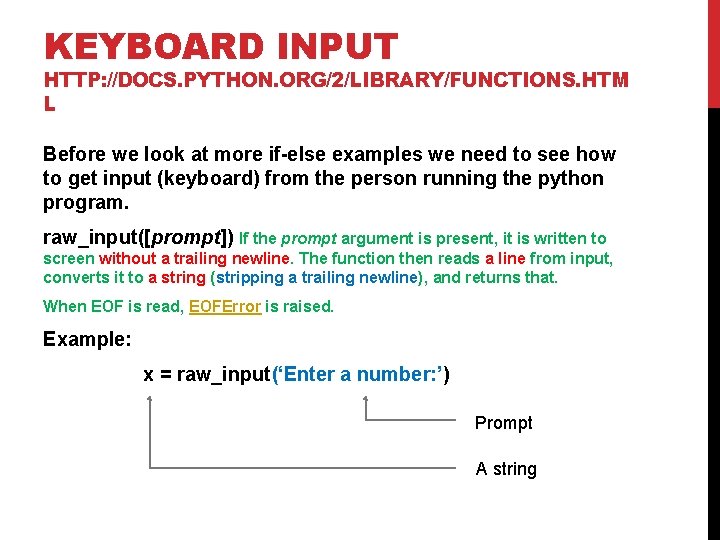
KEYBOARD INPUT HTTP: //DOCS. PYTHON. ORG/2/LIBRARY/FUNCTIONS. HTM L Before we look at more if-else examples we need to see how to get input (keyboard) from the person running the python program. raw_input([prompt]) If the prompt argument is present, it is written to screen without a trailing newline. The function then reads a line from input, converts it to a string (stripping a trailing newline), and returns that. When EOF is read, EOFError is raised. Example: x = raw_input(‘Enter a number: ’) Prompt A string
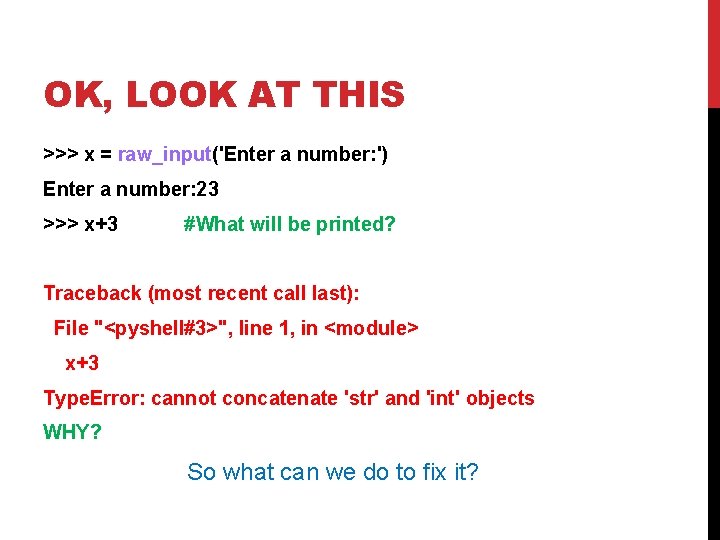
OK, LOOK AT THIS >>> x = raw_input('Enter a number: ') Enter a number: 23 >>> x+3 #What will be printed? Traceback (most recent call last): File "<pyshell#3>", line 1, in <module> x+3 Type. Error: cannot concatenate 'str' and 'int' objects WHY? So what can we do to fix it?
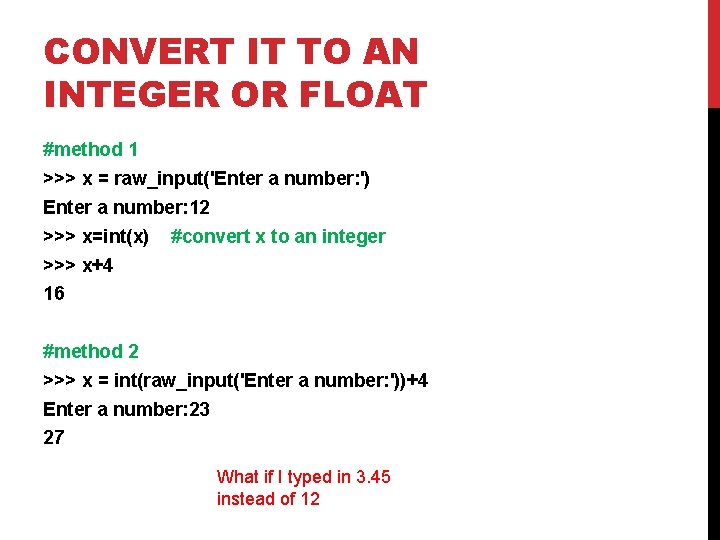
CONVERT IT TO AN INTEGER OR FLOAT #method 1 >>> x = raw_input('Enter a number: ') Enter a number: 12 >>> x=int(x) #convert x to an integer >>> x+4 16 #method 2 >>> x = int(raw_input('Enter a number: '))+4 Enter a number: 23 27 What if I typed in 3. 45 instead of 12
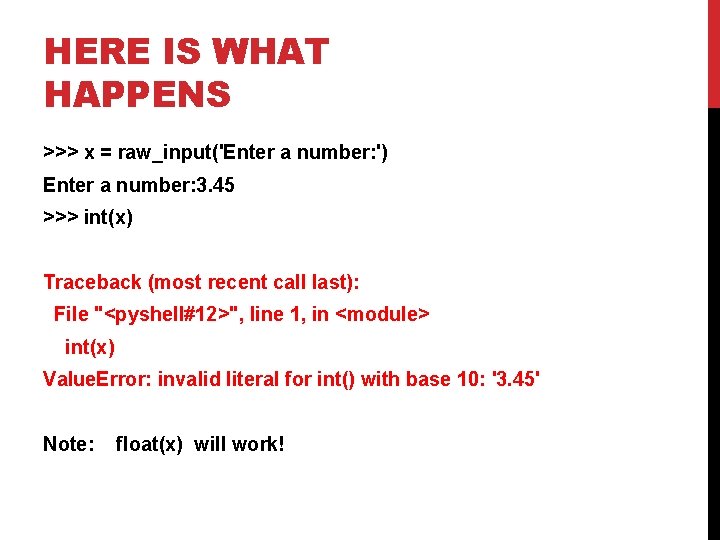
HERE IS WHAT HAPPENS >>> x = raw_input('Enter a number: ') Enter a number: 3. 45 >>> int(x) Traceback (most recent call last): File "<pyshell#12>", line 1, in <module> int(x) Value. Error: invalid literal for int() with base 10: '3. 45' Note: float(x) will work!
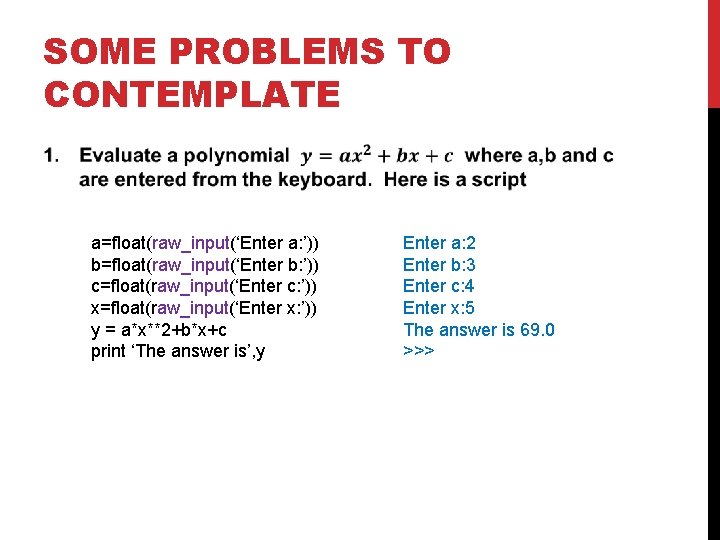
SOME PROBLEMS TO CONTEMPLATE a=float(raw_input(‘Enter a: ’)) b=float(raw_input(‘Enter b: ’)) c=float(raw_input(‘Enter c: ’)) x=float(raw_input(‘Enter x: ’)) y = a*x**2+b*x+c print ‘The answer is’, y Enter a: 2 Enter b: 3 Enter c: 4 Enter x: 5 The answer is 69. 0 >>>
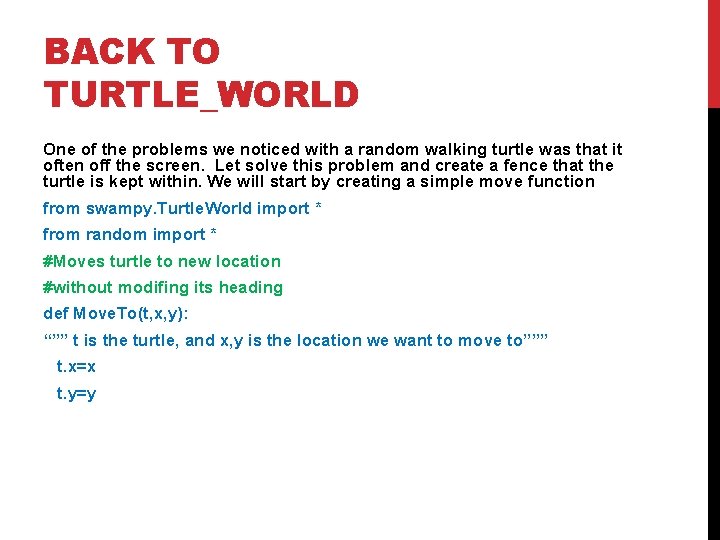
BACK TO TURTLE_WORLD One of the problems we noticed with a random walking turtle was that it often off the screen. Let solve this problem and create a fence that the turtle is kept within. We will start by creating a simple move function from swampy. Turtle. World import * from random import * #Moves turtle to new location #without modifing its heading def Move. To(t, x, y): “”” t is the turtle, and x, y is the location we want to move to””” t. x=x t. y=y
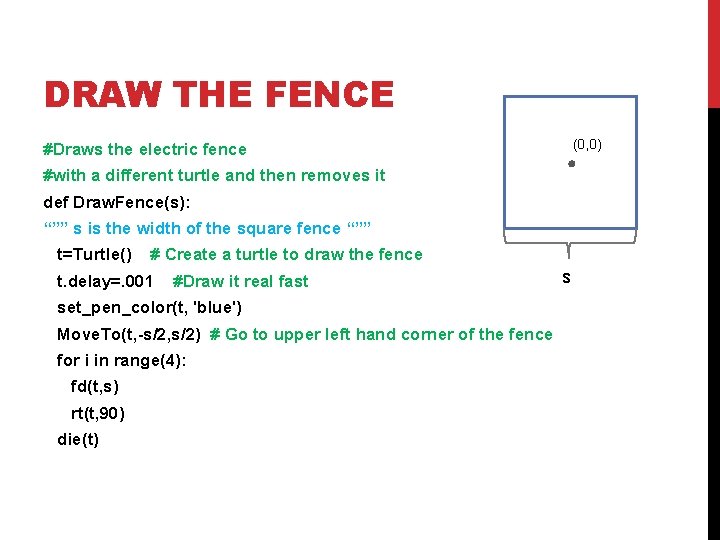
DRAW THE FENCE (0, 0) #Draws the electric fence #with a different turtle and then removes it def Draw. Fence(s): “”” s is the width of the square fence “”” t=Turtle() # Create a turtle to draw the fence t. delay=. 001 #Draw it real fast set_pen_color(t, 'blue') Move. To(t, -s/2, s/2) # Go to upper left hand corner of the fence for i in range(4): fd(t, s) rt(t, 90) die(t) s
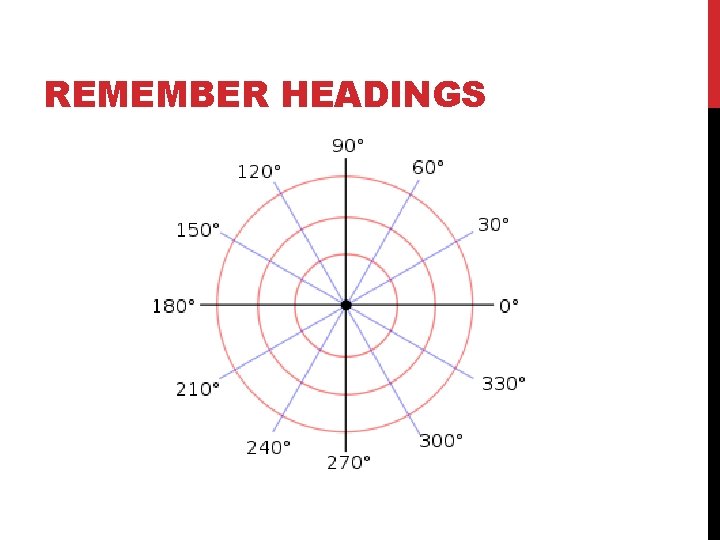
REMEMBER HEADINGS
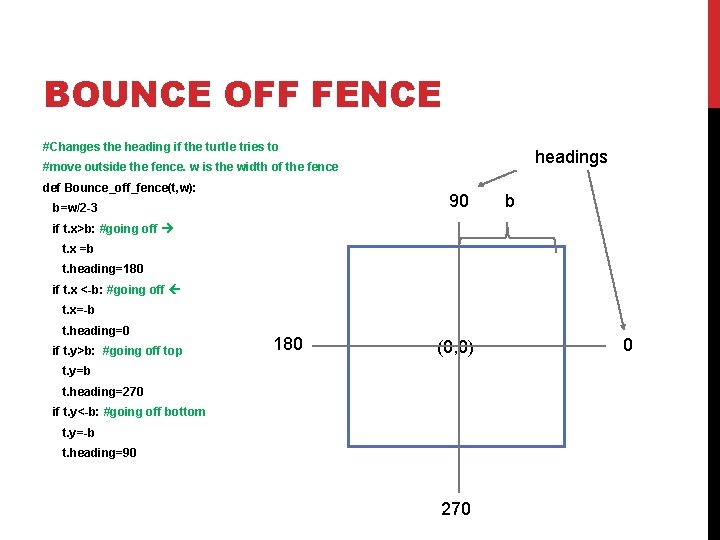
BOUNCE OFF FENCE #Changes the heading if the turtle tries to headings #move outside the fence. w is the width of the fence def Bounce_off_fence(t, w): 90 b=w/2 -3 b if t. x>b: #going off t. x =b t. heading=180 if t. x <-b: #going off t. x=-b t. heading=0 if t. y>b: #going off top 180 (0, 0) t. y=b t. heading=270 if t. y<-b: #going off bottom t. y=-b t. heading=90 270 0
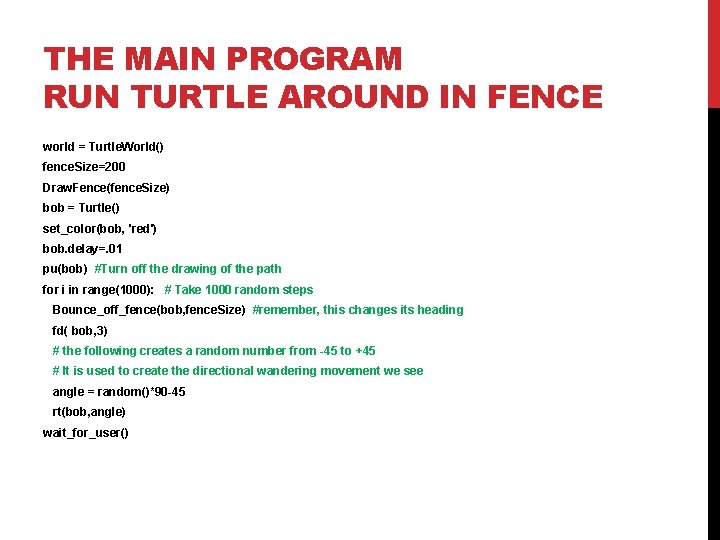
THE MAIN PROGRAM RUN TURTLE AROUND IN FENCE world = Turtle. World() fence. Size=200 Draw. Fence(fence. Size) bob = Turtle() set_color(bob, 'red') bob. delay=. 01 pu(bob) #Turn off the drawing of the path for i in range(1000): # Take 1000 random steps Bounce_off_fence(bob, fence. Size) #remember, this changes its heading fd( bob, 3) # the following creates a random number from -45 to +45 # It is used to create the directional wandering movement we see angle = random()*90 -45 rt(bob, angle) wait_for_user()
HOMEWORK Rewrite the turtle-fence program so that the fence is now a circle that the turtle must stay inside of. 1. You first need to modify the Draw. Fence(s) to draw a circle of radius r 2. When is above is working modify Bounce_off_fence(t, r) to work with the circle. HINT: remember the distance formula you learned in algebra? Might need http: //www. mathsisfun. com/polar-cartesian-coordinates. html 3. The remainder of the code aught to work as is.