
Python Arithmetic Operators Operator Operation Description Addition Add
- Slides: 14
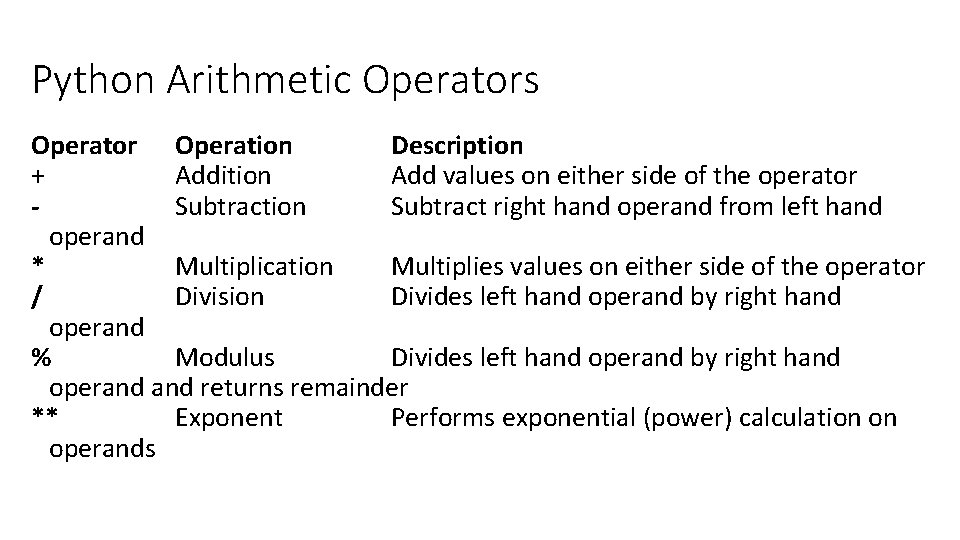
Python Arithmetic Operators Operator Operation Description + Addition Add values on either side of the operator Subtraction Subtract right hand operand from left hand operand * Multiplication Multiplies values on either side of the operator / Division Divides left hand operand by right hand operand % Modulus Divides left hand operand by right hand operand returns remainder ** Exponent Performs exponential (power) calculation on operands
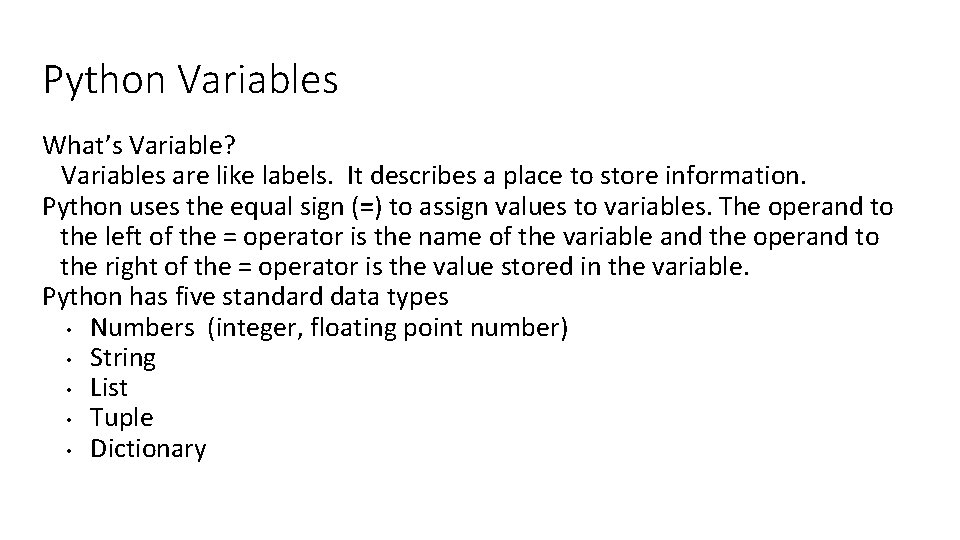
Python Variables What’s Variable? Variables are like labels. It describes a place to store information. Python uses the equal sign (=) to assign values to variables. The operand to the left of the = operator is the name of the variable and the operand to the right of the = operator is the value stored in the variable. Python has five standard data types • Numbers (integer, floating point number) • String • List • Tuple • Dictionary
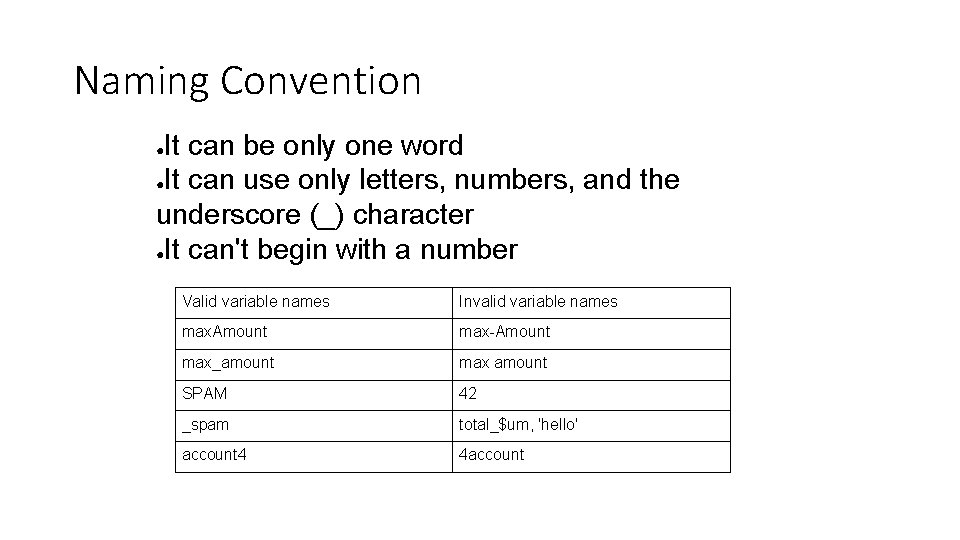
Naming Convention It can be only one word ●It can use only letters, numbers, and the underscore (_) character ●It can't begin with a number ● Valid variable names Invalid variable names max. Amount max-Amount max_amount max amount SPAM 42 _spam total_$um, 'hello' account 4 4 account
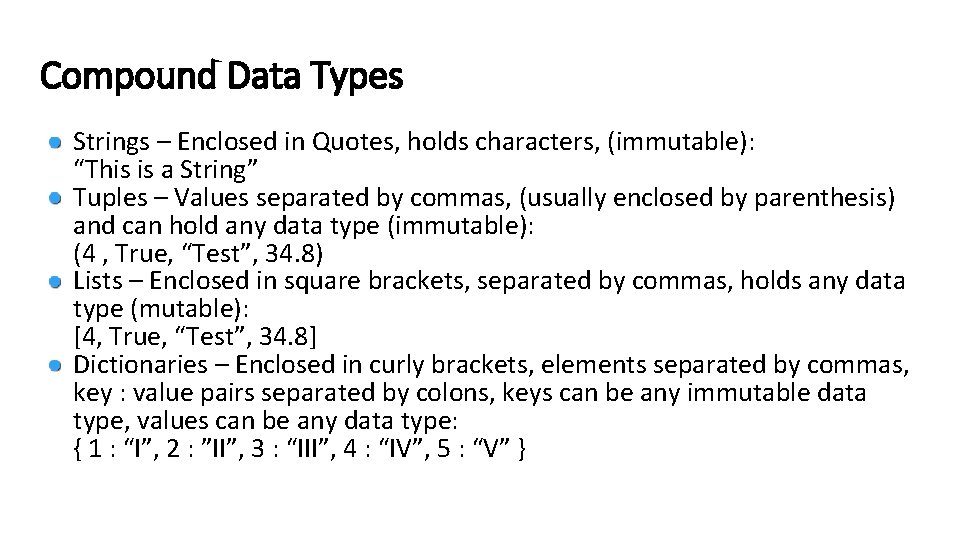
Compound Data Types Strings – Enclosed in Quotes, holds characters, (immutable): “This is a String” Tuples – Values separated by commas, (usually enclosed by parenthesis) and can hold any data type (immutable): (4 , True, “Test”, 34. 8) Lists – Enclosed in square brackets, separated by commas, holds any data type (mutable): [4, True, “Test”, 34. 8] Dictionaries – Enclosed in curly brackets, elements separated by commas, key : value pairs separated by colons, keys can be any immutable data type, values can be any data type: { 1 : “I”, 2 : ”II”, 3 : “III”, 4 : “IV”, 5 : “V” }
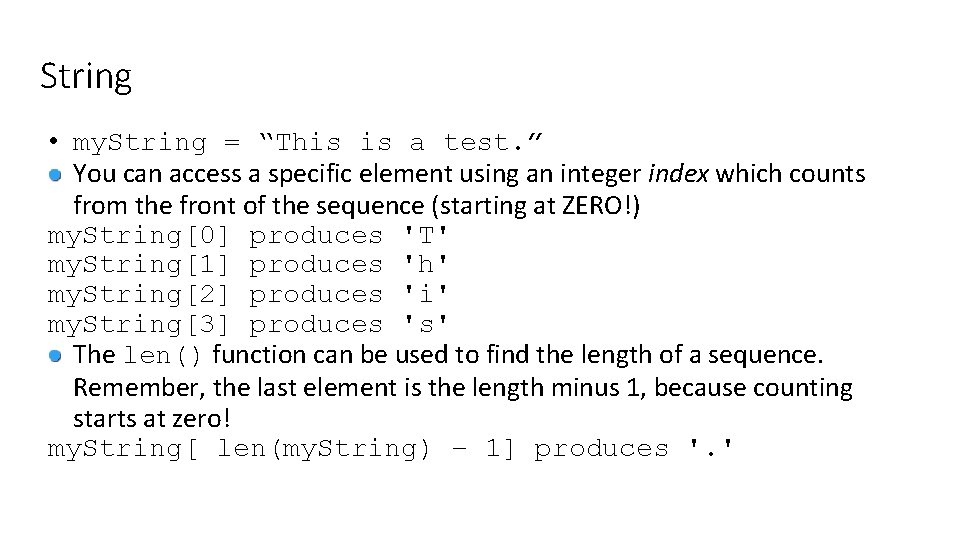
String • my. String = “This is a test. ” You can access a specific element using an integer index which counts from the front of the sequence (starting at ZERO!) my. String[0] produces 'T' my. String[1] produces 'h' my. String[2] produces 'i' my. String[3] produces 's' The len() function can be used to find the length of a sequence. Remember, the last element is the length minus 1, because counting starts at zero! my. String[ len(my. String) – 1] produces '. '
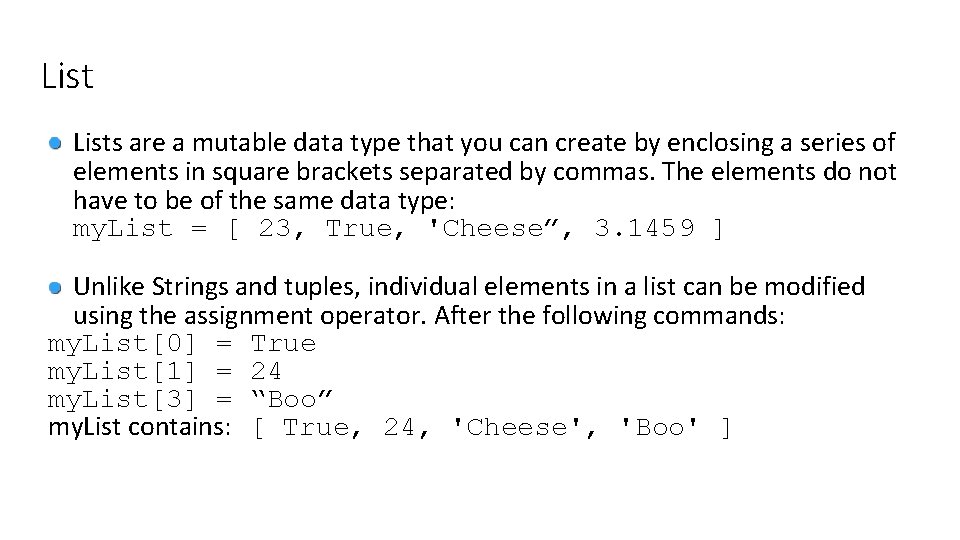
Lists are a mutable data type that you can create by enclosing a series of elements in square brackets separated by commas. The elements do not have to be of the same data type: my. List = [ 23, True, 'Cheese”, 3. 1459 ] Unlike Strings and tuples, individual elements in a list can be modified using the assignment operator. After the following commands: my. List[0] = True my. List[1] = 24 my. List[3] = “Boo” my. List contains: [ True, 24, 'Cheese', 'Boo' ]
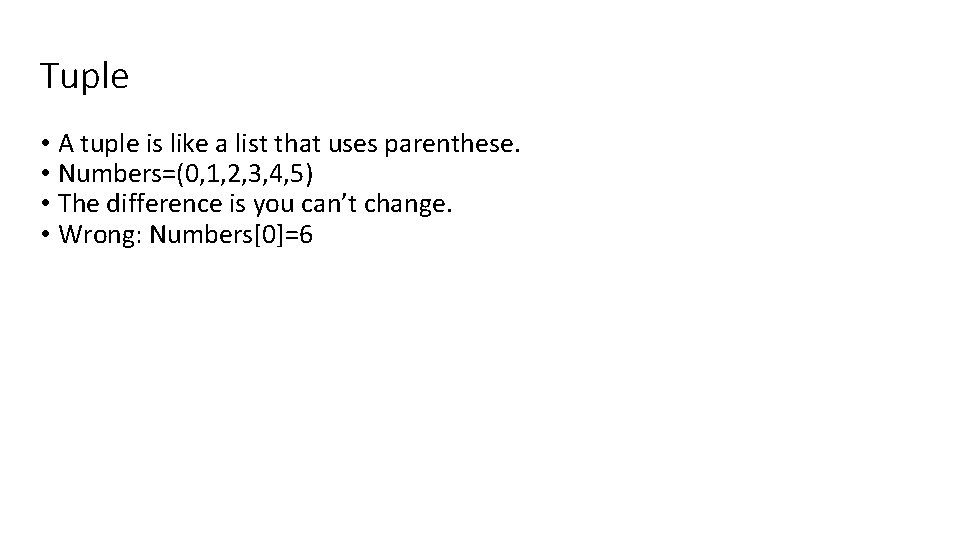
Tuple • A tuple is like a list that uses parenthese. • Numbers=(0, 1, 2, 3, 4, 5) • The difference is you can’t change. • Wrong: Numbers[0]=6
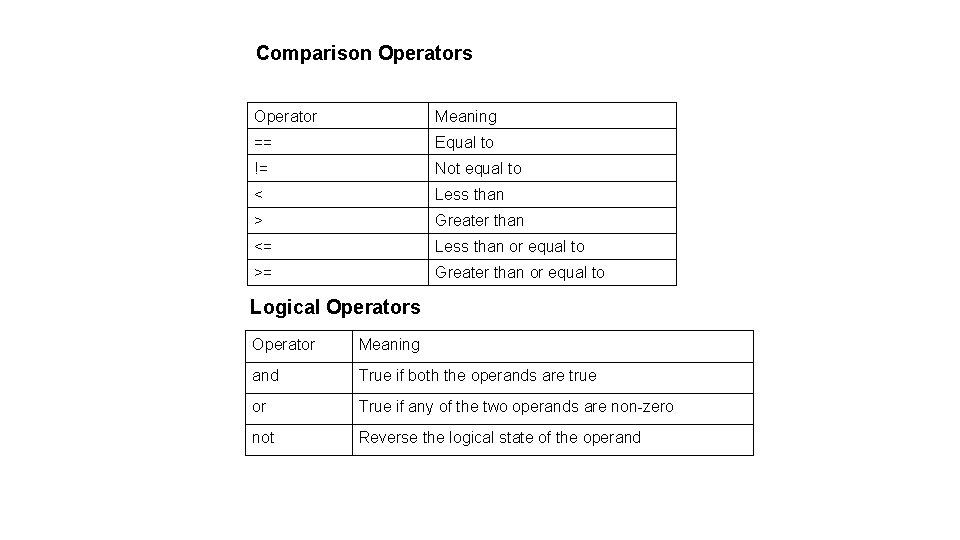
Comparison Operators Operator Meaning == Equal to != Not equal to < Less than > Greater than <= Less than or equal to >= Greater than or equal to Logical Operators Operator Meaning and True if both the operands are true or True if any of the two operands are non-zero not Reverse the logical state of the operand
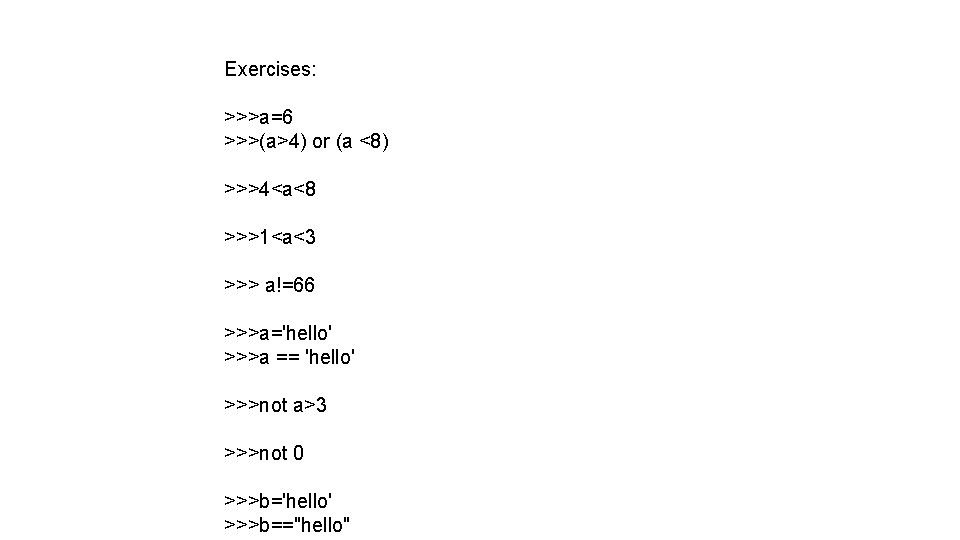
Exercises: >>>a=6 >>>(a>4) or (a <8) >>>4<a<8 >>>1<a<3 >>> a!=66 >>>a='hello' >>>a == 'hello' >>>not a>3 >>>not 0 >>>b='hello' >>>b=="hello"
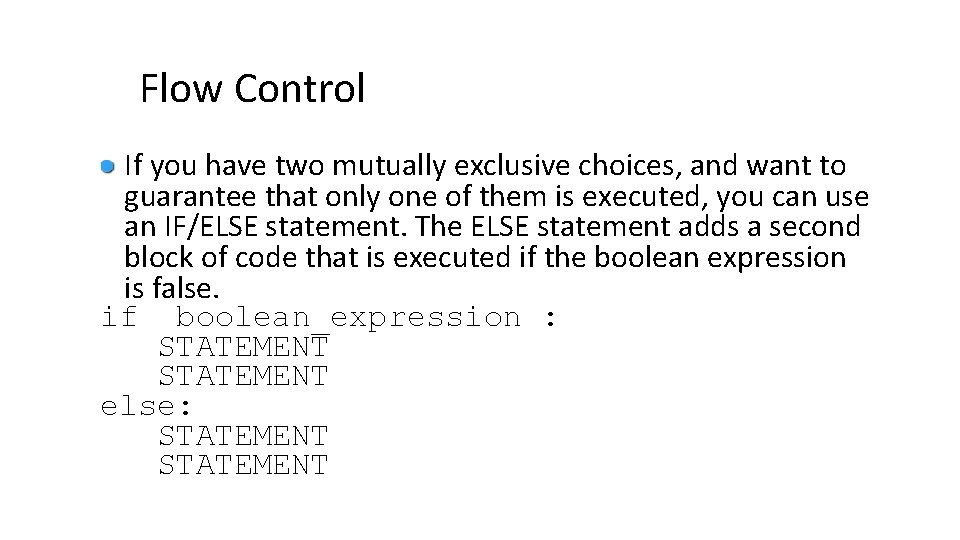
Flow Control If you have two mutually exclusive choices, and want to guarantee that only one of them is executed, you can use an IF/ELSE statement. The ELSE statement adds a second block of code that is executed if the boolean expression is false. if boolean_expression : STATEMENT else: STATEMENT
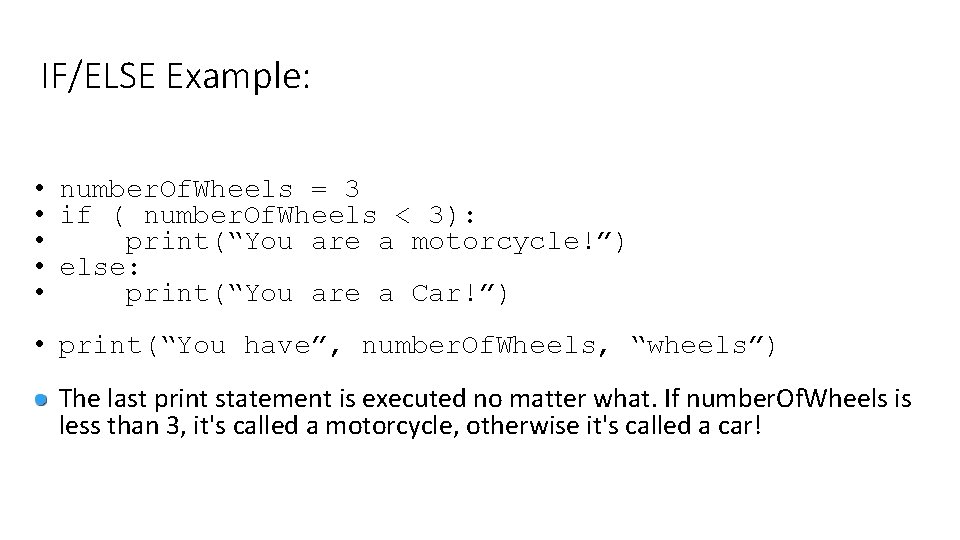
IF/ELSE Example: • number. Of. Wheels = 3 • if ( number. Of. Wheels < 3): • print(“You are a motorcycle!”) • else: • print(“You are a Car!”) • print(“You have”, number. Of. Wheels, “wheels”) The last print statement is executed no matter what. If number. Of. Wheels is less than 3, it's called a motorcycle, otherwise it's called a car!
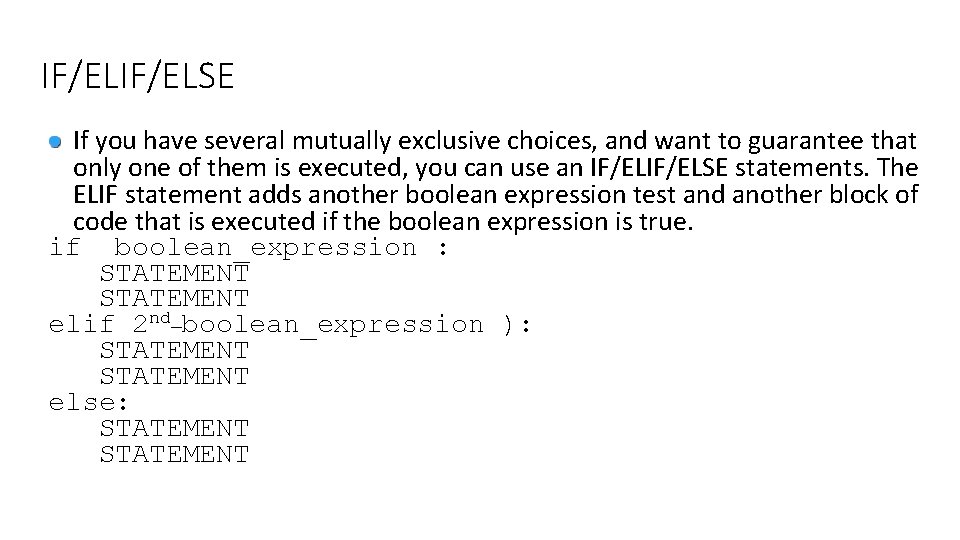
IF/ELSE If you have several mutually exclusive choices, and want to guarantee that only one of them is executed, you can use an IF/ELSE statements. The ELIF statement adds another boolean expression test and another block of code that is executed if the boolean expression is true. if boolean_expression : STATEMENT elif 2 nd_boolean_expression ): STATEMENT else: STATEMENT
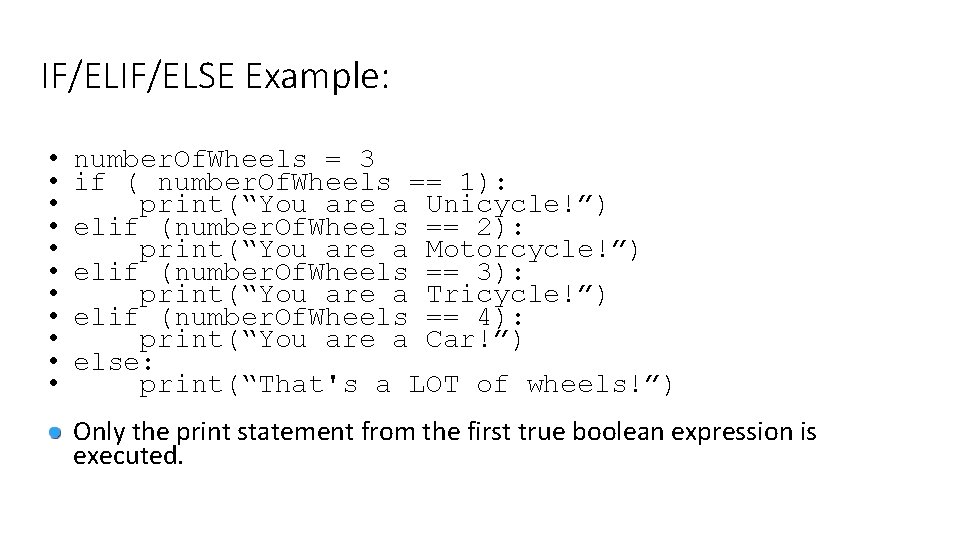
IF/ELSE Example: • • • number. Of. Wheels = 3 if ( number. Of. Wheels == 1): print(“You are a Unicycle!”) elif (number. Of. Wheels == 2): print(“You are a Motorcycle!”) elif (number. Of. Wheels == 3): print(“You are a Tricycle!”) elif (number. Of. Wheels == 4): print(“You are a Car!”) else: print(“That's a LOT of wheels!”) Only the print statement from the first true boolean expression is executed.
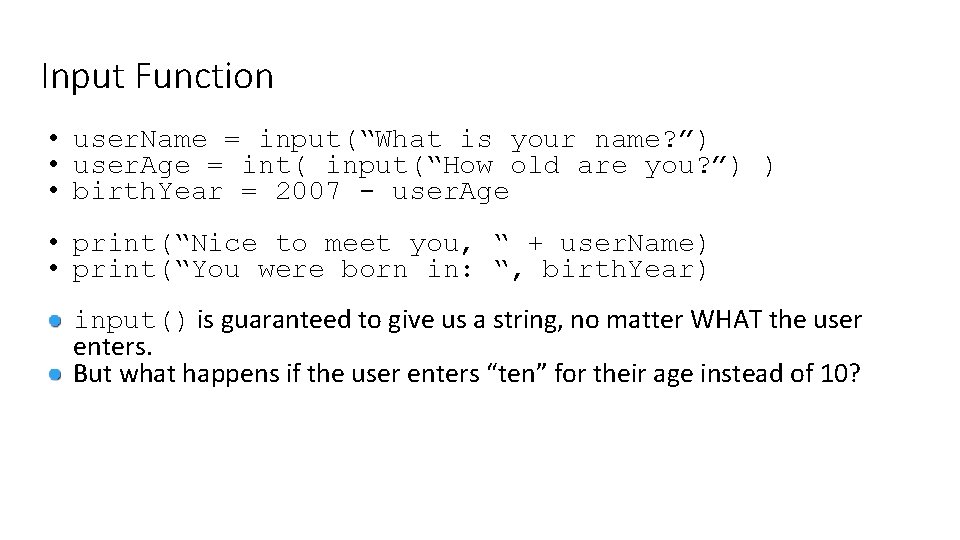
Input Function • user. Name = input(“What is your name? ”) • user. Age = int( input(“How old are you? ”) ) • birth. Year = 2007 - user. Age • print(“Nice to meet you, “ + user. Name) • print(“You were born in: “, birth. Year) input() is guaranteed to give us a string, no matter WHAT the user enters. But what happens if the user enters “ten” for their age instead of 10?