
PVM PVM What Is It F Stands for


- Slides: 27
PVM
PVM - What Is It? F Stands for: Parallel Virtual Machine F A software tool used to create and execute concurrent or parallel applications. F Operates on a collection of heterogenous Unix computers connected by one or more networks. F Communication accomplished by message passing
PVM - What Is It? F Comprised of two main components – the PVM daemon process (pvmd 3) – library interface routines (libpvm 3. a, libfpvm 3. a & libgpvm 3. a) F Public domain software package developed at Oak Ridge National Laboratory.
PVM Components
PVM Daemon (pvmd 3) F The PVM daemon (pvmd 3) is a Unix process which oversees the operation of user processes within a PVM application and coordinates inter-machine PVM communications.
PVM Daemon (pvmd 3) F One daemon runs on each machine configured into your parallel virtual machine. Other users, with their own parallel virtual machines, will have their own pvmd 3 s running. F User processes communicate with each other through the daemons.
PVM Libraries F libpvm 3. a - Library of C language interface routines. Always required. F They contain simple subroutine calls that the application programmer may imbed in concurrent or parallel application code.
Provide ability to: F initiate and terminate processes F pack, send, receive and broadcast messages F synchronize via barriers F query and dynamically change configuration of the parallel virtual machine
Libraries do not directly communicate to other processes. Instead, they send commands to the local daemon and receive status information back. F Can be installed in user filespace - default is $HOME/pvm 3/lib. F Data format conversion (XDR) performed automatically between hosts of different architectures. F
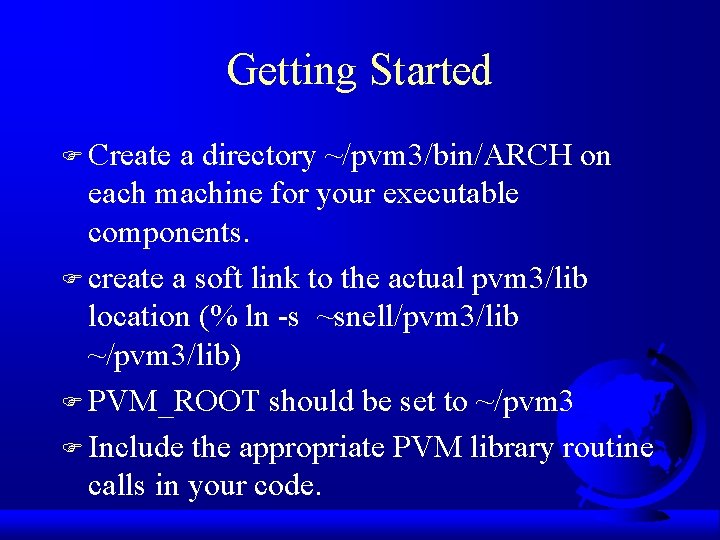
Getting Started F Create a directory ~/pvm 3/bin/ARCH on each machine for your executable components. F create a soft link to the actual pvm 3/lib location (% ln -s ~snell/pvm 3/lib ~/pvm 3/lib) F PVM_ROOT should be set to ~/pvm 3 F Include the appropriate PVM library routine calls in your code.
PVM Routines
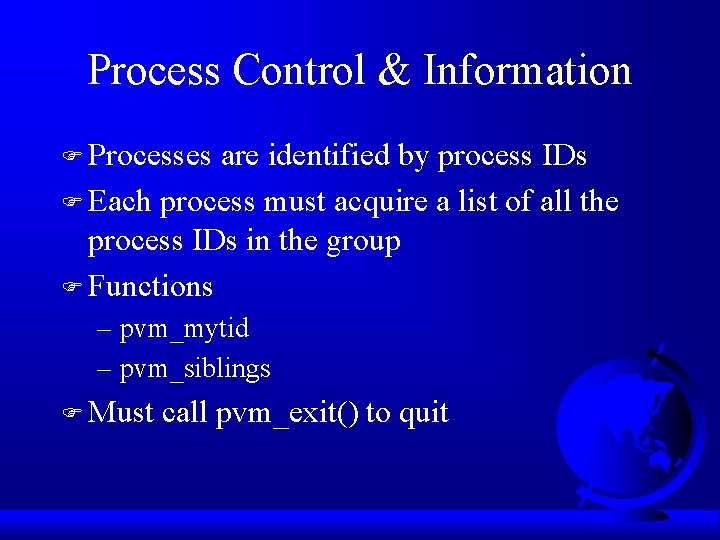
Process Control & Information F Processes are identified by process IDs F Each process must acquire a list of all the process IDs in the group F Functions – pvm_mytid – pvm_siblings F Must call pvm_exit() to quit
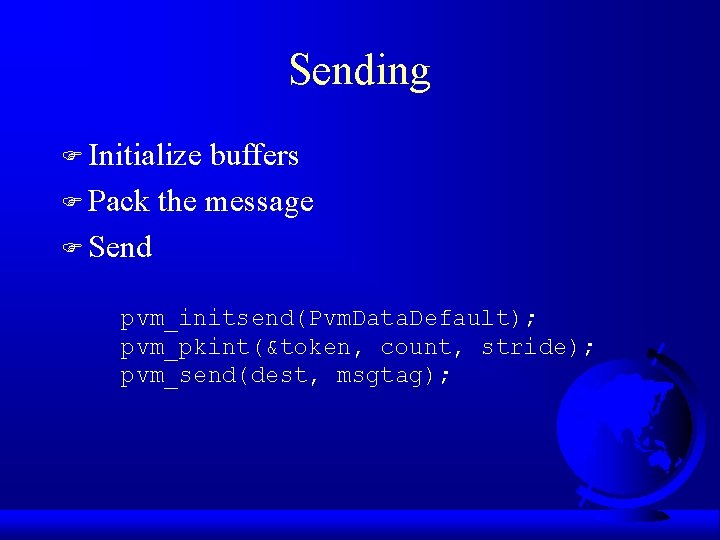
Sending F Initialize buffers F Pack the message F Send pvm_initsend(Pvm. Data. Default); pvm_pkint(&token, count, stride); pvm_send(dest, msgtag);
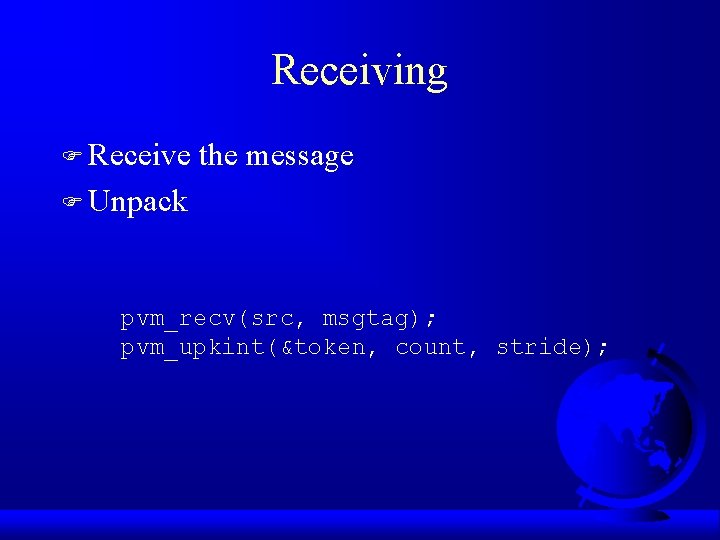
Receiving F Receive the message F Unpack pvm_recv(src, msgtag); pvm_upkint(&token, count, stride);
Compile Your Application Components F Always need libpvm 3. a library. F % cc -o myprog. c I$PVM_ROOT/include L$PVM_ROOT/lib/$PVM_ARCH -lpvm 3 F For Dynamic Groups, also need libgpvm 3. a added before libpvm 3. a F Make sure that executable components are located in ~/pvm 3/bin/ARCH on each machine as required.
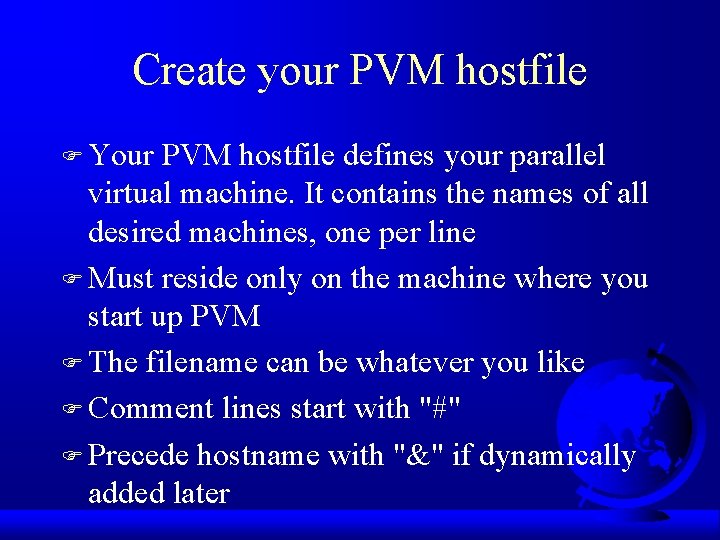
Create your PVM hostfile F Your PVM hostfile defines your parallel virtual machine. It contains the names of all desired machines, one per line F Must reside only on the machine where you start up PVM F The filename can be whatever you like F Comment lines start with "#" F Precede hostname with "&" if dynamically added later
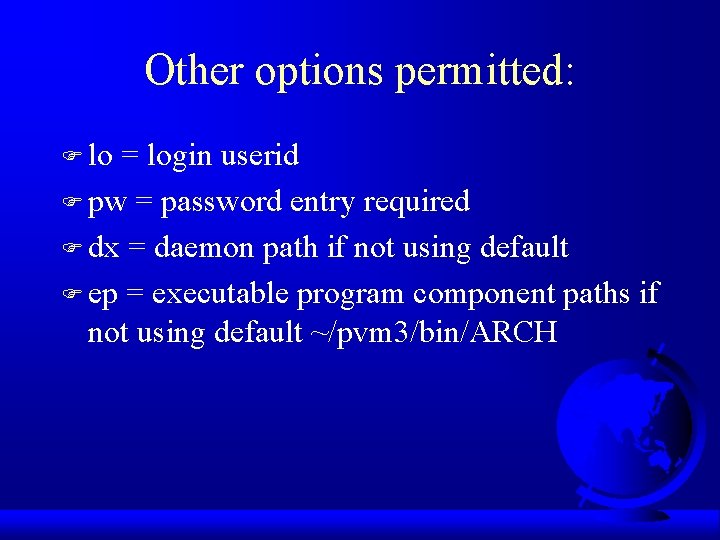
Other options permitted: F lo = login userid F pw = password entry required F dx = daemon path if not using default F ep = executable program component paths if not using default ~/pvm 3/bin/ARCH
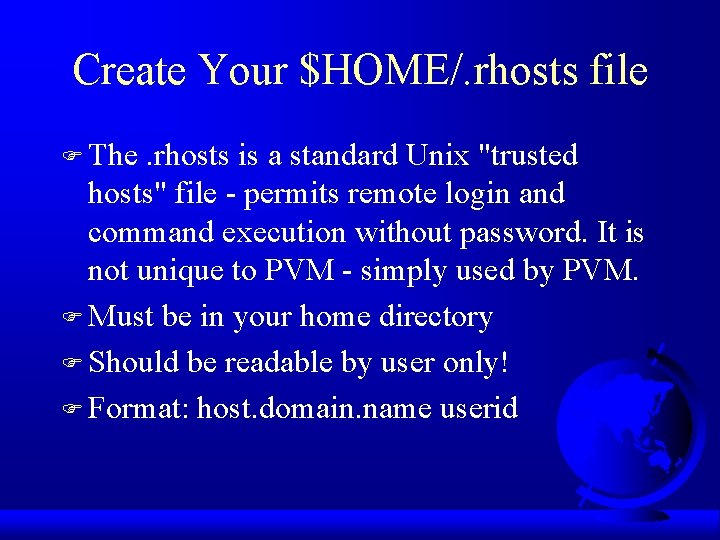
Create Your $HOME/. rhosts file F The . rhosts is a standard Unix "trusted hosts" file - permits remote login and command execution without password. It is not unique to PVM - simply used by PVM. F Must be in your home directory F Should be readable by user only! F Format: host. domain. name userid
Start the Master PVM Daemon F Start up the master (first) daemon. F % pvmd 3 hostfile & F Must be started on your local machine F Automatically starts up daemons on all other machines (remote) specified in your hostfile.
Tips F Do not run in the background if using the password (pw) specification in your hostfile. F Should only have one pvmd 3 running on each machine in your virtual machine! F PVM console can be started after pvmd 3 by typing "pvm". PVM console commands can then be issued.
Execute your application F Begin execution of your program on your local machine F % myprog F What happens from here depends upon your application.
Quit PVM F Make sure all application components include a PVM library call of "pvmfexit(info)" or "pvm_exit()". F Halting the master pvmd 3 will automatically kill all other pvmd 3 s and all processes enrolled in this PVM. F Running in pvm console mode: use "halt" command
If it won't die F Abnormal terminations of PVM may leave files in /tmp which prevent you from restarting (known bug). Should delete all /tmp/pvm*. files on all machines before restarting the master pvmd 3. F Try "~clement/bin/kill-pvms" if all else fails
Miscellaneous & Hints F The most common problem in starting PVM daemons is probably due to daemons already running on the machine(s), or the existence of a /tmp/pvmd. uid file. You'll need to kill old daemons and/or remove any /tmp/pvmd. uid files. F The second most common problem is probably due to incorrect. rhost files.
Other Problems F Another, less frequent startup problem is due to. cshrc files that require interactive input or which display messages.
Be Careful F Be careful of concurrent I/O to the same files in a shared filesystem! For concurrent I/O (writing) in a shared filesystem, you may want to implement a scheme to assign unique names to output files.
Your Assignment F Specifications are on the web F Using a Jacobi 5 point stencil, solve the 2 D steady state temperature distribution problem on a 768 x 768 grid. F Use formula 2. 1 on page 34 F Report your execution times on 2, 4, and 8 processors.