
Public Cloud Azure Virtual Machines Windows Azure Pack
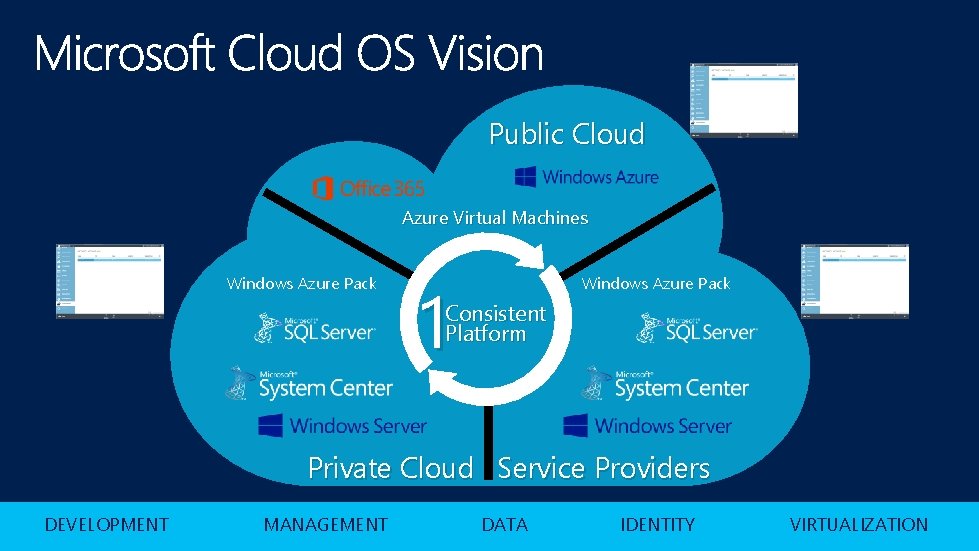
Public Cloud Azure Virtual Machines Windows Azure Pack 1 Windows Azure Pack Consistent Platform Private Cloud Service Providers DEVELOPMENT MANAGEMENT DATA IDENTITY VIRTUALIZATION
What we delivered in Windows Server 2012
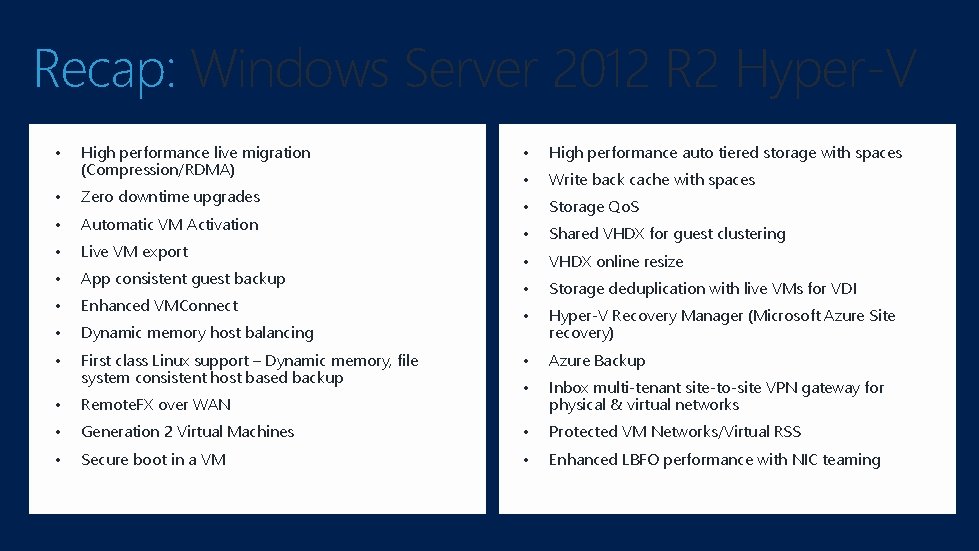
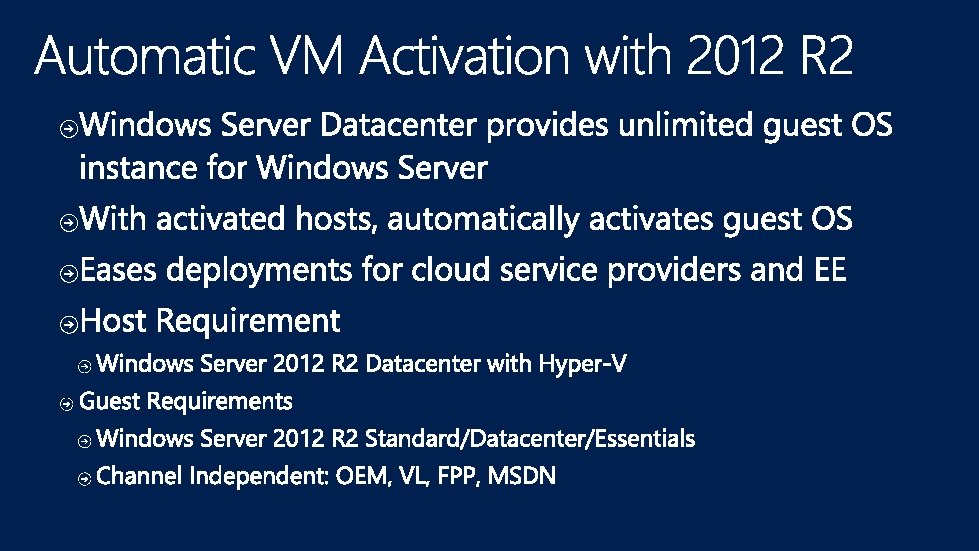
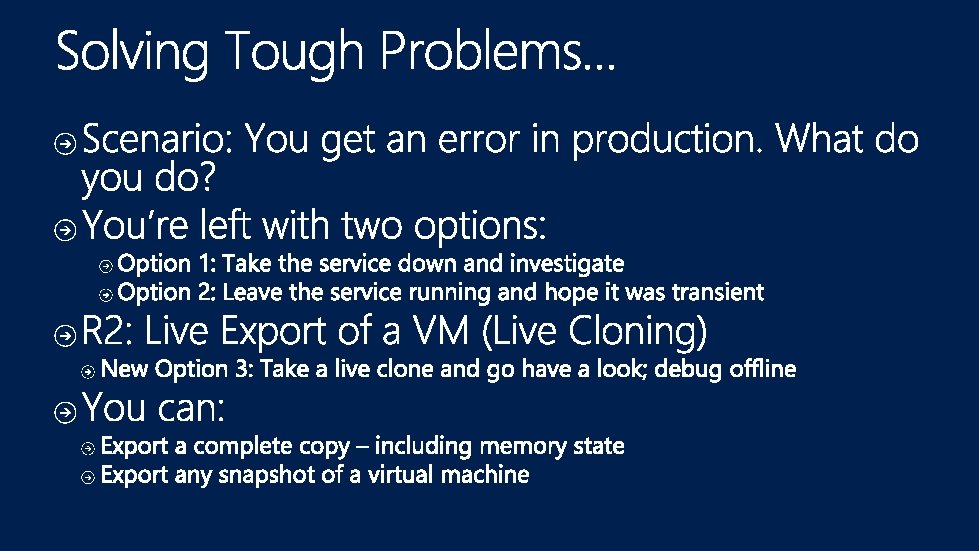
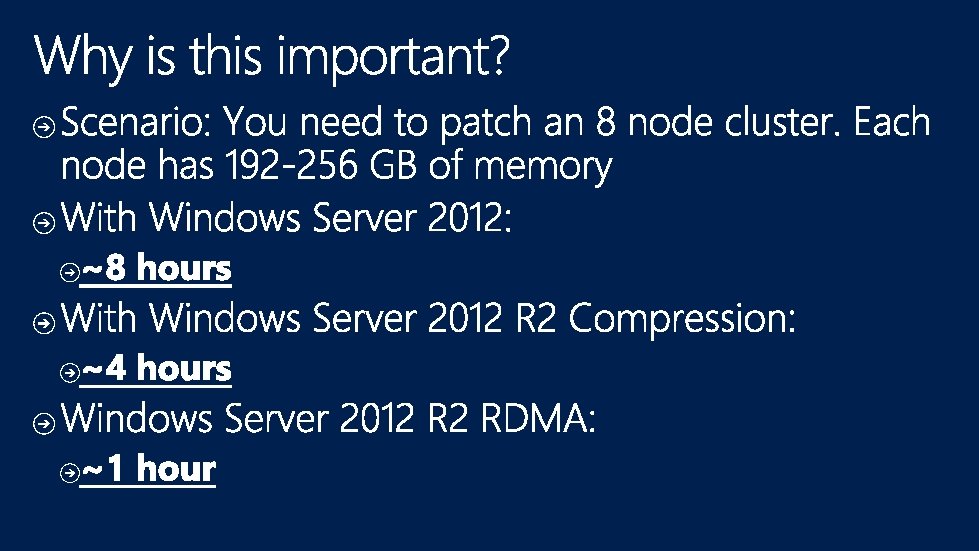
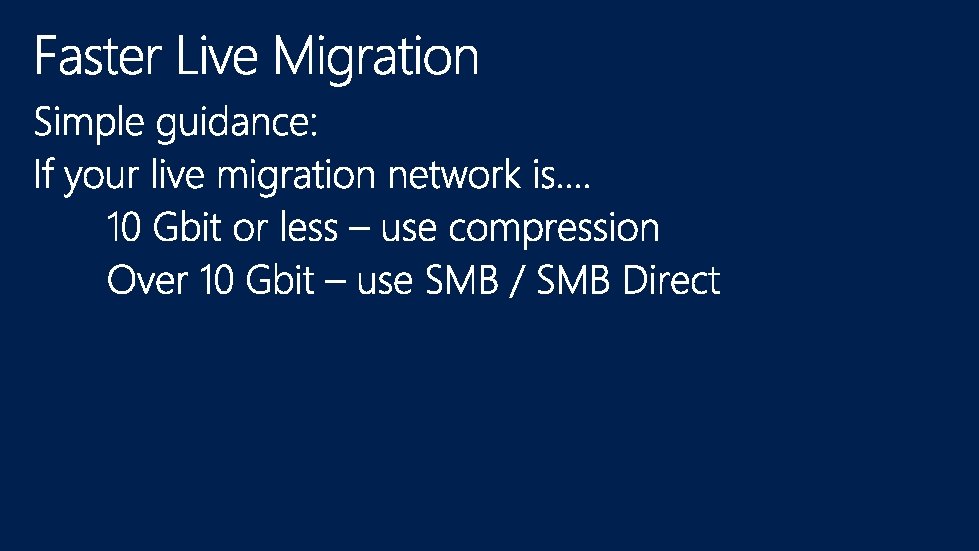
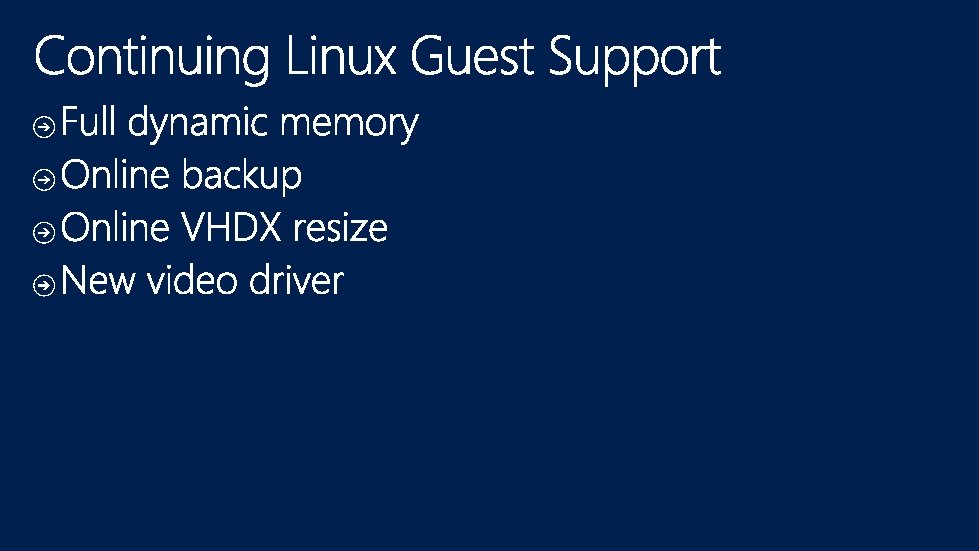
Recap: Windows Server 2012 R 2 Hyper-V • High performance live migration (Compression/RDMA) • Zero downtime upgrades • Automatic VM Activation • Live VM export • App consistent guest backup • Enhanced VMConnect • Dynamic memory host balancing • First class Linux support – Dynamic memory, file system consistent host based backup • High performance auto tiered storage with spaces • Write back cache with spaces • Storage Qo. S • Shared VHDX for guest clustering • VHDX online resize • Storage deduplication with live VMs for VDI • Hyper-V Recovery Manager (Microsoft Azure Site recovery) • Azure Backup • Inbox multi-tenant site-to-site VPN gateway for physical & virtual networks • Remote. FX over WAN • Generation 2 Virtual Machines • Protected VM Networks/Virtual RSS • Secure boot in a VM • Enhanced LBFO performance with NIC teaming
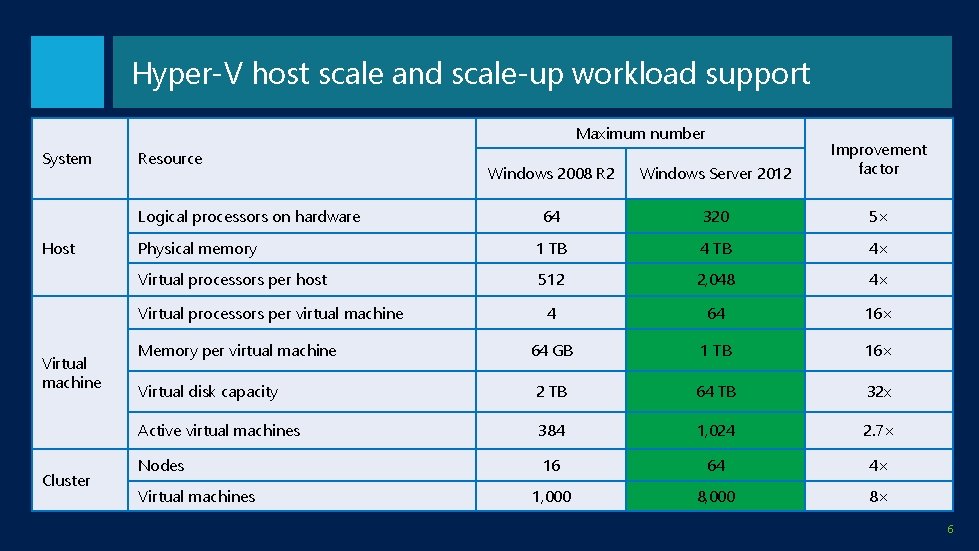
Hyper-V host scale and scale-up workload support Maximum number System Windows 2008 R 2 Windows Server 2012 Improvement factor 64 320 5× Physical memory 1 TB 4× Virtual processors per host 512 2, 048 4× 4 64 16× 64 GB 1 TB 16× Virtual disk capacity 2 TB 64 TB 32 x Active virtual machines 384 1, 024 2. 7× Nodes 16 64 4× 1, 000 8× Resource Logical processors on hardware Host Virtual processors per virtual machine Virtual machine Cluster Memory per virtual machine Virtual machines 6
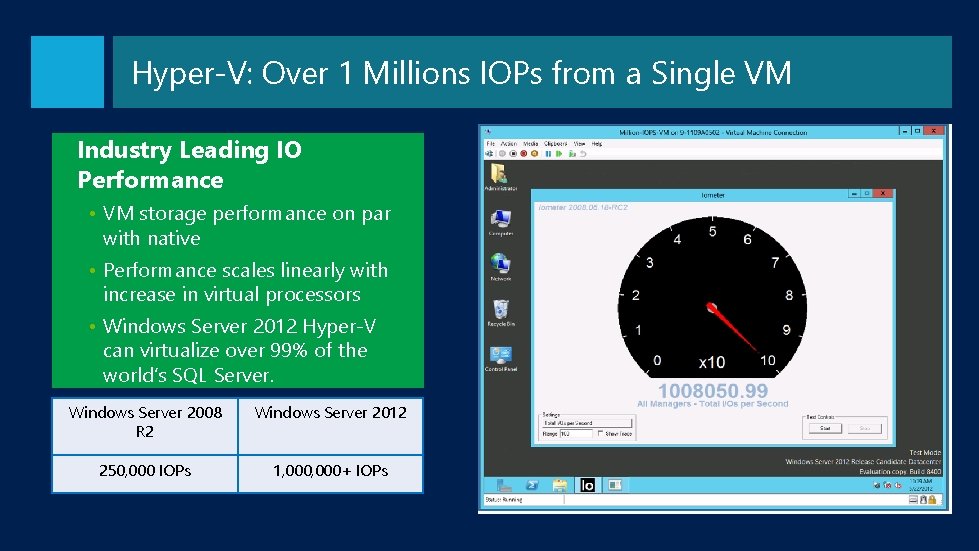
Hyper-V: Over 1 Millions IOPs from a Single VM Industry Leading IO Performance • VM storage performance on par with native • Performance scales linearly with increase in virtual processors • Windows Server 2012 Hyper-V can virtualize over 99% of the world’s SQL Server. Windows Server 2008 R 2 Windows Server 2012 250, 000 IOPs 1, 000+ IOPs
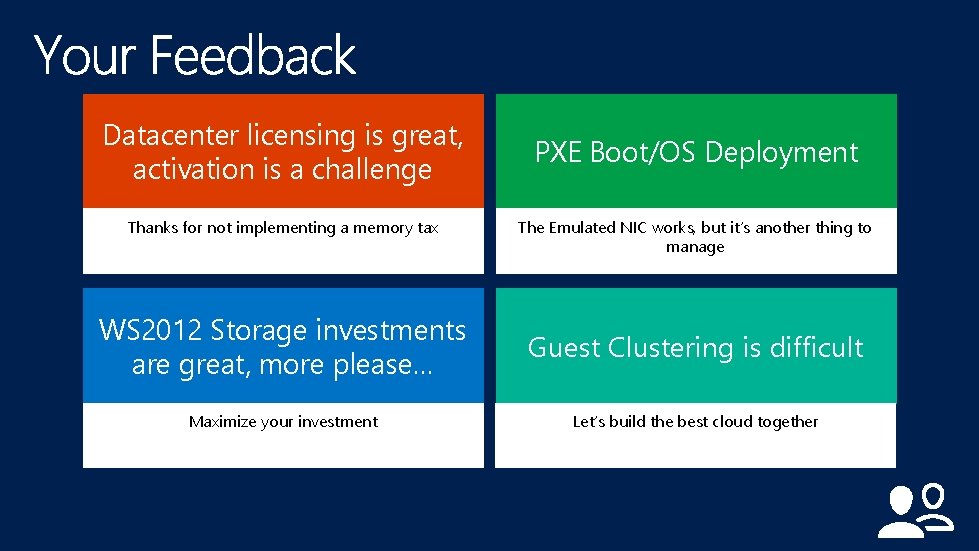
Datacenter licensing is great, activation is a challenge Thanks for not implementing a memory tax PXE Boot/OS Deployment The Emulated NIC works, but it’s another thing to manage WS 2012 Storage investments are great, more please… Guest Clustering is difficult Maximize your investment Let’s build the best cloud together
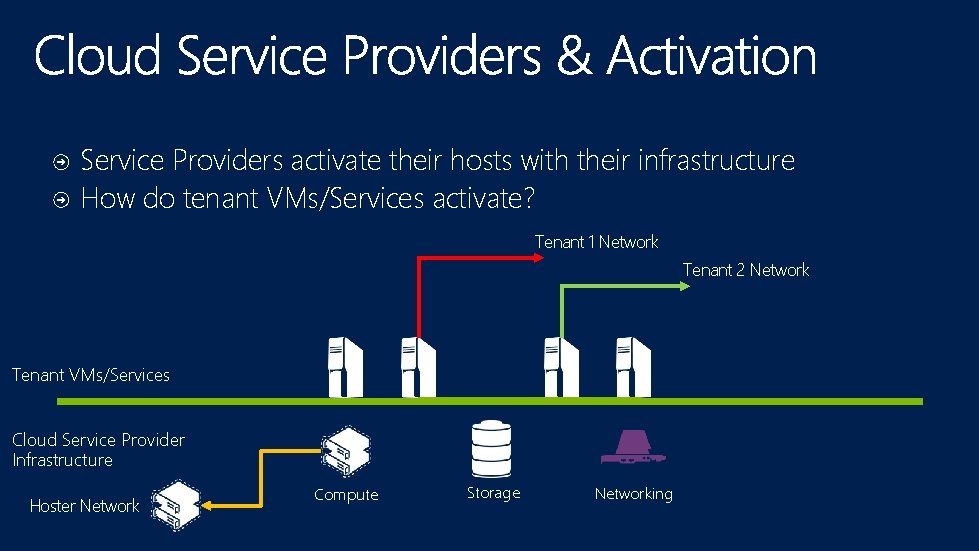
Service Providers activate their hosts with their infrastructure How do tenant VMs/Services activate? Tenant 1 Network Tenant 2 Network Tenant VMs/Services Cloud Service Provider Infrastructure Hoster Network Compute Storage Networking
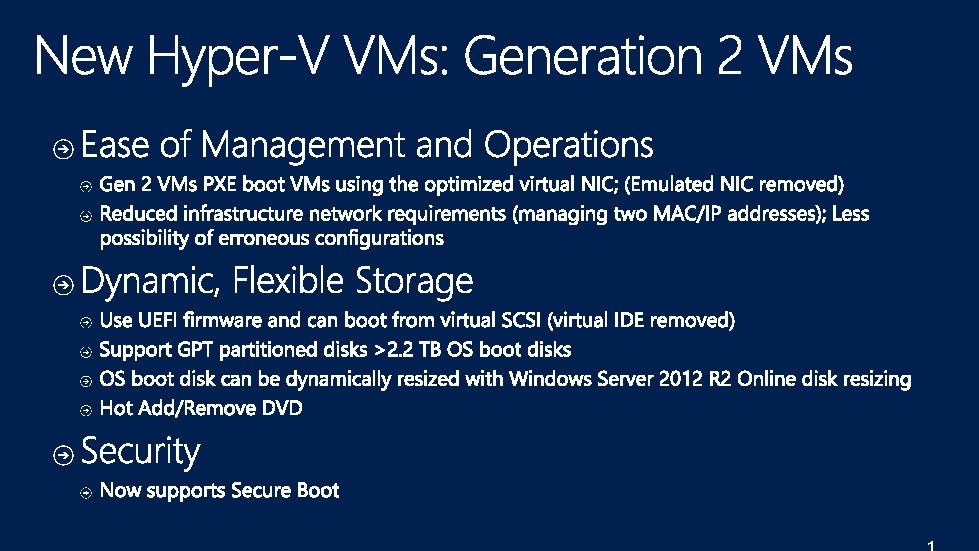
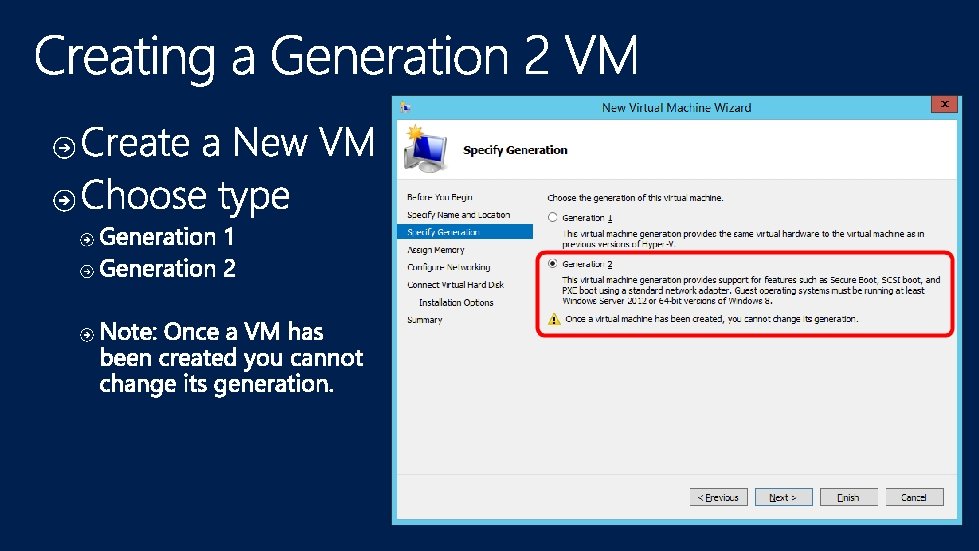
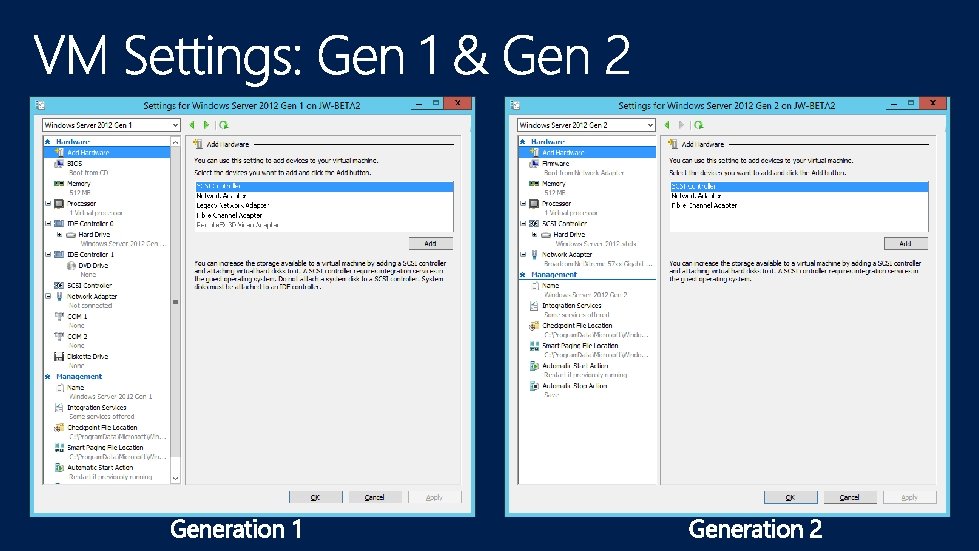
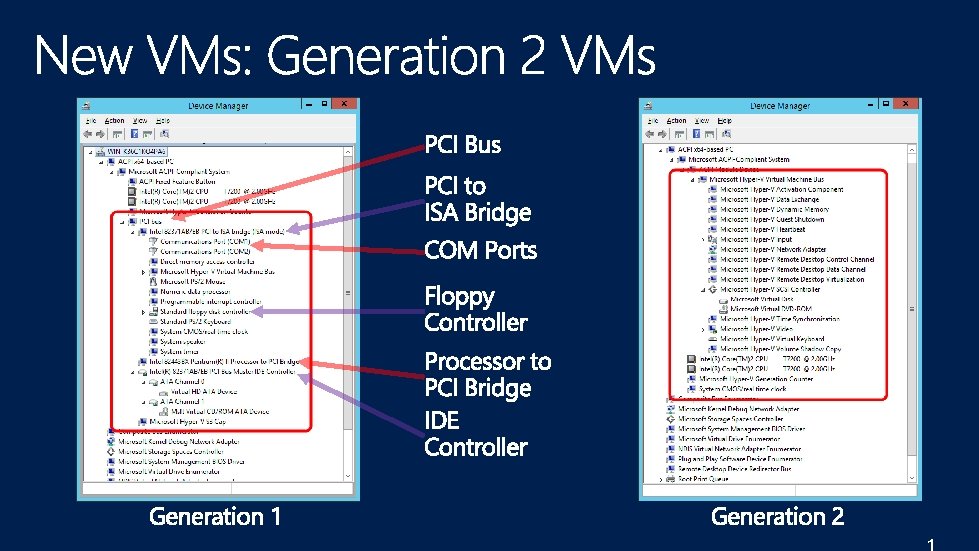
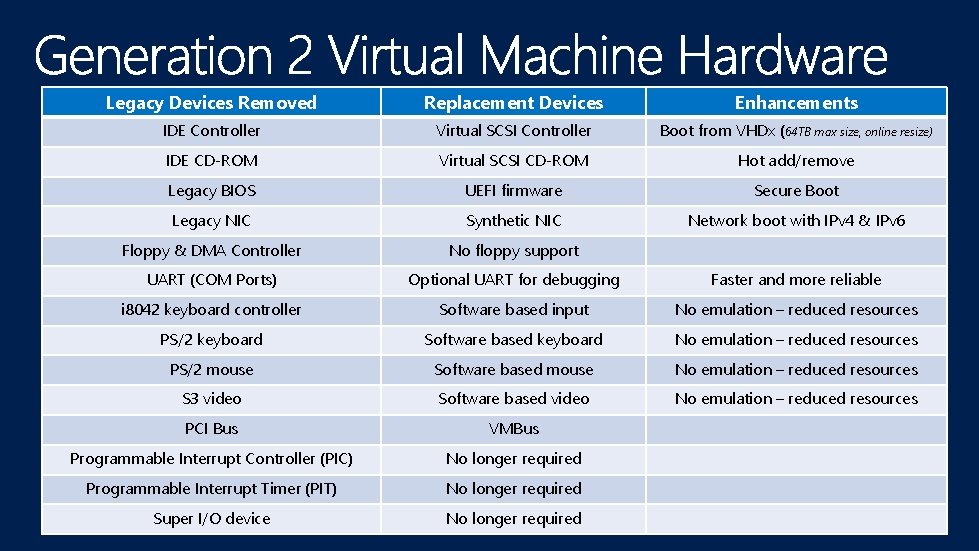
Legacy Devices Removed Replacement Devices Enhancements IDE Controller Virtual SCSI Controller Boot from VHDx (64 TB max size, online resize) IDE CD-ROM Virtual SCSI CD-ROM Hot add/remove Legacy BIOS UEFI firmware Secure Boot Legacy NIC Synthetic NIC Network boot with IPv 4 & IPv 6 Floppy & DMA Controller No floppy support UART (COM Ports) Optional UART for debugging Faster and more reliable i 8042 keyboard controller Software based input No emulation – reduced resources PS/2 keyboard Software based keyboard No emulation – reduced resources PS/2 mouse Software based mouse No emulation – reduced resources S 3 video Software based video No emulation – reduced resources PCI Bus VMBus Programmable Interrupt Controller (PIC) No longer required Programmable Interrupt Timer (PIT) No longer required Super I/O device No longer required
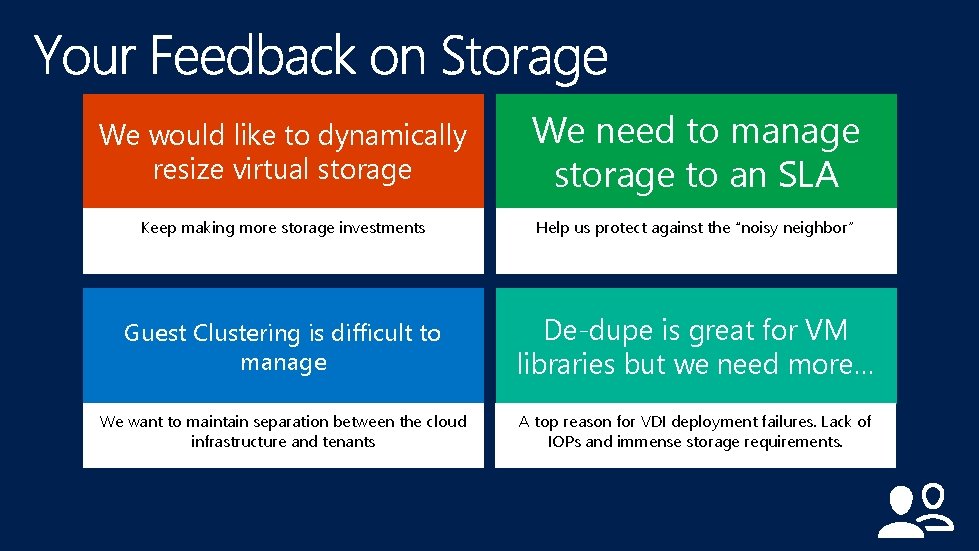
We would like to dynamically resize virtual storage We need to manage storage to an SLA Keep making more storage investments Help us protect against the “noisy neighbor” Guest Clustering is difficult to manage De-dupe is great for VM libraries but we need more… We want to maintain separation between the cloud infrastructure and tenants A top reason for VDI deployment failures. Lack of IOPs and immense storage requirements.
2
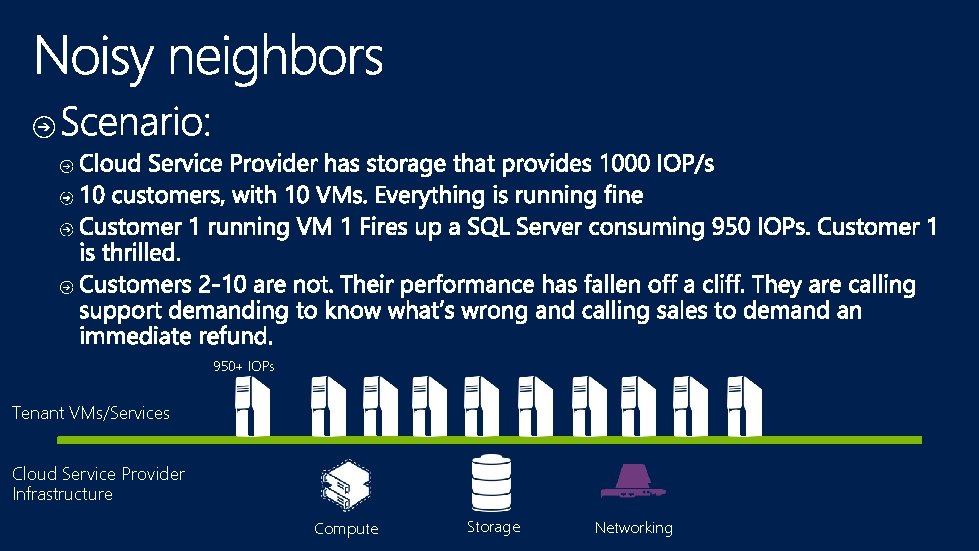
950+ IOPs Tenant VMs/Services Cloud Service Provider Infrastructure Compute Storage Networking
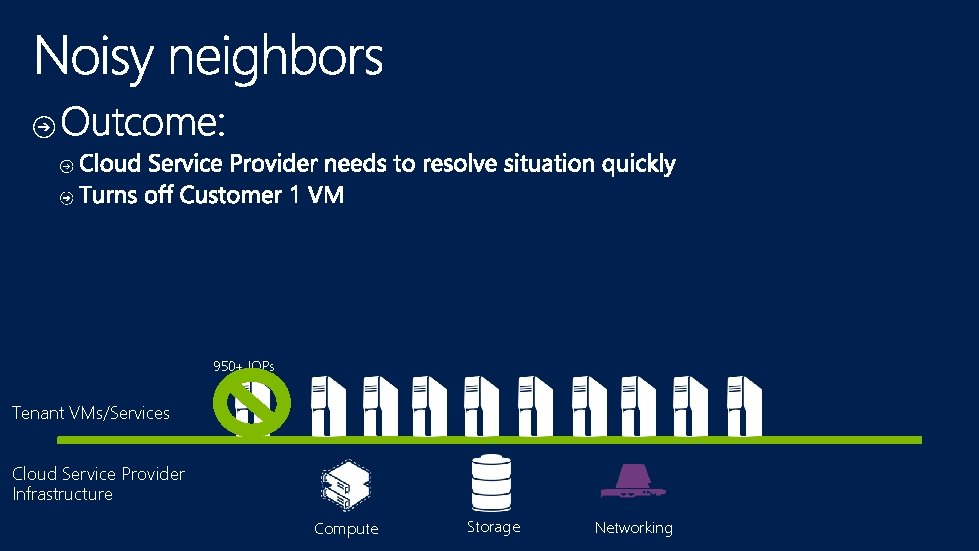
950+ IOPs Tenant VMs/Services Cloud Service Provider Infrastructure Compute Storage Networking
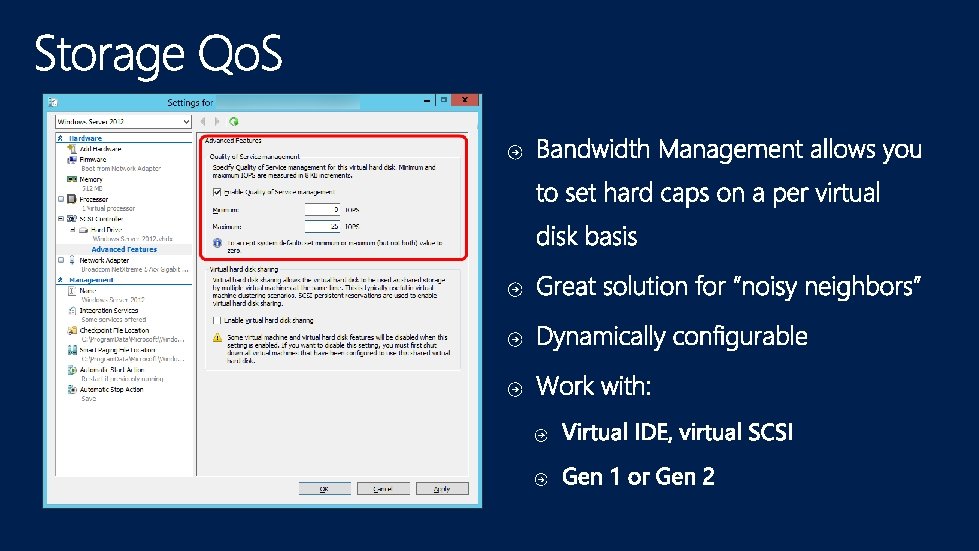
http: //workinghardinit. wordpress. com/2014/01/13/how -to-monitor-storage-qos-minimum-iops-and-identifythe-virtual-hardidsk-in-windows-server-2012 -r 2 -hyper -v/
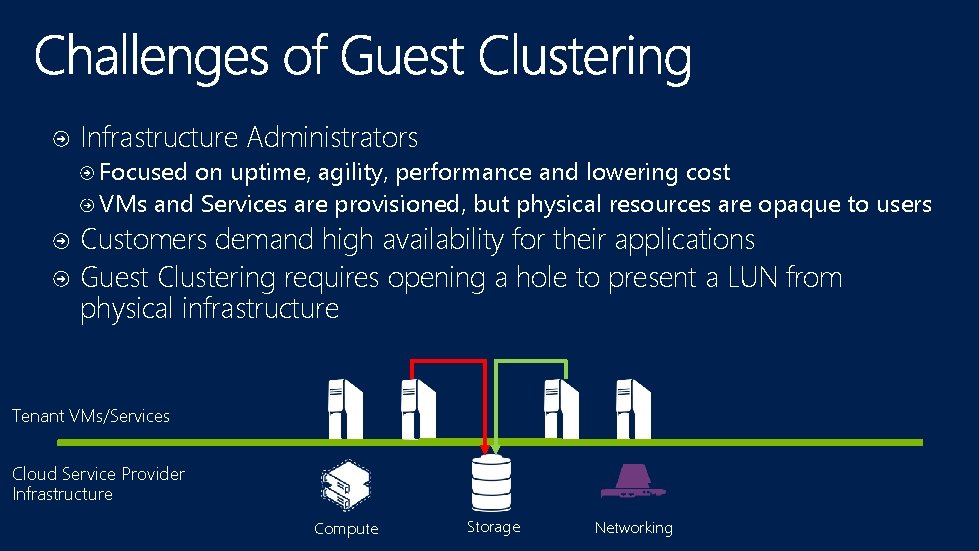
Infrastructure Administrators Focused on uptime, agility, performance and lowering cost VMs and Services are provisioned, but physical resources are opaque to users Customers demand high availability for their applications Guest Clustering requires opening a hole to present a LUN from physical infrastructure Tenant VMs/Services Cloud Service Provider Infrastructure Compute Storage Networking
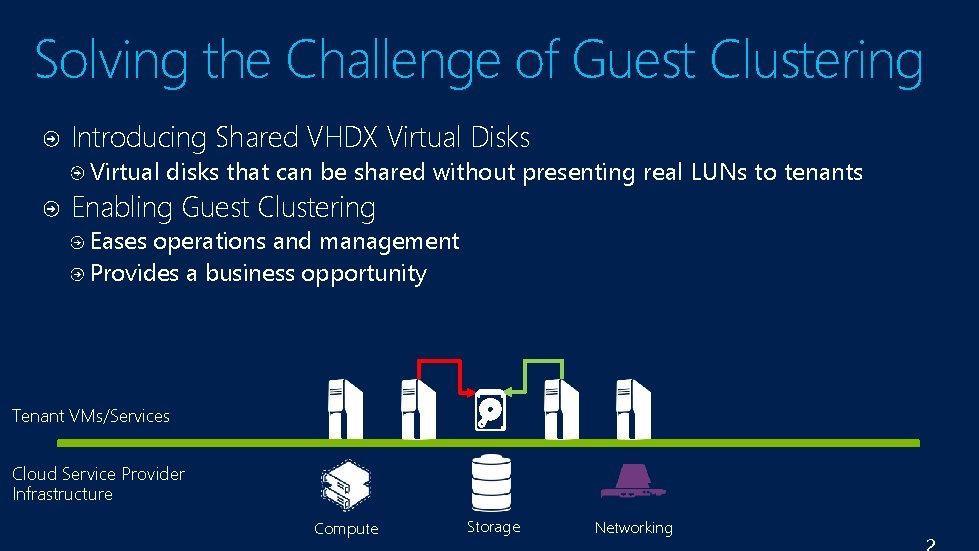
Solving the Challenge of Guest Clustering Introducing Shared VHDX Virtual Disks Virtual disks that can be shared without presenting real LUNs to tenants Enabling Guest Clustering Eases operations and management Provides a business opportunity Tenant VMs/Services Cloud Service Provider Infrastructure Compute Storage Networking
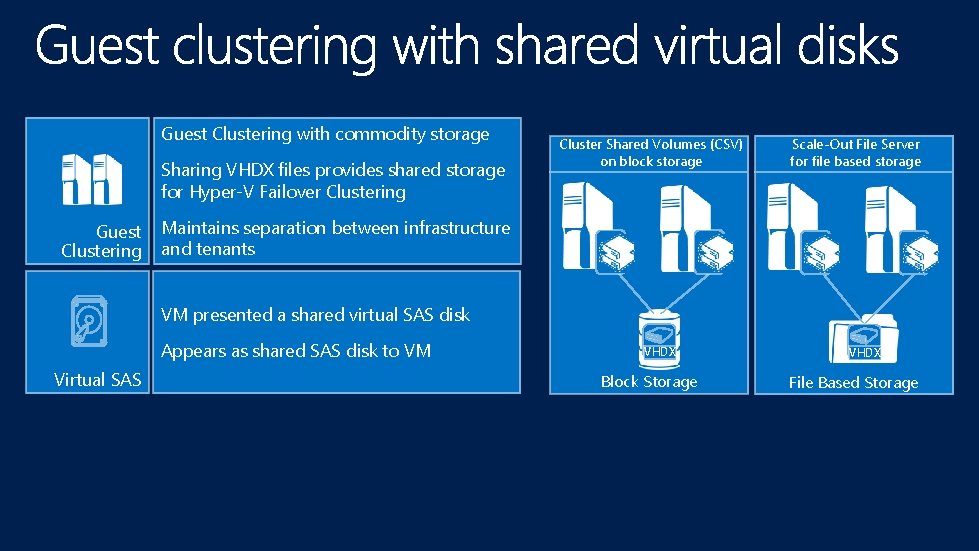
Guest Clustering with commodity storage Sharing VHDX files provides shared storage for Hyper-V Failover Clustering Guest Clustering Cluster Shared Volumes (CSV) on block storage Scale-Out File Server for file based storage Maintains separation between infrastructure and tenants VM presented a shared virtual SAS disk Appears as shared SAS disk to VM Virtual SAS VHDX Block Storage VHDX File Based Storage
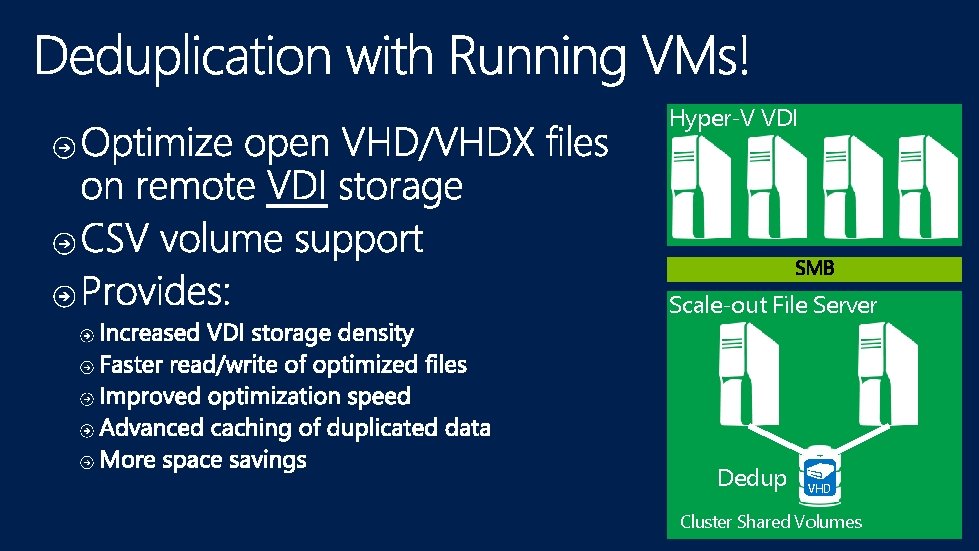
Hyper-V VDI Scale-out File Server Dedup VHD Cluster Shared Volumes
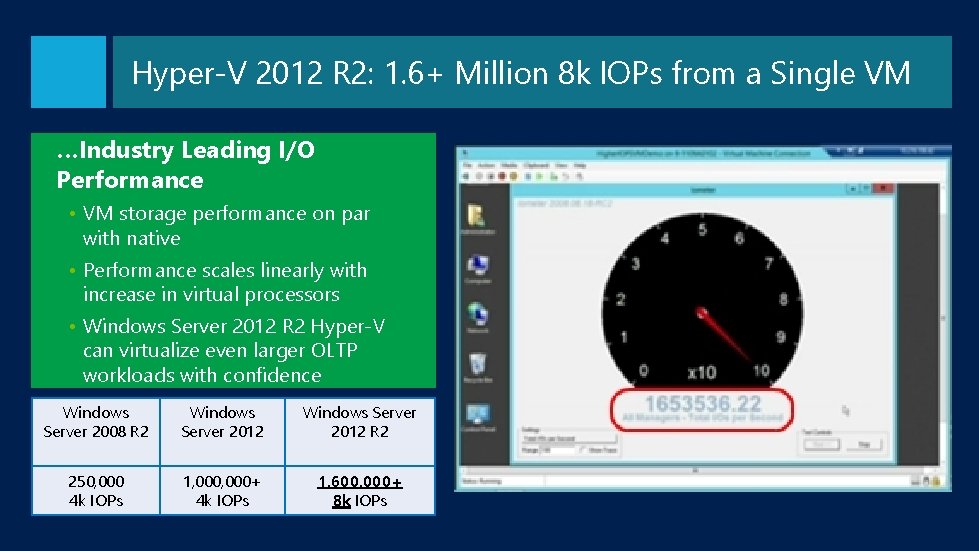
Hyper-V 2012 R 2: 1. 6+ Million 8 k IOPs from a Single VM …Industry Leading I/O Performance • VM storage performance on par with native • Performance scales linearly with increase in virtual processors • Windows Server 2012 R 2 Hyper-V can virtualize even larger OLTP workloads with confidence Windows Server 2008 R 2 Windows Server 2012 R 2 250, 000 4 k IOPs 1, 000+ 4 k IOPs 1, 600, 000+ 8 k IOPs
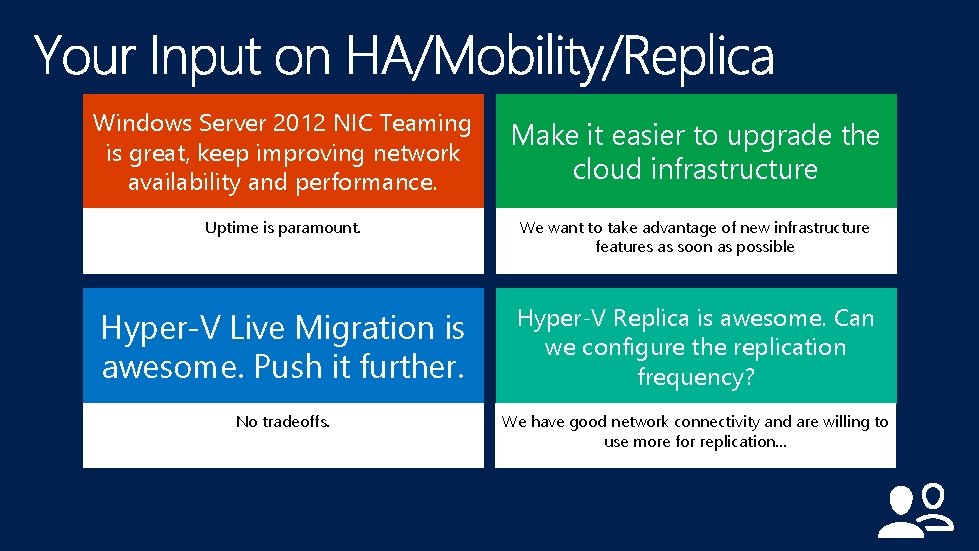
Windows Server 2012 NIC Teaming is great, keep improving network availability and performance. Make it easier to upgrade the cloud infrastructure Uptime is paramount. We want to take advantage of new infrastructure features as soon as possible Hyper-V Live Migration is awesome. Push it further. Hyper-V Replica is awesome. Can we configure the replication frequency? No tradeoffs. We have good network connectivity and are willing to use more for replication…
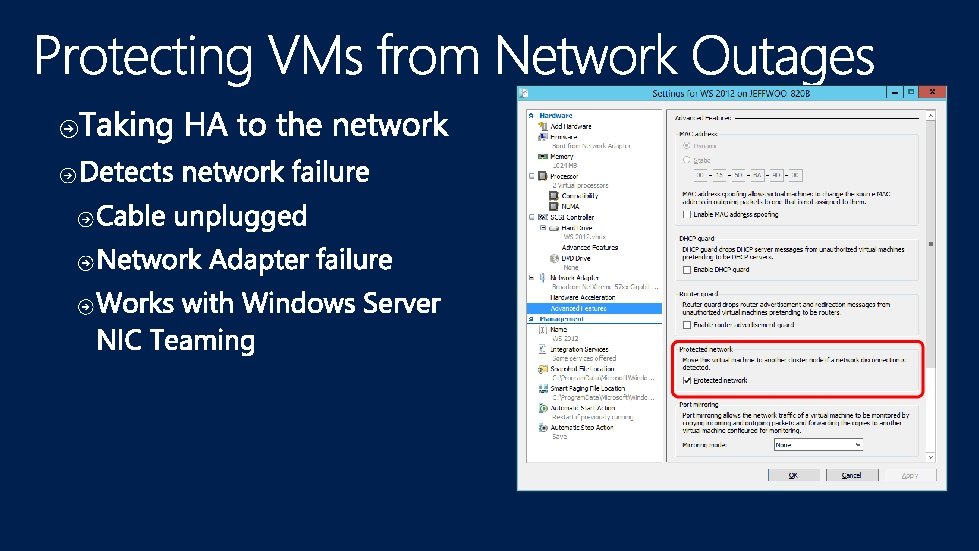
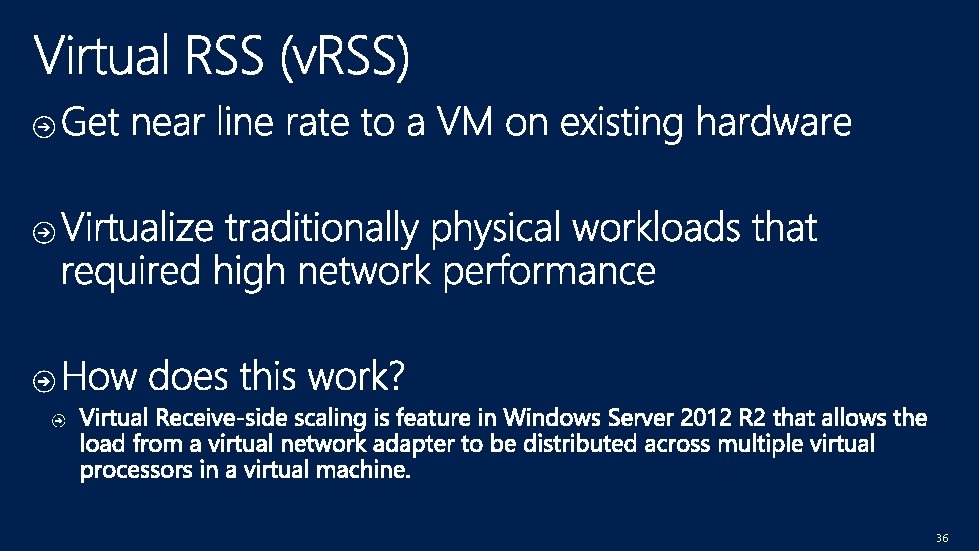
36
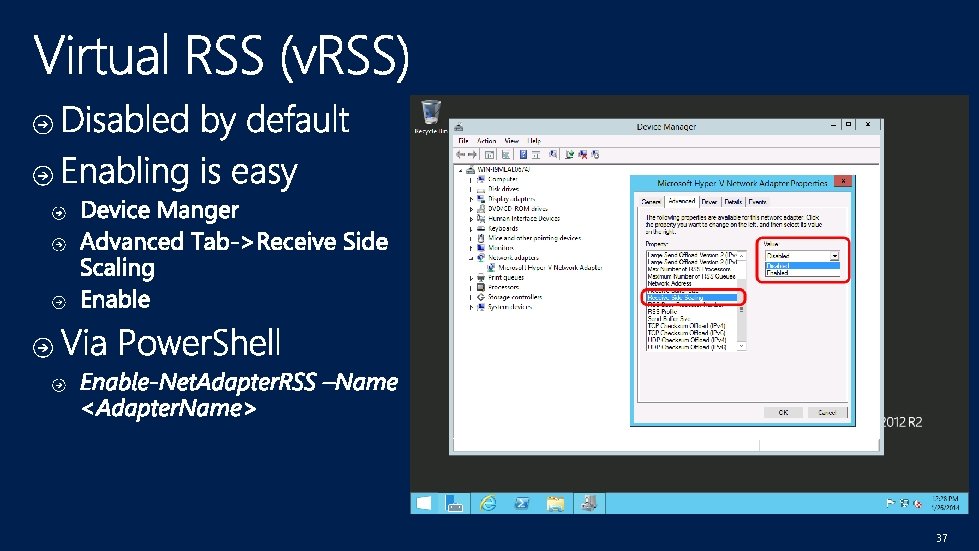
37
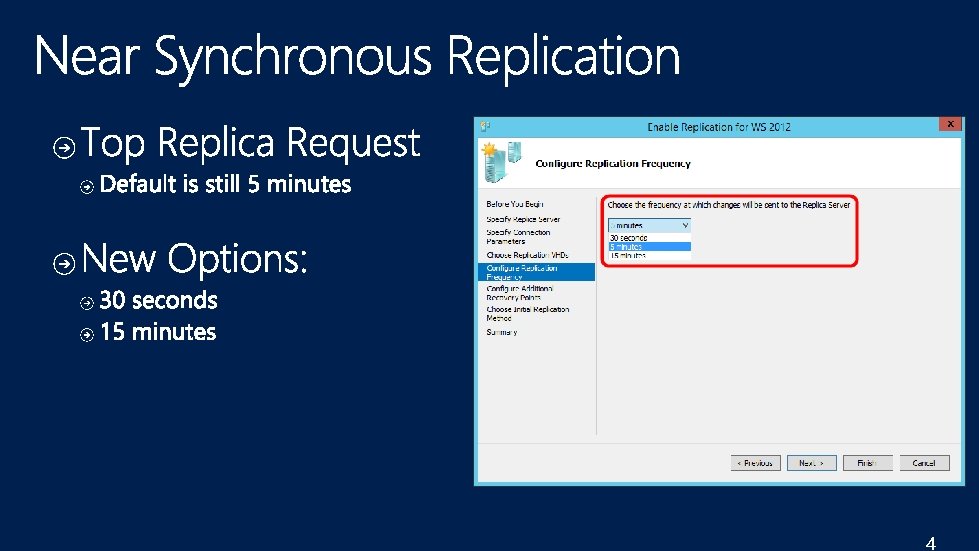
4
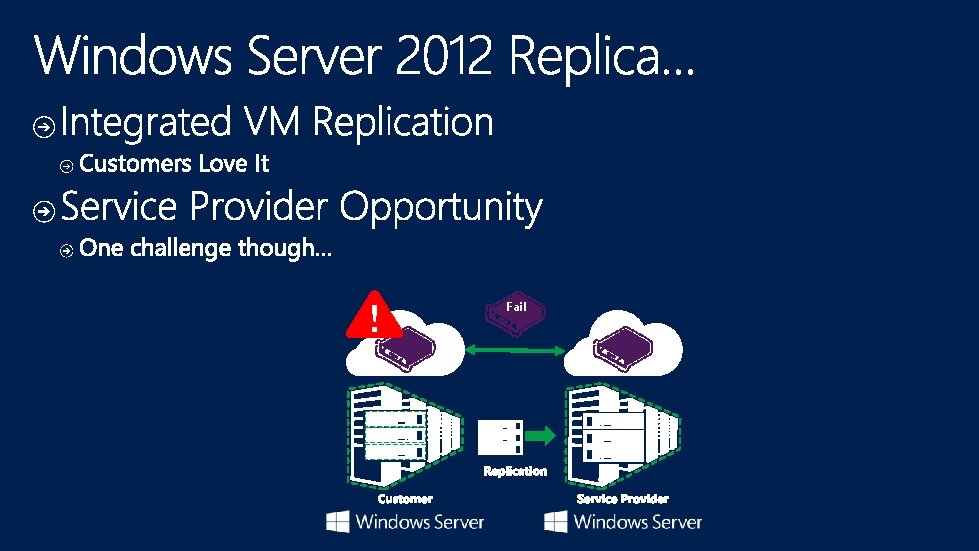
Fail
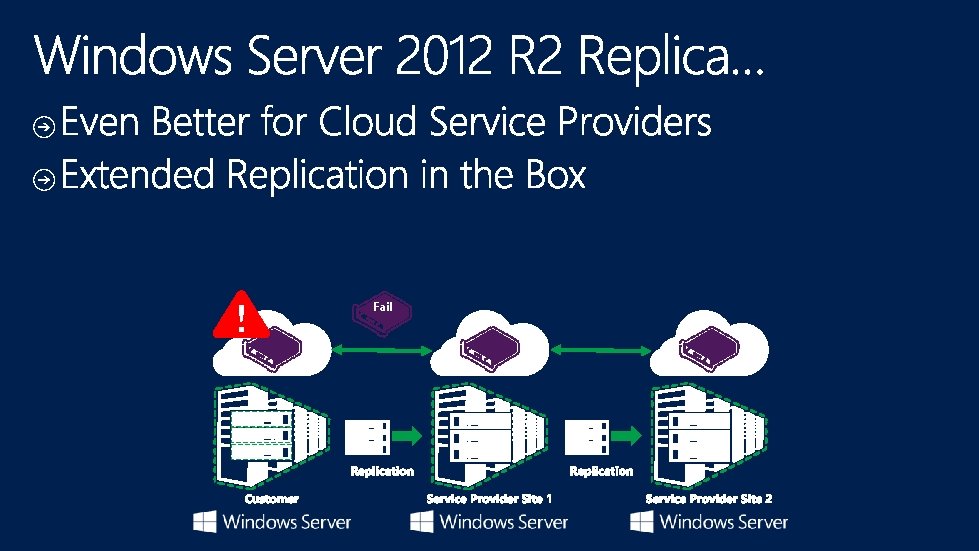
Fail

Windows Server Catalog
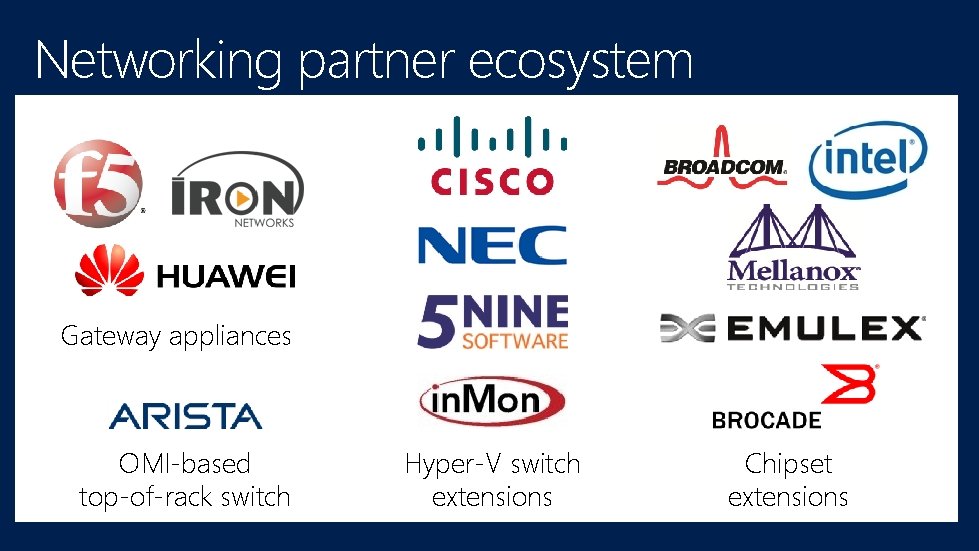
Networking partner ecosystem Gateway appliances OMI-based top-of-rack switch Hyper-V switch extensions Chipset extensions
http: //channel 9. msdn. com/Events/Tech. Ed www. microsoft. com/learning http: //microsoft. com/technet http: //microsoft. com/msdn
- Slides: 66