
public class Comp Sci All C programs start
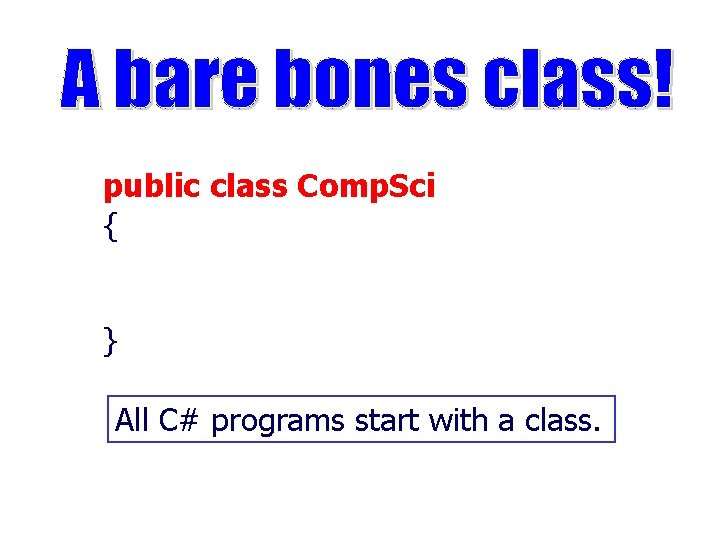
public class Comp. Sci { } All C# programs start with a class.
![public class Comp. Sci { public static void Main(String[] args) { Console. Write. Line("Comp](http://slidetodoc.com/presentation_image_h2/68b3e1470fecf26f66a373cbafde93c9/image-3.jpg "public class Comp. Sci { public static void Main(String[] args) { Console. Write. Line(\"Comp")
public class Comp. Sci { public static void Main(String[] args) { Console. Write. Line("Comp Sci!"); } } OUTPUT Comp Sci!
![public class Comp. Sci { //open brace public static void Main(String[] args) { Console.](http://slidetodoc.com/presentation_image_h2/68b3e1470fecf26f66a373cbafde93c9/image-4.jpg "public class Comp. Sci { //open brace public static void Main(String[] args) { Console.")
public class Comp. Sci { //open brace public static void Main(String[] args) { Console. Write. Line ("Comp Sci!"); } } //close brace Braces – You gotta have ‘em! Every class and every method must have a { and a }.
![public class Comp. Sci { public static void main(String[] args) { Console. Write. Line("Comp](http://slidetodoc.com/presentation_image_h2/68b3e1470fecf26f66a373cbafde93c9/image-5.jpg "public class Comp. Sci { public static void main(String[] args) { Console. Write. Line(\"Comp")
public class Comp. Sci { public static void main(String[] args) { Console. Write. Line("Comp Sci!"); } } You must put a semi-colon at the end of all C# program statements ( ; ).
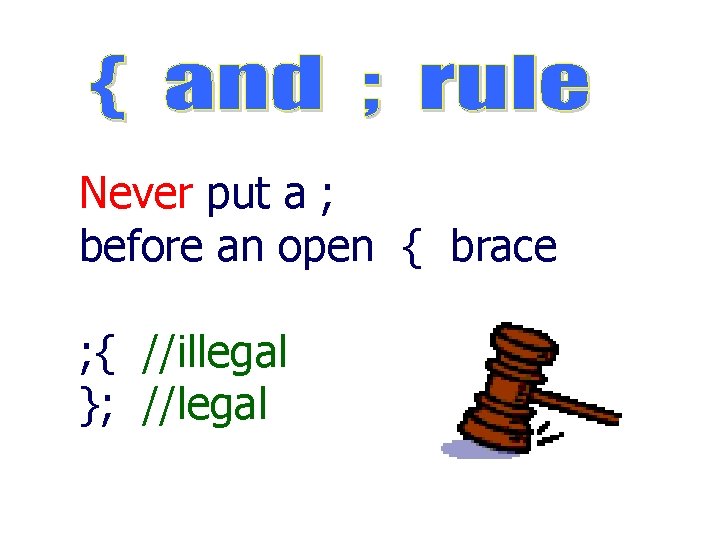
Never put a ; before an open { brace ; { //illegal }; //legal
![public class Comp. Sci { public static void Main(String[] args) { Console. Write. Line("Comp](http://slidetodoc.com/presentation_image_h2/68b3e1470fecf26f66a373cbafde93c9/image-7.jpg "public class Comp. Sci { public static void Main(String[] args) { Console. Write. Line(\"Comp")
public class Comp. Sci { public static void Main(String[] args) { Console. Write. Line("Comp Sci!"); } } Indent all code 3 spaces to make it easier to read.
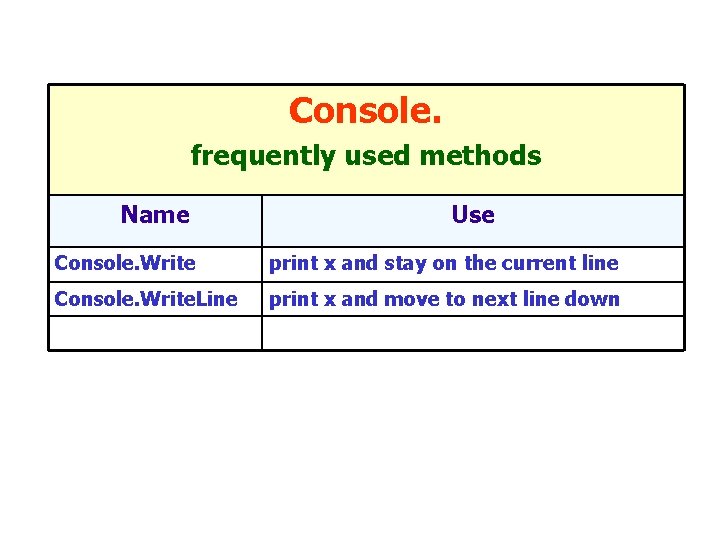
Console. frequently used methods Name Use Console. Write print x and stay on the current line Console. Write. Line print x and move to next line down
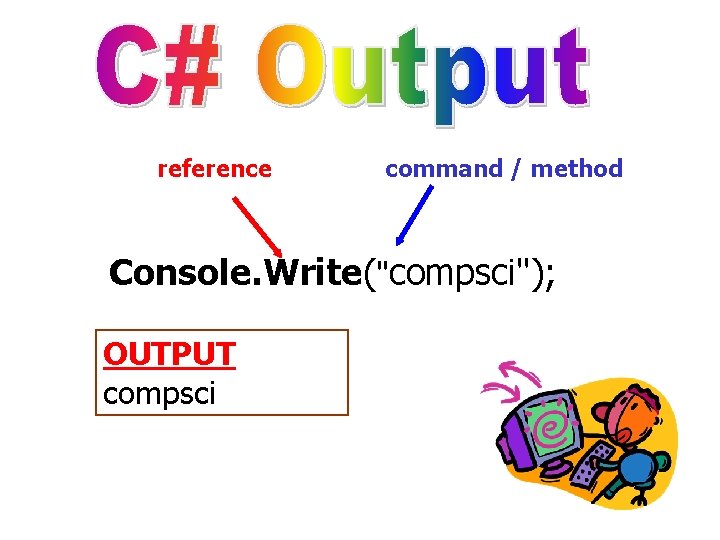
reference command / method Console. Write("compsci"); OUTPUT compsci
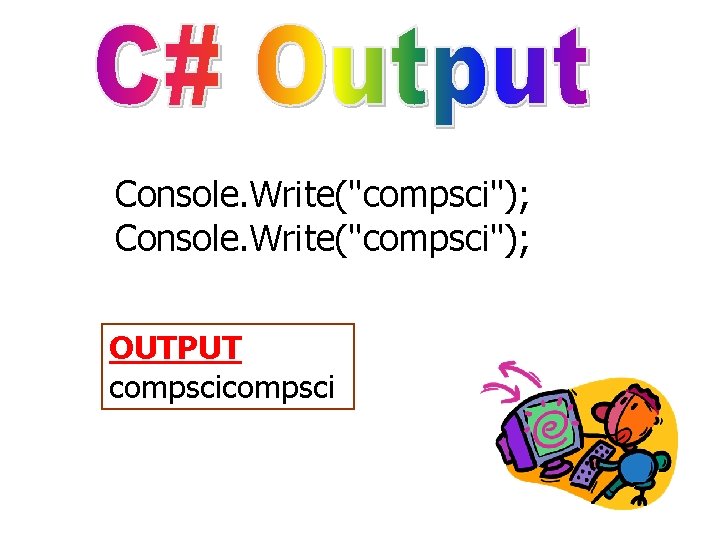
Console. Write("compsci"); OUTPUT compsci
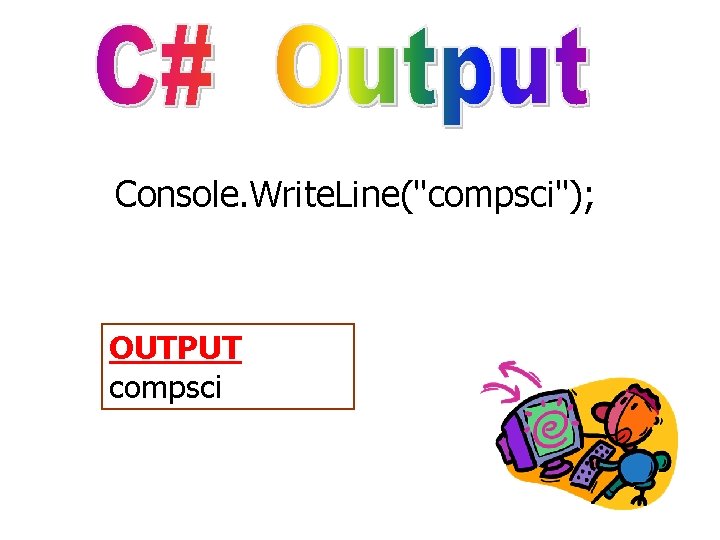
Console. Write. Line("compsci"); OUTPUT compsci
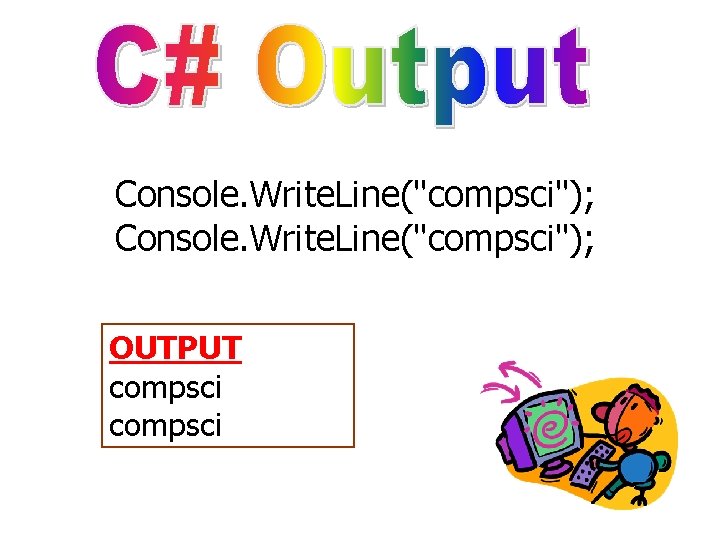
Console. Write. Line("compsci"); OUTPUT compsci
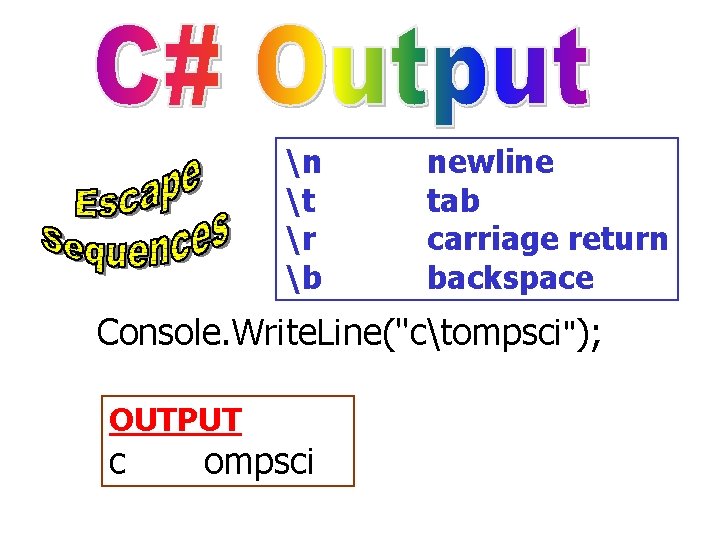
n t r b newline tab carriage return backspace Console. Write. Line("ctompsci"); OUTPUT c ompsci
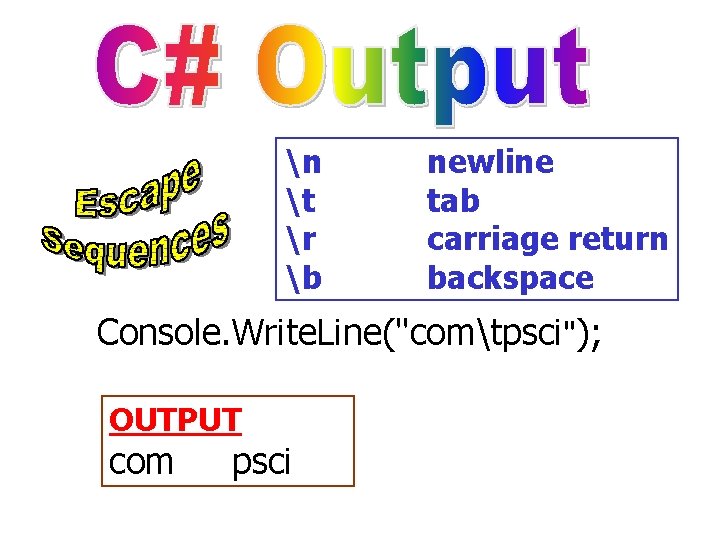
n t r b newline tab carriage return backspace Console. Write. Line("comtpsci"); OUTPUT com psci
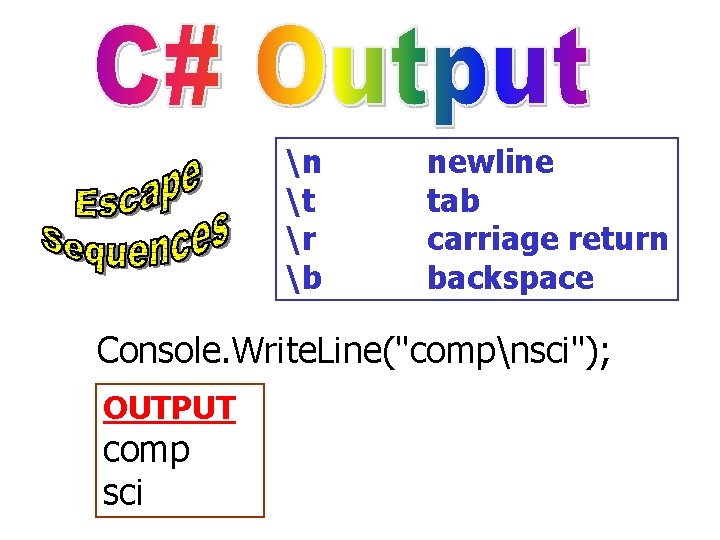
n t r b newline tab carriage return backspace Console. Write. Line("compnsci"); OUTPUT comp sci
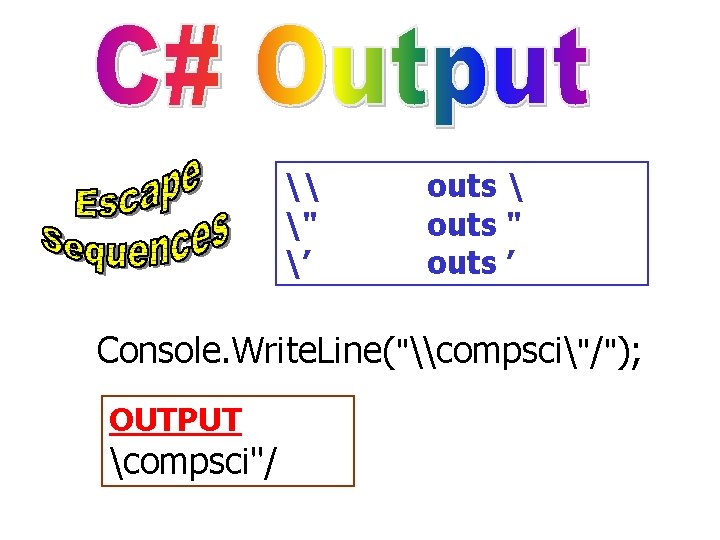
\ " ’ outs outs " outs ’ Console. Write. Line("\compsci"/"); OUTPUT compsci"/
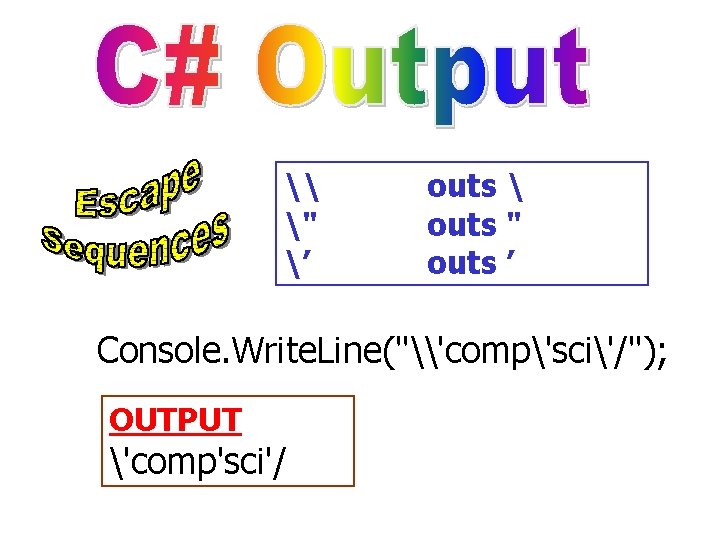
\ " ’ outs outs " outs ’ Console. Write. Line("\'comp'sci'/"); OUTPUT 'comp'sci'/
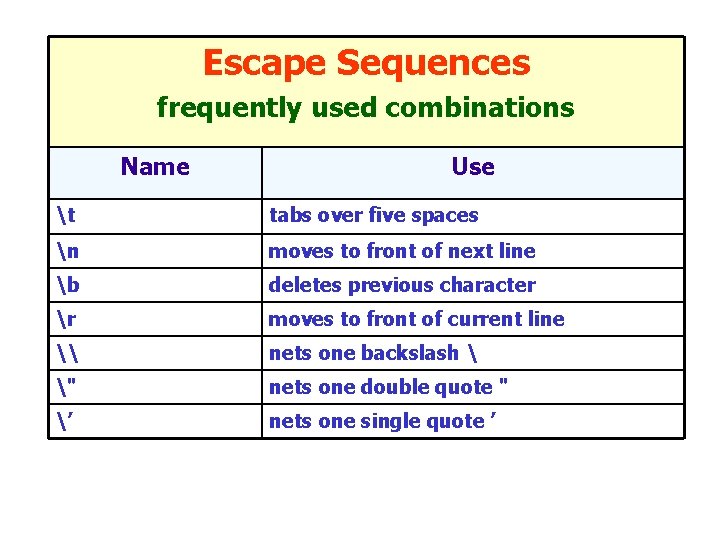
Escape Sequences frequently used combinations Name Use t tabs over five spaces n moves to front of next line b deletes previous character r moves to front of current line \ nets one backslash " nets one double quote " ’ nets one single quote ’
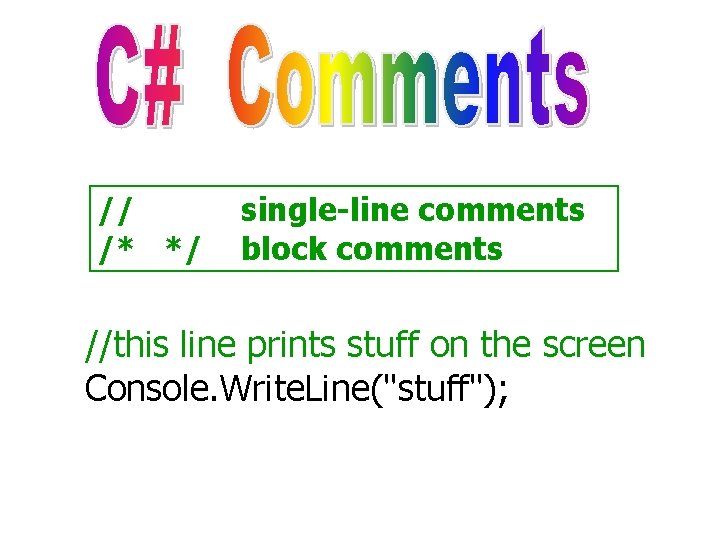
// /* */ single-line comments block comments //this line prints stuff on the screen Console. Write. Line("stuff");
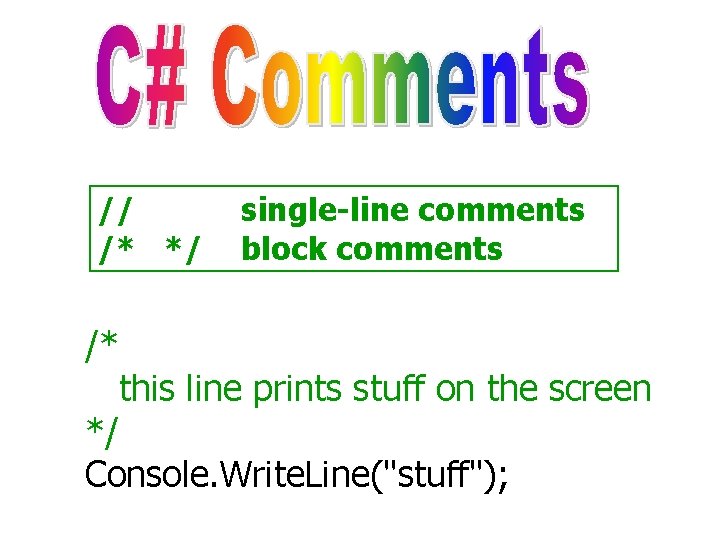
// /* */ /* single-line comments block comments this line prints stuff on the screen */ Console. Write. Line("stuff");
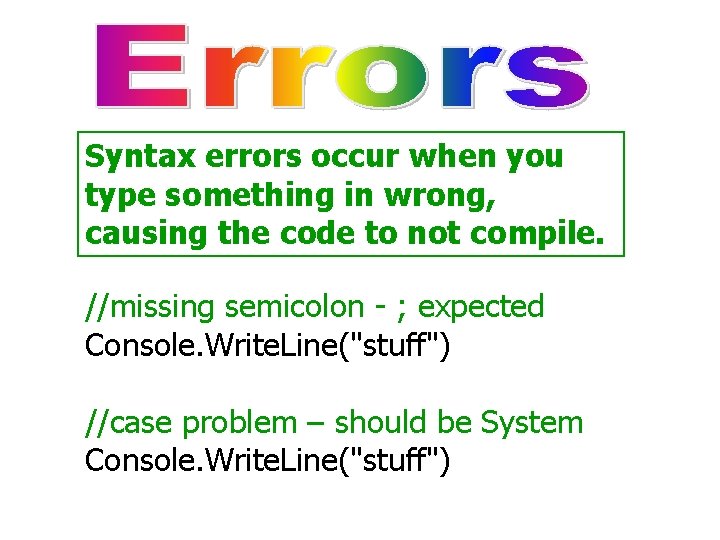
Syntax errors occur when you type something in wrong, causing the code to not compile. //missing semicolon - ; expected Console. Write. Line("stuff") //case problem – should be System Console. Write. Line("stuff")
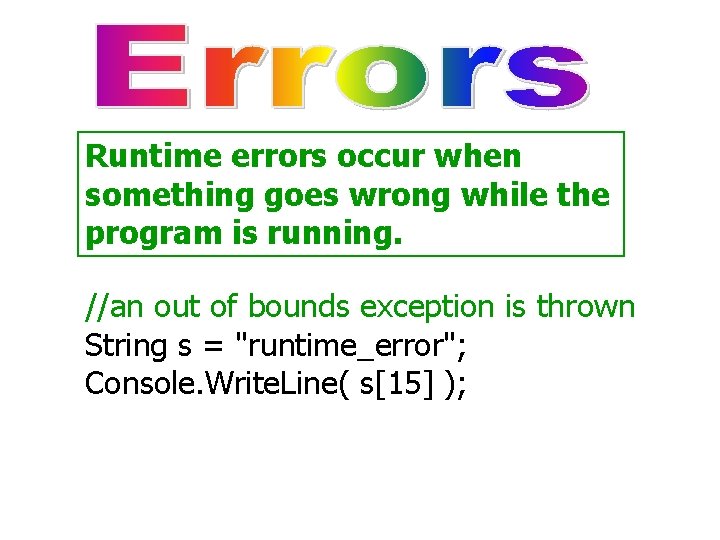
Runtime errors occur when something goes wrong while the program is running. //an out of bounds exception is thrown String s = "runtime_error"; Console. Write. Line( s[15] );
- Slides: 23