
PROMOTING A CULTURE OF INFORMATION SECURITY AT PACE

- Slides: 34
PROMOTING A CULTURE OF INFORMATION SECURITY AT PACE UNIVERSITY • Information security is everyone’s responsibility. This session will explore the information security risks faced by the University and will explain each user’s responsibilities and the best practices that will help to mitigate these risks. Passwords, safe web browsing, mobile security, social engineering attacks, malware, physical security, data handling, incident handling, roles and responsibilities, and promoting a culture of security will be some of the topics discussed.
CHRIS BOHLK, CISSP, C|EH PACE UNIVERSITY INFORMATION SECURITY OFFICER INFORMATION TECHNOLOGY SERVICES (ITS) 235 ELM ROAD, WEST HALL 212 A BRIARCLIFF MANOR, NY 10510 (914)923 -2649 OFFICE CBOHLK@PACE. EDU
“Whatever the mind can conceive and believe, it can achieve. ” -Napoleon Hill
LEARNING OBJECTIVES • To learn and understand information security principles and best practices that you are responsible to perform in order to help protect Pace’s data. • To understand that information security is everyone’s responsibility. It is not just an IT problem. • Take the knowledge that you learn today and immediately implement these habits into your daily work routine. Enthusiastically teach your colleagues and coworkers how to protect Pace’s information assets to help promote a culture of information security awareness.
Universities Face a Rising Barrage of Cyber. Attacks NY Times Article on July 16, 2013
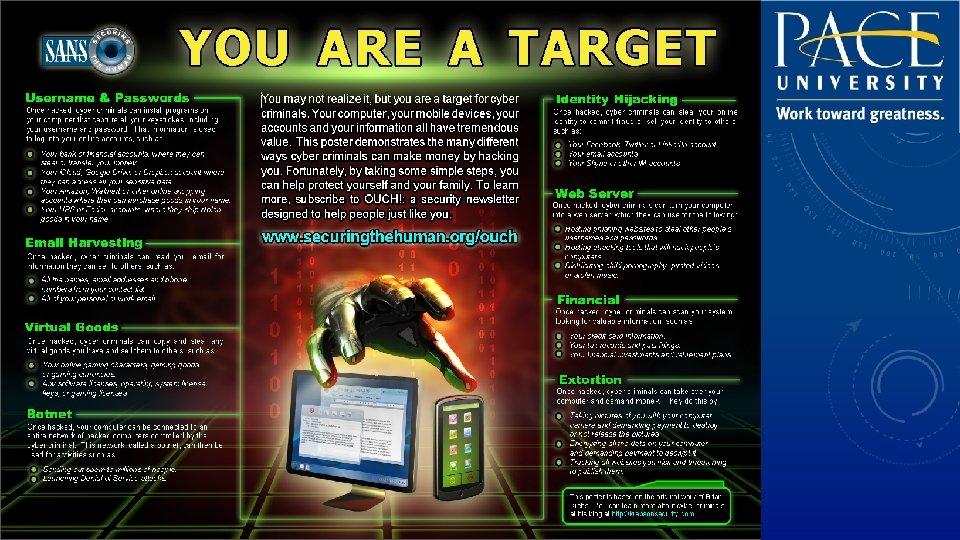
SECURITY THREATS • • • Social Engineering External Hackers Disgruntled Employees Viruses Worms Trojans • • • Keystroke Loggers Denial of Service (DOS) Phishing Identity Theft Data Leakage
WHY DO WE CARE ABOUT SECURITY? • • • Identity Theft Breach Disclosure Laws Financial Cost Legal Cost Time and money lost responding to a breach Loss of Reputation
PERSONALLY IDENTIFIABLE INFORMATION (PII) Some examples: • Social security numbers • Credit card numbers • Bank account numbers • Health information
BEST PRACTICES
PROTECT AGAINST SOCIAL ENGINEERING ATTACKS • Be alert and vigilant
EMAIL • Delete suspicious email
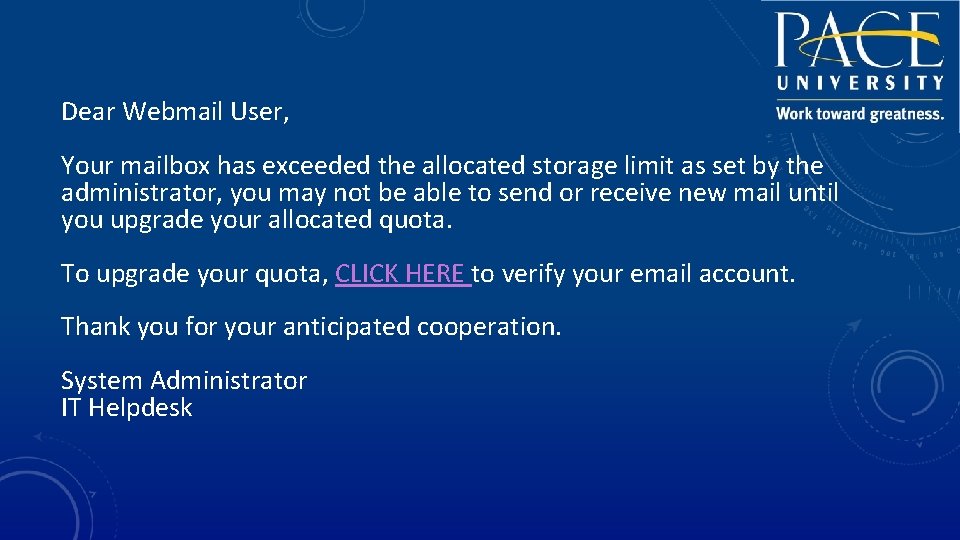
Dear Webmail User, Your mailbox has exceeded the allocated storage limit as set by the administrator, you may not be able to send or receive new mail until you upgrade your allocated quota. To upgrade your quota, CLICK HERE to verify your email account. Thank you for your anticipated cooperation. System Administrator IT Helpdesk
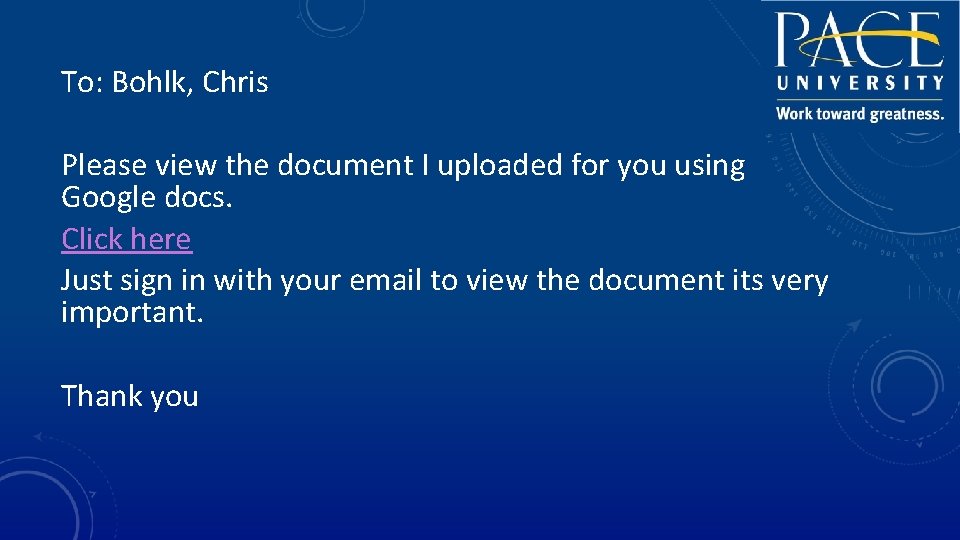
To: Bohlk, Chris Please view the document I uploaded for you using Google docs. Click here Just sign in with your email to view the document its very important. Thank you
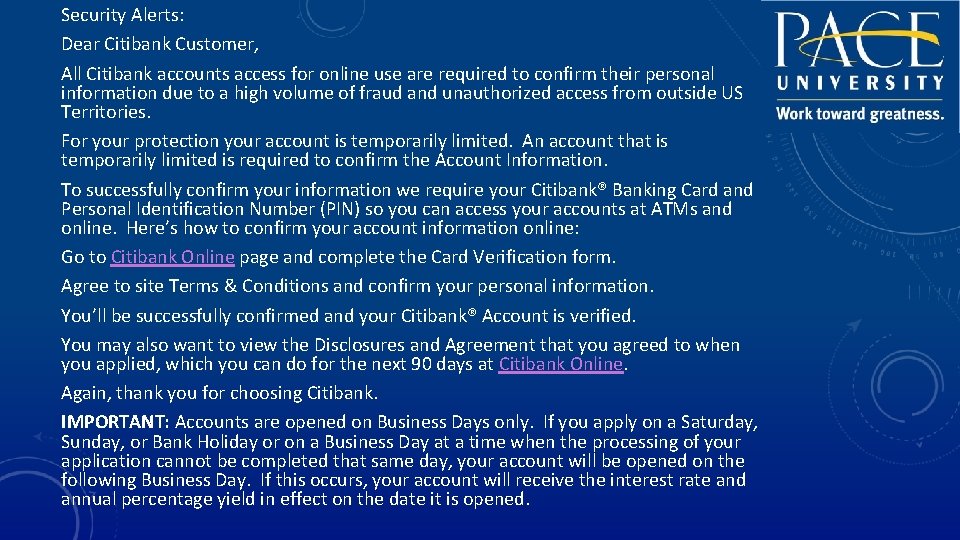
Security Alerts: Dear Citibank Customer, All Citibank accounts access for online use are required to confirm their personal information due to a high volume of fraud and unauthorized access from outside US Territories. For your protection your account is temporarily limited. An account that is temporarily limited is required to confirm the Account Information. To successfully confirm your information we require your Citibank® Banking Card and Personal Identification Number (PIN) so you can access your accounts at ATMs and online. Here’s how to confirm your account information online: Go to Citibank Online page and complete the Card Verification form. Agree to site Terms & Conditions and confirm your personal information. You’ll be successfully confirmed and your Citibank® Account is verified. You may also want to view the Disclosures and Agreement that you agreed to when you applied, which you can do for the next 90 days at Citibank Online. Again, thank you for choosing Citibank. IMPORTANT: Accounts are opened on Business Days only. If you apply on a Saturday, Sunday, or Bank Holiday or on a Business Day at a time when the processing of your application cannot be completed that same day, your account will be opened on the following Business Day. If this occurs, your account will receive the interest rate and annual percentage yield in effect on the date it is opened.
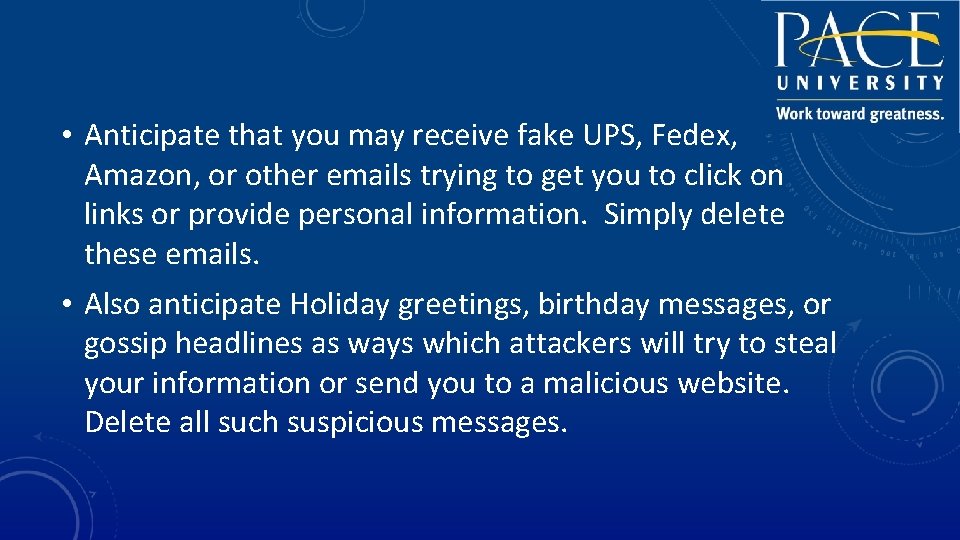
• Anticipate that you may receive fake UPS, Fedex, Amazon, or other emails trying to get you to click on links or provide personal information. Simply delete these emails. • Also anticipate Holiday greetings, birthday messages, or gossip headlines as ways which attackers will try to steal your information or send you to a malicious website. Delete all such suspicious messages.
WEB BROWSING • Visit trusted web sites that are needed to conduct Pace University business.
CAUTIOUSLY HANDLE PII • You are responsible for safely handling PII in your possession. • PII should only be stored on the designated servers and not copied to multiple locations or stored on local workstations, devices, USB drives, etc. • PII may only be given authorization to authorized individuals with a ‘need to know’ to perform their job duties. • You may not upload PII to public websites or any other publically accessible location.
SOCIAL NETWORKS • Do not upload PII to social networks. • Be careful of what information you post to social networks
PASSWORDS • Never share your password with anyone • Create a passphrase to help remember your password
USE A PASSPHRASE • A passphrase is a longer version of a password and is, therefore, more secure. A passphrase is typically composed of multiple words. Because of this, a passphrase is more secure against "dictionary attacks. " • A good passphrase is relatively long and contains a combination of upper and lowercase letters and numeric and punctuation characters. An example of a good passphrase: • "The*? #>*@Traffic. On. Thel. Ol Was*&#!#This. Morning" • All of the rules above that apply to passwords apply to passphrases.
APPLY LATEST SECURITY PATCHES AND ENABLE ANTIVIRUS • Keep your devices updated with the latest security updates • Ensure antivirus is enabled with the latest definitions
PHYSICAL SECURITY • Keep track of and secure your devices
PHYSICAL DATA DESTRUCTION • Please contact the ITS Helpdesk at (914) 773 -3333 for specific procedures
LAPTOPS, USB DEVICES, AND MOBILE DEVICES • PII (Personally Identifiable Information) should never be stored on laptops, USB Devices, and mobile devices
YOUR HOME COMPUTER AND HOME NETWORK • Secure your home computer and router with the latest patches and updates
PUBLIC AND OTHER “UNTRUSTED” COMPUTERS • Never logon with any of your Pace credentials from a public or “untrusted” computer, such as kiosks or Internet cafes.
WI-FI SECURITY • Use the Pace VPN (Virtual Private Network) to securely access resources if you are using WI-FI
LAWS AND REGULATIONS • • FERPA - The Family Educational Rights and Privacy Act HIPAA - The Health Insurance Portability and Accountability Act GLBA- The Gramm-Leach Bliley Act SOX - Sarbanes-Oxley Act DMCA- The Digital Millennium Copyright Act PCI DSS - The Payment Card Industry Data Security Standards NYS Information Security Breach and Notification Act (Section 899 -aa)
INCIDENT REPORTING • If you encounter or suspect an information security incident, immediately report this information to the Helpdesk at (914) 773 -3333 (pacehelpdesk@pace. edu). The Helpdesk should always be the initial point of contact. They will ensure that the event is documented and handed off to the appropriate party.
EVERYONE IS RESPONSIBLE FOR SECURITY
CULTURE OF SECURITY • You can help transform Pace University’s information security culture
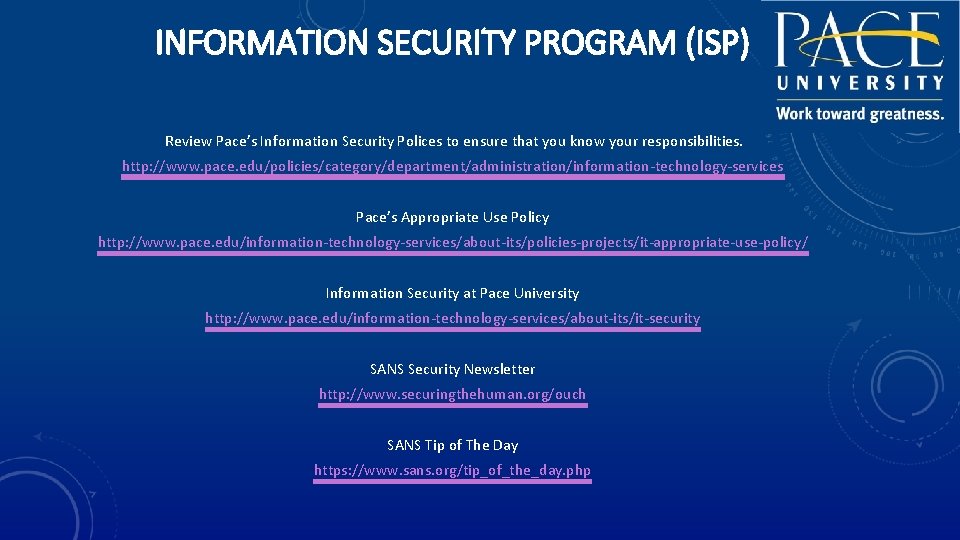
INFORMATION SECURITY PROGRAM (ISP) Review Pace’s Information Security Polices to ensure that you know your responsibilities. http: //www. pace. edu/policies/category/department/administration/information-technology-services Pace’s Appropriate Use Policy http: //www. pace. edu/information-technology-services/about-its/policies-projects/it-appropriate-use-policy/ Information Security at Pace University http: //www. pace. edu/information-technology-services/about-its/it-security SANS Security Newsletter http: //www. securingthehuman. org/ouch SANS Tip of The Day https: //www. sans. org/tip_of_the_day. php
QUESTIONS?