
Project Wise and Sitemanager Matt Looney PE KYTC

- Slides: 19
Project. Wise and Sitemanager Matt Looney, PE KYTC Construction Matt. Looney@ky. gov (Yes, I know these are very dry topics)
-New Template as of December 2013 -77 folders down to 34 folders -All Construction Personnel can Add/Delete/Rename folders as they see fit. (But please use similar folder names and locations if adding/renaming folders)
-New Guidance Documents in Project. Wise -KYTC-MainDocumentsCentral OfficeConstructionProject. Wise InfoFolder Structure and Guidance -Also included as hard copy in New SE Reference Guides (available at this meeting!)
-Proper Naming is Critical -Be sure to always name documents so they can be identified by name without a user having to open the document. -Always include: -Contract ID -Type of Document (Final Inspection, Formal Acceptance, Completion Notice, etc. ) -Date of Document if Applicable
-File Name Examples 121302 Final. Inspection. Report. pdf 121302 Formal Acceptance. Report. pdf 121302 Pier 2 damage 20130902. jpg
Site. Manager
Still Important to do…… 1. Enter Key Dates in a timely manner 2. Send Reports Generated in Site. Manager. - Work Complete Notice - Corrective Work Complete Notice
Site. Manager 3. 10 a Soon to be a thing of the Past!! (maybe)
Site. Manager 3. 13 a HELLO FUTURE!!
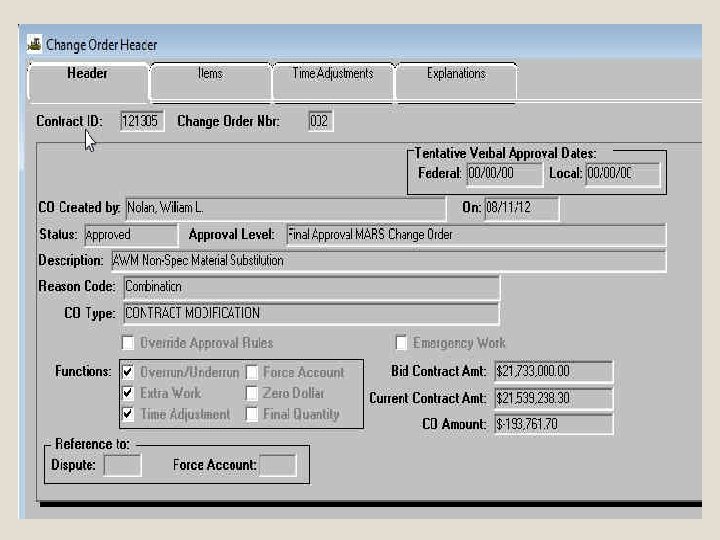
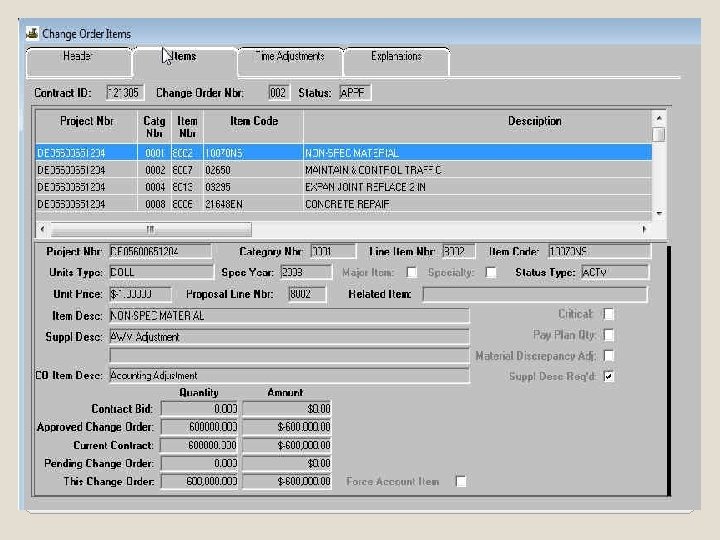
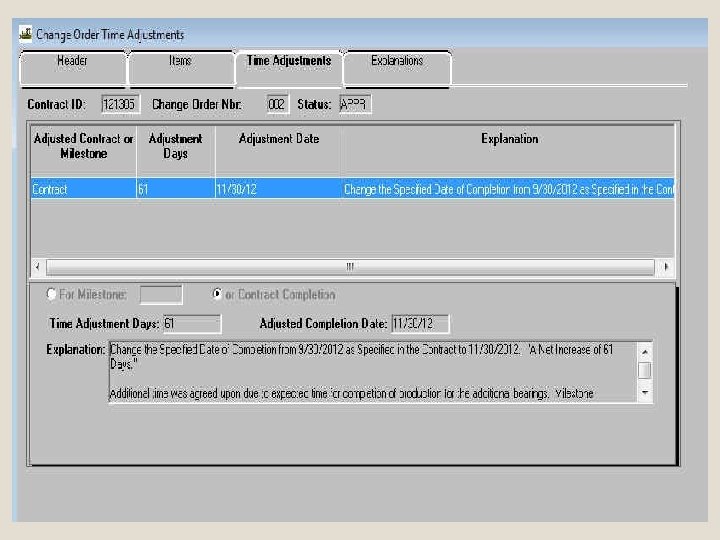
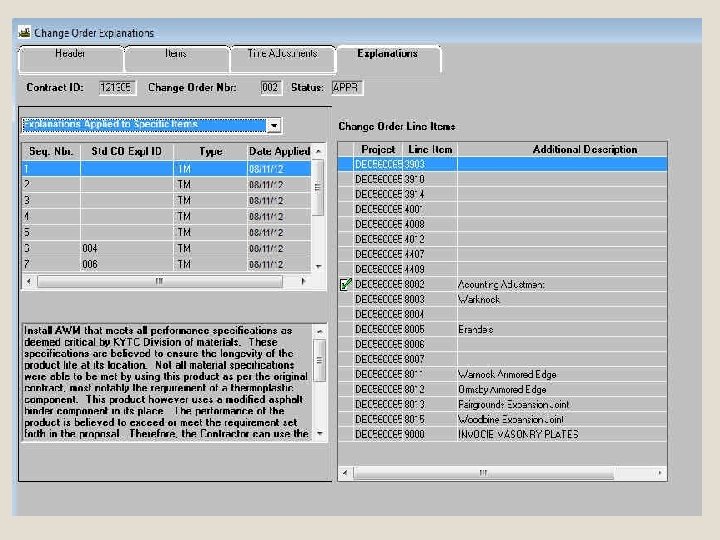
Site. Manager 3. 13 a Not too much has changed for the user from version 3. 10 a. - Change Order Screens now have tab navigation
…. And then what?
Currently beginning Beta testing phases for: -Sitemanager 3. 15 a -And then…….
AASHTOWare Project 3. 0 Web based system – extension of Pre. Construction program already in use by KYTC. 2016?
QUESTIONS? - I can’t make your local network connection faster. - I can’t get you cell phone service that works. - I can’t get you better trucks, more people, or increments. - Anything else is fair game.
Contact Info: Matt. Looney@ky. gov (502) 564 -4780 – Office