
Project Submission Template Introduction EducatorApplicant Name SchoolCollegeUniversity Name

Project Submission Template
Introduction Educator/Applicant Name School/College/University Name Project Name Email ID
Index: Checklist for Project Submission Evidence Educator/Applicant Profile Letters of Support Project Details

Checklist for Project Submission S. No 1 Prerequisite Whether Completed (Yes/No) Registered on Microsoft Educators Network (www. mseducatornetwork. com) 2 Completed Windows in Classroom / Windows 8 in classroom (Wi. C) and one module of Teaching with Technology (TWT) courseware available under Professional Development section on Microsoft Educators Network 3 Enrolled at least 20 peers on Microsoft Educators network. List to be submitted as per template. 4 Trained 20 peers on Wi. C and TWT. List to be submitted as per template. 5 Active participant in discussions on Microsoft Educators Network (MSEN) and started at least 2 discussions 6 Enrol on the community network - Facebook on MSCOM Must have clicked at least once on the following links: 7 • Microsoft in Education Customer Stories • Education Empowered EDU Stories • Global Forum • Microsoft in Education Blog • Daily Edventures Blog • Educator Network • Microsoft EDU on Twitter • Microsoft EDU on Facebook • Microsoft EDU on You. Tube • Microsoft EDU on Pinterest Important: Educator/Applicant must have fulfilled all the above prerequisites to be able to apply for MIELA 2014 -15
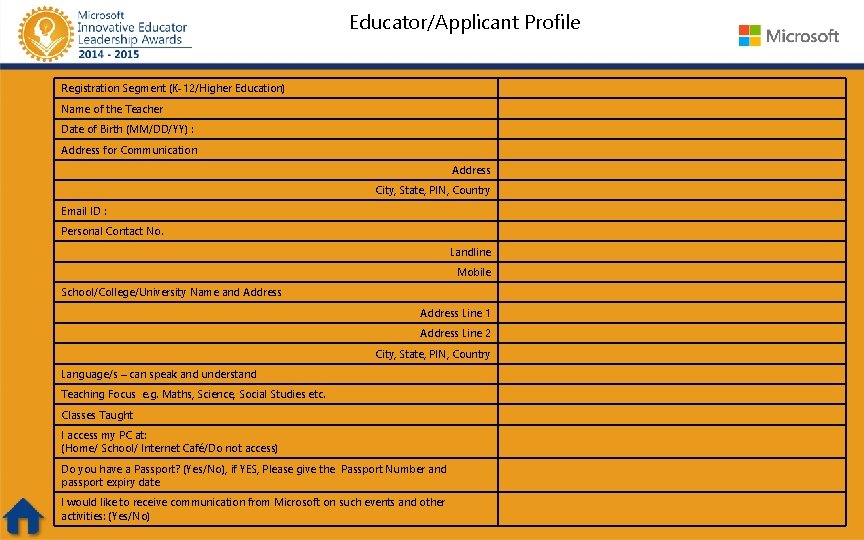
Educator/Applicant Profile Registration Segment (K-12/Higher Education) Name of the Teacher Date of Birth (MM/DD/YY) : Address for Communication Address City, State, PIN, Country Email ID : Personal Contact No. Landline Mobile School/College/University Name and Address Line 1 Address Line 2 City, State, PIN, Country Language/s – can speak and understand Teaching Focus e. g. Maths, Science, Social Studies etc. Classes Taught I access my PC at: (Home/ School/ Internet Café/Do not access) Do you have a Passport? (Yes/No), if YES, Please give the Passport Number and passport expiry date I would like to receive communication from Microsoft on such events and other activities: (Yes/No)

Project Details – add one slide if required for info Microsoft Educator Network (MSEN) profile link Name of Educator Theme of the submitted project: (Any of themes listed below) • • Engaging students in learning Developing student communities which assist learning and teaching Developing lesson plan which involves teaching particular theme deploying technology IT deployment to enhance pedagogy Assessment tools with immediate feedback Pedagogy deploying technology tools to drive superior learning in schools Stories for making learning interesting with audio and video experience deploying Microsoft tools available on Microsoft Educator Network • MIELA 2014 -15 Evaluation Rubrics HOT TIP: Please refer to the MIELA 2014 -15 Evaluation Rubrics while adding the details of your project
Project Details – add one slide if required for info Name and website URL of your School/College/University Subject of the project i. e. science/history/maths etc. – if project is targeted to any specific academic subject Age/Grade of target group of learner Project Objectives: (not more than five bulleted sentences) • • • One Two Three Four Five
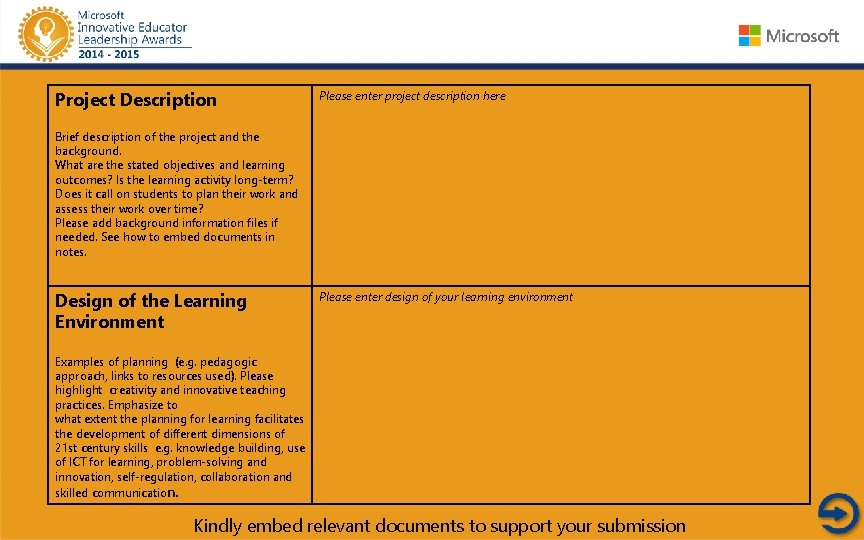
Project Description Please enter project description here Brief description of the project and the background. What are the stated objectives and learning outcomes? Is the learning activity long-term? Does it call on students to plan their work and assess their work over time? Please add background information files if needed. See how to embed documents in notes. Design of the Learning Environment Please enter design of your learning environment Examples of planning (e. g. pedagogic approach, links to resources used). Please highlight creativity and innovative teaching practices. Emphasize to what extent the planning for learning facilitates the development of different dimensions of 21 st century skills e. g. knowledge building, use of ICT for learning, problem-solving and innovation, self-regulation, collaboration and skilled communication. Kindly embed relevant documents to support your submission
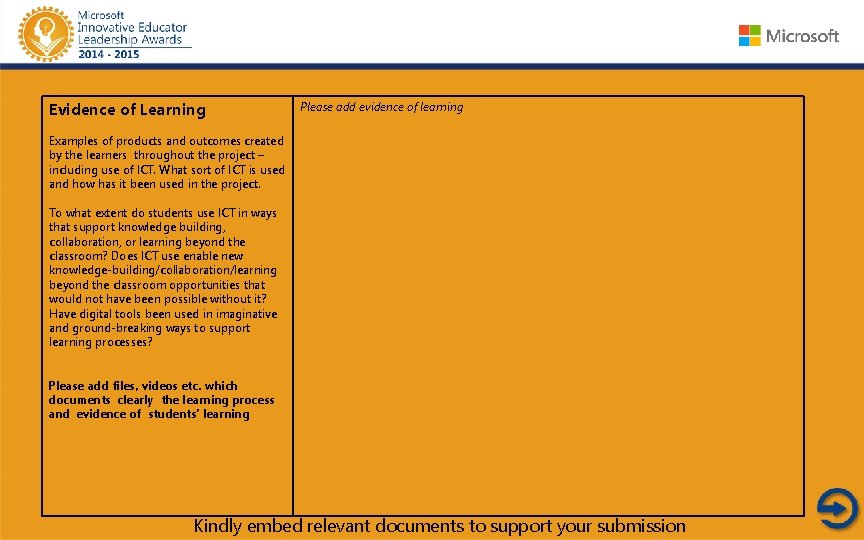
Evidence of Learning Please add evidence of learning Examples of products and outcomes created by the learners throughout the project – including use of ICT. What sort of ICT is used and how has it been used in the project. To what extent do students use ICT in ways that support knowledge building, collaboration, or learning beyond the classroom? Does ICT use enable new knowledge-building/collaboration/learning beyond the classroom opportunities that would not have been possible without it? Have digital tools been used in imaginative and ground-breaking ways to support learning processes? Please add files, videos etc. which documents clearly the learning process and evidence of students’ learning Kindly embed relevant documents to support your submission
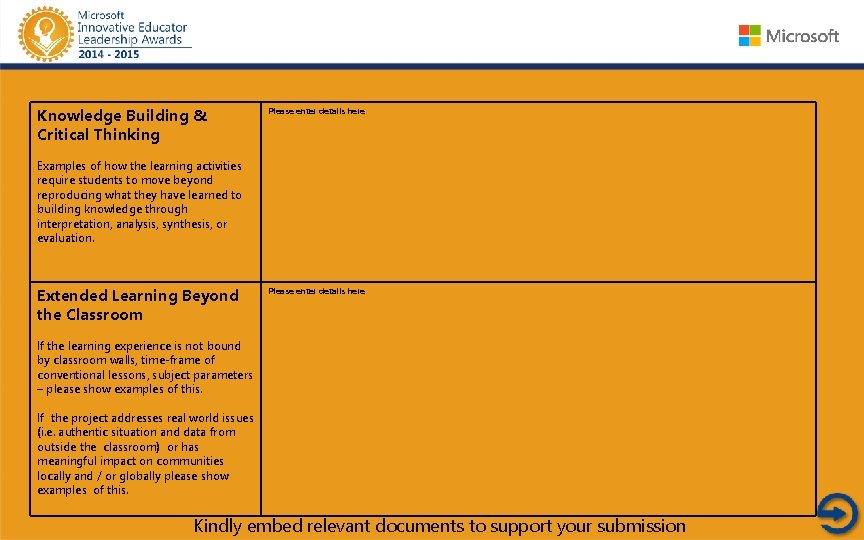
Knowledge Building & Critical Thinking Please enter details here Examples of how the learning activities require students to move beyond reproducing what they have learned to building knowledge through interpretation, analysis, synthesis, or evaluation. Extended Learning Beyond the Classroom Please enter details here If the learning experience is not bound by classroom walls, time-frame of conventional lessons, subject parameters – please show examples of this. If the project addresses real world issues (i. e. authentic situation and data from outside the classroom) or has meaningful impact on communities locally and / or globally please show examples of this. Kindly embed relevant documents to support your submission
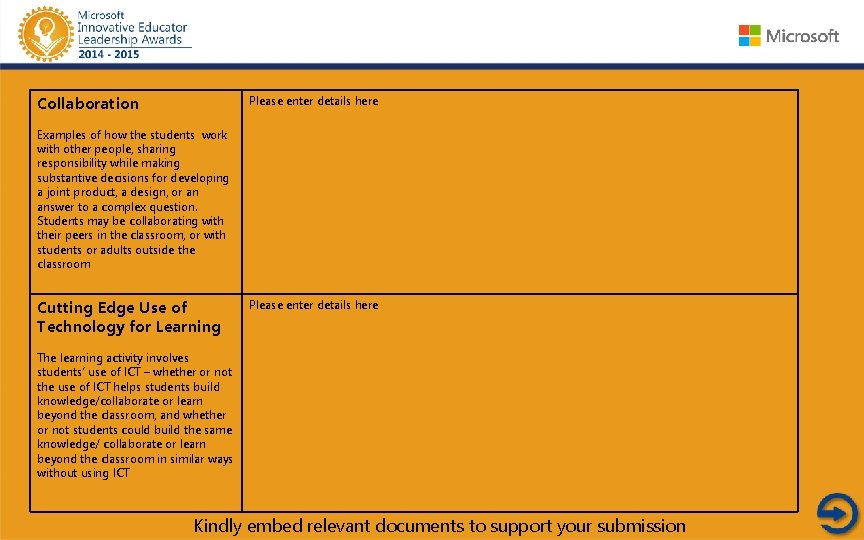
Collaboration Please enter details here Examples of how the students work with other people, sharing responsibility while making substantive decisions for developing a joint product, a design, or an answer to a complex question. Students may be collaborating with their peers in the classroom, or with students or adults outside the classroom Cutting Edge Use of Technology for Learning Please enter details here The learning activity involves students’ use of ICT – whether or not the use of ICT helps students build knowledge/collaborate or learn beyond the classroom, and whether or not students could build the same knowledge/ collaborate or learn beyond the classroom in similar ways without using ICT Kindly embed relevant documents to support your submission
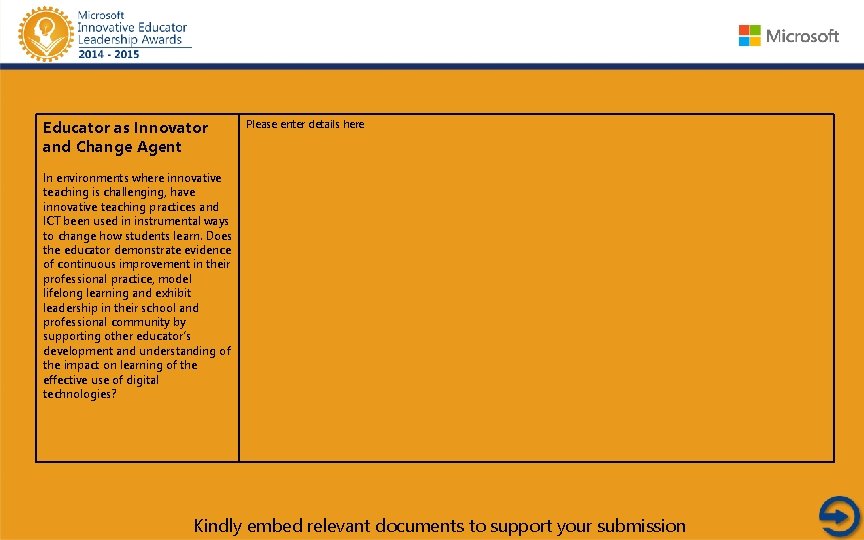
Educator as Innovator and Change Agent Please enter details here In environments where innovative teaching is challenging, have innovative teaching practices and ICT been used in instrumental ways to change how students learn. Does the educator demonstrate evidence of continuous improvement in their professional practice, model lifelong learning and exhibit leadership in their school and professional community by supporting other educator’s development and understanding of the impact on learning of the effective use of digital technologies? Kindly embed relevant documents to support your submission
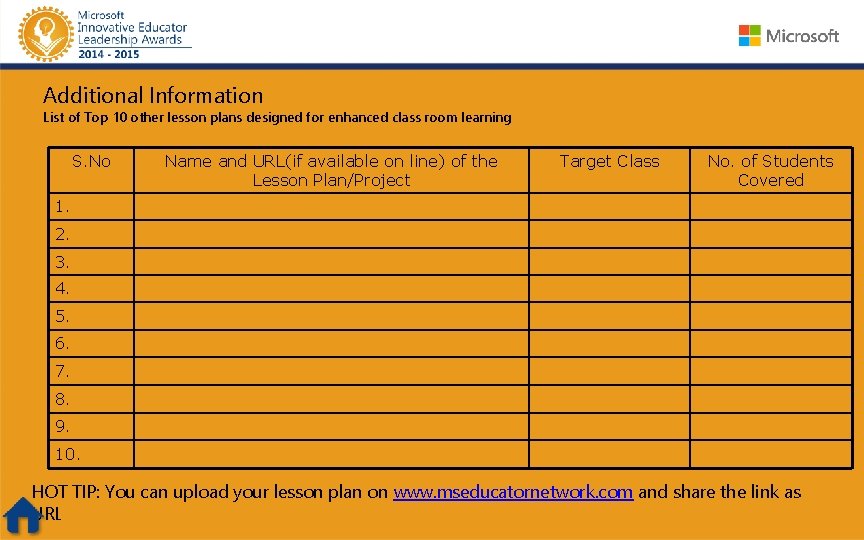
Additional Information List of Top 10 other lesson plans designed for enhanced class room learning S. No Name and URL(if available on line) of the Lesson Plan/Project Target Class No. of Students Covered 1. 2. 3. 4. 5. 6. 7. 8. 9. 10. HOT TIP: You can upload your lesson plan on www. mseducatornetwork. com and share the link as URL
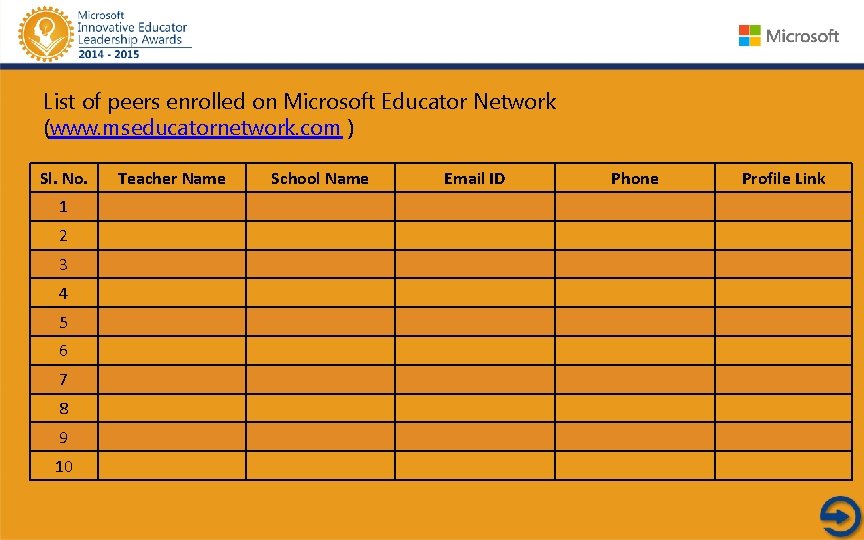
List of peers enrolled on Microsoft Educator Network (www. mseducatornetwork. com ) Sl. No. 1 2 3 4 5 6 7 8 9 10 Teacher Name School Name Email ID Phone Profile Link
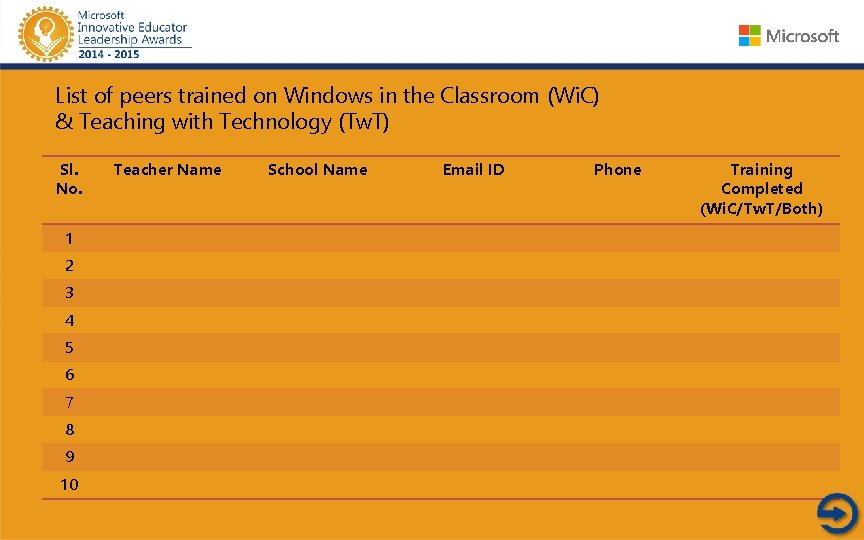
List of peers trained on Windows in the Classroom (Wi. C) & Teaching with Technology (Tw. T) Sl. No. 1 2 3 4 5 6 7 8 9 10 Teacher Name School Name Email ID Phone Training Completed (Wi. C/Tw. T/Both)
Link of minimum 2 discussions initiated on Microsoft Educator Network (www. mseducatornetwork. com) Please enter details here and supporting document i. e. , peers feedback, Principal’s feedback, photographs, screenshot of the discussion etc You may add image of the scanned copy within this presentation/hyperlink and attach / upload and provide URL
Letters of Support – Minimum 1 each from: • Principal/Head of the institution • Colleague • Parent • Student Letter/certificate from any forum where you may have spoken as IT promoter OR presented your work OR given lecture OR taught as resource will be an added advantage You may add image of the scanned copy within this presentation/hyperlink and attach / upload and provide URL
Letter of Support (Scanned copy) Administrator/ Principal/ Regional Co- ordinator
Letter of Support (Scanned copy) : Parent
Letter of Support (Scanned copy) : Colleague
Letter of Support (Scanned copy) : Your student
Participation Form – Scanned copy
Your Message: Please enter your message here along with your passport size photo
Acknowledgement Please enter your acknowledgement here
Happy Learning. . All the best!! Microsoft TEAM Query? Contact us at pilnmanager@live. in or call at 1800111208 or Skype (10: 00 am – 4: 00 pm) at MIELAMANAGER
- Slides: 25