
Project Management the ITSD Way What is project
- Slides: 10
Project Management the ITSD Way What is project management in ITSD? n Why do we need it? n How does it work? n Pros and Cons n Tips and Tricks n
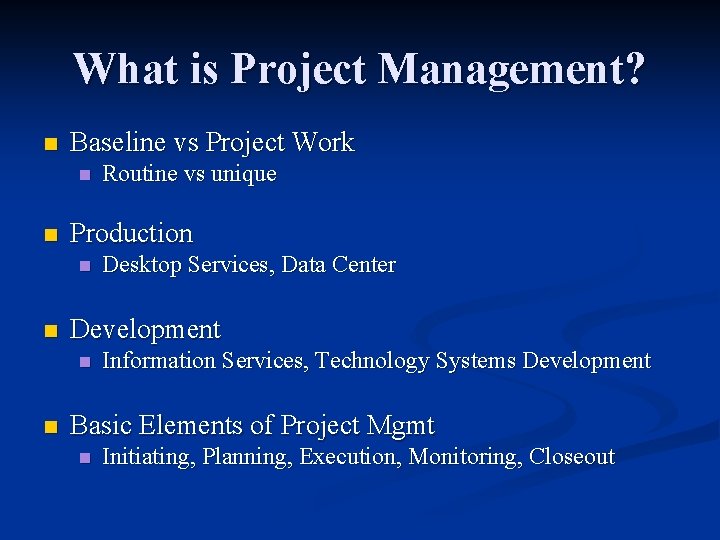
What is Project Management? n Baseline vs Project Work n n Production n n Desktop Services, Data Center Development n n Routine vs unique Information Services, Technology Systems Development Basic Elements of Project Mgmt n Initiating, Planning, Execution, Monitoring, Closeout
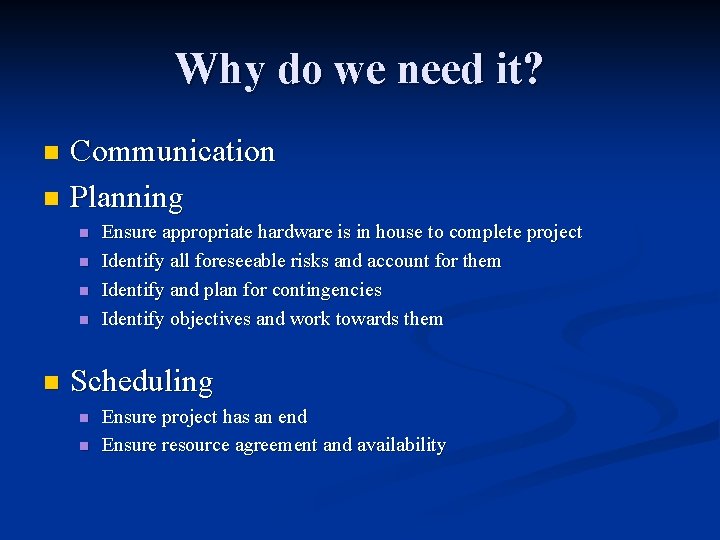
Why do we need it? Communication n Planning n n n Ensure appropriate hardware is in house to complete project Identify all foreseeable risks and account for them Identify and plan for contingencies Identify objectives and work towards them Scheduling n n Ensure project has an end Ensure resource agreement and availability
How does it work? Overview n Example: Network upgrade n
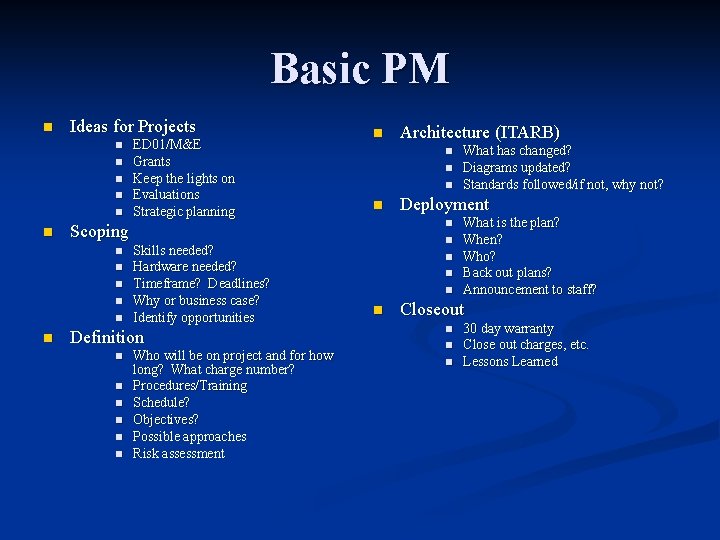
Basic PM n Ideas for Projects n n n Skills needed? Hardware needed? Timeframe? Deadlines? Why or business case? Identify opportunities Definition n n n Who will be on project and for how long? What charge number? Procedures/Training Schedule? Objectives? Possible approaches Risk assessment Architecture (ITARB) n n n n n What has changed? Diagrams updated? Standards followed/if not, why not? Deployment n Scoping n n ED 01/M&E Grants Keep the lights on Evaluations Strategic planning What is the plan? When? Who? Back out plans? Announcement to staff? Closeout n n n 30 day warranty Close out charges, etc. Lessons Learned
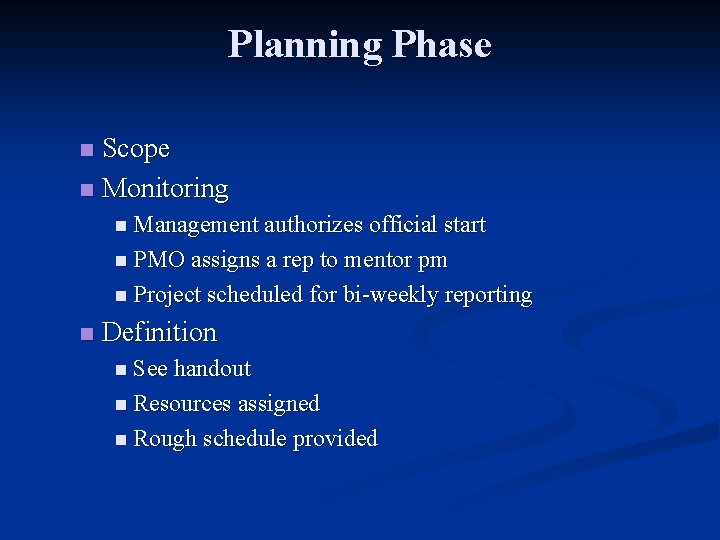
Planning Phase Scope n Monitoring n n Management authorizes official start n PMO assigns a rep to mentor pm n Project scheduled for bi-weekly reporting n Definition n See handout n Resources assigned n Rough schedule provided
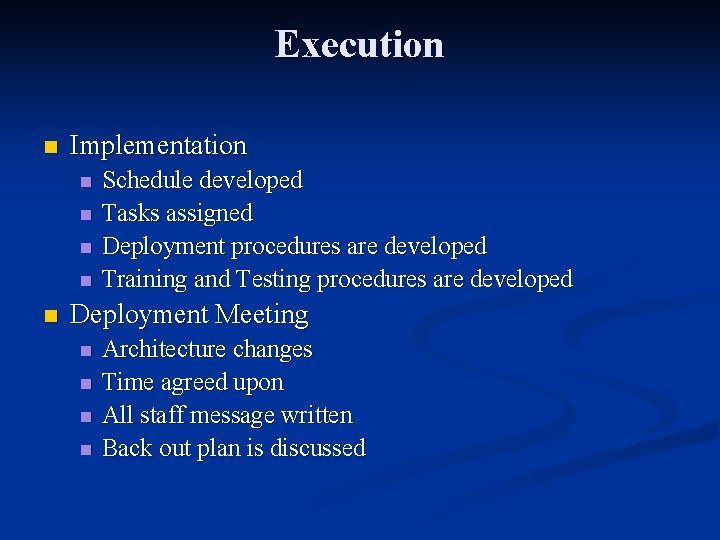
Execution n Implementation n n Schedule developed Tasks assigned Deployment procedures are developed Training and Testing procedures are developed Deployment Meeting n n Architecture changes Time agreed upon All staff message written Back out plan is discussed
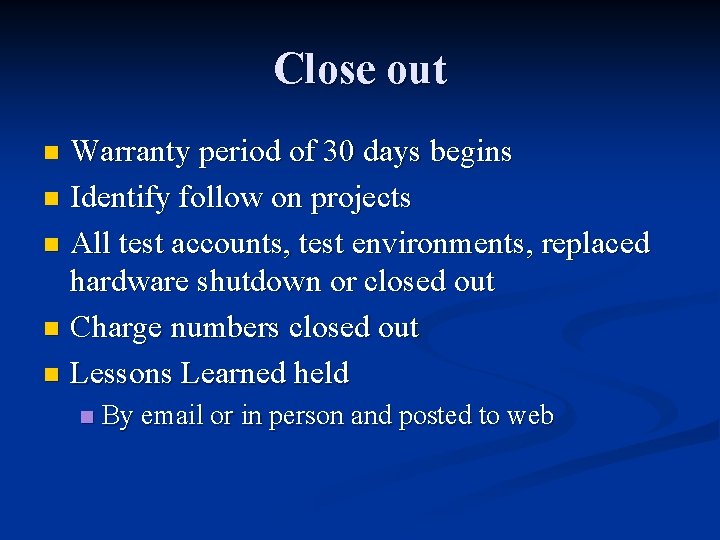
Close out Warranty period of 30 days begins n Identify follow on projects n All test accounts, test environments, replaced hardware shutdown or closed out n Charge numbers closed out n Lessons Learned held n n By email or in person and posted to web
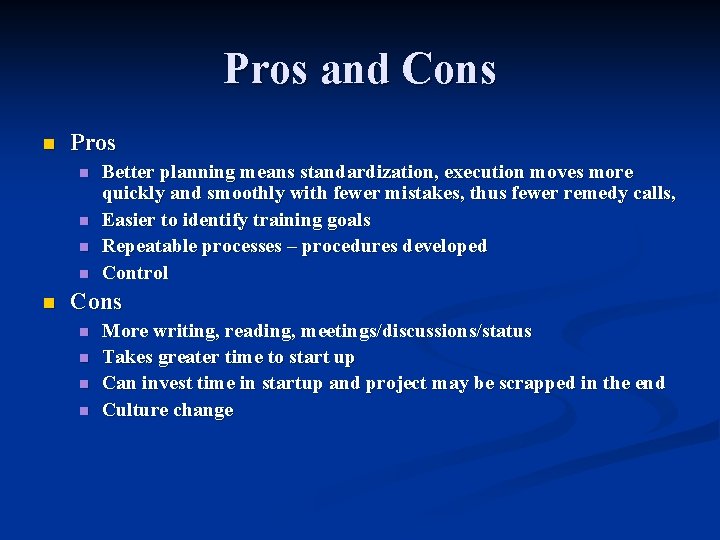
Pros and Cons n Pros n n n Better planning means standardization, execution moves more quickly and smoothly with fewer mistakes, thus fewer remedy calls, Easier to identify training goals Repeatable processes – procedures developed Control Cons n n More writing, reading, meetings/discussions/status Takes greater time to start up Can invest time in startup and project may be scrapped in the end Culture change
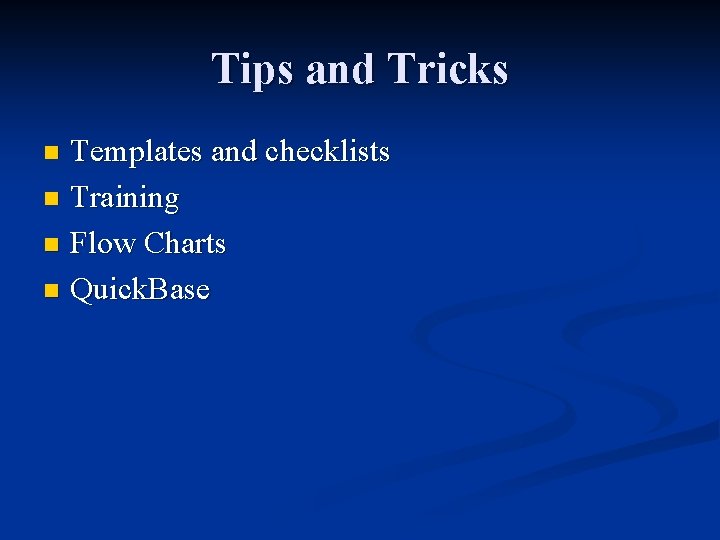
Tips and Tricks Templates and checklists n Training n Flow Charts n Quick. Base n