
Project Management Techniques and Tools 60 499 Fall
- Slides: 23
Project Management : Techniques and Tools (60 -499) Fall 2014 / Winter 2015
Who are the stakeholders? • Clients/Customers • Upper Management • Project Manager • Developers/Workers
A project manager’s role • A major role of a project manager (PM) is to ensure that the project succeeds – To a lesser degree, this is also a role for other stakeholders • Therefore, the PM is responsible (if not to blame) when these problems occur • A project manager must remain unbiased – Customers or upper management may ask for unrealistic features and/or schedules – It is not a project manager’s role to make such schedules work, by pushing developers harder
What would you look for in a PM? • sufficient experience – has experienced successful projects – has experienced failed projects • • has excellent organizational skills has excellent communication skills is a strong leader project management certifications: – Project+: Entry-level certification, for aspiring project managers – PMP: Professional cert. , for experienced project managers • Project management body of knowledge (PMBOK)
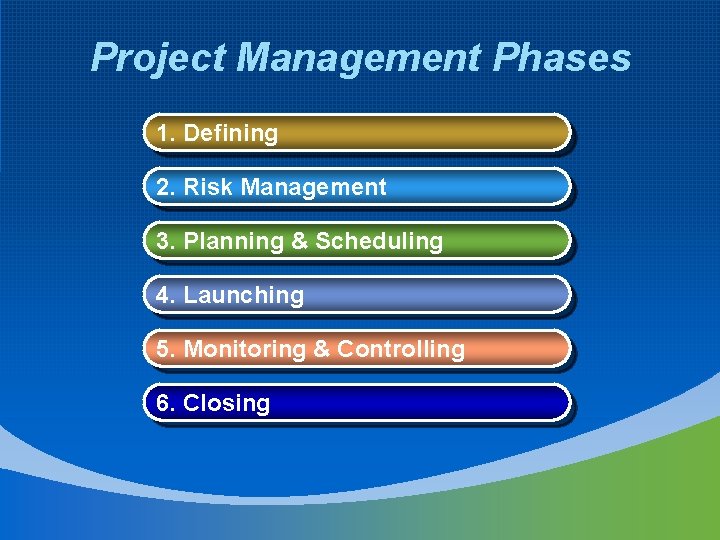
Project Management Phases 1. Defining 2. Risk Management 3. Planning & Scheduling 4. Launching 5. Monitoring & Controlling 6. Closing
Defining • Determine what the customer wants • Identify Requirements – Goals – Deliverables – Success criteria • Scope
Goals • A goal is normally a solution to a problem • When defining goals, answer the following questions: – What problem will we solve? • e. g. Accounting department has 2 month turnaround for budget requests, which is too long. – In what sense will we solve the problem? • e. g. Our accounting software will streamline the process of budget re-work. • May be made of smaller sub-goals
Deliverables • Deliverables are the actual artifacts created by the project team for the customer • These typically include: – Binary packages – Source packages (in open source projects) – Documentation & tutorials – Version history – Utilities – Installation software
Success Criteria • Success criteria define what must be true in order for the project to be considered a success – related to the goals – attributes that can be measured • e. g. The accounting department’s time to approve a budget is reduced by at least 50%.
Scope • The project’s scope defines its boundaries – Closely related to the Requirements – PM may work with customers to decide which requirements are necessary, and which are not – Determine whether or not a feature request (change) is appropriate later • Thus, scope deals with both requirements and changes
Risks • Risks are things that could cause the project to: – Fail – Be delayed – Require additional budget – Require additional personnel • A project manager should identify: – Impact: What is the expected negative impact should it occur? – Probability: How likely is it to occur?
Risk Document • The risk document: – Identifies and describes risks – Describes what conditions make it happen – Describes the probability of it happening – Describes the impact of it happening – Describes a plan for how to (try to) avoid it happening – Describes a plan for what to do if it happens • This is only done if the probability and/or impact necessitate such a plan
Planning • We know what we want and the associated risks • Now, we figure out how to do the work required • We do this by: – – – Performing architecture & design Identifying activities: work breakdown structure (WBS) Identifying dependencies between activities Estimating activity duration Estimating activity resource requirements Scheduling activities (start date, duration)
Architecture & Design • Architecture: Refers to the overall structure of the application - defines the modules – Each module has a set of common responsibilities • Design: Refers to the structure of the module itself – Can involve creating classes (in OOD) and assigning responsibilities (functions or data) to them
Activities • An activity is something a participant may undertake – This could be: • Designing a module • Updating documentation • Optimizing the search code • Installing the binaries in a web server • Writing a lookup method • Activities can be: – Estimated for time & resource requirements – Assigned to team member(s)
Schedule • A schedule is a time-plan for activities • The schedule must: – Include all activities – Show dependencies between activities • e. g. What must occur before this activity can start? – Show estimated durations for activities – Show starting points for activities – Show combined activity duration as project duration – Show estimated resources for activities – Show combined activity resource requirements as project resource requirements
Work Breakdown Structure • The WBS: – Defines all activities • Each system function is defined as a high-level activity • Each activity is broken down into smaller activities • This process repeats until activities are small and manageable – Shows hierarchical relationships between activities • A WBS can be represented with a tree diagram
Project Plan • The project plan defines: – Dependencies between activities • e. g. Architecture must be determined before development can begin – Schedule • Including an estimate of each activity’s duration – Initial activity assignment • Activities are assigned to fictitious team members
Launching • We have a detailed work plan • Now, we get the work underway • We do this by: – Choosing participants – Making participants available for the project – Assigning work to participants – Organizing participants into team(s) – Providing resources to the team(s) – Establish constraints and freedoms for the team(s)
Monitoring & Controlling • We have people working on activities • Now, we must ensure we are making adequate progress • We do this by: – Interviewing and observing progress reports – Implementing version control software – Providing mechanisms for requesting changes – Continually updating plans (e. g. schedules)
Closing • We have completed all activities – The result should be that • All overall goals are satisfied • All success criteria are met • All deliverables are ready for roll-out • Now, we need to complete hand-over • We do this by: – Obtaining client acceptance – Deploying deliverables • e. g. media disks, printed manuals, online deployment/downloads – Performing a post-mortem analysis • How did we do?
Post-Mortem Analysis • A post-mortem involves analyzing the project upon completion – This is not to be confused with QA, which analyzes the deliverables • A post-mortem is a critical step, that many project managers miss – May allow the manager to • More accurately estimate activities after the experience • Identify mistakes made, to avoid making them again • Recognize personal achievements
Summary • Project management’s job is to ensure that projects do not fail – We must identify what the customer wants – We must identify potential pitfalls – We must list what needs to be done – We must make detailed plans – We must prepare for changes – We must ensure that our plans are being followed – We must ensure that our plans are working • If not, we must update them or take another corrective action