
Project Guideline General Guideline Entry Point u u

- Slides: 5
Project Guideline
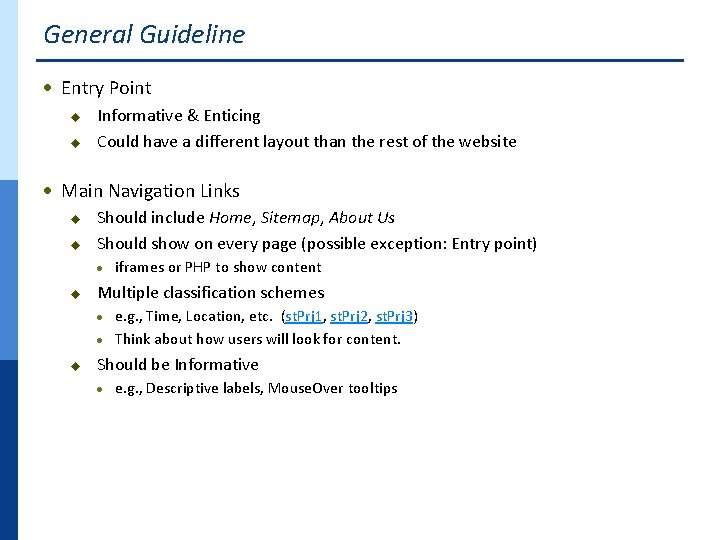
General Guideline · Entry Point u u Informative & Enticing Could have a different layout than the rest of the website · Main Navigation Links u u Should include Home, Sitemap, About Us Should show on every page (possible exception: Entry point) · u iframes or PHP to show content Multiple classification schemes e. g. , Time, Location, etc. (st. Prj 1, st. Prj 2, st. Prj 3) · Think about how users will look for content. · u Should be Informative · e. g. , Descriptive labels, Mouse. Over tooltips
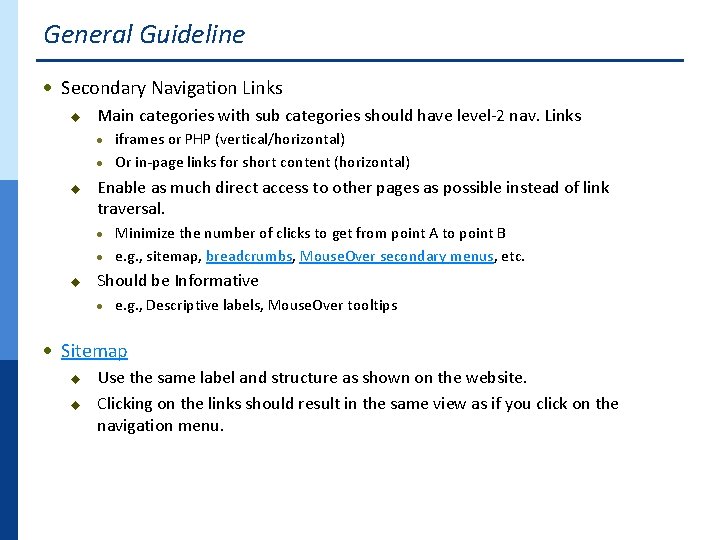
General Guideline · Secondary Navigation Links u Main categories with sub categories should have level-2 nav. Links iframes or PHP (vertical/horizontal) · Or in-page links for short content (horizontal) · u Enable as much direct access to other pages as possible instead of link traversal. Minimize the number of clicks to get from point A to point B · e. g. , sitemap, breadcrumbs, Mouse. Over secondary menus, etc. · u Should be Informative · e. g. , Descriptive labels, Mouse. Over tooltips · Sitemap u u Use the same label and structure as shown on the website. Clicking on the links should result in the same view as if you click on the navigation menu.
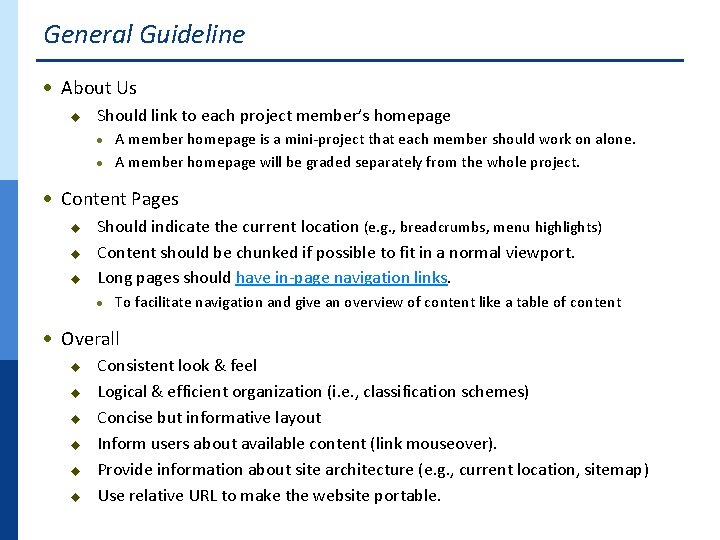
General Guideline · About Us u Should link to each project member’s homepage A member homepage is a mini-project that each member should work on alone. · A member homepage will be graded separately from the whole project. · · Content Pages u u u Should indicate the current location (e. g. , breadcrumbs, menu highlights) Content should be chunked if possible to fit in a normal viewport. Long pages should have in-page navigation links. · To facilitate navigation and give an overview of content like a table of content · Overall u u u Consistent look & feel Logical & efficient organization (i. e. , classification schemes) Concise but informative layout Inform users about available content (link mouseover). Provide information about site architecture (e. g. , current location, sitemap) Use relative URL to make the website portable.
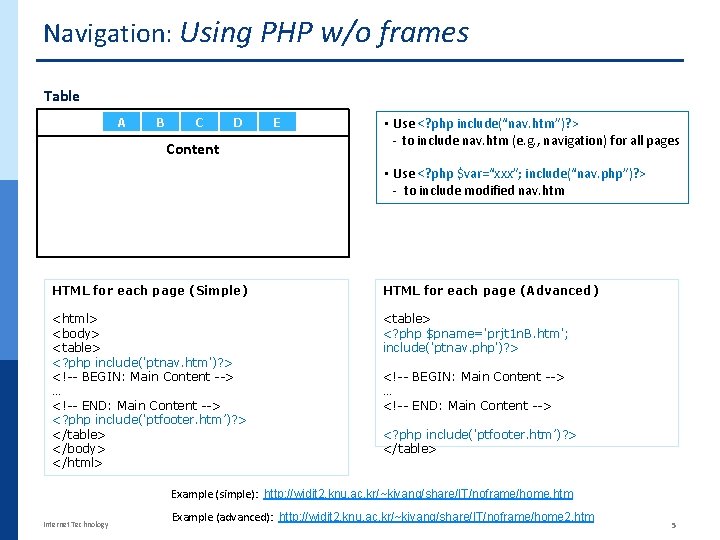
Navigation: Using PHP w/o frames Table A B C D Content E • Use <? php include(“nav. htm”)? > - to include nav. htm (e. g. , navigation) for all pages • Use <? php $var=“xxx”; include(“nav. php”)? > - to include modified nav. htm HTML for each page (Simple) HTML for each page (Advanced) <html> <body> <table> <? php include('ptnav. htm')? > <!-- BEGIN: Main Content --> … <!-- END: Main Content --> <? php include('ptfooter. htm’)? > </table> </body> </html> <table> <? php $pname='prjt 1 n. B. htm'; include('ptnav. php')? > <!-- BEGIN: Main Content --> … <!-- END: Main Content --> <? php include('ptfooter. htm’)? > </table> Example (simple): http: //widit 2. knu. ac. kr/~kiyang/share/IT/noframe/home. htm Internet Technology Example (advanced): http: //widit 2. knu. ac. kr/~kiyang/share/IT/noframe/home 2. htm 5