
Project Administrator Overview of Software Project Perfect Pty


- Slides: 43
Project Administrator Overview of Software Project Perfect Pty Ltd
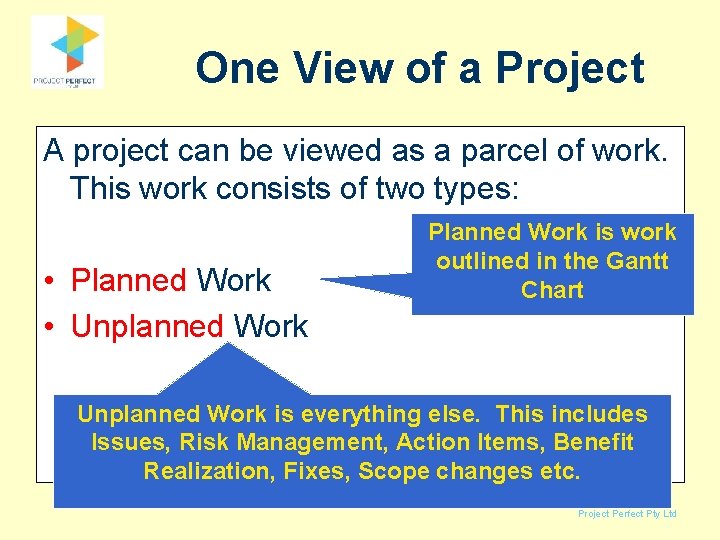
One View of a Project A project can be viewed as a parcel of work. This work consists of two types: • Planned Work • Unplanned Work Planned Work is work outlined in the Gantt Chart Unplanned Work is everything else. This includes Issues, Risk Management, Action Items, Benefit Realization, Fixes, Scope changes etc. Project Perfect Pty Ltd
Project Mgmt Software • If you ask someone about PM Software, they invariably talk about scheduling software • Microsoft Project dominates the market • There are high end solutions such as Prima. Vera and Artemis. • There are few specific options that cater for the “unplanned work” Project Perfect Pty Ltd
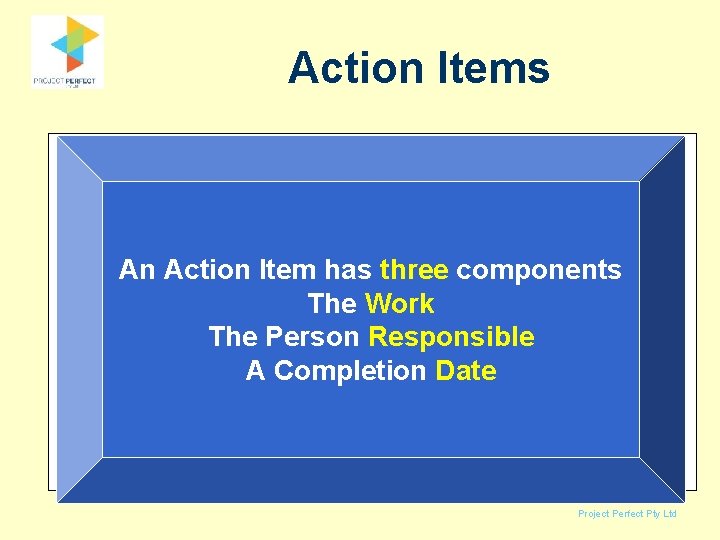
Action Items • The unplanned work is managed by creating action items – either formally, or informally An Action Itemthree has three • In other words, thingscomponents happen The Work – Something (an action) The Person Responsible – Is done by. Asomeone (person Completion Date responsible) – By a certain date (action date) Project Perfect Pty Ltd
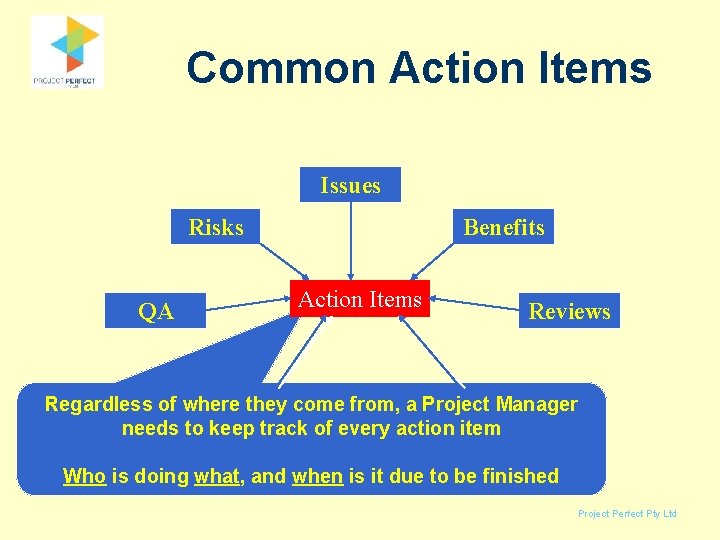
Common Action Items Issues Risks QA Benefits Action Items Reviews Regardless of where. Meetings they come from, a Project Etc. Manager needs to keep track of every action item Who is doing what, and when is it due to be finished Project Perfect Pty Ltd
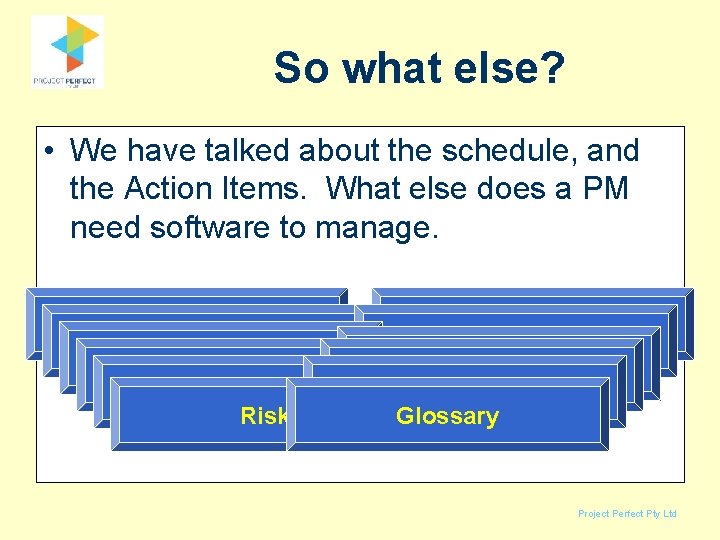
So what else? • We have talked about the schedule, and the Action Items. What else does a PM need software to manage. Timesheets Budget & Expenditure Project Documents Quality Assurance Benefits Diary Notes Documents Project Reviews Reference Phases Scope Variations Risks Glossary Project Perfect Pty Ltd
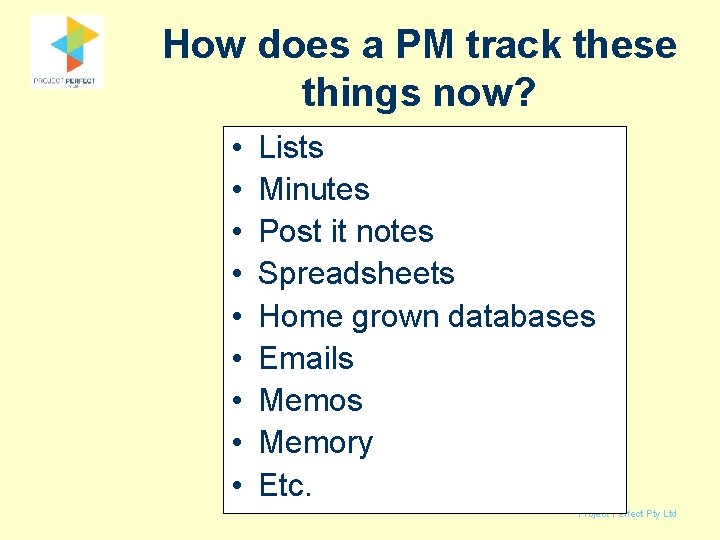
How does a PM track these things now? • • • Lists Minutes Post it notes Spreadsheets Home grown databases Emails Memory Etc. Project Perfect Pty Ltd
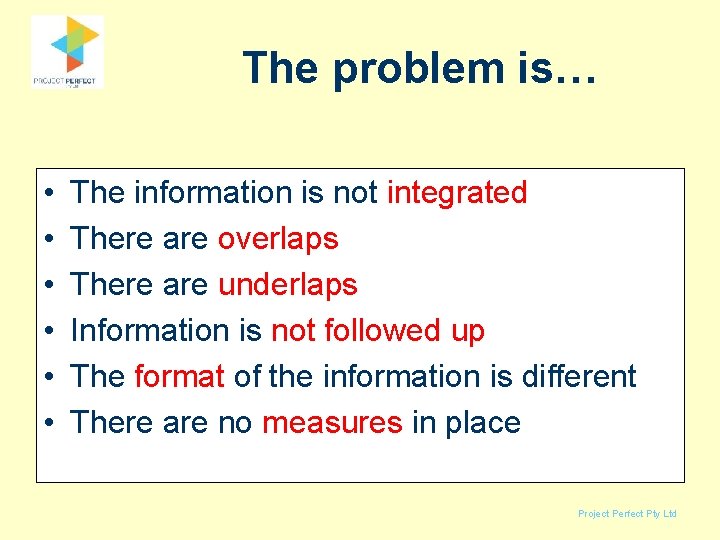
The problem is… • • • The information is not integrated There are overlaps There are underlaps Information is not followed up The format of the information is different There are no measures in place Project Perfect Pty Ltd
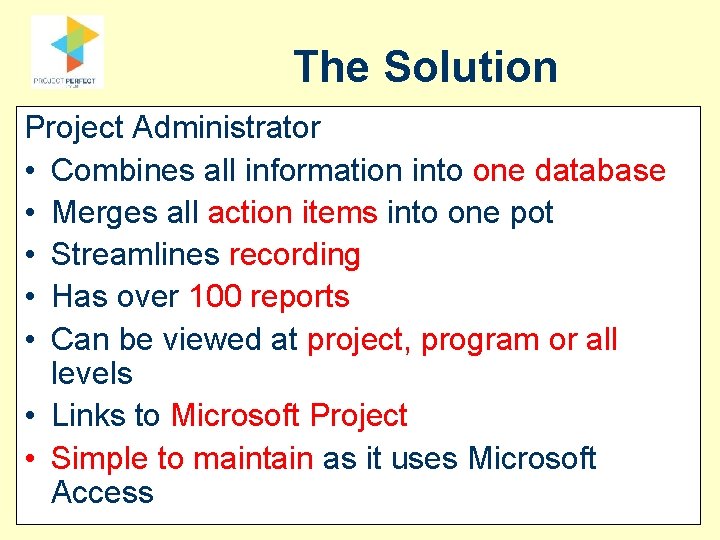
The Solution Project Administrator • Combines all information into one database • Merges all action items into one pot • Streamlines recording • Has over 100 reports • Can be viewed at project, program or all levels • Links to Microsoft Project • Simple to maintain as it uses Microsoft Access Project Perfect Pty Ltd
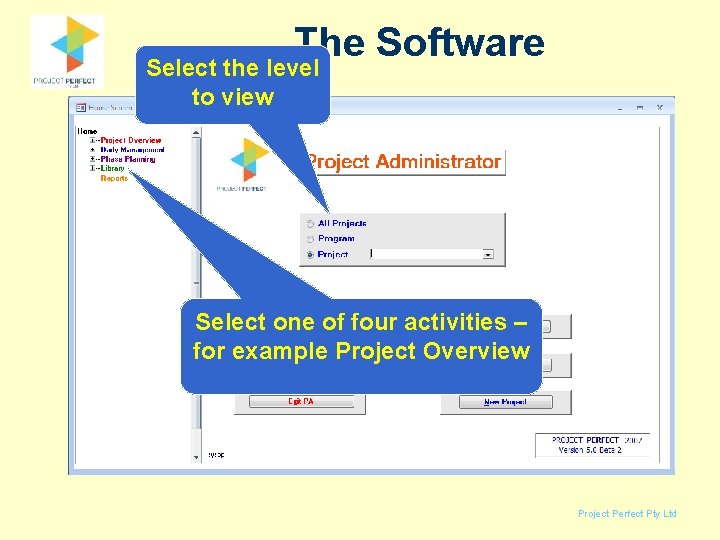
The Software Select the level to view Select one of four activities – for example Project Overview Project Perfect Pty Ltd
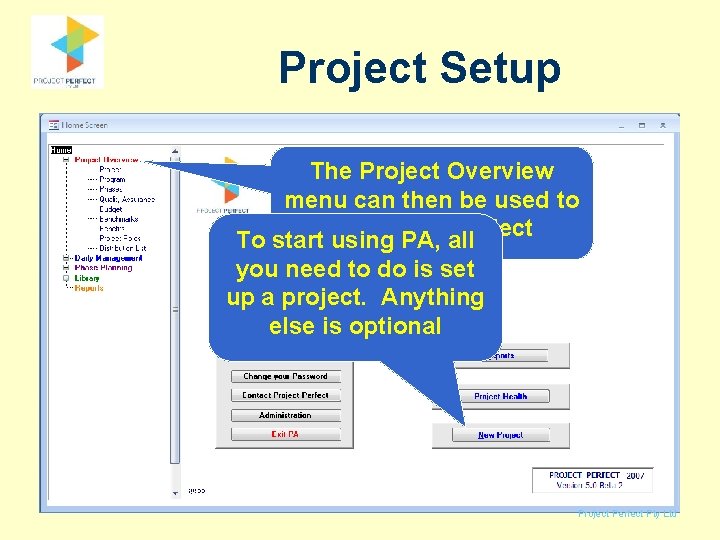
Project Setup The Project Overview menu can then be used to the all project To start review using PA, you need to do is set up a project. Anything else is optional Project Perfect Pty Ltd
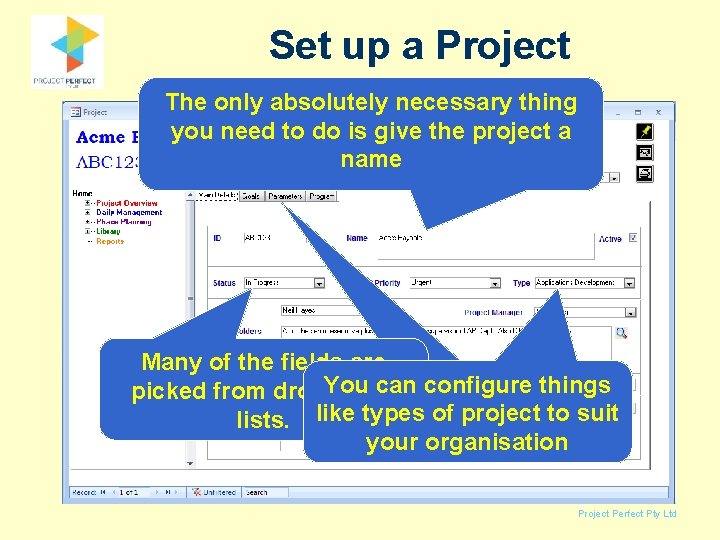
Set up a Project The only absolutely necessary thing you need to do is give the project a name Many of the fields are Everything else is can configure things picked from drop. You down optional project to suit lists. like types of your organisation Project Perfect Pty Ltd
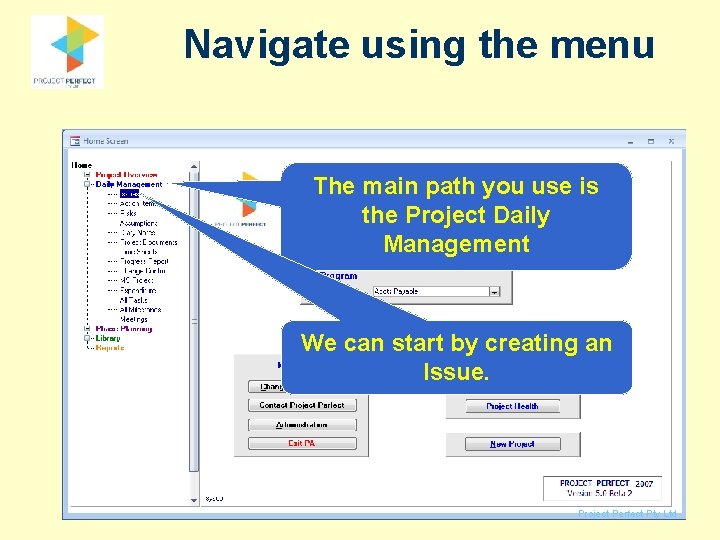
Navigate using the menu The main path you use is the Project Daily Management We can start by creating an Issue. Project Perfect Pty Ltd
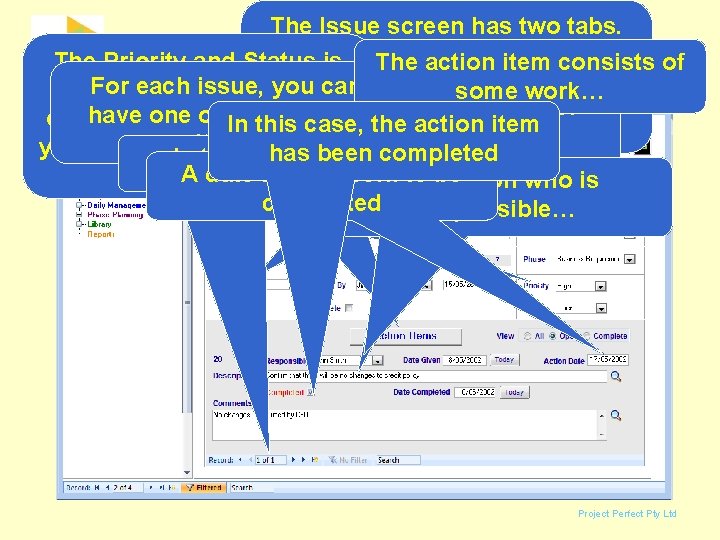
The Issue screen has two tabs. The screen you see now the of The Priority and Status is The action itemhas consists main information. Thework… rest is each issue, for you can also. For configurable your some You setoptional. up the types of have one or more action organisation. For example In this case, the to action item issue suit your items you might want priority 1, 2, hasthere beenorganisation completed In this case is 1 to be 3 or A A, date B, Cfor the work…a person who is completed responsible… Issues Project Perfect Pty Ltd
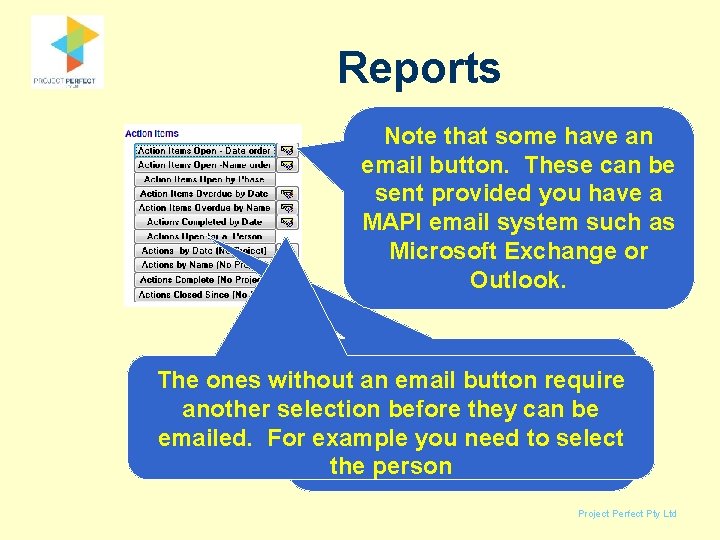
Reports Note that some have an email button. These can be sent provided you have a MAPI email system such as Microsoft Exchange or Outlook. There a number of The ones without an email button require standard reports that can be another selection before they can be produced showing action emailed. For example you need to select items the person Project Perfect Pty Ltd
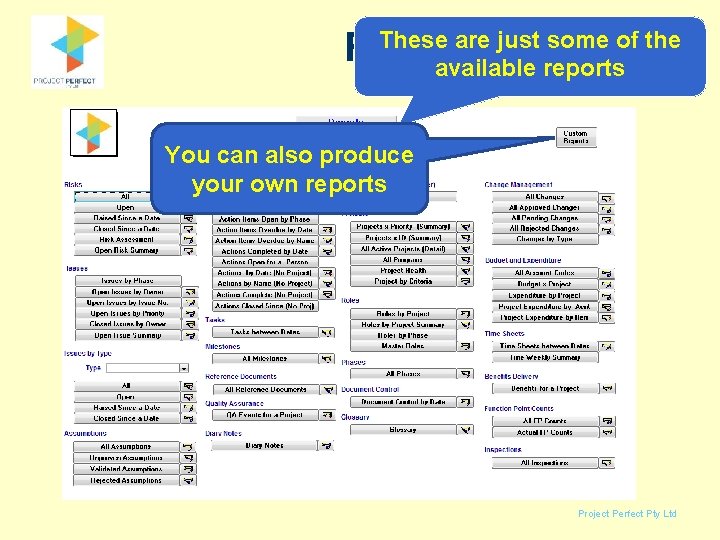
Reports These are just some of the available reports You can also produce your own reports Project Perfect Pty Ltd
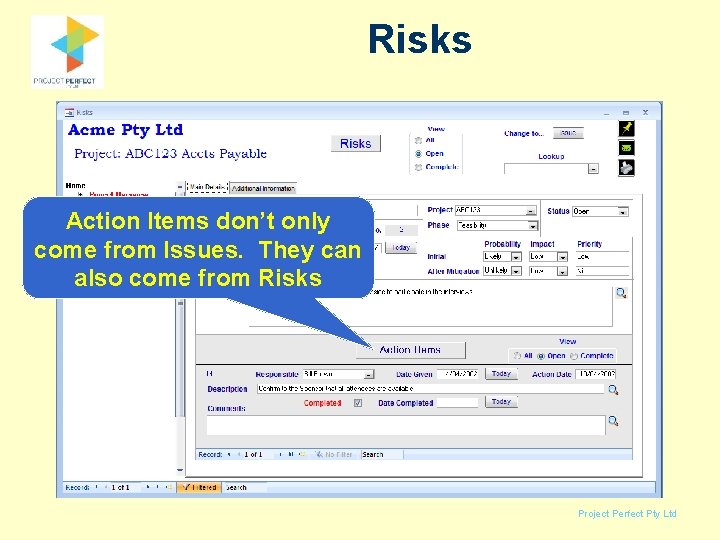
Risks Action Items don’t only come from Issues. They can also come from Risks Project Perfect Pty Ltd
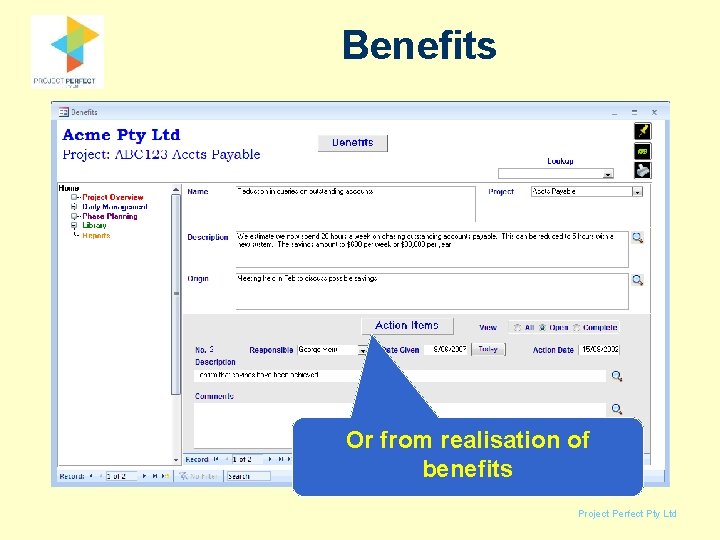
Benefits Or from realisation of benefits Project Perfect Pty Ltd
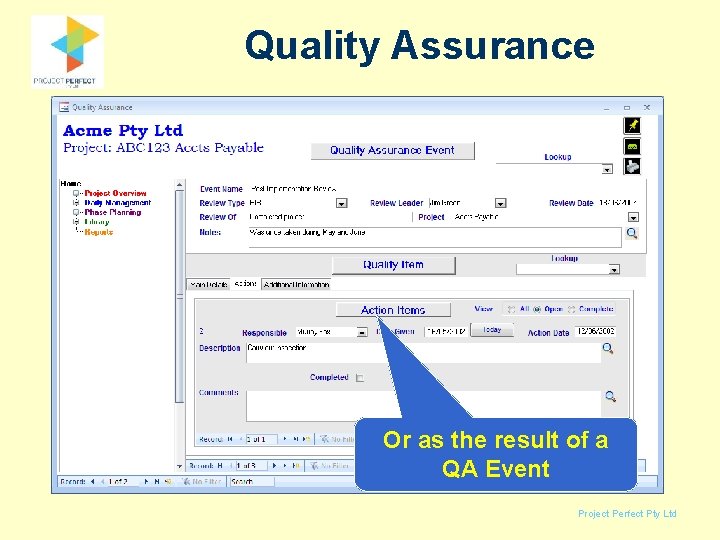
Quality Assurance Or as the result of a QA Event Project Perfect Pty Ltd
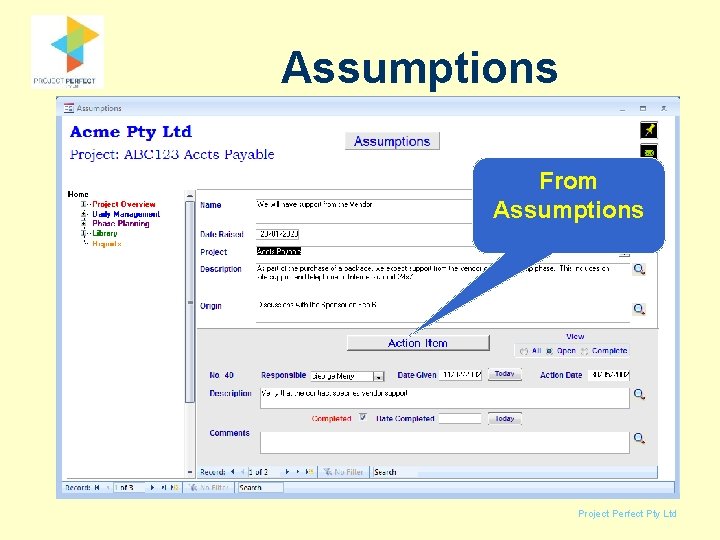
Assumptions From Assumptions Project Perfect Pty Ltd
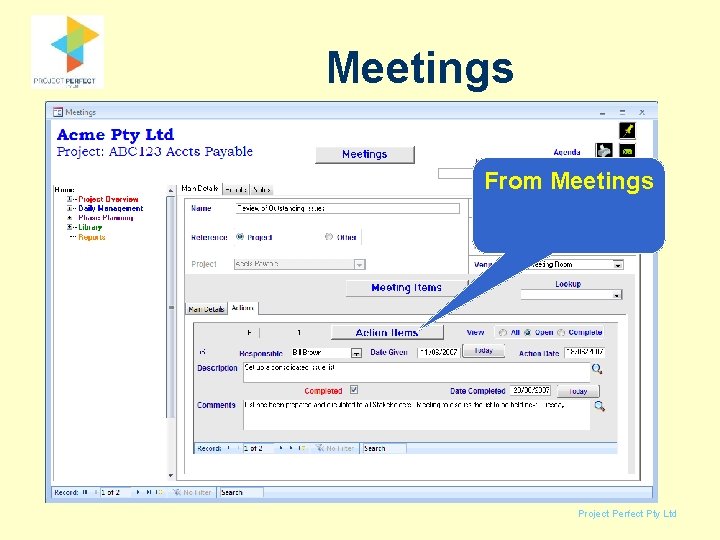
Meetings From Meetings Project Perfect Pty Ltd
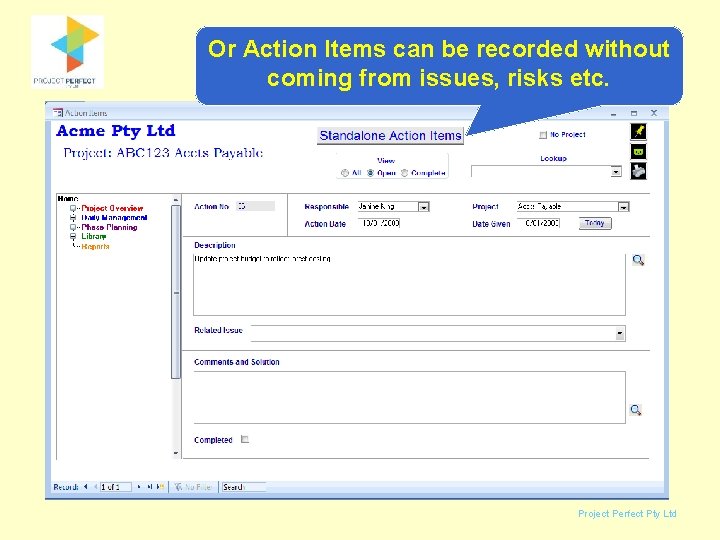
Action Items Or Action Items can be recorded without coming from issues, risks etc. Project Perfect Pty Ltd
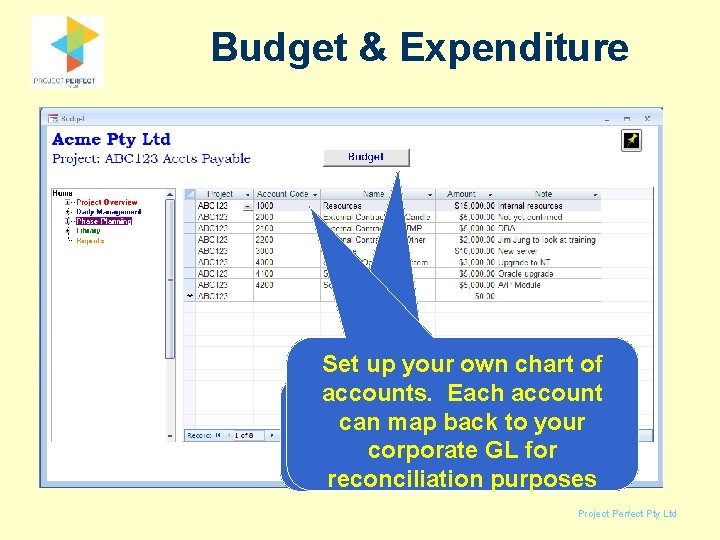
Budget & Expenditure Set up your own chart of accounts. Each account Some other things you can map to your docan with PA back is to manage corporate GL for budgets and expenditure reconciliation purposes Project Perfect Pty Ltd
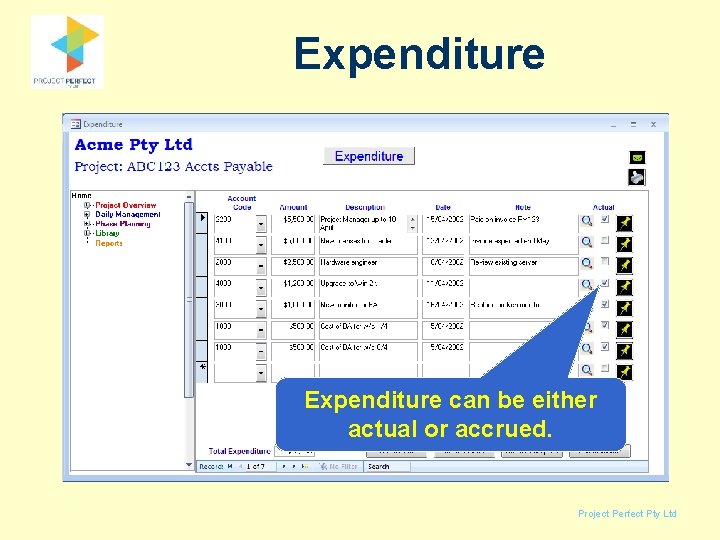
Expenditure can be either actual or accrued. Project Perfect Pty Ltd
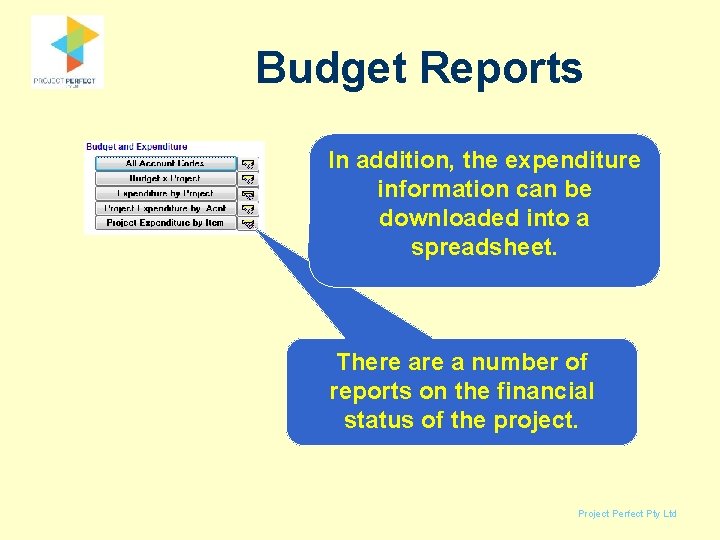
Budget Reports In addition, the expenditure information can be downloaded into a spreadsheet. There a number of reports on the financial status of the project. Project Perfect Pty Ltd
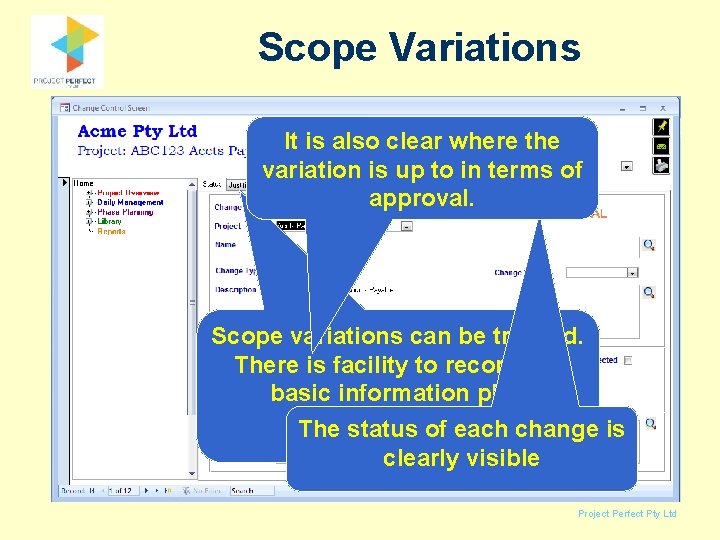
Scope Variations It is also clear where the variation is up to in terms of approval. Scope variations can be tracked. There is facility to record the basic information plus additional The status details of each change is clearly visible Project Perfect Pty Ltd
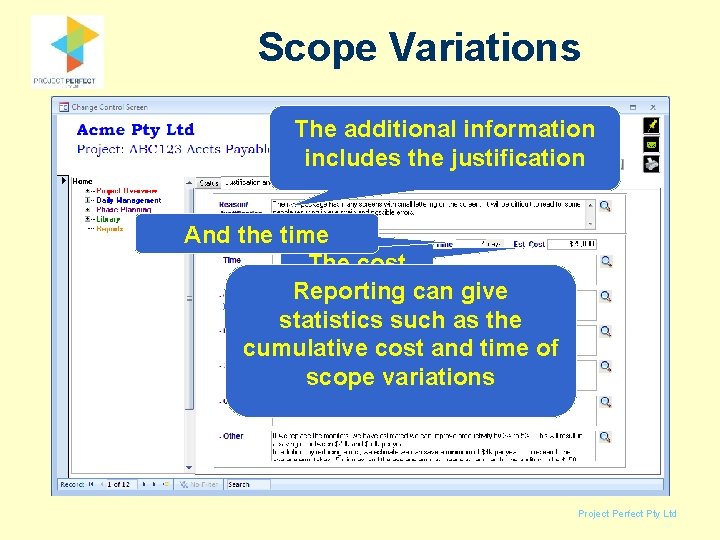
Scope Variations The additional information includes the justification And the time The cost Reporting can give statistics such as the cumulative cost and time of scope variations Project Perfect Pty Ltd
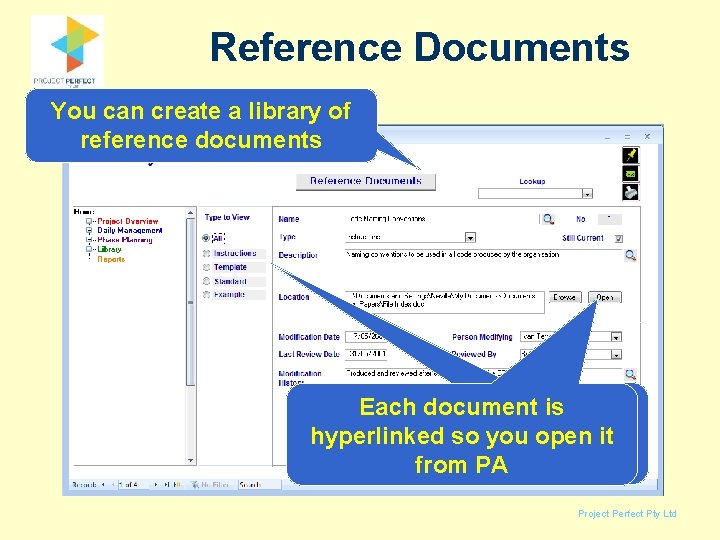
Reference Documents You can create a library of reference documents You configure Each document is the types to suit your hyperlinked so you open it organisation. from PA Project Perfect Pty Ltd
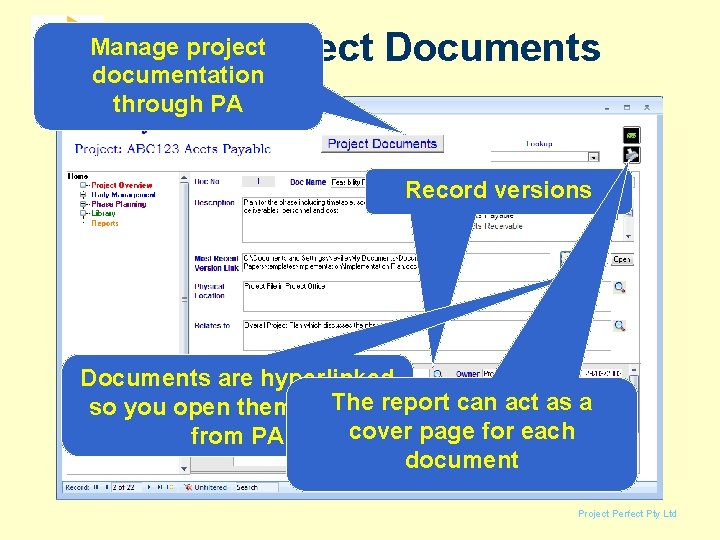
Project Documents Manage project documentation through PA Record versions Documents are hyperlinked The report can act as a so you open them directly cover page for each from PA document Project Perfect Pty Ltd
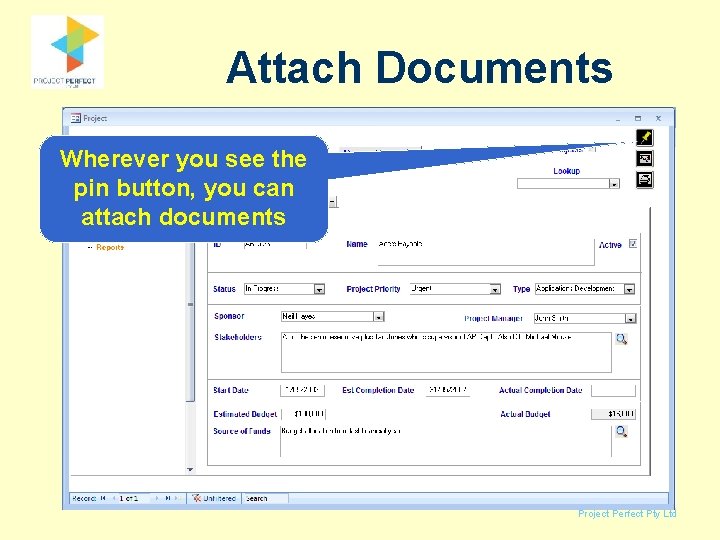
Attach Documents Wherever you see the pin button, you can attach documents Project Perfect Pty Ltd
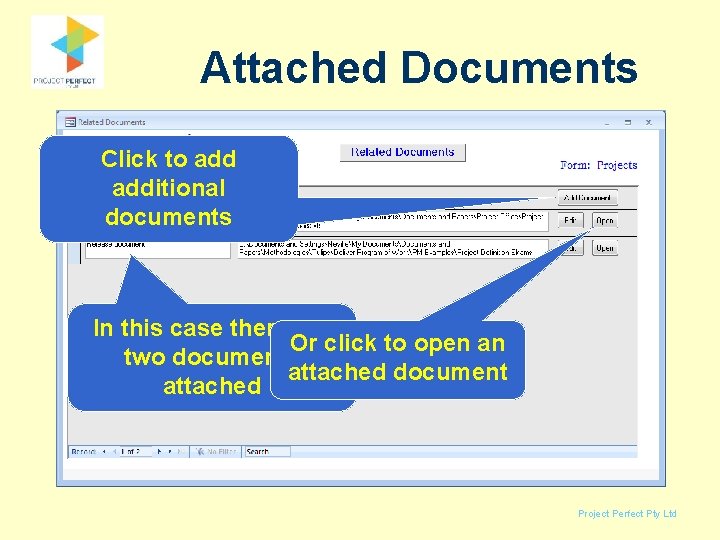
Attached Documents Click to additional documents In this case there are Or click to open an two documents attached document attached Project Perfect Pty Ltd
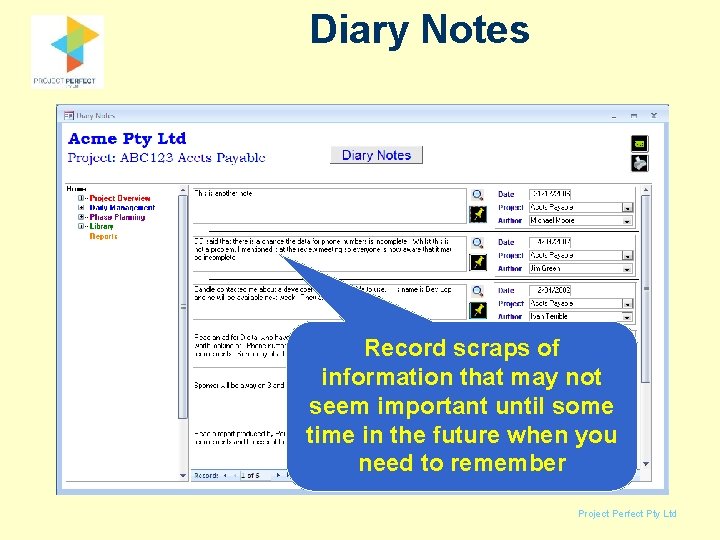
Diary Notes Record scraps of information that may not seem important until some time in the future when you need to remember Project Perfect Pty Ltd
Timesheets People can enter their timesheets online. If you want to gather more details, you can set up work codes Project Perfect Pty Ltd
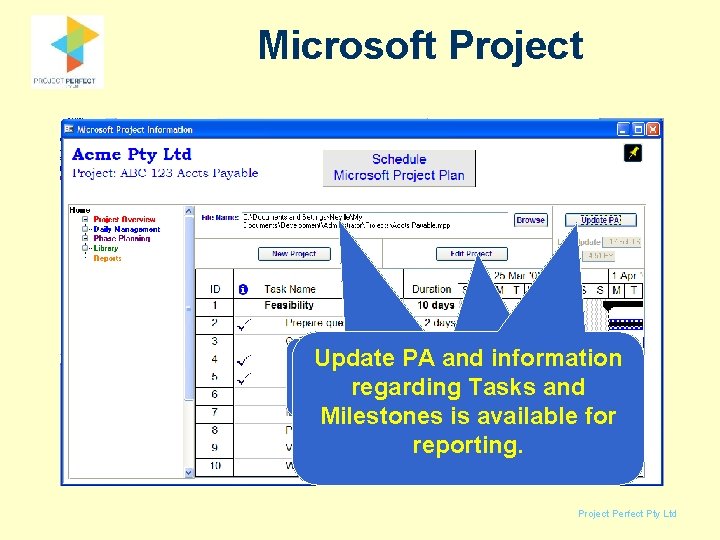
Microsoft Project Update and information Edit the project fromwith PA is. PA integrated regarding Tasks and within PA Microsoft Project. Milestones is available for reporting. Project Perfect Pty Ltd
Status Reports Enter a few comments and generate a weekly report. The report automatically gathers information about milestones completed and due in the next week, issues outstanding, and due in the next week, plus your comments as entered here. Project Perfect Pty Ltd
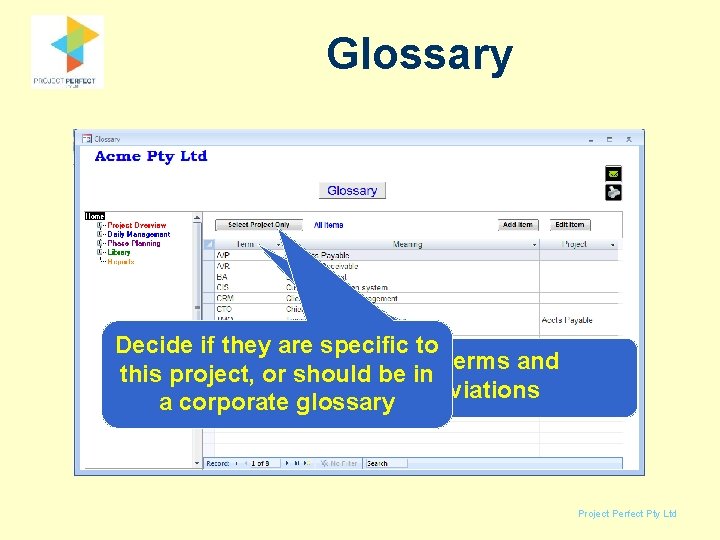
Glossary Decide if they are specific to Define terms and this project, or should be in abbreviations a corporate glossary Project Perfect Pty Ltd
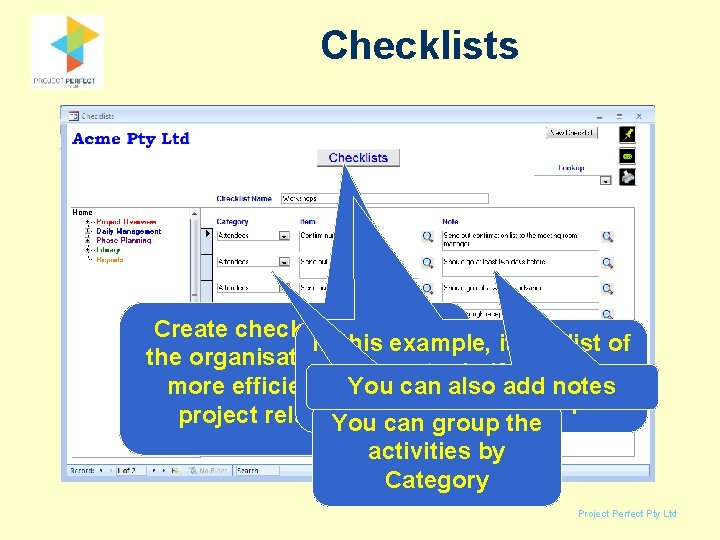
Checklists Create checklists so that In this example, it is a list of the organisation becomes things to do if you are can also add notes more efficient in. You doing running a workshop project related. You work. can group the activities by Category Project Perfect Pty Ltd
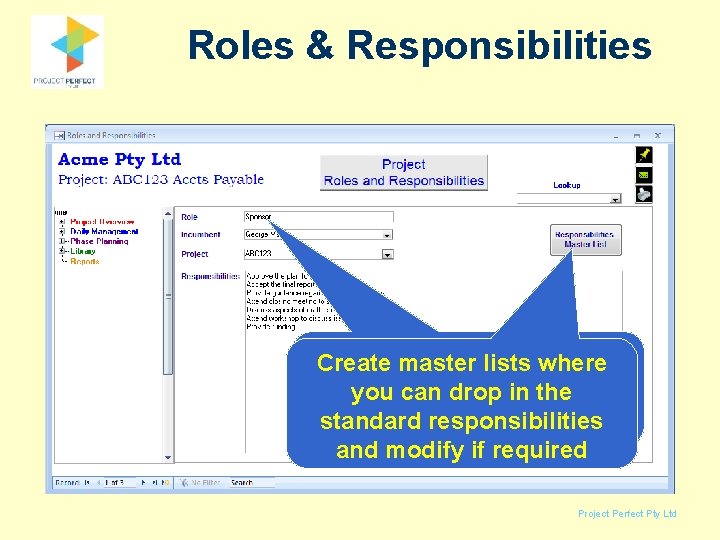
Roles & Responsibilities Define roles and Create master lists where responsibilities forthe each you can drop in project standard responsibilities and modify if required Project Perfect Pty Ltd
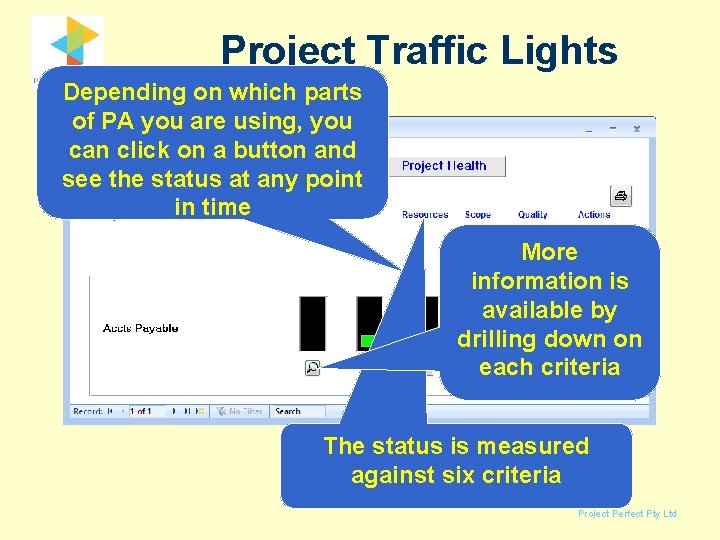
Project Traffic Lights Depending on which parts of PA you are using, you can click on a button and see the status at any point in time More information is available by drilling down on each criteria The status is measured against six criteria Project Perfect Pty Ltd
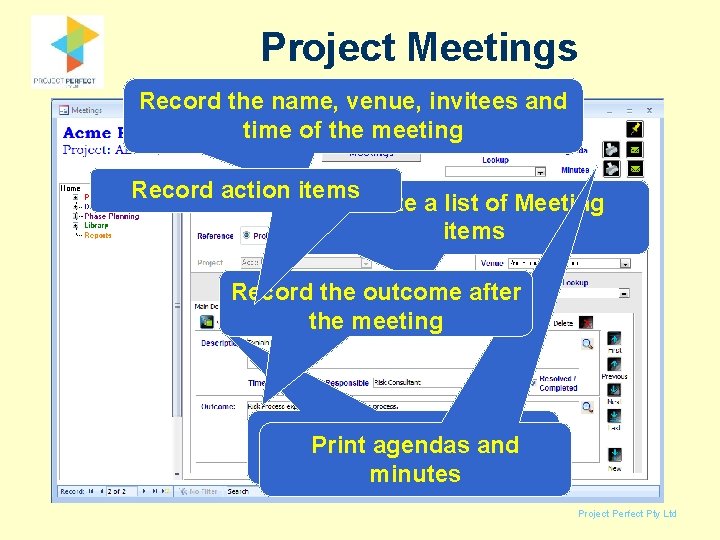
Project Meetings Record the name, venue, invitees and time of the meeting Record action items Create a list of Meeting items Record the outcome after the meeting Sort the agendas items intoand the Print sequence you want minutes Project Perfect Pty Ltd
Key things about PA • Use as much, or little as you want • Not every field has to be entered • Use it to build you PM information base in terms of checklists, glossaries and reference documents • Saves you collating information from numerous sources • Saves you loosing information Project Perfect Pty Ltd
Key Benefits • Low cost - so little risk • Simple technology so few problems configuring • Do not need to use everything. Pick the bits you want to use • Highly configurable so can be made to suit your environment • Will bring best practice to your Project management. Project Perfect Pty Ltd
More Information Thank you for taking the time to review Project Administrator Click here to visit our web site Project Perfect Pty Ltd