
Project 8 Interim Presentation Feedback System for UCI
Project 8 Interim Presentation Feedback System for UCI Library Help Section Dastyni Loksa Dawei Wang Linus Siska Devin Pigera Client : Christopher Davis
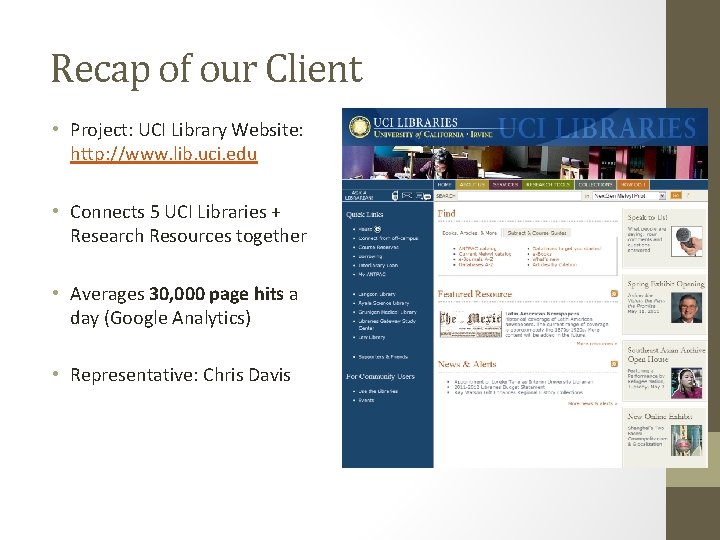
Recap of our Client • Project: UCI Library Website: http: //www. lib. uci. edu • Connects 5 UCI Libraries + Research Resources together • Averages 30, 000 page hits a day (Google Analytics) • Representative: Chris Davis
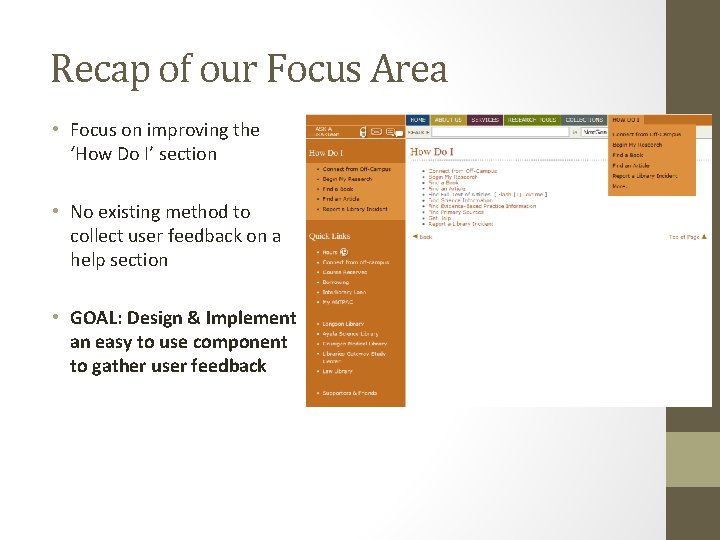
Recap of our Focus Area • Focus on improving the ‘How Do I’ section • No existing method to collect user feedback on a help section • GOAL: Design & Implement an easy to use component to gather user feedback
Reminder: Non-Traditional Approach! WHY? 1. No extensive study of existing system was needed 2. Client provided exact requirements for new component Required us to design & test our own components
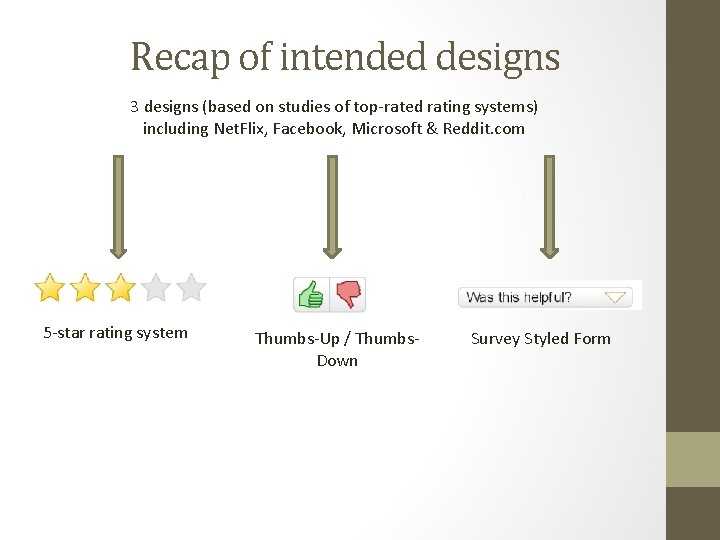
Recap of intended designs 3 designs (based on studies of top-rated rating systems) including Net. Flix, Facebook, Microsoft & Reddit. com 5 -star rating system Thumbs-Up / Thumbs. Down Survey Styled Form
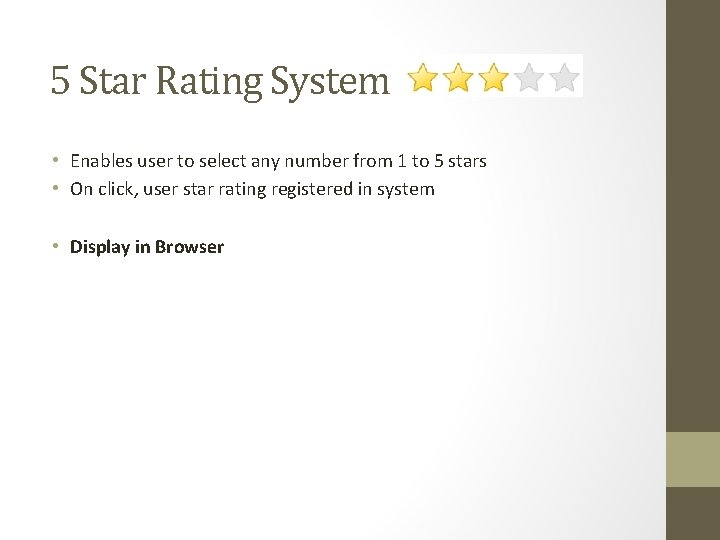
5 Star Rating System • Enables user to select any number from 1 to 5 stars • On click, user star rating registered in system • Display in Browser
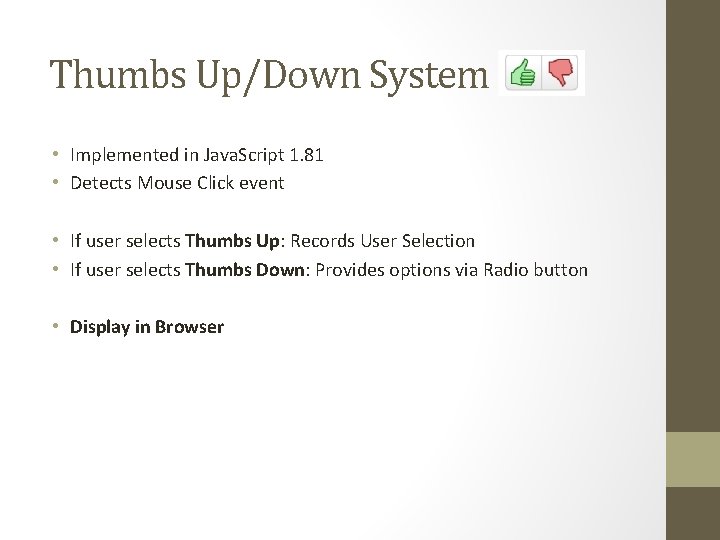
Thumbs Up/Down System • Implemented in Java. Script 1. 81 • Detects Mouse Click event • If user selects Thumbs Up: Records User Selection • If user selects Thumbs Down: Provides options via Radio button • Display in Browser
Survey Styled Form • Designed & Embedded via Flash 10 Player • 3 parts • • Question 1: Radio Button (single selection) Question 2: Checkbox (allows multiple selection) Question 3: Textbox (Add user comment) Submit button • Display in Browser
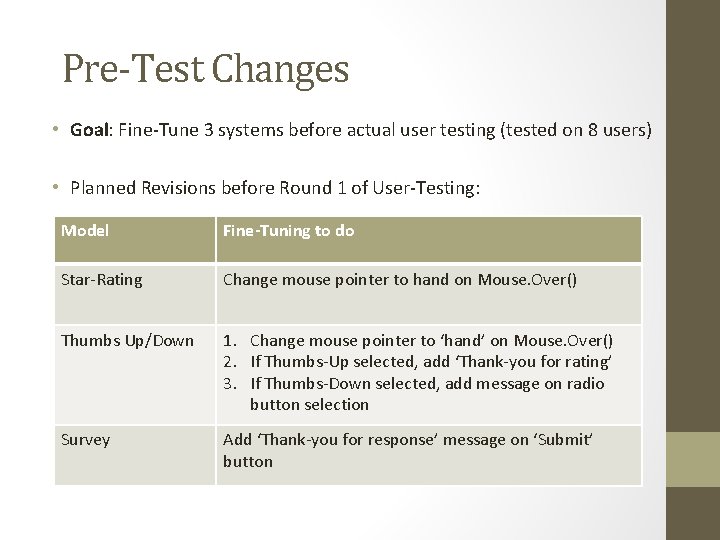
Pre-Test Changes • Goal: Fine-Tune 3 systems before actual user testing (tested on 8 users) • Planned Revisions before Round 1 of User-Testing: Model Fine-Tuning to do Star-Rating Change mouse pointer to hand on Mouse. Over() Thumbs Up/Down 1. Change mouse pointer to ‘hand’ on Mouse. Over() 2. If Thumbs-Up selected, add ‘Thank-you for rating’ 3. If Thumbs-Down selected, add message on radio button selection Survey Add ‘Thank-you for response’ message on ‘Submit’ button
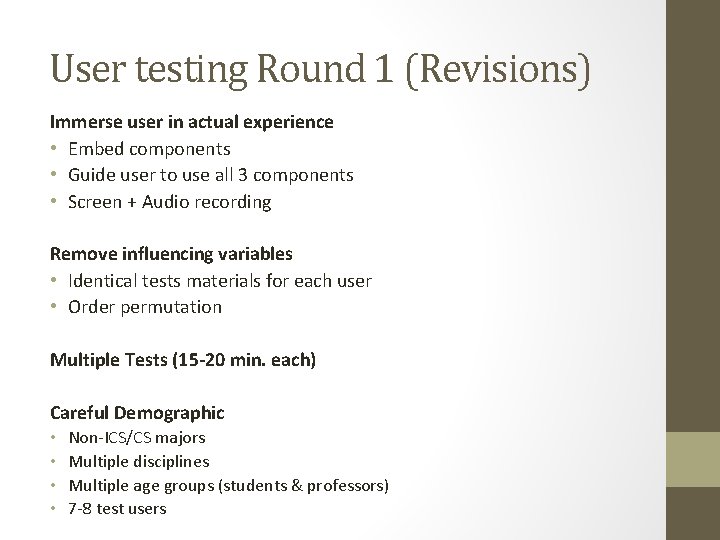
User testing Round 1 (Revisions) Immerse user in actual experience • Embed components • Guide user to use all 3 components • Screen + Audio recording Remove influencing variables • Identical tests materials for each user • Order permutation Multiple Tests (15 -20 min. each) Careful Demographic • • Non-ICS/CS majors Multiple disciplines Multiple age groups (students & professors) 7 -8 test users
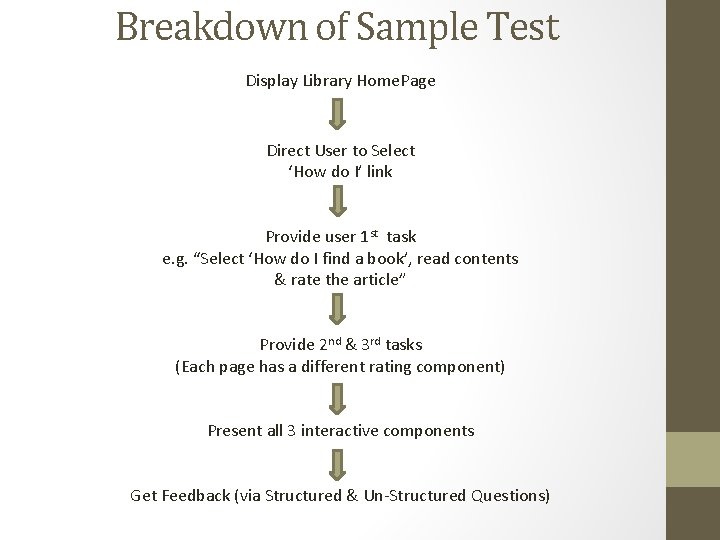
Breakdown of Sample Test Display Library Home. Page Direct User to Select ‘How do I’ link Provide user 1 st task e. g. “Select ‘How do I find a book’, read contents & rate the article” Provide 2 nd & 3 rd tasks (Each page has a different rating component) Present all 3 interactive components Get Feedback (via Structured & Un-Structured Questions)
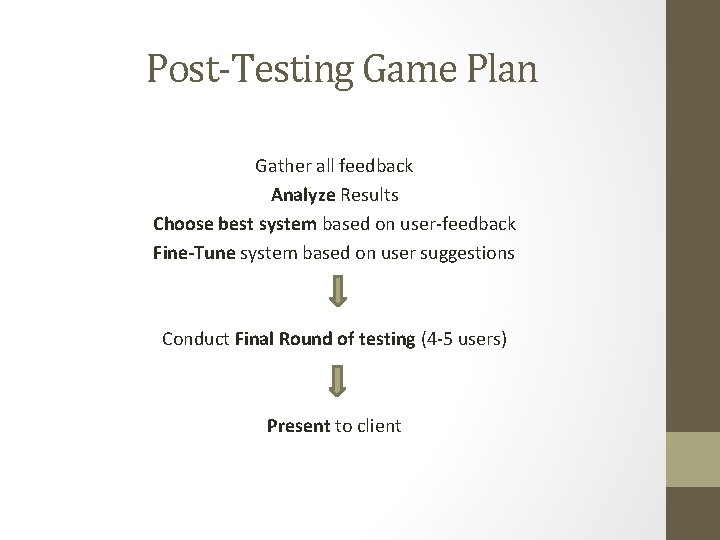
Post-Testing Game Plan Gather all feedback Analyze Results Choose best system based on user-feedback Fine-Tune system based on user suggestions Conduct Final Round of testing (4 -5 users) Present to client
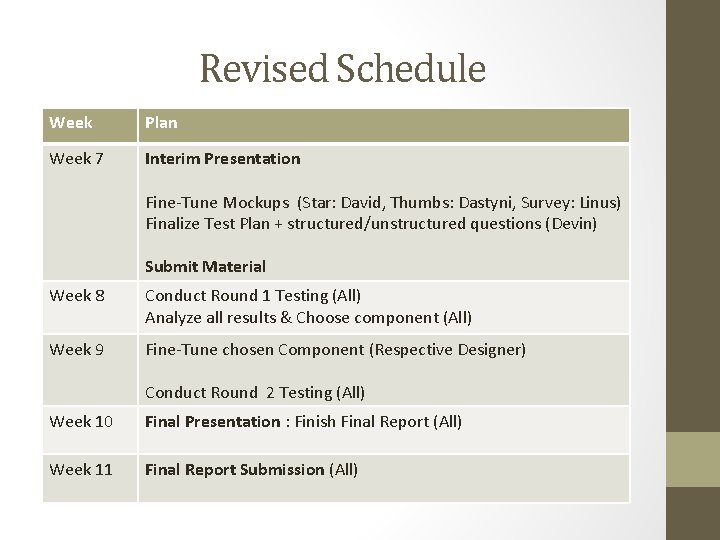
Revised Schedule Week Plan Week 7 Interim Presentation Fine-Tune Mockups (Star: David, Thumbs: Dastyni, Survey: Linus) Finalize Test Plan + structured/unstructured questions (Devin) Submit Material Week 8 Conduct Round 1 Testing (All) Analyze all results & Choose component (All) Week 9 Fine-Tune chosen Component (Respective Designer) Conduct Round 2 Testing (All) Week 10 Final Presentation : Finish Final Report (All) Week 11 Final Report Submission (All)
Thanks for Listening : -) Comments? Thoughts? Questions?
- Slides: 14