
Project 1 Unix Shell using Multi Processing Goals
- Slides: 11
Project 1: Unix Shell using Multi. Processing • • Goals Descriptions Methodology Submission
Goals • Understand how a simple shell works. • Understand process creation & systems calls, such as fork, read, wait, execvp, and etc. • Understand signal handling mechanisms
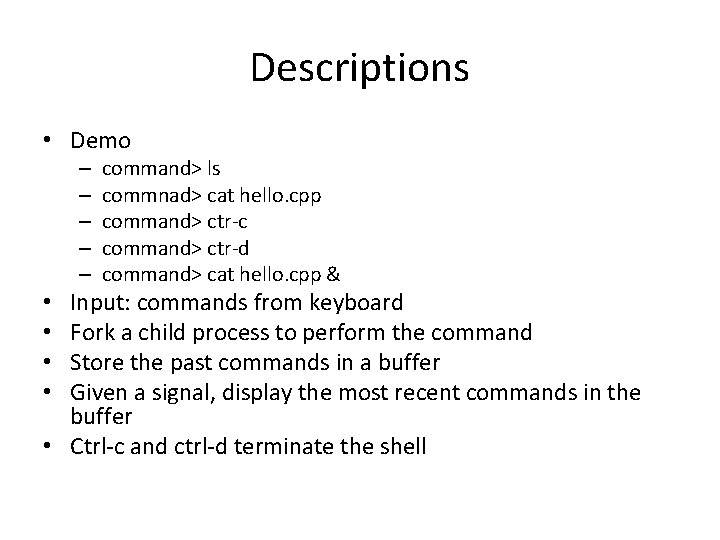
Descriptions • Demo – – – command> ls commnad> cat hello. cpp command> ctr-c command> ctr-d command> cat hello. cpp & Input: commands from keyboard Fork a child process to perform the command Store the past commands in a buffer Given a signal, display the most recent commands in the buffer • Ctrl-c and ctrl-d terminate the shell • •
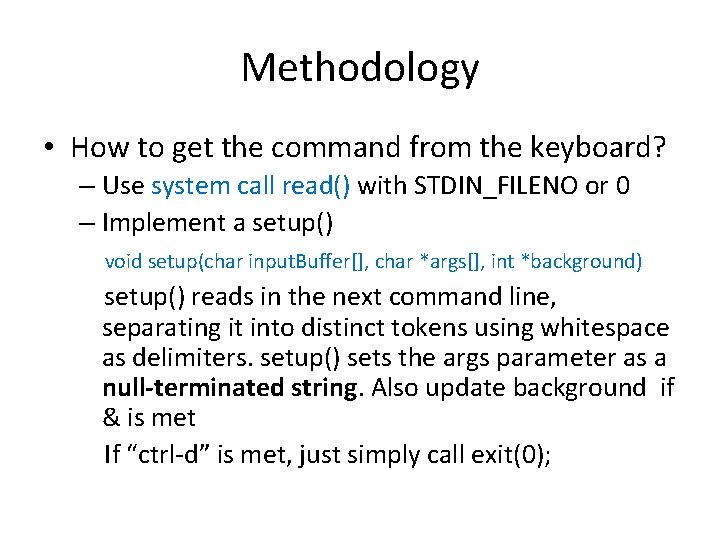
Methodology • How to get the command from the keyboard? – Use system call read() with STDIN_FILENO or 0 – Implement a setup() void setup(char input. Buffer[], char *args[], int *background) setup() reads in the next command line, separating it into distinct tokens using whitespace as delimiters. setup() sets the args parameter as a null-terminated string. Also update background if & is met If “ctrl-d” is met, just simply call exit(0);
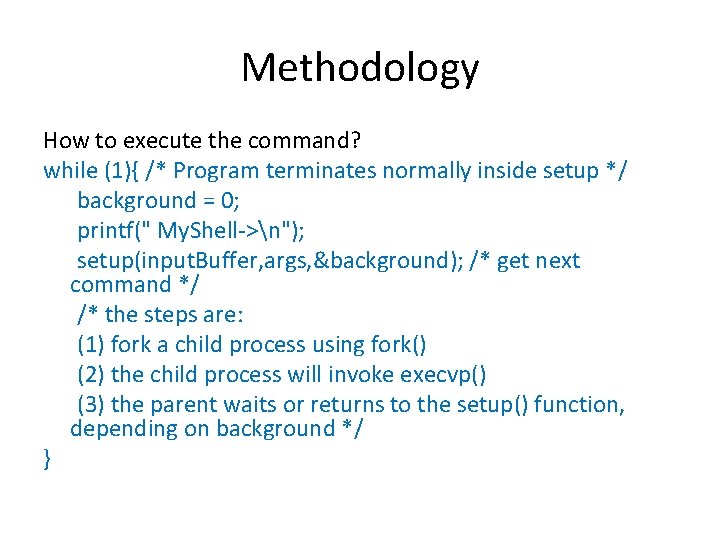
Methodology How to execute the command? while (1){ /* Program terminates normally inside setup */ background = 0; printf(" My. Shell->n"); setup(input. Buffer, args, &background); /* get next command */ /* the steps are: (1) fork a child process using fork() (2) the child process will invoke execvp() (3) the parent waits or returns to the setup() function, depending on background */ }
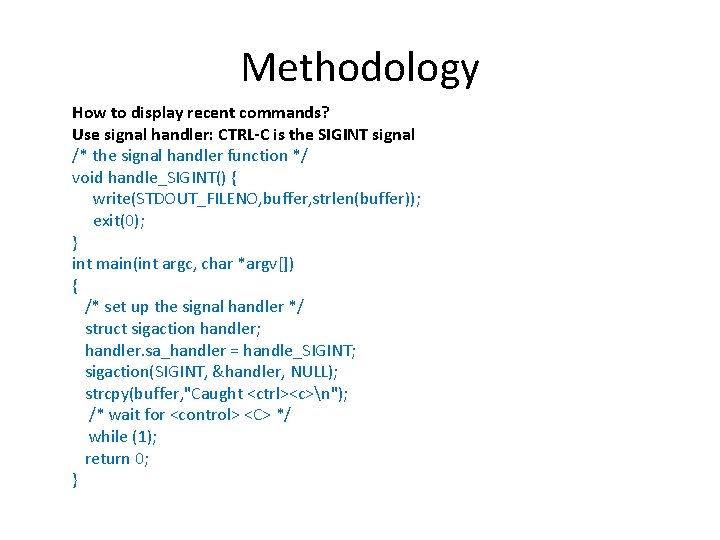
Methodology How to display recent commands? Use signal handler: CTRL-C is the SIGINT signal /* the signal handler function */ void handle_SIGINT() { write(STDOUT_FILENO, buffer, strlen(buffer)); exit(0); } int main(int argc, char *argv[]) { /* set up the signal handler */ struct sigaction handler; handler. sa_handler = handle_SIGINT; sigaction(SIGINT, &handler, NULL); strcpy(buffer, "Caught <ctrl><c>n"); /* wait for <control> <C> */ while (1); return 0; }
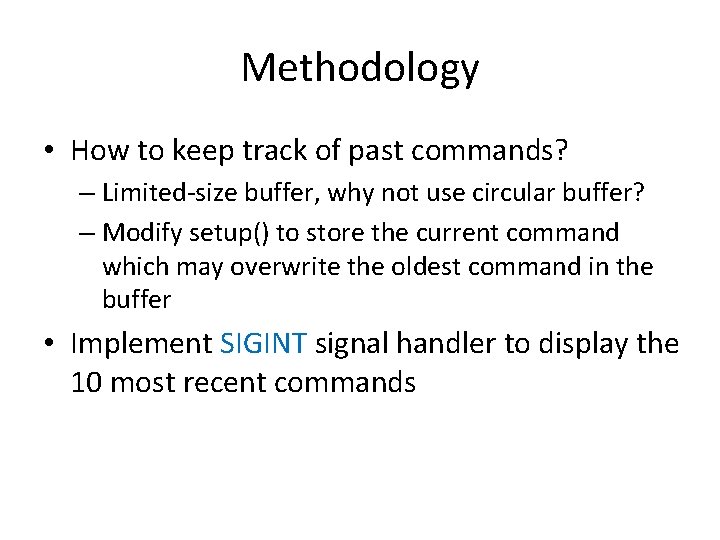
Methodology • How to keep track of past commands? – Limited-size buffer, why not use circular buffer? – Modify setup() to store the current command which may overwrite the oldest command in the buffer • Implement SIGINT signal handler to display the 10 most recent commands
Suggested Steps • Step 1: implement setup() • Step 2: execute the command from setup() • Step 3: add the history feature
Submission • All source files • A readme file that describes each file, and how to run the file. If there is any problem running the file, please state it here as well. • Makefile • Tar package • Electronic submission
Particular Notes for execvp() and its Variants • Replace the old program with a new one • Never returns unless failures • Often used after a fork() to load a new program for the current process! • Other variants: execl(), …
Questions • Makefile?