
Programming with Visual Basic NET While Do and
Programming with Visual Basic. NET While, Do and For – Next Loops Week 5 Tariq Ibn Aziz Compunet Corporation 1
Loop Structures • Loop structures allow you to execute one or more lines of code repetitively. • You can repeat the statements until a condition is true, until a condition is false, a specified number of times, or once for each object in a collection. • The loop structures supported by Visual Basic include: – – While Do. . . Loop For. . . Next For Each. . . Next Compunet Corporation 2
The While Loop • You can use the While statement to execute a block of statements an indefinite number of times depending on the Boolean value of a condition. • The statements are repeated as long as the condition is True. Compunet Corporation 3
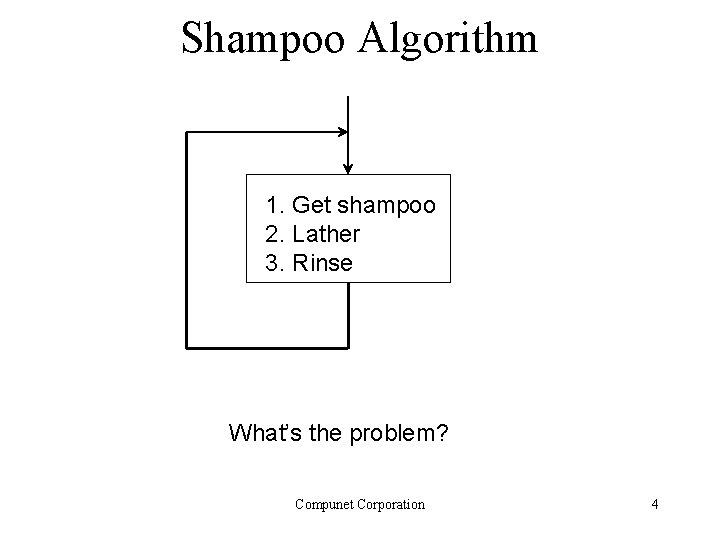
Shampoo Algorithm 1. Get shampoo 2. Lather 3. Rinse What’s the problem? Compunet Corporation 4
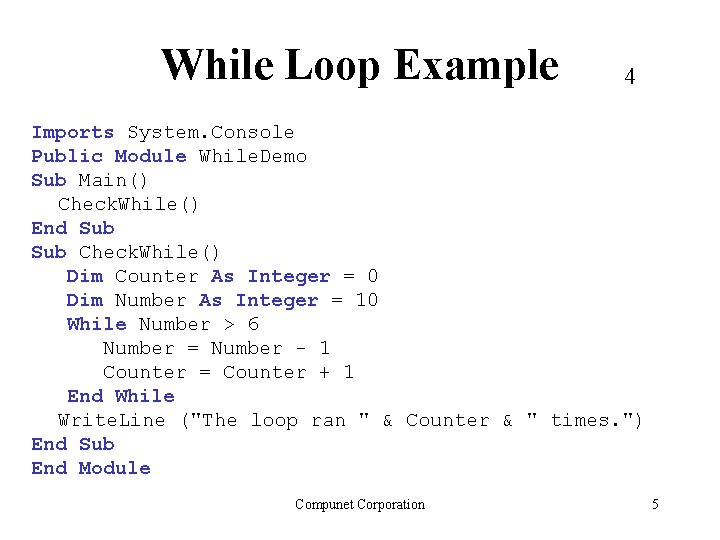
While Loop Example 4 Imports System. Console Public Module While. Demo Sub Main() Check. While() End Sub Check. While() Dim Counter As Integer = 0 Dim Number As Integer = 10 While Number > 6 Number = Number - 1 Counter = Counter + 1 End While Write. Line ("The loop ran " & Counter & " times. ") End Sub End Module Compunet Corporation 5
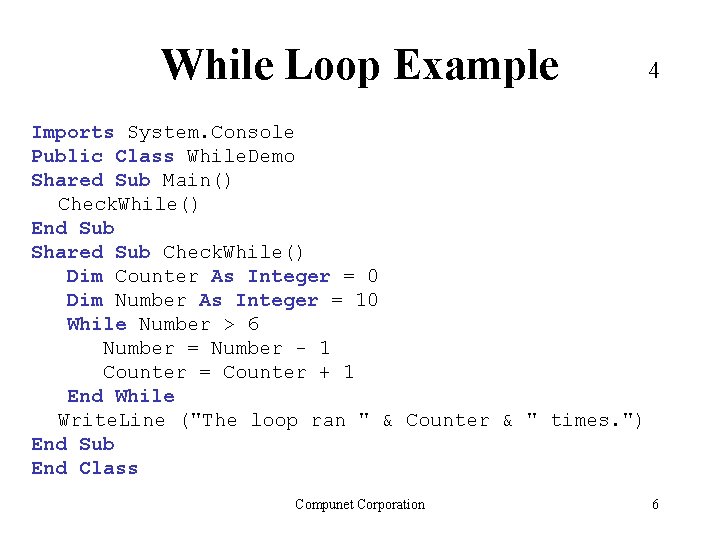
While Loop Example 4 Imports System. Console Public Class While. Demo Shared Sub Main() Check. While() End Sub Shared Sub Check. While() Dim Counter As Integer = 0 Dim Number As Integer = 10 While Number > 6 Number = Number - 1 Counter = Counter + 1 End While Write. Line ("The loop ran " & Counter & " times. ") End Sub End Class Compunet Corporation 6
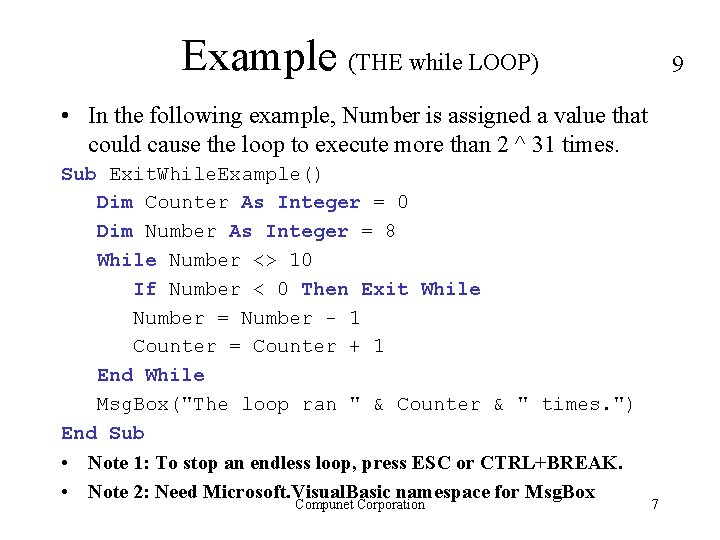
Example (THE while LOOP) 9 • In the following example, Number is assigned a value that could cause the loop to execute more than 2 ^ 31 times. Sub Exit. While. Example() Dim Counter As Integer = 0 Dim Number As Integer = 8 While Number <> 10 If Number < 0 Then Exit While Number = Number - 1 Counter = Counter + 1 End While Msg. Box("The loop ran " & Counter & " times. ") End Sub • Note 1: To stop an endless loop, press ESC or CTRL+BREAK. • Note 2: Need Microsoft. Visual. Basic namespace for Msg. Box Compunet Corporation 7
Do. . . Loop Statements • There are two ways to use the While keyword to check a condition in a Do loop. – You can check the condition before you enter the loop – or you can check it after the loop has run at least once. Compunet Corporation 8
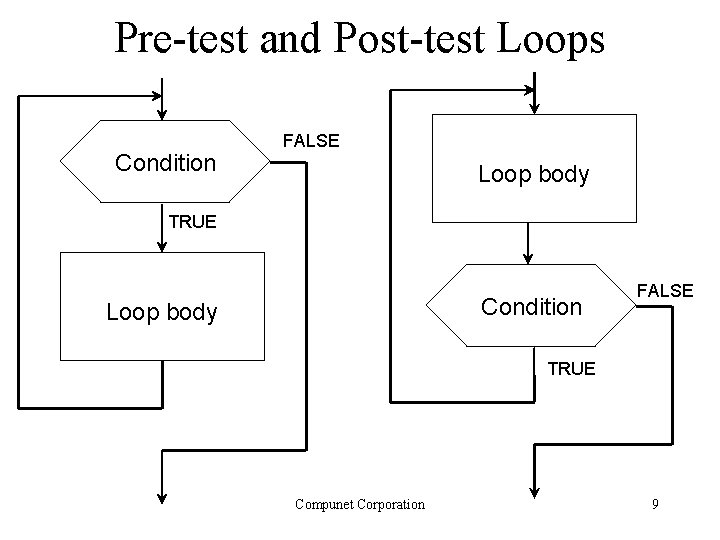
Pre-test and Post-test Loops Condition FALSE Loop body TRUE Condition Loop body FALSE TRUE Compunet Corporation 9
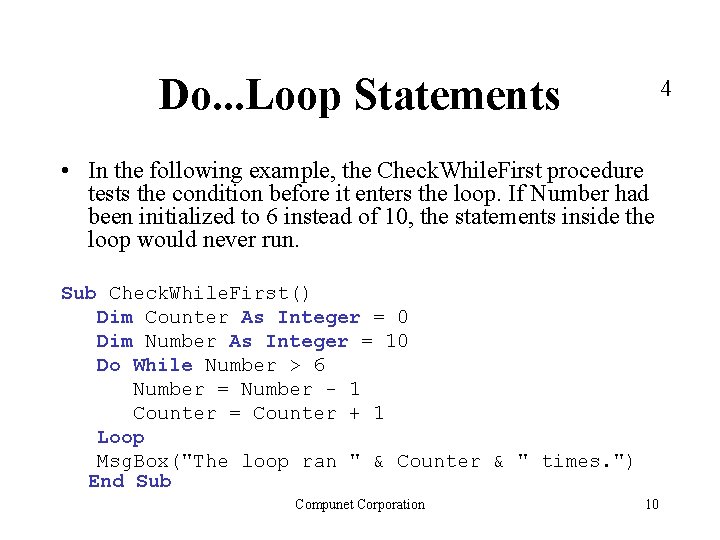
Do. . . Loop Statements 4 • In the following example, the Check. While. First procedure tests the condition before it enters the loop. If Number had been initialized to 6 instead of 10, the statements inside the loop would never run. Sub Check. While. First() Dim Counter As Integer = 0 Dim Number As Integer = 10 Do While Number > 6 Number = Number - 1 Counter = Counter + 1 Loop Msg. Box("The loop ran " & Counter & " times. ") End Sub Compunet Corporation 10

Do. . . Loop Statements 1 • In the following example, the Check. While. Last procedure, the statements inside the loop run once before testing the condition, which is False on the first test. Sub Check. While. Last() Dim Counter As Integer = 0 Dim Number As Integer = 5 Do Number = Number - 1 Counter = Counter + 1 Loop While Number > 6 Msg. Box("The loop ran " & Counter & " times. ") End Sub Compunet Corporation 11
Do. . . Loop Statements • There are two ways to use the Until keyword to check a condition in a Do loop. – You can check the condition before you enter the loop, – or you can check it after the loop has run at least once. – Looping continues while the condition remains False. Compunet Corporation 12
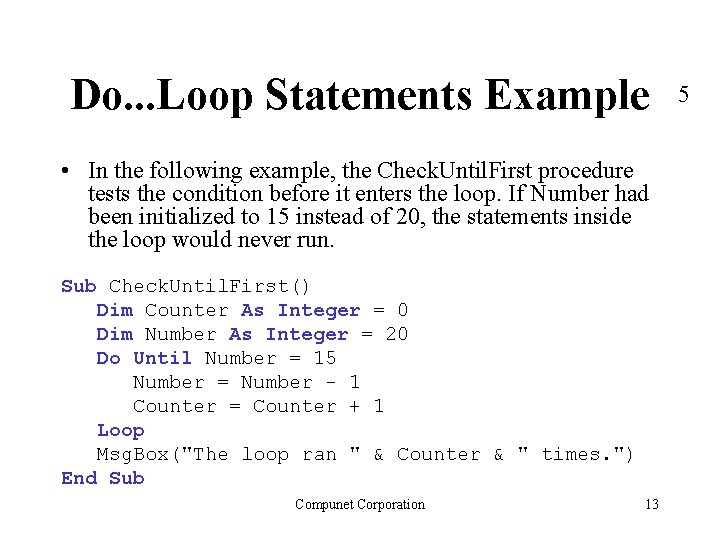
Do. . . Loop Statements Example • In the following example, the Check. Until. First procedure tests the condition before it enters the loop. If Number had been initialized to 15 instead of 20, the statements inside the loop would never run. Sub Check. Until. First() Dim Counter As Integer = 0 Dim Number As Integer = 20 Do Until Number = 15 Number = Number - 1 Counter = Counter + 1 Loop Msg. Box("The loop ran " & Counter & " times. ") End Sub Compunet Corporation 13 5
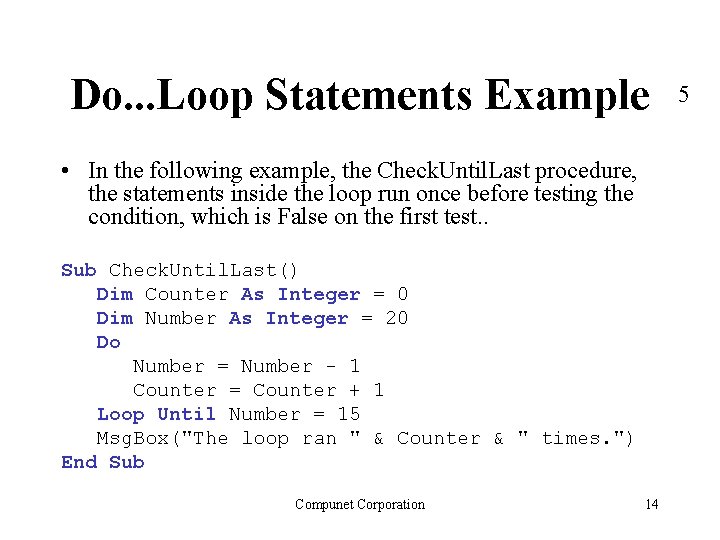
Do. . . Loop Statements Example • In the following example, the Check. Until. Last procedure, the statements inside the loop run once before testing the condition, which is False on the first test. . Sub Check. Until. Last() Dim Counter As Integer = 0 Dim Number As Integer = 20 Do Number = Number - 1 Counter = Counter + 1 Loop Until Number = 15 Msg. Box("The loop ran " & Counter & " times. ") End Sub Compunet Corporation 14 5
Exercises • Write a program that displays the numbers 1 through 100. • Write a program that displays the numbers 100 to 1, in reverse order. Compunet Corporation 15
Do. . . Loop – Exit Do Statements • You can transfer out of a Do loop by using the Exit Do statement. • One use of this is to test for a condition that could cause an endless loop, which is a loop that could run an extremely large or even infinite number of times. – If the condition is True, use Exit Do to escape. – If the condition is False, the loop continues running. Compunet Corporation 16
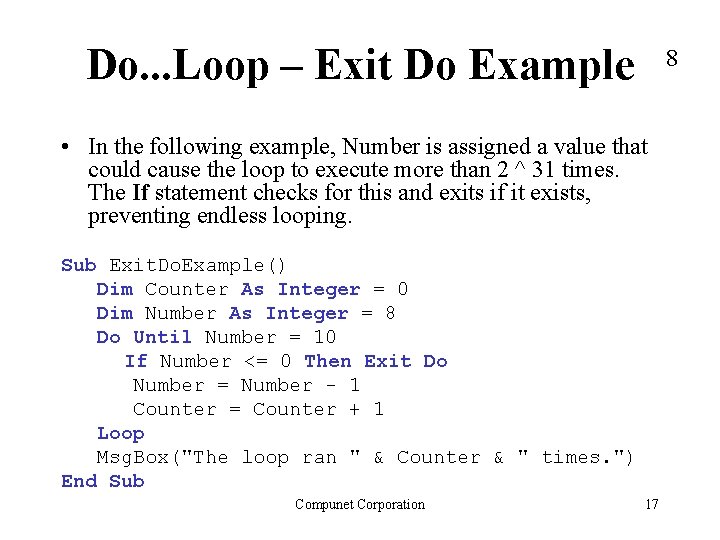
Do. . . Loop – Exit Do Example 8 • In the following example, Number is assigned a value that could cause the loop to execute more than 2 ^ 31 times. The If statement checks for this and exits if it exists, preventing endless looping. Sub Exit. Do. Example() Dim Counter As Integer = 0 Dim Number As Integer = 8 Do Until Number = 10 If Number <= 0 Then Exit Do Number = Number - 1 Counter = Counter + 1 Loop Msg. Box("The loop ran " & Counter & " times. ") End Sub Compunet Corporation 17
For. . . Next Statements • Do loops work well when you do not know in advance how many times you need to execute the statements in the loop • However, when you expect to execute the loop a specific number of times, a For. . . Next loop is a better choice. • For loop uses a variable called a counter that increases or decreases in value during each repetition of the loop. Compunet Corporation 18
For. . . Next Statements • The For loop is used to repeat a statement or block of statements. • The syntax is as follows: For counter [ As datatype ] = start To end [ Step step ] ' Statement block to be executed for each value of counter. Next [ counter ] Compunet Corporation 19
For. . . Next Example Public Module For. Loop Sub Main() Dim I As Integer For I = 0 To 10 System. Console. Write (I & " ") Next I System. Console. Write. Line (" Terminating") End Sub End Module Output: 0 1 2 3 4 5 6 7 8 9 10 Terminating Compunet Corporation 20
For. . . Next Example Public Class For. Loop Shared Sub Main() Dim I As Integer For I = 0 To 10 System. Console. Write (I & " ") Next I System. Console. Write. Line (" Terminating") End Sub End Class Output: 0 1 2 3 4 5 6 7 8 9 10 Terminating Compunet Corporation 21
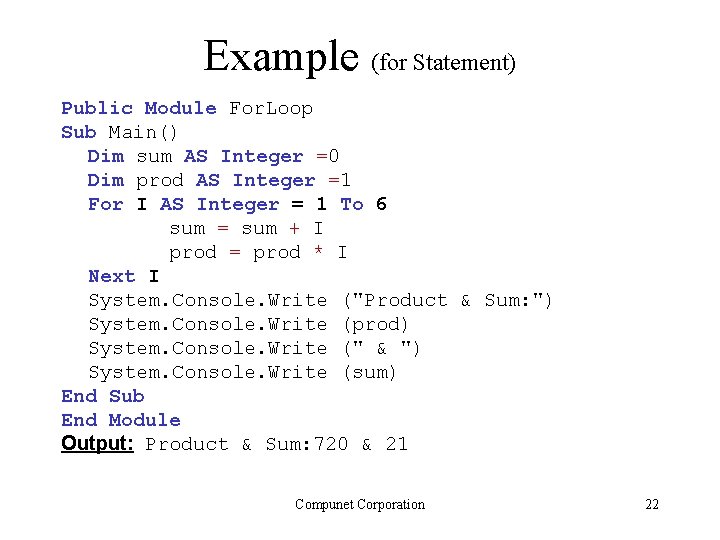
Example (for Statement) Public Module For. Loop Sub Main() Dim sum AS Integer =0 Dim prod AS Integer =1 For I AS Integer = 1 To 6 sum = sum + I prod = prod * I Next I System. Console. Write ("Product & Sum: ") System. Console. Write (prod) System. Console. Write (" & ") System. Console. Write (sum) End Sub End Module Output: Product & Sum: 720 & 21 Compunet Corporation 22
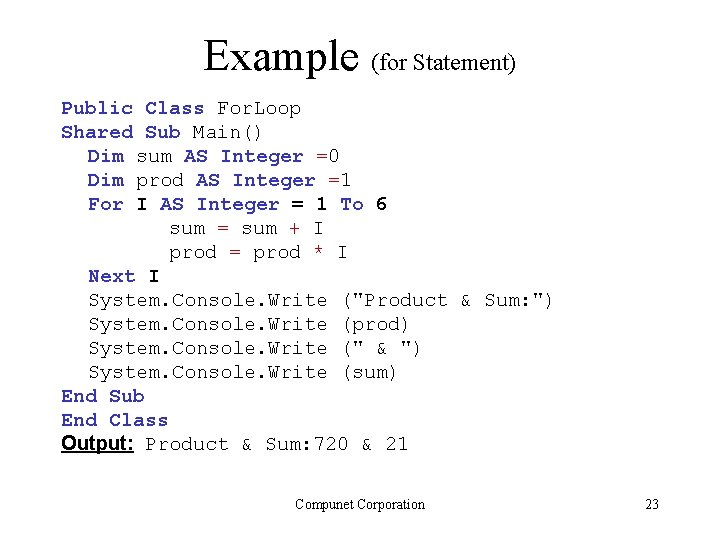
Example (for Statement) Public Class For. Loop Shared Sub Main() Dim sum AS Integer =0 Dim prod AS Integer =1 For I AS Integer = 1 To 6 sum = sum + I prod = prod * I Next I System. Console. Write ("Product & Sum: ") System. Console. Write (prod) System. Console. Write (" & ") System. Console. Write (sum) End Sub End Class Output: Product & Sum: 720 & 21 Compunet Corporation 23
More Practice • Write programs (using loops) to do each of the following: – Sigma(j, k) that solves Si, where i goes from j to k – Product(j, k) that solves Pi, where i goes from j to k – Write a program to find the Factorial of n i. e. n! Compunet Corporation 24
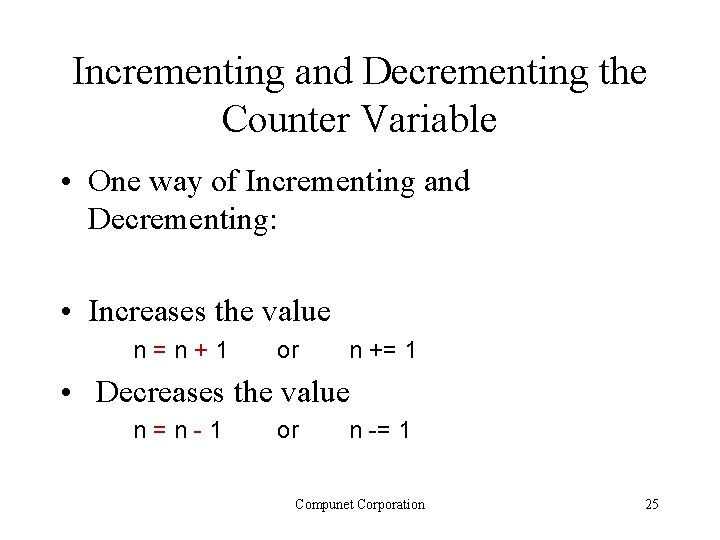
Incrementing and Decrementing the Counter Variable • One way of Incrementing and Decrementing: • Increases the value n=n+1 or n += 1 • Decreases the value n=n-1 or n -= 1 Compunet Corporation 25
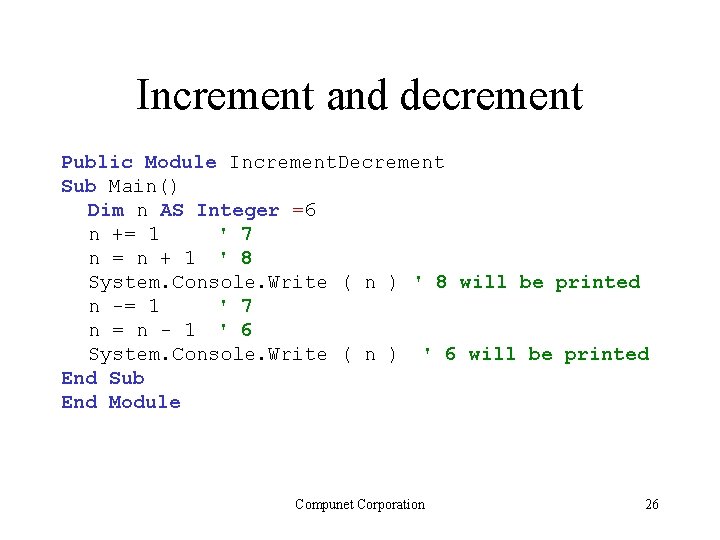
Increment and decrement Public Module Increment. Decrement Sub Main() Dim n AS Integer =6 n += 1 ' 7 n = n + 1 ' 8 System. Console. Write ( n ) ' 8 will be printed n -= 1 ' 7 n = n - 1 ' 6 System. Console. Write ( n ) ' 6 will be printed End Sub End Module Compunet Corporation 26
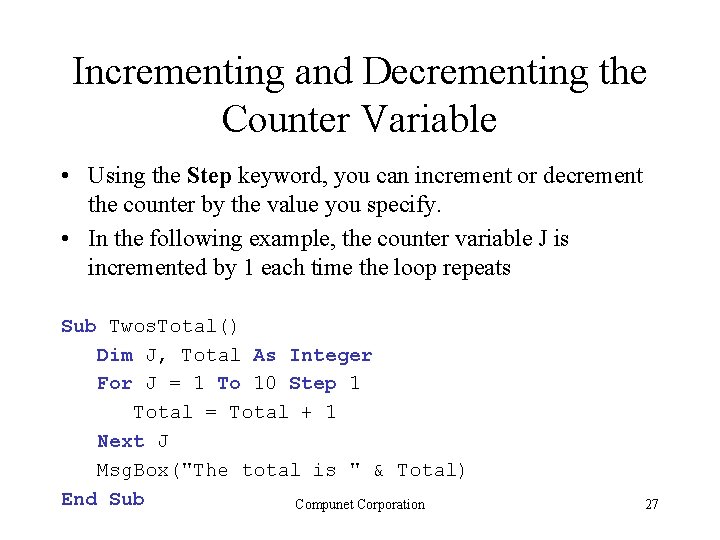
Incrementing and Decrementing the Counter Variable • Using the Step keyword, you can increment or decrement the counter by the value you specify. • In the following example, the counter variable J is incremented by 1 each time the loop repeats Sub Twos. Total() Dim J, Total As Integer For J = 1 To 10 Step 1 Total = Total + 1 Next J Msg. Box("The total is " & Total) End Sub Compunet Corporation 27
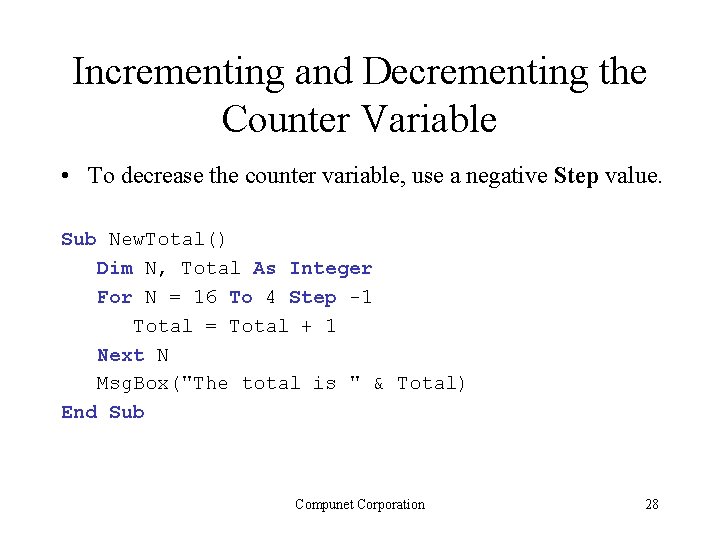
Incrementing and Decrementing the Counter Variable • To decrease the counter variable, use a negative Step value. Sub New. Total() Dim N, Total As Integer For N = 16 To 4 Step -1 Total = Total + 1 Next N Msg. Box("The total is " & Total) End Sub Compunet Corporation 28
Exiting a For. . . Next Loop • You can exit a For. . . Next loop before the counter passes its end value by using the Exit For statement. Compunet Corporation 29
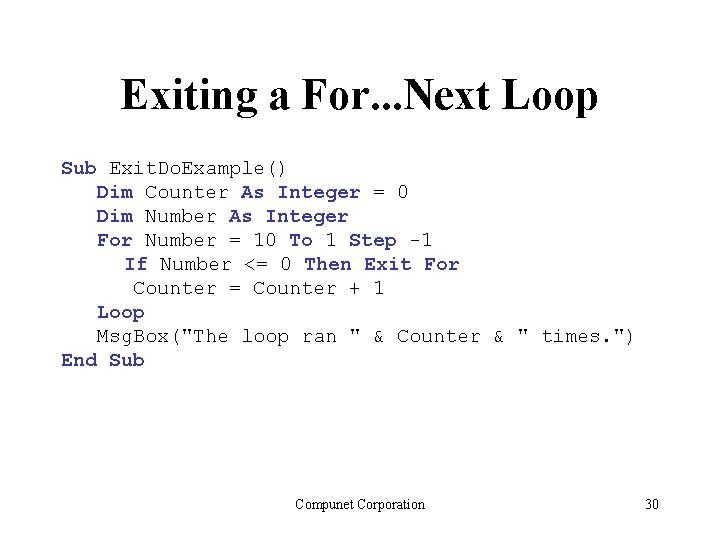
Exiting a For. . . Next Loop Sub Exit. Do. Example() Dim Counter As Integer = 0 Dim Number As Integer For Number = 10 To 1 Step -1 If Number <= 0 Then Exit For Counter = Counter + 1 Loop Msg. Box("The loop ran " & Counter & " times. ") End Sub Compunet Corporation 30
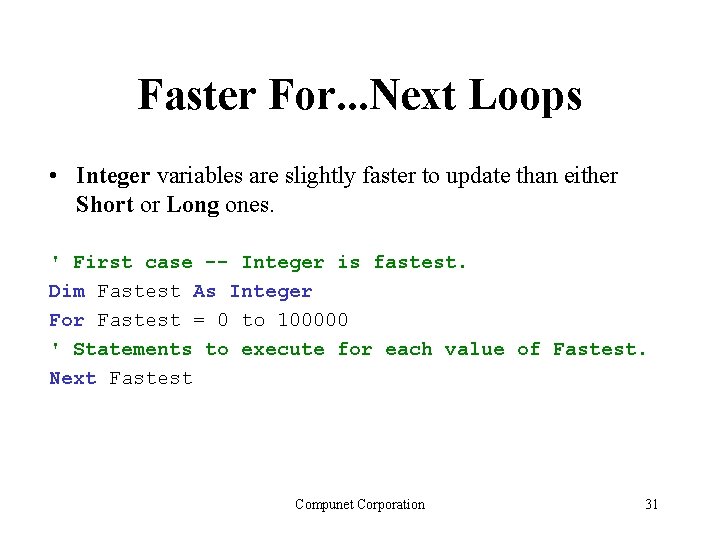
Faster For. . . Next Loops • Integer variables are slightly faster to update than either Short or Long ones. ' First case -- Integer is fastest. Dim Fastest As Integer For Fastest = 0 to 100000 ' Statements to execute for each value of Fastest. Next Fastest Compunet Corporation 31
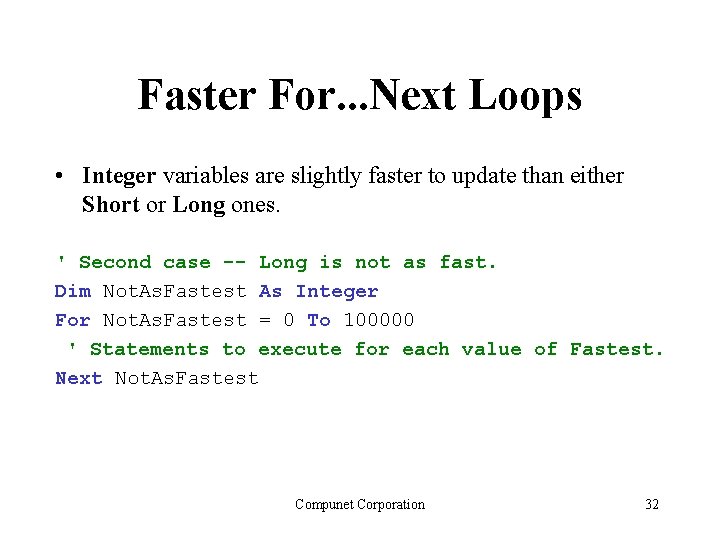
Faster For. . . Next Loops • Integer variables are slightly faster to update than either Short or Long ones. ' Second case -- Long is not as fast. Dim Not. As. Fastest As Integer For Not. As. Fastest = 0 To 100000 ' Statements to execute for each value of Fastest. Next Not. As. Fastest Compunet Corporation 32
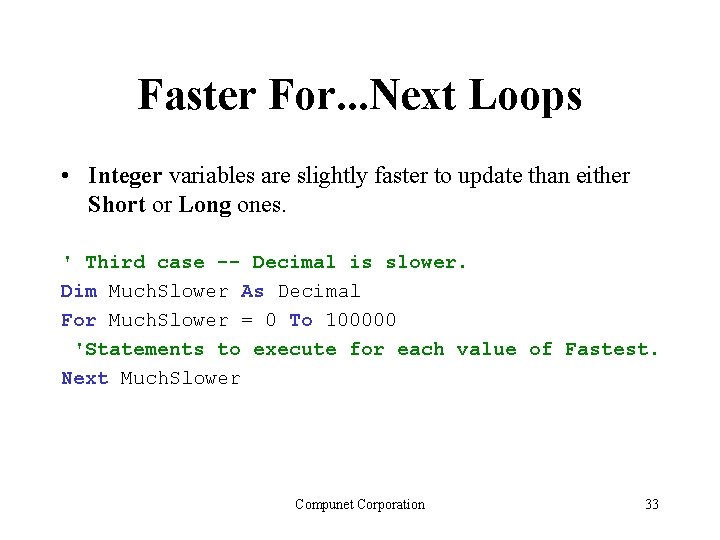
Faster For. . . Next Loops • Integer variables are slightly faster to update than either Short or Long ones. ' Third case -- Decimal is slower. Dim Much. Slower As Decimal For Much. Slower = 0 To 100000 'Statements to execute for each value of Fastest. Next Much. Slower Compunet Corporation 33
Exercise (THE do LOOP) • Write an application that generates the first 15 numbers in the Fibonacci series (i. e. , 1 1 2 3 5 8 13 21 … ) A number in this series is calculated by adding together the two numbers that precede it. Use a Do loop to control the computations. • Show to replace this For loop with a While For I AS Integer = 1 To 10 Step 2 Next I Compunet Corporation 34
Nested Loop • When the body of one loop contains another, the second is said to be nested inside the first. For I AS Integer = 0 To 5 Step 1 For J AS Integer = 0 To 5 Step 1 System. Console. Write (I & " ") Next J Next I Compunet Corporation 35
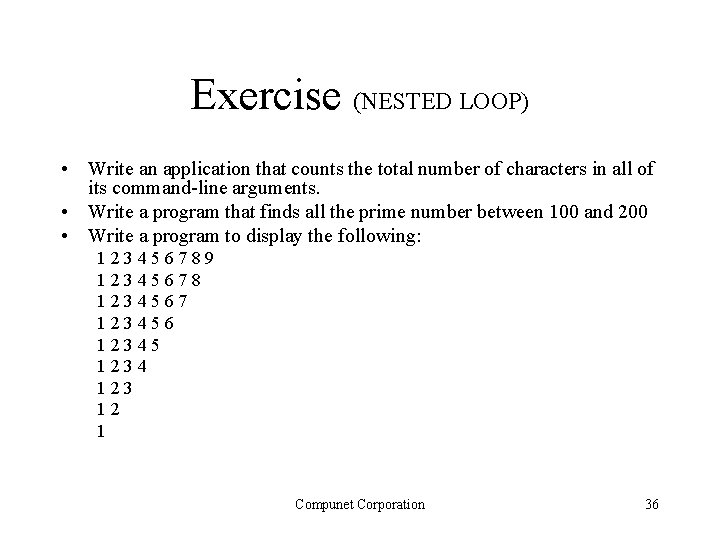
Exercise (NESTED LOOP) • Write an application that counts the total number of characters in all of its command-line arguments. • Write a program that finds all the prime number between 100 and 200 • Write a program to display the following: 123456789 12345678 1234567 123456 12345 1234 123 12 1 Compunet Corporation 36
Exercise • Write an application that searches through its commandline arguments. If an arguments is found that does not begin with an uppercase letter, display an error message and terminate. Compunet Corporation 37
Exercise • Write a program that accepts one command-line argument and displays its Spanish equivalent. For example the token "one, " "two, " "three, " "four, " and "five" are translated to "Uno, " "Dos, " "Tres, " "Quatro, " and "Cinco. " • Write an application that can process a sequence of command-line arguments that describe the quantities and types of coins held by a person. This sequence of arguments might be similar to the following: 5 nickles 4 quarters 2 dimes. In this case, the program would display a message indicating that the total value of these coins is $1. 45. Compunet Corporation 38
- Slides: 38