
Programming Thinking and Method 2 Zhao Hai Department
- Slides: 47
Programming Thinking and Method (2) Zhao Hai 赵海 Department of Computer Science and Engineering Shanghai Jiao Tong University zhaohai@cs. sjtu. edu. cn
Outline • Values and Types • Variables • Assignment • Type Conversion • Summary
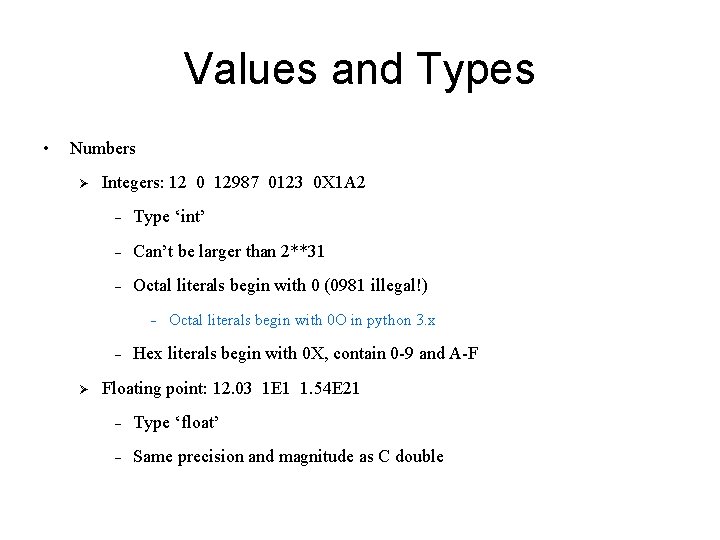
Values and Types • Numbers Ø Integers: 12 0 12987 0123 0 X 1 A 2 - Type ‘int’ - Can’t be larger than 2**31 - Octal literals begin with 0 (0981 illegal!) - Ø Octal literals begin with 0 O in python 3. x Hex literals begin with 0 X, contain 0 -9 and A-F Floating point: 12. 03 1 E 1 1. 54 E 21 - Type ‘float’ - Same precision and magnitude as C double
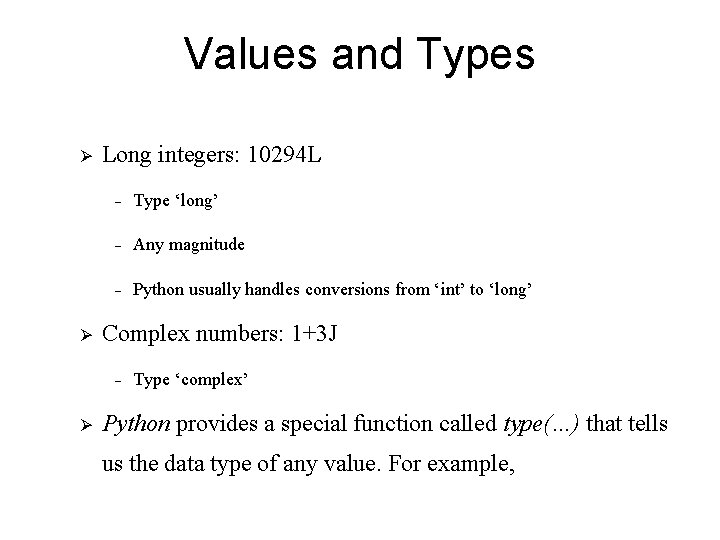
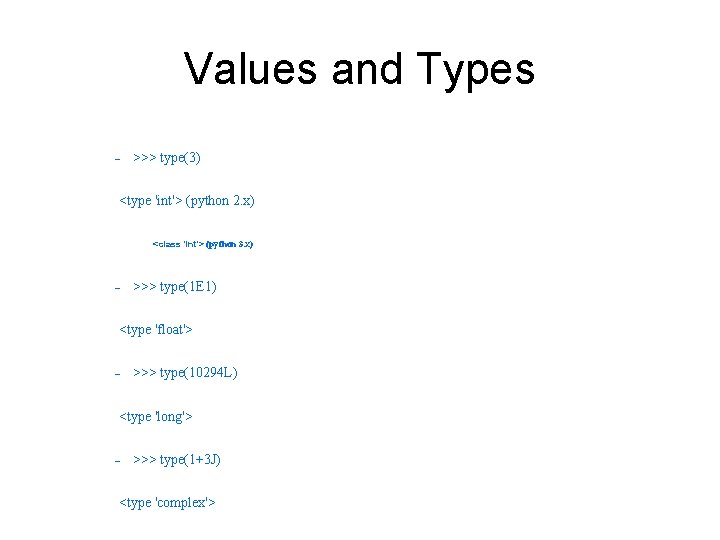
Values and Types Ø Ø Long integers: 10294 L - Type ‘long’ - Any magnitude - Python usually handles conversions from ‘int’ to ‘long’ Complex numbers: 1+3 J - Ø Type ‘complex’ Python provides a special function called type(…) that tells us the data type of any value. For example,
Values and Types - >>> type(3) <type 'int'> (python 2. x) <class 'int'> (python 3. x) - >>> type(1 E 1) <type 'float'> - >>> type(10294 L) <type 'long'> - >>> type(1+3 J) <type 'complex'>
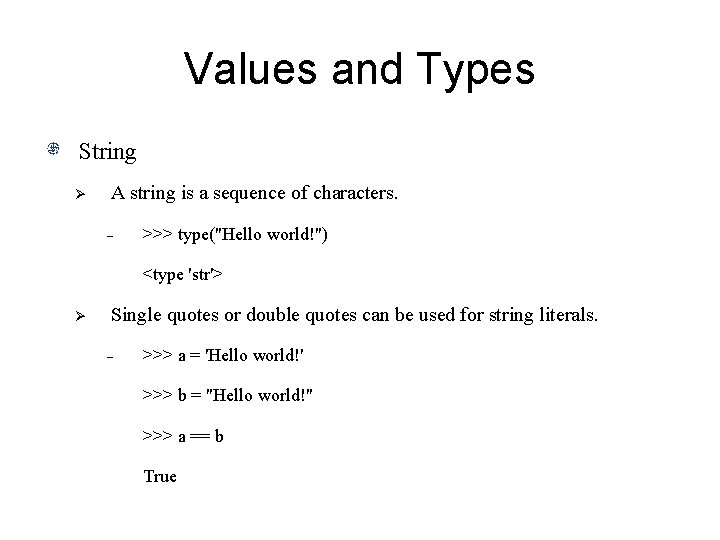
Values and Types String Ø A string is a sequence of characters. - >>> type("Hello world!") <type 'str'> Ø Single quotes or double quotes can be used for string literals. - >>> a = 'Hello world!' >>> b = "Hello world!" >>> a == b True
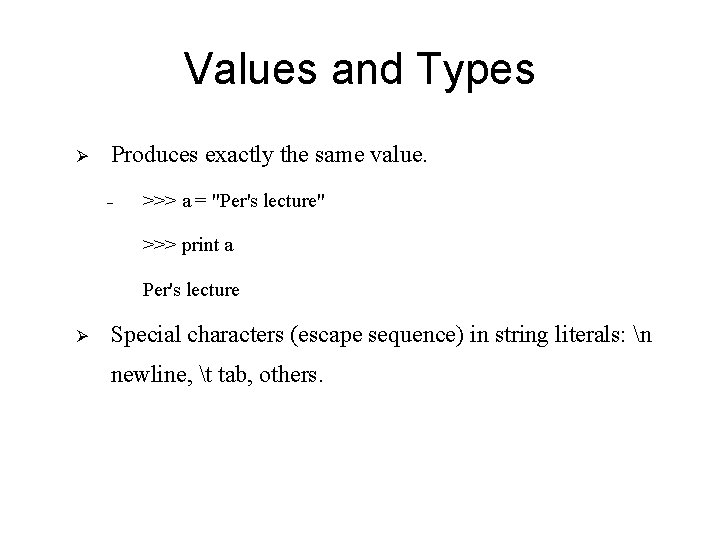
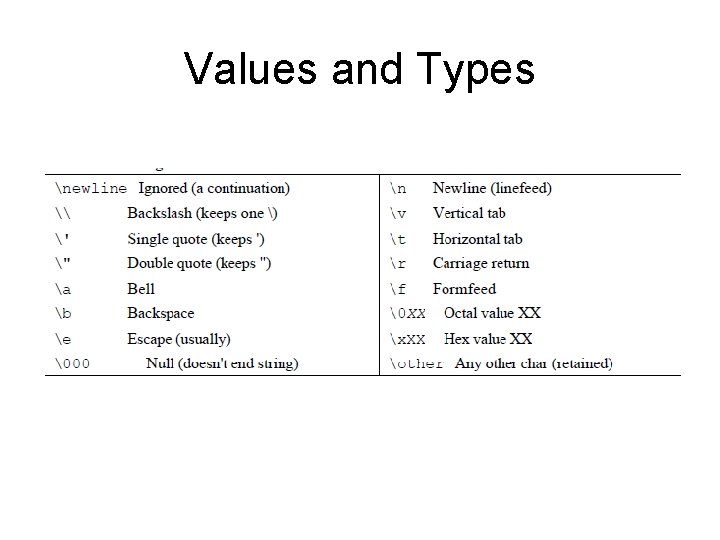
Values and Types Ø Produces exactly the same value. - >>> a = "Per's lecture" >>> print a Per's lecture Ø Special characters (escape sequence) in string literals: n newline, t tab, others.
Values and Types
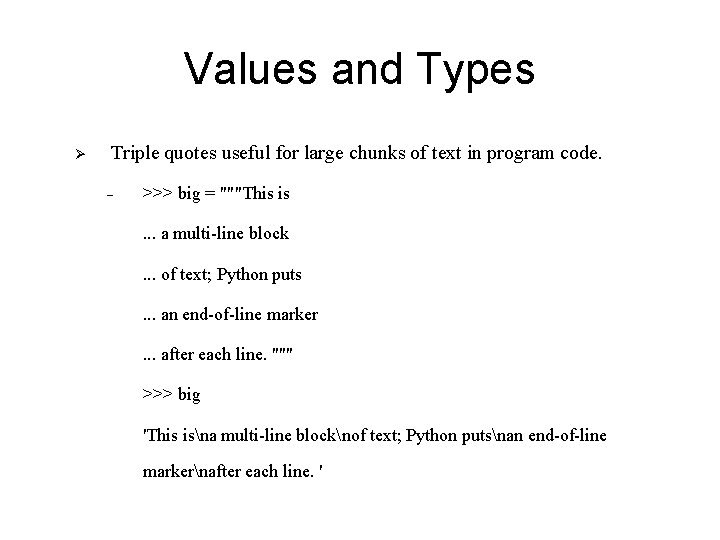
Values and Types Ø Triple quotes useful for large chunks of text in program code. - >>> big = """This is. . . a multi-line block. . . of text; Python puts. . . an end-of-line marker. . . after each line. """ >>> big 'This isna multi-line blocknof text; Python putsnan end-of-line markernafter each line. '
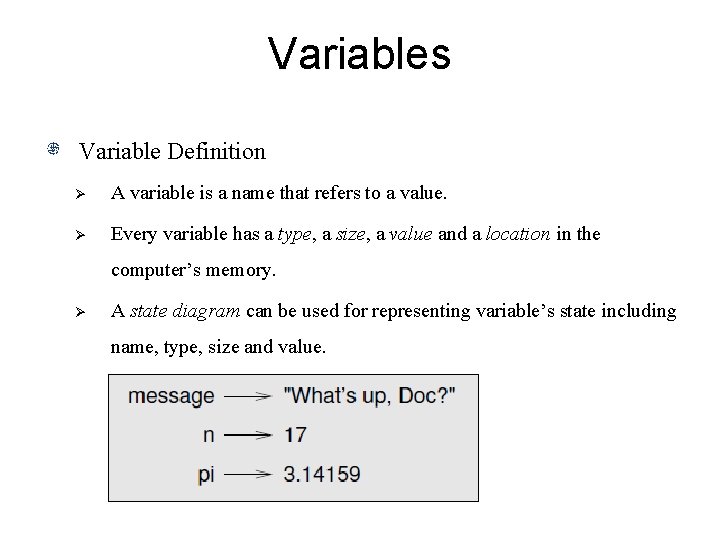
Variables Variable Definition Ø A variable is a name that refers to a value. Ø Every variable has a type, a size, a value and a location in the computer’s memory. Ø A state diagram can be used for representing variable’s state including name, type, size and value.
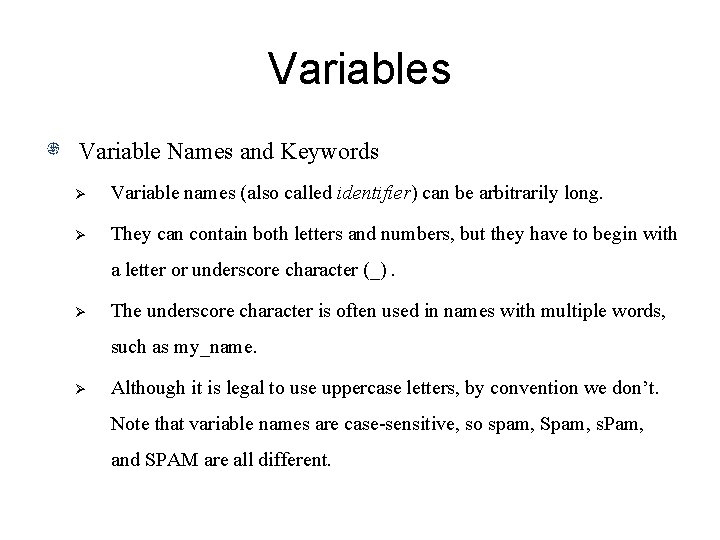
Variables Variable Names and Keywords Ø Variable names (also called identifier) can be arbitrarily long. Ø They can contain both letters and numbers, but they have to begin with a letter or underscore character (_). Ø The underscore character is often used in names with multiple words, such as my_name. Ø Although it is legal to use uppercase letters, by convention we don’t. Note that variable names are case-sensitive, so spam, Spam, s. Pam, and SPAM are all different.
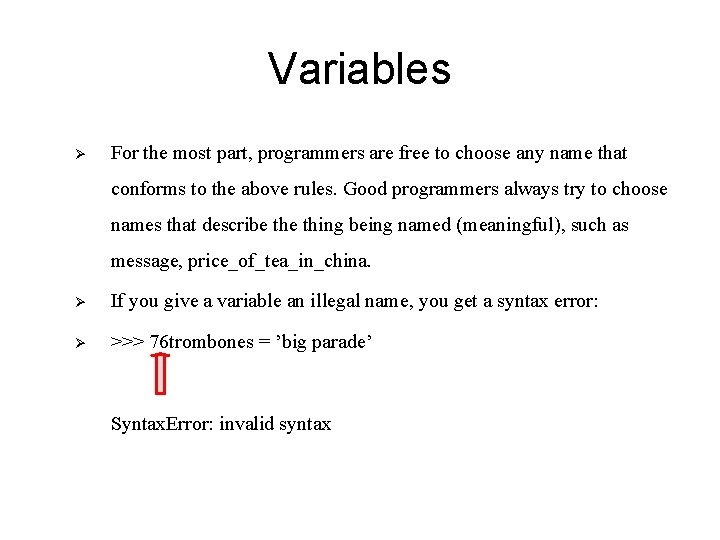
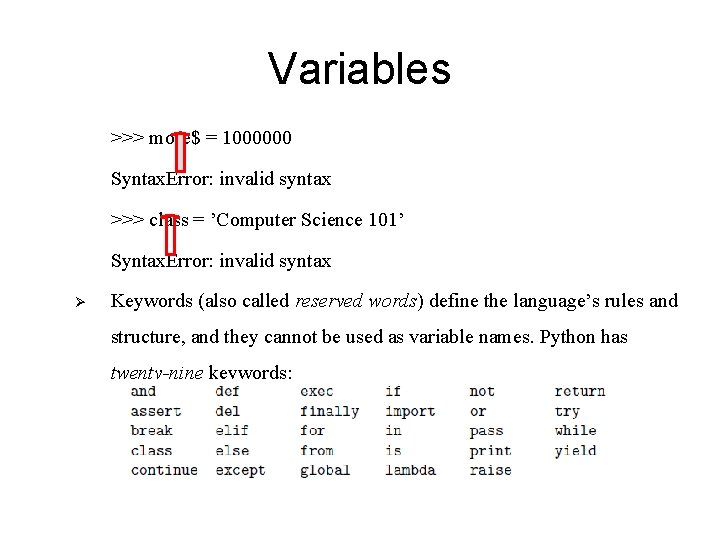
Variables Ø For the most part, programmers are free to choose any name that conforms to the above rules. Good programmers always try to choose names that describe thing being named (meaningful), such as message, price_of_tea_in_china. Ø If you give a variable an illegal name, you get a syntax error: Ø >>> 76 trombones = ’big parade’ Syntax. Error: invalid syntax
Variables >>> more$ = 1000000 Syntax. Error: invalid syntax >>> class = ’Computer Science 101’ Syntax. Error: invalid syntax Ø Keywords (also called reserved words) define the language’s rules and structure, and they cannot be used as variable names. Python has twenty-nine keywords:
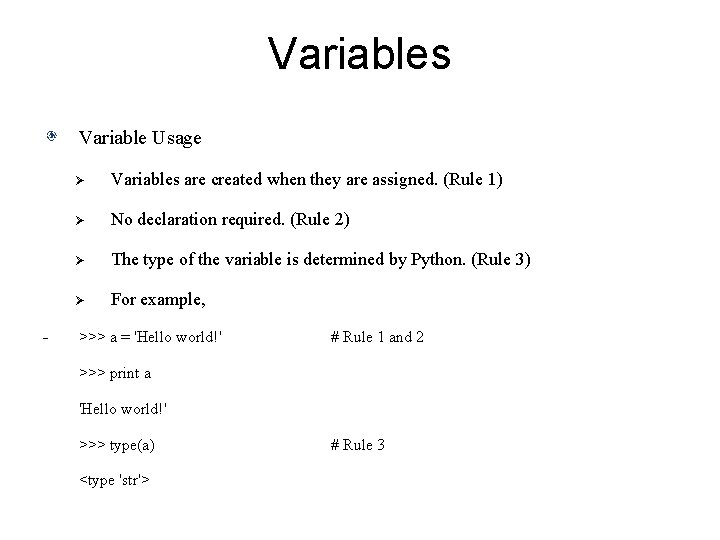
Variables Variable Usage - Ø Variables are created when they are assigned. (Rule 1) Ø No declaration required. (Rule 2) Ø The type of the variable is determined by Python. (Rule 3) Ø For example, >>> a = 'Hello world!' # Rule 1 and 2 >>> print a 'Hello world!' >>> type(a) <type 'str'> # Rule 3
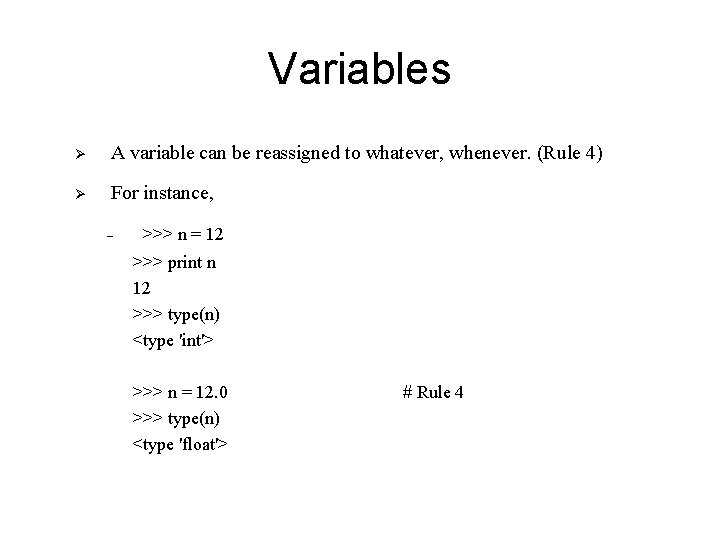
Variables Ø A variable can be reassigned to whatever, whenever. (Rule 4) Ø For instance, - >>> n = 12 >>> print n 12 >>> type(n) <type 'int'> >>> n = 12. 0 >>> type(n) <type 'float'> # Rule 4
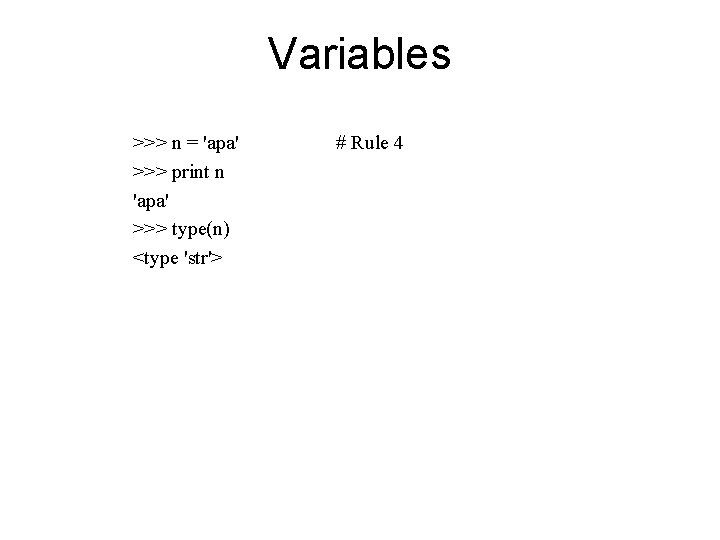
Variables >>> n = 'apa' >>> print n 'apa' >>> type(n) <type 'str'> # Rule 4
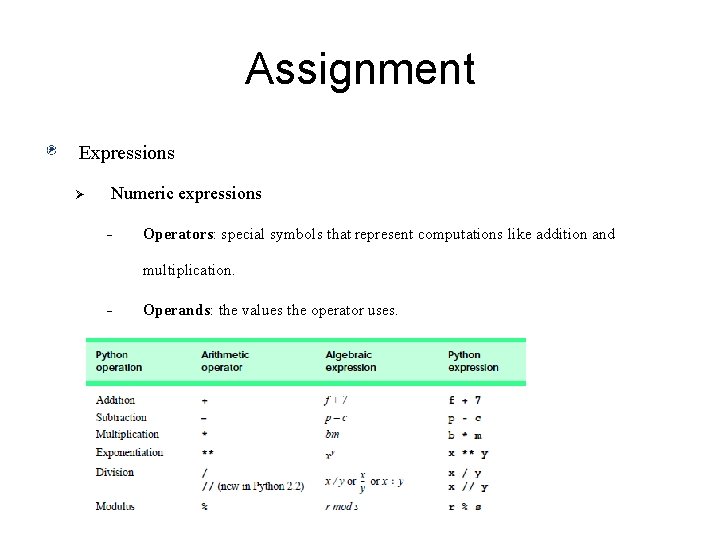
Assignment Expressions Ø Numeric expressions - Operators: special symbols that represent computations like addition and multiplication. - Operands: the values the operator uses.
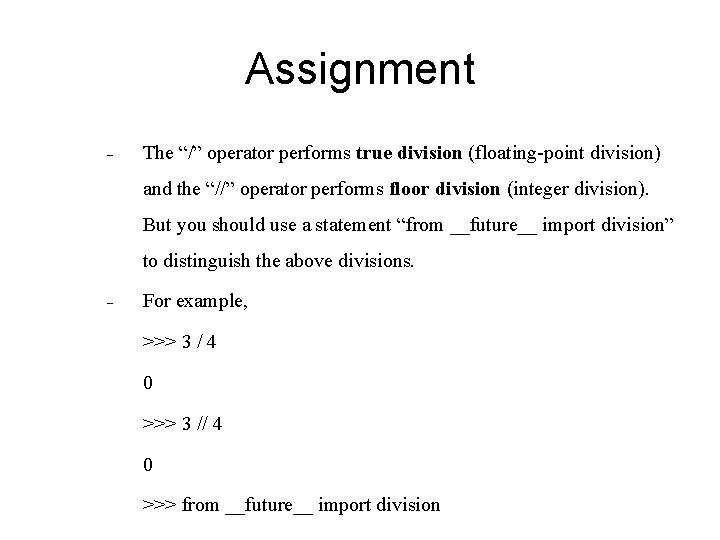
Assignment - The “/” operator performs true division (floating-point division) and the “//” operator performs floor division (integer division). But you should use a statement “from __future__ import division” to distinguish the above divisions. - For example, >>> 3 / 4 0 >>> 3 // 4 0 >>> from __future__ import division
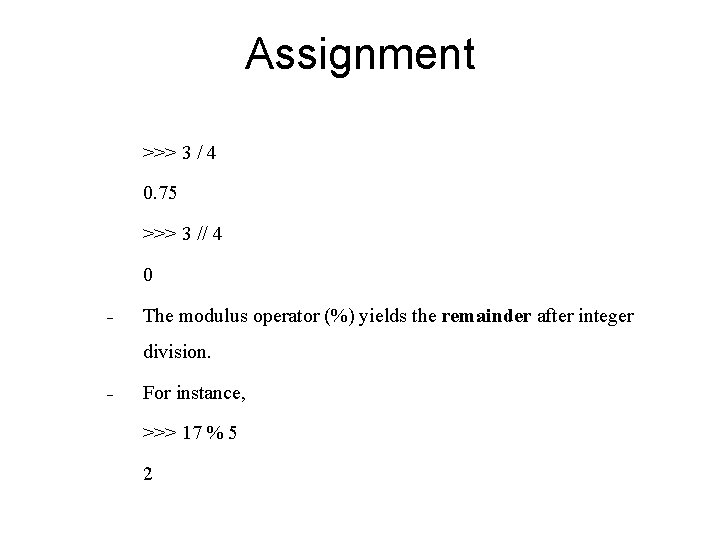
Assignment >>> 3 / 4 0. 75 >>> 3 // 4 0 - The modulus operator (%) yields the remainder after integer division. - For instance, >>> 17 % 5 2
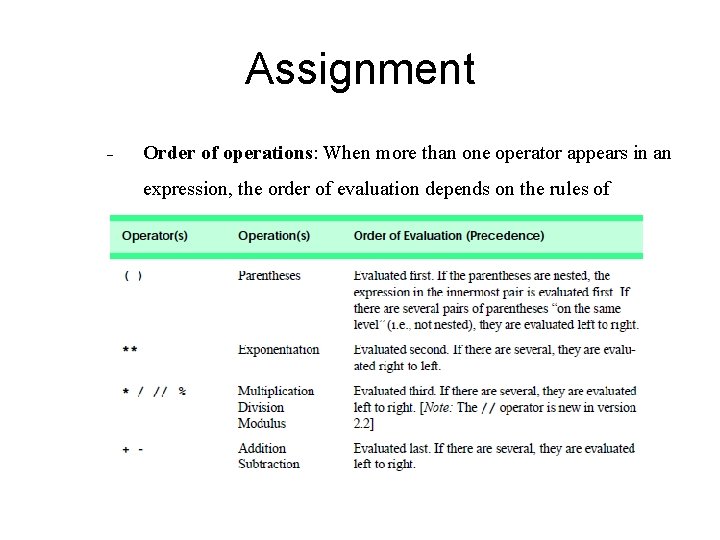
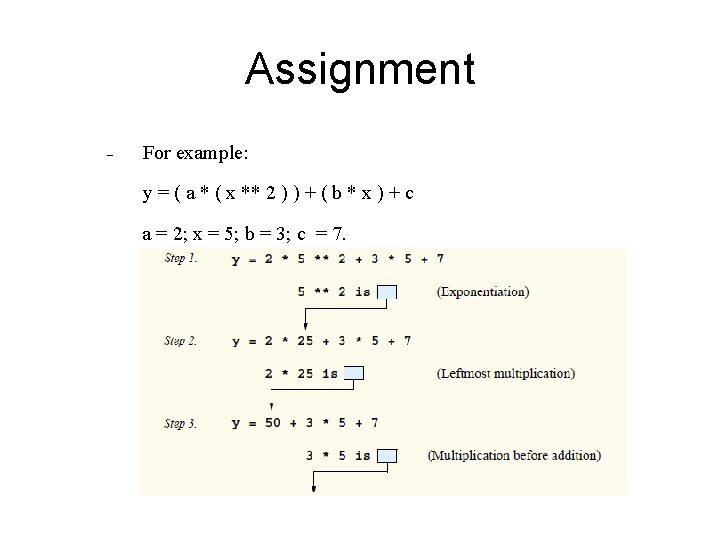
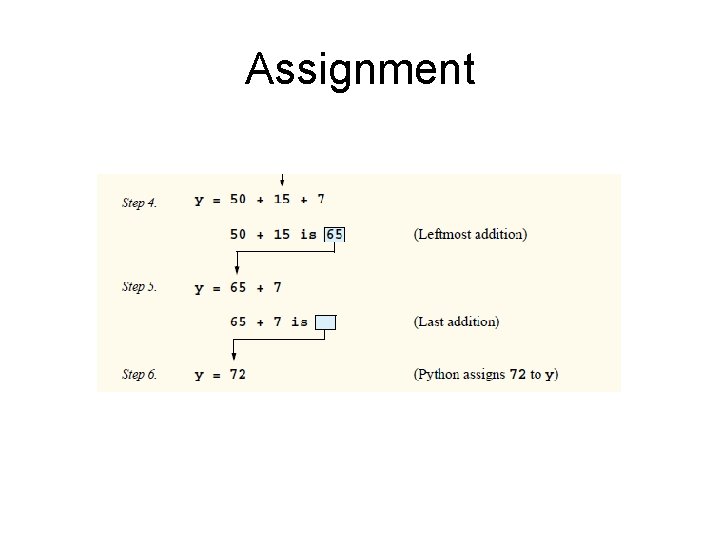
Assignment - Order of operations: When more than one operator appears in an expression, the order of evaluation depends on the rules of precedence.
Assignment - For example: y = ( a * ( x ** 2 ) ) + ( b * x ) + c a = 2; x = 5; b = 3; c = 7.
Assignment
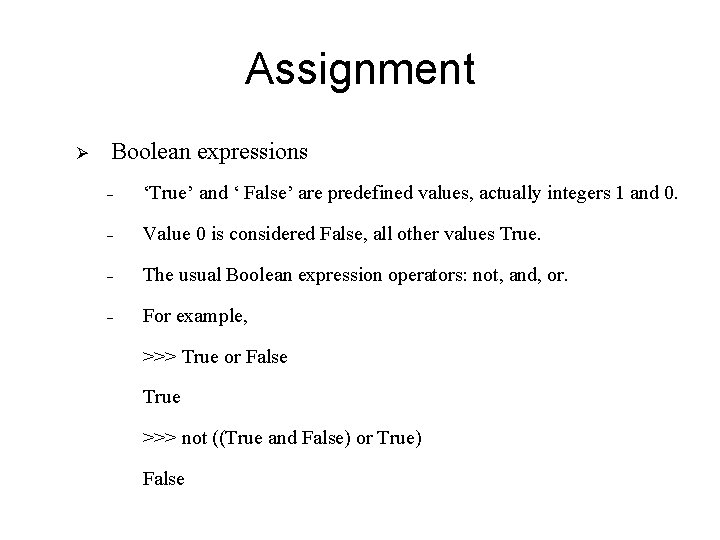
Assignment Ø Boolean expressions - ‘True’ and ‘ False’ are predefined values, actually integers 1 and 0. - Value 0 is considered False, all other values True. - The usual Boolean expression operators: not, and, or. - For example, >>> True or False True >>> not ((True and False) or True) False
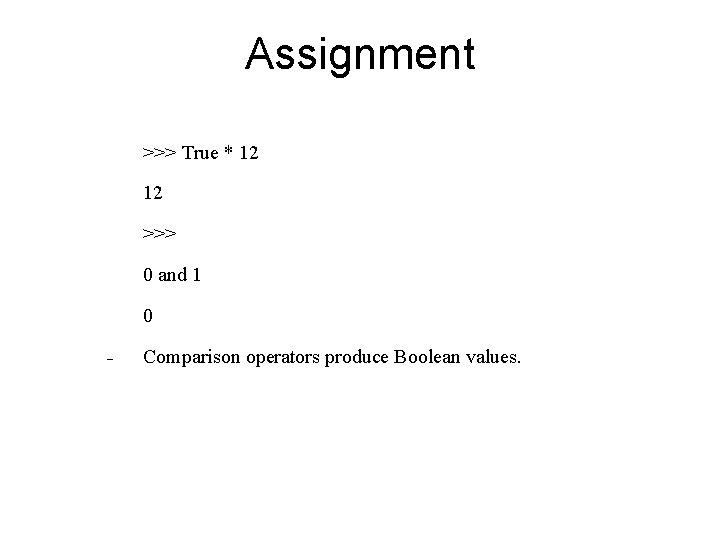
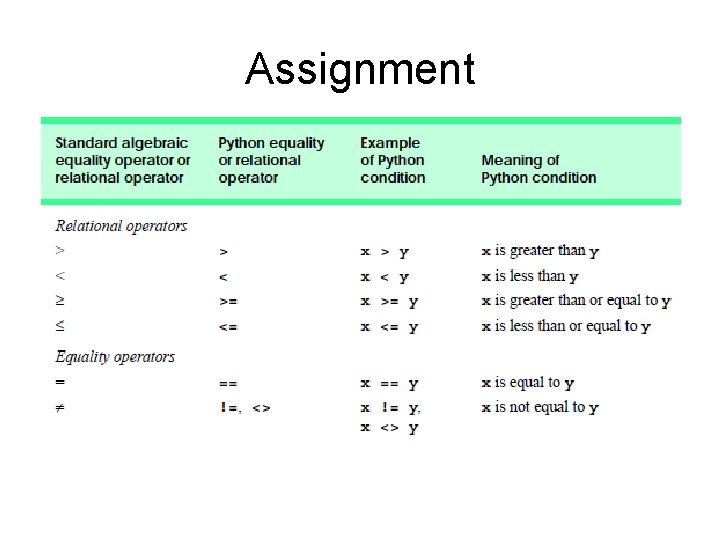
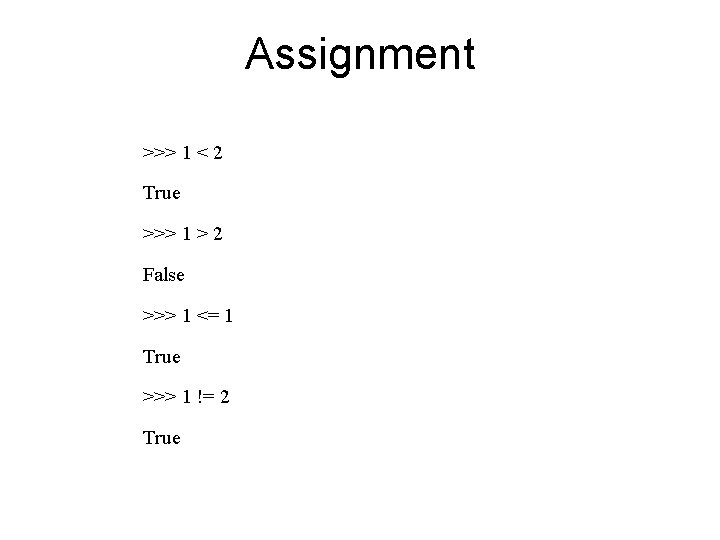
Assignment >>> True * 12 12 >>> 0 and 1 0 - Comparison operators produce Boolean values.
Assignment
Assignment >>> 1 < 2 True >>> 1 > 2 False >>> 1 <= 1 True >>> 1 != 2 True
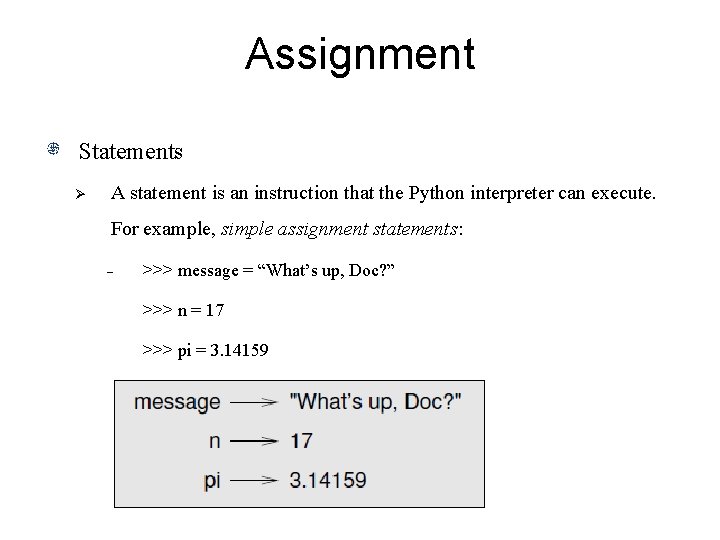
Assignment Statements Ø A statement is an instruction that the Python interpreter can execute. For example, simple assignment statements: - >>> message = “What’s up, Doc? ” >>> n = 17 >>> pi = 3. 14159
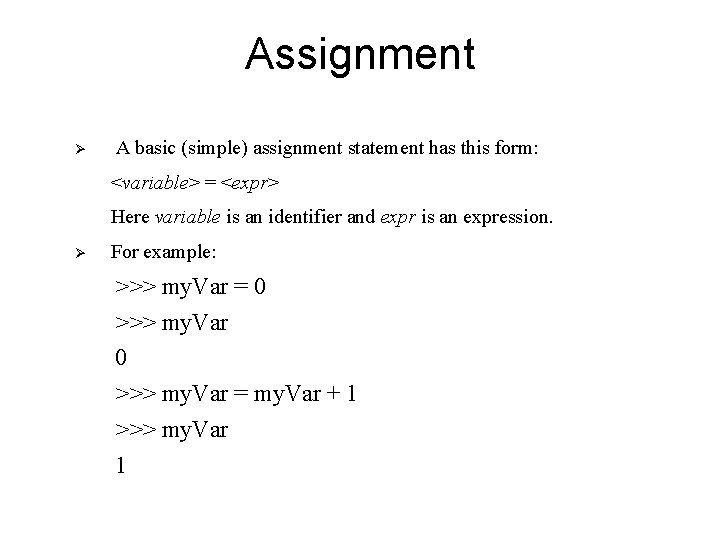
Assignment Ø A basic (simple) assignment statement has this form: <variable> = <expr> Here variable is an identifier and expr is an expression. Ø For example: >>> my. Var = 0 >>> my. Var = my. Var + 1 >>> my. Var 1
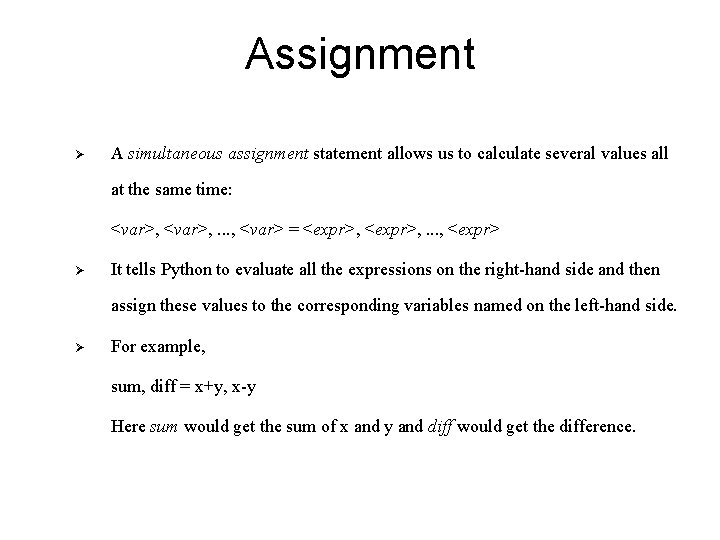
Assignment Ø A simultaneous assignment statement allows us to calculate several values all at the same time: <var>, . . . , <var> = <expr>, . . . , <expr> Ø It tells Python to evaluate all the expressions on the right-hand side and then assign these values to the corresponding variables named on the left-hand side. Ø For example, sum, diff = x+y, x-y Here sum would get the sum of x and y and diff would get the difference.
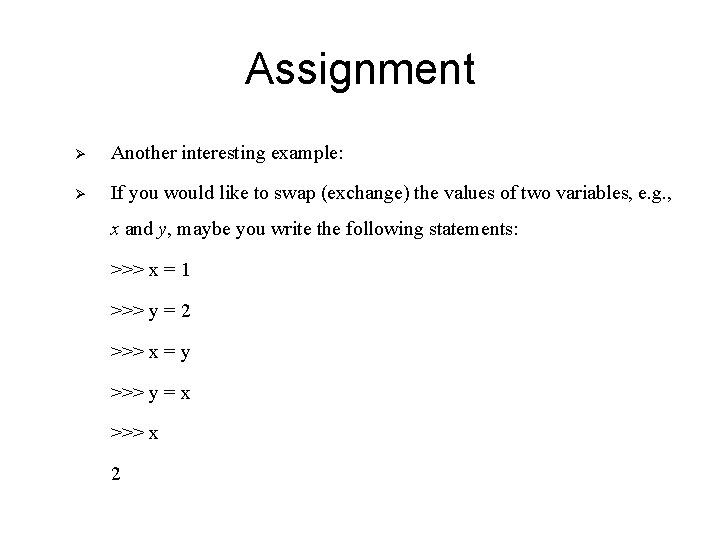
Assignment Ø Another interesting example: Ø If you would like to swap (exchange) the values of two variables, e. g. , x and y, maybe you write the following statements: >>> x = 1 >>> y = 2 >>> x = y >>> y = x >>> x 2
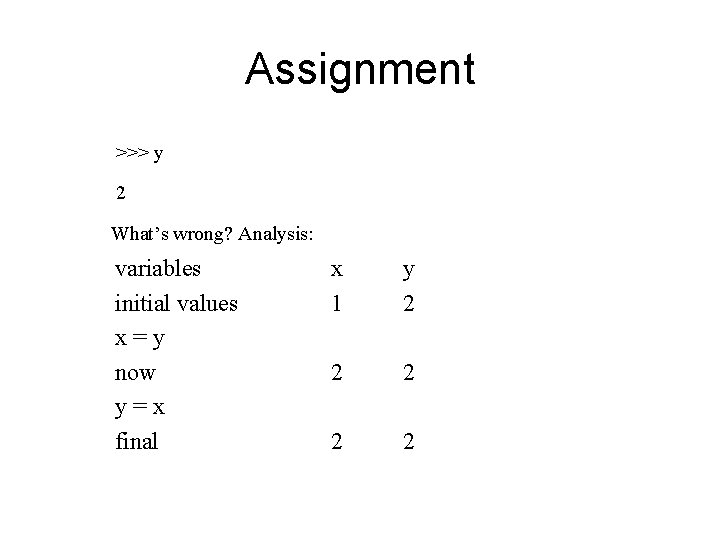
Assignment >>> y 2 What’s wrong? Analysis: variables initial values x=y now y=x final x 1 y 2 2 2
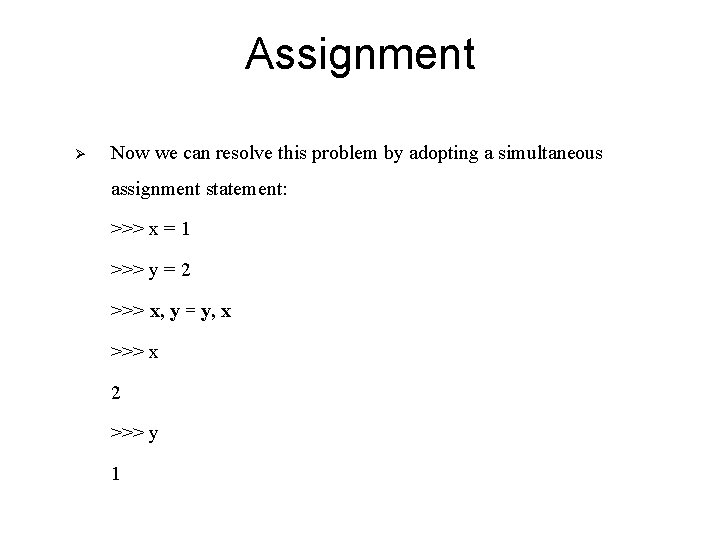
Assignment Ø Now we can resolve this problem by adopting a simultaneous assignment statement: >>> x = 1 >>> y = 2 >>> x, y = y, x >>> x 2 >>> y 1
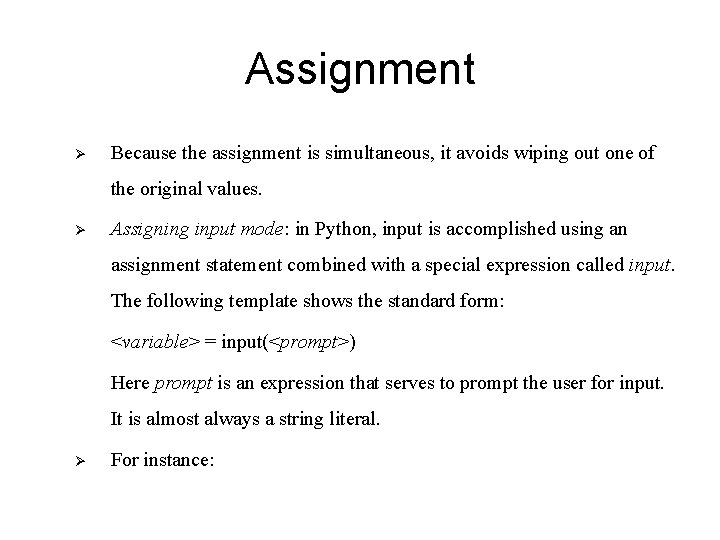
Assignment Ø Because the assignment is simultaneous, it avoids wiping out one of the original values. Ø Assigning input mode: in Python, input is accomplished using an assignment statement combined with a special expression called input. The following template shows the standard form: <variable> = input(<prompt>) Here prompt is an expression that serves to prompt the user for input. It is almost always a string literal. Ø For instance:
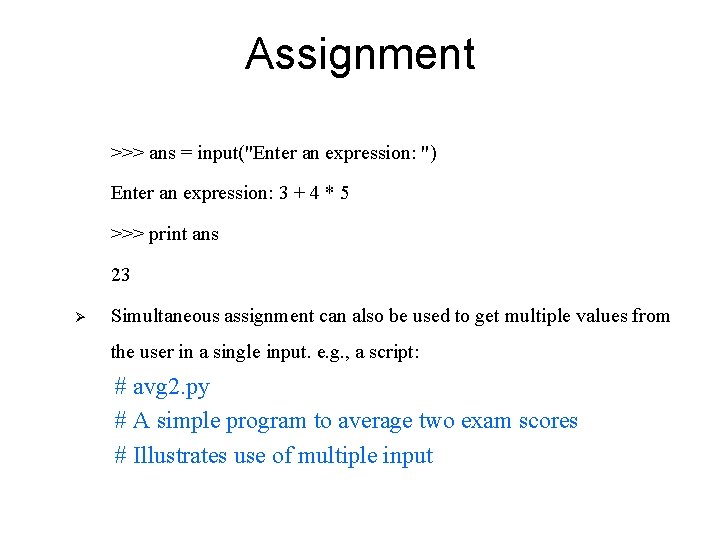
Assignment >>> ans = input("Enter an expression: ") Enter an expression: 3 + 4 * 5 >>> print ans 23 Ø Simultaneous assignment can also be used to get multiple values from the user in a single input. e. g. , a script: # avg 2. py # A simple program to average two exam scores # Illustrates use of multiple input
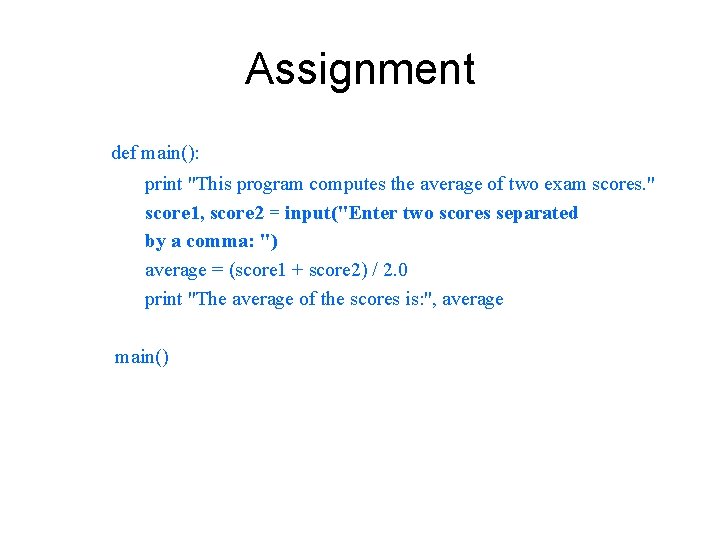
Assignment def main(): print "This program computes the average of two exam scores. " score 1, score 2 = input("Enter two scores separated by a comma: ") average = (score 1 + score 2) / 2. 0 print "The average of the scores is: ", average main()
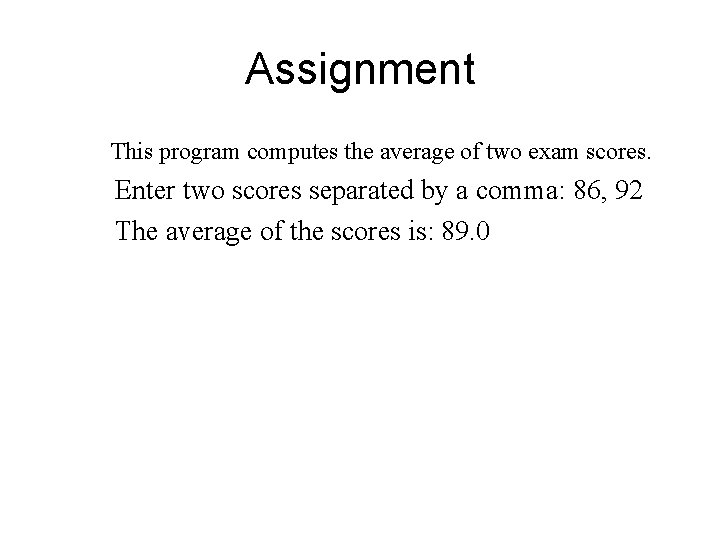
Assignment This program computes the average of two exam scores. Enter two scores separated by a comma: 86, 92 The average of the scores is: 89. 0
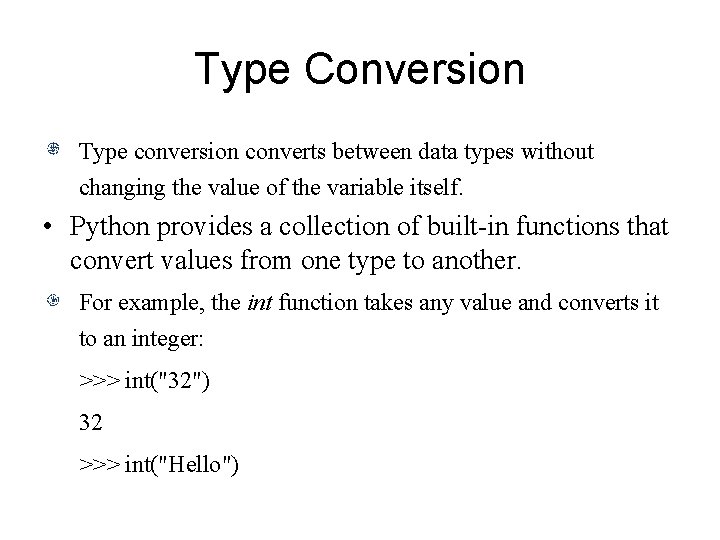
Type Conversion Type conversion converts between data types without changing the value of the variable itself. • Python provides a collection of built-in functions that convert values from one type to another. For example, the int function takes any value and converts it to an integer: >>> int("32") 32 >>> int("Hello")
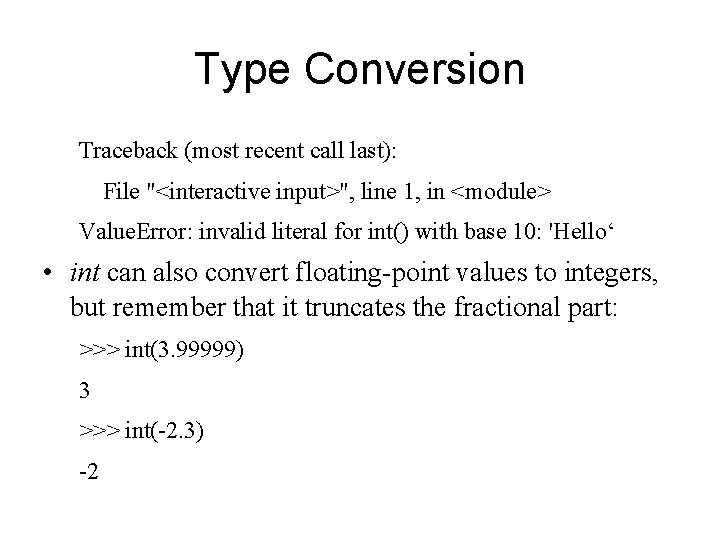
Type Conversion Traceback (most recent call last): File "<interactive input>", line 1, in <module> Value. Error: invalid literal for int() with base 10: 'Hello‘ • int can also convert floating-point values to integers, but remember that it truncates the fractional part: >>> int(3. 99999) 3 >>> int(-2. 3) -2
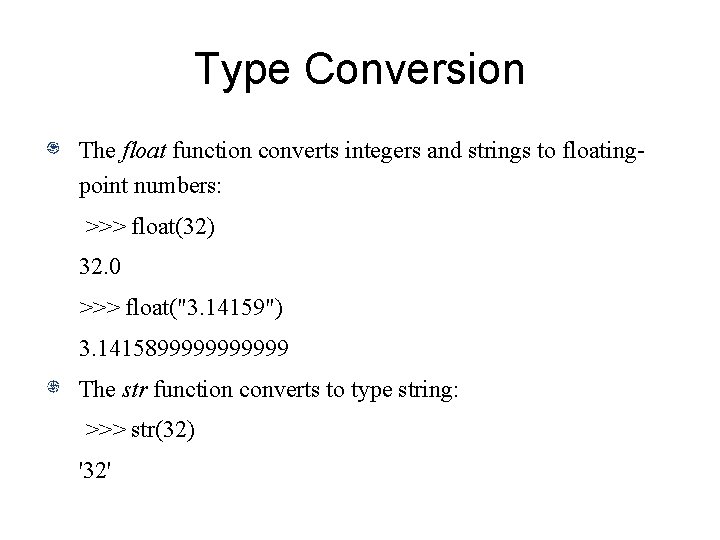
Type Conversion The float function converts integers and strings to floatingpoint numbers: >>> float(32) 32. 0 >>> float("3. 14159") 3. 14158999999 The str function converts to type string: >>> str(32) '32'
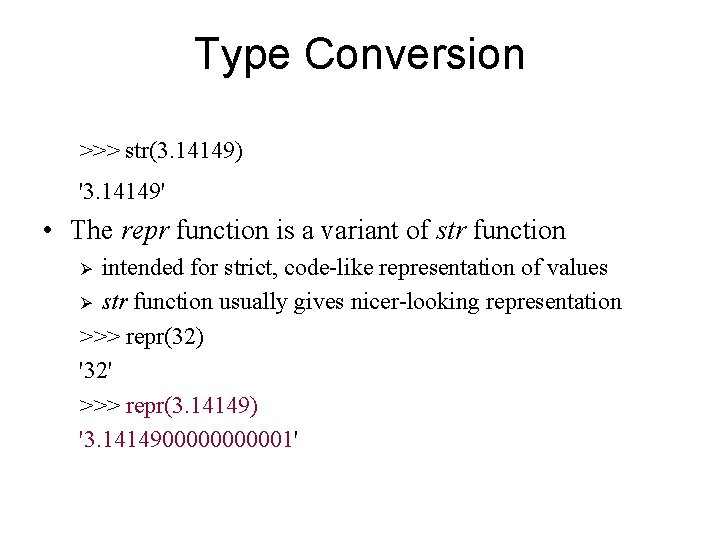
Type Conversion >>> str(3. 14149) '3. 14149' • The repr function is a variant of str function intended for strict, code-like representation of values Ø str function usually gives nicer-looking representation >>> repr(32) '32' >>> repr(3. 14149) '3. 14149000001' Ø
Type Conversion The function eval interprets a string as a Python expression: >>> eval('23 -12') 11 • Note that obj == eval(repr(obj)) is usually satisfied.
Summary There are different number types including integer, floating point, long integer, and complex number. A string is a sequence of characters. Python provides strings as a built-in data type. Strings can be created using the single-quote (') and double-quote characters ("). Python also supports triple-quoted strings. Triple-quoted strings are useful for programs that output strings with quote characters or large blocks of text.
Summary Python offers special characters that perform certain tasks, such as backspace and carriage return. A special character is formed by combining the backslash () character, also called the escape character, with a letter. A variable is a name that refers to a value, whose consists of letters, digits and underscores (_) and does not begin with a digit. Every variable has a type, a size, a value and a
Summary location in the computer’s memory. Python is case sensitive—uppercase and lowercase letters are different, so a 1 and A 1 are different variables. Keywords (reserved words) are only used for Python system, and they cannot be used as variable names. Operators are special symbols that represent computations. Operands are the values that the operator uses.
Summary If the operands are both integers, the operator performs floor division. If one or both of the operands are floating-point numbers, the operator perform true division. When more than one operator appears in an expression, the order of evaluation depends on the rules of precedence. The usual Boolean expression operators: not, and, or. Comparison operators produce Boolean values.
Summary A statement is an instruction that the Python interpreter can execute. A simultaneous assignment statement allows us to calculate several values all at the same time. Because the assignment is simultaneous, it avoids wiping out one of the original values. Simultaneous assignment can also be used to get multiple values from the user in a single input.
Summary Type conversion converts between data types without changing the value of the variable itself. Python provides a collection of built-in functions that convert values from one type to another.