
Programming the Web using XHTML and Java Script
Programming the Web using XHTML and Java. Script Chapter 2 Creating a Basic Web Page
The HTML Source Document n “Surfing” ¨ Click n hyperlink (or enter a URL) ¨ Browser requests document from server ¨ Server returns document requested ¨ Browser displays document
The HTML Source Document n HTML Document contains HTML source code ¨ Describes n content and layout of Web page Content: what to display ¨ Words ¨ Data ¨ Pictures ¨ Etc… n Layout: ¨ How it will look it will behave
The HTML Source Document n HTML documents are simple text-only ¨ What you’d see on a keyboard ¨ No specific fonts, sizes, etc. n Layout specified by “elements” or “tags” ¨ Specify the structure of the page ¨ Classify the contents “This content is a heading” n “This content is just some text” n “Start a new paragraph here” n
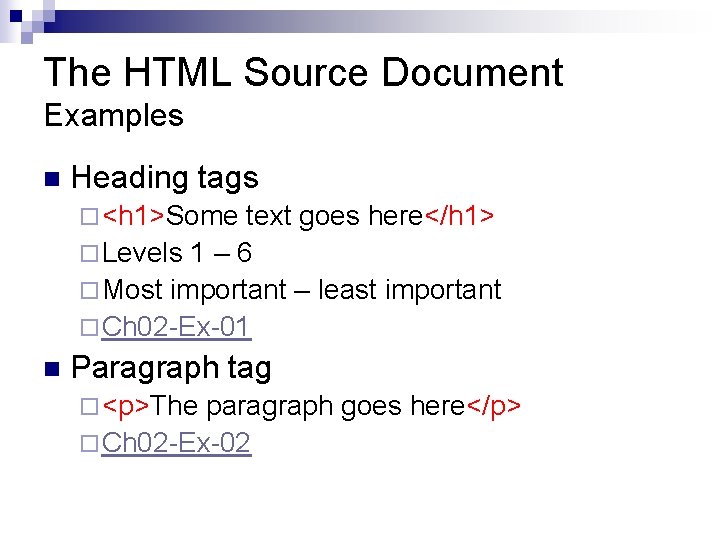
The HTML Source Document Examples n Heading tags ¨ <h 1>Some text goes here</h 1> ¨ Levels 1 – 6 ¨ Most important – least important ¨ Ch 02 -Ex-01 n Paragraph tag ¨ <p>The paragraph goes here</p> ¨ Ch 02 -Ex-02
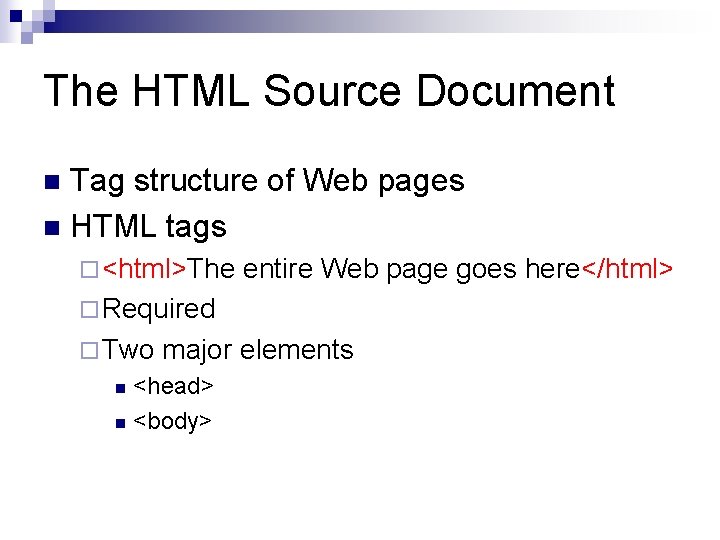
The HTML Source Document Tag structure of Web pages n HTML tags n ¨ <html>The entire Web page goes here</html> ¨ Required ¨ Two major elements <head> n <body> n
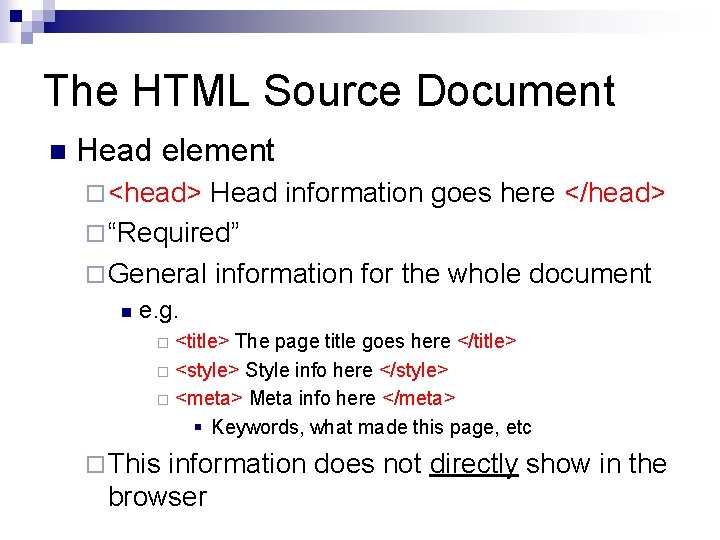
The HTML Source Document n Head element ¨ <head> Head information goes here </head> ¨ “Required” ¨ General information for the whole document n e. g. <title> The page title goes here </title> ¨ <style> Style info here </style> ¨ <meta> Meta info here </meta> § Keywords, what made this page, etc ¨ ¨ This information does not directly show in the browser
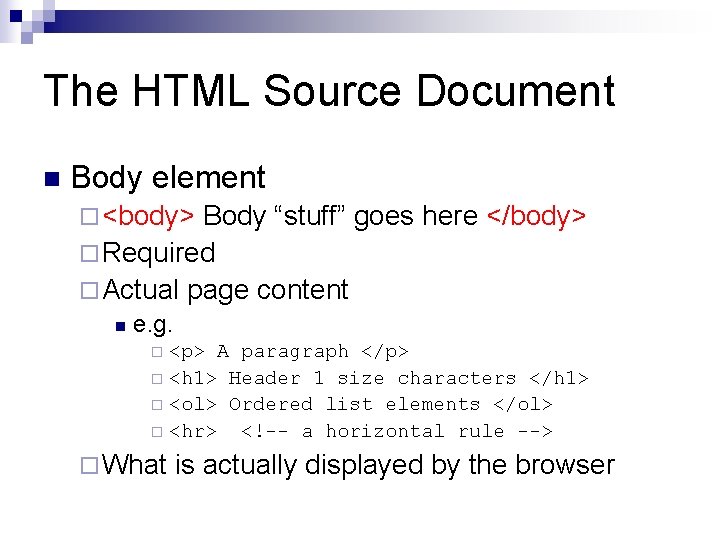
The HTML Source Document n Body element ¨ <body> Body “stuff” goes here </body> ¨ Required ¨ Actual page content n e. g. <p> A paragraph </p> ¨ <h 1> Header 1 size characters </h 1> ¨ <ol> Ordered list elements </ol> ¨ <hr> <!-- a horizontal rule --> ¨ ¨ What is actually displayed by the browser
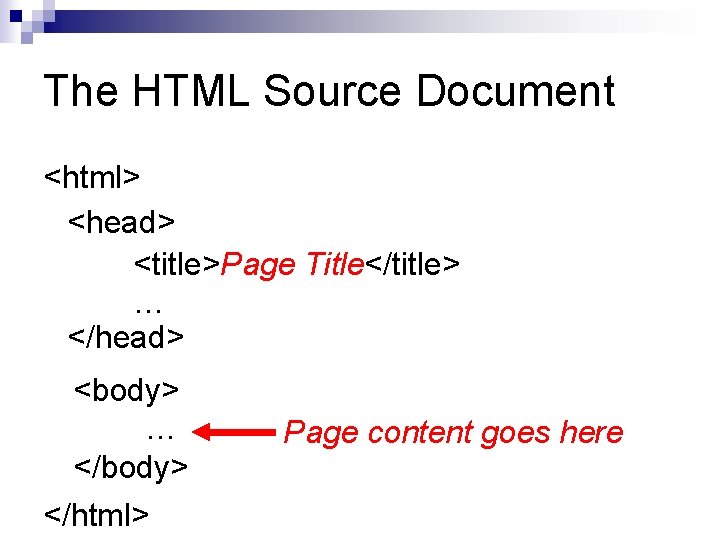
The HTML Source Document <html> <head> <title>Page Title</title> … </head> <body> … </body> </html> Page content goes here
The HTML Source Document n A complete HTML document ¨ Ch 02 -Ex-03
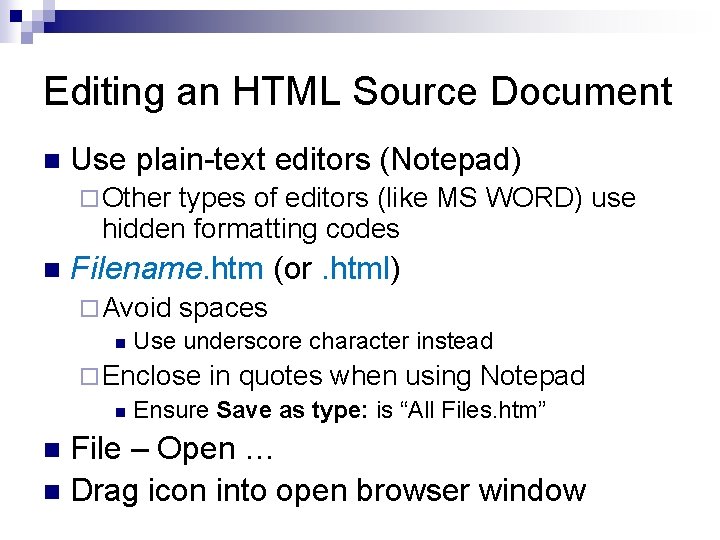
Editing an HTML Source Document n Use plain-text editors (Notepad) ¨ Other types of editors (like MS WORD) use hidden formatting codes n Filename. htm (or. html) ¨ Avoid spaces n Use underscore character instead ¨ Enclose in quotes when using Notepad n Ensure Save as type: is “All Files. htm” File – Open … n Drag icon into open browser window n
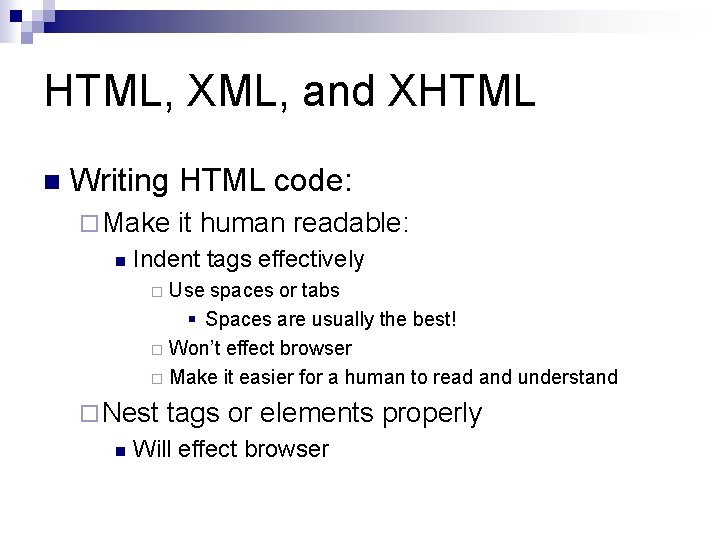
HTML, XML, and XHTML n Writing HTML code: ¨ Make n it human readable: Indent tags effectively Use spaces or tabs § Spaces are usually the best! ¨ Won’t effect browser ¨ Make it easier for a human to read and understand ¨ ¨ Nest n tags or elements properly Will effect browser
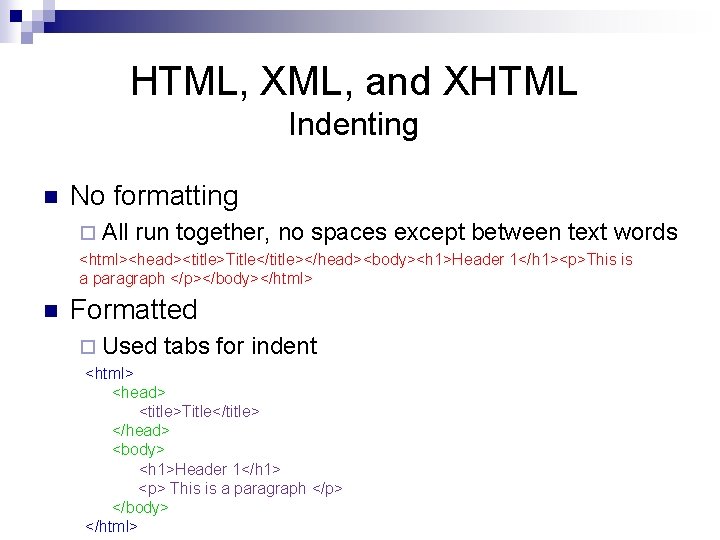
HTML, XML, and XHTML Indenting n No formatting ¨ All run together, no spaces except between text words <html><head><title>Title</title></head><body><h 1>Header 1</h 1><p>This is a paragraph </p></body></html> n Formatted ¨ Used tabs for indent <html> <head> <title>Title</title> </head> <body> <h 1>Header 1</h 1> <p> This is a paragraph </p> </body> </html>
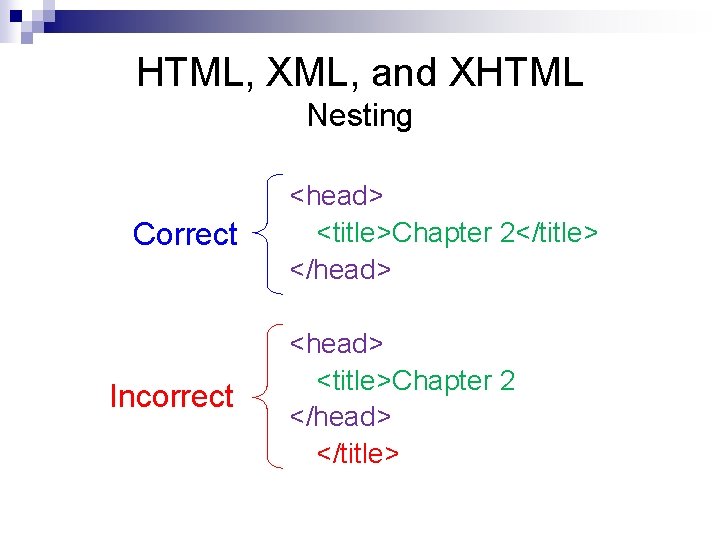
HTML, XML, and XHTML Nesting Correct Incorrect <head> <title>Chapter 2</title> </head> <title>Chapter 2 </head> </title>
HTML, XML, and XHTML n Browsers: ¨ Evaluate from the top down ¨ Ignore extra whitespace n n Tabs, extra spaces, line breaks Make your HTML code easily readable by humans Ch 02 -Ex-03 a but without human formatting Does HTML code have to be lower case?
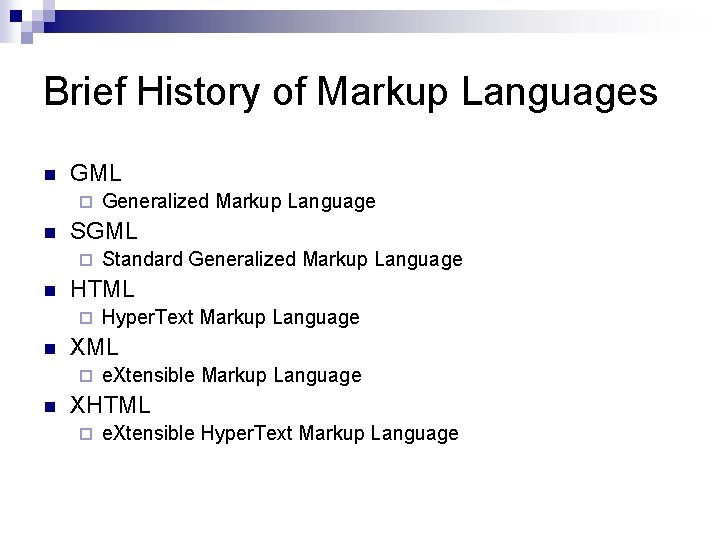
Brief History of Markup Languages n GML ¨ n SGML ¨ n Hyper. Text Markup Language XML ¨ n Standard Generalized Markup Language HTML ¨ n Generalized Markup Language e. Xtensible Markup Language XHTML ¨ e. Xtensible Hyper. Text Markup Language
Brief History of Markup Languages n GML ¨ Generalized Markup Language ¨ IBM – 1960’s Used to create text documents (manuals) n Basis of n Script ¨ Bookmaster ¨
Brief History of Markup Languages n SGML ¨ Standard Generalized Markup Language ¨ Based on GML ideas ¨ Work Started mid 70’s ¨ Formalized as an ANSI Standard 1983 n So comprehensive and complex ¨ Almost impossible to use
Brief History of Markup Languages n HTML ¨ Hyper. Text Markup Language ¨ Created by Tim Berners-Lee in 1989 ¨ Diverging Stories Designed complying to SGML ideas n Designed then forced to SGML compliance n
Brief History of Markup Languages n EDI (Electronic Data Interchange) Formatted data to exchange information between (usually disparate) computer systems ¨ Typically proprietary ¨ n XML e. Xtensible Markup Language ¨ Simplified and usable SGML ¨ Flexible ¨ n n n Can define new tags and meanings as required Used to exchange data between electronic data system (replace EDI) DTD ¨ Document Type Definitions n ¨ Defines the valid tags and their proper syntax “Required”
Brief History of Markup Languages n XHTML ¨ e. Xtensible Hyper. Text Markup Language ¨ HTML structure into XML n DTD for the HTML tags ¨ Case n sensitive XML is case sensitive -> XHTML is case sensitive
HTML, XML, and XHTML n In The Beginning: ¨ Browsers n n Netscape Explorer ¨ Features n were added Browser specific ¨ ¨ n developed along diverging paths Unique Not always compatible 1994 - W 3 C created ¨ World Wide Web Consortium ¨ Create an “official” version of HTML
HTML, XML, and XHTML PCs – not much of a problem n Handheld devices – HUGE problem n Need: n ¨A standardized version of HTML ¨ Compatible with all types of devices n n PCs, handhelds, others? HTML development stopped at V 4 ¨ Flash: V 5 is now under development!
HTML, XML, and XHTML n XML – Extensible Markup Language ¨ Specifies a universal, structured format ¨ Data is classified by its meaning ¨ Users could create custom tags ¨ Car dealer: <make> <model> <year> ¨ Very strict syntax rules ensure universality ¨ Case matters!
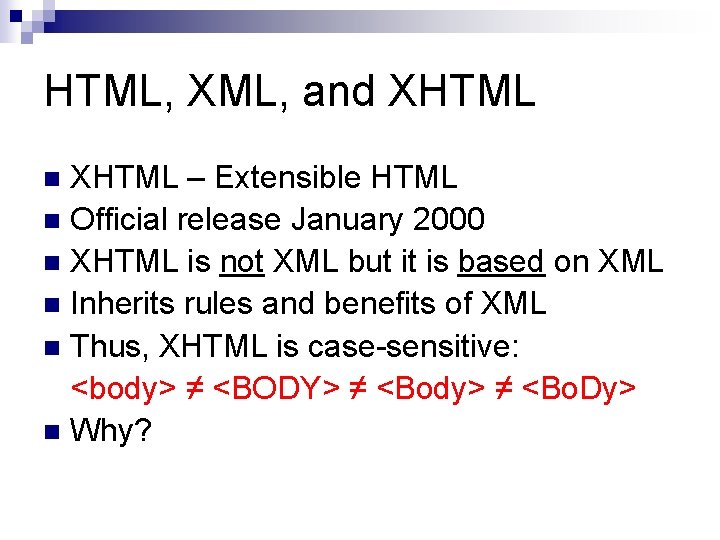
HTML, XML, and XHTML – Extensible HTML n Official release January 2000 n XHTML is not XML but it is based on XML n Inherits rules and benefits of XML n Thus, XHTML is case-sensitive: <body> ≠ <BODY> ≠ <Body> ≠ <Bo. Dy> n Why? n
HTML, XML, and XHTML n Exceptions imply complexity ¨ Software cannot be written simply ¨ It must account for each exception individually ¨ Programs must therefore be larger and more difficult to maintain n Complexity requires ¨ Additional processing (slower) an ¨ More memory (larger and more expensive)
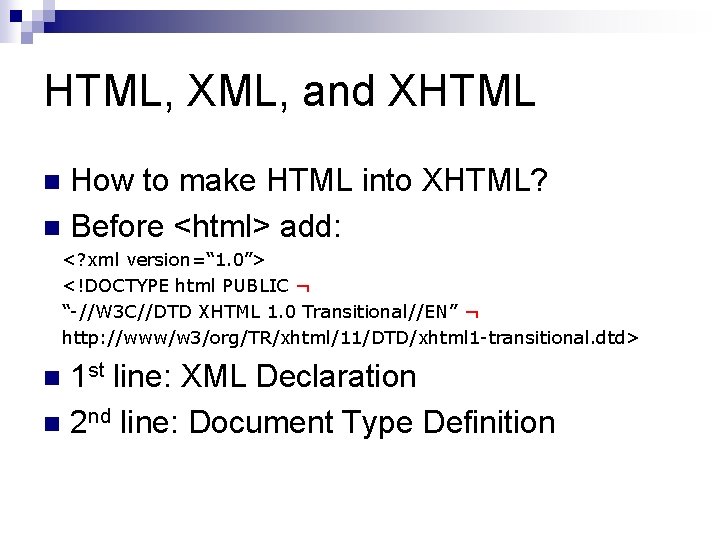
HTML, XML, and XHTML How to make HTML into XHTML? n Before <html> add: n <? xml version=“ 1. 0”> <!DOCTYPE html PUBLIC ¬ “-//W 3 C//DTD XHTML 1. 0 Transitional//EN” ¬ http: //www/w 3/org/TR/xhtml/11/DTD/xhtml 1 -transitional. dtd> 1 st line: XML Declaration n 2 nd line: Document Type Definition n
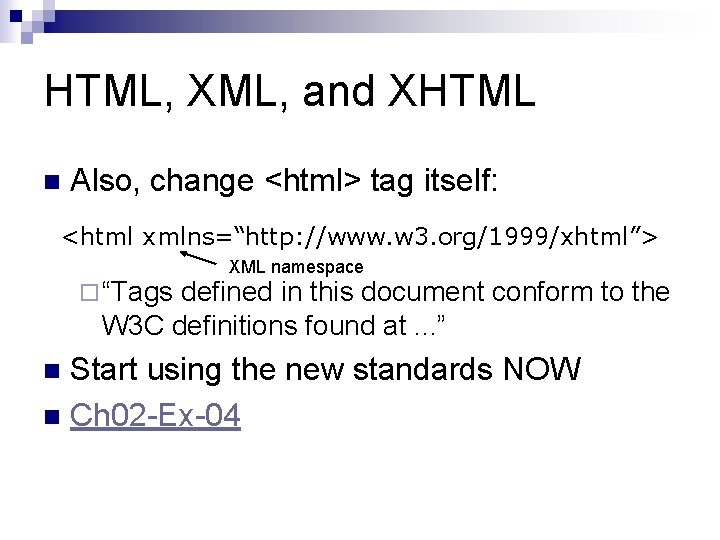
HTML, XML, and XHTML n Also, change <html> tag itself: <html xmlns=“http: //www. w 3. org/1999/xhtml”> ¨ “Tags XML namespace defined in this document conform to the W 3 C definitions found at. . . ” Start using the new standards NOW n Ch 02 -Ex-04 n
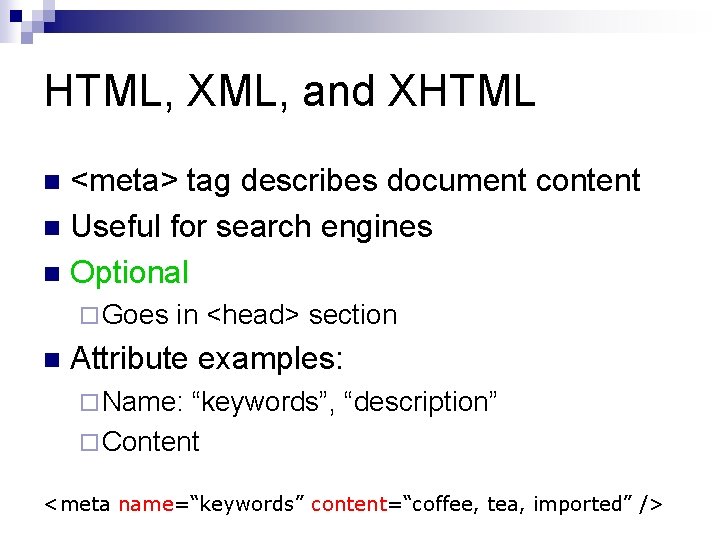
HTML, XML, and XHTML <meta> tag describes document content n Useful for search engines n Optional n ¨ Goes n in <head> section Attribute examples: ¨ Name: “keywords”, “description” ¨ Content <meta name=“keywords” content=“coffee, tea, imported” />
Paragraphs and Line Breaks n Can’t use whitespace to format document ¨ Space, tab, linefeed, etc. HTML uses elements (tags) and only elements to define document’s structure n Examples: n ¨ Paragraph tag <p> Classifies a block of text as a paragraph n Preceded and followed by a blank line (usually) n Can add other attributes (Chapter 3) n
Paragraphs and Line Breaks n Break tag ¨ Generates a line break ¨ Without inserting a blank line like the <p> tag. ¨ “Empty” tag – no </br> needed ¨ XHTML version: n instead (space optional) n / required by XHTML to indicate an empty element ¨ Ch 02 -Ex-05
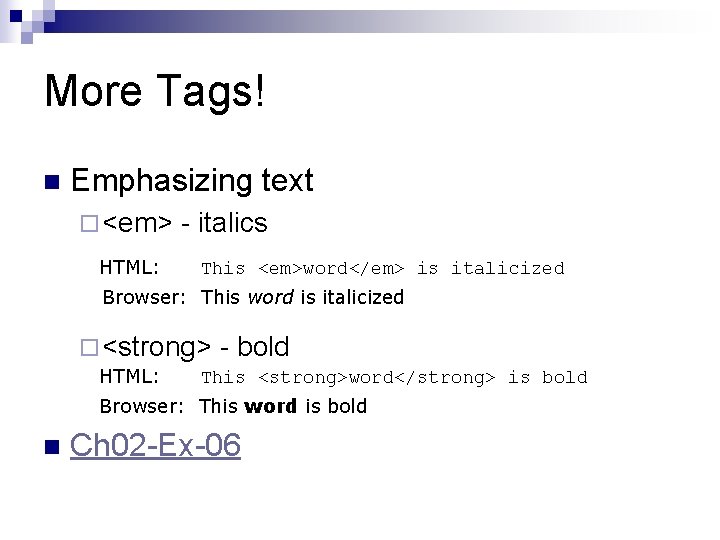
More Tags! n Emphasizing text ¨ <em> HTML: - italics This <em>word</em> is italicized Browser: This word is italicized ¨ <strong> HTML: - bold This <strong>word</strong> is bold Browser: This word is bold n Ch 02 -Ex-06
More Tags! Italics <i> … </i> n Bold <b> … </b> n Why use <em> or <strong>? n <i> and <b> define the presentation (display) n <em> and <strong> define the structure n
More Tags! Structure vs. Presentation: so what? n In early HTML, designers used tags for both: structure and presentation n Problem: Those Web pages display well only on PCs n Other devices required other versions of the HTML code. n Presentation does not have to be visual! n
<i>, <em>, <cite>, <dfn>, <var> More details on <i> vs. <em> n Use of: <i> vs. <em> vs. <cite> vs. <dfn> vs. <var> n All print as italics by default n See: http: //htmlhelp. com/reference/html 40/ n ¨ Check the above tags for good explanations
More Tags! By defining structure and presentation separately this problem is eliminated n Structure defined by HTML code n Presentation defined elsewhere: n ¨ Browser ¨ Style n sheet definitions (Chapter 3) This is the point of XHTML
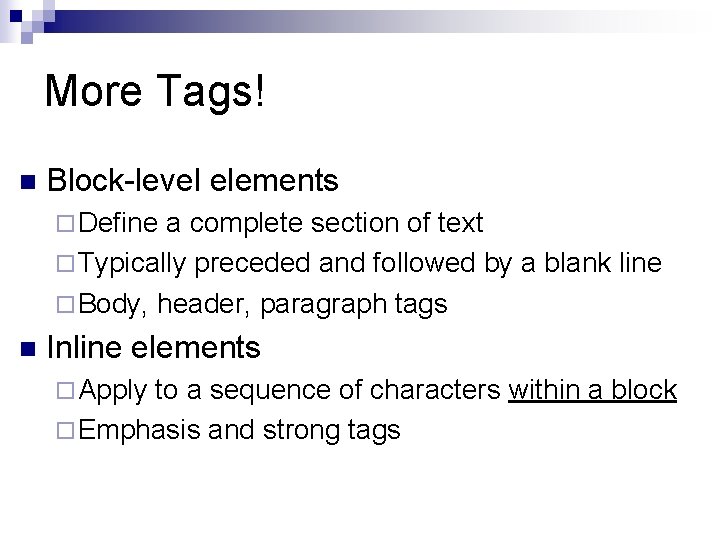
More Tags! n Block-level elements ¨ Define a complete section of text ¨ Typically preceded and followed by a blank line ¨ Body, header, paragraph tags n Inline elements ¨ Apply to a sequence of characters within a block ¨ Emphasis and strong tags
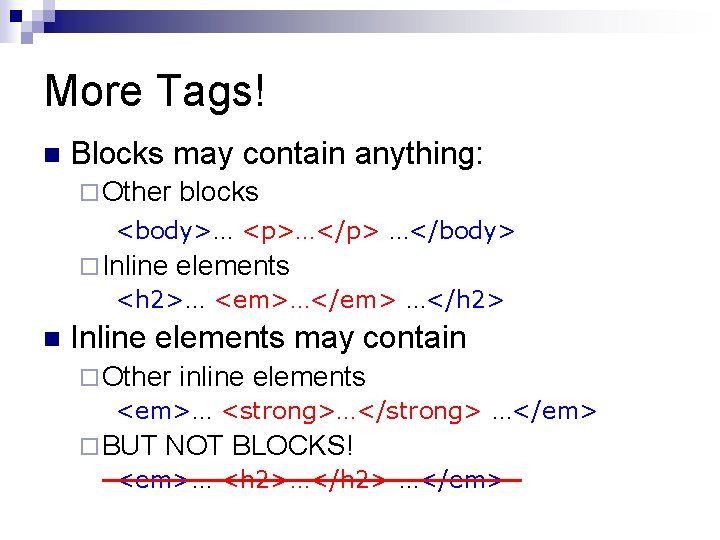
More Tags! n Blocks may contain anything: ¨ Other blocks <body>… <p>…</p> …</body> ¨ Inline elements <h 2>… <em>…</em> …</h 2> n Inline elements may contain ¨ Other inline elements <em>… <strong>…</strong> …</em> ¨ BUT NOT BLOCKS! <em>… <h 2>…</h 2> …</em>
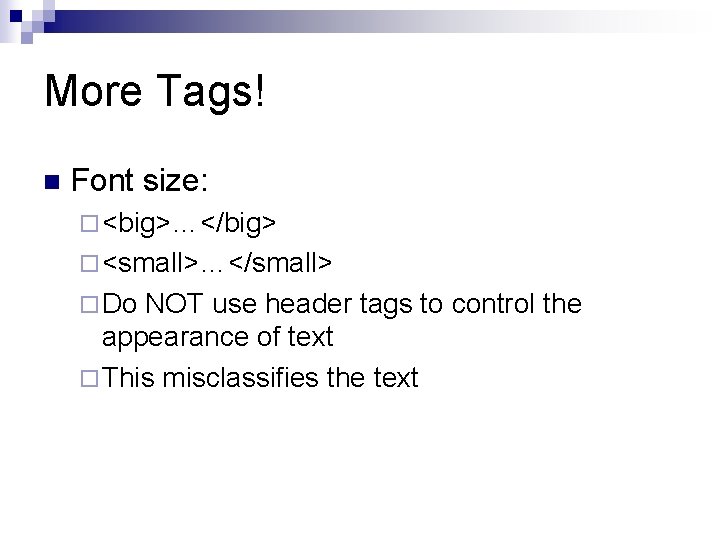
More Tags! n Font size: ¨ <big>…</big> ¨ <small>…</small> ¨ Do NOT use header tags to control the appearance of text ¨ This misclassifies the text
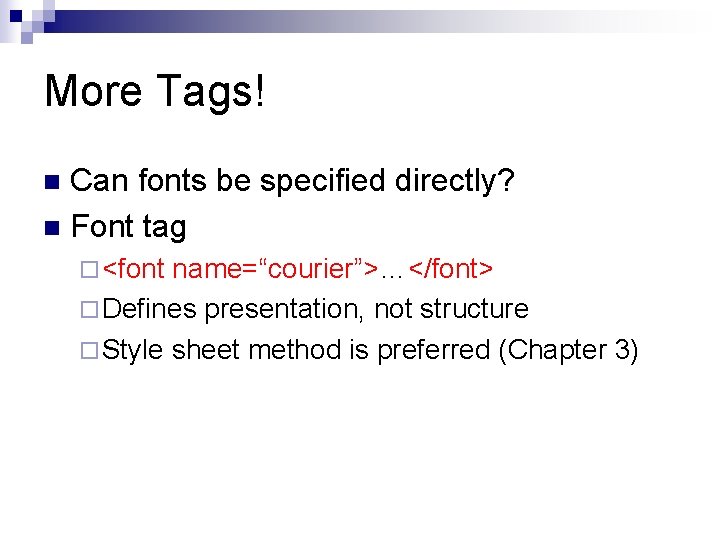
More Tags! Can fonts be specified directly? n Font tag n ¨ <font name=“courier”>…</font> ¨ Defines presentation, not structure ¨ Style sheet method is preferred (Chapter 3)
More Tags! n Who should control appearance? ¨ Designer? ¨ Surfer? n Default is surfer (by controlling browser settings)
More Tags! n Comments ¨ <!-- anything at all ¨ Annotate n code Explain what and why ¨ Prevent n --> code from being processed Temporarily remove code from being processed
![Deprecation Elements noted to be discontinued in the [near] future n Avoid using, use](http://slidetodoc.com/presentation_image_h/27935817df35f16f81b43add57088a57/image-43.jpg "Deprecation Elements noted to be discontinued in the [near] future n Avoid using, use")
Deprecation Elements noted to be discontinued in the [near] future n Avoid using, use newer replacements n
Assignment n n Exercise 2. 1, p. 52 Follow additional instructions on Assignments web page ¨ PTW n Post document to your Web space as “ptw 02. htm” ¨ Send n Chapter 2 a copy of the code to Moodle Grade based on: ¨ Appearance ¨ Technical correctness of code ¨ Exercise works in IE and Fire. Fox
- Slides: 44