
Programming system code by Istvan Haller Topics to
Programming system code by Istvan Haller
Topics to be discussed ● Execution modes of X 86 CPUs ● Programming possibilities in the different modes ● Programming with Bare. Metal OS – ● A simple OS with full programmer control Linux guide from assembly to process
Execution modes ● Different modes as the hardware evolved – 16 → 32 → 64 bit architecture – Memory protection for safety and security ● Old variants still available for legacy support! ● Boot in basic mode, ask CPU for more features
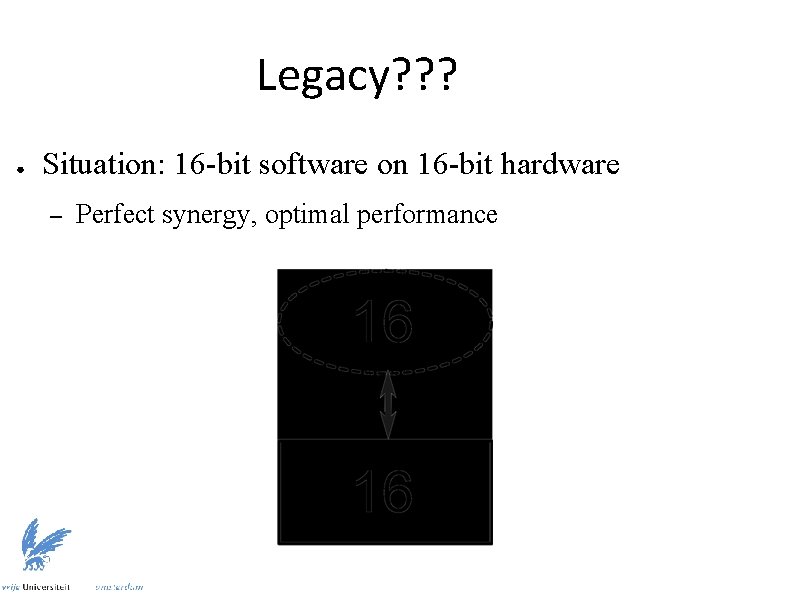
Legacy? ? ? ● Situation: 16 -bit software on 16 -bit hardware – Perfect synergy, optimal performance
Legacy? ? ? ● Small community: why not 32 -bit? – Memory range too limited (1 MB with 20 -bit) – Integer range limited (16 -bit cannot handle 100 k)
Legacy? ? ? ● Response from hardware community – Production technology advanced enough! – Possible to redesign architecture – Boost in performance and feature set
Legacy? ? ? ● But where are the buyers? ● Software community: Wait for us! ● No sales until software is redesigned
Solution: Legacy support! ● Ensure that all previous features still supported ● Ensure that yesterday’s software still runs today ● But how? ● – CPU starts up in legacy mode – Additional features activated only on request – New software leverages benefits (hopefully) You can boot into MS-DOS from any X 86 CPU
16 -bit Real Mode ● Original operating mode of 8086 ● 16 -bit words, 20 -bit addresses – Two address components: segment (base) + offset A = S*16 + O ● 1 MB total memory, 64 KB segments ● Full hardware access, no protection ● Hardware transparency through BIOS
What is BIOS? ● Basic Input Output System ● Standardized interface for basic I/O components ● ● – Keyboard, hard disk, video memory – Grandfather of system calls Implemented by motherboard manufacturer – Hardware dependent – Firmware updates for new features Started up after powering CPU
32 -bit Protected Mode ● Enables 32 -bit extensions – Up to 4 GB addressable memory ● Introduces protection mechanisms ● Kernel mode vs User mode execution – ● Privilege rings 0 → 3 Support for virtual memory: paging – Each process with its own virtual memory (isolation) – System maps virtual addresses to physical memory
64 -bit Protected Mode ● Enables 64 -bit extensions – ● Compatibility sub-mode – ● Not all bits used for memory addressing yet (48 bits) Allow parallel execution of 32 - and 64 -bit applications Minimized segmentation support – Focus on paging
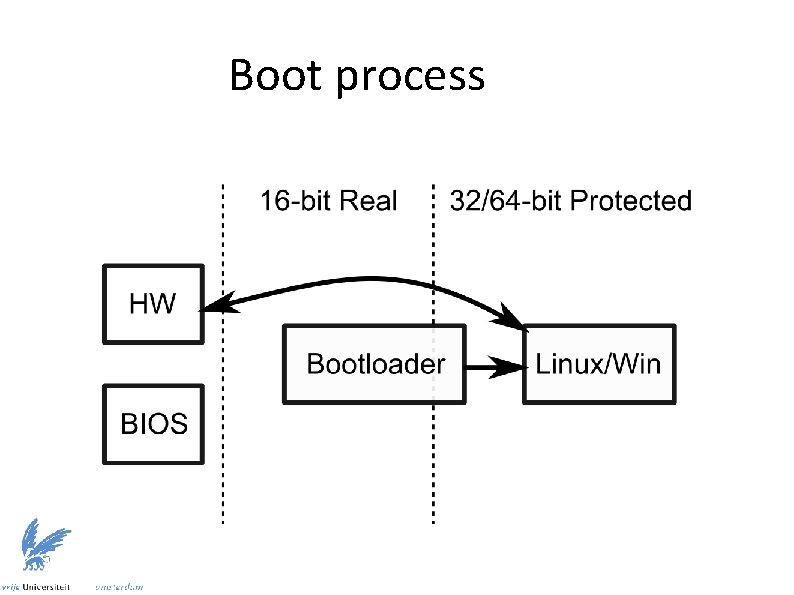
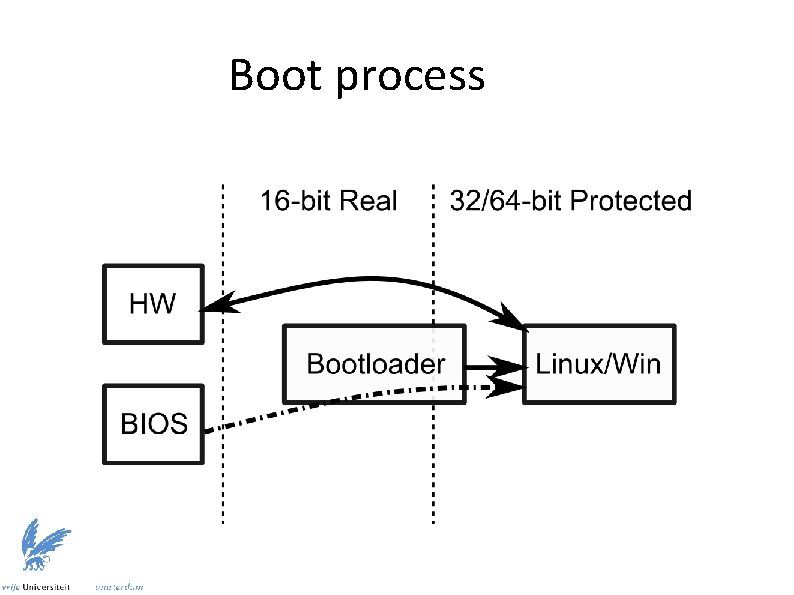
BIOS in protected mode? ● ● ● BIOS unavailable in protected mode – System stability may be compromised otherwise – Cannot intermix 16 -bit and other code Protected mode operating systems (Linux, Win) – Hardware drivers for all devices – Replicate BIOS functionality as syscalls BIOS specific system information acquired before changing to protected mode
Future alternative: UEFI ● Unified Extensible Firmware Interface ● Based on the EFI used by Apple ● Advantages – Abstract interface between software and hardware – Uses high-level programming concepts – Focusses on extensibility and modularity – Allows booting directly into protected mode
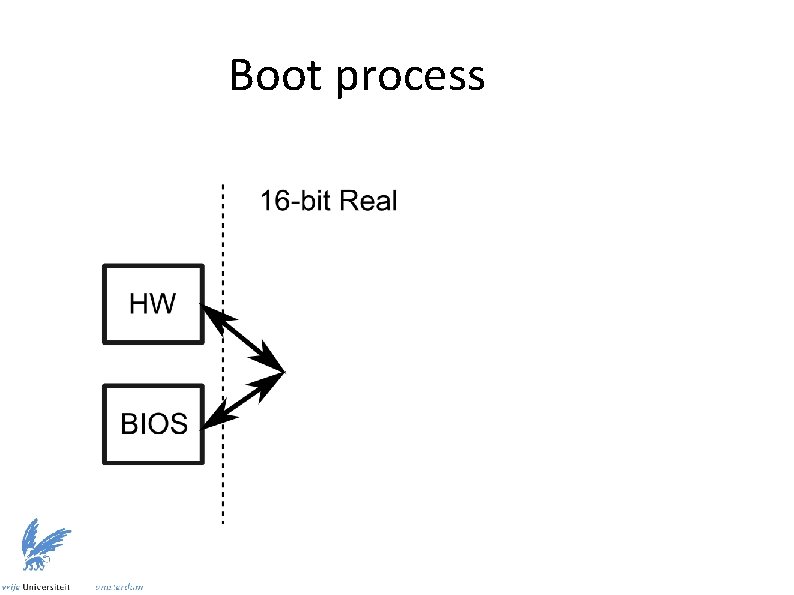
Boot process
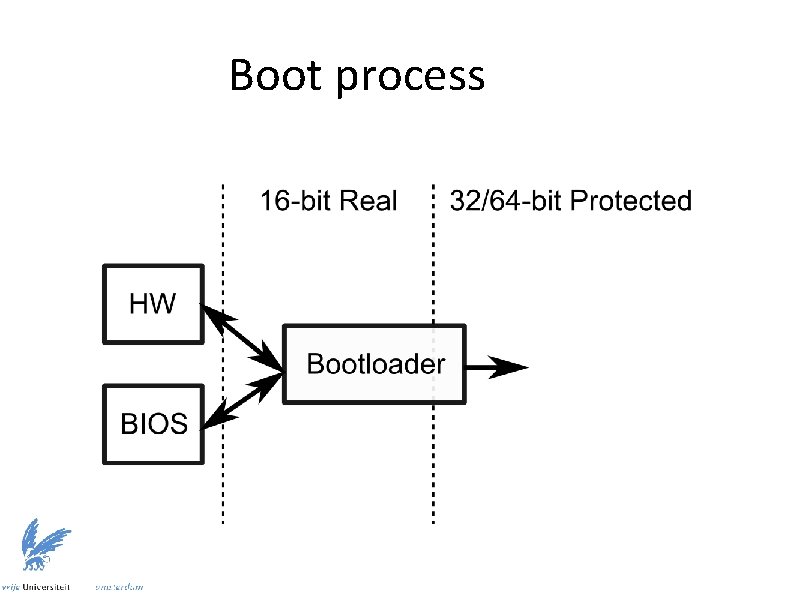
Boot process
Boot process
Boot process
Where can we insert custom code in this process? Anywhere
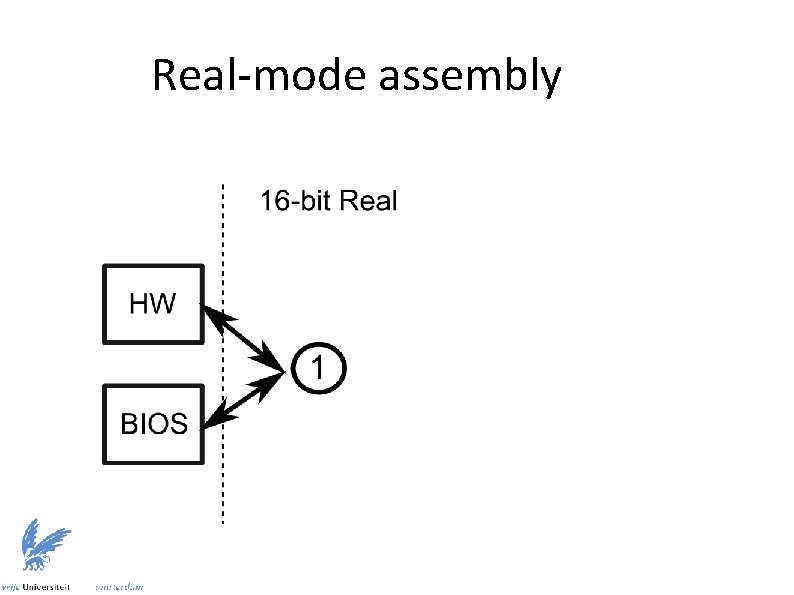
Real-mode assembly
Real-mode assembly ● ● Advantages – Full control over execution – Uninterrupted access to hardware – Basic I/O through BIOS Disadvantages – Limited to 16 -bit operations – Limited to 1 MB of memory – Limited to single core
Assembly in MS-DOS (Free. DOS) ● Extra functionality besides BIOS ● Extensive documentation available ● – Most old-school lectures – The Art of Assembly Language Programming – TECH Help: great digital resource Essentially same as real-mode
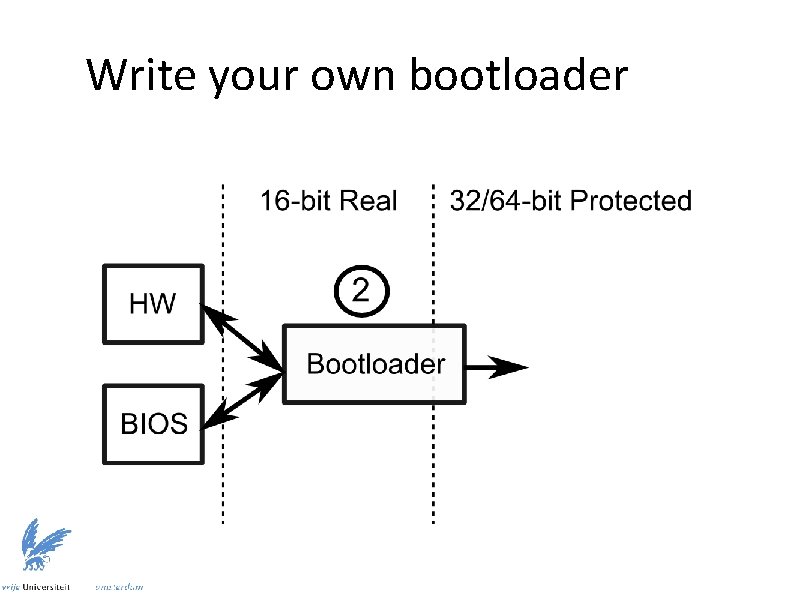
Write your own bootloader
Write your own bootloader ● Learn both real- and protected-mode ● Solve a real, hardcore problem ● Applicable on modern systems ● Requires following strict guide lines – OSDev contains many resources – Example code: GRUB (large codebase!) Intel Bootloader Guidelines
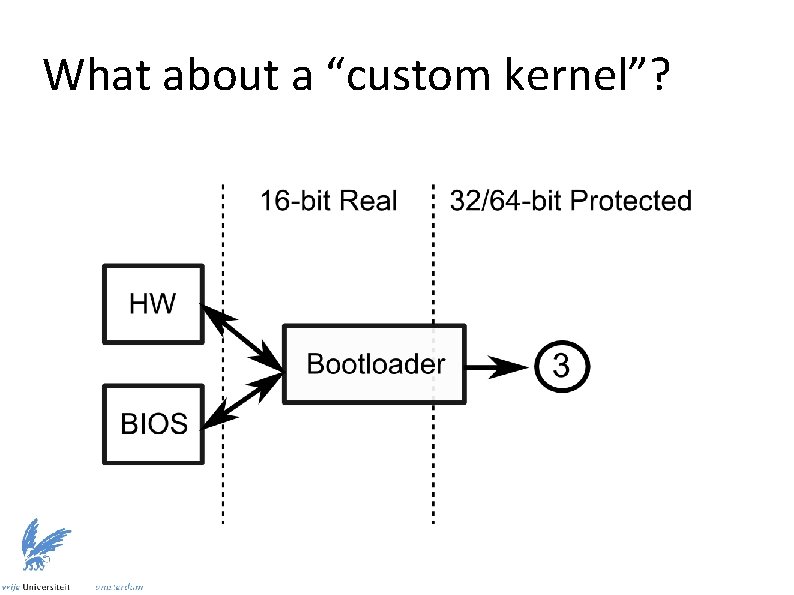
What about a “custom kernel”?
What about a “custom kernel”? ● ● Use an existing bootloader, write custom protected mode code Benefit from the most advanced protected mode – No limitations on hardware capabilities ● Full access to all components, except BIOS ● Need to write custom code to manage I/O
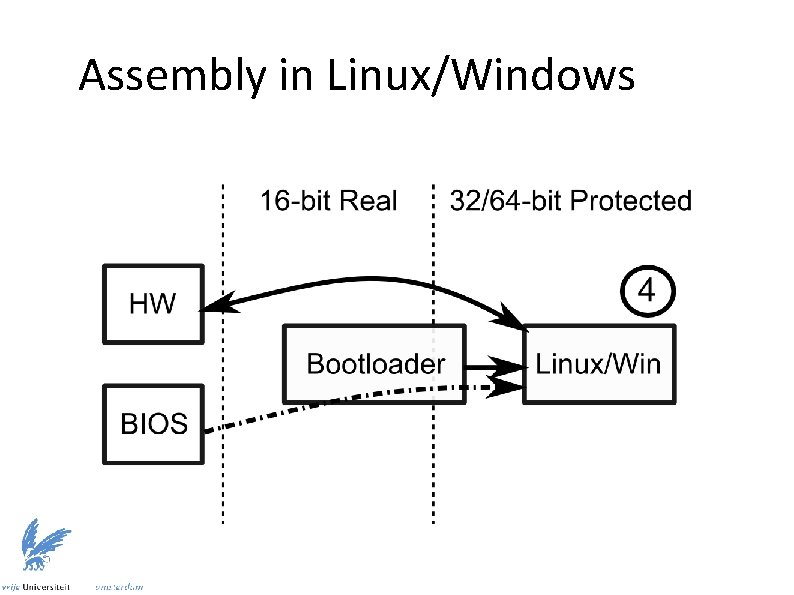
Assembly in Linux/Windows
Assembly in Linux/Windows ● Easy to integrate into applications ● Familiar programming model ● Limited to OS sandbox ● Develop device drivers for additional control – ● Kernel modules in Linux Typically C is more applicable
Recommendation ● Extend existing “custom kernel” ● Leverage OS facilities for early development ● Learn from existing code-base ● Same power as DOS-based approach, but on a modern architecture
Bare. Metal OS (5. 3): complete OS in assembly – 64 -bit with multi-core support – Miniature size, minimal feature set – Perfect for learning system interaction http: //www. returninfinity. com/baremetal. html
Bare. Metal OS (5. 3) ● ● File System: FAT 16 (File Allocation Table) – Files partitioned into clusters (per cluster info in table) – Used by memory cards Shell – ● Execute a single application at a time OS functionality – Functions resident in memory
Applications ● Application memory range: – Static code and data, 2 MB: 200000 h → 400000 h – Dynamically allocated memory areas (2 MB pages) ● Execution starts from 200000 h ● Execution stops when returning from “main” ● No relocation of code/data (single process) ● Interaction with OS described in header file – Essentially syscalls without changing privilege level
![Applications ; Compile a 64 -bit application [BITS 64] ; Memory address where application](http://slidetodoc.com/presentation_image_h/a00d8644f912f12c4911192c14ec6166/image-33.jpg "Applications ; Compile a 64 -bit application [BITS 64] ; Memory address where application")
Applications ; Compile a 64 -bit application [BITS 64] ; Memory address where application is be loaded [ORG 00000200000 h] ; Include the Bare. Metal OS function definitions %INCLUDE "bmdev. asm“ Application examples
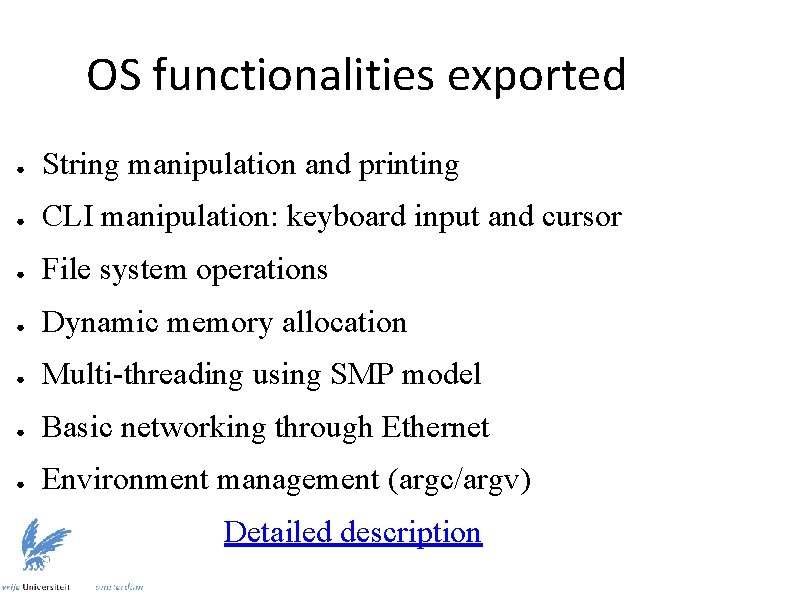
OS functionalities exported ● String manipulation and printing ● CLI manipulation: keyboard input and cursor ● File system operations ● Dynamic memory allocation ● Multi-threading using SMP model ● Basic networking through Ethernet ● Environment management (argc/argv) Detailed description
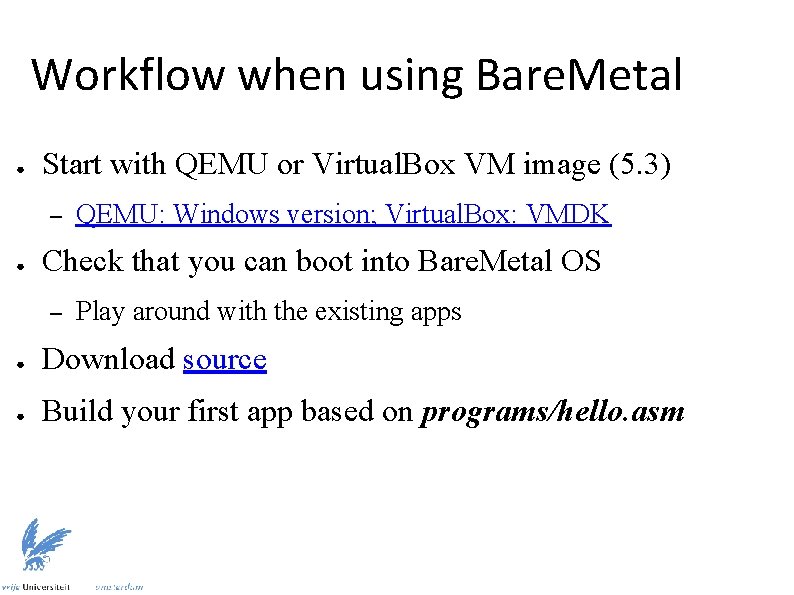
Workflow when using Bare. Metal ● Start with QEMU or Virtual. Box VM image (5. 3) – ● QEMU: Windows version; Virtual. Box: VMDK Check that you can boot into Bare. Metal OS – Play around with the existing apps ● Download source ● Build your first app based on programs/hello. asm
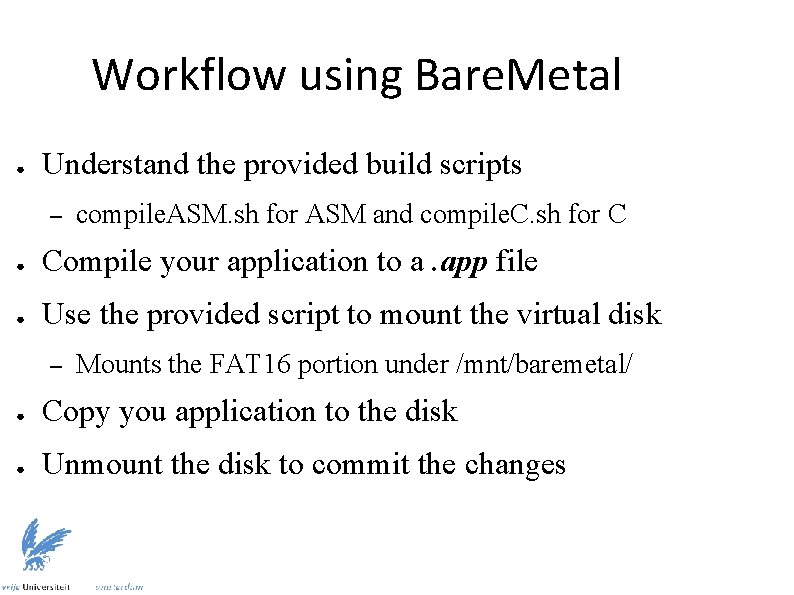
Workflow using Bare. Metal ● Understand the provided build scripts – compile. ASM. sh for ASM and compile. C. sh for C ● Compile your application to a. app file ● Use the provided script to mount the virtual disk – Mounts the FAT 16 portion under /mnt/baremetal/ ● Copy you application to the disk ● Unmount the disk to commit the changes
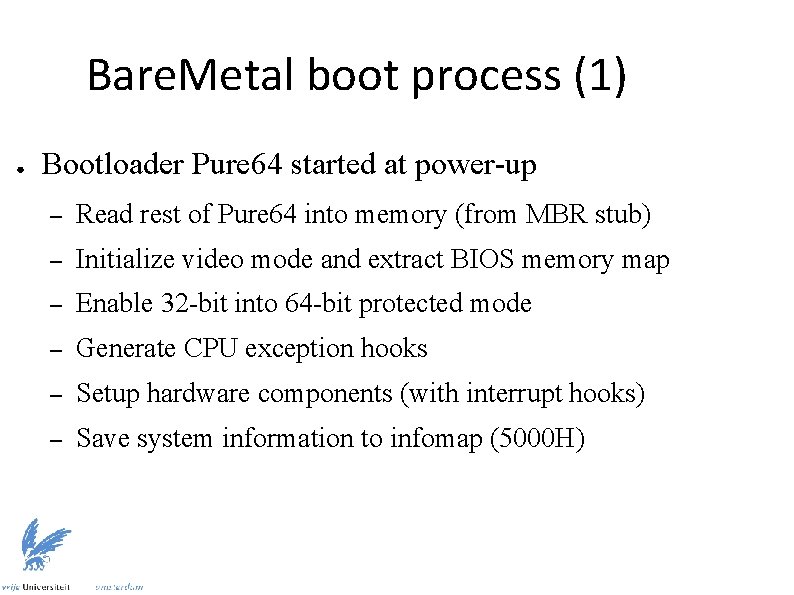
Bare. Metal boot process (1) ● Bootloader Pure 64 started at power-up – Read rest of Pure 64 into memory (from MBR stub) – Initialize video mode and extract BIOS memory map – Enable 32 -bit into 64 -bit protected mode – Generate CPU exception hooks – Setup hardware components (with interrupt hooks) – Save system information to infomap (5000 H)
Bare. Metal boot process (2) ● Bare. Metal kernel takes over execution – Install handlers for exceptions and interrupts – Copy Pure 64 infomap (5000 H) to os_System. Variables – Allocate kernel and application memory – Allocate per-CPU stacks and reset CPUs ● – Clear registers, reset stack, set status flags Initialize hard disk and network
What about Linux? A short guide going from code to a running process Learn about simplest program you can create
What about Linux? ● Linux is multi-process – ● Multiple applications loaded in memory Large range of third-party libraries – Static libraries combined at link-time – Dynamic libraries shared between processes ● Fixed addresses like in Bare. Metal not possible ● Solutions: virtual memory and linker/loader
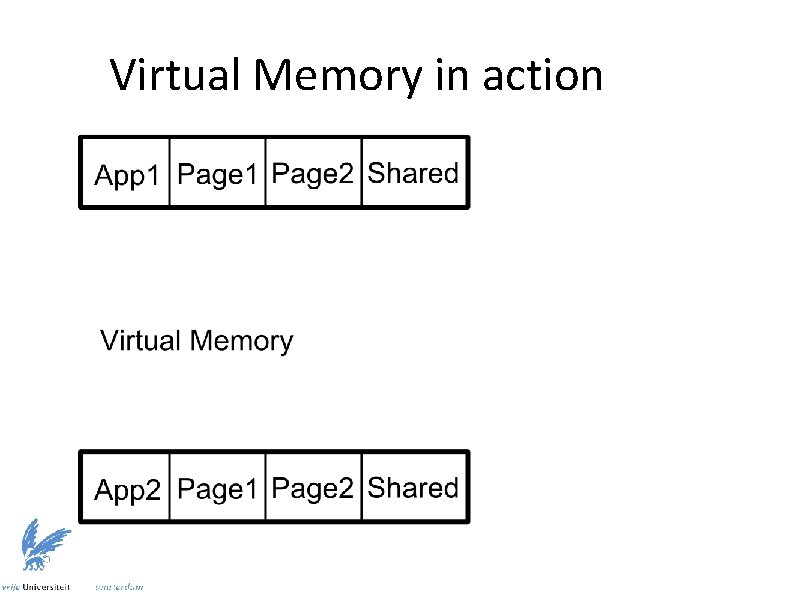
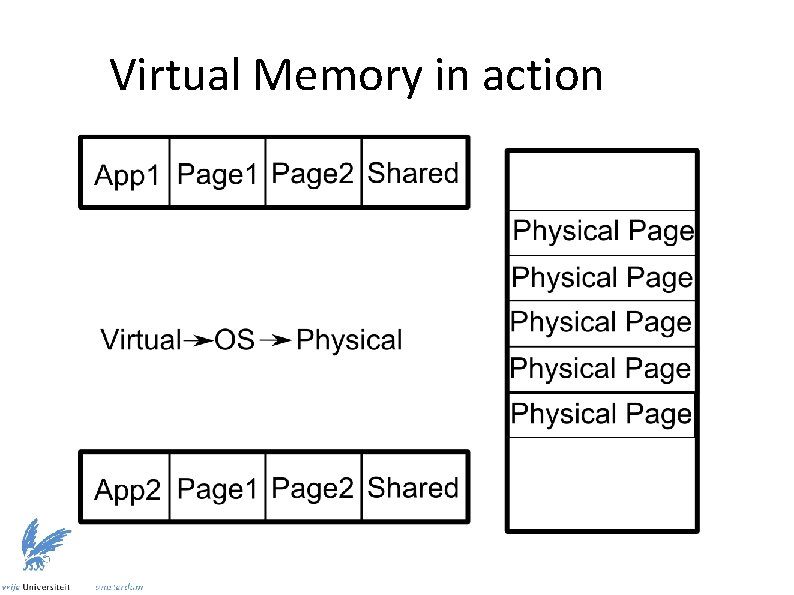
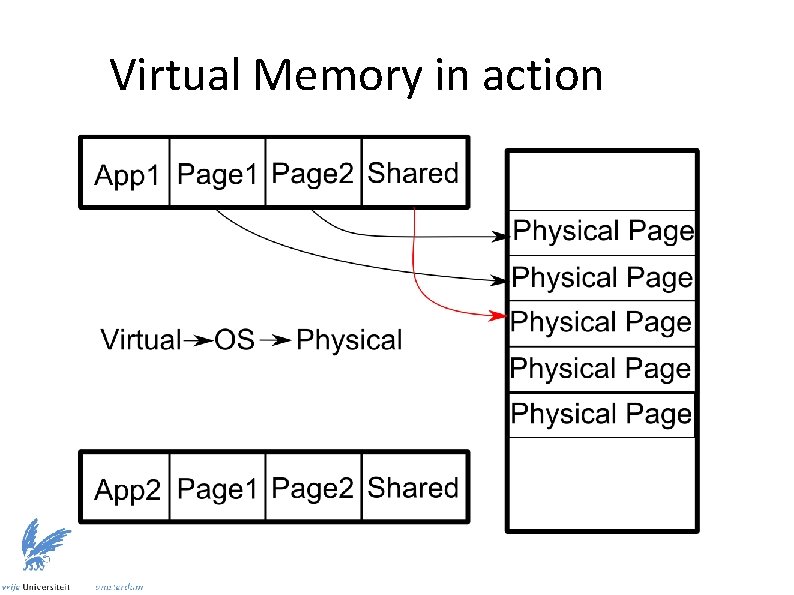
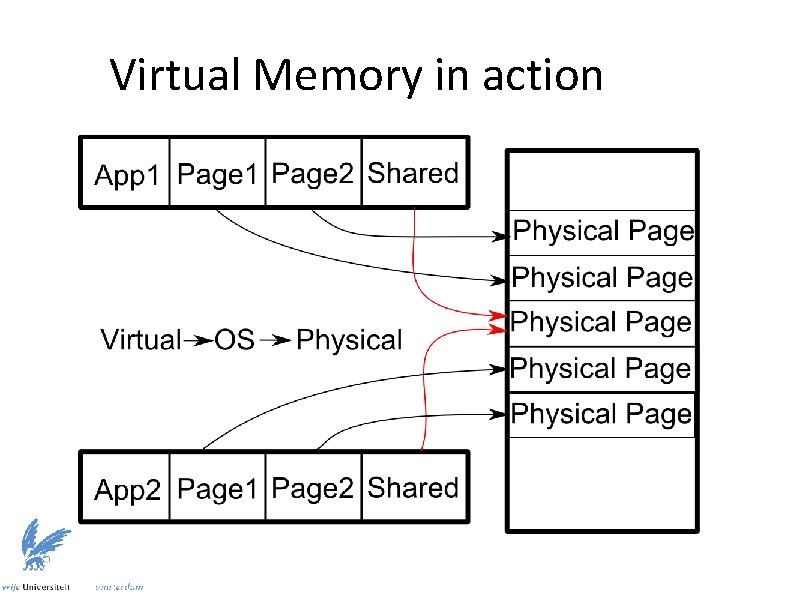
Virtual Memory in Linux ● Memory organized in pages (blocks of memory) ● Processes operate on virtual memory pages ● Same virtual page from different processes correspond to different physical memory pages ● OS manages mappings using CPU support ● Effect: every process uses same address range – Multiple copies of a process without address conflicts – Possible sharing of memory pages between processes
Virtual Memory in action
Virtual Memory in action
Virtual Memory in action
Virtual Memory in action
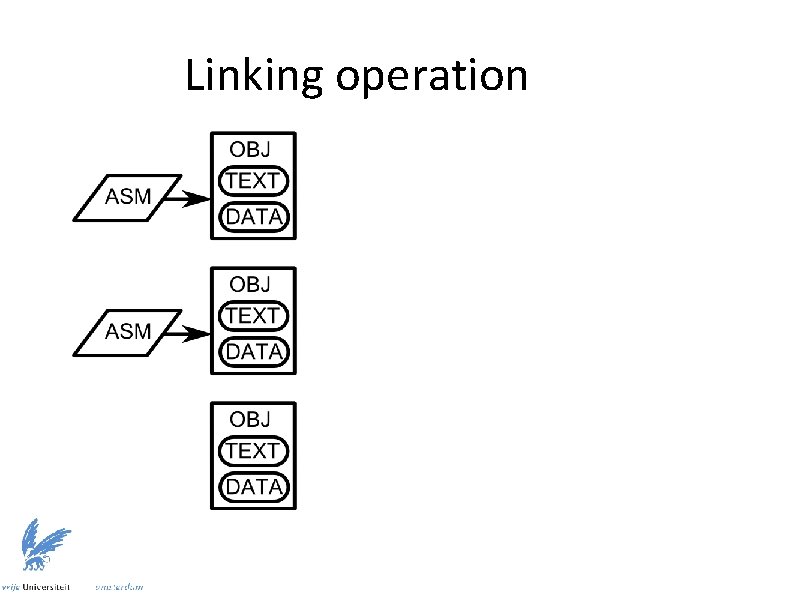
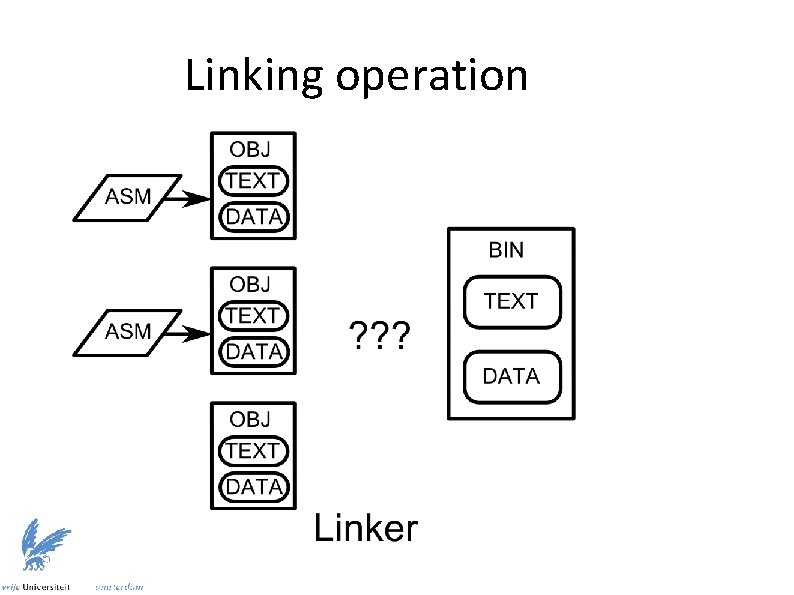
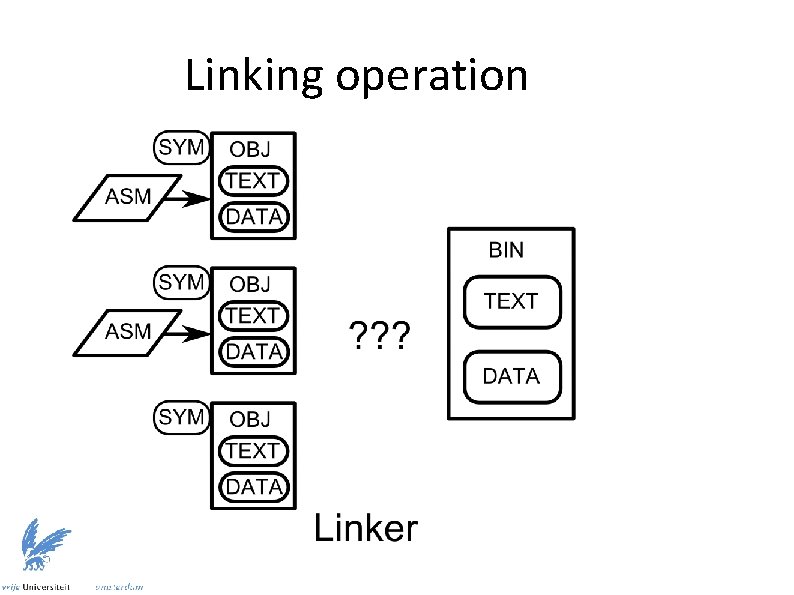
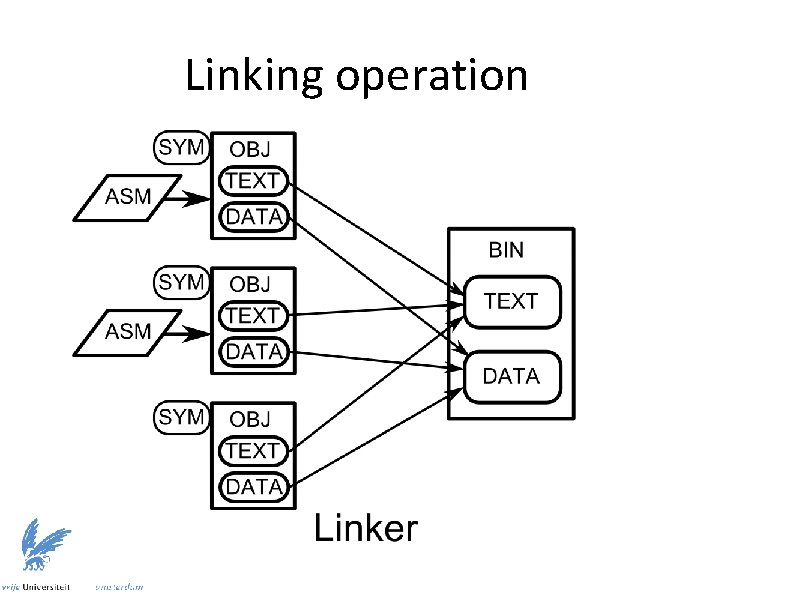
Purpose of linker ● Different components split in different object files ● Each object file uses the same address range ● Conflicts need to be mitigated for final executable – Organize components in continuous file – Redefine addresses for symbols (labels) ● Each object file contains symbol information ● Linker relocates and merges program segments – Resolves external links using new symbol information
Linking operation
Linking operation
Linking operation
Linking operation
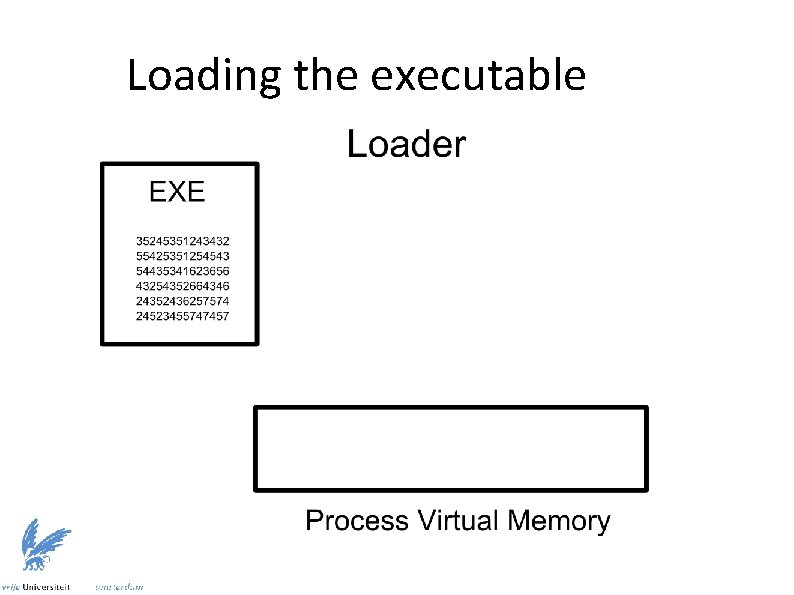
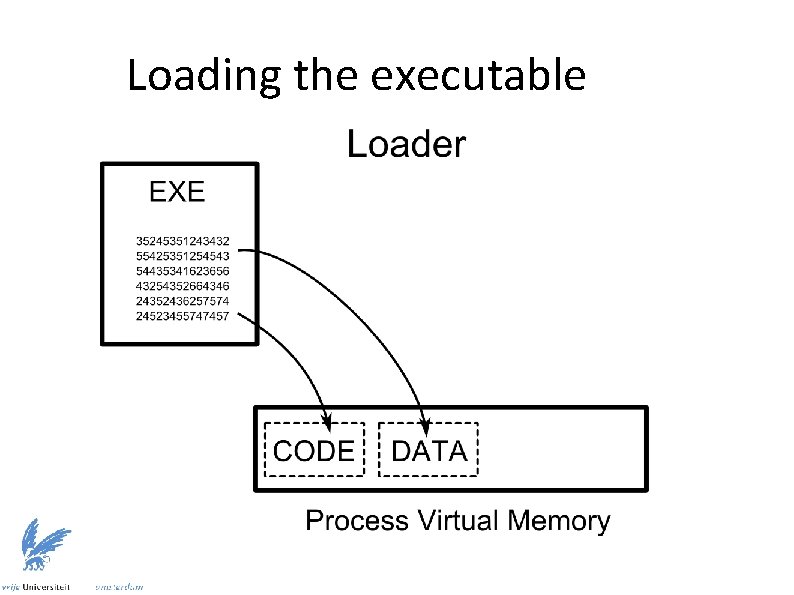
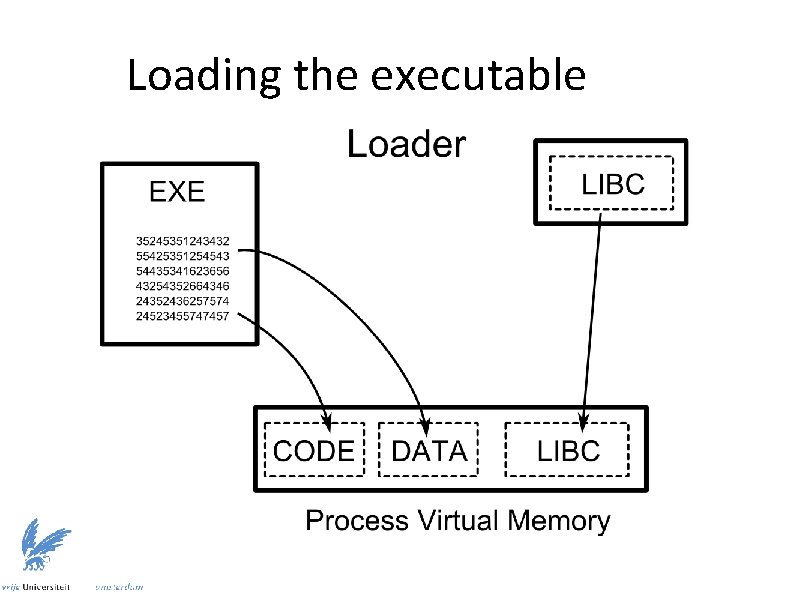
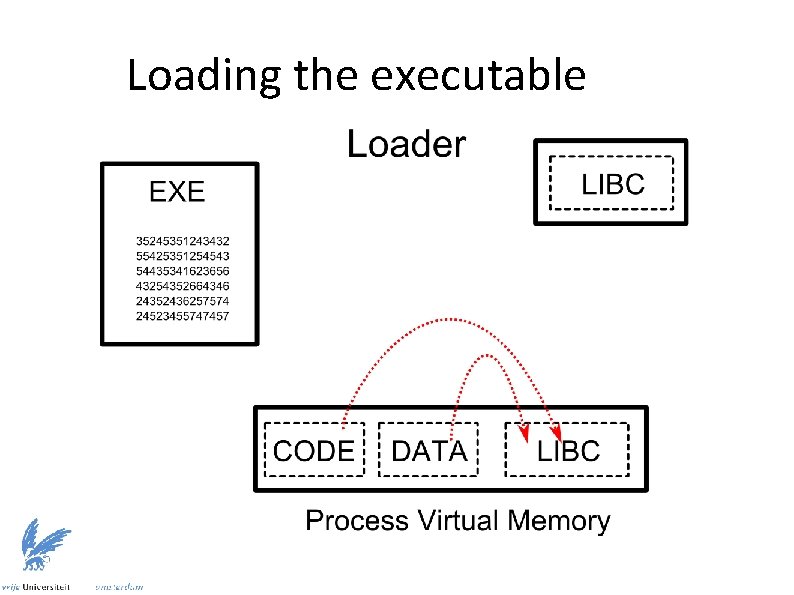
Purpose of loader ● ● Executable may be linked with dynamic libraries – Symbol resolution cannot occur statically – Linker called at run-time to resolve dynamic symbols Loader executed as interpreter of binary – ● Specified in. interp section Relocatable executable also possible – Maintain relocation information at link time – Allows address space randomization for code
Loading the executable
Loading the executable
Loading the executable
Loading the executable
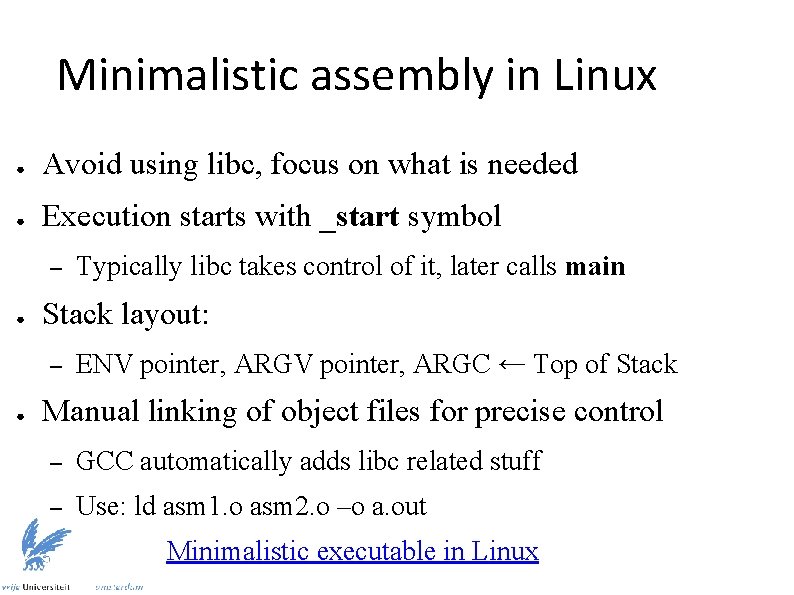
Minimalistic assembly in Linux ● Avoid using libc, focus on what is needed ● Execution starts with _start symbol – ● Stack layout: – ● Typically libc takes control of it, later calls main ENV pointer, ARGC ← Top of Stack Manual linking of object files for precise control – GCC automatically adds libc related stuff – Use: ld asm 1. o asm 2. o –o a. out Minimalistic executable in Linux
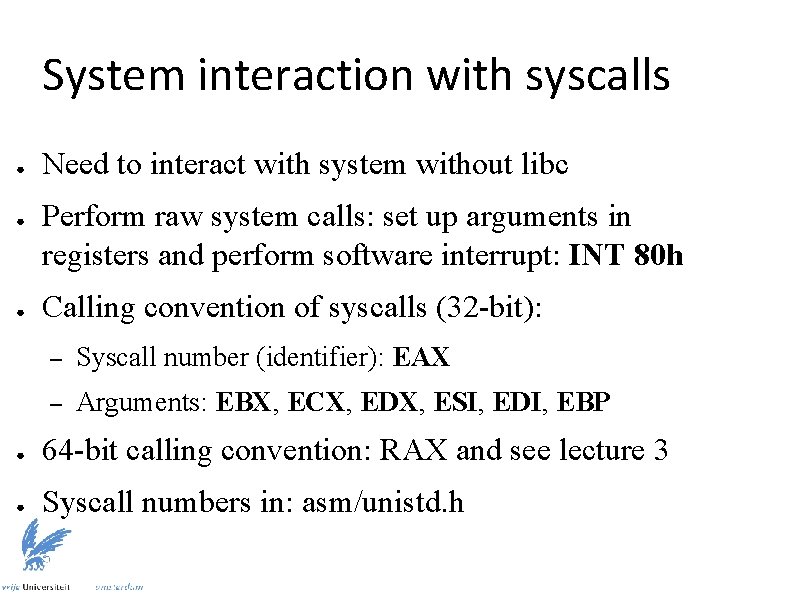
System interaction with syscalls ● ● ● Need to interact with system without libc Perform raw system calls: set up arguments in registers and perform software interrupt: INT 80 h Calling convention of syscalls (32 -bit): – Syscall number (identifier): EAX – Arguments: EBX, ECX, EDX, ESI, EDI, EBP ● 64 -bit calling convention: RAX and see lecture 3 ● Syscall numbers in: asm/unistd. h
- Slides: 57