
Programming Lecture 13 Eventdriven Programs Chapter 10 Java
- Slides: 30
Programming – Lecture 13 Event-driven Programs (Chapter 10) • Java event model • Responding to mouse events • Rubber-banding, dragging objects • Keyboard events • GUI control strips • Swing interactor hierarchy • Text fields • Component hierarchy • Layout managers 1
Event Listeners Listener. Example add. Mouse. Listeners() Mouse / keyboard / action events Are asynchronous Event-driven / interactive programs Listener interface for each event type Listener method parameters contain event info 5
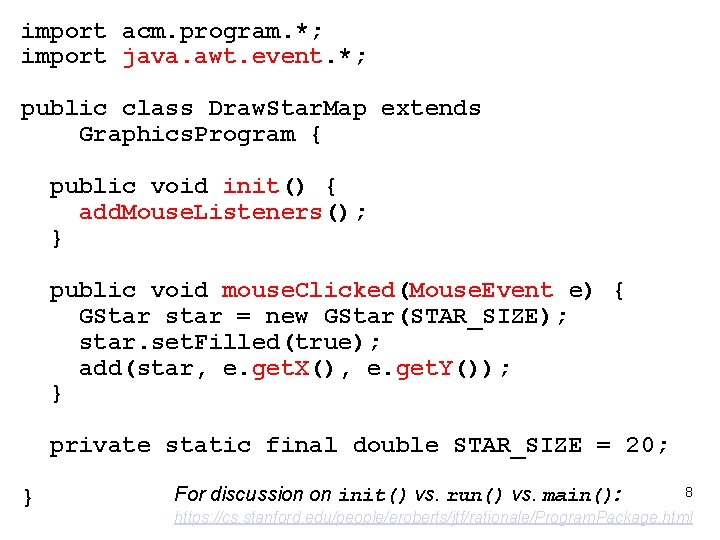
import acm. program. *; import java. awt. event. *; public class Draw. Star. Map extends Graphics. Program { public void init() { add. Mouse. Listeners(); } public void mouse. Clicked(Mouse. Event e) { GStar star = new GStar(STAR_SIZE); star. set. Filled(true); add(star, e. get. X(), e. get. Y()); } private static final double STAR_SIZE = 20; } For discussion on init() vs. run() vs. main(): 8 https: //cs. stanford. edu/people/eroberts/jtf/rationale/Program. Package. html
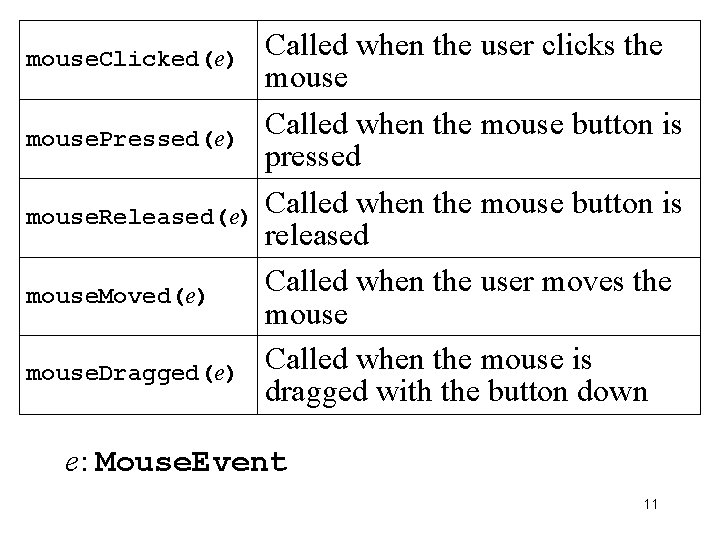
mouse. Clicked(e) mouse. Pressed(e) mouse. Released(e) mouse. Moved(e) mouse. Dragged(e) Called when the user clicks the mouse Called when the mouse button is pressed Called when the mouse button is released Called when the user moves the mouse Called when the mouse is dragged with the button down e: Mouse. Event 11
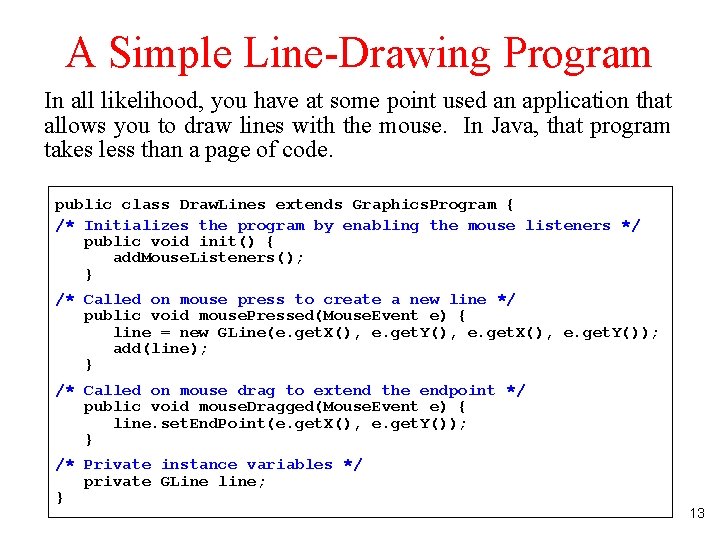
A Simple Line-Drawing Program In all likelihood, you have point used anactions: application thata Dragging mouse. Pressed mouse results method insome responds awill series toof that mouse. Dragged event byas creating calls As Drawing The you effect drag athe of line this using mouse, strategy this the program isatline that the requires user stretch, sees three contract, the line and itpressing change grows, allows you to draw lines with the mouse. In Java, that program the new that providing direction mouse come zero-length asin the button ifrapid the necessary line two atsuccession the that points starting visual begins were each feedback point and connected time ends ofthe at tocomputer by the line, position ancurrent elastic dragging reads the mouse band. line the takestechnique less thandesired aispage of code. position. mouse correctly. This to the position. Each therefore end call point, simply called and rubber-banding. resets then the releasing end point the of mouse. the line. public class Draw. Lines extends Graphics. Program { /* Initializes the program by enabling the mouse listeners */ public void init() { add. Mouse. Listeners(); } /* Called on mouse press to create a new line */ public void mouse. Pressed(Mouse. Event e) { line = new GLine(e. get. X(), e. get. Y(), e. get. X(), e. get. Y()); add(line); } /* Called on mouse drag to extend the endpoint */ public void mouse. Dragged(Mouse. Event e) { line. set. End. Point(e. get. X(), e. get. Y()); } /* Private instance variables */ private GLine line; } 13
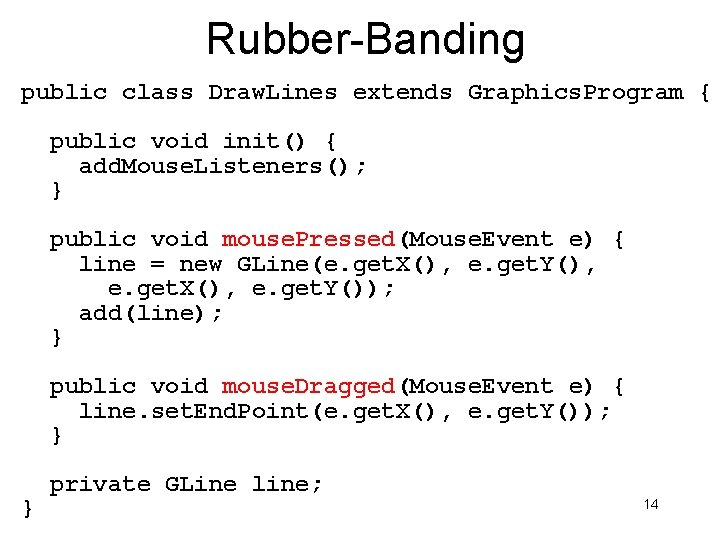
Rubber-Banding public class Draw. Lines extends Graphics. Program { public void init() { add. Mouse. Listeners(); } public void mouse. Pressed(Mouse. Event e) { line = new GLine(e. get. X(), e. get. Y(), e. get. X(), e. get. Y()); add(line); } public void mouse. Dragged(Mouse. Event e) { line. set. End. Point(e. get. X(), e. get. Y()); } } private GLine line; 14
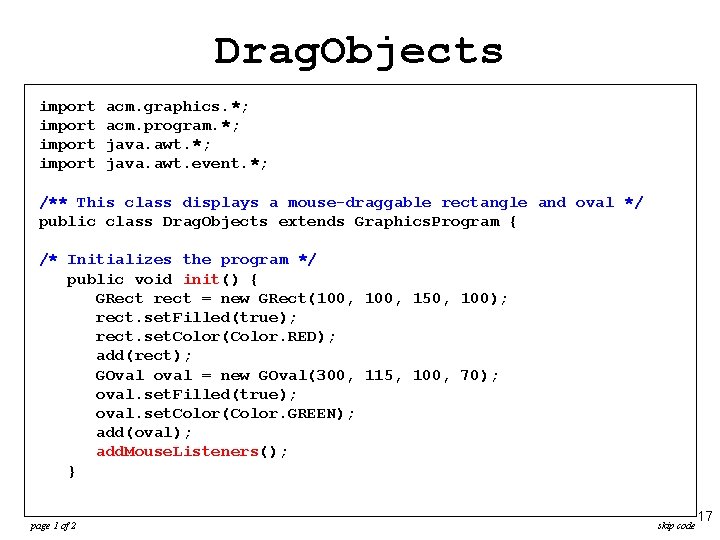
Drag. Objects import acm. graphics. *; acm. program. *; java. awt. event. *; /** This class displays a mouse-draggable rectangle and oval */ public class Drag. Objects extends Graphics. Program { /* Initializes the program */ public void init() { GRect rect = new GRect(100, 150, 100); rect. set. Filled(true); rect. set. Color(Color. RED); add(rect); GOval oval = new GOval(300, 115, 100, 70); oval. set. Filled(true); oval. set. Color(Color. GREEN); add(oval); add. Mouse. Listeners(); } page 1 of 2 skip code 17
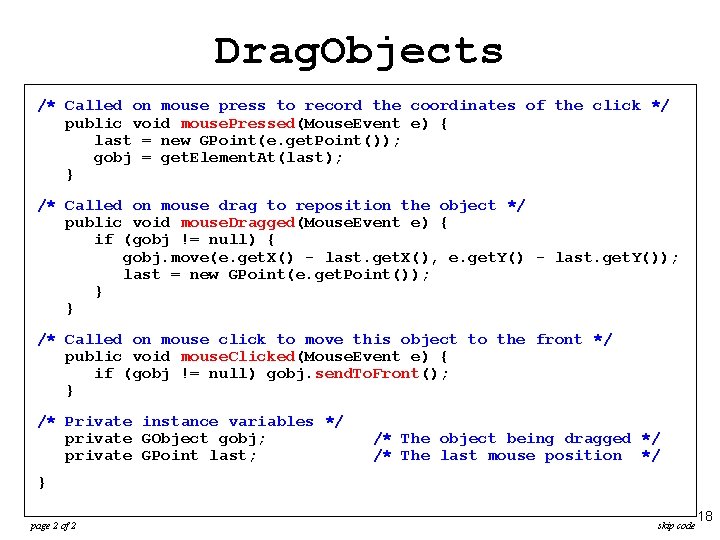
Drag. Objects /* Called on mouse press to record the coordinates of the click */ import acm. graphics. *; public void mouse. Pressed(Mouse. Event e) { import acm. program. *; = new GPoint(e. get. Point()); importlast java. awt. *; = get. Element. At(last); importgobj java. awt. event. *; } /**Called This class displays a mouse-draggable rectangle /* on mouse drag to reposition the object */ and oval */ public class extends Graphics. Program { public void. Drag. Objects mouse. Dragged(Mouse. Event e) { if (gobj != null) { gobj. move(e. get. X() - last. get. X(), e. get. Y() - last. get. Y()); /* Initializes the program */ new GPoint(e. get. Point()); publiclast void= init() { }GRect rect = new GRect(100, 150, 100); } rect. set. Filled(true); rect. set. Color(Color. RED); /* Called on mouse click to move this object to the front */ add(rect); public void mouse. Clicked(Mouse. Event e) { if (gobj != =null) gobj. send. To. Front(); GOval oval new GOval(300, 115, 100, 70); } oval. set. Filled(true); oval. set. Color(Color. GREEN); /* Private instance variables */ add(oval); private GObject gobj; /* The object being dragged */ add. Mouse. Listeners(); private GPoint last; /* The last mouse position */ } } page 2 of 2 skip code 18
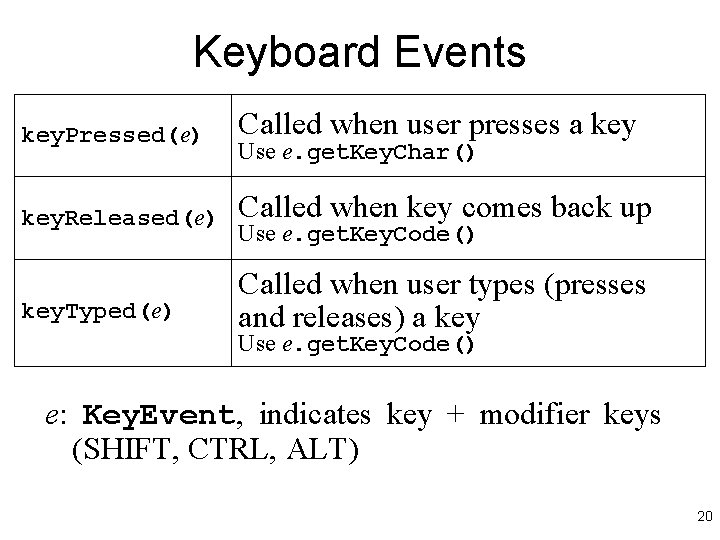
Keyboard Events key. Pressed(e) Called when user presses a key. Released(e) Called when key comes back up key. Typed(e) Called when user types (presses and releases) a key Use e. get. Key. Char() Use e. get. Key. Code() e: Key. Event, indicates key + modifier keys (SHIFT, CTRL, ALT) 20
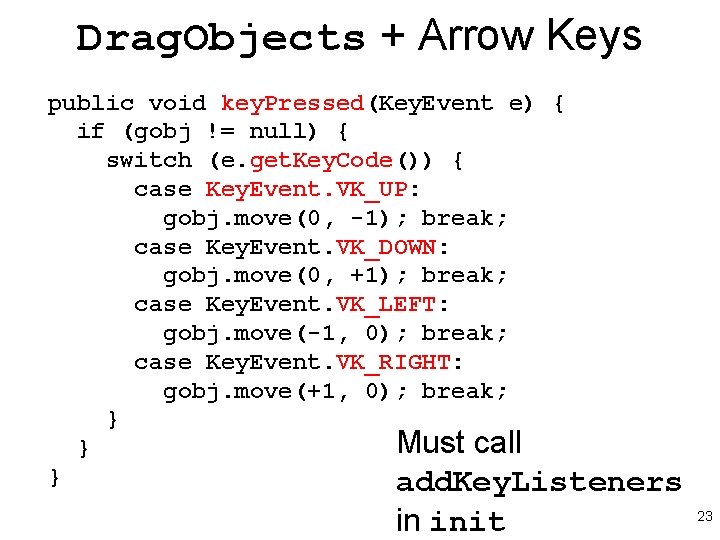
Drag. Objects + Arrow Keys public void key. Pressed(Key. Event e) { if (gobj != null) { switch (e. get. Key. Code()) { case Key. Event. VK_UP: gobj. move(0, -1); break; case Key. Event. VK_DOWN: gobj. move(0, +1); break; case Key. Event. VK_LEFT: gobj. move(-1, 0); break; case Key. Event. VK_RIGHT: gobj. move(+1, 0); break; } Must call } } add. Key. Listeners in init 23
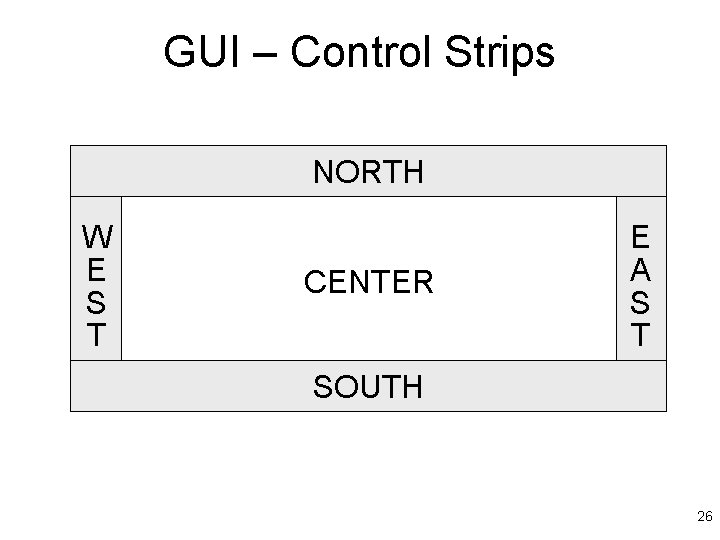
GUI – Control Strips NORTH W E S T CENTER E A S T SOUTH 26
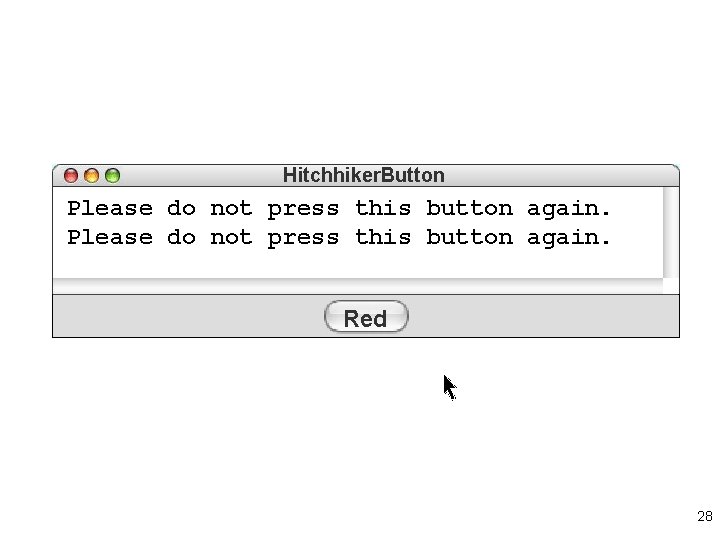
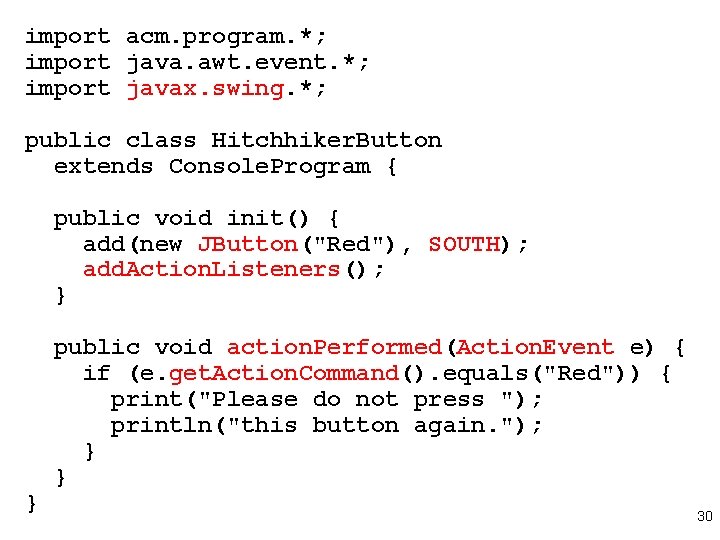
Hitchhiker. Button Please do not press this button again. Red 28
import acm. program. *; import java. awt. event. *; import javax. swing. *; public class Hitchhiker. Button extends Console. Program { public void init() { add(new JButton("Red"), SOUTH); add. Action. Listeners(); } } public void action. Performed(Action. Event e) { if (e. get. Action. Command(). equals("Red")) { print("Please do not press "); println("this button again. "); } } 30
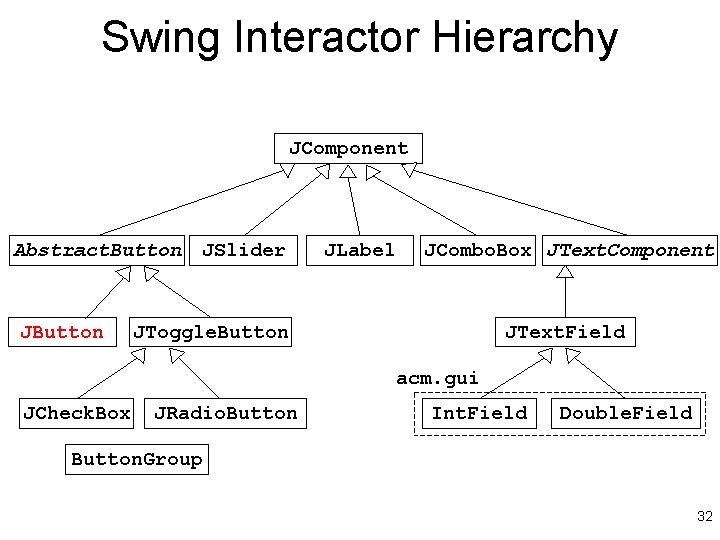
Swing Interactor Hierarchy JComponent Abstract. Button JSlider JLabel JCombo. Box JText. Component JToggle. Button JText. Field acm. gui JCheck. Box JRadio. Button Int. Field Double. Field Button. Group 32
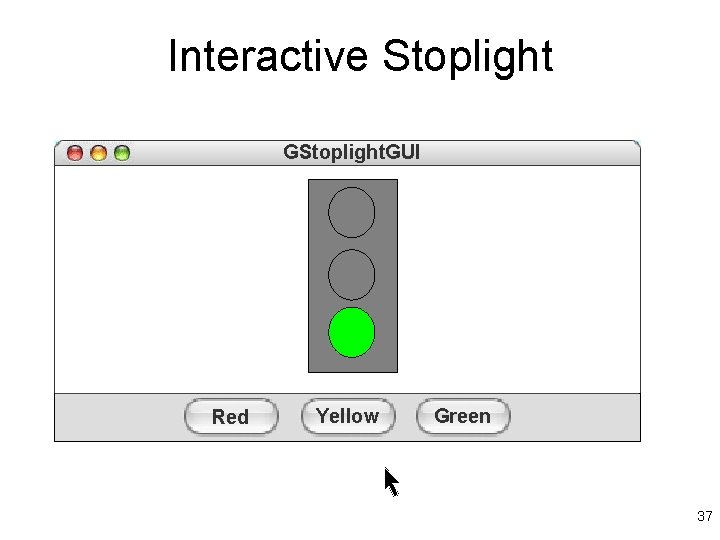
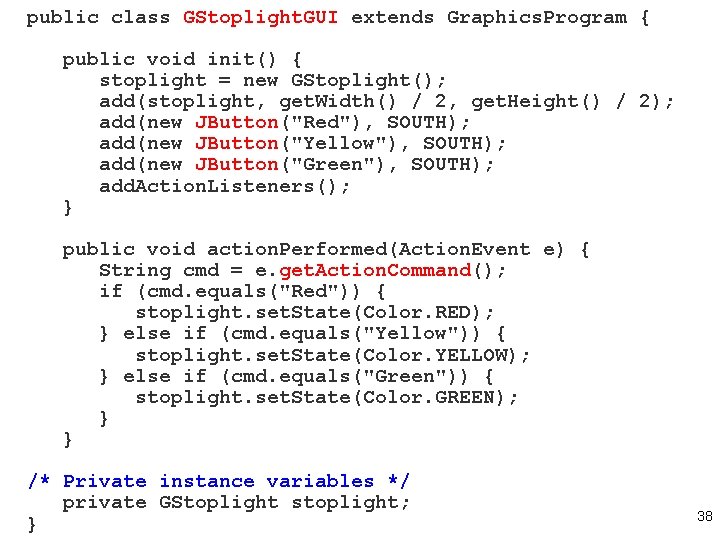
Interactive Stoplight GStoplight. GUI Red Yellow Green 37
public class GStoplight. GUI extends Graphics. Program { public void init() { stoplight = new GStoplight(); add(stoplight, get. Width() / 2, get. Height() / 2); add(new JButton("Red"), SOUTH); add(new JButton("Yellow"), SOUTH); add(new JButton("Green"), SOUTH); add. Action. Listeners(); } public void action. Performed(Action. Event e) { String cmd = e. get. Action. Command(); if (cmd. equals("Red")) { stoplight. set. State(Color. RED); } else if (cmd. equals("Yellow")) { stoplight. set. State(Color. YELLOW); } else if (cmd. equals("Green")) { stoplight. set. State(Color. GREEN); } } /* Private instance variables */ private GStoplight stoplight; } 38
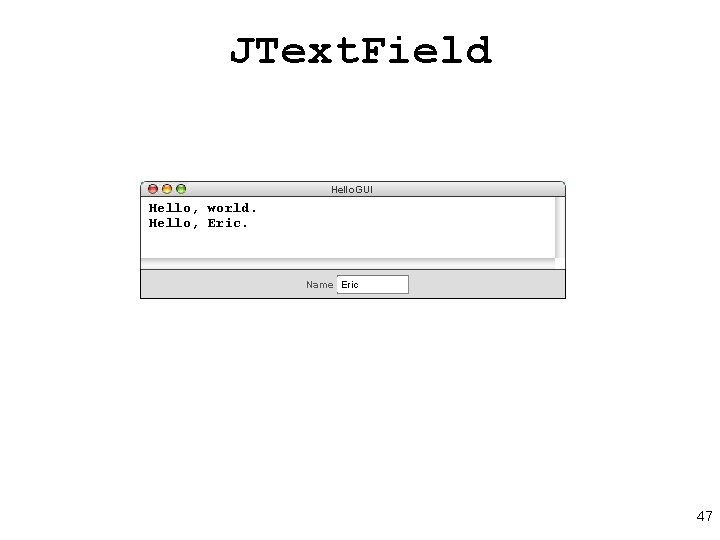
JText. Field Hello. GUI Hello, world. Hello, Eric Name world 47
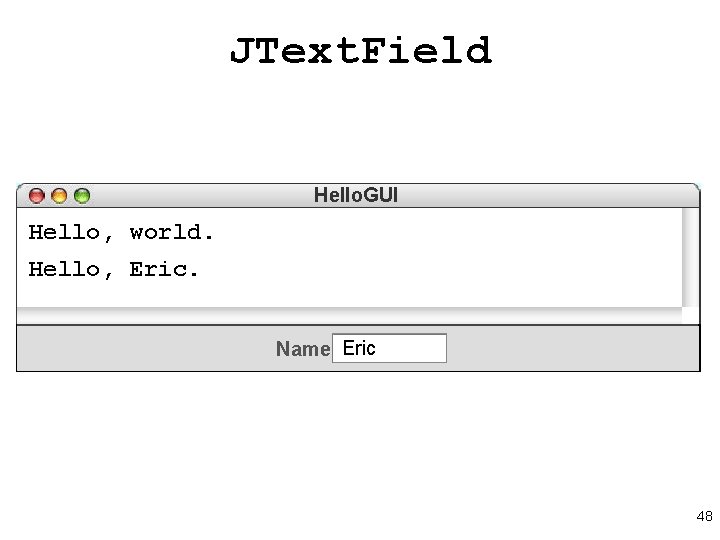
JText. Field Hello. GUI Hello, world. Hello, Eric Name world 48
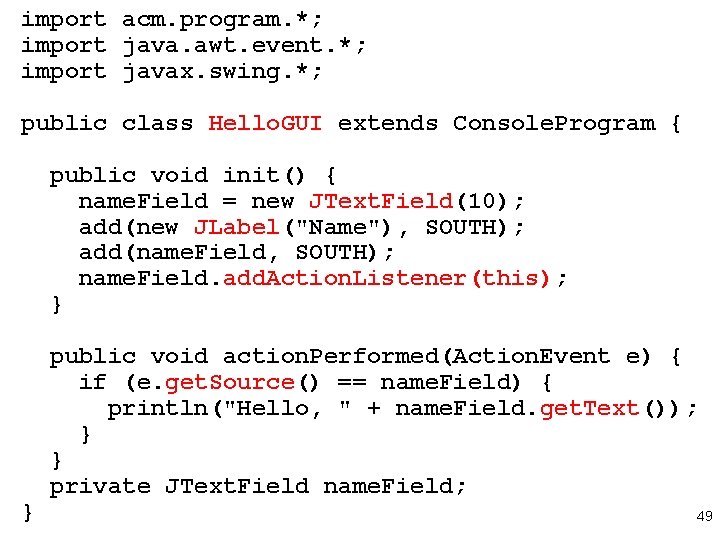
import acm. program. *; import java. awt. event. *; import javax. swing. *; public class Hello. GUI extends Console. Program { public void init() { name. Field = new JText. Field(10); add(new JLabel("Name"), SOUTH); add(name. Field, SOUTH); name. Field. add. Action. Listener(this); } } public void action. Performed(Action. Event e) { if (e. get. Source() == name. Field) { println("Hello, " + name. Field. get. Text()); } } private JText. Field name. Field; 49
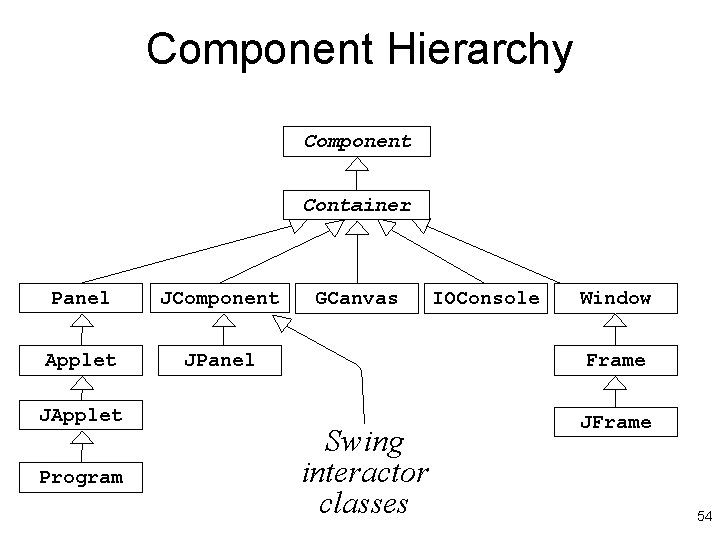
Component Hierarchy Component Container Panel JComponent Applet JPanel JApplet Program GCanvas IOConsole Window Frame Swing interactor classes JFrame 54
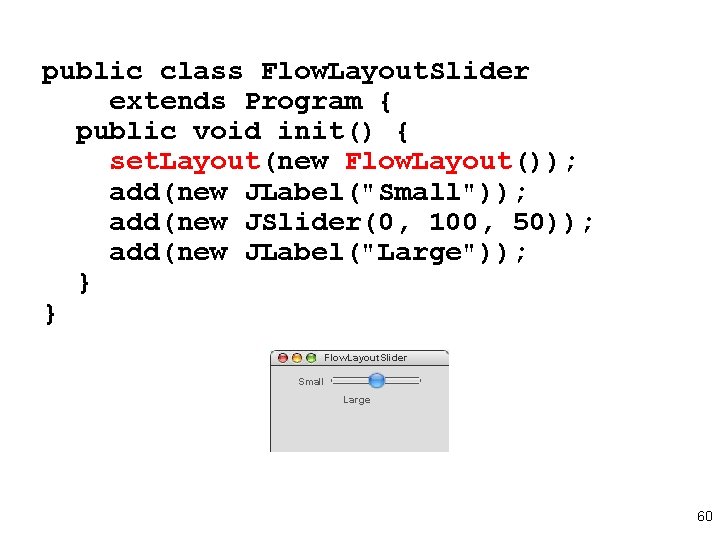
public class Flow. Layout. Slider extends Program { public void init() { set. Layout(new Flow. Layout()); add(new JLabel("Small")); add(new JSlider(0, 100, 50)); add(new JLabel("Large")); } } Flow. Layout. Slider Small Large 60
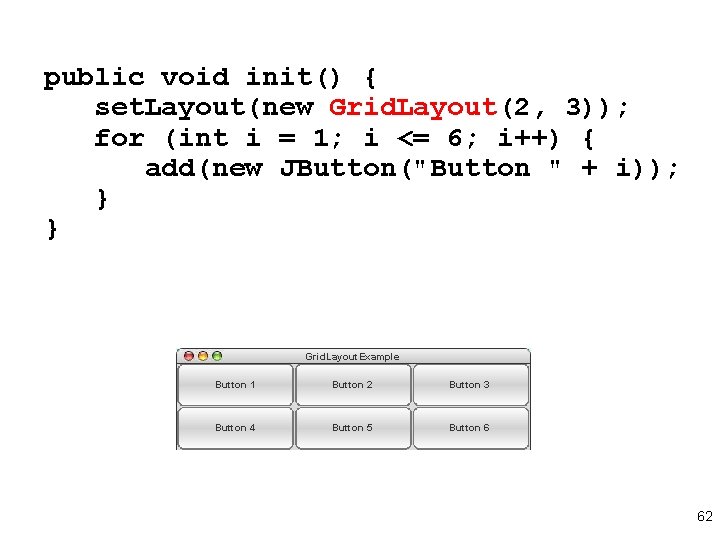
public void init() { set. Layout(new Grid. Layout(2, 3)); for (int i = 1; i <= 6; i++) { add(new JButton("Button " + i)); } } Grid. Layout. Example Button 1 1 Button 2 2 Button 3 3 Button 4 4 Button 55 Button 6 6 62
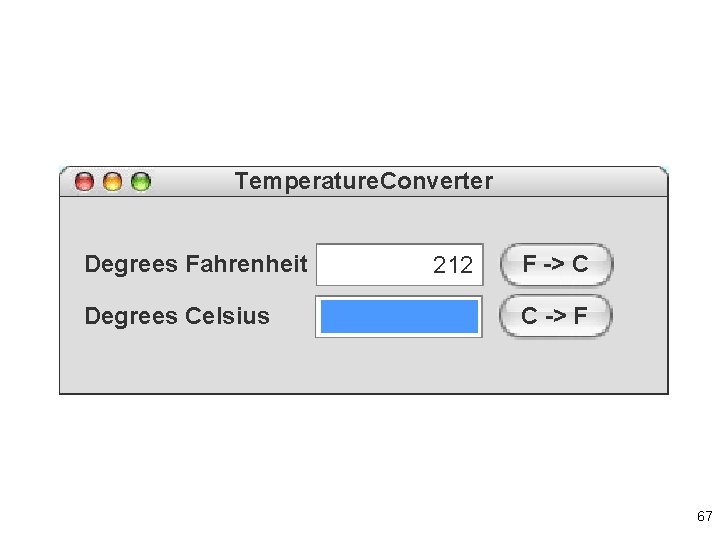
Temperature. Converter Degrees Fahrenheit Degrees Celsius 32 212 F -> C 1 100 C -> F 67
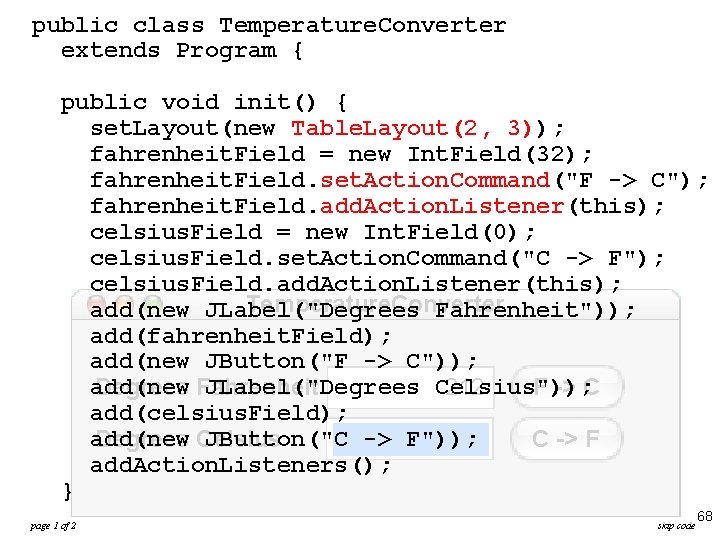
public class Temperature. Converter extends Program { public void init() { set. Layout(new Table. Layout(2, 3)); fahrenheit. Field = new Int. Field(32); fahrenheit. Field. set. Action. Command("F -> C"); fahrenheit. Field. add. Action. Listener(this); celsius. Field = new Int. Field(0); celsius. Field. set. Action. Command("C -> F"); celsius. Field. add. Action. Listener(this); Temperature. Converter add(new JLabel("Degrees Fahrenheit")); add(fahrenheit. Field); add(new JButton("F -> C")); add(new JLabel("Degrees Celsius")); Degrees Fahrenheit 32 F -> C 212 add(celsius. Field); add(new JButton("C -> F")); Degrees Celsius 1 C -> F 100 add. Action. Listeners(); } page 1 of 2 skip code 68
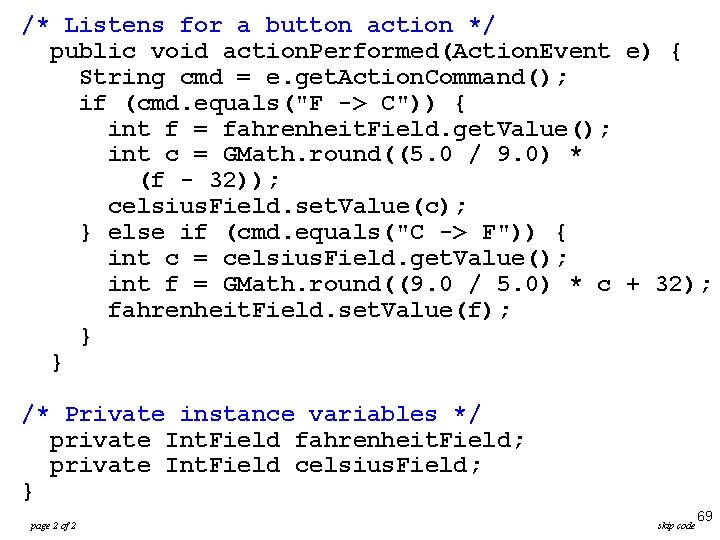
/* Listens for a button action */ public void action. Performed(Action. Event e) { String cmd = e. get. Action. Command(); if (cmd. equals("F -> C")) { int f = fahrenheit. Field. get. Value(); int c = GMath. round((5. 0 / 9. 0) * (f - 32)); celsius. Field. set. Value(c); } else if (cmd. equals("C -> F")) { int c = celsius. Field. get. Value(); int f = GMath. round((9. 0 / 5. 0) * c + 32); fahrenheit. Field. set. Value(f); } } /* Private instance variables */ private Int. Field fahrenheit. Field; private Int. Field celsius. Field; } page 2 of 2 skip code 69
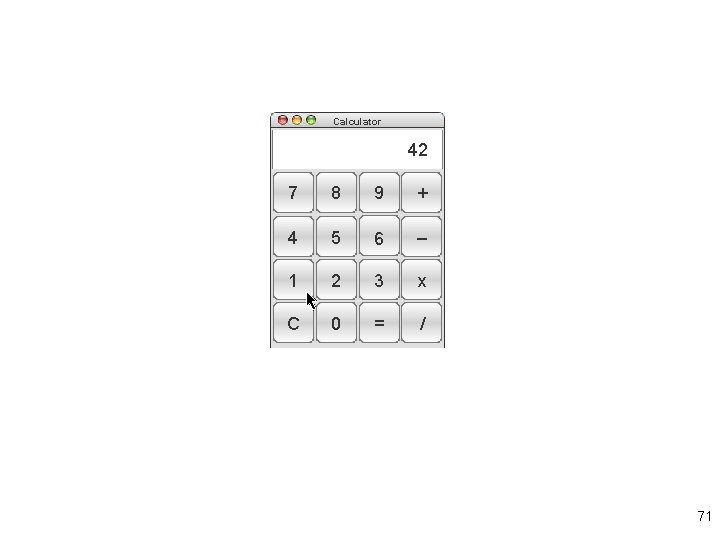
Calculator 25 42 2 0 17 1 7 8 9 + 4 5 6 – 1 2 3 x C 0 = / 71
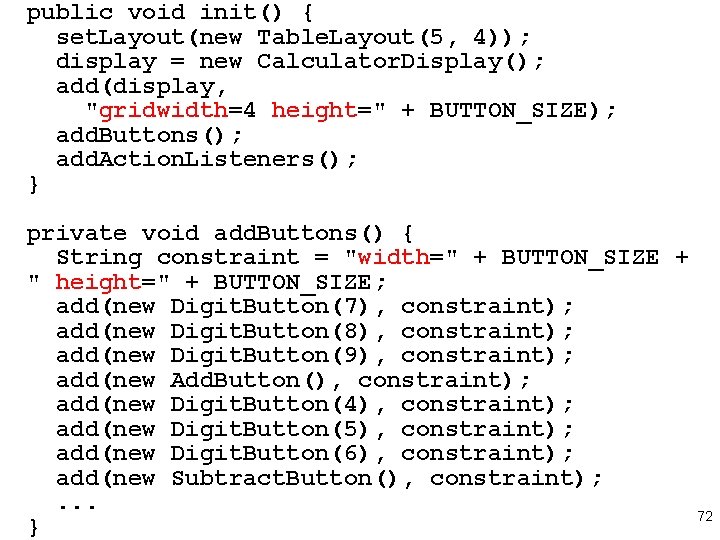
public void init() { set. Layout(new Table. Layout(5, 4)); display = new Calculator. Display(); add(display, "gridwidth=4 height=" + BUTTON_SIZE); add. Buttons(); add. Action. Listeners(); } private void add. Buttons() { String constraint = "width=" + BUTTON_SIZE + " height=" + BUTTON_SIZE; add(new Digit. Button(7), constraint); add(new Digit. Button(8), constraint); add(new Digit. Button(9), constraint); add(new Add. Button(), constraint); add(new Digit. Button(4), constraint); add(new Digit. Button(5), constraint); add(new Digit. Button(6), constraint); add(new Subtract. Button(), constraint); . . . } 72
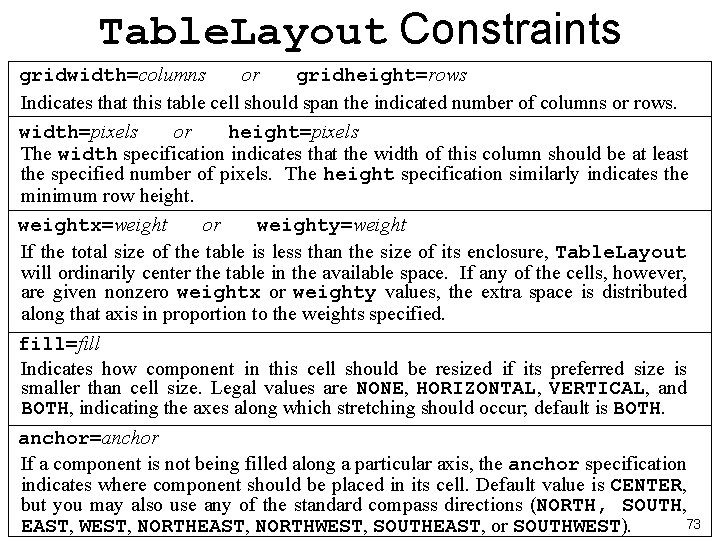
Table. Layout Constraints gridwidth=columns or gridheight=rows Indicates that this table cell should span the indicated number of columns or rows. width=pixels or height=pixels The width specification indicates that the width of this column should be at least the specified number of pixels. The height specification similarly indicates the minimum row height. weightx=weight or weighty=weight If the total size of the table is less than the size of its enclosure, Table. Layout will ordinarily center the table in the available space. If any of the cells, however, are given nonzero weightx or weighty values, the extra space is distributed along that axis in proportion to the weights specified. fill=fill Indicates how component in this cell should be resized if its preferred size is smaller than cell size. Legal values are NONE, HORIZONTAL, VERTICAL, and BOTH, indicating the axes along which stretching should occur; default is BOTH. anchor=anchor If a component is not being filled along a particular axis, the anchor specification indicates where component should be placed in its cell. Default value is CENTER, but you may also use any of the standard compass directions (NORTH, SOUTH, 73 EAST, WEST, NORTHEAST, NORTHWEST, SOUTHEAST, or SOUTHWEST).
Summary I • Events: user actions that happen outside of normal sequential program flow • Java programs respond to events by designating objects as listeners to particular event types • Event listeners must implement interface defined in java. awt. event (Mouse. Listener, . . . ) • Program class implements these interfaces by supplying empty methods, e. g. , mouse. Clicked – which are overridden by own methods • The init method specifies initialization code, e. g. add. Mouse. Listeners 74
Summary II • javax. swing and acm. gui define classes whose instances are interactors • To determine which button caused an action event e, can call e. get. Source, which returns object that caused the event, or e. get. Action. Command, which returns a string • Easiest way to add interactors is to add them to a control bar along borders of program window • Arranging interactors in interior usually requires layout manager • The Table. Layout manager allows to specify 75 constraints on layout