
Programming in Python Week 1 Peter Verhaar en
![Slicing strings title = 'The Tempest’ print( title[0: 3] ) ## This prints ‘The’](https://slidetodoc.com/presentation_image_h2/bf36dc09d0f2db807c42d51523f23020/image-20.jpg "Slicing strings title = 'The Tempest’ print( title[0: 3] ) ## This prints ‘The’")
![□ b can be used in regular expressions to represent word boundaries ‘bsunb’ […]](https://slidetodoc.com/presentation_image_h2/bf36dc09d0f2db807c42d51523f23020/image-41.jpg "□ b can be used in regular expressions to represent word boundaries ‘bsunb’ […]")
![Examples ‘d{4}’ Matches: 1234, 2013, 1066 ‘[a-z. A-Z]+’ Matches any word that consists of](https://slidetodoc.com/presentation_image_h2/bf36dc09d0f2db807c42d51523f23020/image-43.jpg "Examples ‘d{4}’ Matches: 1234, 2013, 1066 ‘[a-z. A-Z]+’ Matches any word that consists of")
![‘b[aeiou]{1, 2}tw*’ bit blister boathouse beauty boyhood but beast beat](https://slidetodoc.com/presentation_image_h2/bf36dc09d0f2db807c42d51523f23020/image-45.jpg "‘b[aeiou]{1, 2}tw*’ bit blister boathouse beauty boyhood but beast beat")
- Slides: 46
Programming in Python Week 1 Peter Verhaar en Ben Companjen 25 October 2019
Course materials □ Course website is available at: https: //tdm. universiteitleiden. nl/Python/ □ Website offers access to □ □ Tutorials Exercises Solutions to exercises Slides
□ Developed in the late 1980 s by Guido van Rossum at the CWI □ Name derived from Monty Python’s Flying Circus □ The Zen of Python stresses values such as simplicity, density and readability. Code which adheres to the guiding principles is reffered to as ‘Pythonic’.
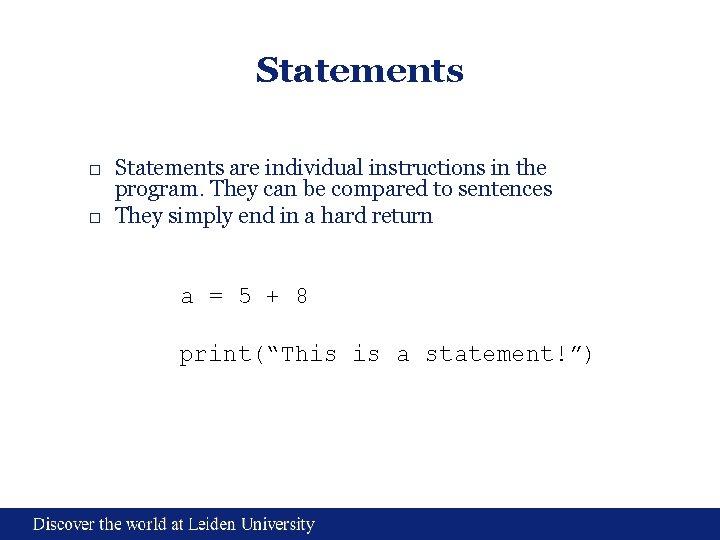
Statements □ Statements are individual instructions in the program. They can be compared to sentences □ They simply end in a hard return a = 5 + 8 print(“This is a statement!”)
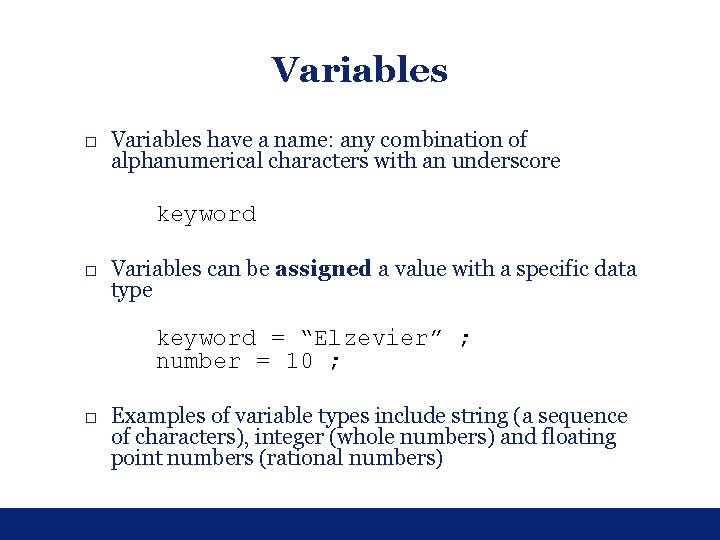
Variables □ Variables have a name: any combination of alphanumerical characters with an underscore keyword □ Variables can be assigned a value with a specific data type keyword = “Elzevier” ; number = 10 ; □ Examples of variable types include string (a sequence of characters), integer (whole numbers) and floating point numbers (rational numbers)
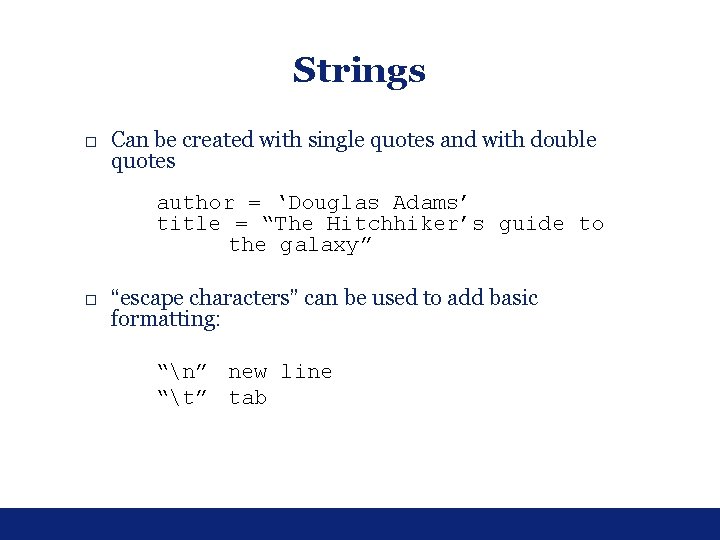
Strings □ Can be created with single quotes and with double quotes author = ‘Douglas Adams’ title = “The Hitchhiker’s guide to the galaxy” □ “escape characters” can be used to add basic formatting: “n” new line “t” tab
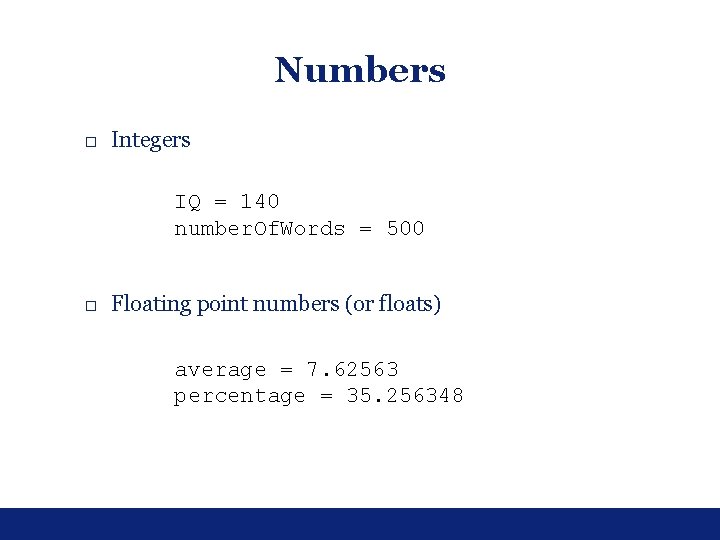
Numbers □ Integers IQ = 140 number. Of. Words = 500 □ Floating point numbers (or floats) average = 7. 62563 percentage = 35. 256348
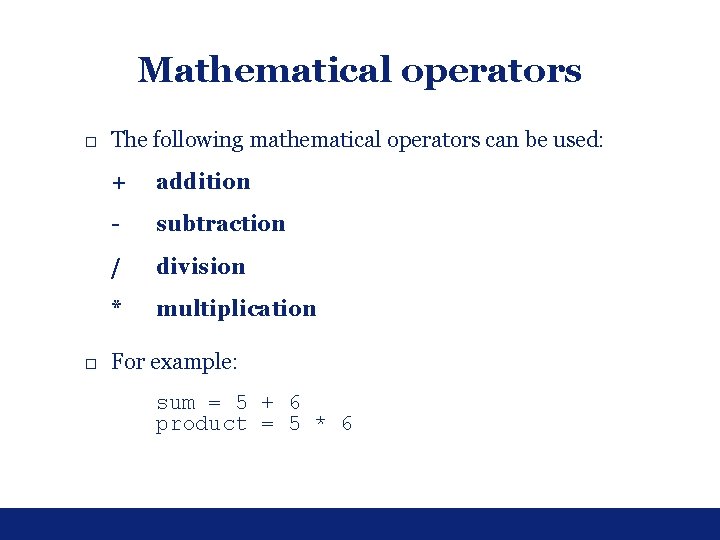
Mathematical operators □ The following mathematical operators can be used: + addition - subtraction / division * multiplication □ For example: sum = 5 + 6 product = 5 * 6
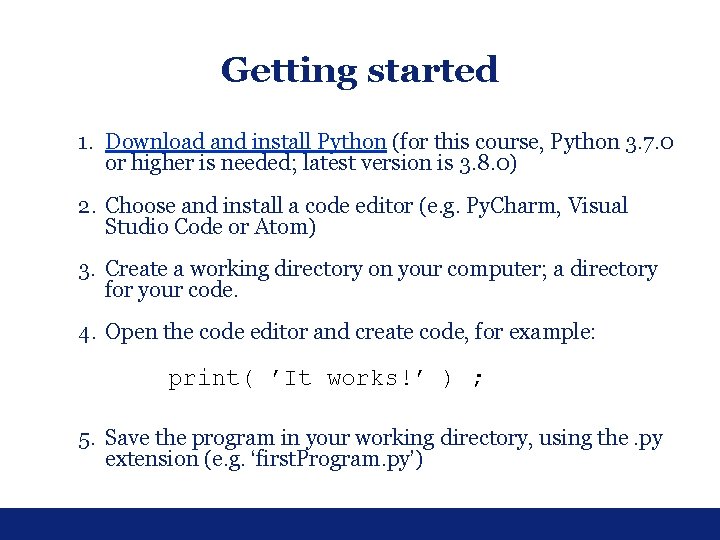
Getting started 1. Download and install Python (for this course, Python 3. 7. 0 or higher is needed; latest version is 3. 8. 0) 2. Choose and install a code editor (e. g. Py. Charm, Visual Studio Code or Atom) 3. Create a working directory on your computer; a directory for your code. 4. Open the code editor and create code, for example: print( ’It works!’ ) ; 5. Save the program in your working directory, using the. py extension (e. g. ‘first. Program. py’)
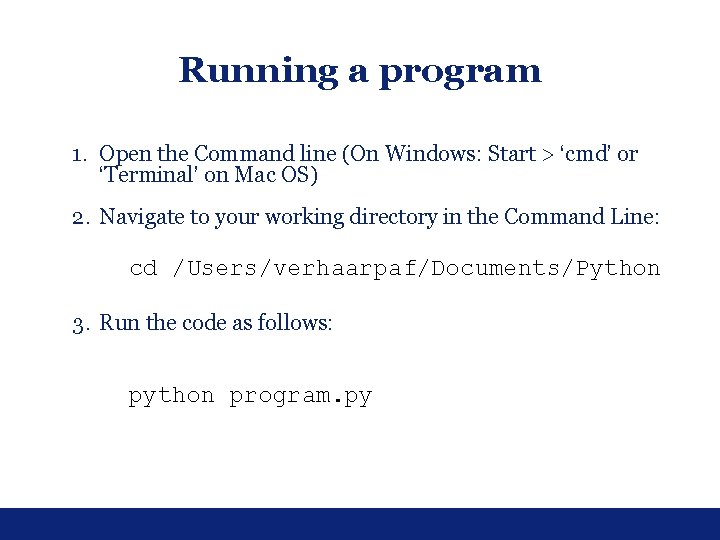
Running a program 1. Open the Command line (On Windows: Start > ‘cmd’ or ‘Terminal’ on Mac OS) 2. Navigate to your working directory in the Command Line: cd /Users/verhaarpaf/Documents/Python 3. Run the code as follows: python program. py
Exercises □ 1. 1 □ 1. 4 □ 1. 5
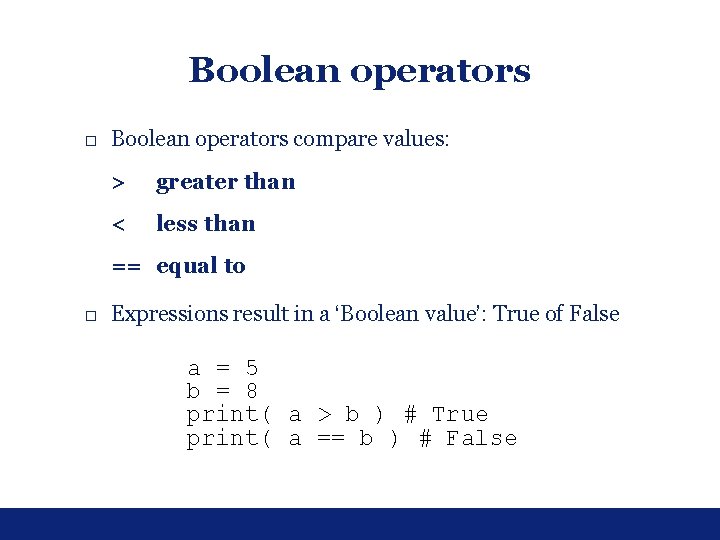
Boolean operators □ Boolean operators compare values: > greater than < less than == equal to □ Expressions result in a ‘Boolean value’: True of False a = 5 b = 8 print( a > b ) # True print( a == b ) # False
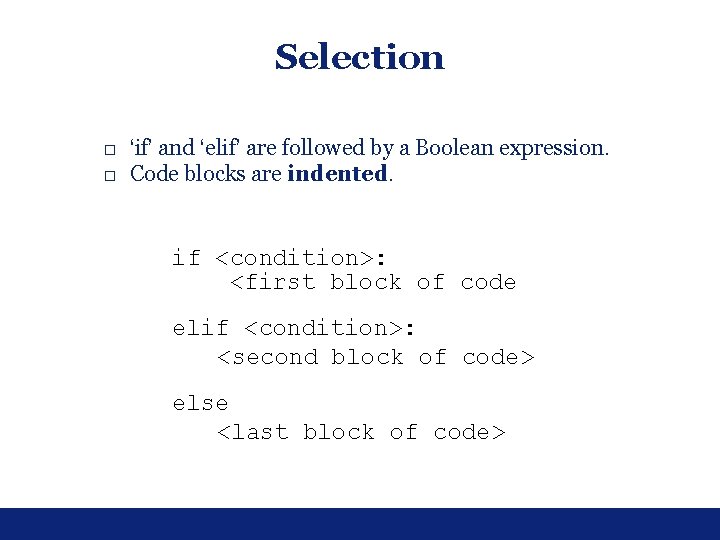
Selection □ ‘if’ and ‘elif’ are followed by a Boolean expression. □ Code blocks are indented. if <condition>: <first block of code elif <condition>: <second block of code> else <last block of code>
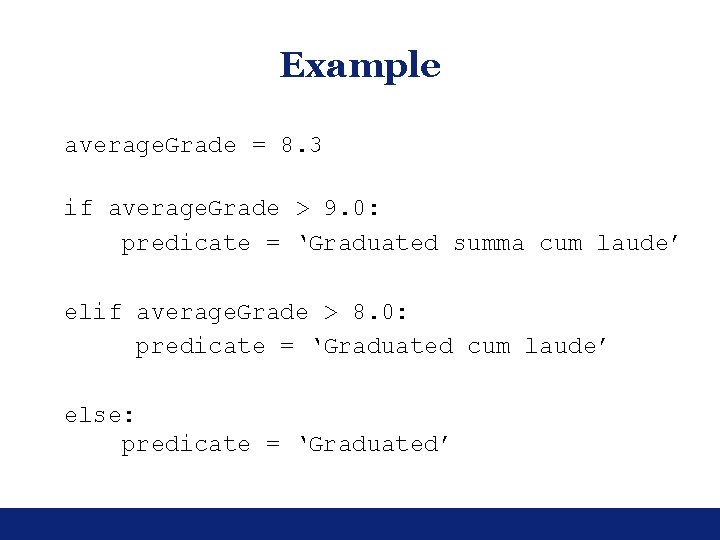
Example average. Grade = 8. 3 if average. Grade > 9. 0: predicate = ‘Graduated summa cum laude’ elif average. Grade > 8. 0: predicate = ‘Graduated cum laude’ else: predicate = ‘Graduated’
Iteration □ You can specify that a block of code needs to be executed repeatedly using ‘for’ and ‘while’ □ ‘While’ needs to be followed by a Boolean expression □ ‘For’ may be used in combination with lists and dictionaries (more information on this later) or the range() function.
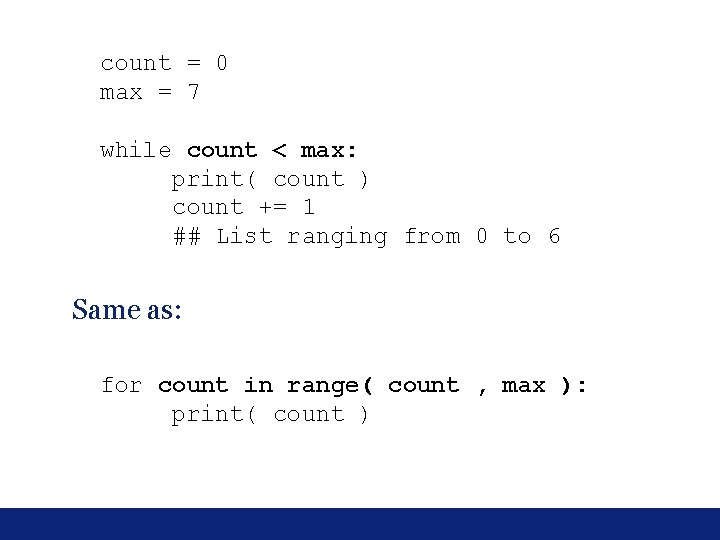
count = 0 max = 7 while count < max: print( count ) count += 1 ## List ranging from 0 to 6 Same as: for count in range( count , max ): print( count )
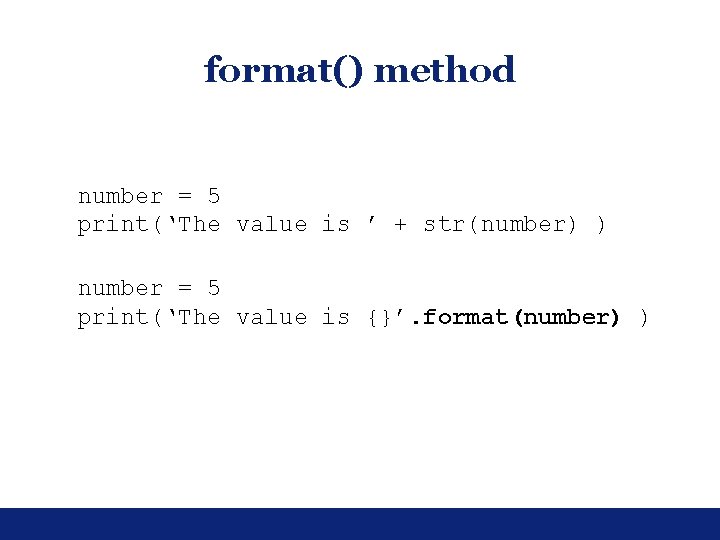
format() method number = 5 print(‘The value is ’ + str(number) ) number = 5 print(‘The value is {}’. format(number) )
Exercises □ 2. 1 □ 2. 2
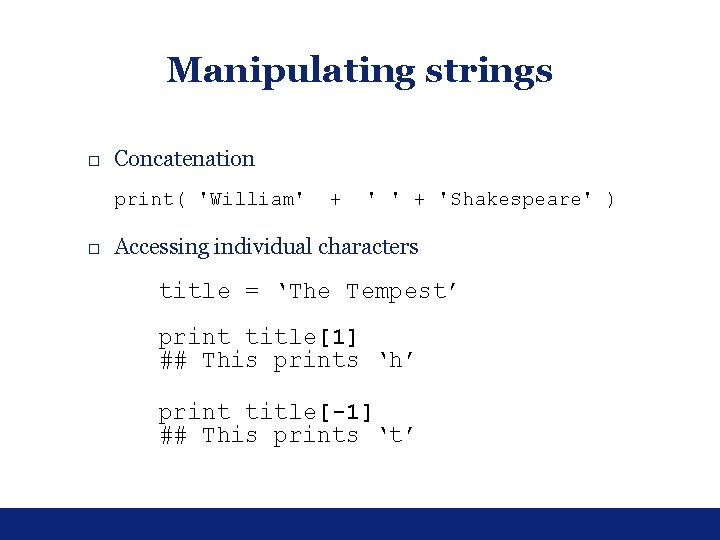
Manipulating strings □ Concatenation print( 'William' + 'Shakespeare' ) □ Accessing individual characters title = ‘The Tempest’ print title[1] ## This prints ‘h’ print title[-1] ## This prints ‘t’
Slicing strings title = 'The Tempest’ print( title[0: 3] ) ## This prints ‘The’ print( title[4: 12] ) ## This prints ‘Tempest’
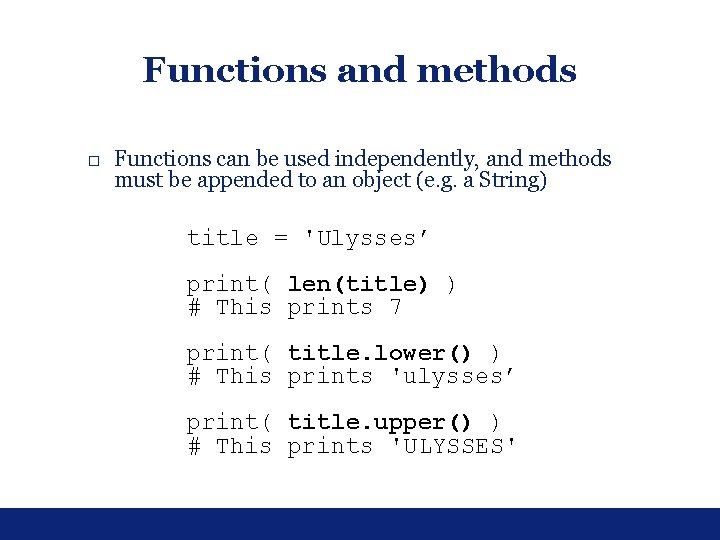
Functions and methods □ Functions can be used independently, and methods must be appended to an object (e. g. a String) title = 'Ulysses’ print( len(title) ) # This prints 7 print( title. lower() ) # This prints 'ulysses’ print( title. upper() ) # This prints 'ULYSSES'
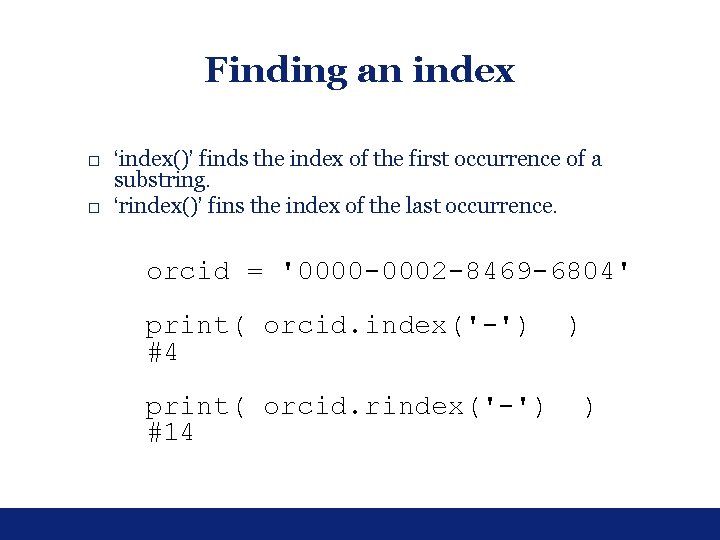
Finding an index □ ‘index()’ finds the index of the first occurrence of a substring. □ ‘rindex()’ fins the index of the last occurrence. orcid = '0000 -0002 -8469 -6804' print( orcid. index('-') #4 print( orcid. rindex('-') #14 ) )
Exercises □ 3. 1 □ 3. 2
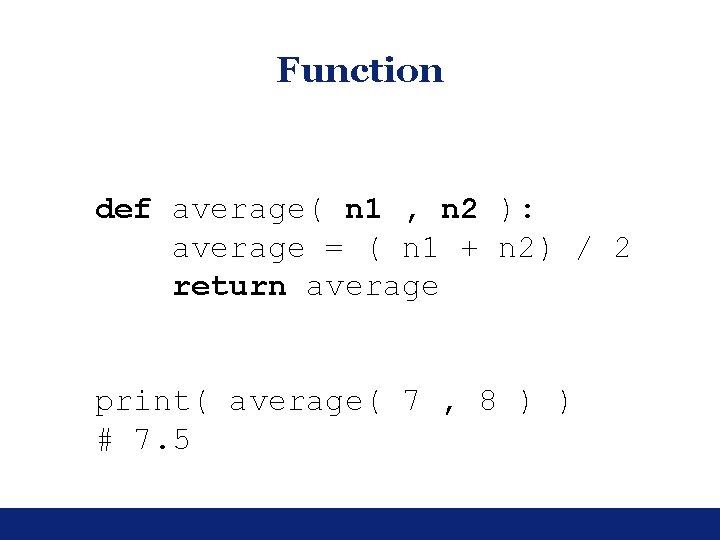
Function def average( n 1 , n 2 ): average = ( n 1 + n 2) / 2 return average print( average( 7 , 8 ) ) # 7. 5
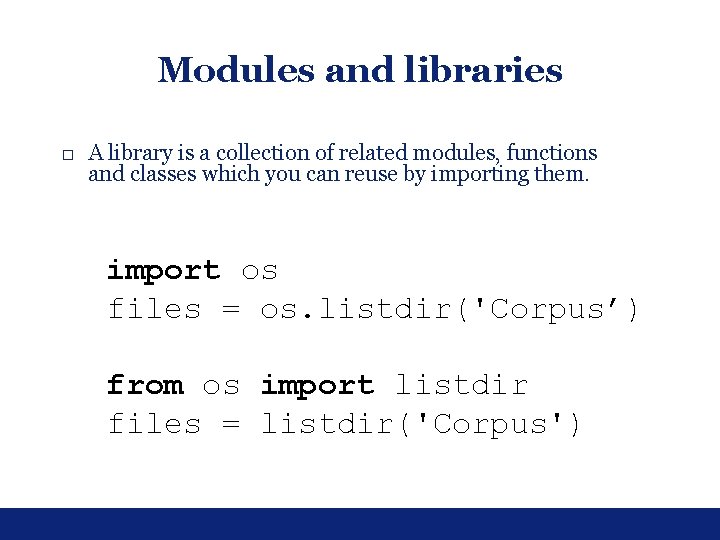
Modules and libraries □ A library is a collection of related modules, functions and classes which you can reuse by importing them. import os files = os. listdir('Corpus’) from os import listdir files = listdir('Corpus')
Exercises □ 4. 1 □ 4. 2
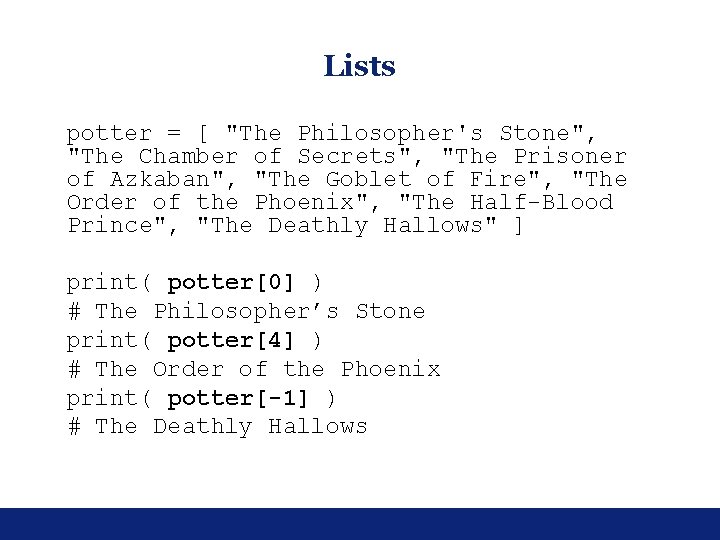
Lists potter = [ "The Philosopher's Stone", "The Chamber of Secrets", "The Prisoner of Azkaban", "The Goblet of Fire", "The Order of the Phoenix", "The Half-Blood Prince", "The Deathly Hallows" ] print( potter[0] ) # The Philosopher’s Stone print( potter[4] ) # The Order of the Phoenix print( potter[-1] ) # The Deathly Hallows
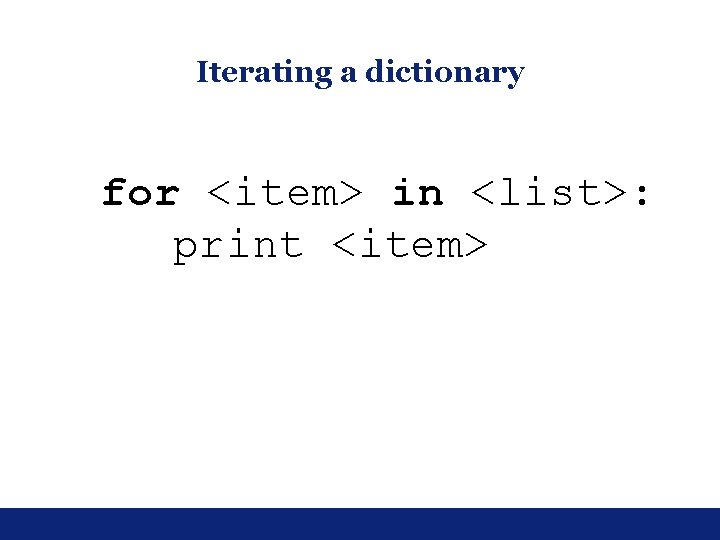
Iterating a dictionary for <item> in <list>: print <item>
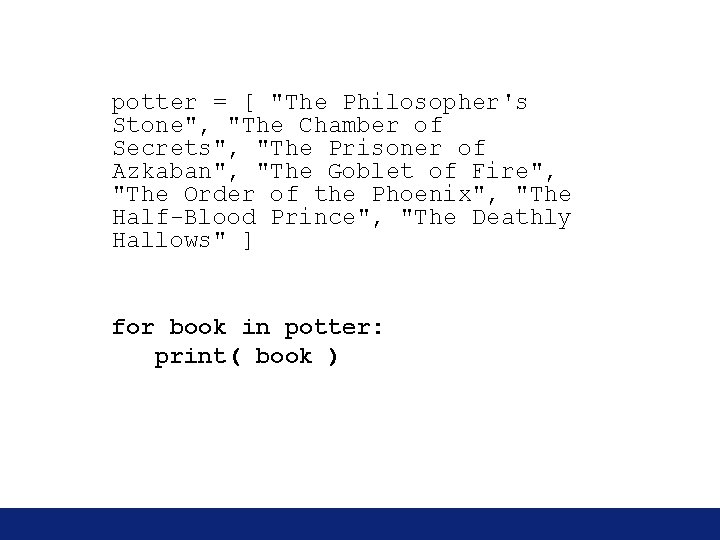
potter = [ "The Philosopher's Stone", "The Chamber of Secrets", "The Prisoner of Azkaban", "The Goblet of Fire", "The Order of the Phoenix", "The Half-Blood Prince", "The Deathly Hallows" ] for book in potter: print( book )
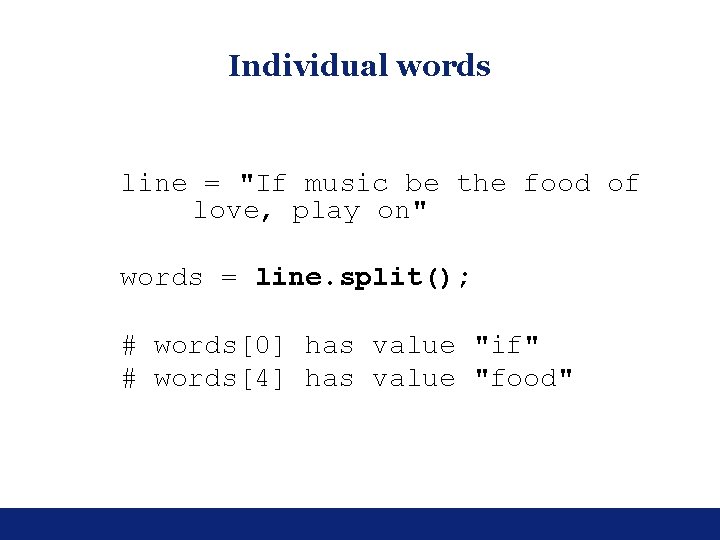
Individual words line = "If music be the food of love, play on" words = line. split(); # words[0] has value "if" # words[4] has value "food"
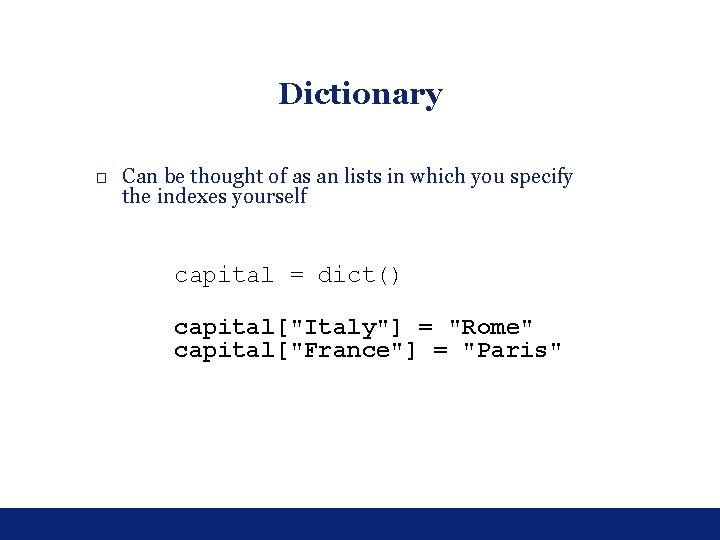
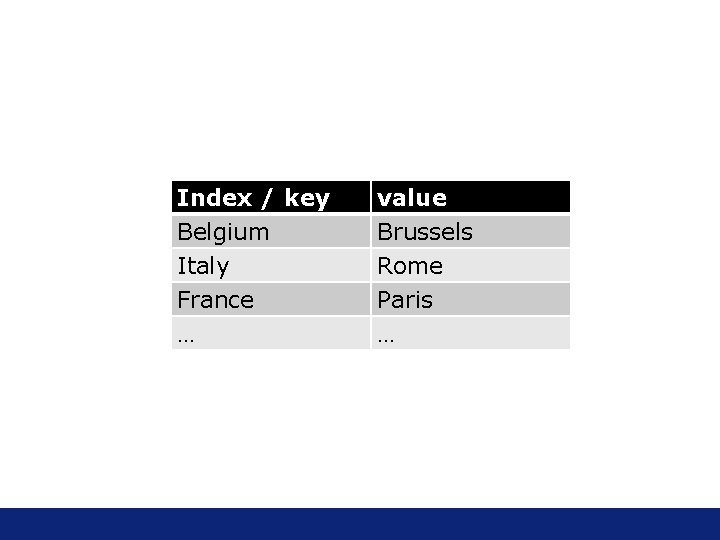
Dictionary □ Can be thought of as an lists in which you specify the indexes yourself capital = dict() capital["Italy"] = "Rome" capital["France"] = "Paris"
Index / key Belgium Italy France … value Brussels Rome Paris …
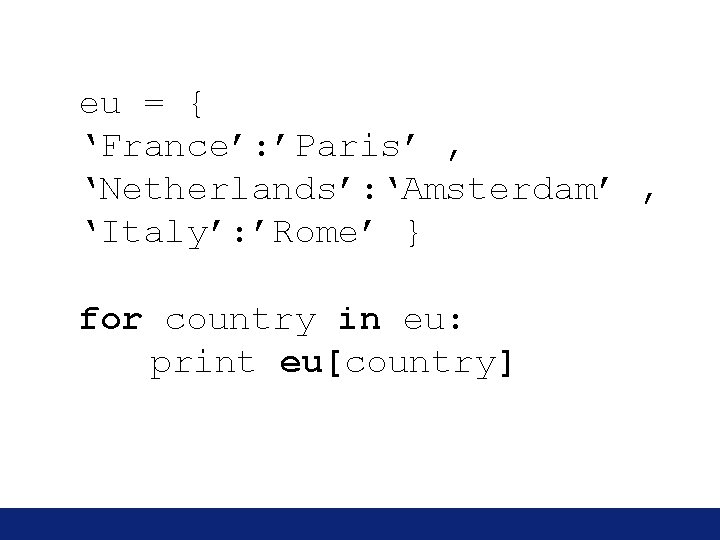
eu = { ‘France’: ’Paris’ , ‘Netherlands’: ‘Amsterdam’ , ‘Italy’: ’Rome’ } for country in eu: print eu[country]
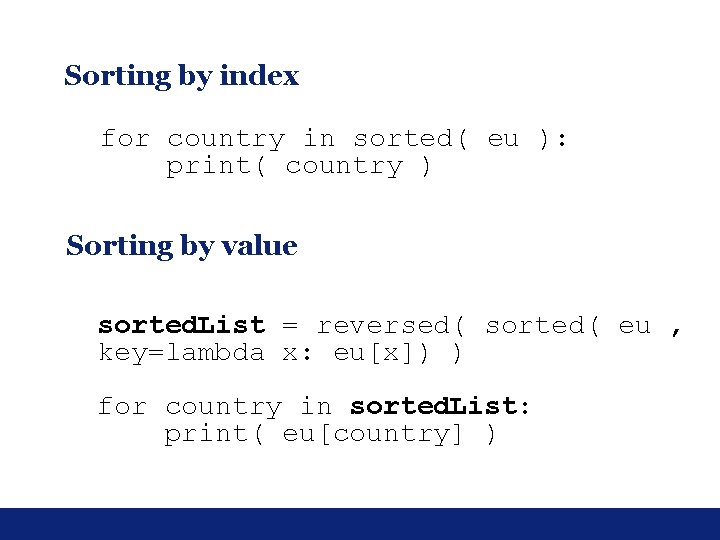
Sorting by index for country in sorted( eu ): print( country ) Sorting by value sorted. List = reversed( sorted( eu , key=lambda x: eu[x]) ) for country in sorted. List: print( eu[country] )
Exercises □ □ 5. 3 5. 2 6. 1 6. 3
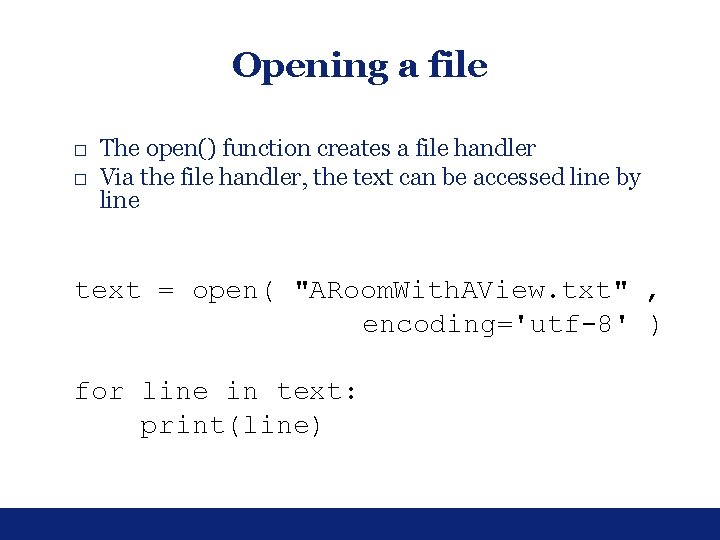
Opening a file □ The open() function creates a file handler □ Via the file handler, the text can be accessed line by line text = open( "ARoom. With. AView. txt" , encoding='utf-8' ) for line in text: print(line)
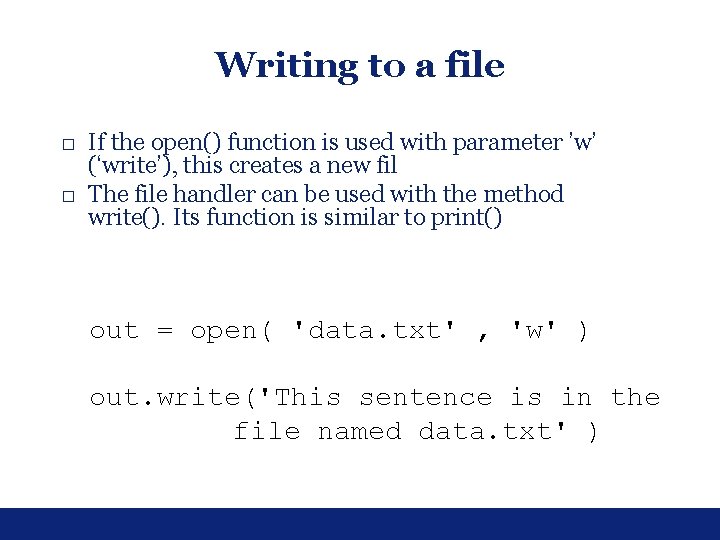
Writing to a file □ If the open() function is used with parameter ’w’ (‘write’), this creates a new fil □ The file handler can be used with the method write(). Its function is similar to print() out = open( 'data. txt' , 'w' ) out. write('This sentence is in the file named data. txt' )
Exercises □ □ 7. 1 7. 2 7. 3 7. 4
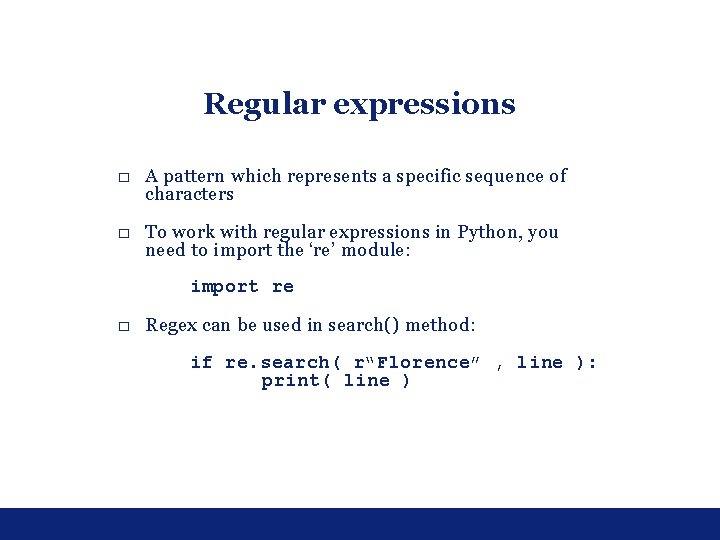
Regular expressions □ A pattern which represents a specific sequence of characters □ To work with regular expressions in Python, you need to import the ‘re’ module: import re □ Regex can be used in search() method: if re. search( r“Florence” , line ): print( line )
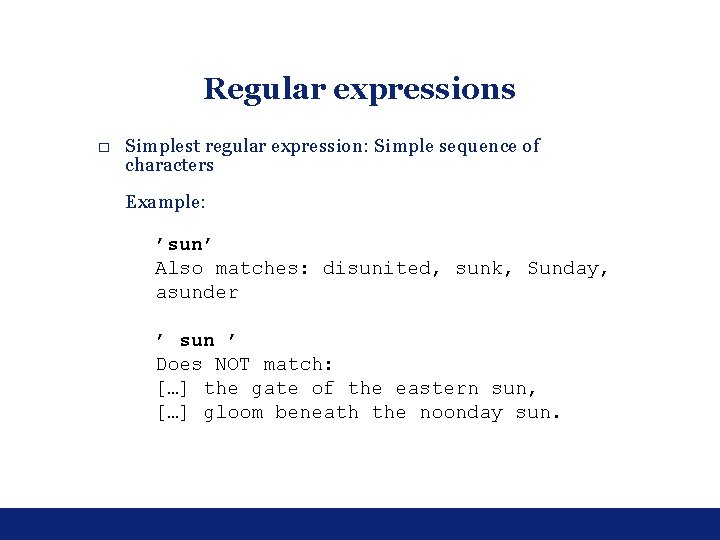
Regular expressions □ Simplest regular expression: Simple sequence of characters Example: ’sun’ Also matches: disunited, sunk, Sunday, asunder ’ sun ’ Does NOT match: […] the gate of the eastern sun, […] gloom beneath the noonday sun.
□ b can be used in regular expressions to represent word boundaries ‘bsunb’ […] Points to the unrisen sun! […] Startles the dreamer, sun-like truth […] stamped upon the sun; […]
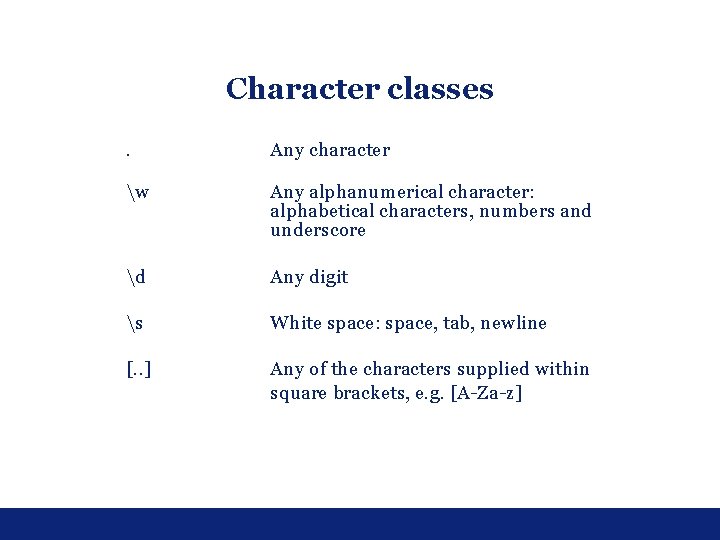
Character classes. Any character w Any alphanumerical character: alphabetical characters, numbers and underscore d Any digit s White space: space, tab, newline [. . ] Any of the characters supplied within square brackets, e. g. [A-Za-z]
Examples ‘d{4}’ Matches: 1234, 2013, 1066 ‘[a-z. A-Z]+’ Matches any word that consists of alphabetical characters only Does not FULLY match: e-mail, catch 22, can’t
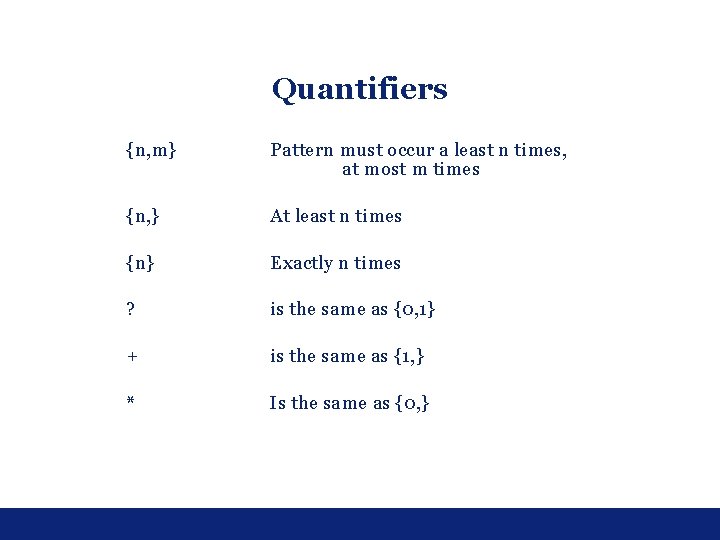
Quantifiers {n, m} Pattern must occur a least n times, at most m times {n, } At least n times {n} Exactly n times ? is the same as {0, 1} + is the same as {1, } * Is the same as {0, }
‘b[aeiou]{1, 2}tw*’ bit blister boathouse beauty boyhood but beast beat
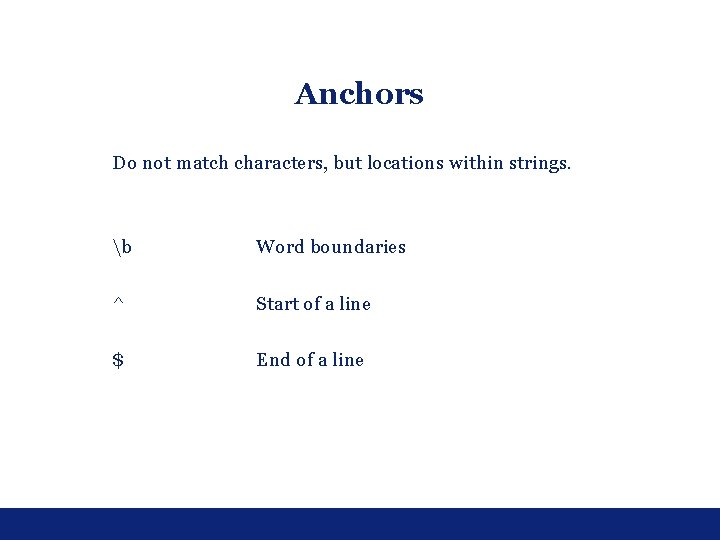
Anchors Do not match characters, but locations within strings. b Word boundaries ^ Start of a line $ End of a line