
Programming in Python Language Overview 1 Who is
![Strings • "hello"+"world" "helloworld" • "hello"*3 "hellohello" # repetition • "hello"[0] "h" # indexing](https://slidetodoc.com/presentation_image_h2/96e45c91507bde1a2bf27d235f8b6e50/image-19.jpg "Strings • \"hello\"+\"world\" \"helloworld\" • \"hello\"*3 \"hellohello\" # repetition • \"hello\"[0] \"h\" # indexing")
![Python lists >>> a=[1, 2, 3] >>> b=[a, a, a] >>> a [1, 2,](https://slidetodoc.com/presentation_image_h2/96e45c91507bde1a2bf27d235f8b6e50/image-20.jpg "Python lists >>> a=[1, 2, 3] >>> b=[a, a, a] >>> a [1, 2,")
![Python lists a = [99, "bottles of beer", ["on", "the", "wall"]] • Flexible arrays,](https://slidetodoc.com/presentation_image_h2/96e45c91507bde1a2bf27d235f8b6e50/image-21.jpg "Python lists a = [99, \"bottles of beer\", [\"on\", \"the\", \"wall\"]] • Flexible arrays,")
![More list operations >>> a = range(5) # [0, 1, 2, 3, 4] >>>](https://slidetodoc.com/presentation_image_h2/96e45c91507bde1a2bf27d235f8b6e50/image-22.jpg "More list operations >>> a = range(5) # [0, 1, 2, 3, 4] >>>")
![Python dictionaries >>> d={} >>> d['test'] = 1 >>> d['test'] 1 >>> d[3]=100 >>>](https://slidetodoc.com/presentation_image_h2/96e45c91507bde1a2bf27d235f8b6e50/image-23.jpg "Python dictionaries >>> d={} >>> d['test'] = 1 >>> d['test'] 1 >>> d[3]=100 >>>")
![More dictionary operations • Keys, values, items: d. keys() -> ["duck", "back"] d. values()](https://slidetodoc.com/presentation_image_h2/96e45c91507bde1a2bf27d235f8b6e50/image-25.jpg "More dictionary operations • Keys, values, items: d. keys() -> [\"duck\", \"back\"] d. values()")
![Changing a shared list a = [1, 2, 3] a 1 2 3 a](https://slidetodoc.com/presentation_image_h2/96e45c91507bde1a2bf27d235f8b6e50/image-31.jpg "Changing a shared list a = [1, 2, 3] a 1 2 3 a")
![Control structures if condition: statements while condition: statements [elif condition: statements]. . . [else:](https://slidetodoc.com/presentation_image_h2/96e45c91507bde1a2bf27d235f8b6e50/image-33.jpg "Control structures if condition: statements while condition: statements [elif condition: statements]. . . [else:")
- Slides: 51
Programming in Python Language Overview 1
Who is using it? • Google (various projects) • NASA (several projects) • NYSE (one of only three languages "on the floor") • Industrial Light & Magic (everything) • Yahoo! (Yahoo mail & groups) • Real. Networks (function and load testing) • Red. Hat (Linux installation tools) • LLNL, Fermilab (steering scientific applications) • Zope Corporation (content management) • Object. Domain (embedded Jython in UML tool) • Alice project at CMU (accessible 3 D graphics) • More success stories at www. pythonology. com 2
Language properties • Everything is an object • Packages, modules, classes, functions • Exception handling • Dynamic typing, polymorphism • Static scoping • Operator overloading • Indentation for block structure – Otherwise conventional syntax 3
High-level data types • Numbers: int, long, float, complex • Strings • Lists and dictionaries: containers • Other types for e. g. binary data, regular expressions • Extension modules can define new “built-in” data types 4
Interfaces to. . . • XML – DOM, expat – XMLRPC, SOAP, Web Services • Relational databases – My. SQL, Postgre. SQL, Oracle , ODBC, Sybase, Informix • Java (via Jython) • Objective C • COM, DCOM (. NET too) • Many GUI libraries – cross-platform • Tk, wx. Windows, GTK, Qt – platform-specific • MFC, Mac (classic, Cocoa), X 11 5
Compared to Perl • Easier to learn – very important for infrequent users • More readable code • More maintainable code • Fewer “magical” side effects • More “safety” guarantees • Better Java integration 6
Compared to Java • Code up to 5 times shorter – and more readable • Dynamic typing • Multiple inheritance, operator overloading • Quicker development – no compilation phase – less typing • Yes, it may run a bit slower – but development is much faster – and Python uses less memory (studies show) Similar (but more so) for C/C++ 7
Jython • Seamless integration with Java • Separate implementation • Implements the same language • Different set of standard modules • differences in “gray areas” – e. g. some different calls – different command line options, etc. 8
Jython's Java integration • Interactive • Compiles directly to Java bytecode • Import Java classes directly • Subclass Java classes – pass instances back to Java • Java beans integration • Can compile into Java class files 9
Basic Python Tutorial • shell (introduces numbers, strings, variables) • lists (arrays), dictionaries (hashes), tuples • variable semantics • control structures, functions • classes & methods • standard library: – files: open(), readline(), readlines(), write(), close(), flush(), seek(), tell(), open() again – os, os. path, sys, string, User. Dict, String. IO, getopt 10
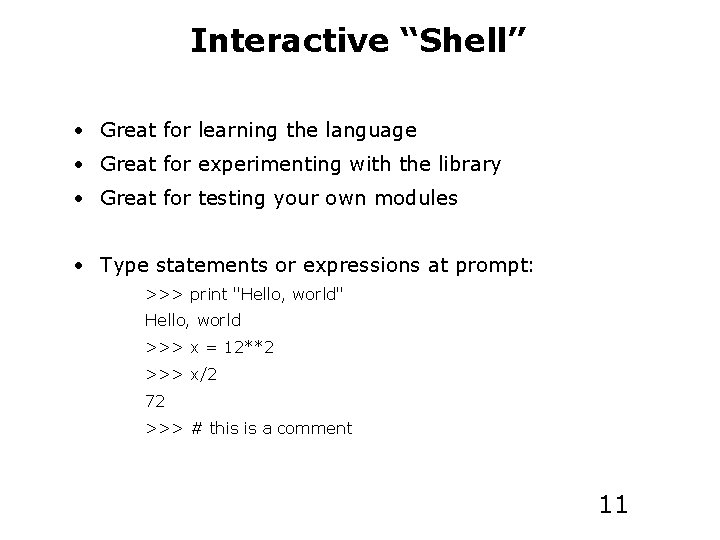
Interactive “Shell” • Great for learning the language • Great for experimenting with the library • Great for testing your own modules • Type statements or expressions at prompt: >>> print "Hello, world" Hello, world >>> x = 12**2 >>> x/2 72 >>> # this is a comment 11
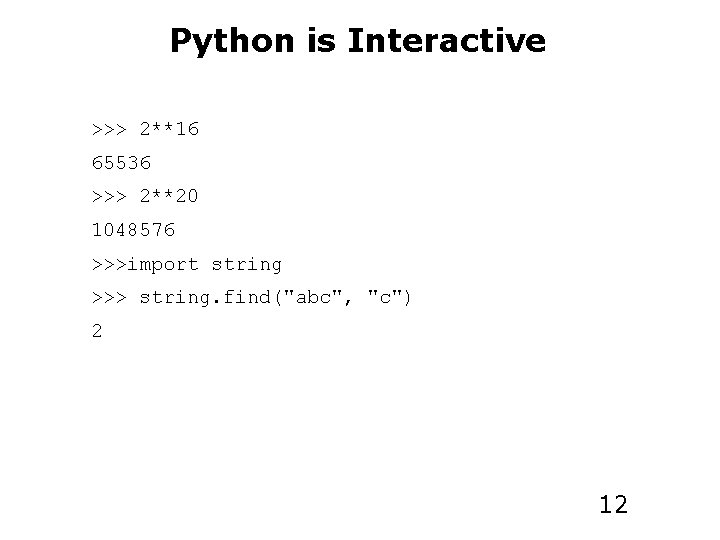
Python is Interactive >>> 2**16 65536 >>> 2**20 1048576 >>>import string >>> string. find("abc", "c") 2 12
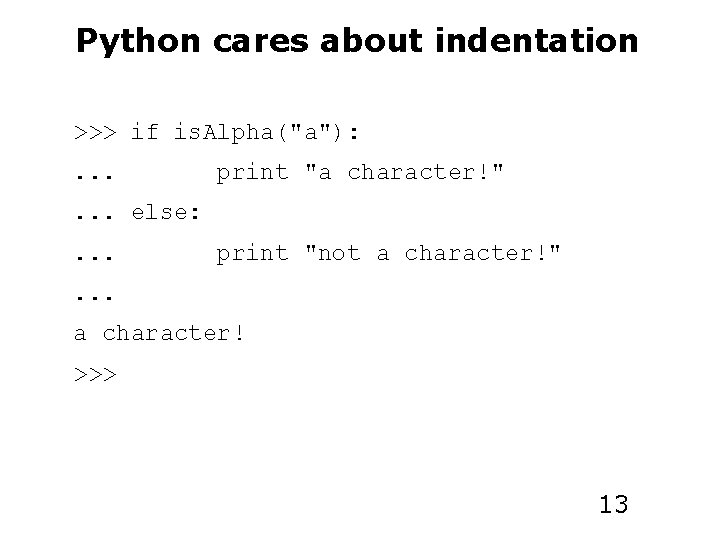
Python cares about indentation >>> if is. Alpha("a"): . . . print "a character!" . . . else: . . . print "not a character!" . . . a character! >>> 13
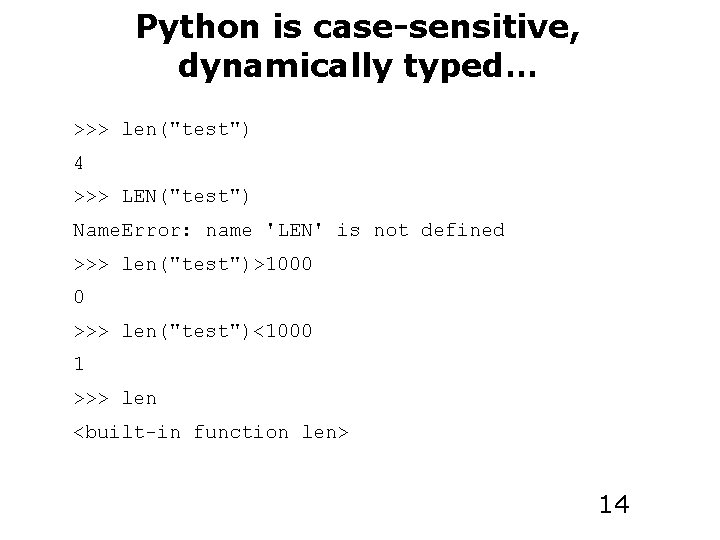
Python is case-sensitive, dynamically typed… >>> len("test") 4 >>> LEN("test") Name. Error: name 'LEN' is not defined >>> len("test")>1000 0 >>> len("test")<1000 1 >>> len <built-in function len> 14
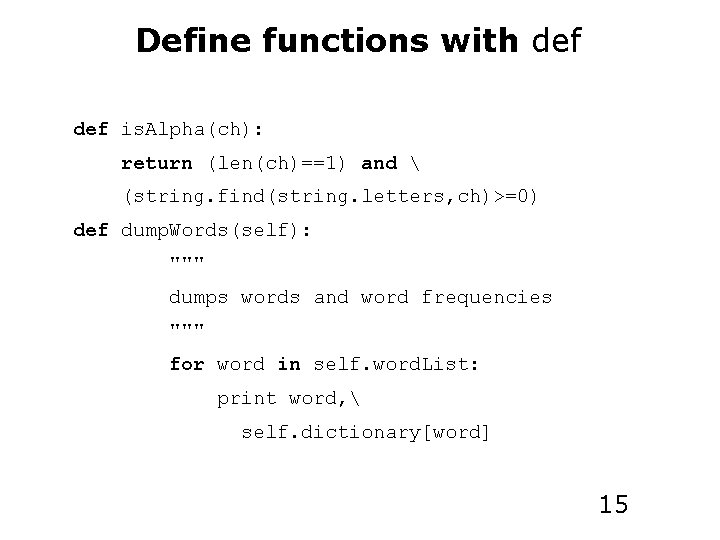
Define functions with def is. Alpha(ch): return (len(ch)==1) and (string. find(string. letters, ch)>=0) def dump. Words(self): """ dumps words and word frequencies """ for word in self. word. List: print word, self. dictionary[word] 15
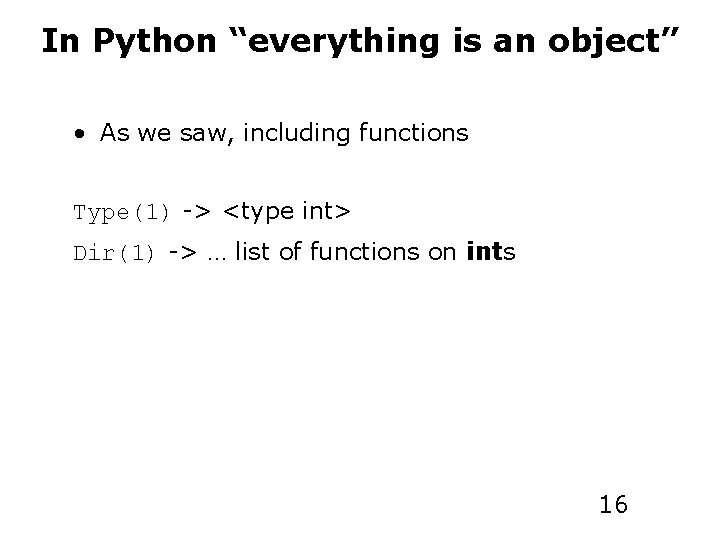
In Python “everything is an object” • As we saw, including functions Type(1) -> <type int> Dir(1) -> … list of functions on ints 16
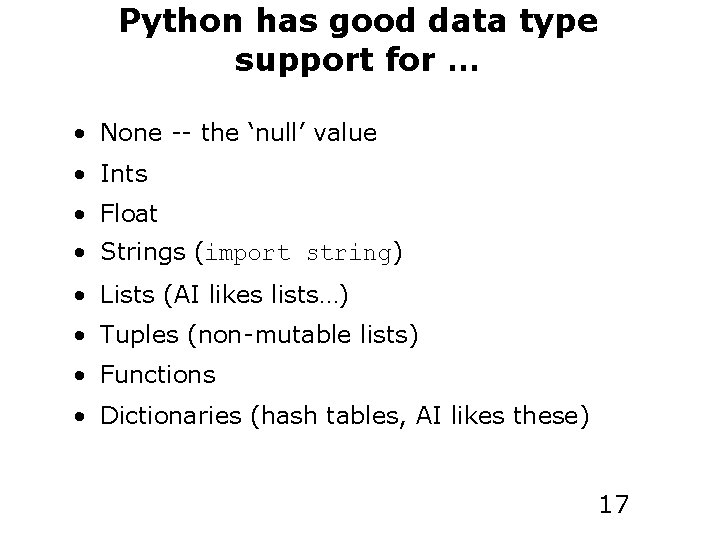
Python has good data type support for … • None -- the ‘null’ value • Ints • Float • Strings (import string) • Lists (AI likes lists…) • Tuples (non-mutable lists) • Functions • Dictionaries (hash tables, AI likes these) 17
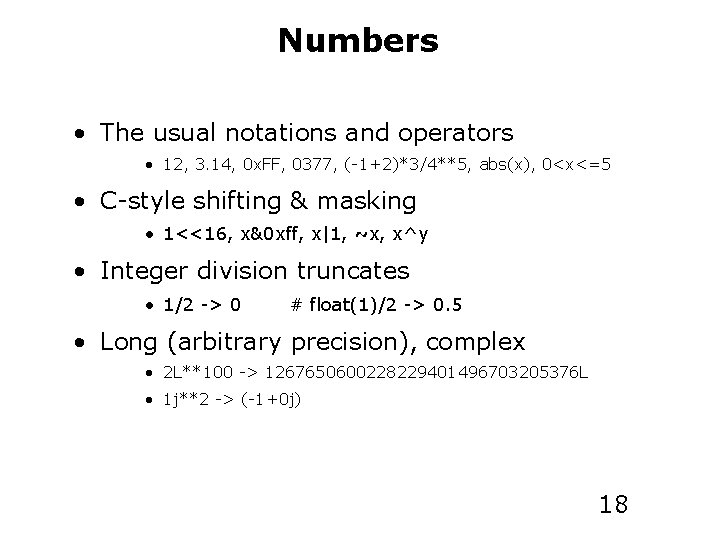
Numbers • The usual notations and operators • 12, 3. 14, 0 x. FF, 0377, (-1+2)*3/4**5, abs(x), 0<x<=5 • C-style shifting & masking • 1<<16, x&0 xff, x|1, ~x, x^y • Integer division truncates • 1/2 -> 0 # float(1)/2 -> 0. 5 • Long (arbitrary precision), complex • 2 L**100 -> 1267650600228229401496703205376 L • 1 j**2 -> (-1+0 j) 18
Strings • "hello"+"world" "helloworld" • "hello"*3 "hellohello" # repetition • "hello"[0] "h" # indexing • "hello"[-1] "o" # (from end) • "hello"[1: 4] "ell" # slicing • len("hello") 5 # size • "hello" < "jello" 1 # comparison • "e" in "hello" 1 # concatenation # search • "escapes: n etc, 33 etc, xff etc" • 'single quotes' '''triple quotes''' r"raw strings" 19
Python lists >>> a=[1, 2, 3] >>> b=[a, a, a] >>> a [1, 2, 3] >>> b [[1, 2, 3], [1, 2, 3]] >>> a. append(4) >>> a [1, 2, 3, 4] 20
Python lists a = [99, "bottles of beer", ["on", "the", "wall"]] • Flexible arrays, not Lisp-like linked lists • Same operators as for strings a+b, a*3, a[0], a[-1], a[1: ], len(a) • Item and slice assignment a[0] = 98 a[1: 2] = ["bottles", "of", "beer"] -> [98, "bottles", "of", "beer", ["on", "the", "wall"]] del a[-1] # -> [98, "bottles", "of", "beer"] 21
More list operations >>> a = range(5) # [0, 1, 2, 3, 4] >>> a. append(5) # [0, 1, 2, 3, 4, 5] >>> a. pop() # [0, 1, 2, 3, 4] 5 >>> a. insert(0, 5. 5) # [5. 5, 0, 1, 2, 3, 4] >>> a. pop(0) # [0, 1, 2, 3, 4] 5. 5 >>> a. reverse() # [4, 3, 2, 1, 0] >>> a. sort() # [0, 1, 2, 3, 4] 22
Python dictionaries >>> d={} >>> d['test'] = 1 >>> d['test'] 1 >>> d[3]=100 >>> d[4] Key. Error: 4 >>> d. get(4, 0) 0 23
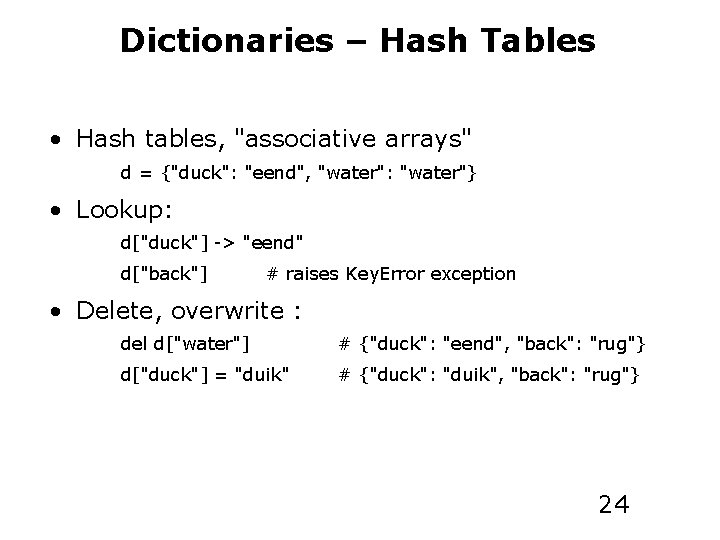
Dictionaries – Hash Tables • Hash tables, "associative arrays" d = {"duck": "eend", "water": "water"} • Lookup: d["duck"] -> "eend" d["back"] # raises Key. Error exception • Delete, overwrite : del d["water"] # {"duck": "eend", "back": "rug"} d["duck"] = "duik" # {"duck": "duik", "back": "rug"} 24
More dictionary operations • Keys, values, items: d. keys() -> ["duck", "back"] d. values() -> ["duik", "rug"] d. items() -> [("duck", "duik"), ("back", "rug")] • Presence check: d. has_key("duck") -> 1; d. has_key("spam") -> 0 • Values of any type; keys almost any {"name": "Guido", "age": 43, ("hello", "world"): 1, 42: "yes", "flag": ["red", "white", "blue"]} 25
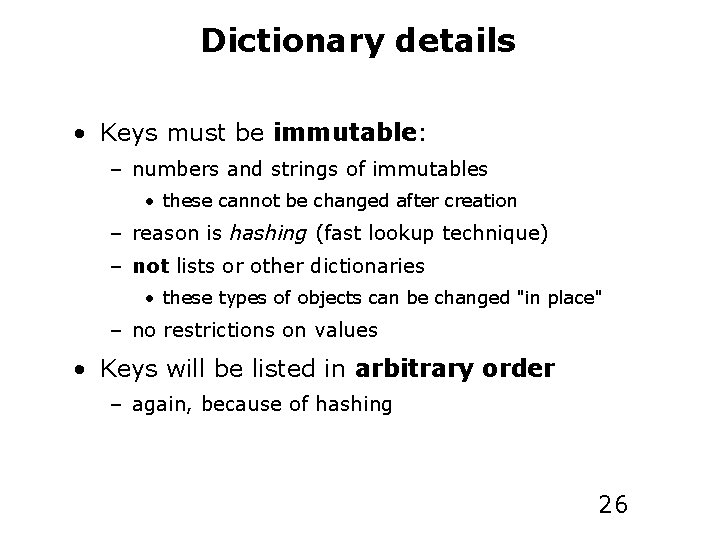
Dictionary details • Keys must be immutable: – numbers and strings of immutables • these cannot be changed after creation – reason is hashing (fast lookup technique) – not lists or other dictionaries • these types of objects can be changed "in place" – no restrictions on values • Keys will be listed in arbitrary order – again, because of hashing 26
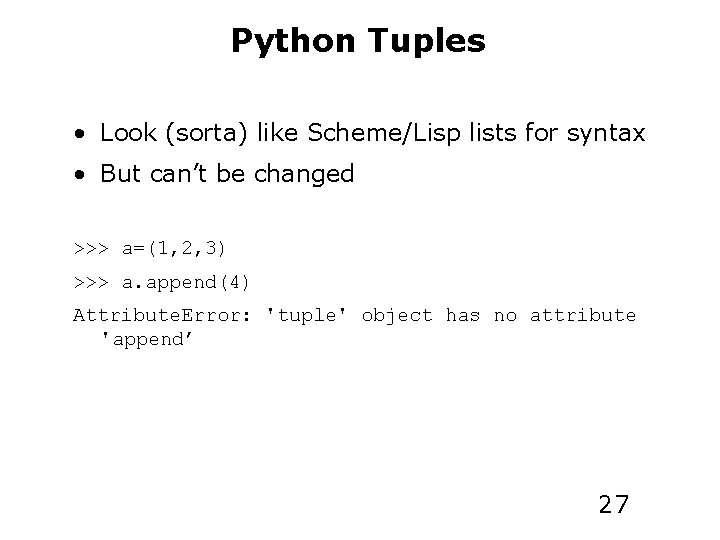
Python Tuples • Look (sorta) like Scheme/Lisp lists for syntax • But can’t be changed >>> a=(1, 2, 3) >>> a. append(4) Attribute. Error: 'tuple' object has no attribute 'append’ 27
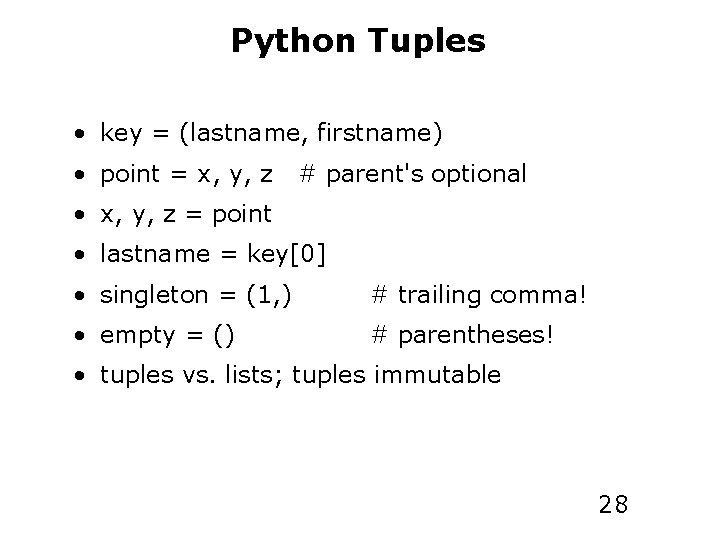
Python Tuples • key = (lastname, firstname) • point = x, y, z # parent's optional • x, y, z = point • lastname = key[0] • singleton = (1, ) # trailing comma! • empty = () # parentheses! • tuples vs. lists; tuples immutable 28
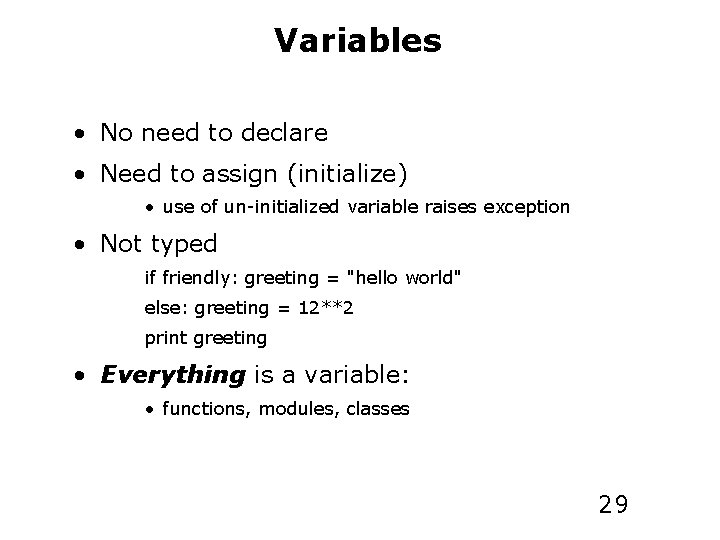
Variables • No need to declare • Need to assign (initialize) • use of un-initialized variable raises exception • Not typed if friendly: greeting = "hello world" else: greeting = 12**2 print greeting • Everything is a variable: • functions, modules, classes 29
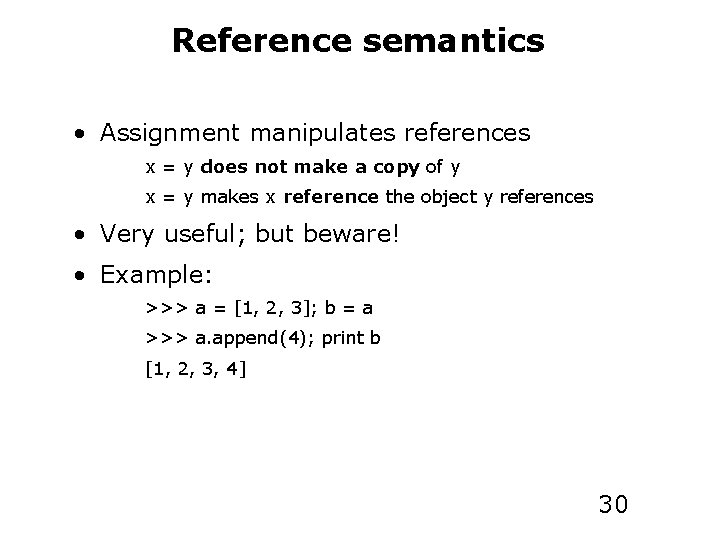
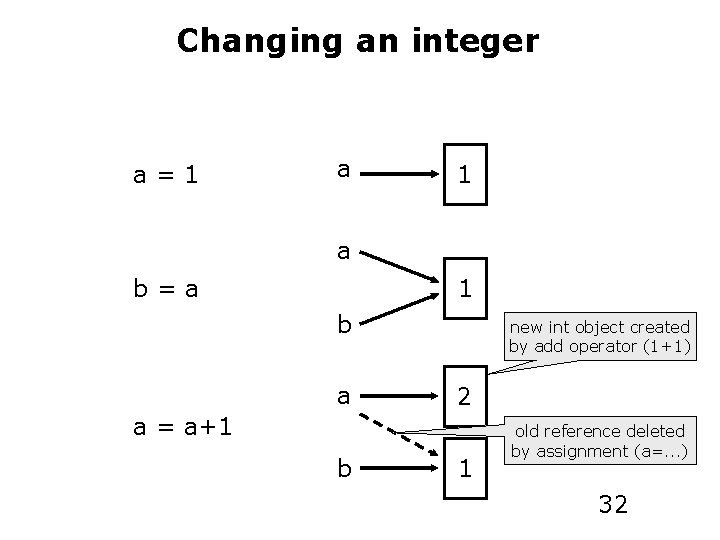
Reference semantics • Assignment manipulates references x = y does not make a copy of y x = y makes x reference the object y references • Very useful; but beware! • Example: >>> a = [1, 2, 3]; b = a >>> a. append(4); print b [1, 2, 3, 4] 30
Changing a shared list a = [1, 2, 3] a 1 2 3 a b=a b a a. append(4) 4 b 31
Changing an integer a=1 a b=a 1 b a new int object created by add operator (1+1) 2 a = a+1 b 1 old reference deleted by assignment (a=. . . ) 32
Control structures if condition: statements while condition: statements [elif condition: statements]. . . [else: for var in sequence: statements] break continue 33
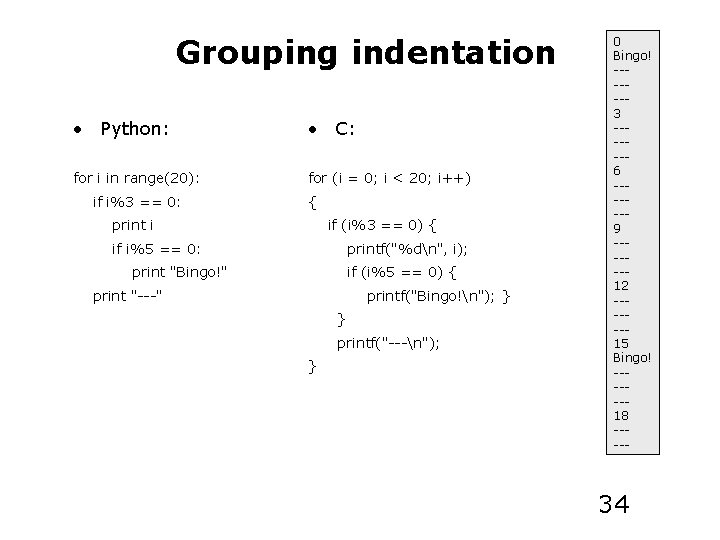
Grouping indentation • Python: • C: for i in range(20): for (i = 0; i < 20; i++) if i%3 == 0: { print i if (i%3 == 0) { if i%5 == 0: printf("%dn", i); print "Bingo!" if (i%5 == 0) { print "---" printf("Bingo!n"); } } printf("---n"); } 0 Bingo! ------3 ------6 ------9 ------12 ------15 Bingo! ------18 ----- 34
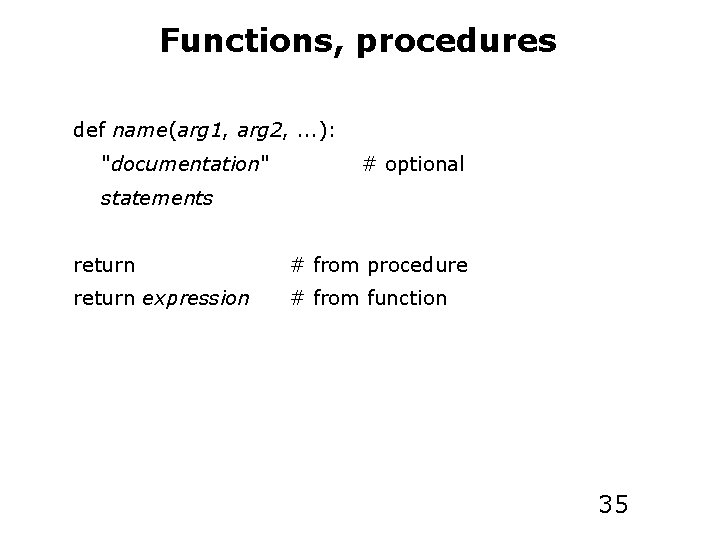
Functions, procedures def name(arg 1, arg 2, . . . ): "documentation" # optional statements return # from procedure return expression # from function 35
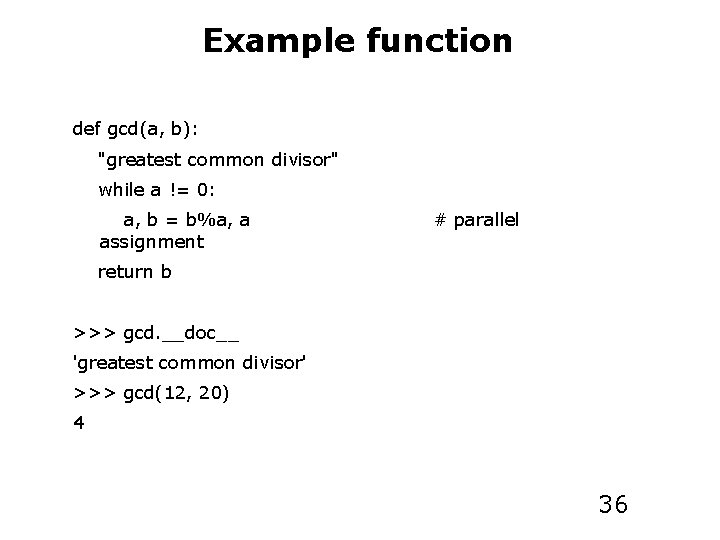
Example function def gcd(a, b): "greatest common divisor" while a != 0: a, b = b%a, a assignment # parallel return b >>> gcd. __doc__ 'greatest common divisor' >>> gcd(12, 20) 4 36
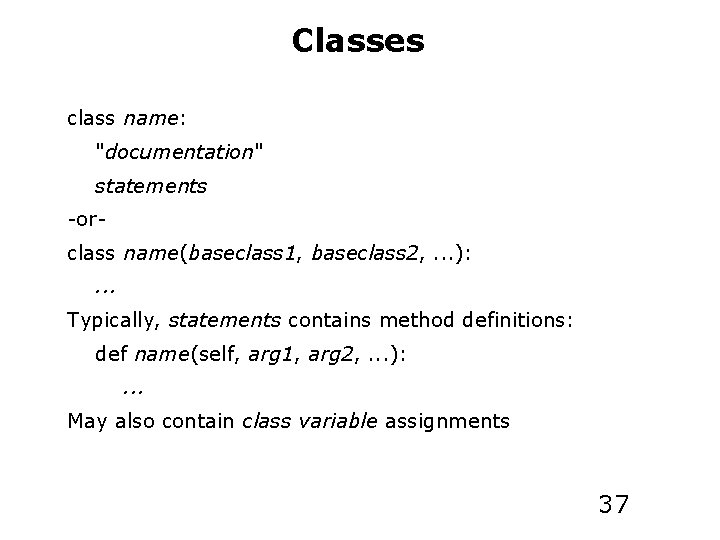
Classes class name: "documentation" statements -orclass name(baseclass 1, baseclass 2, . . . ): . . . Typically, statements contains method definitions: def name(self, arg 1, arg 2, . . . ): . . . May also contain class variable assignments 37
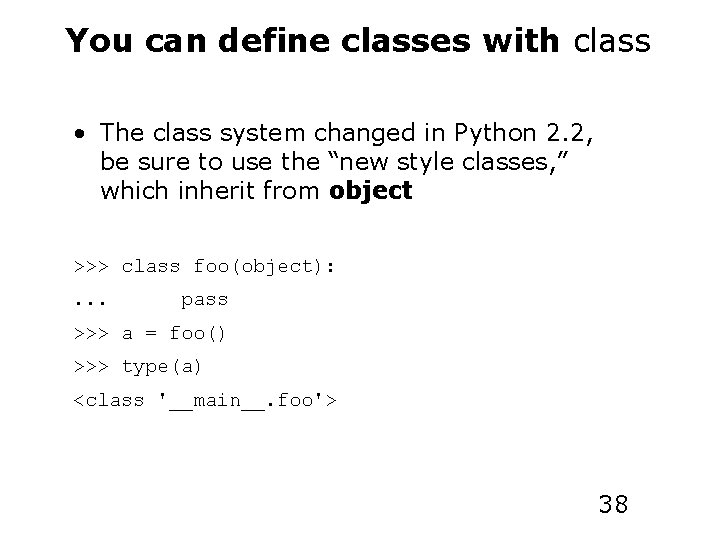
You can define classes with class • The class system changed in Python 2. 2, be sure to use the “new style classes, ” which inherit from object >>> class foo(object): . . . pass >>> a = foo() >>> type(a) <class '__main__. foo'> 38
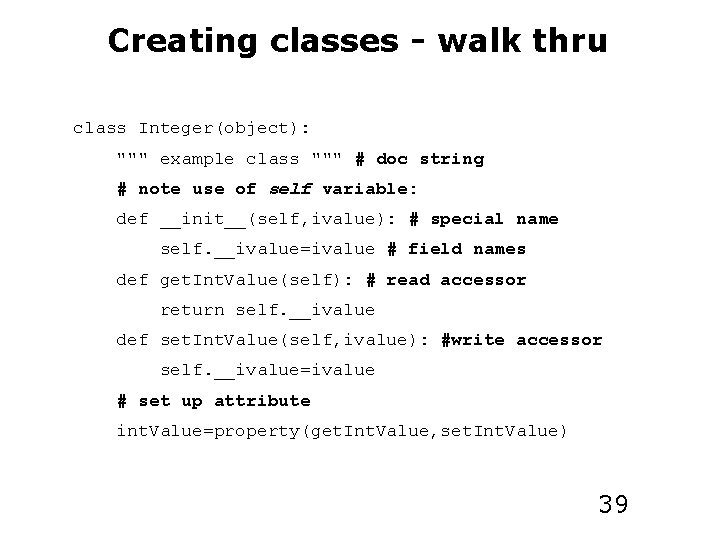
Creating classes - walk thru class Integer(object): """ example class """ # doc string # note use of self variable: def __init__(self, ivalue): # special name self. __ivalue=ivalue # field names def get. Int. Value(self): # read accessor return self. __ivalue def set. Int. Value(self, ivalue): #write accessor self. __ivalue=ivalue # set up attribute int. Value=property(get. Int. Value, set. Int. Value) 39
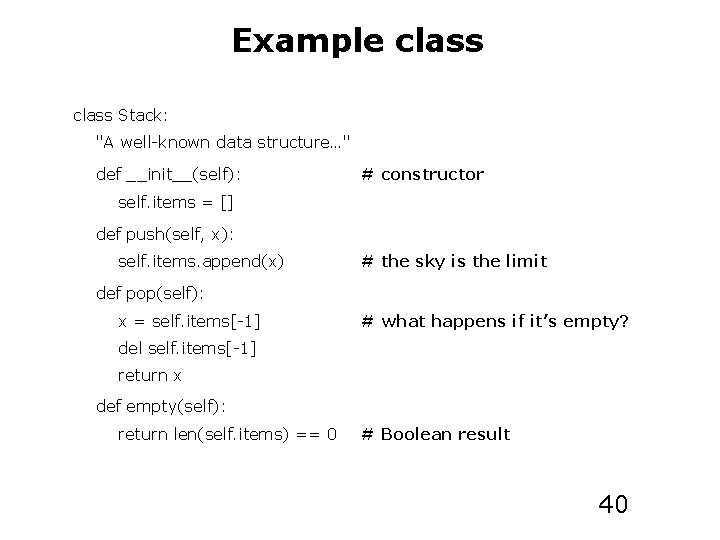
Example class Stack: "A well-known data structure…" def __init__(self): # constructor self. items = [] def push(self, x): self. items. append(x) # the sky is the limit def pop(self): x = self. items[-1] # what happens if it’s empty? del self. items[-1] return x def empty(self): return len(self. items) == 0 # Boolean result 40
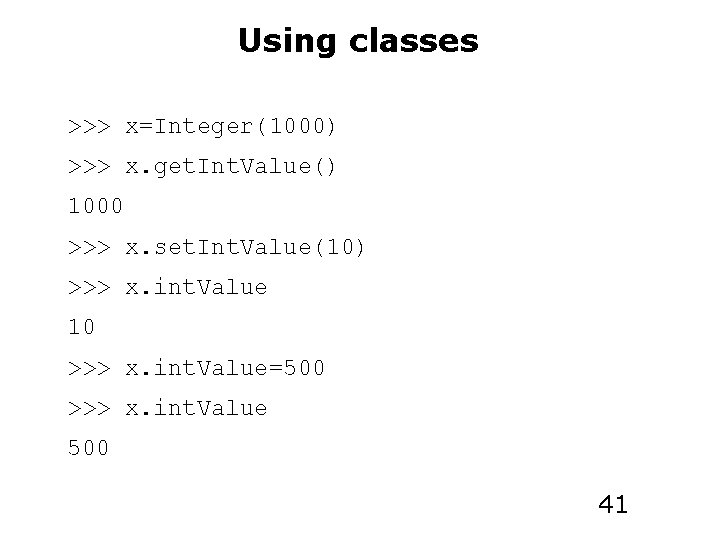
Using classes >>> x=Integer(1000) >>> x. get. Int. Value() 1000 >>> x. set. Int. Value(10) >>> x. int. Value 10 >>> x. int. Value=500 >>> x. int. Value 500 41
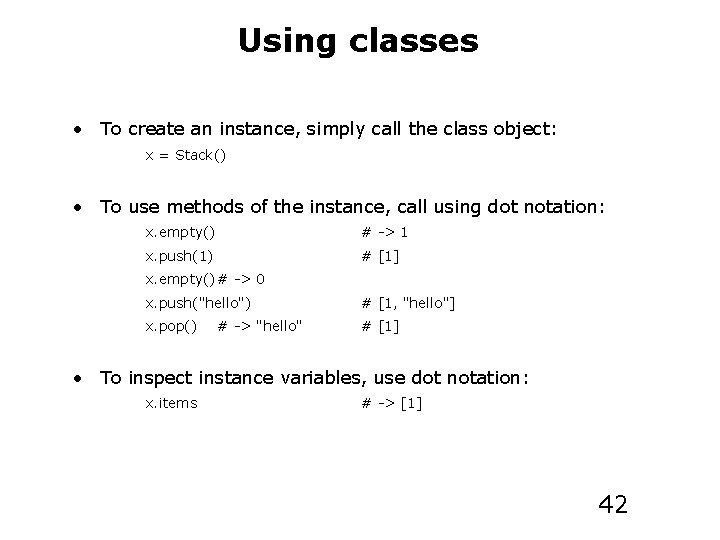
Using classes • To create an instance, simply call the class object: x = Stack() • To use methods of the instance, call using dot notation: x. empty() # -> 1 x. push(1) # [1] x. empty() # -> 0 x. push("hello") # [1, "hello"] x. pop() # [1] # -> "hello" • To inspect instance variables, use dot notation: x. items # -> [1] 42
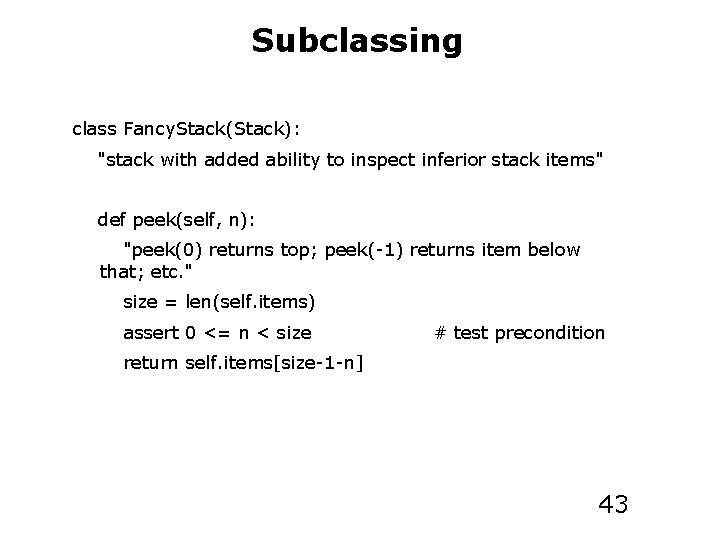
Subclassing class Fancy. Stack(Stack): "stack with added ability to inspect inferior stack items" def peek(self, n): "peek(0) returns top; peek(-1) returns item below that; etc. " size = len(self. items) assert 0 <= n < size # test precondition return self. items[size-1 -n] 43
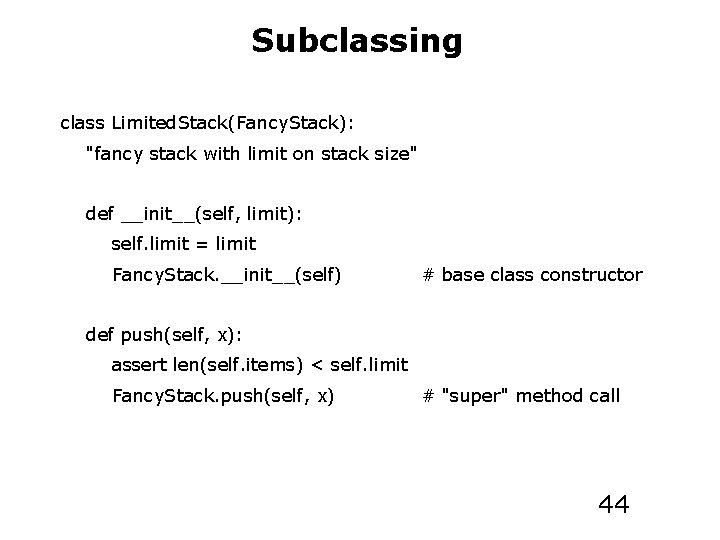
Subclassing class Limited. Stack(Fancy. Stack): "fancy stack with limit on stack size" def __init__(self, limit): self. limit = limit Fancy. Stack. __init__(self) # base class constructor def push(self, x): assert len(self. items) < self. limit Fancy. Stack. push(self, x) # "super" method call 44
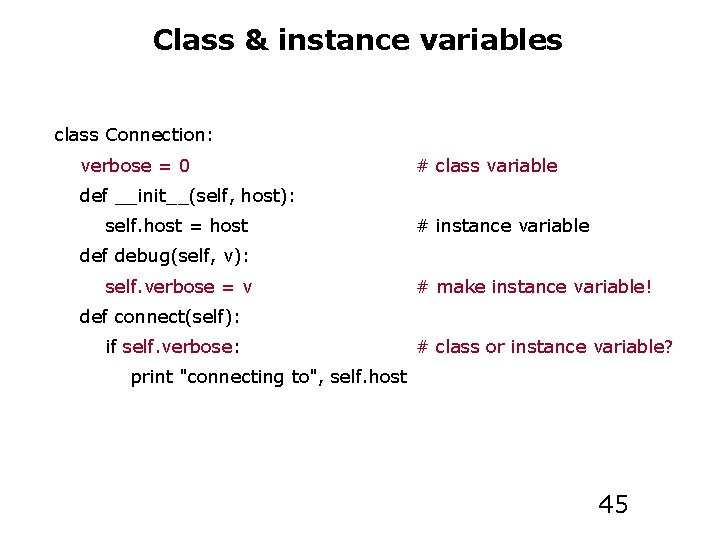
Class & instance variables class Connection: verbose = 0 # class variable def __init__(self, host): self. host = host # instance variable def debug(self, v): self. verbose = v # make instance variable! def connect(self): if self. verbose: # class or instance variable? print "connecting to", self. host 45
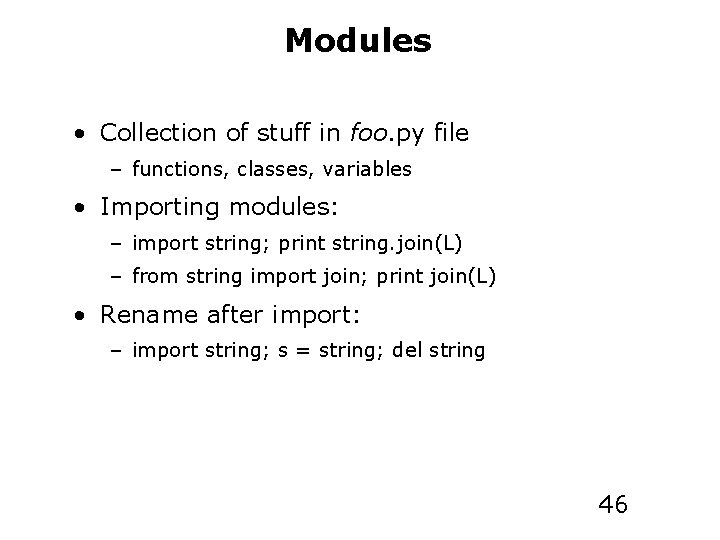
Modules • Collection of stuff in foo. py file – functions, classes, variables • Importing modules: – import string; print string. join(L) – from string import join; print join(L) • Rename after import: – import string; s = string; del string 46
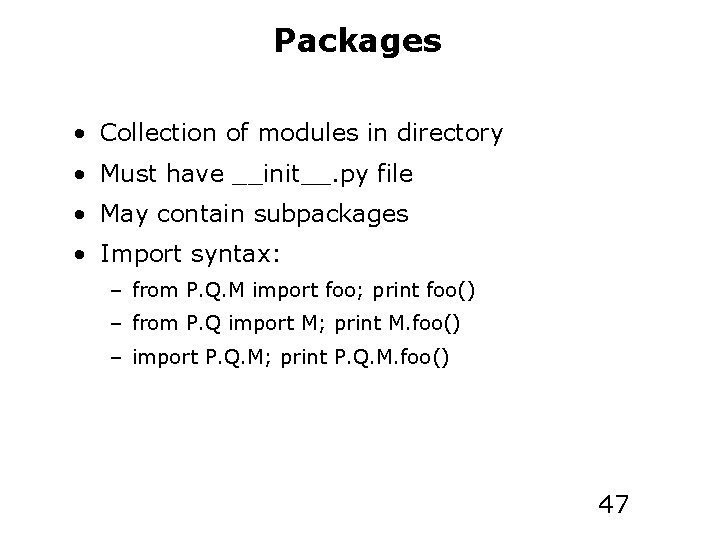
Packages • Collection of modules in directory • Must have __init__. py file • May contain subpackages • Import syntax: – from P. Q. M import foo; print foo() – from P. Q import M; print M. foo() – import P. Q. M; print P. Q. M. foo() 47
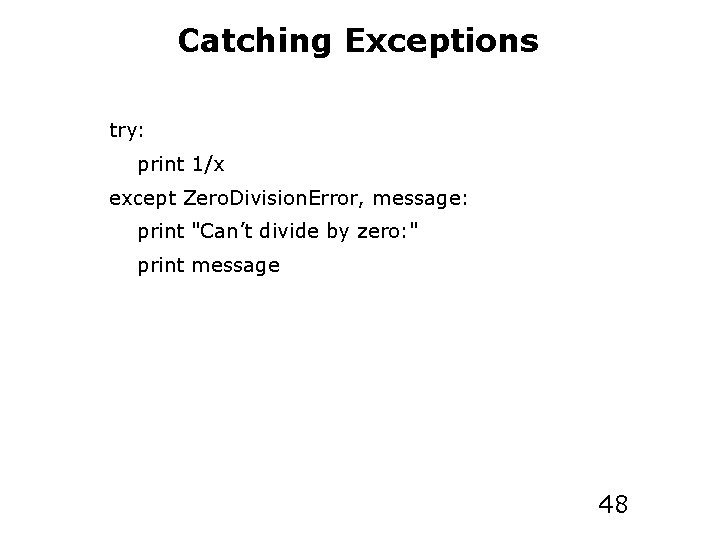
Catching Exceptions try: print 1/x except Zero. Division. Error, message: print "Can’t divide by zero: " print message 48
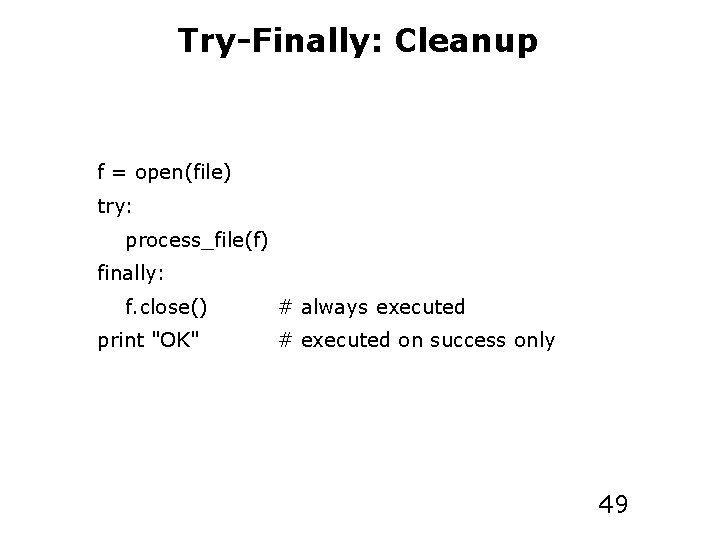
Try-Finally: Cleanup f = open(file) try: process_file(f) finally: f. close() print "OK" # always executed # executed on success only 49
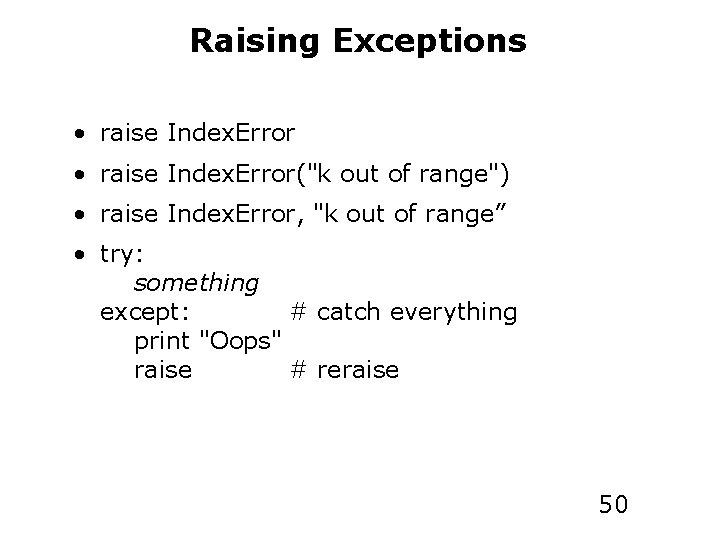
Raising Exceptions • raise Index. Error("k out of range") • raise Index. Error, "k out of range” • try: something except: # catch everything print "Oops" raise # reraise 50
End of Lecture 51