
Programming games Dice game Computer science big ideas
Programming games Dice game. Computer science big ideas! Work on dice game. Show alternative dice game. Homework: Finish dice game.
Now • Review rules. • Read the dice game tutorial. – http: //faculty. purchase. edu/jeanine. meyer/jsexamples. html • Notice that it describes 3 programs, each built on the proceeding one. • Read all the tutorial and then try to create each of the 3 programs in turn. • It is okay to copy and paste code (this isn't a typing class) BUT don't just copy and paste everything that looks like code because what you end up with will not work!!!!
Staged implementation • Throw 1 die • Throw 2 dice and get sum – Show sum • Do rules of craps • NOTE: you will be adding code into the dthrow function (inside the brackets)
![Do not [just] copy and paste code from the tutorials into your html document.](http://slidetodoc.com/presentation_image_h/1d5598e21d6b367136c87f64af17e65a/image-4.jpg "Do not [just] copy and paste code from the tutorials into your html document.")
Do not [just] copy and paste code from the tutorials into your html document. The code needs to be in the right place!!! <html> <head> <title> </title> <script> global variables definition of function(s) </head> <body> image tags <form on. Submit="…. . " name=" " > <input…. . > <input type="submit" value="…. "> </form> <a href="javascript: …. ">…. . </a> </body> </html>
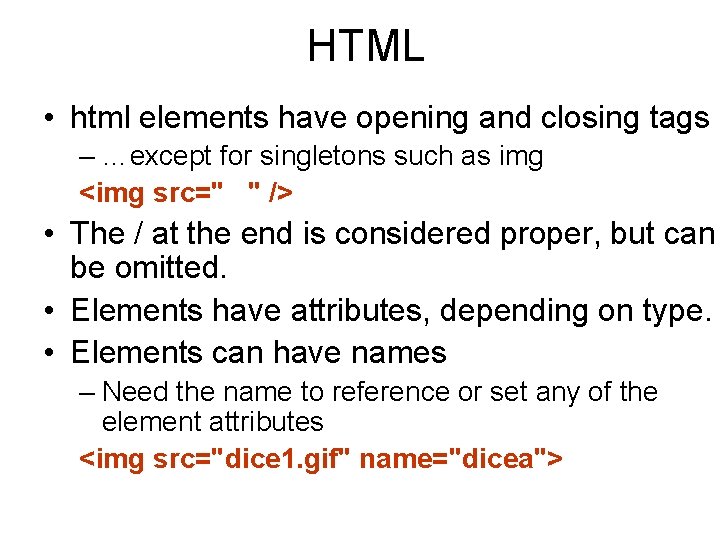
HTML • html elements have opening and closing tags – …except for singletons such as img <img src=" " /> • The / at the end is considered proper, but can be omitted. • Elements have attributes, depending on type. • Elements can have names – Need the name to reference or set any of the element attributes <img src="dice 1. gif" name="dicea">

Programming • Requirements for names: exact for built-in features and consistent for those you (the programmer) make up. This holds for ALL programming languages • Requirements on bracketing (things withings) holds for ALL programming languages • The specific syntax (use of {}, (), <>, []) holds for Java. Script AND Action. Script – And Java and C – Some other languages use line breaks and other symbols
Declare variables • The var statement is used to set up a variable: associate a name with a value. • The var statement can initialize the value or be used just to let Java. Script 'know' that this will be used as a variable. • Variables can change (vary…. ) • Variables are named values • Values can be numbers, strings, Booleans (true or false), other things…

Arrays • …. Are sets (actually a sequence) of things. • The code gets to one of the things using an index. – Index can be 0 to 1 less than the number in the array – This relates to how the address is calculated. • For example var list = [120, 45, 97]; list of 3 numbers • list[0] is 120, list[1] is 45, list[2] is 97. • Code can change one of the elements: list[1] = 80; • OR if n is a variable holding the number 2: list[n] = 23; means after these 2 assignment statements: [120, 80, 23]
Faces examples • First example, faces is a list of character strings representing names of image files. • Second example, faces is a list of image elements. To get the name of the image file, the code needs to be document. dicea. src = faces[choice]. src; • TWO EXAMPLES IN TUTORIAL ARE DIFFERENT…. TO SHOW YOU DIFFERENT WAYS OF DOING THINGS….
Work session • Catch up and show us: sites, coin toss, biased coin, drawings, uploaded work • Work on dice game • If you have done it, add feature(s) – Add (more) graphics – Display different message depending on situation – Keep score and show it using an alert statement or form variable – (May take knowledge/research): add field for entering value of bet.
Problems/issues/hints • Use Firefox so you can use Tools/Error Console. This can help with syntax errors. • Dice game tutorial: one game had faces hold the names of the image files. Another game had faces hold Image elements. This second approach does the downloading of images at the start for a smoother running game. You may notice the difference. – You may put your images in their own folder. This means you need to make all references include the folder name: “images/dice 1. gif” • Question: you do the application with my/simple images, then you want to change it, what do you do to the code? – Answer: ? ? • Question: what files do you need to upload to get this application working on your students. purchase. edu site? – Answer: ? ? ?
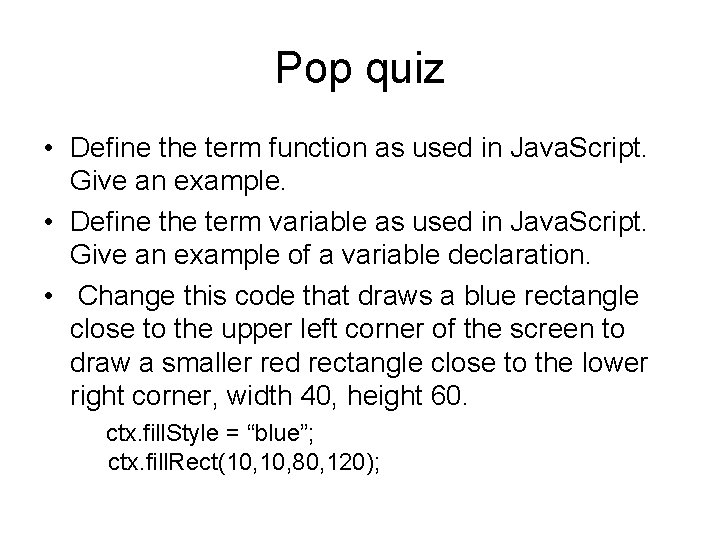
Pop quiz • Define the term function as used in Java. Script. Give an example. • Define the term variable as used in Java. Script. Give an example of a variable declaration. • Change this code that draws a blue rectangle close to the upper left corner of the screen to draw a smaller red rectangle close to the lower right corner, width 40, height 60. ctx. fill. Style = “blue”; ctx. fill. Rect(10, 80, 120);
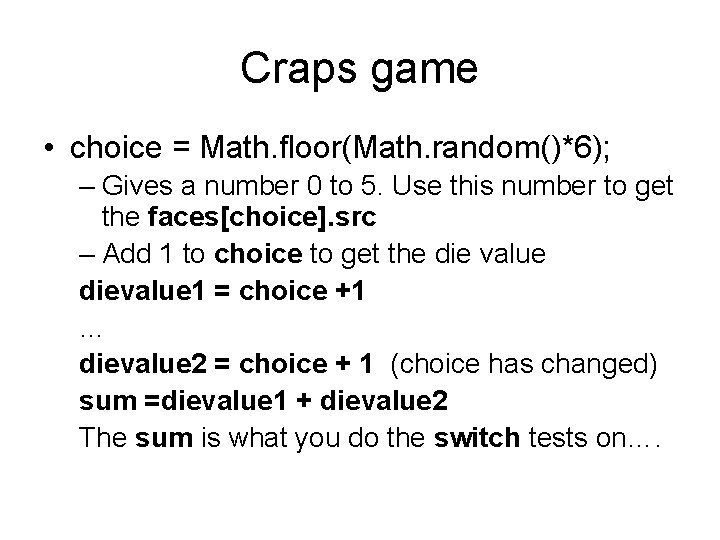
Craps game • choice = Math. floor(Math. random()*6); – Gives a number 0 to 5. Use this number to get the faces[choice]. src – Add 1 to choice to get the die value dievalue 1 = choice +1 … dievalue 2 = choice + 1 (choice has changed) sum =dievalue 1 + dievalue 2 The sum is what you do the switch tests on….
Reflection on dice game • Logic: switch statements inside clauses of if/else statement • Global variables holding state of the game – first move or follow-up – point value (only has significance if follow-up) • Display using graphics and text • Implement in stages!!!! • Need to test all possibilities – not test until you win….
Big ideas • • • Function Variable Object Event Arrays Application state
Function • Function is definition of a sequence of statements CODE – And (generally) a name – And (sometimes) one or more parameters • A function once defined can be invoked – Called to be executed
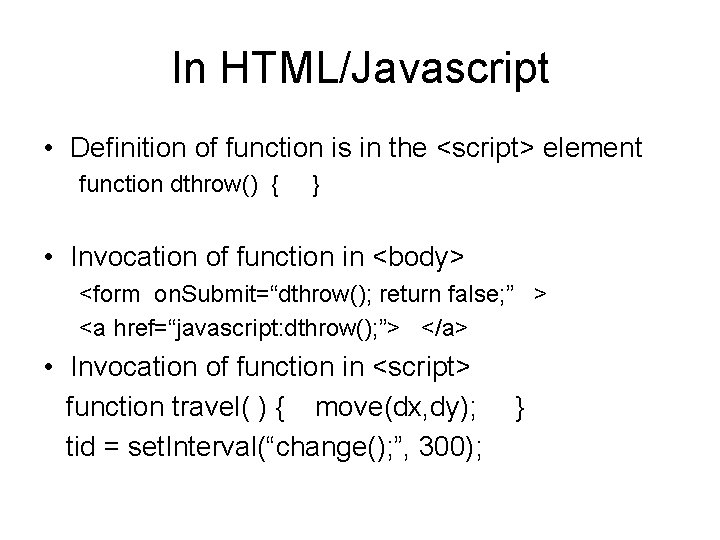
In HTML/Javascript • Definition of function is in the <script> element function dthrow() { } • Invocation of function in <body> <form on. Submit=“dthrow(); return false; ” > <a href=“javascript: dthrow(); ”> </a> • Invocation of function in <script> function travel( ) { move(dx, dy); tid = set. Interval(“change(); ”, 300); }
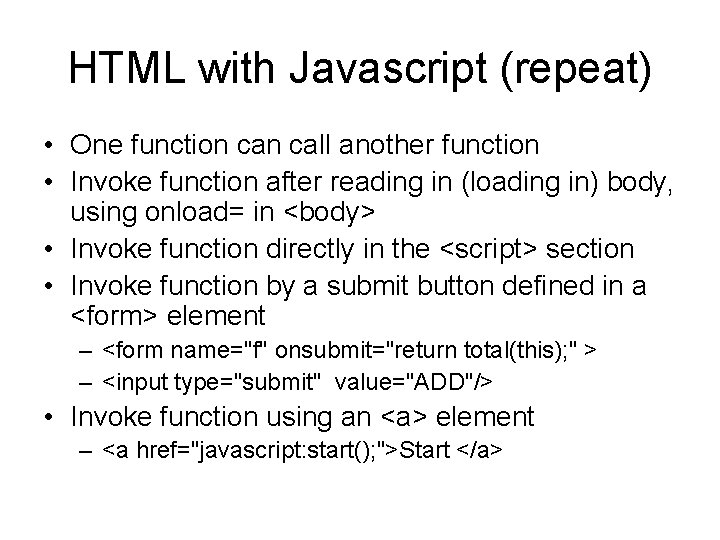
HTML with Javascript (repeat) • One function call another function • Invoke function after reading in (loading in) body, using onload= in <body> • Invoke function directly in the <script> section • Invoke function by a submit button defined in a <form> element – <form name="f" onsubmit="return total(this); " > – <input type="submit" value="ADD"/> • Invoke function using an <a> element – <a href="javascript: start(); ">Start </a>
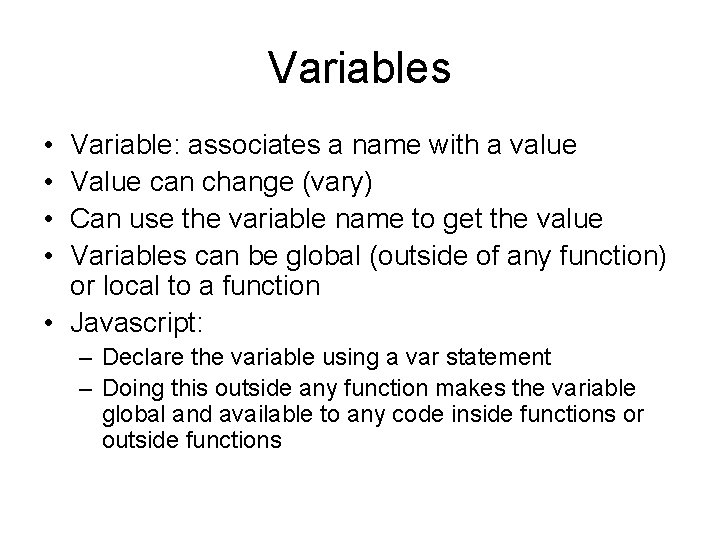
Variables • • Variable: associates a name with a value Value can change (vary) Can use the variable name to get the value Variables can be global (outside of any function) or local to a function • Javascript: – Declare the variable using a var statement – Doing this outside any function makes the variable global and available to any code inside functions or outside functions
Instructions • Computer storage holds – Instructions (the code) • Instructions may be translation (compilation) of higher level instructions • Machine code: Load Register, Store Register, Add, Multiply, Check value and jump, etc. – Information • Can't look at the bits and say what it is – 01001010 the letter J or the number 74 or. . .
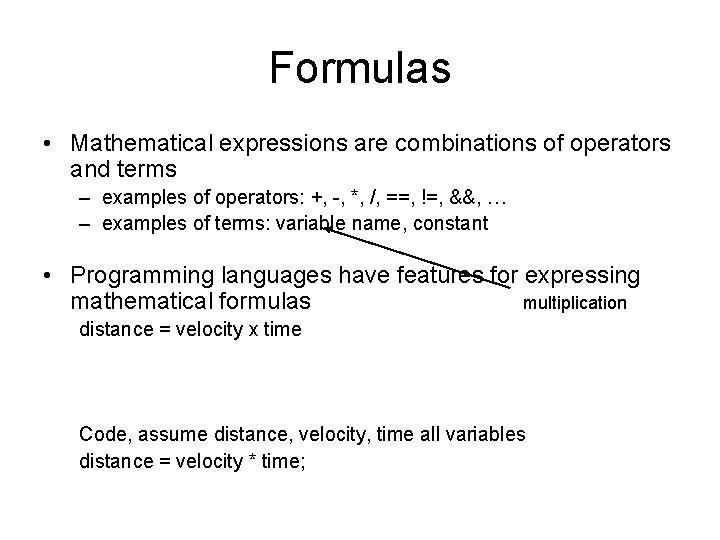
Formulas • Mathematical expressions are combinations of operators and terms – examples of operators: +, -, *, /, ==, !=, &&, … – examples of terms: variable name, constant • Programming languages have features for expressing mathematical formulas multiplication distance = velocity x time Code, assume distance, velocity, time all variables distance = velocity * time;
Function expressing formula function distance (velocity, time) { return velocity * time; } Give me velocity and time and I'll [the function] will return the distance. The function header indicates the [incoming] parameters (aka arguments). NOTE: in Action. Script and some other languages, the function header also indicates datatypes of the parameters and the returned value.
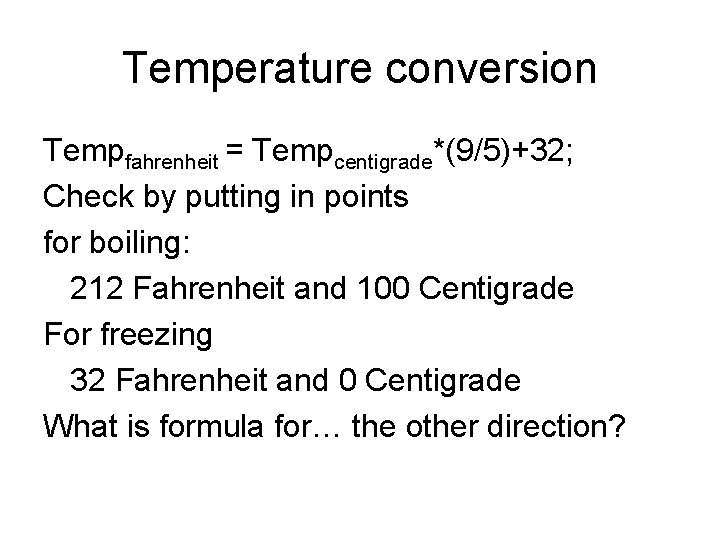
Temperature conversion Tempfahrenheit = Tempcentigrade*(9/5)+32; Check by putting in points for boiling: 212 Fahrenheit and 100 Centigrade For freezing 32 Fahrenheit and 0 Centigrade What is formula for… the other direction?
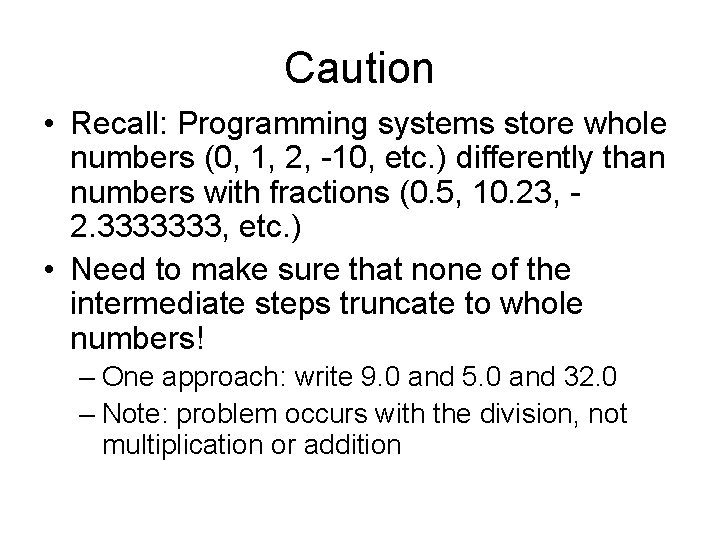
Caution • Recall: Programming systems store whole numbers (0, 1, 2, -10, etc. ) differently than numbers with fractions (0. 5, 10. 23, 2. 3333333, etc. ) • Need to make sure that none of the intermediate steps truncate to whole numbers! – One approach: write 9. 0 and 5. 0 and 32. 0 – Note: problem occurs with the division, not multiplication or addition
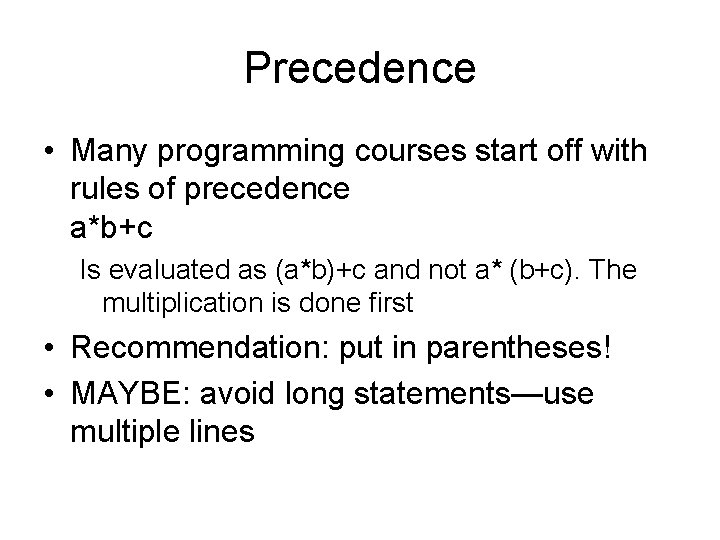
Precedence • Many programming courses start off with rules of precedence a*b+c Is evaluated as (a*b)+c and not a* (b+c). The multiplication is done first • Recommendation: put in parentheses! • MAYBE: avoid long statements—use multiple lines
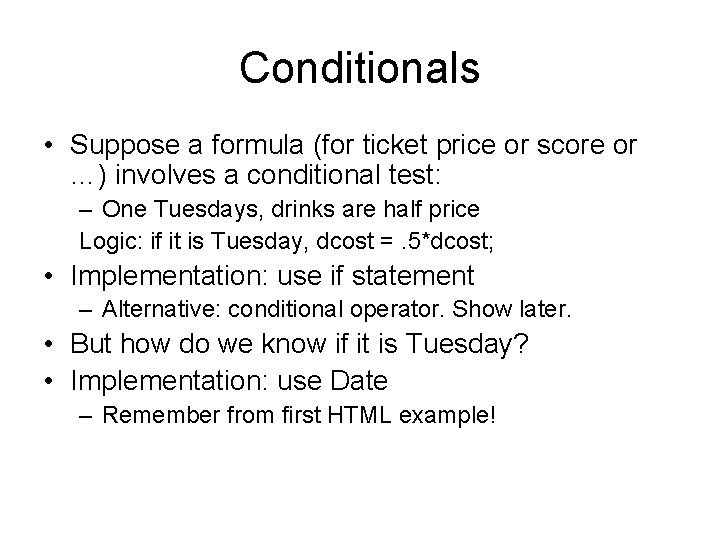
Conditionals • Suppose a formula (for ticket price or score or …) involves a conditional test: – One Tuesdays, drinks are half price Logic: if it is Tuesday, dcost =. 5*dcost; • Implementation: use if statement – Alternative: conditional operator. Show later. • But how do we know if it is Tuesday? • Implementation: use Date – Remember from first HTML example!
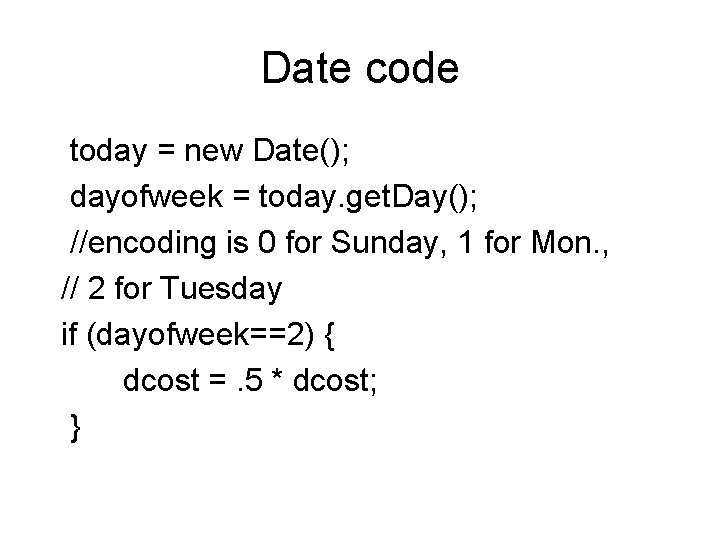
Date code today = new Date(); dayofweek = today. get. Day(); //encoding is 0 for Sunday, 1 for Mon. , // 2 for Tuesday if (dayofweek==2) { dcost =. 5 * dcost; }
Conditional operator • Operator with 3 operands condition ? value_if_true : value_if_false … dcost = (dayofweek==2) ? (. 5*dcost) : dcost; Comfortable_with_conditional ? Use_It : if_statement
Note: Scope • Large (larger) applications worked on by many people require rules on scope of variable and function names • What if two or more people working on different sections of a project used the same name? • Answer: scoping rules. Avoid global variables. Share information different ways… – Use objects
Objects • Objects bring together code and data • Code called methods • Data called properties or attributes • Math object has random method • document object has write method – write method takes what is to be written as the parameter • If an img element has the name 'coin', then the document object has an attribute by the name of coin that has an attribute by the name of src.
Events • An event is something that can be detected by the system • Event definition involves setting up the event and specifying what is to be done when it occurs. • Javascript (and other languages/systems) may treat events differently. • Underlying common concepts are – Event definition (setup) – Specification of event handler
HTML with Java. Script events • Clicking on button (set up using <form> element) • Clicking on link (set up using <a> element) • add. Event. Listener for event on an object, such as a canvas element. • Coming next week: Passage of interval of time (set up using set. Interval and turned off by clear. Interval)
Application state • State of the game • May or may not be visible on screen • Example: – dice game: first throw or follow-up throw – slide show: which slide – Minesweeper: where the mines are and which cells have been examined or revealed as result of other cells being examined. –?
Alternative dice game • Remove the need for image files by drawing the die faces EACH TIME. • http: //faculty. purchase. edu/jeanine. meyer/ html 5/craps. html – examine code
Calling pattern • throwdice function sets up dx and dy for each die and calls – drawface(n) • uses a switch statement to determine what to do, namely single or combination from a set of functions.
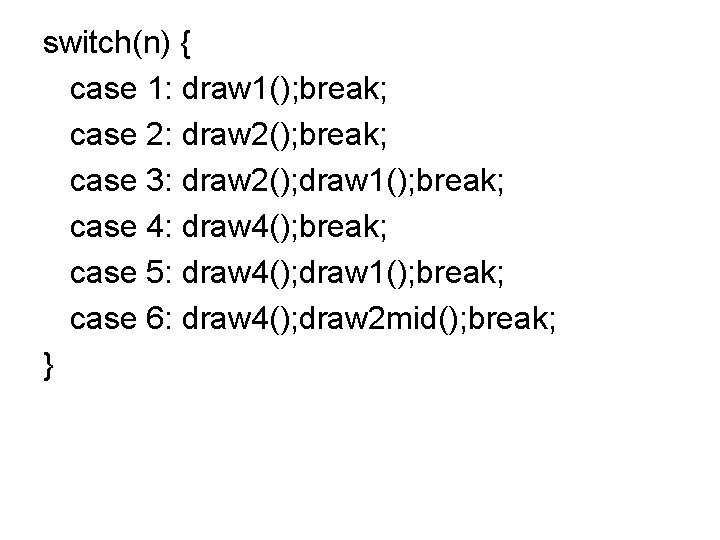
switch(n) { case 1: draw 1(); break; case 2: draw 2(); break; case 3: draw 2(); draw 1(); break; case 4: draw 4(); break; case 5: draw 4(); draw 1(); break; case 6: draw 4(); draw 2 mid(); break; }
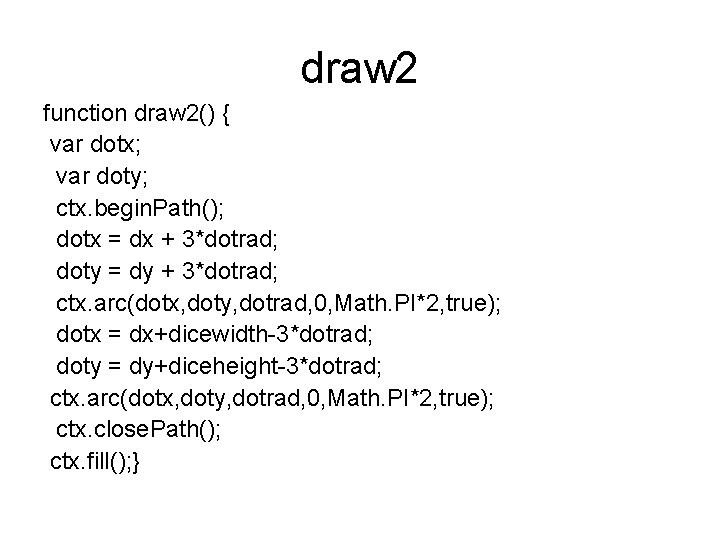
draw 2 function draw 2() { var dotx; var doty; ctx. begin. Path(); dotx = dx + 3*dotrad; doty = dy + 3*dotrad; ctx. arc(dotx, doty, dotrad, 0, Math. PI*2, true); dotx = dx+dicewidth-3*dotrad; doty = dy+diceheight-3*dotrad; ctx. arc(dotx, doty, dotrad, 0, Math. PI*2, true); ctx. close. Path(); ctx. fill(); }
Exercise • Take one of the choices for the switch statement and be able to explain how it works. • Choose different colors and make it do what you want!
Comparison? • Using image files means…you can use fancy image files. • Not using image files means that this application is just the one html file. • Speed? Downloading of image files versus drawing. The downloading time is not repeated. • ?
![Homework • [catch up] • Complete dice game. – You can do html 5](http://slidetodoc.com/presentation_image_h/1d5598e21d6b367136c87f64af17e65a/image-40.jpg "Homework • [catch up] • Complete dice game. – You can do html 5")
Homework • [catch up] • Complete dice game. – You can do html 5 drawing on canvas version for extra credit. – You can add score keeping (or start off with bankroll and decrease for each game, increase more for each win.
- Slides: 40