
Programming for Engineers in Python Lecture 2 More

- Slides: 39
Programming for Engineers in Python Lecture 2: More Basics Autumn 2011 -12 1
Lecture 1: Highlights • Functions • Control structures (if/else) • Strings 2
Today • Leftovers from last week • Compiler, interpreter • Variables, types, operators, scope 3
Installing and Running Python 2. 7 ● ● Python 2. 7 is already installed in the computers’ classroom Install: ● ● ● Windows 32 bit: http: //www. python. org/ftp/python/2. 7. 2/python-2. 7. 2. msi A “Python 2. 7” folder will be created in your Start Menu: ● IDLE (Python GUI)- recommended working environment ● Python (command line)- textual Python interpreter (a little faster, less convenient) Working with IDLE video: http: //www. youtube. com/watch? v=l. Bkc. DFRA 958 4
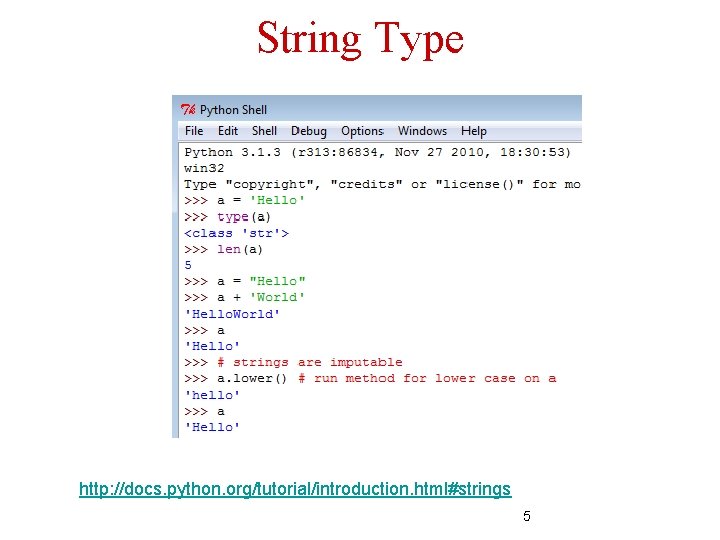
String Type http: //docs. python. org/tutorial/introduction. html#strings 5
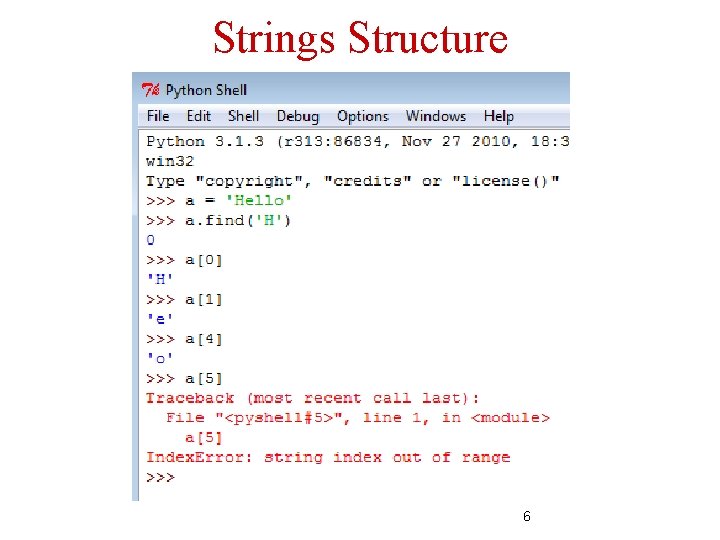
Strings Structure 6
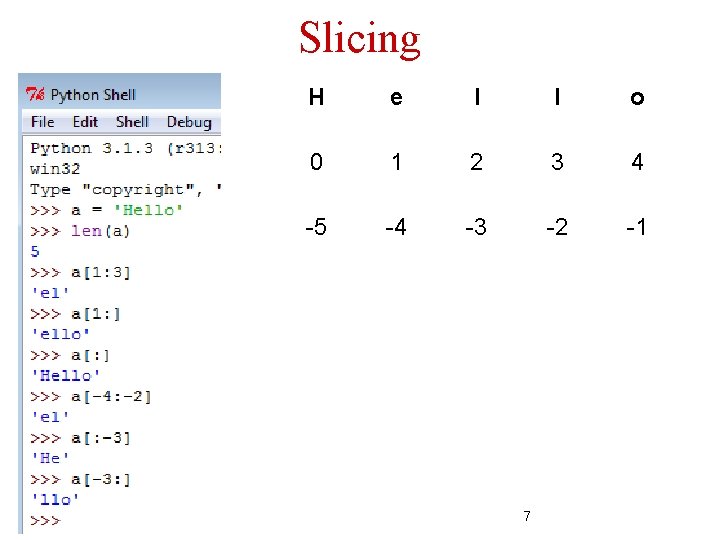
Slicing H e l l o 0 1 2 3 4 -5 -4 -3 -2 -1 7
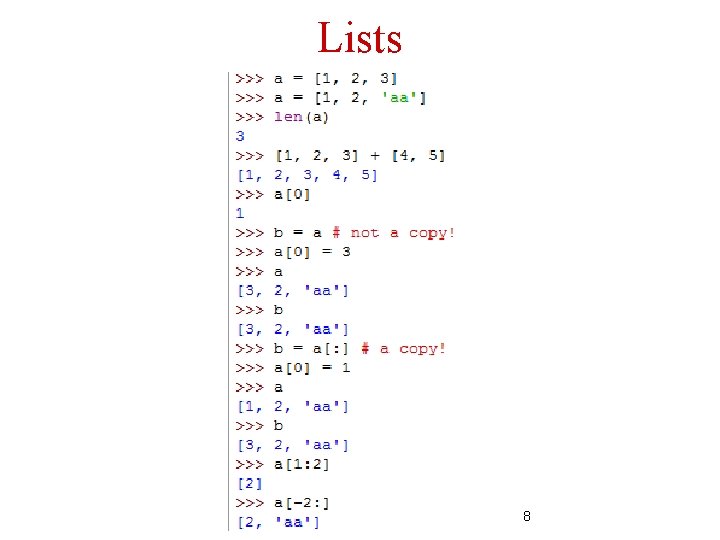
Lists 8
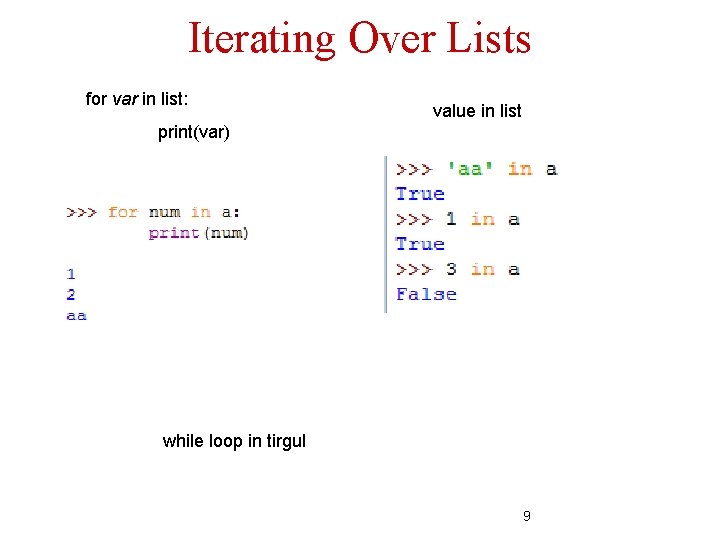
Iterating Over Lists for var in list: value in list print(var) while loop in tirgul 9
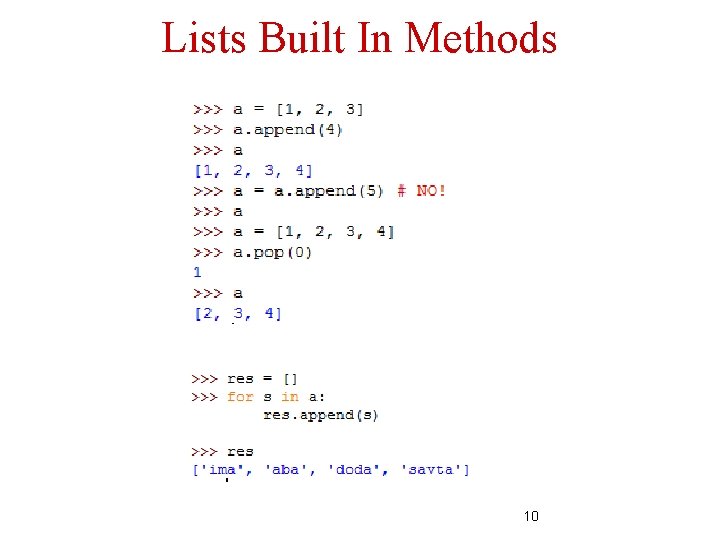
Lists Built In Methods 10
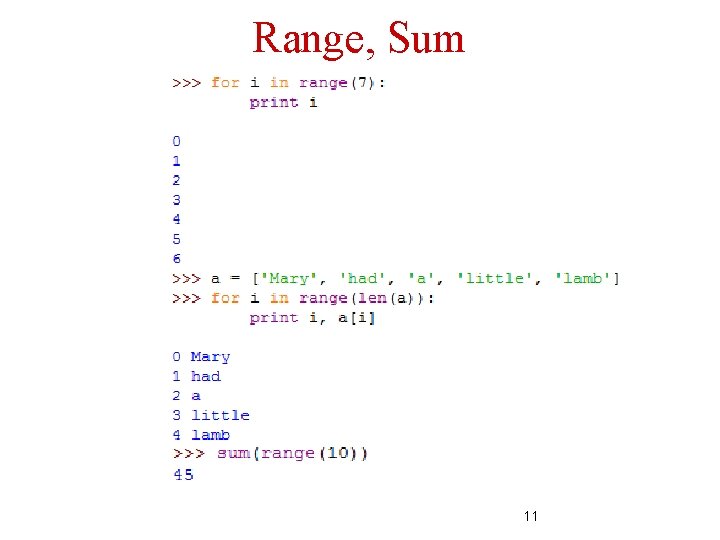
Range, Sum 11
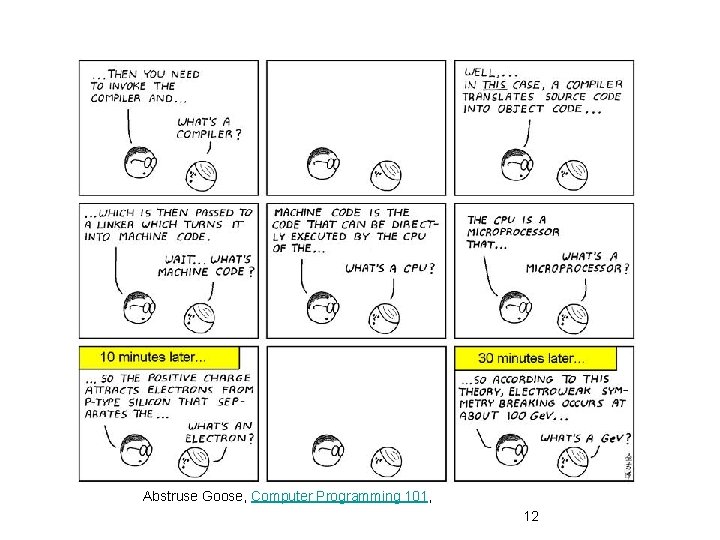
Abstruse Goose, Computer Programming 101, 12
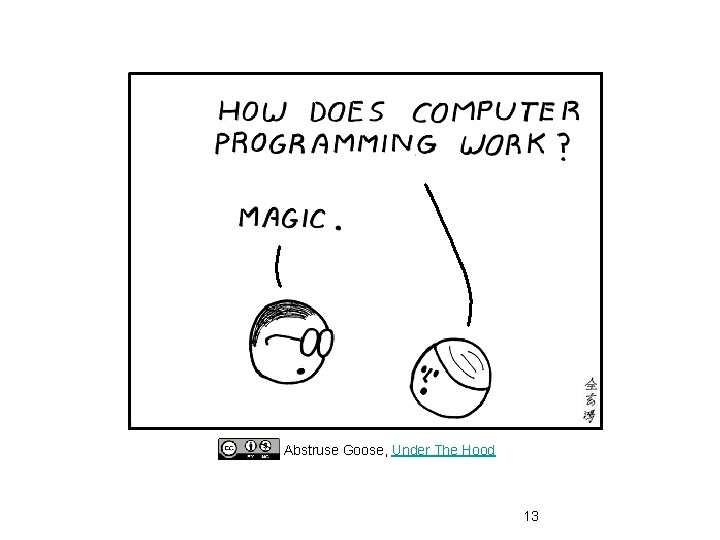
Abstruse Goose, Under The Hood 13
Machine Code (Language) • Computers understand only machine language • Basically looks like a sequence of 1’s and 0’s • Very inconvenient to work with and non intuitive • All other computer languages were created for human convenience • The computer does not understand C/C#/Java/Scala • Must be “translated” into machine language 14
Programming Languages Basics • A computer program is a sequence of instructions (texts) that can be “understood" by a computer and executed by it • A programming language is a machine-readable artificial language designed to express computations that can be performed by a computer 15
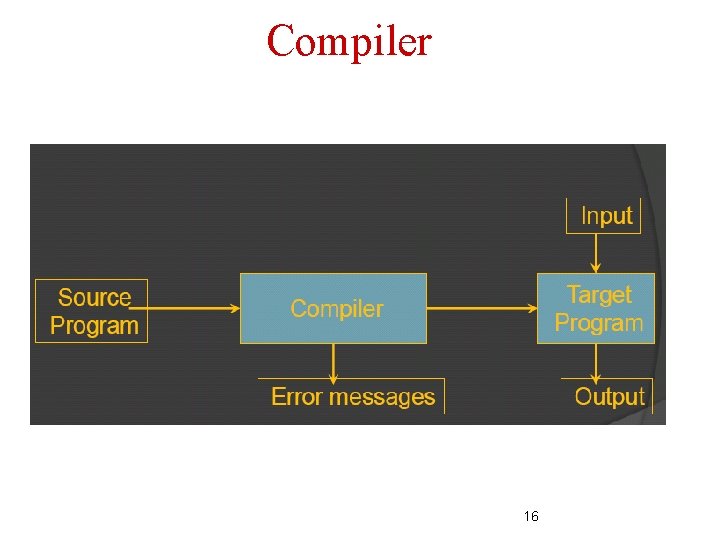
Compiler 16
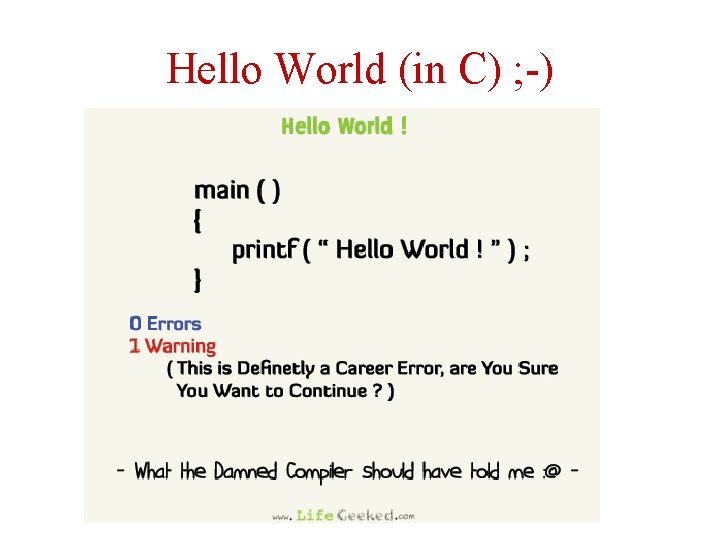
Hello World (in C) ; -) 17
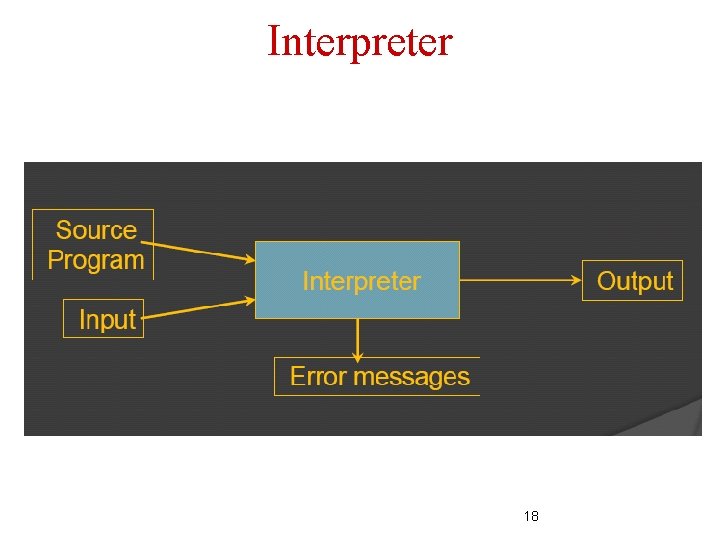
Interpreter 18
Interpreter • Python is an interpreted programming language • The Read/Evaluate/Print Loop • Read an expression • Compute its value • Print the result • Repeat the above 19
Language Selection and Python • Goal • Runtime vs. Development time • Operating systems • Platforms • Python is appropriate for quick development of small-medium tasks: • • Experiments Data analysis Small projects Short development-execution rounds 20
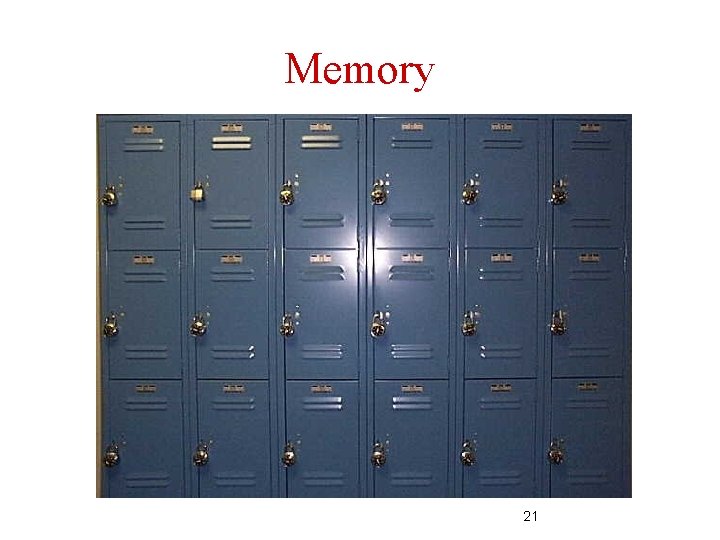
Memory 21
Memory (Cont. ) • The computer memory is composed of a long list of bits • Bits are grouped into bytes and words • Every byte is numbered sequentially • This number is called an address 22
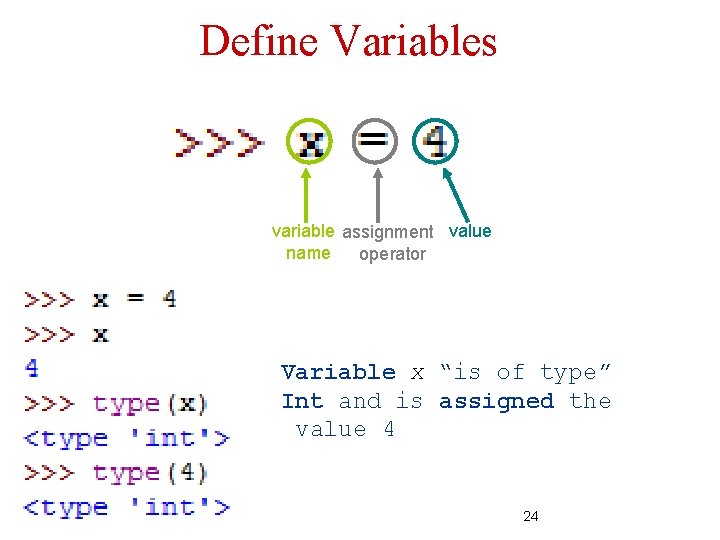
Define Variables variable assignment value name operator Variable x “is of type” Int and is assigned the value 4 24
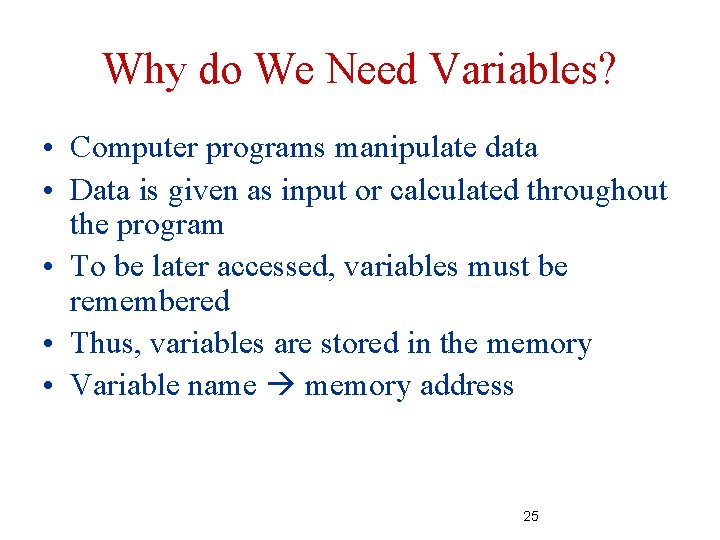
Why do We Need Variables? • Computer programs manipulate data • Data is given as input or calculated throughout the program • To be later accessed, variables must be remembered • Thus, variables are stored in the memory • Variable name memory address 25
Types • Determine number of bytes in memory (“locker size”) • Determine the operations that are defined for a given variable 26
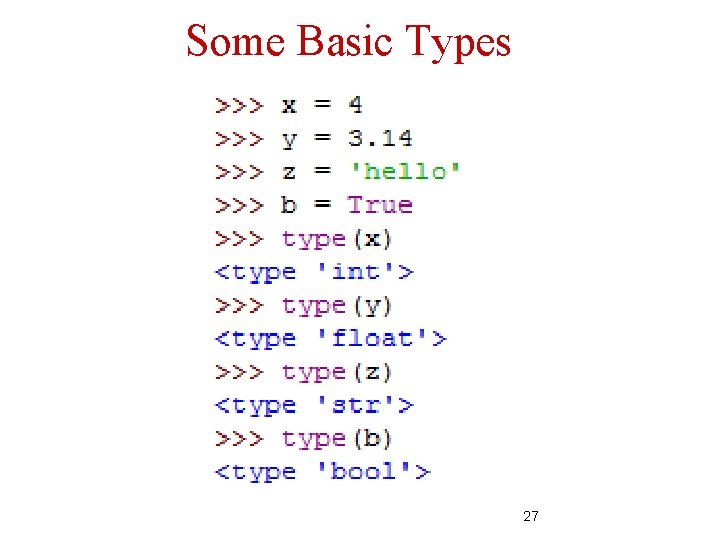
Some Basic Types 27
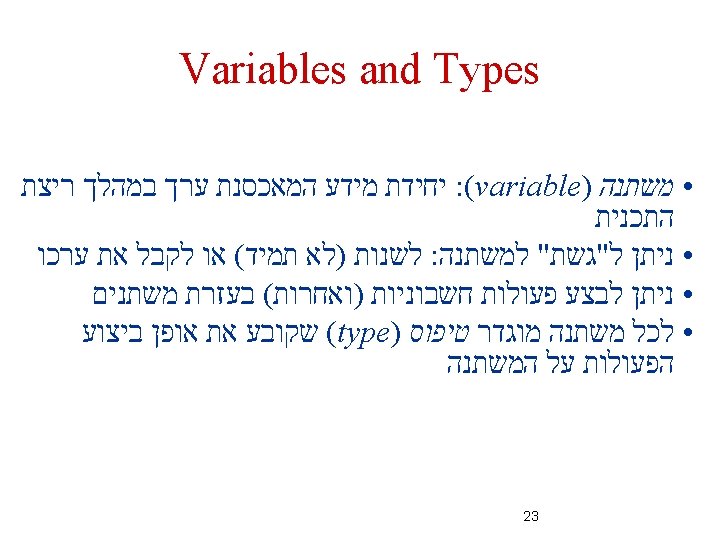
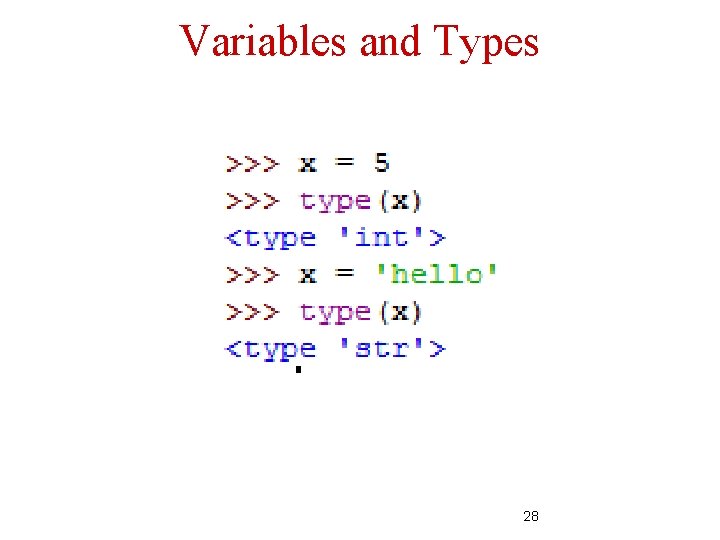
Variables and Types 28
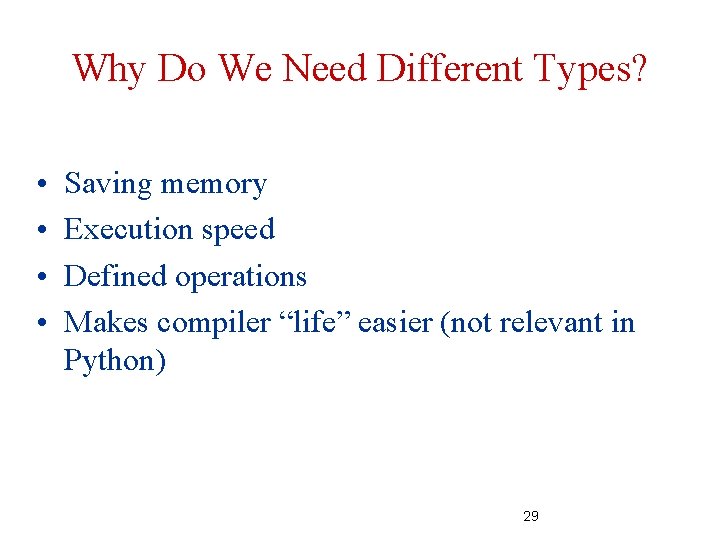
Why Do We Need Different Types? • • Saving memory Execution speed Defined operations Makes compiler “life” easier (not relevant in Python) 29
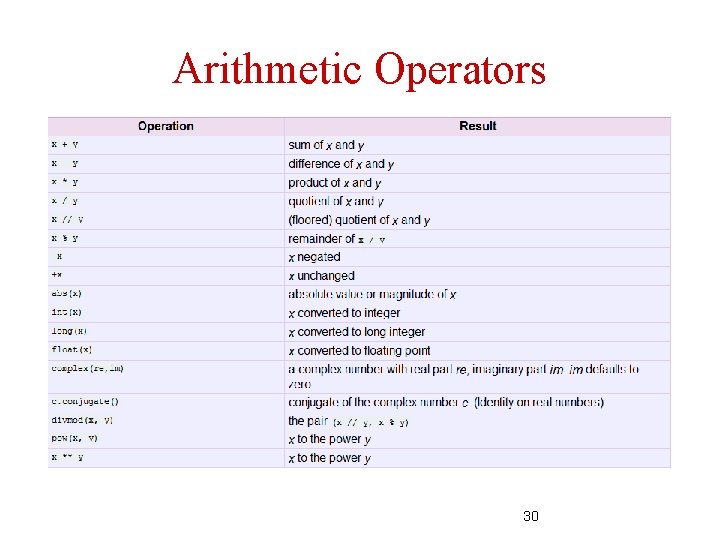
Arithmetic Operators 30
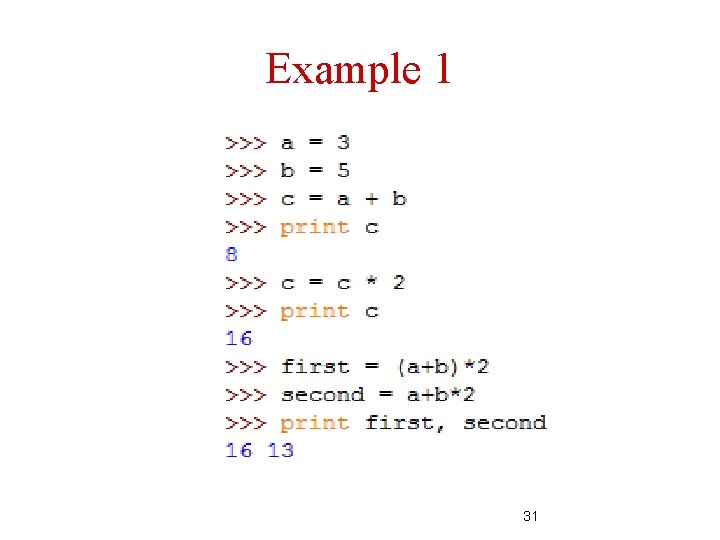
Example 1 31
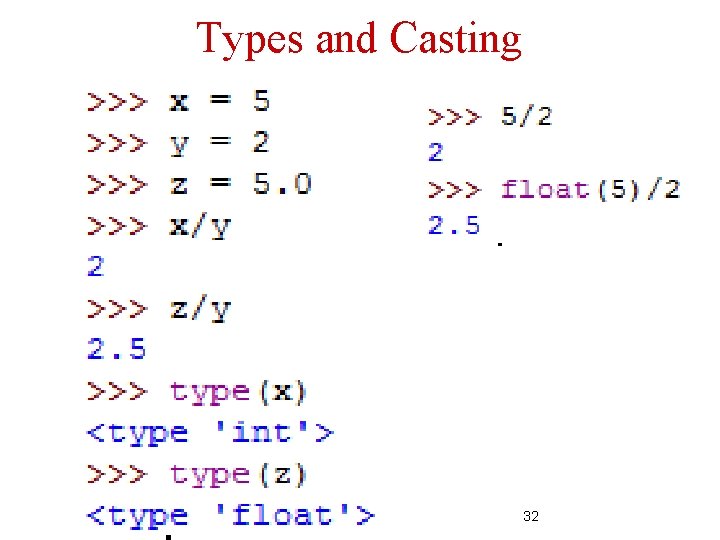
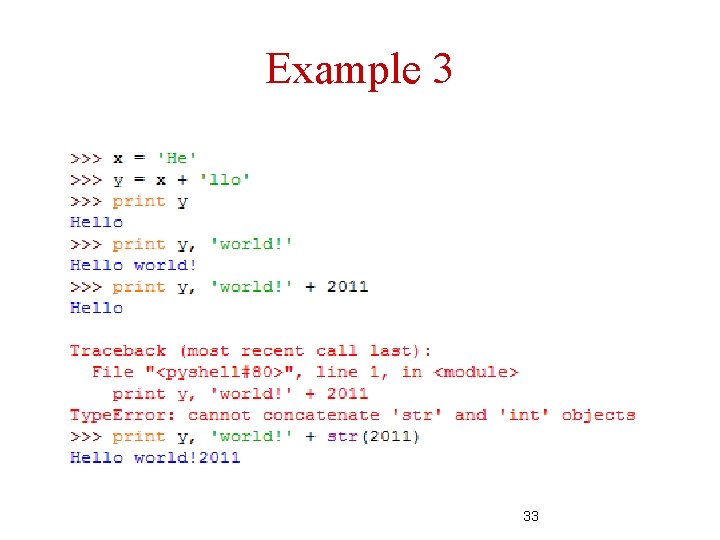
Types and Casting 32
Example 3 33
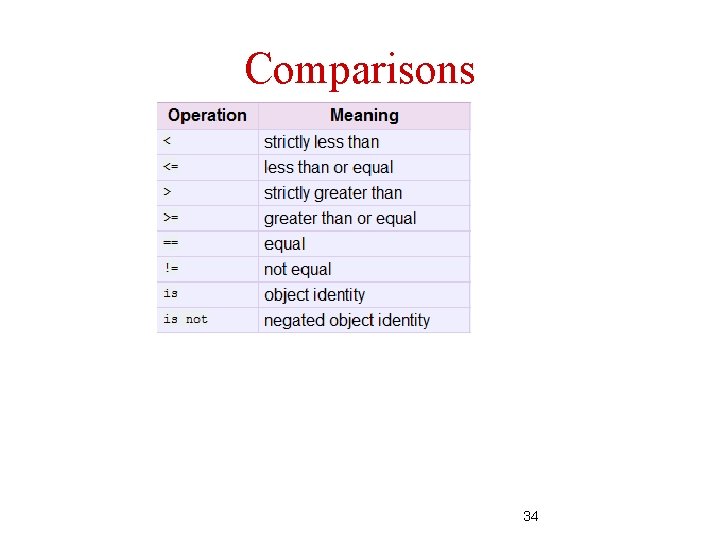
Comparisons 34
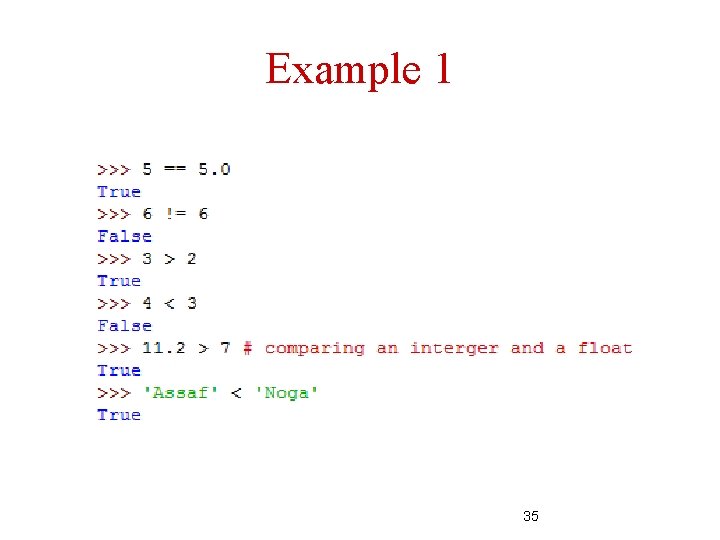
Example 1 35
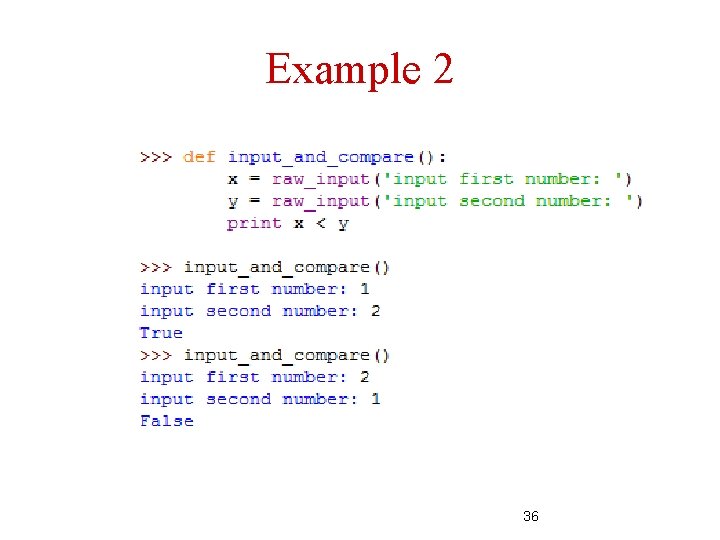
Example 2 36
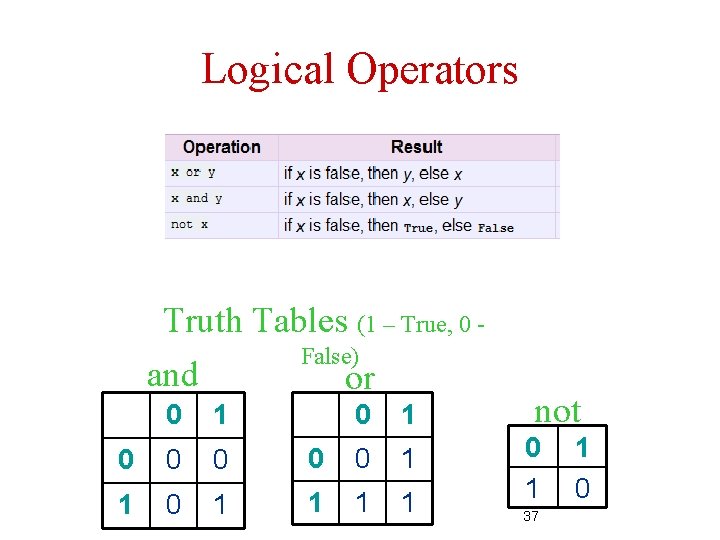
Logical Operators Truth Tables (1 – True, 0 False) and or 0 1 0 0 0 1 0 1 0 0 1 1 not 0 1 37 1 0
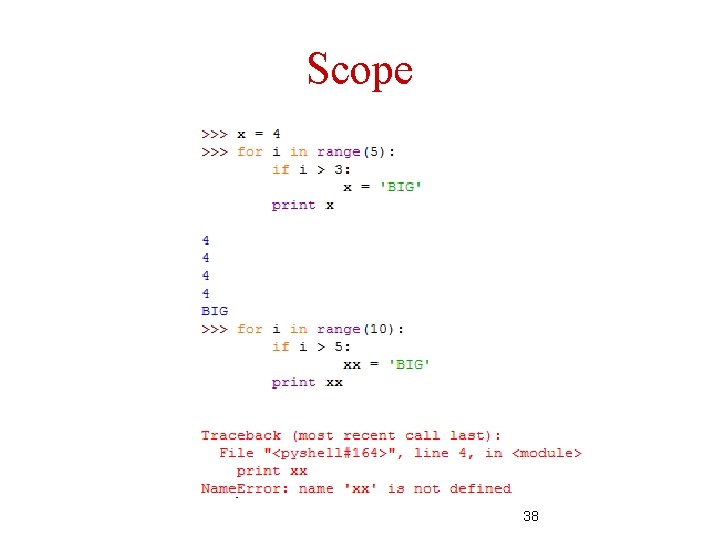
Scope 38
Next Week – A Big Jump! A cape will not help – work hard!