
Program with PLSQL Lesson 4 Writing Control Structure

![IF Statements l Syntax: IF condition THEN statements; [ELSIF condition THEN statements; ] [ELSE](https://slidetodoc.com/presentation_image/80694d5c690f6fdae0b2f4c5081c0af3/image-4.jpg "IF Statements l Syntax: IF condition THEN statements; [ELSIF condition THEN statements; ] [ELSE")
![Basic Loops Syntax: LOOP Statement 1; . . . EXIT [WHEN condition]; END LOOP](https://slidetodoc.com/presentation_image/80694d5c690f6fdae0b2f4c5081c0af3/image-9.jpg "Basic Loops Syntax: LOOP Statement 1; . . . EXIT [WHEN condition]; END LOOP")
![FOR Loops Syntax: FOR counter IN [REVERSE] lower_bound. . Upper_bound LOOP Statement 1; Statement](https://slidetodoc.com/presentation_image/80694d5c690f6fdae0b2f4c5081c0af3/image-11.jpg "FOR Loops Syntax: FOR counter IN [REVERSE] lower_bound. . Upper_bound LOOP Statement 1; Statement")

- Slides: 18
Program with PL/SQL Lesson 4
Writing Control Structure
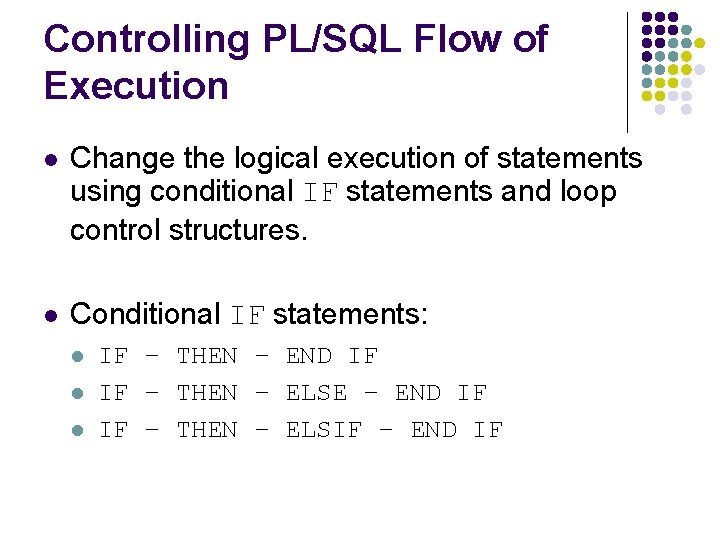
Controlling PL/SQL Flow of Execution l Change the logical execution of statements using conditional IF statements and loop control structures. l Conditional IF statements: l l l IF – THEN – END IF IF – THEN – ELSE – END IF IF – THEN – ELSIF – END IF
IF Statements l Syntax: IF condition THEN statements; [ELSIF condition THEN statements; ] [ELSE statements; ] END IF;
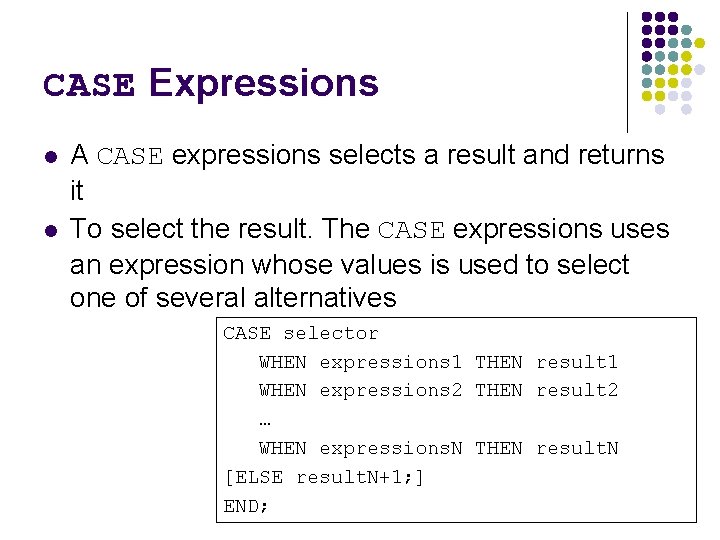
CASE Expressions l l A CASE expressions selects a result and returns it To select the result. The CASE expressions uses an expression whose values is used to select one of several alternatives CASE selector WHEN expressions 1 THEN result 1 WHEN expressions 2 THEN result 2 … WHEN expressions. N THEN result. N [ELSE result. N+1; ] END;
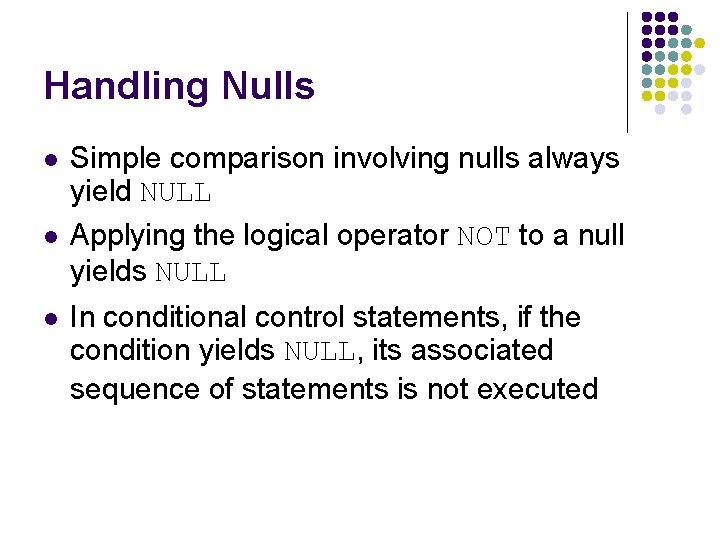
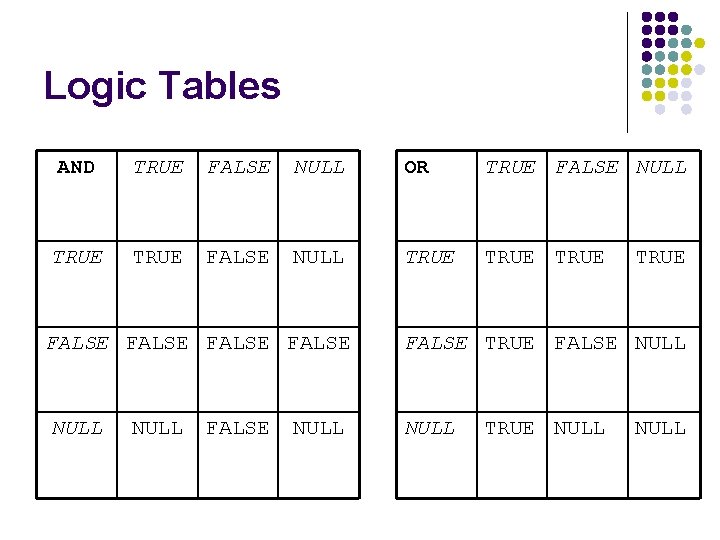
Handling Nulls l l l Simple comparison involving nulls always yield NULL Applying the logical operator NOT to a null yields NULL In conditional control statements, if the condition yields NULL, its associated sequence of statements is not executed
Logic Tables AND TRUE FALSE NULL OR TRUE FALSE NULL TRUE FALSE NULL FALSE NULL TRUE NULL
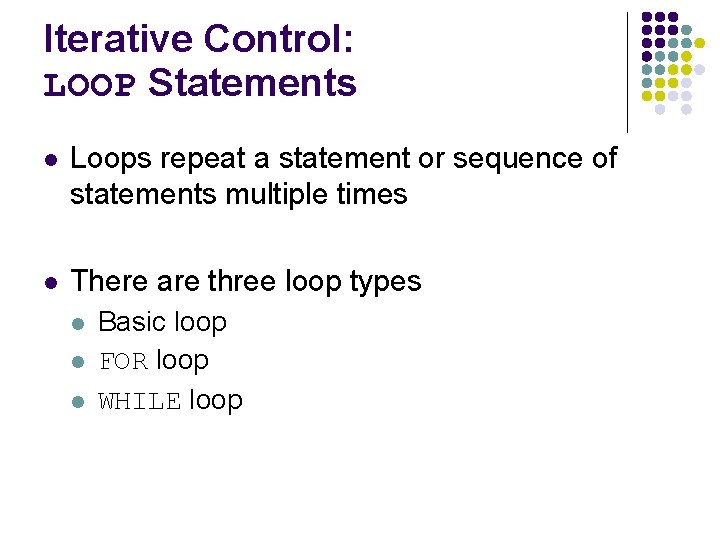
Iterative Control: LOOP Statements l Loops repeat a statement or sequence of statements multiple times l There are three loop types l l l Basic loop FOR loop WHILE loop
Basic Loops Syntax: LOOP Statement 1; . . . EXIT [WHEN condition]; END LOOP -- delimiter -- statements -- EXIT statements -- delimiter
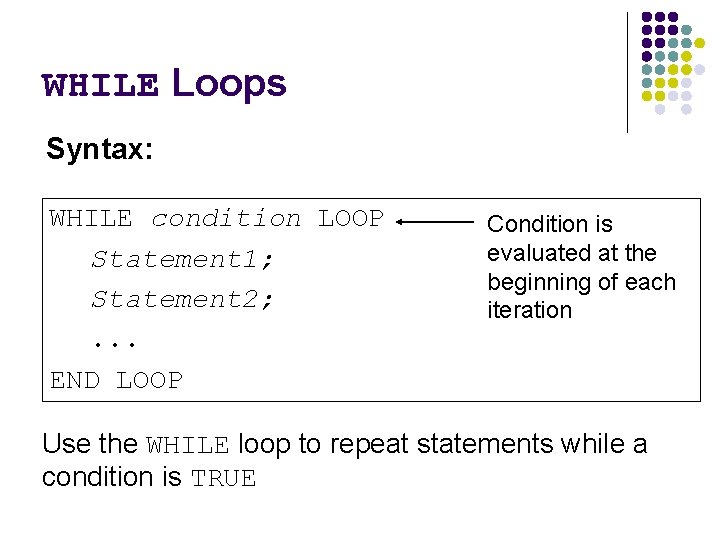
WHILE Loops Syntax: WHILE condition LOOP Statement 1; Statement 2; . . . END LOOP Condition is evaluated at the beginning of each iteration Use the WHILE loop to repeat statements while a condition is TRUE
FOR Loops Syntax: FOR counter IN [REVERSE] lower_bound. . Upper_bound LOOP Statement 1; Statement 2; . . . END LOOP l l l Use a FOR loop to shortcut the test for the number of iterations Do not declare the counter; it is declared implicitly ‘lower_bound. . Upper_bound’ is required syntax
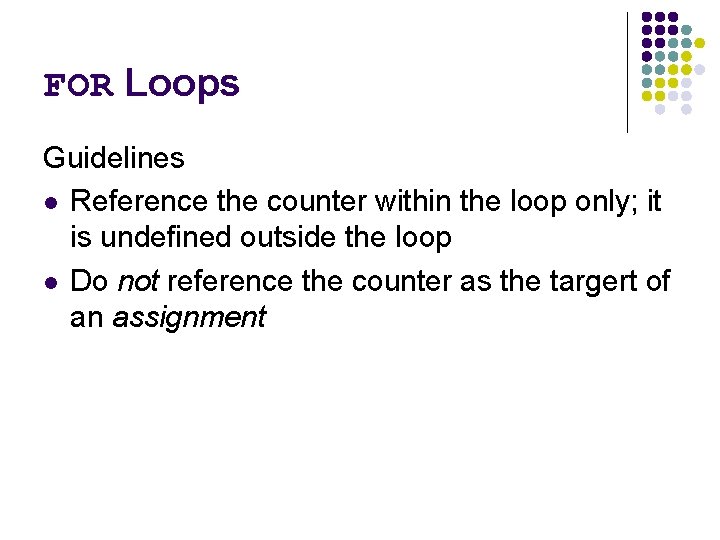
FOR Loops Guidelines l Reference the counter within the loop only; it is undefined outside the loop l Do not reference the counter as the targert of an assignment
Guidelines While Using Loops l Use the basic loop when the statements inside the loop must execute at least once l Use the WHILE loop if the condition has to be evaluated at the start of each iteration l Use a FOR loop if the number of iterations is known
Nested Loops and Labels l Nest loops to multiple levels l Use labels to distinguish between blocks and loops l Exit the outer loop with the EXIT statement that references the label
Practice Overview
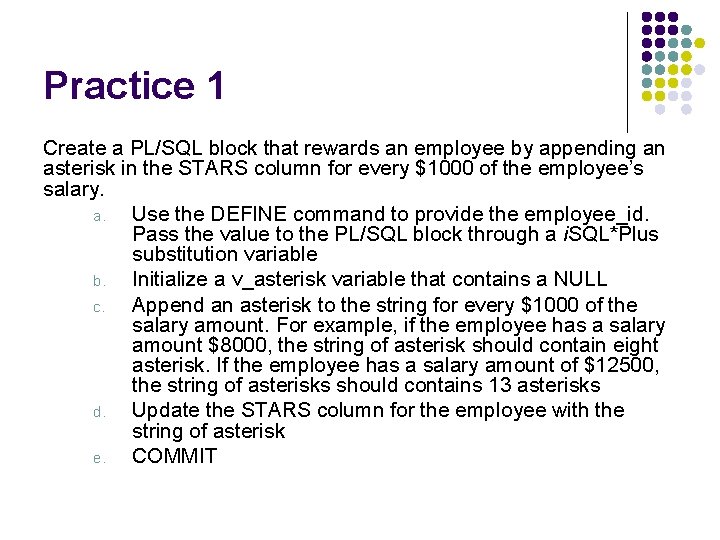
Practice 1 Create a PL/SQL block that rewards an employee by appending an asterisk in the STARS column for every $1000 of the employee’s salary. a. Use the DEFINE command to provide the employee_id. Pass the value to the PL/SQL block through a i. SQL*Plus substitution variable b. Initialize a v_asterisk variable that contains a NULL c. Append an asterisk to the string for every $1000 of the salary amount. For example, if the employee has a salary amount $8000, the string of asterisk should contain eight asterisk. If the employee has a salary amount of $12500, the string of asterisks should contains 13 asterisks d. Update the STARS column for the employee with the string of asterisk e. COMMIT
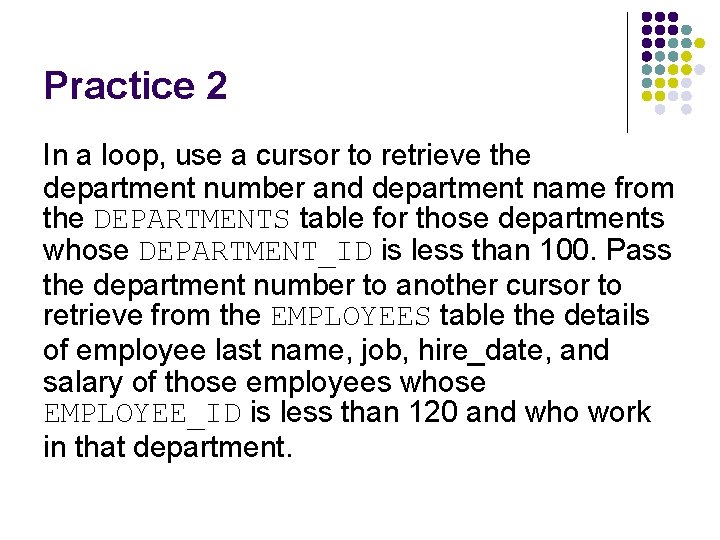
Practice 2 In a loop, use a cursor to retrieve the department number and department name from the DEPARTMENTS table for those departments whose DEPARTMENT_ID is less than 100. Pass the department number to another cursor to retrieve from the EMPLOYEES table the details of employee last name, job, hire_date, and salary of those employees whose EMPLOYEE_ID is less than 120 and who work in that department.
Practice 3 In a loop use the i. SQL*Plus substitution parameter created in step 1 and gather the salaries of the top n people from the EMPLOYEES table. There should be no duplication in the salaries. If two employees earn the same salary, the salary should be picked up only once and store the salaries in the TOP_DOGS table