
Program Security Part 1 Insecure Code Nonmalicious Program
![Simplified Stack Example low void func(int a, int b){ char buffer[10]; } void main(){](https://slidetodoc.com/presentation_image/227760f325f530fb13c280bc30a3d061/image-89.jpg "Simplified Stack Example low void func(int a, int b){ char buffer[10]; } void main(){")
![ex 8. c int main(int argc, char *argv[]) { int valid = 0; /*](https://slidetodoc.com/presentation_image/227760f325f530fb13c280bc30a3d061/image-101.jpg "ex 8. c int main(int argc, char *argv[]) { int valid = 0; /*")
![Attempting To Prevent Overflow § Example: void process string (char *src) { char dest[32];](https://slidetodoc.com/presentation_image/227760f325f530fb13c280bc30a3d061/image-117.jpg "Attempting To Prevent Overflow § Example: void process string (char *src) { char dest[32];")
![Attempting To Prevent Overflow § Another example: int get_user(char *user) { char buf[1024]; if](https://slidetodoc.com/presentation_image/227760f325f530fb13c280bc30a3d061/image-118.jpg "Attempting To Prevent Overflow § Another example: int get_user(char *user) { char buf[1024]; if")
![Format-string Overflows § char outbuf[512], errmsg[512]; sprintf(errmsg, “Illegal cmd: %. 400 s”, input); printf(outbuf,](https://slidetodoc.com/presentation_image/227760f325f530fb13c280bc30a3d061/image-168.jpg "Format-string Overflows § char outbuf[512], errmsg[512]; sprintf(errmsg, “Illegal cmd: %. 400 s”, input); printf(outbuf,")
- Slides: 187
Program Security Part 1 Insecure Code Non-malicious Program Flaws
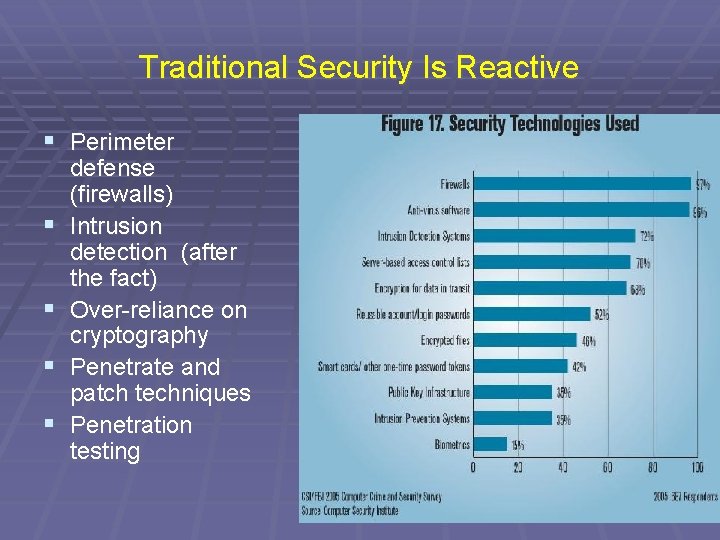
Traditional Security Is Reactive § Perimeter § § defense (firewalls) Intrusion detection (after the fact) Over-reliance on cryptography Penetrate and patch techniques Penetration testing 2
Problems With Reactive Responses § Firewalls, cryptography, and intrusion detection do not protect you against the ability of a hacker to exploit architectural (i. e. design) flaws or coding flaws in a program. § As we will see, design and coding flaws can open the gates to penetration attempts. Moreover, there a lot of ways these flaws can be exploited. 3
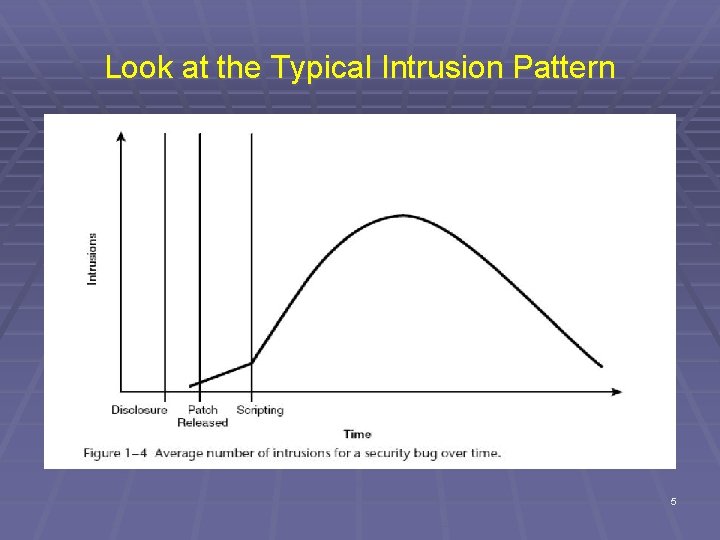
Penetrate and Patch Has Been the Norm § Discover flaws after deployment § Often by attackers § Patches may have security flaws themselves! § Estimates run as high as 15% have flaws § Patches provide road maps to vulnerabilities § Attackers only have to reverse engineer the patches in order to create attacks. § A major problem is that many users fail to deploy patches. 4
Look at the Typical Intrusion Pattern 5
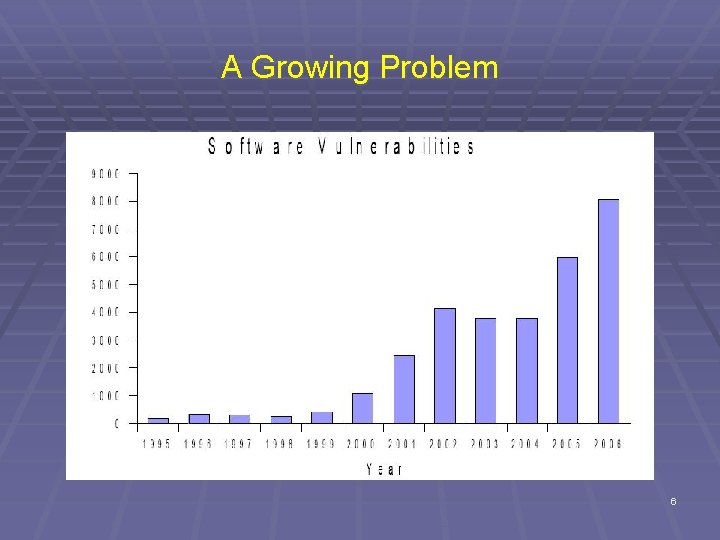
A Growing Problem 6
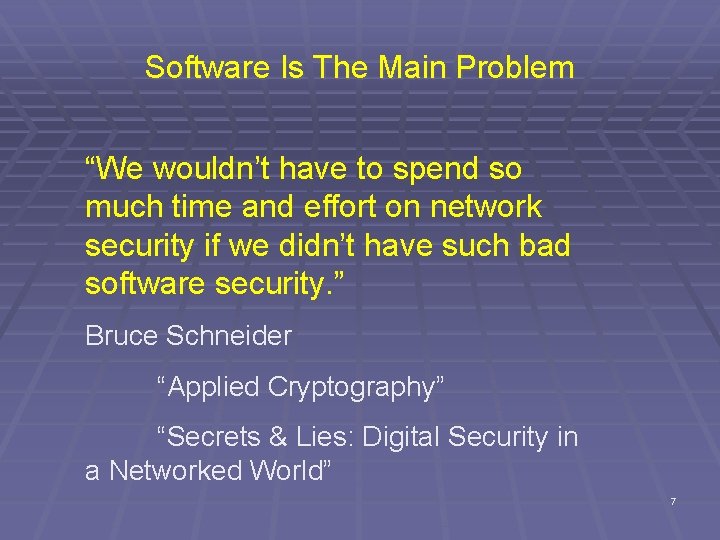
Software Is The Main Problem “We wouldn’t have to spend so much time and effort on network security if we didn’t have such bad software security. ” Bruce Schneider “Applied Cryptography” “Secrets & Lies: Digital Security in a Networked World” 7
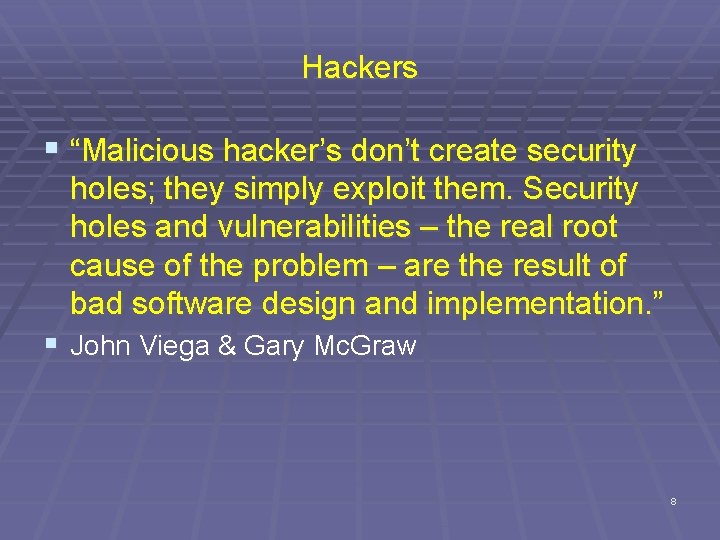
Hackers § “Malicious hacker’s don’t create security holes; they simply exploit them. Security holes and vulnerabilities – the real root cause of the problem – are the result of bad software design and implementation. ” § John Viega & Gary Mc. Graw 8
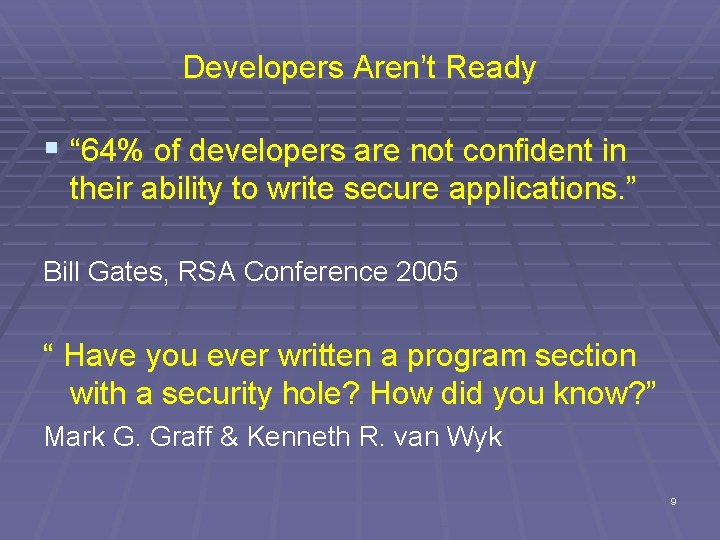
Developers Aren’t Ready § “ 64% of developers are not confident in their ability to write secure applications. ” Bill Gates, RSA Conference 2005 “ Have you ever written a program section with a security hole? How did you know? ” Mark G. Graff & Kenneth R. van Wyk 9
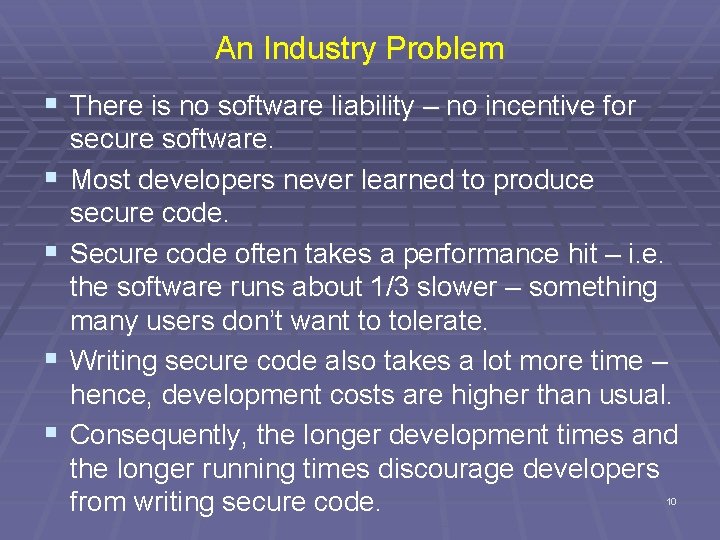
An Industry Problem § There is no software liability – no incentive for § § secure software. Most developers never learned to produce secure code. Secure code often takes a performance hit – i. e. the software runs about 1/3 slower – something many users don’t want to tolerate. Writing secure code also takes a lot more time – hence, development costs are higher than usual. Consequently, the longer development times and the longer running times discourage developers from writing secure code. 10
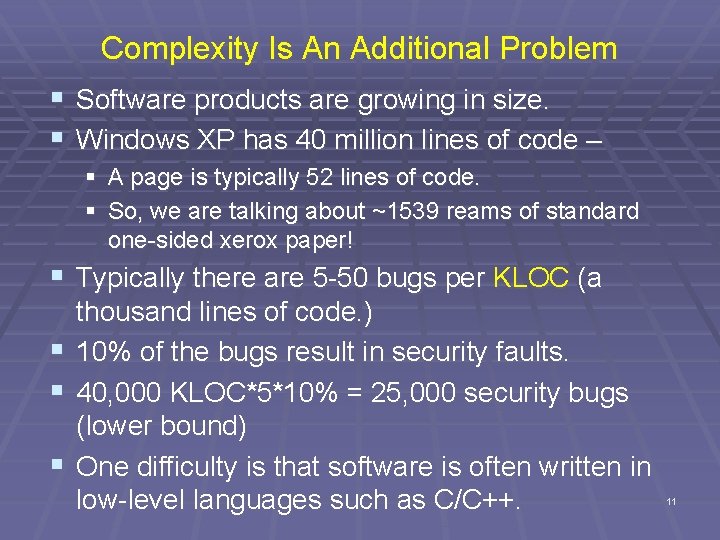
Complexity Is An Additional Problem § Software products are growing in size. § Windows XP has 40 million lines of code – § A page is typically 52 lines of code. § So, we are talking about ~1539 reams of standard one-sided xerox paper! § Typically there are 5 -50 bugs per KLOC (a § § § thousand lines of code. ) 10% of the bugs result in security faults. 40, 000 KLOC*5*10% = 25, 000 security bugs (lower bound) One difficulty is that software is often written in low-level languages such as C/C++. 11
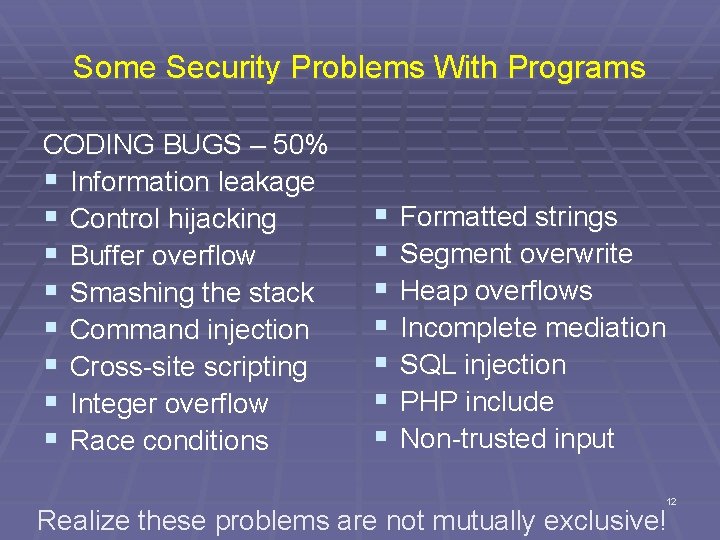
Some Security Problems With Programs CODING BUGS – 50% § Information leakage § Control hijacking § Buffer overflow § Smashing the stack § Command injection § Cross-site scripting § Integer overflow § Race conditions § § § § Formatted strings Segment overwrite Heap overflows Incomplete mediation SQL injection PHP include Non-trusted input 12 Realize these problems are not mutually exclusive!
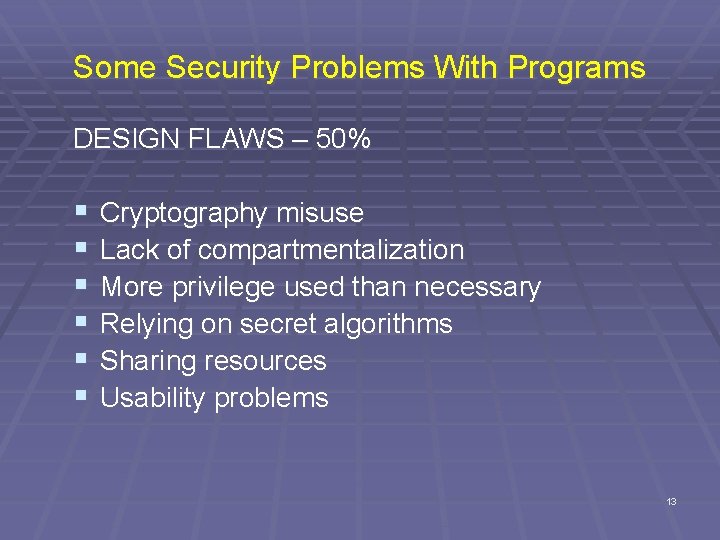
Some Security Problems With Programs DESIGN FLAWS – 50% § § § Cryptography misuse Lack of compartmentalization More privilege used than necessary Relying on secret algorithms Sharing resources Usability problems 13
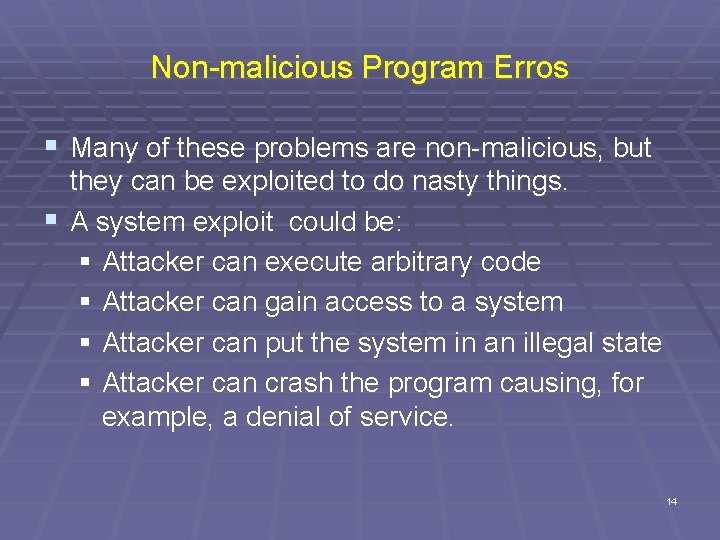
Non-malicious Program Erros § Many of these problems are non-malicious, but they can be exploited to do nasty things. § A system exploit could be: § Attacker can execute arbitrary code § Attacker can gain access to a system § Attacker can put the system in an illegal state § Attacker can crash the program causing, for example, a denial of service. 14
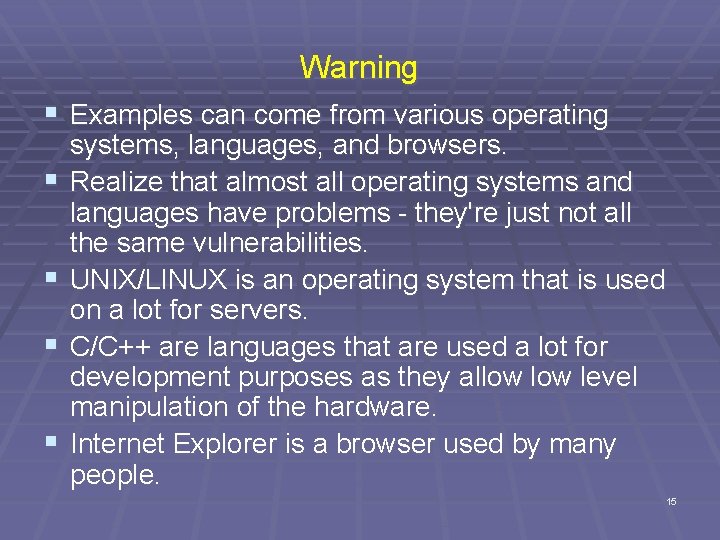
Warning § Examples can come from various operating § § systems, languages, and browsers. Realize that almost all operating systems and languages have problems - they're just not all the same vulnerabilities. UNIX/LINUX is an operating system that is used on a lot for servers. C/C++ are languages that are used a lot for development purposes as they allow level manipulation of the hardware. Internet Explorer is a browser used by many people. 15
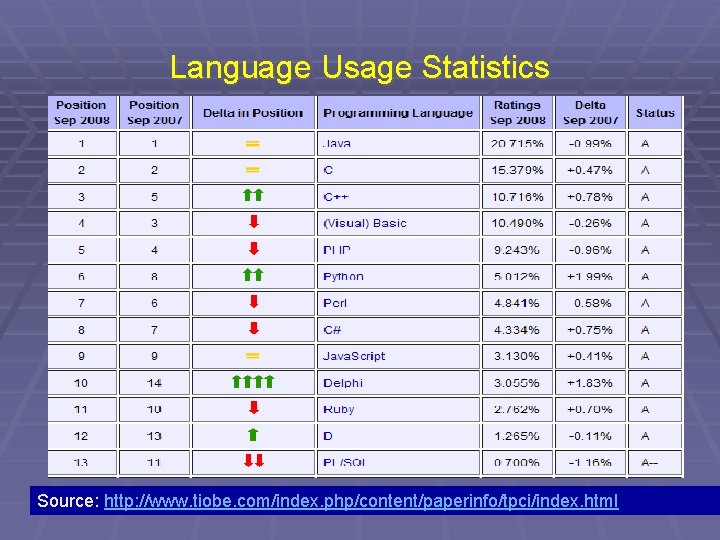
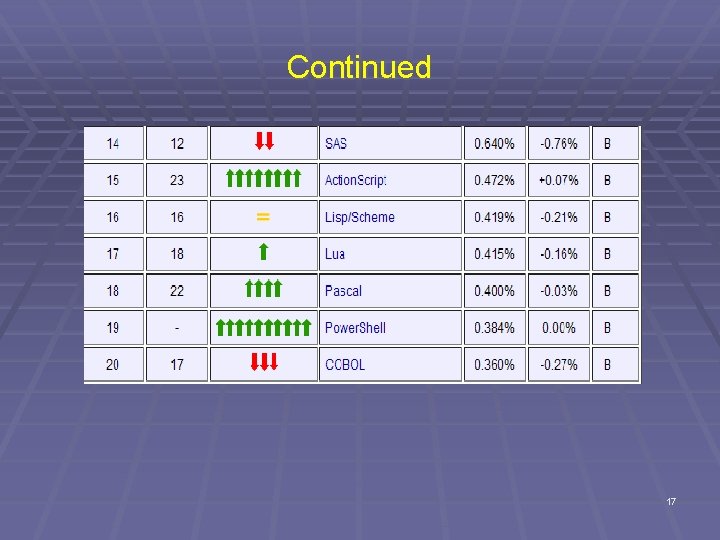
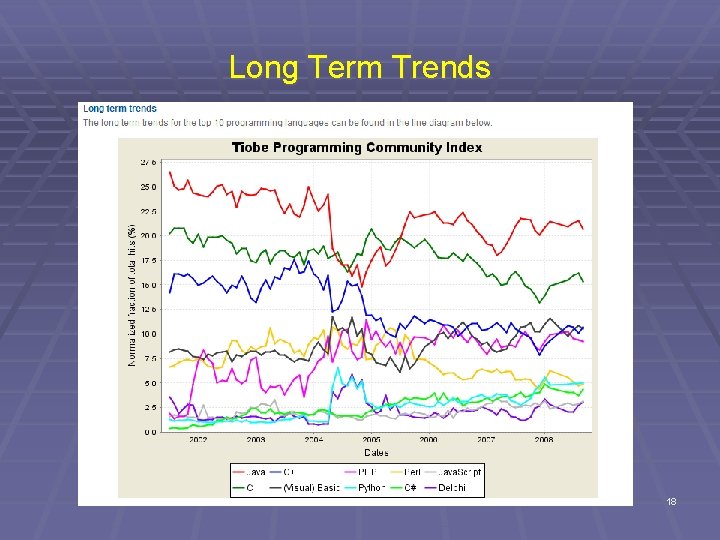
Language Usage Statistics Source: http: //www. tiobe. com/index. php/content/paperinfo/tpci/index. html 16
Continued 17
Long Term Trends 18
Some Commonly Exploitable Flaws § A vulnerability is a program flaw (or bug) that when exercised has a security implication § Notice that two things need to be true in order to have a system exploit. § There has to be a flaw or a bug § That flaw can be exploited by an attacker to weaken the security of a system § Many examples of program flaws are shown on slide 12 -13. § There are others as we will see. 19
Information Leakage Attacks
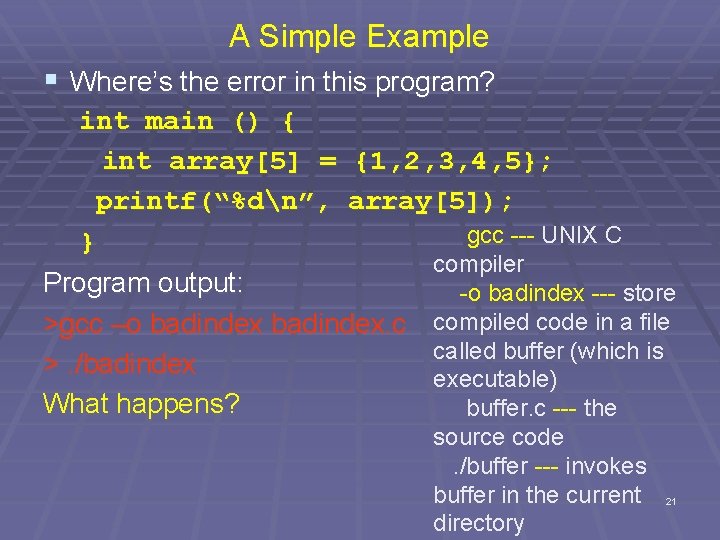
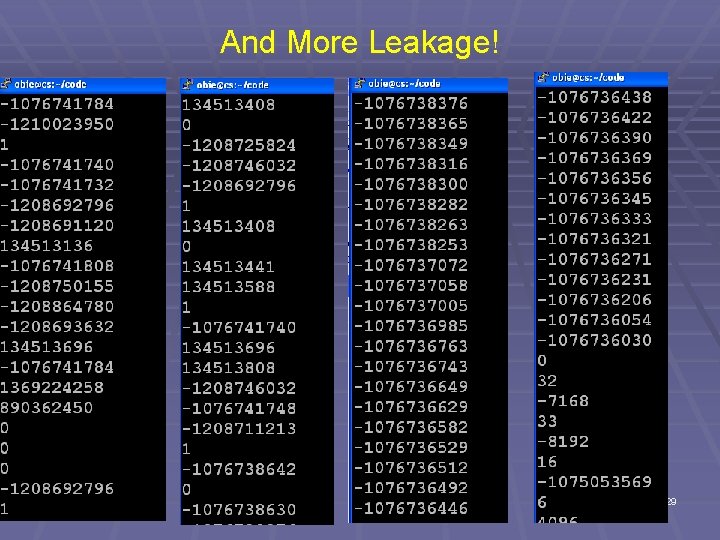
A Simple Example § Where’s the error in this program? int main () { int array[5] = {1, 2, 3, 4, 5}; printf(“%dn”, array[5]); gcc --- UNIX C } compiler Program output: -o badindex --- store compiled code in a file >gcc –o badindex. c called buffer (which is >. /badindex executable) What happens? buffer. c --- the source code . /buffer --- invokes buffer in the current directory 21
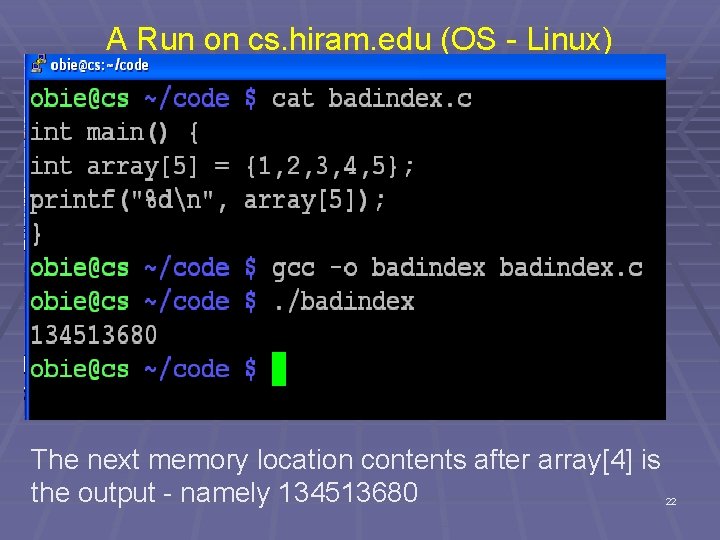
A Run on cs. hiram. edu (OS - Linux) The next memory location contents after array[4] is the output - namely 134513680 22
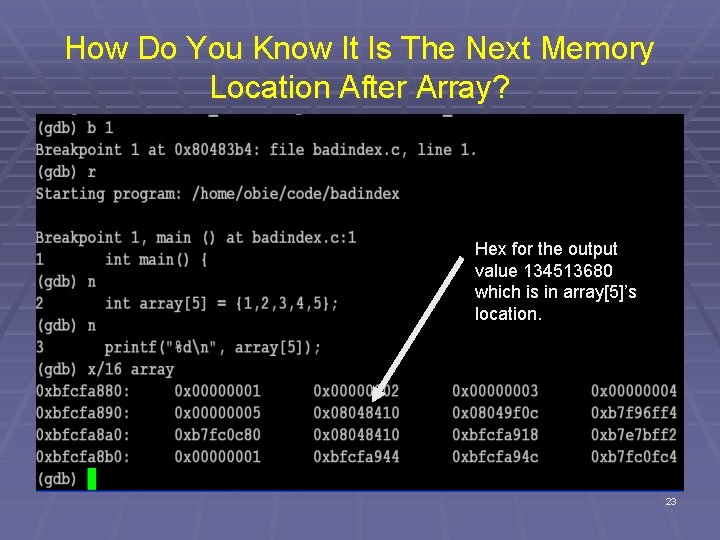
How Do You Know It Is The Next Memory Location After Array? Hex for the output value 134513680 which is in array[5]’s location. 23
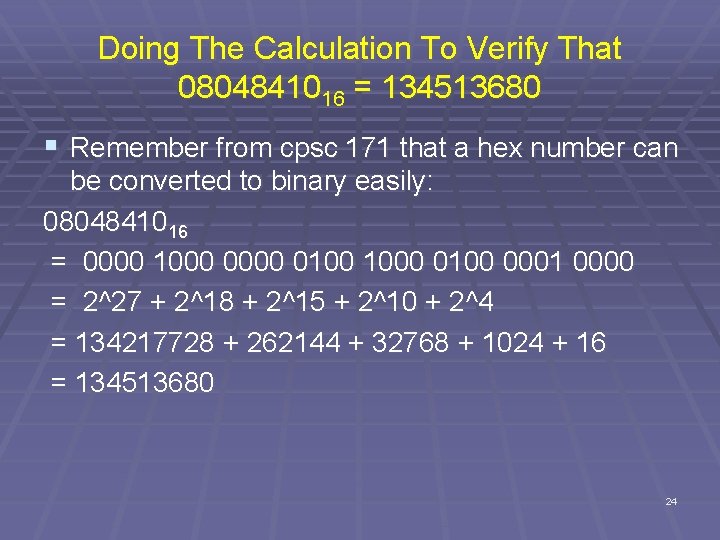
Doing The Calculation To Verify That 0804841016 = 134513680 § Remember from cpsc 171 that a hex number can be converted to binary easily: 0804841016 = 0000 1000 0100 0001 0000 = 2^27 + 2^18 + 2^15 + 2^10 + 2^4 = 134217728 + 262144 + 32768 + 1024 + 16 = 134513680 24
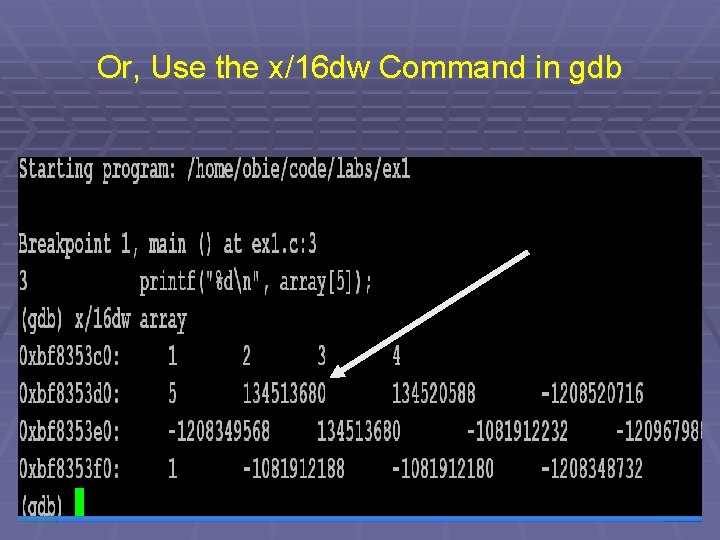
Or, Use the x/16 dw Command in gdb 25
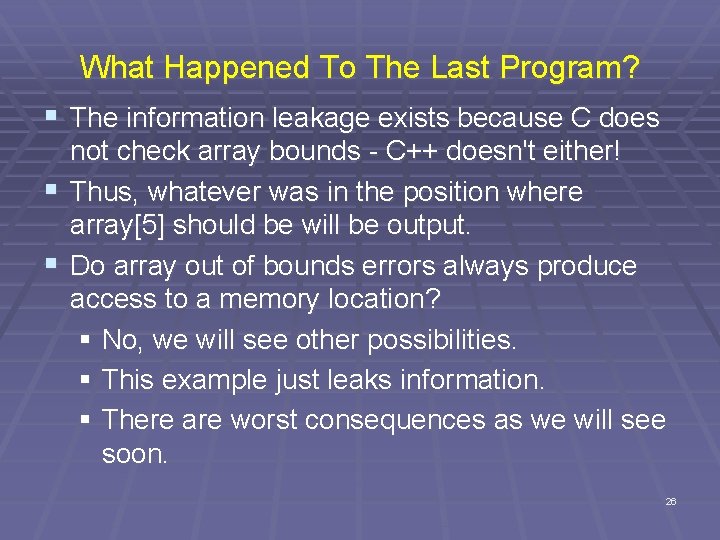
What Happened To The Last Program? § The information leakage exists because C does not check array bounds - C++ doesn't either! § Thus, whatever was in the position where array[5] should be will be output. § Do array out of bounds errors always produce access to a memory location? § No, we will see other possibilities. § This example just leaks information. § There are worst consequences as we will see soon. 26
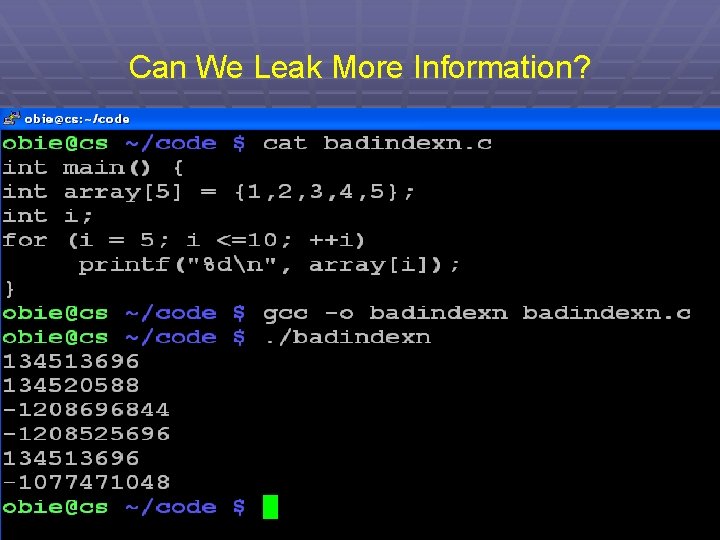
Can We Leak More Information? 27
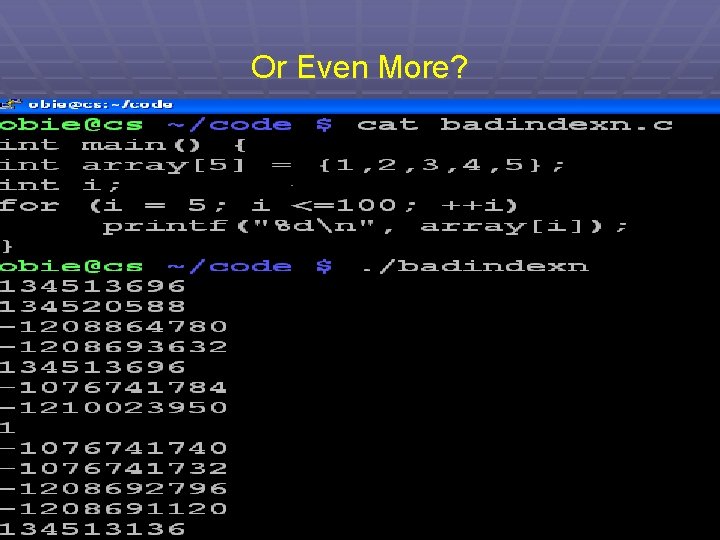
Or Even More? 28
And More Leakage! 29
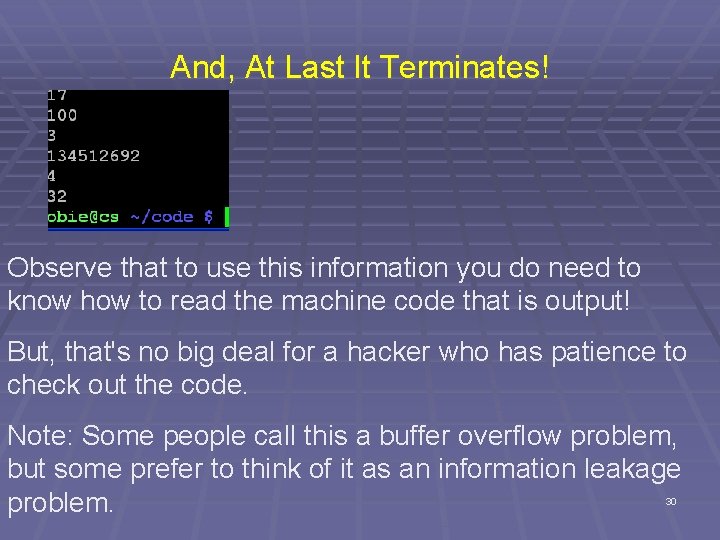
And, At Last It Terminates! Observe that to use this information you do need to know how to read the machine code that is output! But, that's no big deal for a hacker who has patience to check out the code. Note: Some people call this a buffer overflow problem, but some prefer to think of it as an information leakage problem. 30
Control Hijacking Attacks
Control Hijacking (or, Why to Avoid C Like the Plague) § A control hijacking attack causes a program to crash or it injects new code into a running process that changes the developers' flow of control. § Crashing is what is desired, for example, when a Denial of Service attack is being conducted. § There are many ways to hijack a C program. § The most common technique is the buffer overflow: writing outside the bounds of a specified chunk of memory. 32
Buffer Overflow Attacks These are sometimes distinguished by where the buffer resides
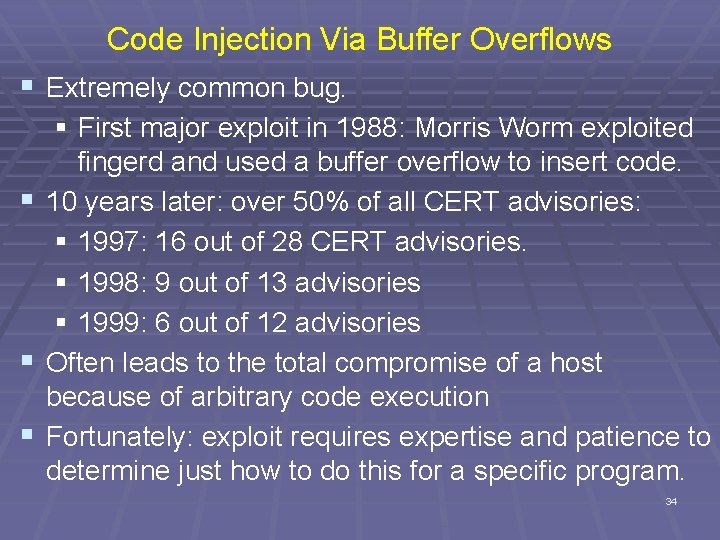
Code Injection Via Buffer Overflows § Extremely common bug. § First major exploit in 1988: Morris Worm exploited fingerd and used a buffer overflow to insert code. § 10 years later: over 50% of all CERT advisories: § 1997: 16 out of 28 CERT advisories. § 1998: 9 out of 13 advisories § 1999: 6 out of 12 advisories § Often leads to the total compromise of a host because of arbitrary code execution § Fortunately: exploit requires expertise and patience to determine just how to do this for a specific program. 34
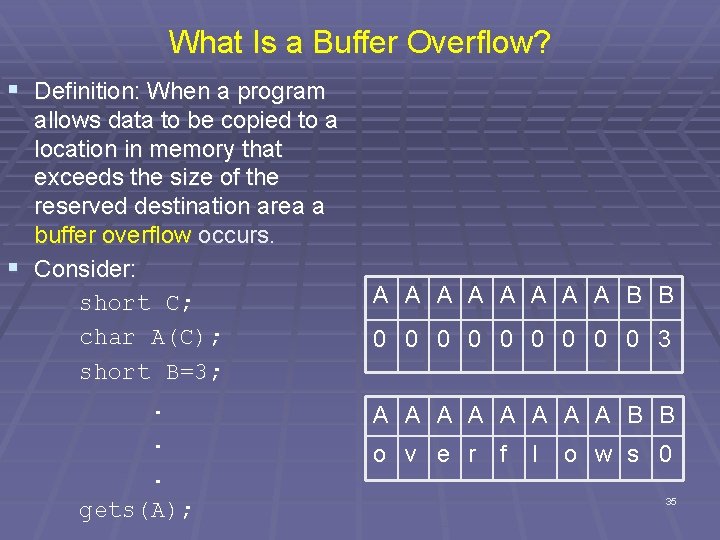
What Is a Buffer Overflow? § Definition: When a program allows data to be copied to a location in memory that exceeds the size of the reserved destination area a buffer overflow occurs. § Consider: short C; char A(C); short B=3; . . . gets(A); A A A A B B 0 0 0 0 0 3 A A A A B B o v e r f l o w s 0 35
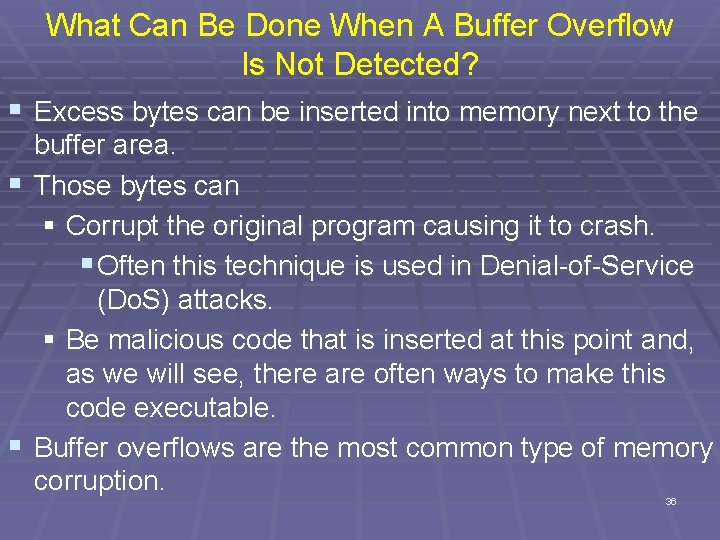
What Can Be Done When A Buffer Overflow Is Not Detected? § Excess bytes can be inserted into memory next to the buffer area. § Those bytes can § Corrupt the original program causing it to crash. § Often this technique is used in Denial-of-Service (Do. S) attacks. § Be malicious code that is inserted at this point and, as we will see, there are often ways to make this code executable. § Buffer overflows are the most common type of memory corruption. 36
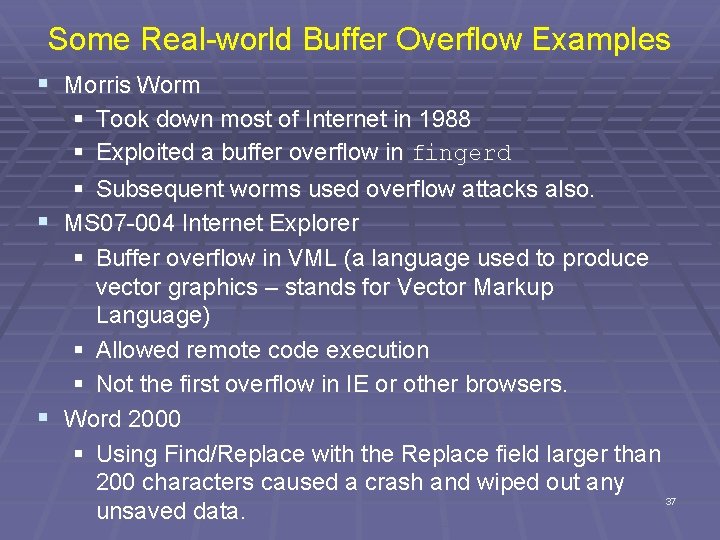
Some Real-world Buffer Overflow Examples § Morris Worm § § § Took down most of Internet in 1988 § Exploited a buffer overflow in fingerd § Subsequent worms used overflow attacks also. MS 07 -004 Internet Explorer § Buffer overflow in VML (a language used to produce vector graphics – stands for Vector Markup Language) § Allowed remote code execution § Not the first overflow in IE or other browsers. Word 2000 § Using Find/Replace with the Replace field larger than 200 characters caused a crash and wiped out any 37 unsaved data.
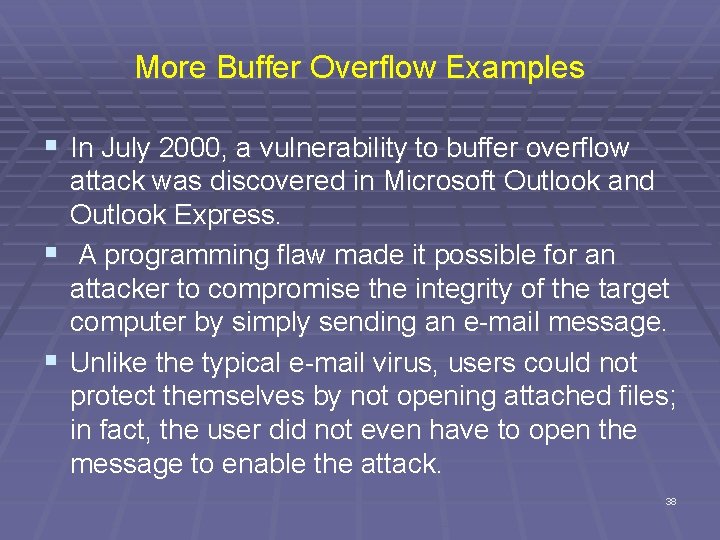
More Buffer Overflow Examples § In July 2000, a vulnerability to buffer overflow attack was discovered in Microsoft Outlook and Outlook Express. § A programming flaw made it possible for an attacker to compromise the integrity of the target computer by simply sending an e-mail message. § Unlike the typical e-mail virus, users could not protect themselves by not opening attached files; in fact, the user did not even have to open the message to enable the attack. 38
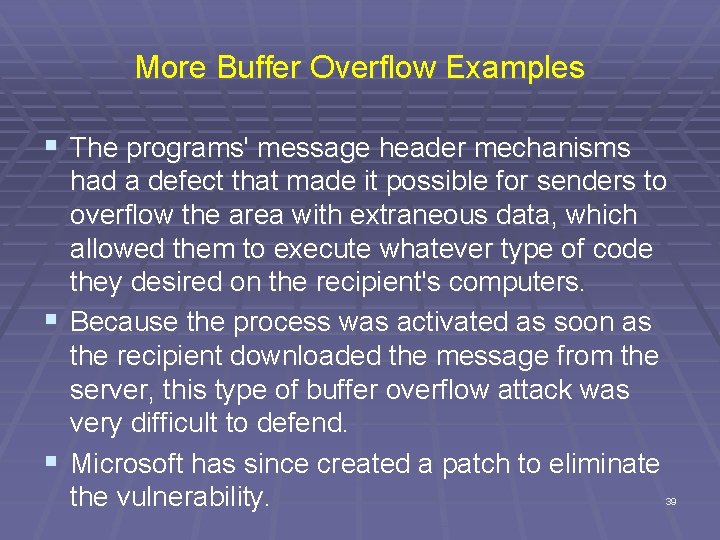
More Buffer Overflow Examples § The programs' message header mechanisms had a defect that made it possible for senders to overflow the area with extraneous data, which allowed them to execute whatever type of code they desired on the recipient's computers. § Because the process was activated as soon as the recipient downloaded the message from the server, this type of buffer overflow attack was very difficult to defend. § Microsoft has since created a patch to eliminate the vulnerability. 39
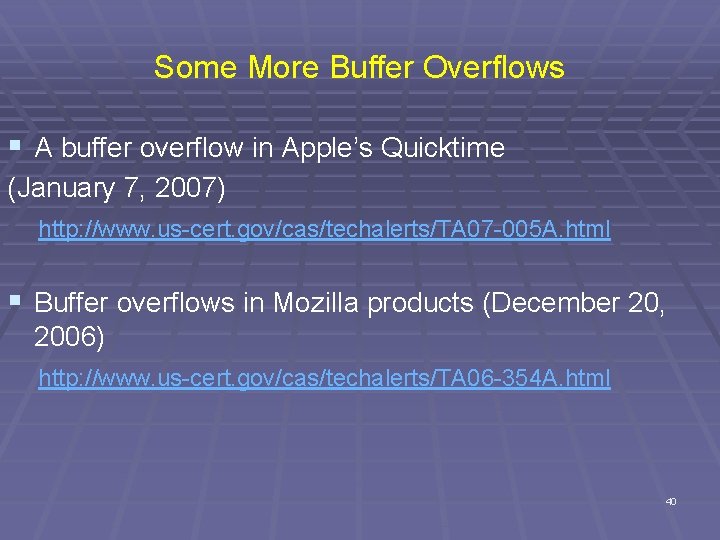
Some More Buffer Overflows § A buffer overflow in Apple’s Quicktime (January 7, 2007) http: //www. us-cert. gov/cas/techalerts/TA 07 -005 A. html § Buffer overflows in Mozilla products (December 20, 2006) http: //www. us-cert. gov/cas/techalerts/TA 06 -354 A. html 40
More Buffer Overflow Examples § Other examples include: § RTF format §. doc files § Acrobat products -. pdf, Photoshop etc. § Blaster worm § and the list goes on and on. . § As we will see, these examples can be hard to find. 41
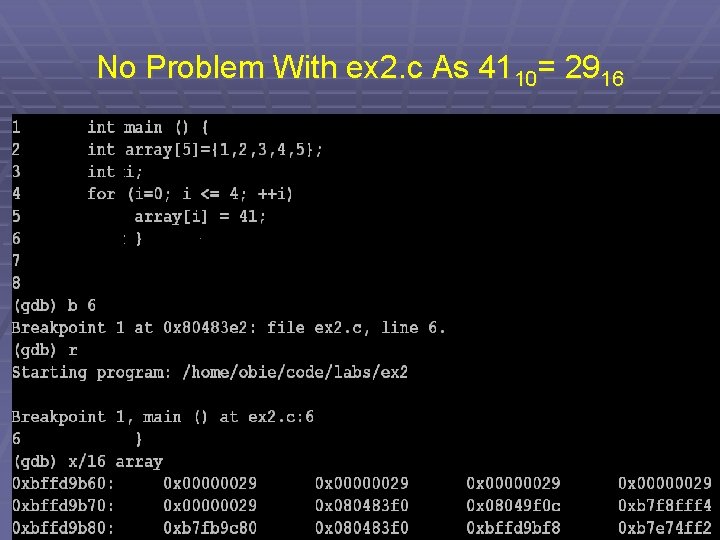
No Problem With ex 2. c As 4110= 2916 42
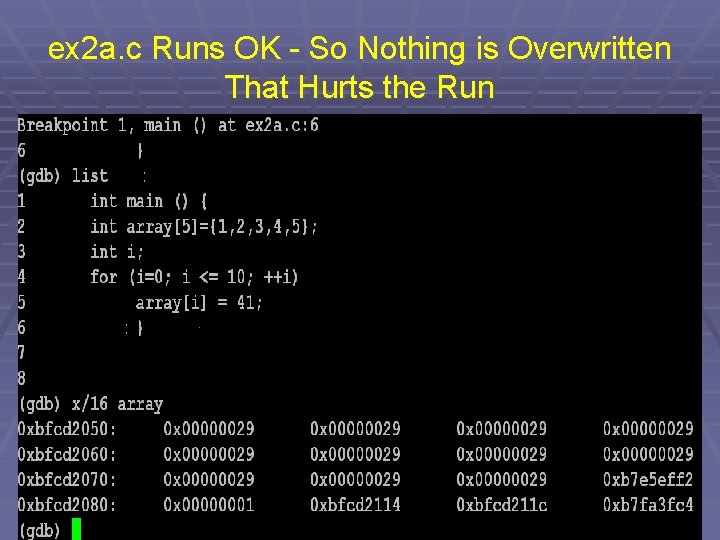
ex 2 a. c Runs OK - So Nothing is Overwritten That Hurts the Run 43
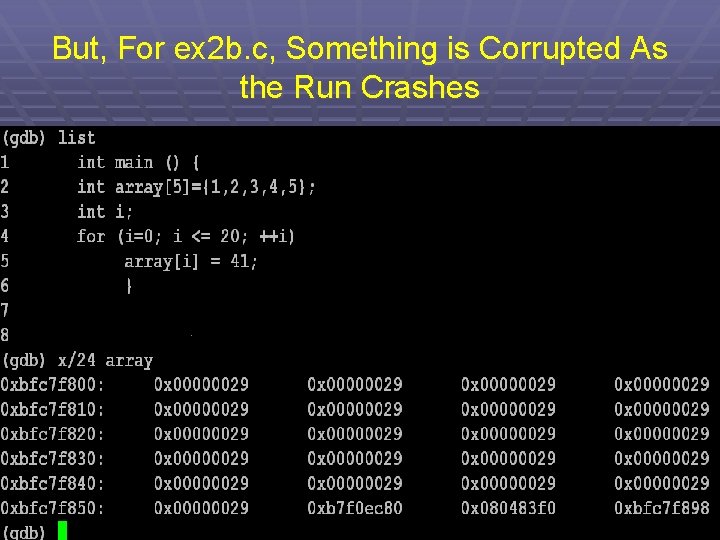
But, For ex 2 b. c, Something is Corrupted As the Run Crashes 44
ex 2 b. c § Obviously, any values can be written past the declared bounds of array. § However, as no input is involved, a hacker can't change any values in order to obtain control. § But, these examples show that if user input is allowed, this same concept can be used to corrupt the return address or other elements on the stack. 45
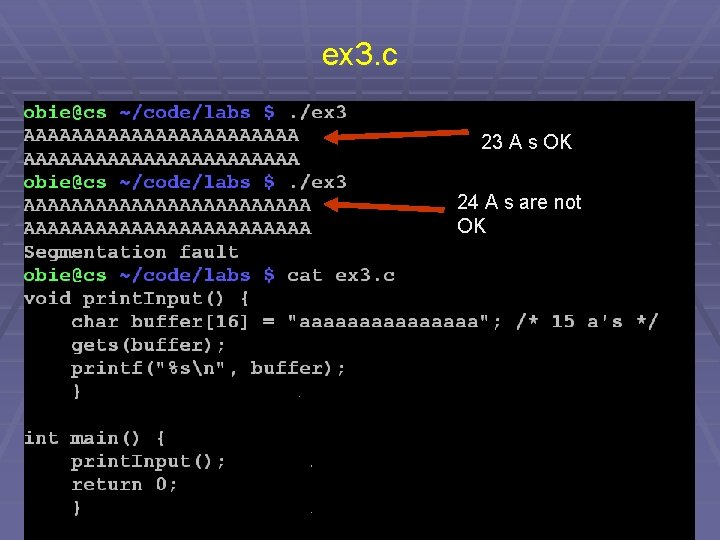
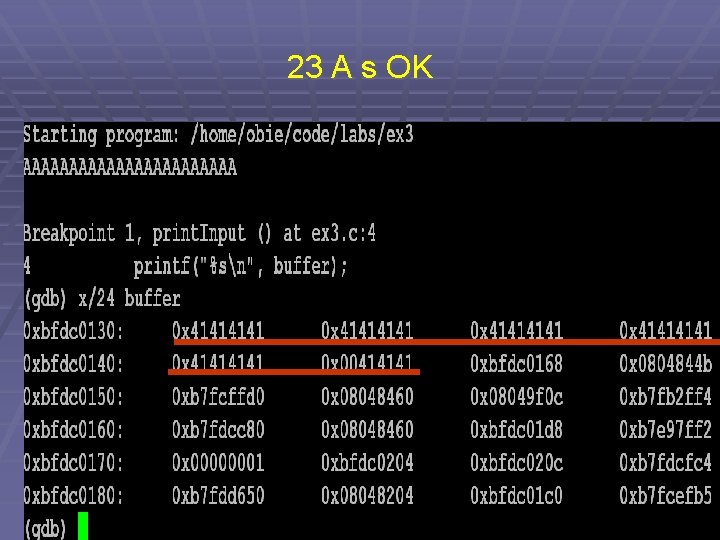
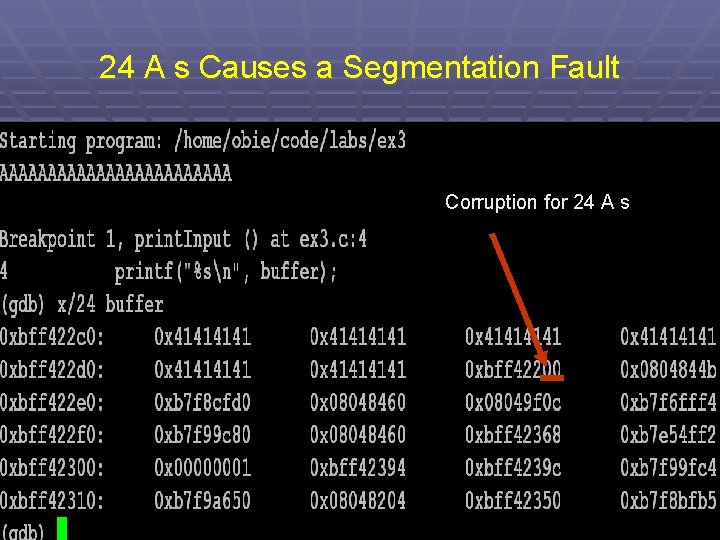
ex 3. c 23 A s OK 24 A s are not OK 46
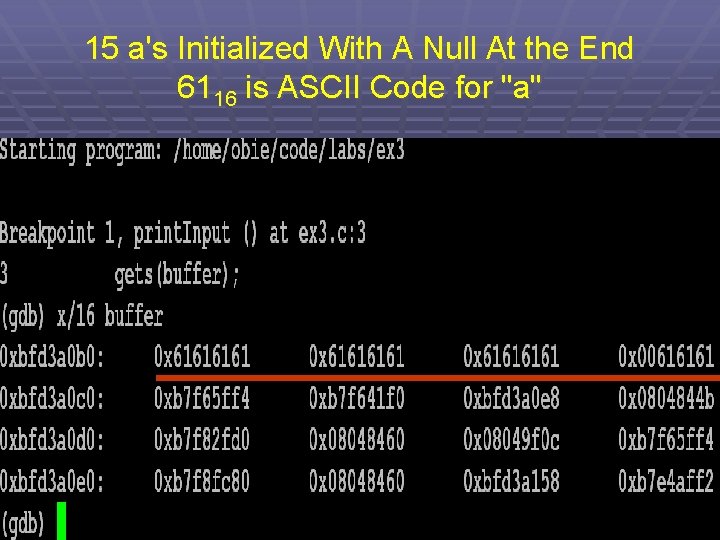
15 a's Initialized With A Null At the End 6116 is ASCII Code for "a" 47
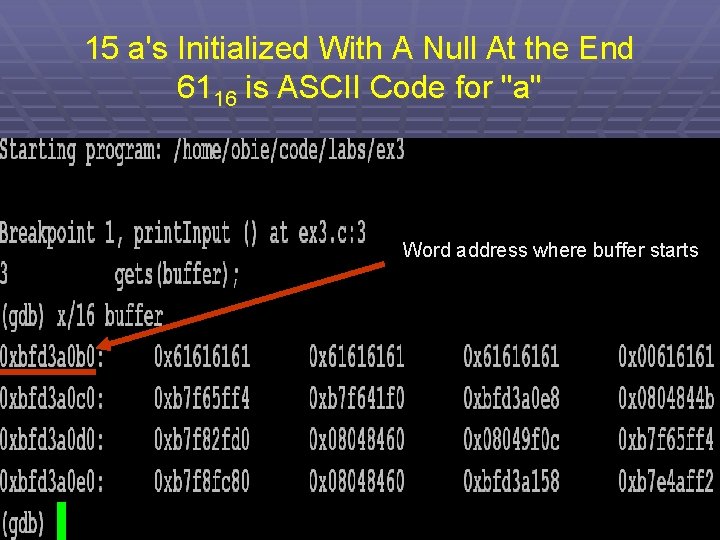
15 a's Initialized With A Null At the End 6116 is ASCII Code for "a" Word address where buffer starts 48
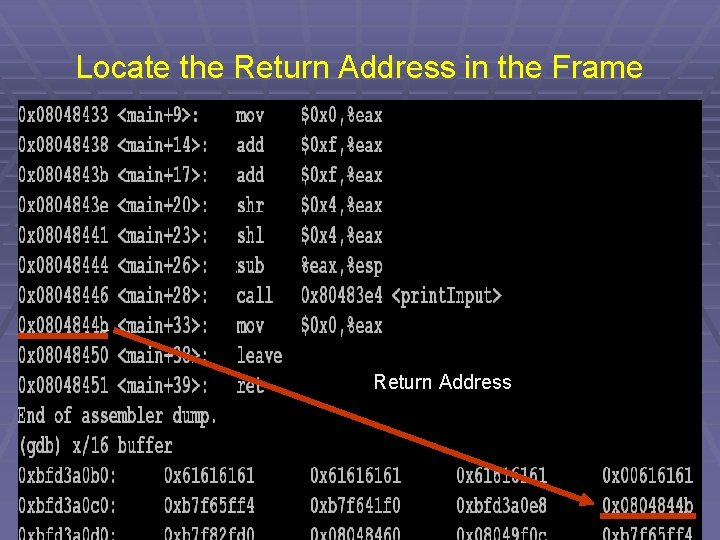
Locate the Return Address in the Frame Return Address 49
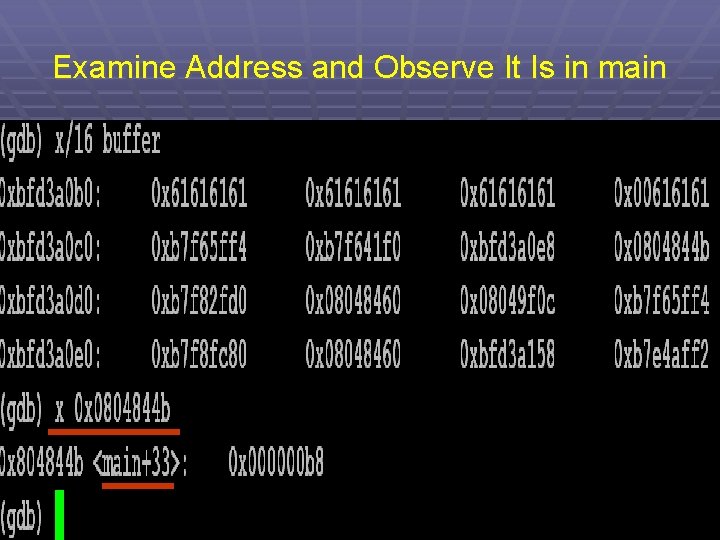
Examine Address and Observe It Is in main 50
23 A s OK 51
24 A s Causes a Segmentation Fault Corruption for 24 A s 52
Observe Security Faults Exposed Here § The return address has been located and, consequently, could be corrupted by the input. § Another return address could be inserted. § The existing return address could be corrupted causing a crash. § If the stack area allows execution, a hacker could insert malicious code at this point. 53
Stack-based Overflows Called "Smashing the stack"
Stack-based Buffer Overflows § Stack-based buffer overflows were the first type of vulnerability that was described as a separate class, in 1996. § How to exploit this vulnerability was described in the Phrack article "Smashing the Stack for Fun and Profit, " by Aleph 1, a. k. a. Elias Levy. § Phrack is an underground e-zine written by and for hackers that was first published in 1985. § It has a wide circulation which includes both hackers and computer security professionals. 55
Stack-based Buffer Overflows § Since the Phrack article's release, these stackbased buffer overflows have been considered the most common type of remotely exploitable programming errors found in software applications. § As with other overflows, the problem here is the mixing of data and control information when the executable image is loaded into memory. § Thus, by incorrectly changing data, it is sometimes possible to change program execution flow. 56
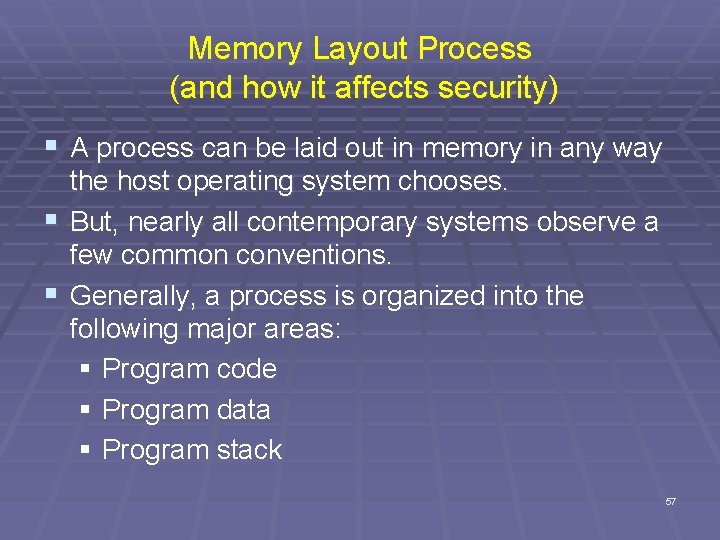
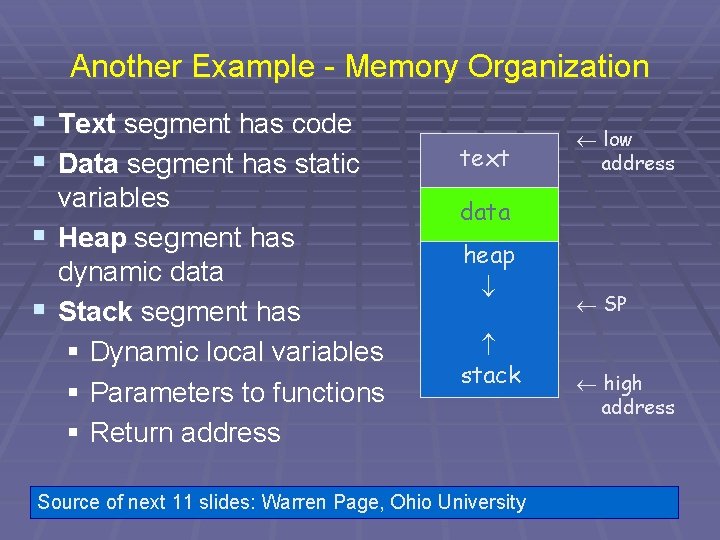
Memory Layout Process (and how it affects security) § A process can be laid out in memory in any way the host operating system chooses. § But, nearly all contemporary systems observe a few common conventions. § Generally, a process is organized into the following major areas: § Program code § Program data § Program stack 57
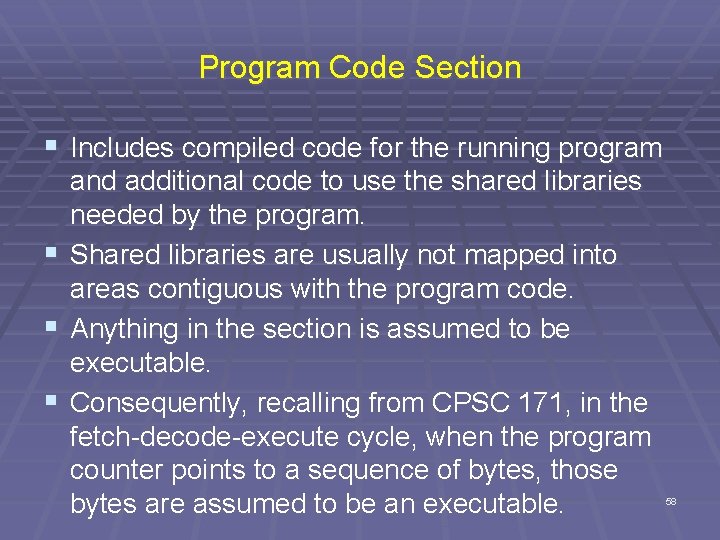
Program Code Section § Includes compiled code for the running program and additional code to use the shared libraries needed by the program. § Shared libraries are usually not mapped into areas contiguous with the program code. § Anything in the section is assumed to be executable. § Consequently, recalling from CPSC 171, in the fetch-decode-execute cycle, when the program counter points to a sequence of bytes, those bytes are assumed to be an executable. 58
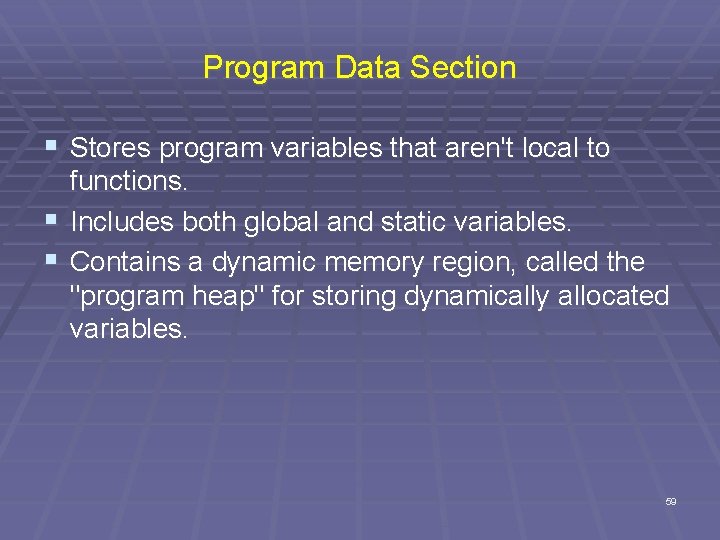
Program Data Section § Stores program variables that aren't local to functions. § Includes both global and static variables. § Contains a dynamic memory region, called the "program heap" for storing dynamically allocated variables. 59
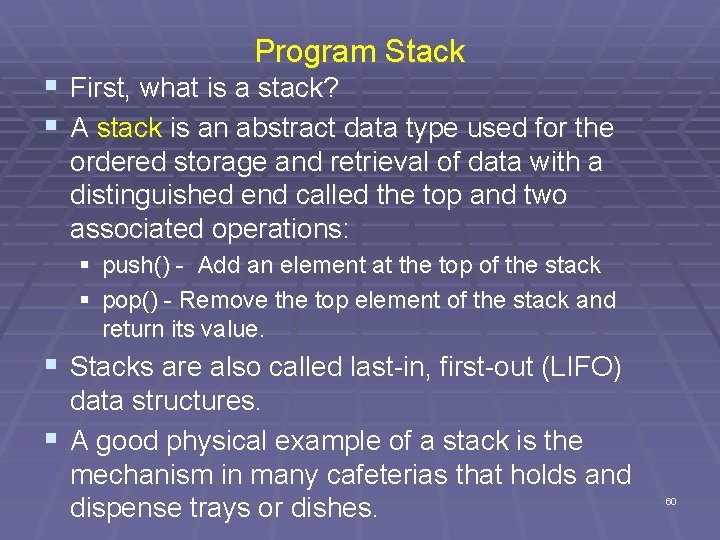
Program Stack § First, what is a stack? § A stack is an abstract data type used for the ordered storage and retrieval of data with a distinguished end called the top and two associated operations: § push() - Add an element at the top of the stack § pop() - Remove the top element of the stack and return its value. § Stacks are also called last-in, first-out (LIFO) data structures. § A good physical example of a stack is the mechanism in many cafeterias that holds and dispense trays or dishes. 60
Stack Overflows § These are buffer overflows in which the target buffer is located on the program stack. § These are the most understood security attacks and, historically, the most straightforward type of buffer overflow to exploit. § We'll examine how the program stack works Note: This material is covered in CPSC 252: Computer Organization and then how attackers can exploit it. § Note: The program stack is also called the "runtime stack", the "call stack", or just the "stack" when talking about a program. 61
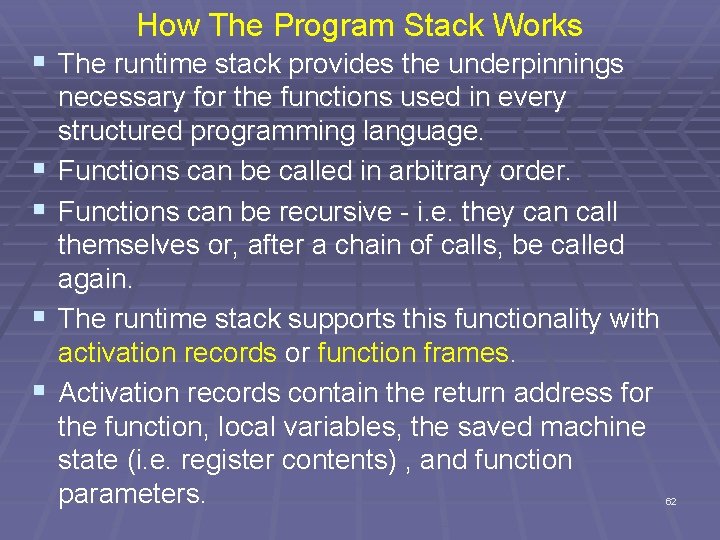
How The Program Stack Works § The runtime stack provides the underpinnings § § necessary for the functions used in every structured programming language. Functions can be called in arbitrary order. Functions can be recursive - i. e. they can call themselves or, after a chain of calls, be called again. The runtime stack supports this functionality with activation records or function frames. Activation records contain the return address for the function, local variables, the saved machine state (i. e. register contents) , and function parameters. 62
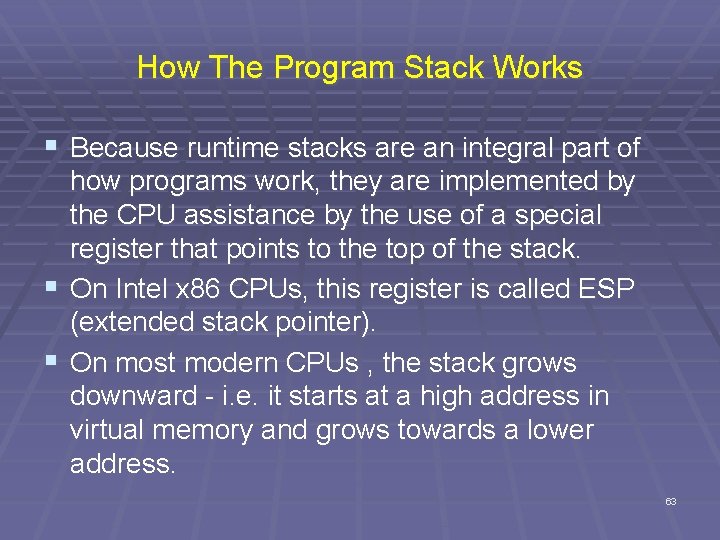
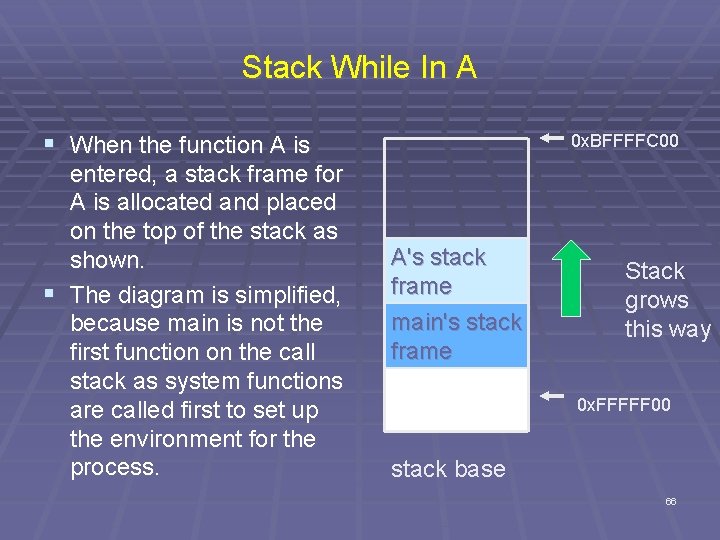
How The Program Stack Works § Because runtime stacks are an integral part of how programs work, they are implemented by the CPU assistance by the use of a special register that points to the top of the stack. § On Intel x 86 CPUs, this register is called ESP (extended stack pointer). § On most modern CPUs , the stack grows downward - i. e. it starts at a high address in virtual memory and grows towards a lower address. 63
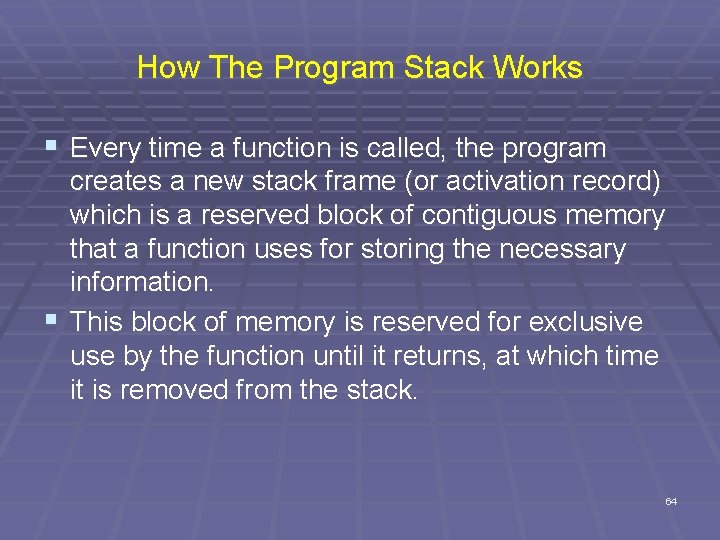
How The Program Stack Works § Every time a function is called, the program creates a new stack frame (or activation record) which is a reserved block of contiguous memory that a function uses for storing the necessary information. § This block of memory is reserved for exclusive use by the function until it returns, at which time it is removed from the stack. 64
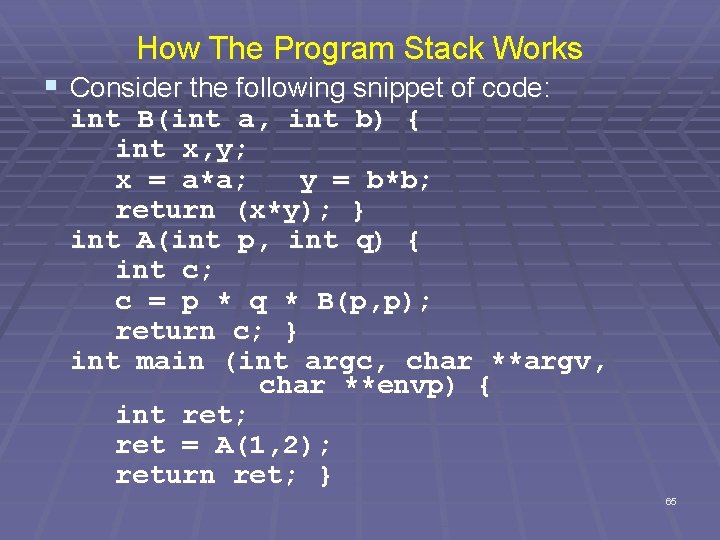
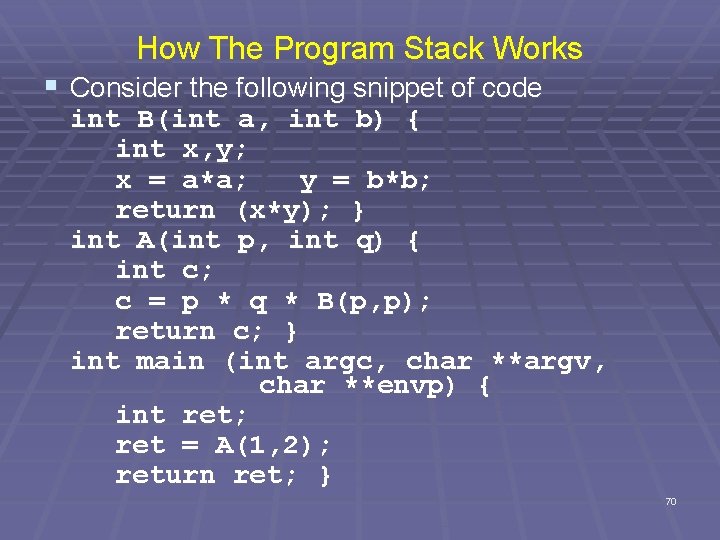
How The Program Stack Works § Consider the following snippet of code: int B(int a, int b) { int x, y; x = a*a; y = b*b; return (x*y); } int A(int p, int q) { int c; c = p * q * B(p, p); return c; } int main (int argc, char **argv, char **envp) { int ret; ret = A(1, 2); return ret; } 65
Stack While In A § When the function A is entered, a stack frame for A is allocated and placed on the top of the stack as shown. § The diagram is simplified, because main is not the first function on the call stack as system functions are called first to set up the environment for the process. 0 x. BFFFFC 00 A's stack frame main's stack frame Stack grows this way 0 x. FFFFF 00 stack base 66
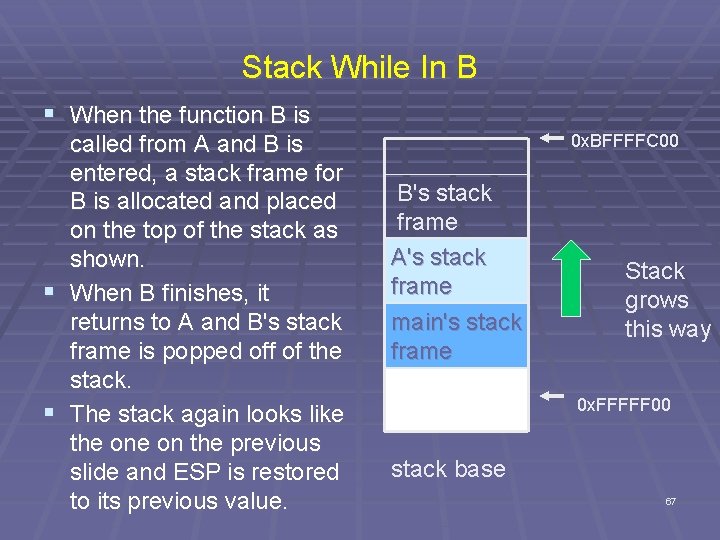
Stack While In B § When the function B is called from A and B is entered, a stack frame for B is allocated and placed on the top of the stack as shown. § When B finishes, it returns to A and B's stack frame is popped off of the stack. § The stack again looks like the on the previous slide and ESP is restored to its previous value. 0 x. BFFFFC 00 B's stack frame A's stack frame main's stack frame Stack grows this way 0 x. FFFFF 00 stack base 67
Internal State Information In Stack Frame § This varies among processor architectures, but § § § usually it includes the previous function's frame pointer and a return address. The return address is saved so that when the currently running function returns, the CPU knows where execution should continue. Also, the frame pointer must be restored so that local variable accesses remain consistent after a function has called a subfunction that allocates its own stack frame. The stack pointer must also be restored to its previous state. 68
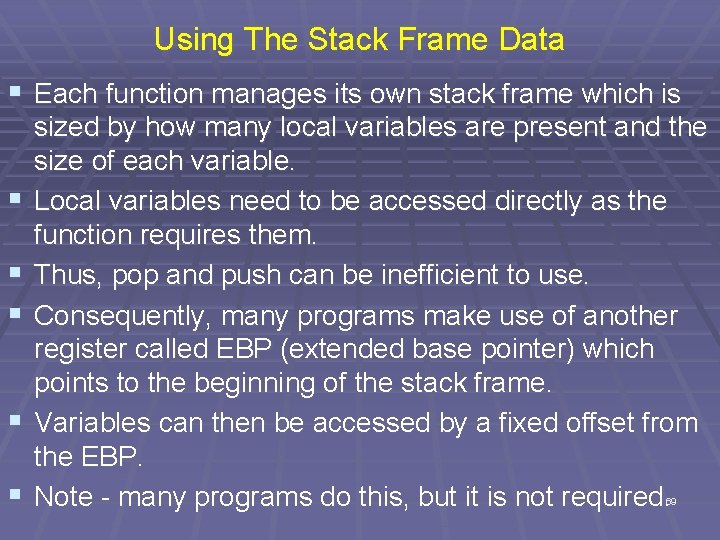
Using The Stack Frame Data § Each function manages its own stack frame which is § § § sized by how many local variables are present and the size of each variable. Local variables need to be accessed directly as the function requires them. Thus, pop and push can be inefficient to use. Consequently, many programs make use of another register called EBP (extended base pointer) which points to the beginning of the stack frame. Variables can then be accessed by a fixed offset from the EBP. Note - many programs do this, but it is not required. 69
How The Program Stack Works § Consider the following snippet of code int B(int a, int b) { int x, y; x = a*a; y = b*b; return (x*y); } int A(int p, int q) { int c; c = p * q * B(p, p); return c; } int main (int argc, char **argv, char **envp) { int ret; ret = A(1, 2); return ret; } 70
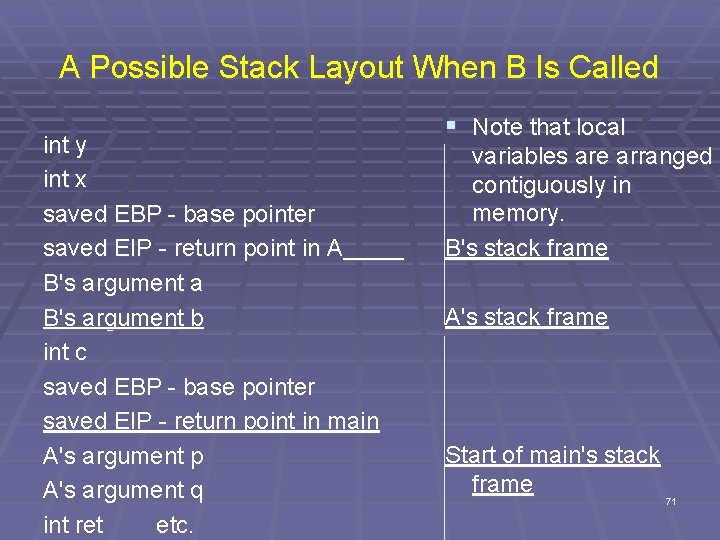
A Possible Stack Layout When B Is Called int y int x saved EBP - base pointer saved EIP - return point in A B's argument a B's argument b int c saved EBP - base pointer saved EIP - return point in main A's argument p A's argument q int ret etc. § Note that local variables are arranged contiguously in memory. B's stack frame A's stack frame Start of main's stack frame 71 71
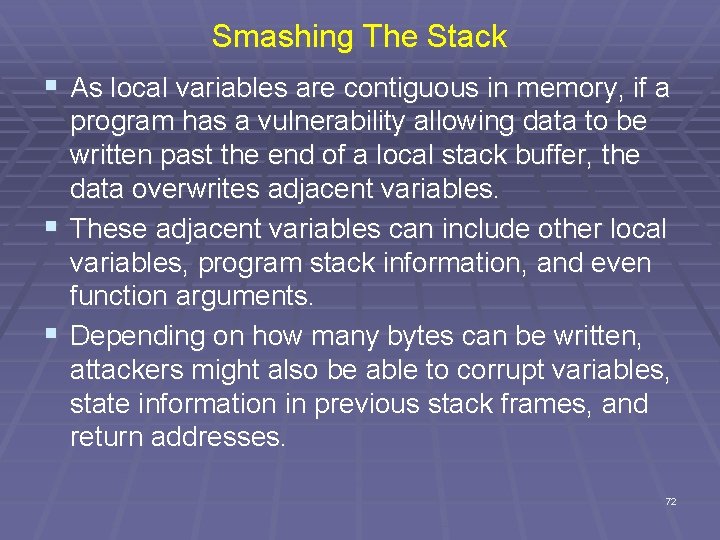
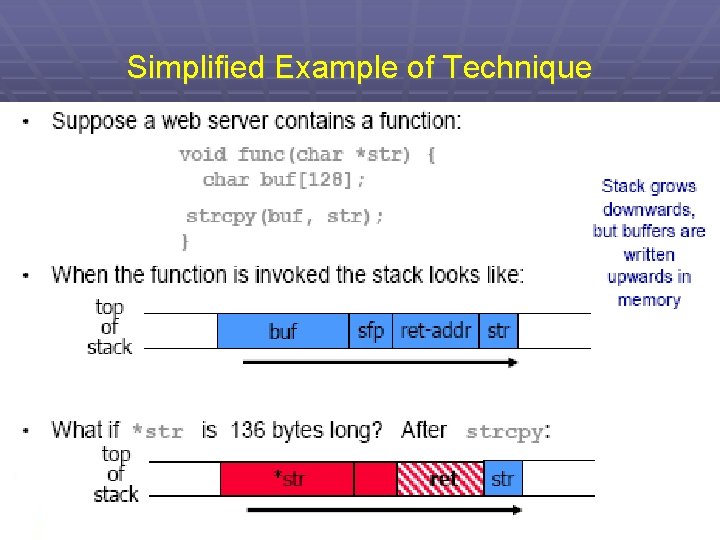
Smashing The Stack § As local variables are contiguous in memory, if a program has a vulnerability allowing data to be written past the end of a local stack buffer, the data overwrites adjacent variables. § These adjacent variables can include other local variables, program stack information, and even function arguments. § Depending on how many bytes can be written, attackers might also be able to corrupt variables, state information in previous stack frames, and return addresses. 72
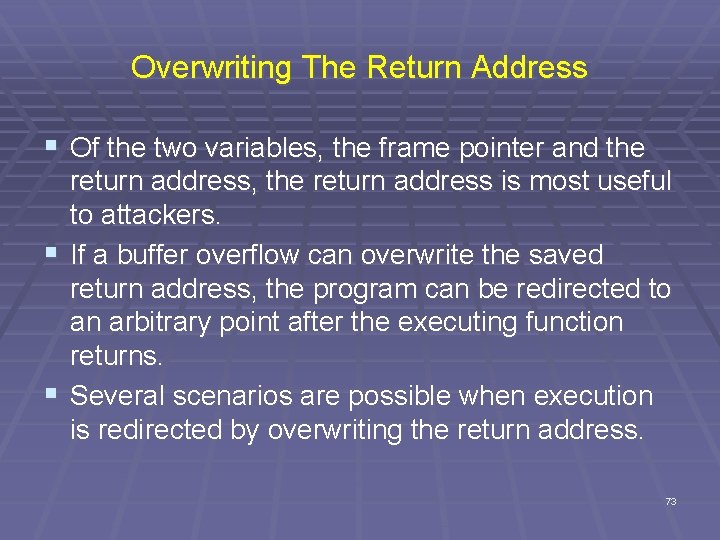
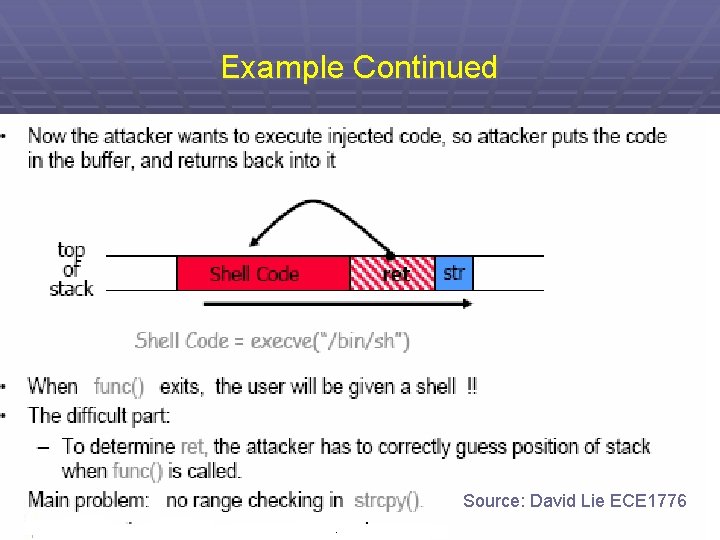
Overwriting The Return Address § Of the two variables, the frame pointer and the return address, the return address is most useful to attackers. § If a buffer overflow can overwrite the saved return address, the program can be redirected to an arbitrary point after the executing function returns. § Several scenarios are possible when execution is redirected by overwriting the return address. 73
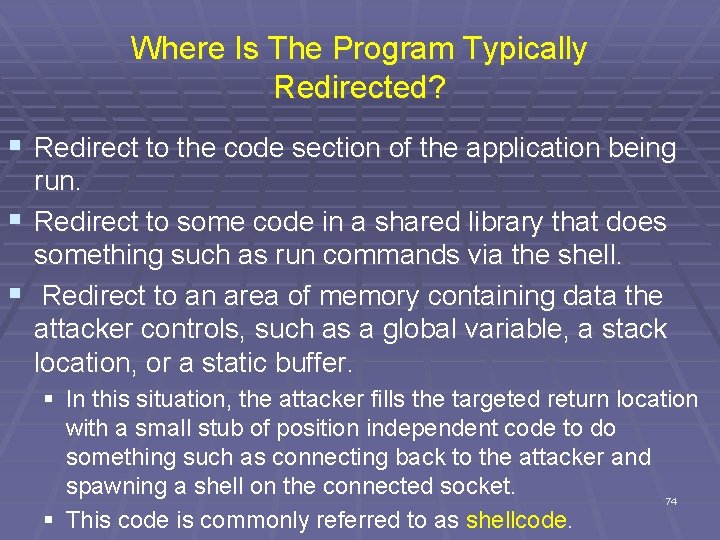
Where Is The Program Typically Redirected? § Redirect to the code section of the application being run. § Redirect to some code in a shared library that does something such as run commands via the shell. § Redirect to an area of memory containing data the attacker controls, such as a global variable, a stack location, or a static buffer. § In this situation, the attacker fills the targeted return location with a small stub of position independent code to do something such as connecting back to the attacker and spawning a shell on the connected socket. 74 § This code is commonly referred to as shellcode.
An Aside About Linux and Shells § A shell for Linux (or Unix) is a user program or an environment provided for user interaction. § A shell is an command language interpreter that executes commands read from the standard input device (keyboard) or from a file. § These reside in the directory (folder in Windows' terminology) /bin § The most used shells are bash - Bourne again shell (default on cs. hiram. edu) csh - C shell ksh - Korn shell 75
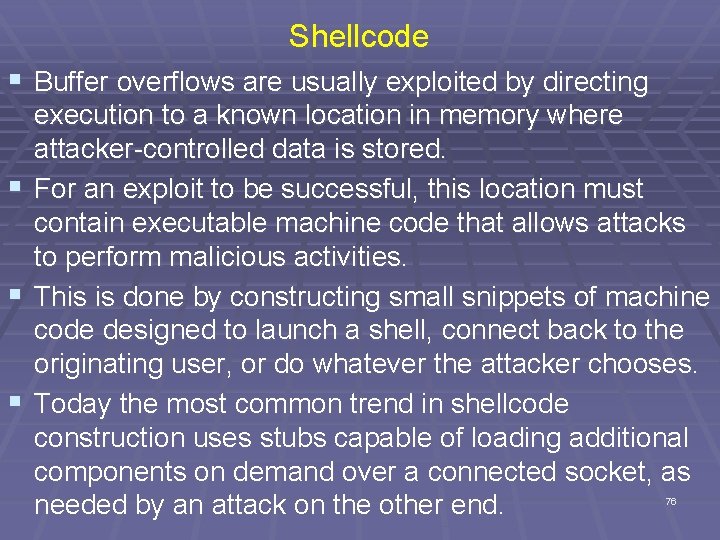
Shellcode § Buffer overflows are usually exploited by directing execution to a known location in memory where attacker-controlled data is stored. § For an exploit to be successful, this location must contain executable machine code that allows attacks to perform malicious activities. § This is done by constructing small snippets of machine code designed to launch a shell, connect back to the originating user, or do whatever the attacker chooses. § Today the most common trend in shellcode construction uses stubs capable of loading additional components on demand over a connected socket, as needed by an attack on the other end. 76
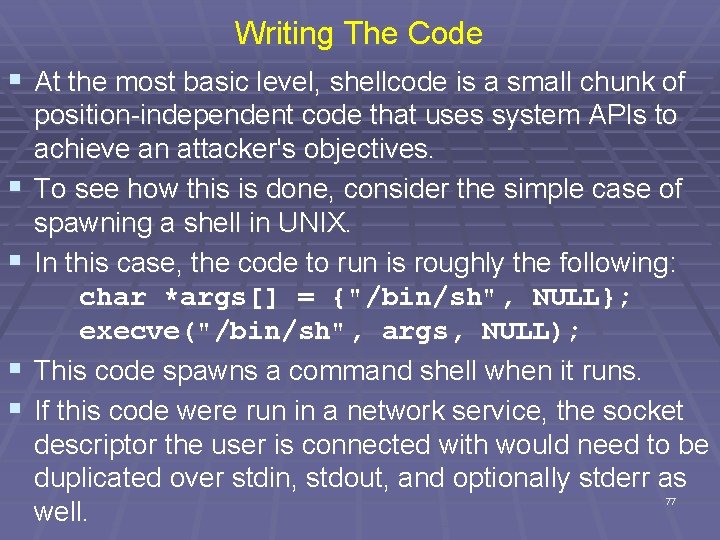
Writing The Code § At the most basic level, shellcode is a small chunk of § § position-independent code that uses system APIs to achieve an attacker's objectives. To see how this is done, consider the simple case of spawning a shell in UNIX. In this case, the code to run is roughly the following: char *args[] = {"/bin/sh", NULL}; execve("/bin/sh", args, NULL); This code spawns a command shell when it runs. If this code were run in a network service, the socket descriptor the user is connected with would need to be duplicated over stdin, stdout, and optionally stderr as well. 77
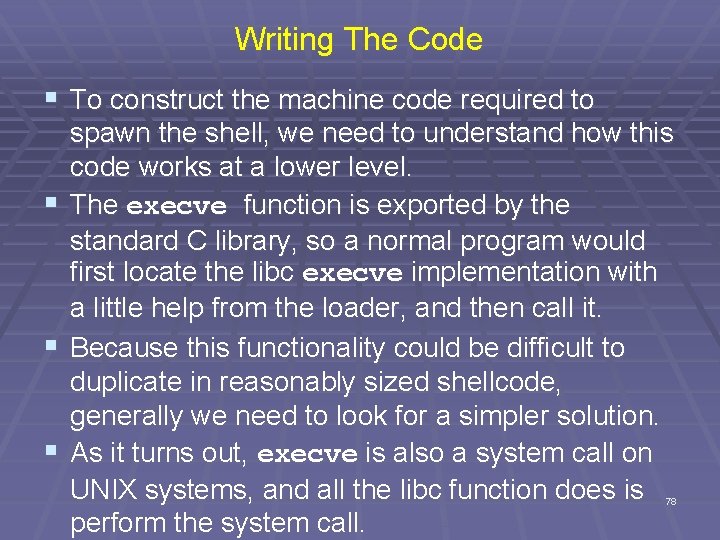
Writing The Code § To construct the machine code required to spawn the shell, we need to understand how this code works at a lower level. § The execve function is exported by the standard C library, so a normal program would first locate the libc execve implementation with a little help from the loader, and then call it. § Because this functionality could be difficult to duplicate in reasonably sized shellcode, generally we need to look for a simpler solution. § As it turns out, execve is also a system call on UNIX systems, and all the libc function does is perform the system call. 78
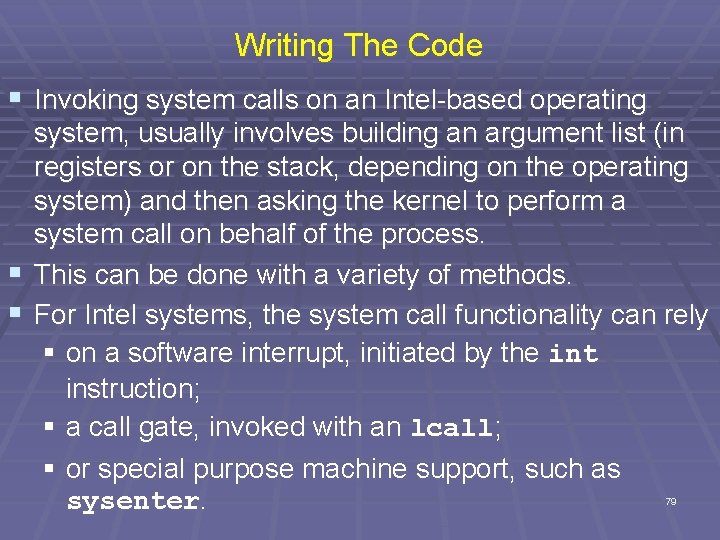
Writing The Code § Invoking system calls on an Intel-based operating § § system, usually involves building an argument list (in registers or on the stack, depending on the operating system) and then asking the kernel to perform a system call on behalf of the process. This can be done with a variety of methods. For Intel systems, the system call functionality can rely § on a software interrupt, initiated by the int instruction; § a call gate, invoked with an lcall; § or special purpose machine support, such as sysenter. 79
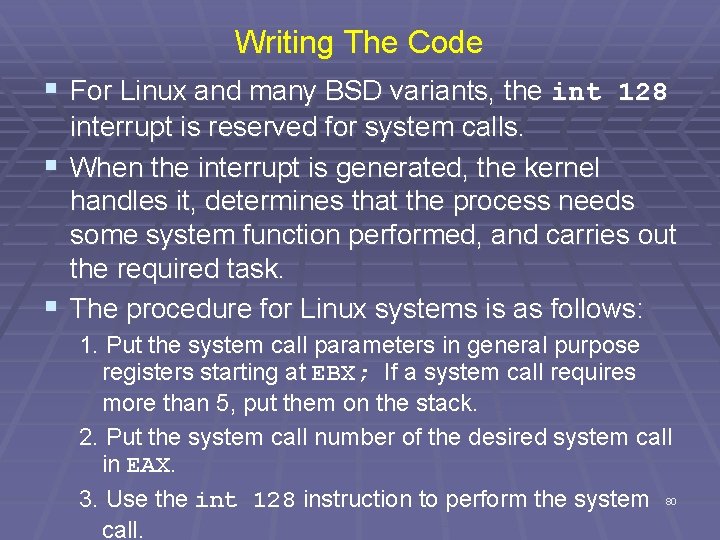
Writing The Code § For Linux and many BSD variants, the int 128 interrupt is reserved for system calls. § When the interrupt is generated, the kernel handles it, determines that the process needs some system function performed, and carries out the required task. § The procedure for Linux systems is as follows: 1. Put the system call parameters in general purpose registers starting at EBX; If a system call requires more than 5, put them on the stack. 2. Put the system call number of the desired system call in EAX. 3. Use the int 128 instruction to perform the system 80 call.
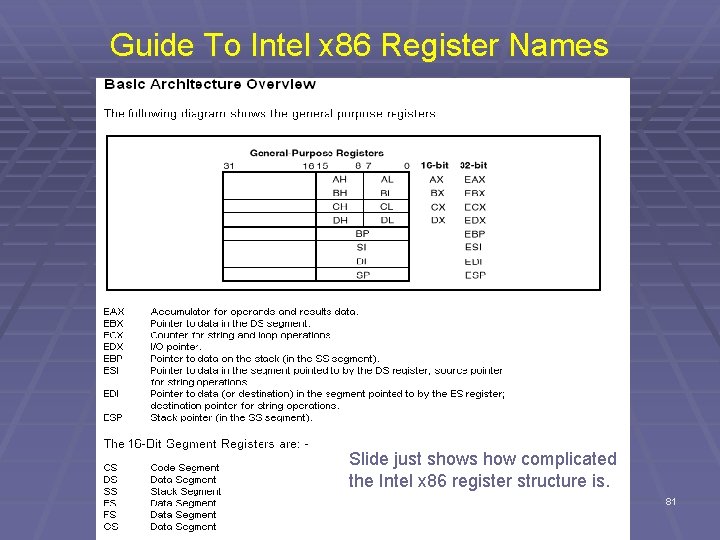
Guide To Intel x 86 Register Names Slide just shows how complicated the Intel x 86 register structure is. 81
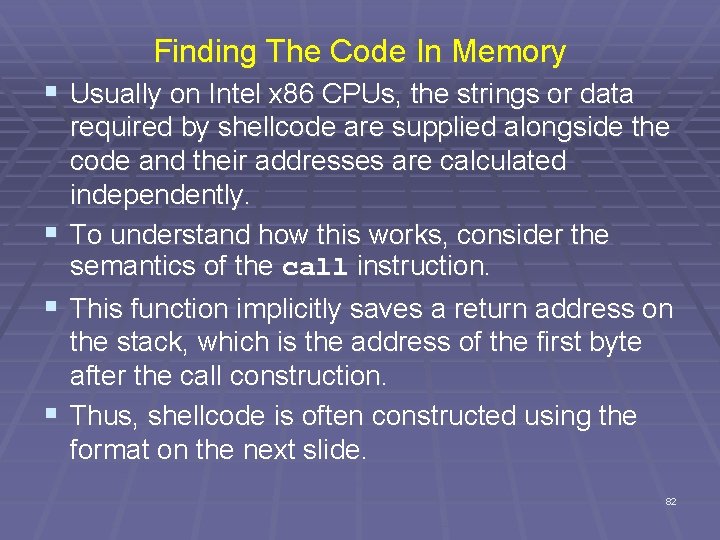
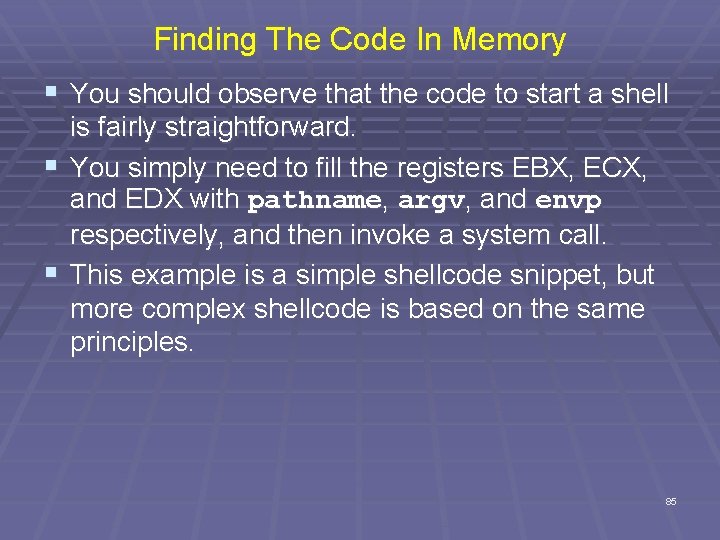
Finding The Code In Memory § Usually on Intel x 86 CPUs, the strings or data § § § required by shellcode are supplied alongside the code and their addresses are calculated independently. To understand how this works, consider the semantics of the call instruction. This function implicitly saves a return address on the stack, which is the address of the first byte after the call construction. Thus, shellcode is often constructed using the format on the next slide. 82
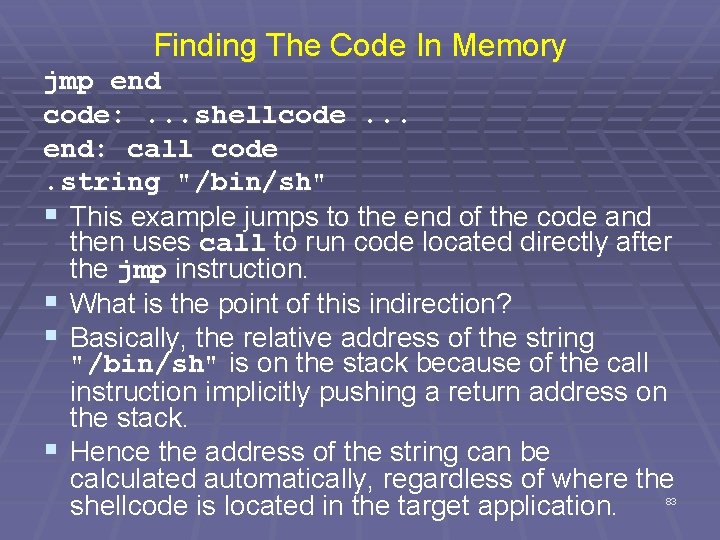
Finding The Code In Memory jmp end code: . . . shellcode. . . end: call code. string "/bin/sh" § This example jumps to the end of the code and then uses call to run code located directly after the jmp instruction. § What is the point of this indirection? § Basically, the relative address of the string "/bin/sh" is on the stack because of the call instruction implicitly pushing a return address on the stack. § Hence the address of the string can be calculated automatically, regardless of where the shellcode is located in the target application. 83
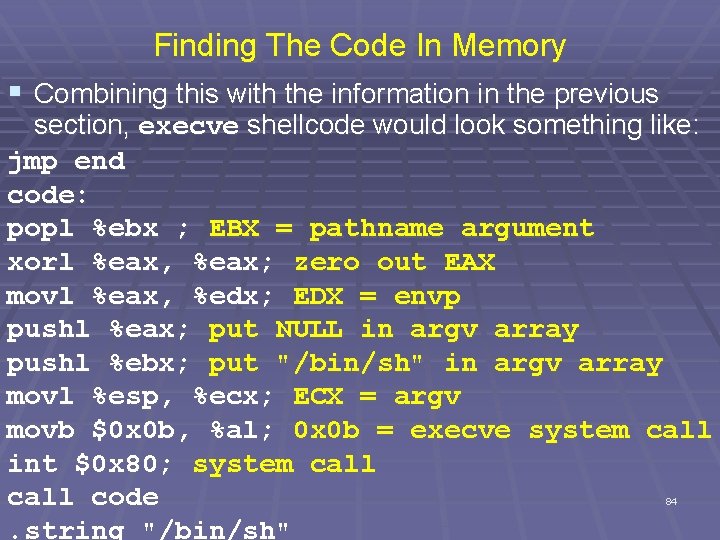
Finding The Code In Memory § Combining this with the information in the previous section, execve shellcode would look something like: jmp end code: popl %ebx ; EBX = pathname argument xorl %eax, %eax; zero out EAX movl %eax, %edx; EDX = envp pushl %eax; put NULL in argv array pushl %ebx; put "/bin/sh" in argv array movl %esp, %ecx; ECX = argv movb $0 x 0 b, %al; 0 x 0 b = execve system call int $0 x 80; system call code. string "/bin/sh" 84
Finding The Code In Memory § You should observe that the code to start a shell is fairly straightforward. § You simply need to fill the registers EBX, ECX, and EDX with pathname, argv, and envp respectively, and then invoke a system call. § This example is a simple shellcode snippet, but more complex shellcode is based on the same principles. 85
Simplified Example of Technique 86
Example Continued 87 Source: David Lie ECE 1776
Another Example - Memory Organization § Text segment has code § Data segment has static variables § Heap segment has dynamic data § Stack segment has § Dynamic local variables § Parameters to functions § Return address text ¬ low address data heap stack Source of next 11 slides: Warren Page, Ohio University ¬ SP ¬ high address 88
Simplified Stack Example low void func(int a, int b){ char buffer[10]; } void main(){ func(1, 2); } : : buffer high ret a b ¬ SP ¬ return SP address ¬ SP 89
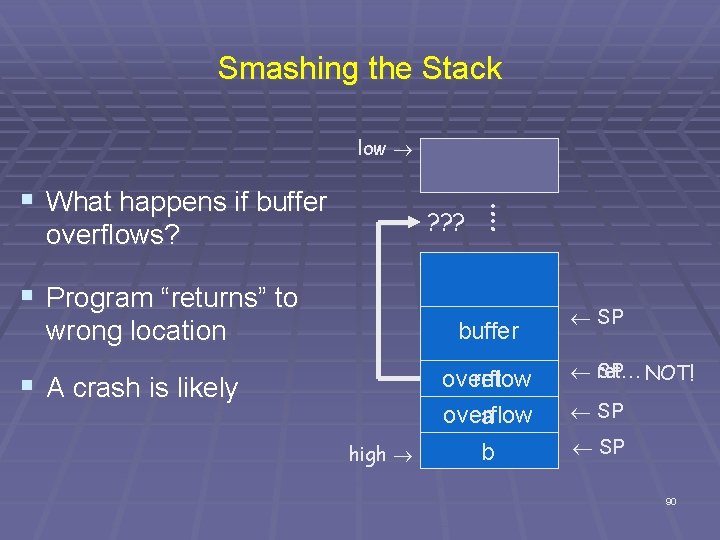
Smashing the Stack low § What happens if buffer : ? ? ? : overflows? § Program “returns” to wrong location buffer overflow ret overflow a § A crash is likely high b ¬ SP ret… NOT! ¬ SP 90
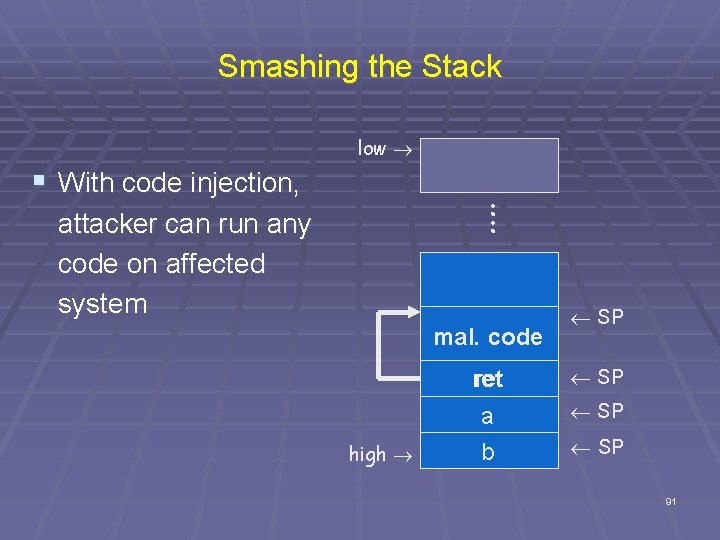
Smashing the Stack low § With code injection, : : attacker can run any code on affected system mal. code high ¬ SP ret ¬ SP a b ¬ SP 91
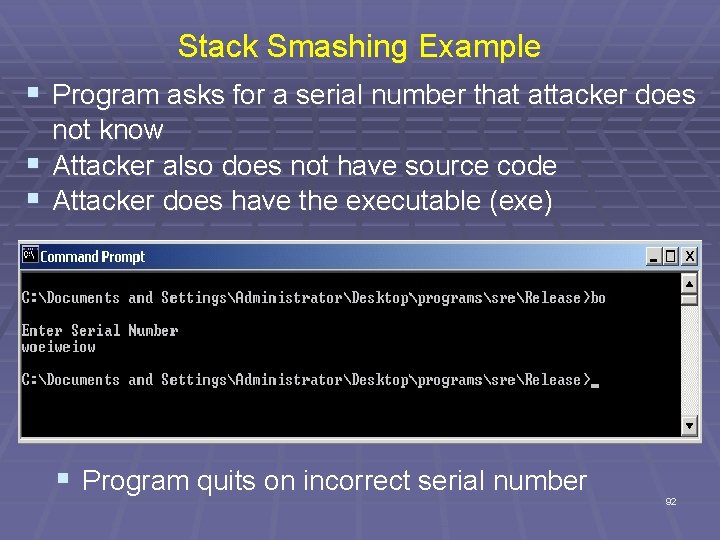
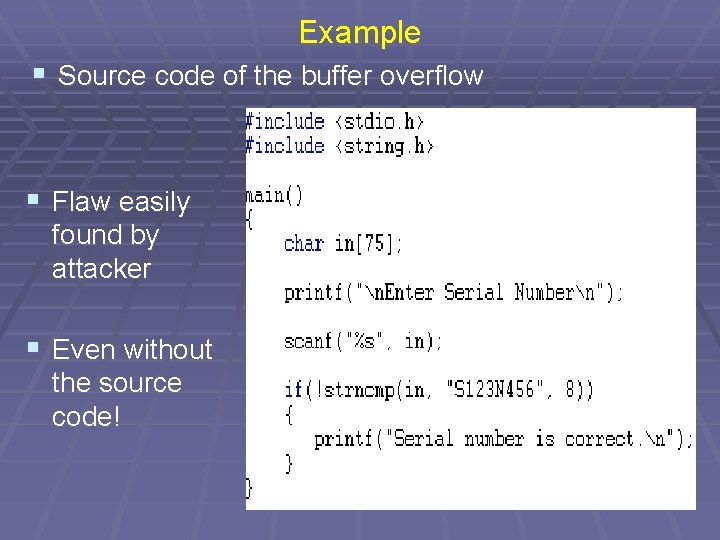
Stack Smashing Example § Program asks for a serial number that attacker does not know § Attacker also does not have source code § Attacker does have the executable (exe) § Program quits on incorrect serial number 92
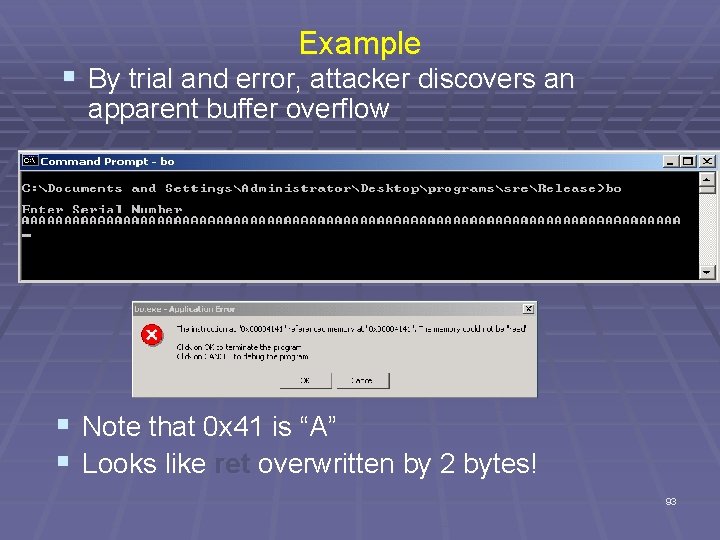
Example § By trial and error, attacker discovers an apparent buffer overflow § Note that 0 x 41 is “A” § Looks like ret overwritten by 2 bytes! 93
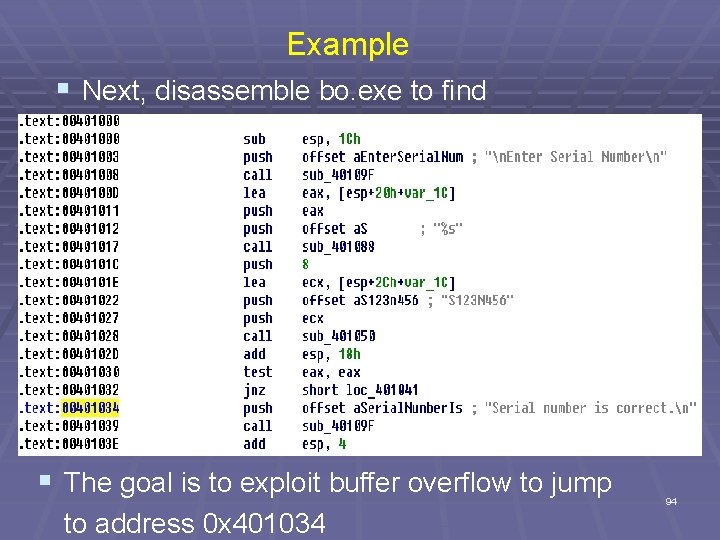
Example § Next, disassemble bo. exe to find § The goal is to exploit buffer overflow to jump to address 0 x 401034 94
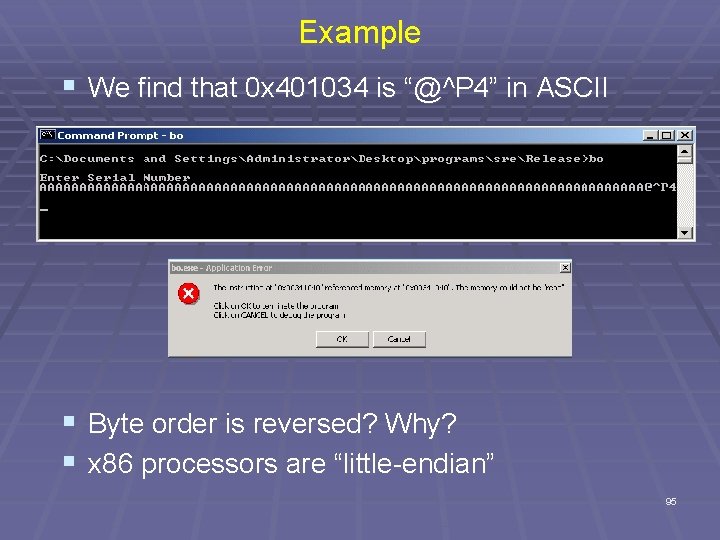
Example § We find that 0 x 401034 is “@^P 4” in ASCII § Byte order is reversed? Why? § x 86 processors are “little-endian” 95
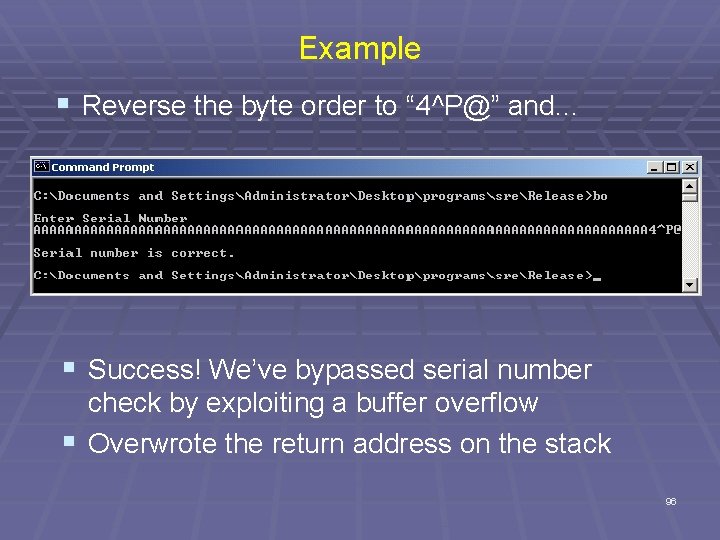
Example § Reverse the byte order to “ 4^P@” and… § Success! We’ve bypassed serial number check by exploiting a buffer overflow § Overwrote the return address on the stack 96
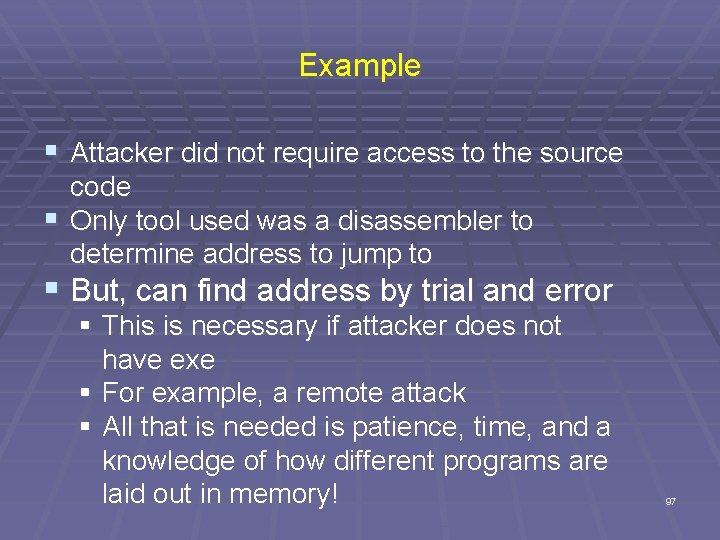
Example § Attacker did not require access to the source code § Only tool used was a disassembler to determine address to jump to § But, can find address by trial and error § This is necessary if attacker does not have exe § For example, a remote attack § All that is needed is patience, time, and a knowledge of how different programs are laid out in memory! 97
Example § Source code of the buffer overflow § Flaw easily found by attacker § Even without the source code! 98
Non-trusted Input
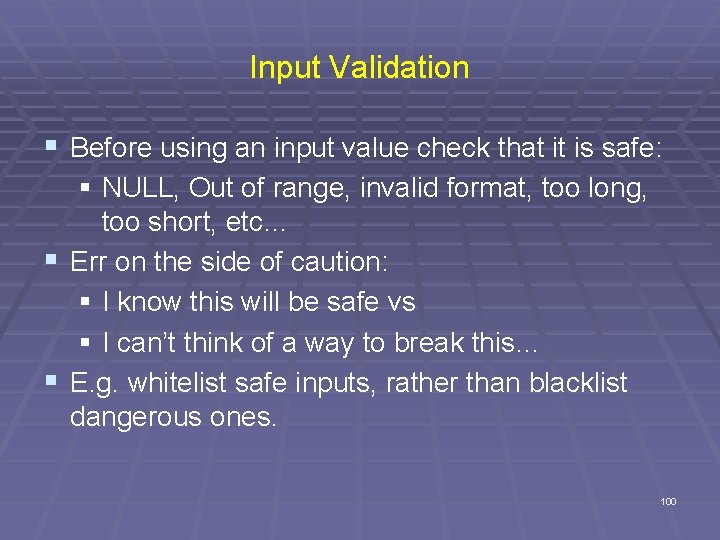
Input Validation § Before using an input value check that it is safe: § NULL, Out of range, invalid format, too long, too short, etc… § Err on the side of caution: § I know this will be safe vs § I can’t think of a way to break this… § E. g. whitelist safe inputs, rather than blacklist dangerous ones. 100
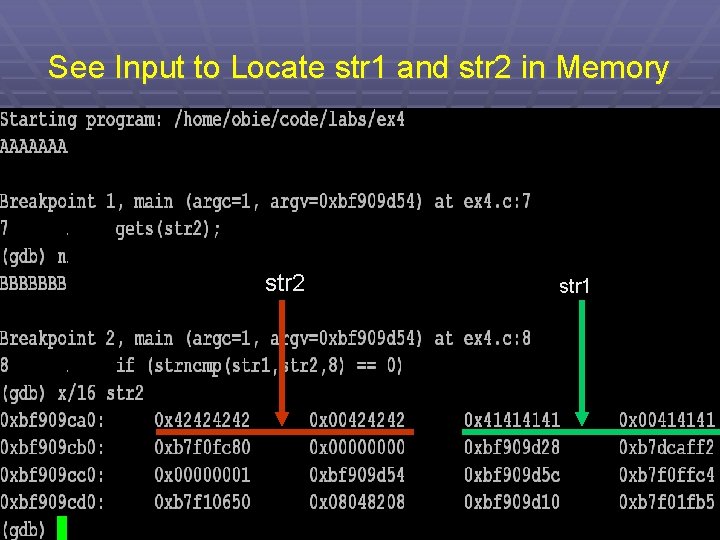
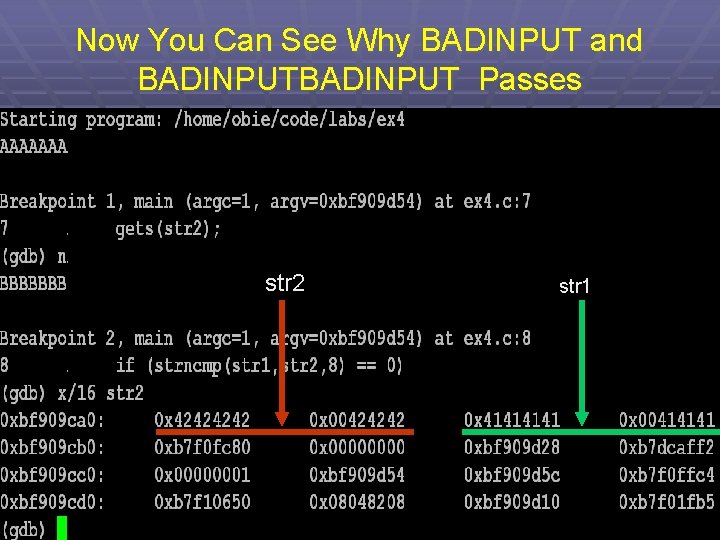
ex 8. c int main(int argc, char *argv[]) { int valid = 0; /* 0=false */ char str 1[8]; char str 2[8]; gets(str 1); gets(str 2); if (strncmp(str 1, str 2, 8) == 0) valid = 1; /* 1 = true */ printf("buffer 1: str 1(%s), str 2(%s), valid(%d)n", str 1, str 2, valid); if (valid == 0) /* zero is viewed as false */ printf("No match - deny accessn"); if (valid != 0) /*any nonzero value is viewed as true */ printf("Match - allow accessn"); } 101
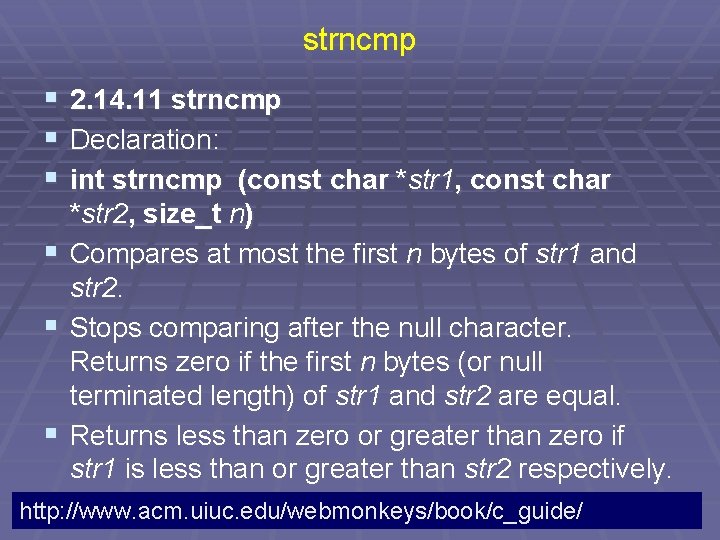
strncmp § 2. 14. 11 strncmp § Declaration: § int strncmp (const char *str 1, const char § § § *str 2, size_t n) Compares at most the first n bytes of str 1 and str 2. Stops comparing after the null character. Returns zero if the first n bytes (or null terminated length) of str 1 and str 2 are equal. Returns less than zero or greater than zero if str 1 is less than or greater than str 2 respectively. http: //www. acm. uiuc. edu/webmonkeys/book/c_guide/ 102
See Input to Locate str 1 and str 2 in Memory str 2 str 1 103
Now You Can See Why BADINPUT and BADINPUT Passes str 2 str 1 104
Security Problem § Note that discovering this flaw, allows someone to enter a password protected site or database, when they don't know the password! § Note the number 8 is irrelevant. § Any number chosen would cause similar problems. 105
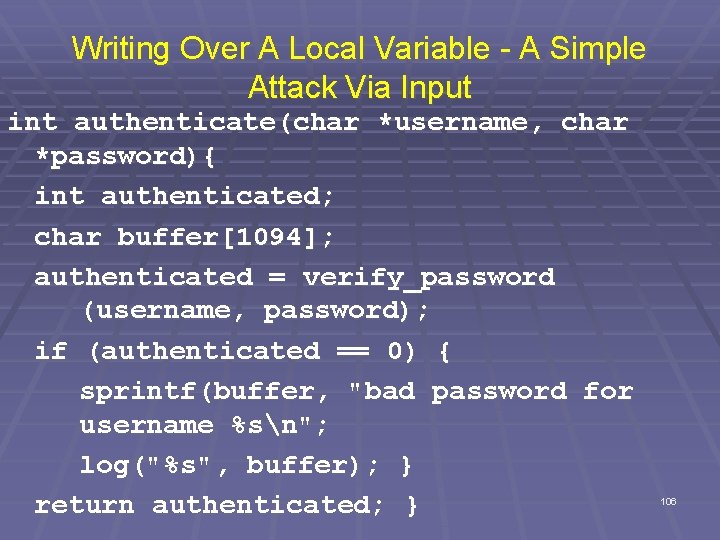
Writing Over A Local Variable - A Simple Attack Via Input int authenticate(char *username, char *password){ int authenticated; char buffer[1094]; authenticated = verify_password (username, password); if (authenticated == 0) { sprintf(buffer, "bad password for username %sn"; log("%s", buffer); } return authenticated; } 106
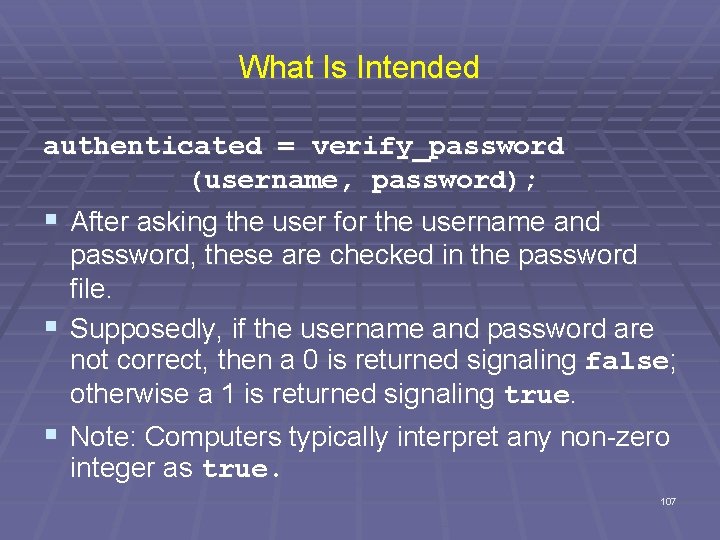
What Is Intended authenticated = verify_password (username, password); § After asking the user for the username and password, these are checked in the password file. § Supposedly, if the username and password are not correct, then a 0 is returned signaling false; otherwise a 1 is returned signaling true. § Note: Computers typically interpret any non-zero integer as true. 107
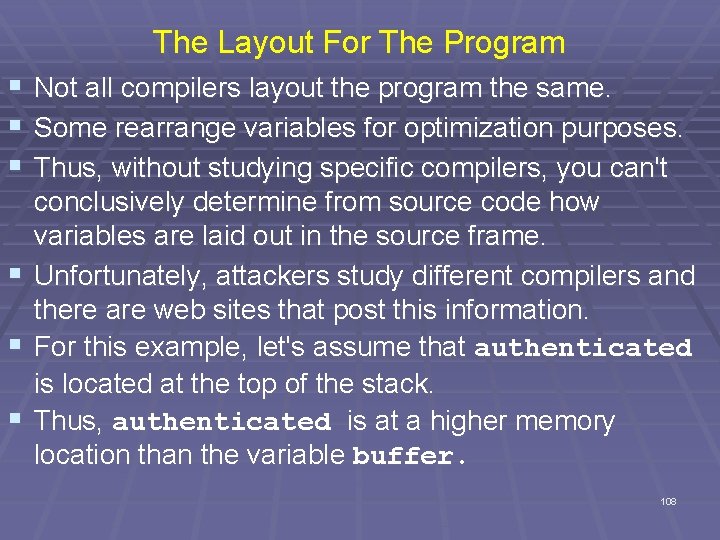
The Layout For The Program § Not all compilers layout the program the same. § Some rearrange variables for optimization purposes. § Thus, without studying specific compilers, you can't conclusively determine from source code how variables are laid out in the source frame. § Unfortunately, attackers study different compilers and there are web sites that post this information. § For this example, let's assume that authenticated is located at the top of the stack. § Thus, authenticated is at a higher memory location than the variable buffer. 108
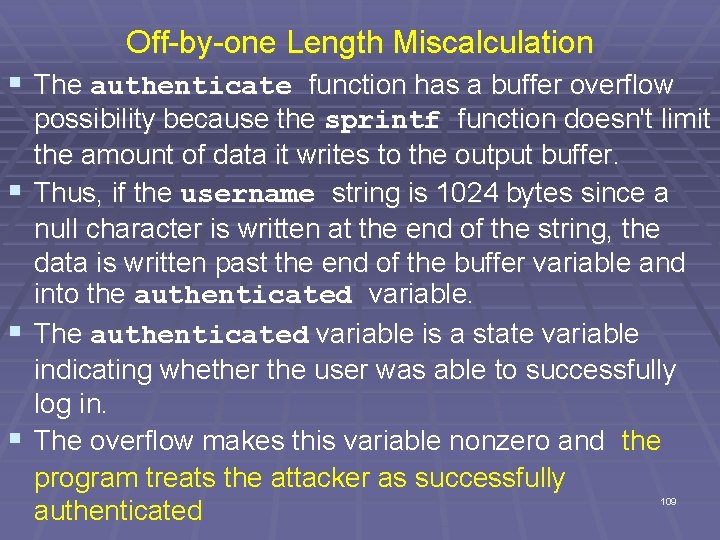
Off-by-one Length Miscalculation § The authenticate function has a buffer overflow § § § possibility because the sprintf function doesn't limit the amount of data it writes to the output buffer. Thus, if the username string is 1024 bytes since a null character is written at the end of the string, the data is written past the end of the buffer variable and into the authenticated variable. The authenticated variable is a state variable indicating whether the user was able to successfully log in. The overflow makes this variable nonzero and the program treats the attacker as successfully authenticated 109
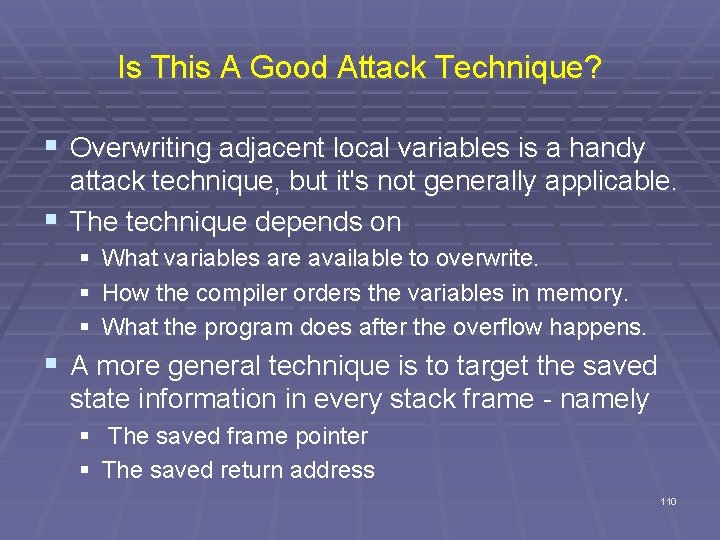
Is This A Good Attack Technique? § Overwriting adjacent local variables is a handy attack technique, but it's not generally applicable. § The technique depends on § § § What variables are available to overwrite. How the compiler orders the variables in memory. What the program does after the overflow happens. § A more general technique is to target the saved state information in every stack frame - namely § The saved frame pointer § The saved return address 110
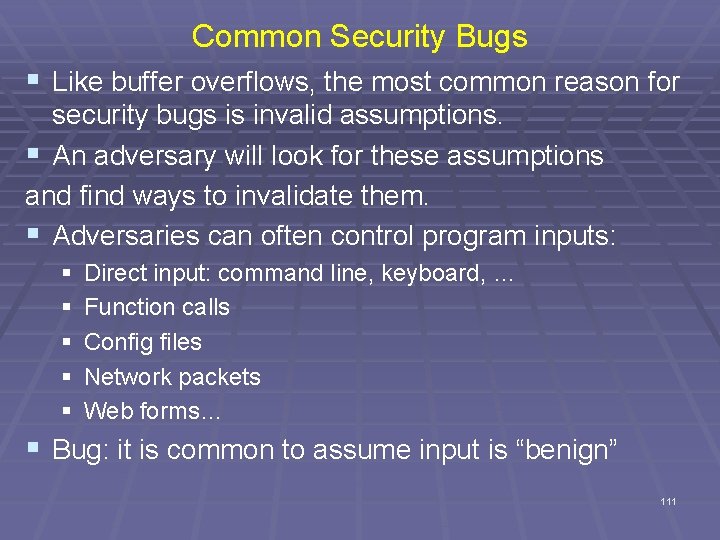
Common Security Bugs § Like buffer overflows, the most common reason for security bugs is invalid assumptions. § An adversary will look for these assumptions and find ways to invalidate them. § Adversaries can often control program inputs: § § § Direct input: command line, keyboard, … Function calls Config files Network packets Web forms… § Bug: it is common to assume input is “benign” 111
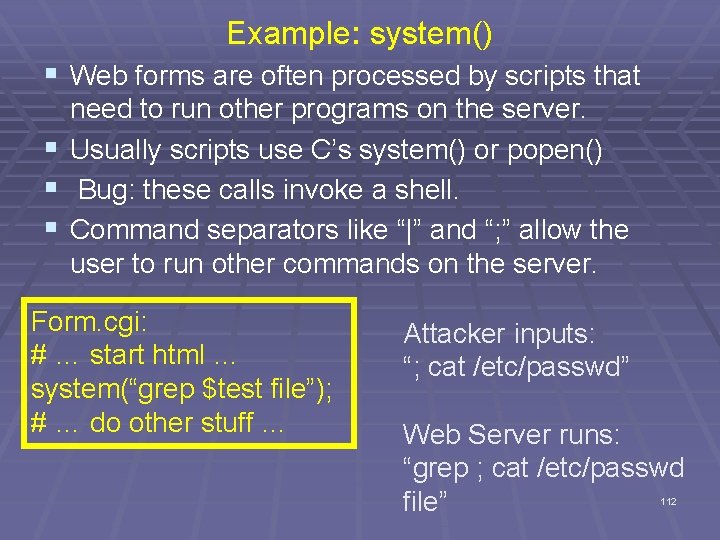
Example: system() § Web forms are often processed by scripts that need to run other programs on the server. § Usually scripts use C’s system() or popen() § Bug: these calls invoke a shell. § Command separators like “|” and “; ” allow the user to run other commands on the server. Form. cgi: # … start html … system(“grep $test file”); # … do other stuff … Attacker inputs: “; cat /etc/passwd” Web Server runs: “grep ; cat /etc/passwd file” 112
Structured Exception Handling
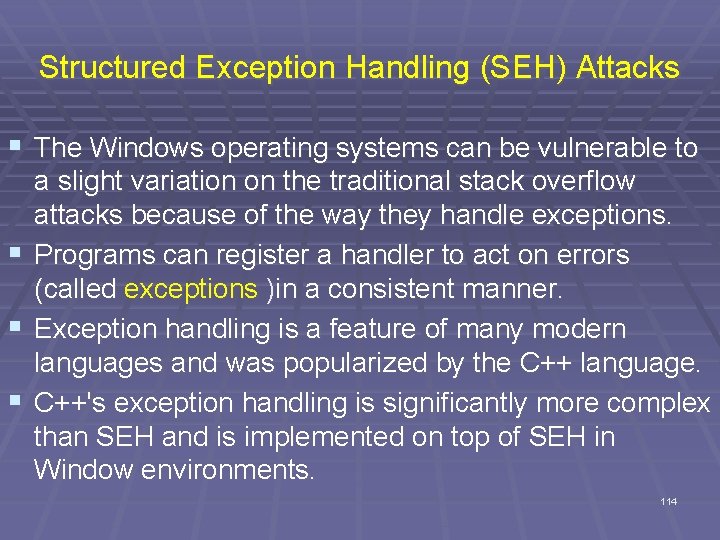
Structured Exception Handling (SEH) Attacks § The Windows operating systems can be vulnerable to a slight variation on the traditional stack overflow attacks because of the way they handle exceptions. § Programs can register a handler to act on errors (called exceptions )in a consistent manner. § Exception handling is a feature of many modern languages and was popularized by the C++ language. § C++'s exception handling is significantly more complex than SEH and is implemented on top of SEH in Window environments. 114
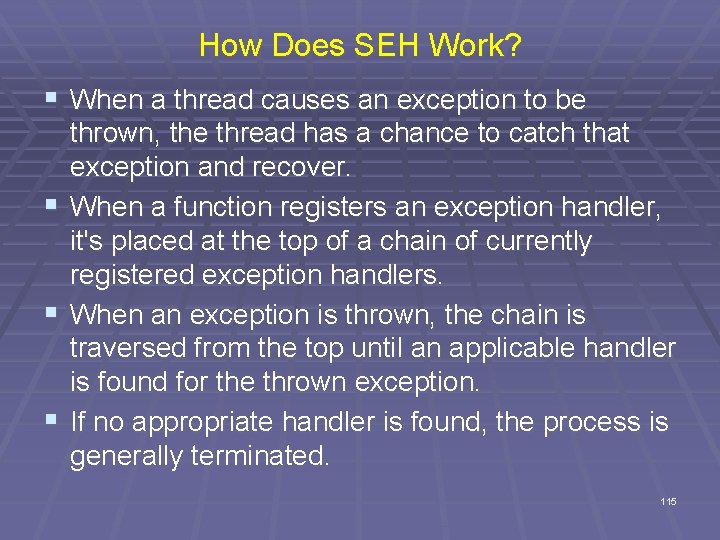
How Does SEH Work? § When a thread causes an exception to be § § § thrown, the thread has a chance to catch that exception and recover. When a function registers an exception handler, it's placed at the top of a chain of currently registered exception handlers. When an exception is thrown, the chain is traversed from the top until an applicable handler is found for the thrown exception. If no appropriate handler is found, the process is generally terminated. 115
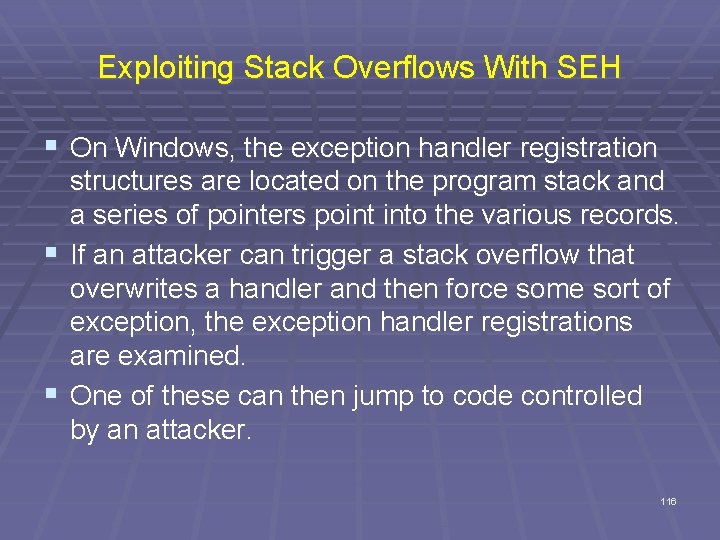
Exploiting Stack Overflows With SEH § On Windows, the exception handler registration structures are located on the program stack and a series of pointers point into the various records. § If an attacker can trigger a stack overflow that overwrites a handler and then force some sort of exception, the exception handler registrations are examined. § One of these can then jump to code controlled by an attacker. 116
Attempting To Prevent Overflow § Example: void process string (char *src) { char dest[32]; for (i = 0; src[i] && (i <= sizeof(dest)); i++) dest[i] = src[i]; . . . The code attempts to prevent an overflow if src has more than 32 characters. However, it can write one element out of bounds into dest because i can become sizeof(dest) or 32, but the indices are only valid for 0, 1, . . . , 31. So dest[32], an unknown memory location, is set to src[32] which contains unknown data. 117
Attempting To Prevent Overflow § Another example: int get_user(char *user) { char buf[1024]; if (strlen(user) > sizeof(buf) die("error: user string too longn"); strcpy(buf, user); . . . strlen returns the number of characters in a C string, but it doesn't count the NULL terminating character. In the function above, if the supplied user string is exactly 1024 characters, strlen returns 1024, sizeof returns 1024, and the length check passes. Therefore, the strcpy function writes 1024 bytes of string data plus the trailing NULL character. 118
Suppose Error Handling Doesn’t Exist in a Language? § Check “error conditions” on return values § E. g. malloc(), open(), etc… § Catch exceptions or declare them § Think about where to handle errors § Fix locally? § Propagate to caller? § Fail-stop? 119
Off-by-one Errors
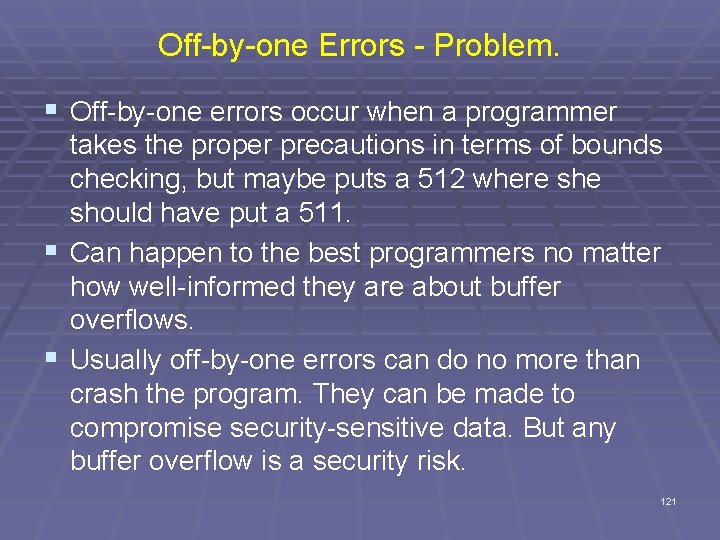
Off-by-one Errors - Problem. § Off-by-one errors occur when a programmer takes the proper precautions in terms of bounds checking, but maybe puts a 512 where should have put a 511. § Can happen to the best programmers no matter how well-informed they are about buffer overflows. § Usually off-by-one errors can do no more than crash the program. They can be made to compromise security-sensitive data. But any buffer overflow is a security risk. 121
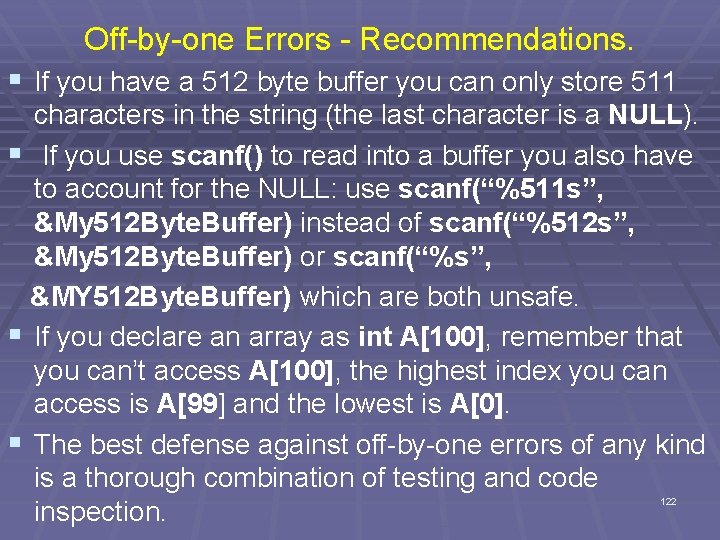
Off-by-one Errors - Recommendations. § If you have a 512 byte buffer you can only store 511 characters in the string (the last character is a NULL). § If you use scanf() to read into a buffer you also have to account for the NULL: use scanf(“%511 s”, &My 512 Byte. Buffer) instead of scanf(“%512 s”, &My 512 Byte. Buffer) or scanf(“%s”, &MY 512 Byte. Buffer) which are both unsafe. § If you declare an array as int A[100], remember that you can’t access A[100], the highest index you can access is A[99] and the lowest is A[0]. § The best defense against off-by-one errors of any kind is a thorough combination of testing and code inspection. 122
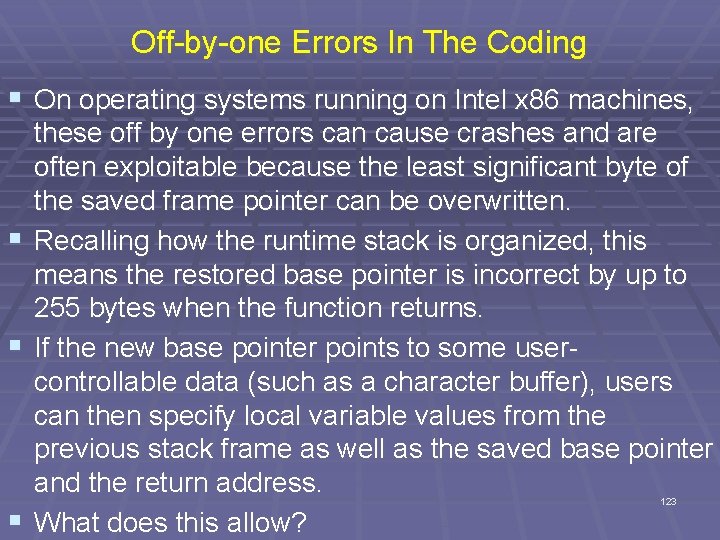
Off-by-one Errors In The Coding § On operating systems running on Intel x 86 machines, these off by one errors can cause crashes and are often exploitable because the least significant byte of the saved frame pointer can be overwritten. § Recalling how the runtime stack is organized, this means the restored base pointer is incorrect by up to 255 bytes when the function returns. § If the new base pointer points to some usercontrollable data (such as a character buffer), users can then specify local variable values from the previous stack frame as well as the saved base pointer and the return address. § What does this allow? 123
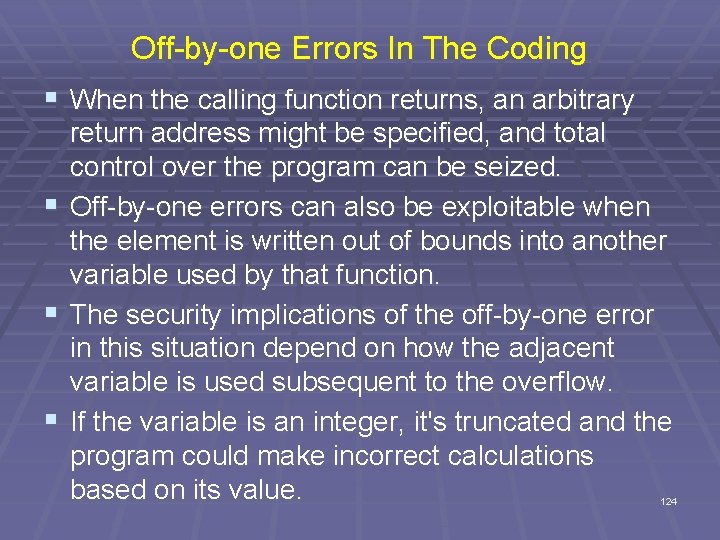
Off-by-one Errors In The Coding § When the calling function returns, an arbitrary § § § return address might be specified, and total control over the program can be seized. Off-by-one errors can also be exploitable when the element is written out of bounds into another variable used by that function. The security implications of the off-by-one error in this situation depend on how the adjacent variable is used subsequent to the overflow. If the variable is an integer, it's truncated and the program could make incorrect calculations based on its value. 124
Off-by-one Errors In The Coding § The adjacent variable might also affect the security model directly. § For example, it might be a user ID, allowing users to receive permissions they aren't entitled to. § Although these types of exploits are implementation specific, their impact can be severe as generalized attacks. 125
Heap Overflows
Heap Overflows § Heap overflows are a more recent advance in exploitation. § Although common now, general heap exploitation techniques didn't surface until July 2000. § These techniques were originally presented by an accomplished security researcher known as Solar Designer. § His original advisory is available at http: //www. openwall. com/advisories/OW-002 netscape-jpeg/ 127
Heap Management § To understand how heap exploitation works, we need to be familiar with how the heap is managed. § Although heap implementations vary widely, some common elements are present in most algorithms. § Essentially, when a call to malloc or a similar memory allocation is made, some memory is fetched from the heap and returned to the user. § When this memory is deallocated by using free, the system must mark it as free so that it can be used later. 128
Heap Management § Consequently, a state must be kept for regions of memory that are returned to the callers so that memory can be handed out and reclaimed efficiently. § Most implementations return a block of memory to the user which is preceded by a header describing some basic characteristics of the block as well as some additional information about adjacent block. § The block header usually includes the following: § § Size of current block Size of previous block Whether the block is free or in use Possibly some additional flags 129
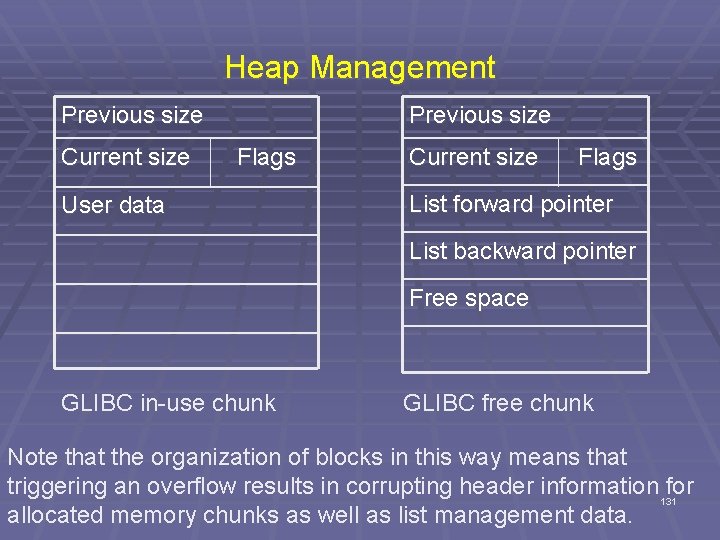
Heap Management § Free blocks are often chained together using a standard data structure, such as a singly or doubly linked list. § Most heap implementations define a minimum size of a block big enough to hold pointers to previous and next elements in a list and use this space to hold pointers when the block isn't in use. § The next slide shows the two basic block structures specific to libc malloc implementations. 130
Heap Management Previous size Current size Flags Current size Flags User data List forward pointer List backward pointer Free space GLIBC in-use chunk GLIBC free chunk Note that the organization of blocks in this way means that triggering an overflow results in corrupting header information for 131 allocated memory chunks as well as list management data.
Exploiting Heap Overflows § The ability to modify header data and list pointers arbitrarily through a buffer overflow gives attackers the opportunity to disrupt the management of heap blocks. § These disruptions can be used to manipulate block headers and to leverage the heap maintenance algorithms, especially the list maintenance of free blocks. § Let's describe the standard technique for doing this in depth. 132
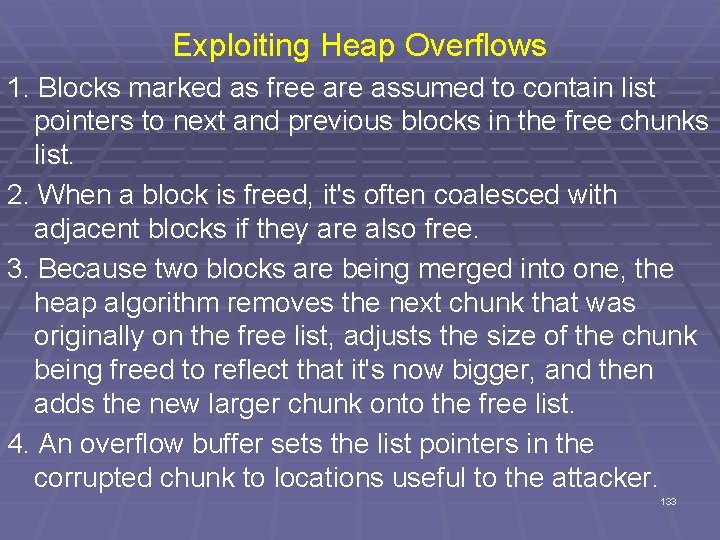
Exploiting Heap Overflows 1. Blocks marked as free are assumed to contain list pointers to next and previous blocks in the free chunks list. 2. When a block is freed, it's often coalesced with adjacent blocks if they are also free. 3. Because two blocks are being merged into one, the heap algorithm removes the next chunk that was originally on the free list, adjusts the size of the chunk being freed to reflect that it's now bigger, and then adds the new larger chunk onto the free list. 4. An overflow buffer sets the list pointers in the corrupted chunk to locations useful to the attacker. 133
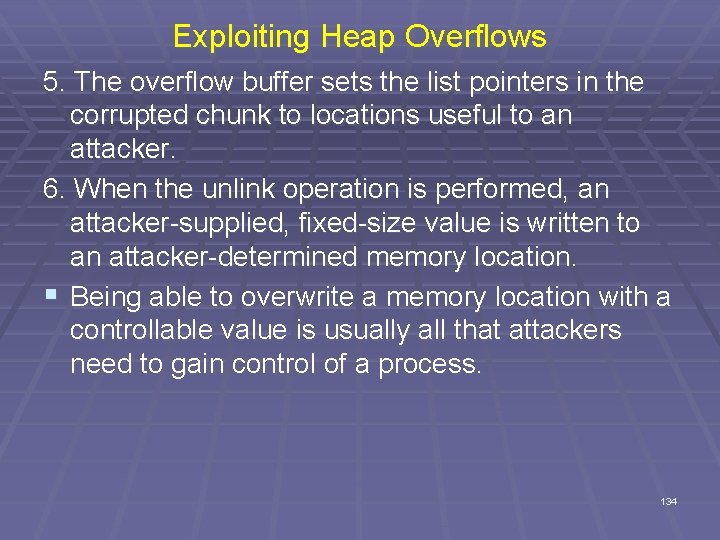
Exploiting Heap Overflows 5. The overflow buffer sets the list pointers in the corrupted chunk to locations useful to an attacker. 6. When the unlink operation is performed, an attacker-supplied, fixed-size value is written to an attacker-determined memory location. § Being able to overwrite a memory location with a controllable value is usually all that attackers need to gain control of a process. 134
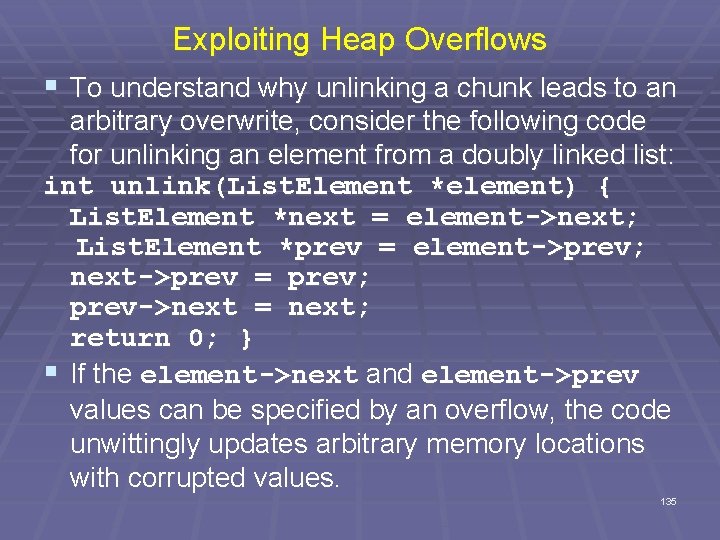
Exploiting Heap Overflows § To understand why unlinking a chunk leads to an arbitrary overwrite, consider the following code for unlinking an element from a doubly linked list: int unlink(List. Element *element) { List. Element *next = element->next; List. Element *prev = element->prev; next->prev = prev; prev->next = next; return 0; } § If the element->next and element->prev values can be specified by an overflow, the code unwittingly updates arbitrary memory locations with corrupted values. 135
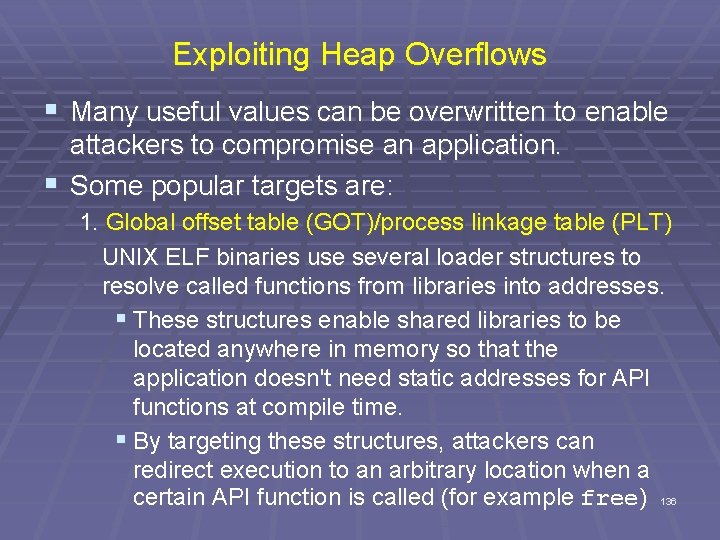
Exploiting Heap Overflows § Many useful values can be overwritten to enable attackers to compromise an application. § Some popular targets are: 1. Global offset table (GOT)/process linkage table (PLT) UNIX ELF binaries use several loader structures to resolve called functions from libraries into addresses. § These structures enable shared libraries to be located anywhere in memory so that the application doesn't need static addresses for API functions at compile time. § By targeting these structures, attackers can redirect execution to an arbitrary location when a certain API function is called (for example free) 136
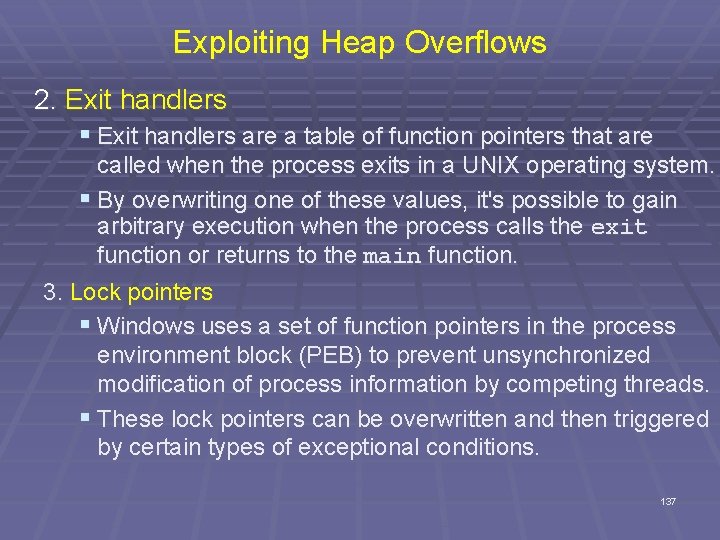
Exploiting Heap Overflows 2. Exit handlers § Exit handlers are a table of function pointers that are called when the process exits in a UNIX operating system. § By overwriting one of these values, it's possible to gain arbitrary execution when the process calls the exit function or returns to the main function. 3. Lock pointers § Windows uses a set of function pointers in the process environment block (PEB) to prevent unsynchronized modification of process information by competing threads. § These lock pointers can be overwritten and then triggered by certain types of exceptional conditions. 137
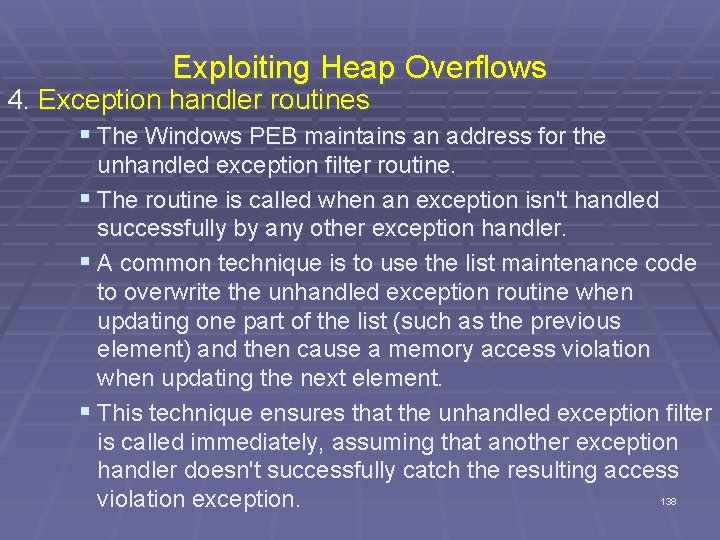
Exploiting Heap Overflows 4. Exception handler routines § The Windows PEB maintains an address for the unhandled exception filter routine. § The routine is called when an exception isn't handled successfully by any other exception handler. § A common technique is to use the list maintenance code to overwrite the unhandled exception routine when updating one part of the list (such as the previous element) and then cause a memory access violation when updating the next element. § This technique ensures that the unhandled exception filter is called immediately, assuming that another exception handler doesn't successfully catch the resulting access 138 violation exception.
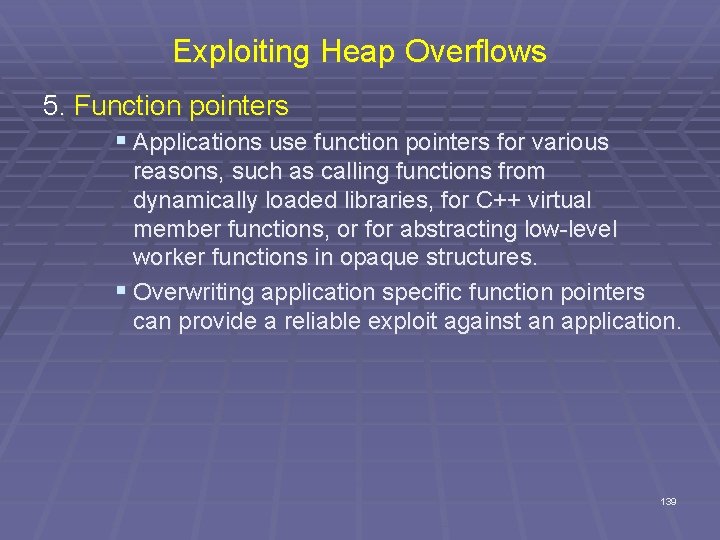
Exploiting Heap Overflows 5. Function pointers § Applications use function pointers for various reasons, such as calling functions from dynamically loaded libraries, for C++ virtual member functions, or for abstracting low-level worker functions in opaque structures. § Overwriting application specific function pointers can provide a reliable exploit against an application. 139
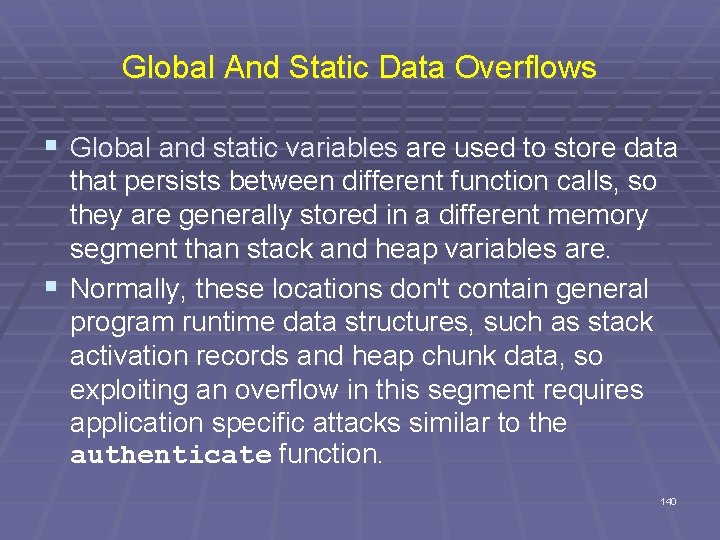
Global And Static Data Overflows § Global and static variables are used to store data that persists between different function calls, so they are generally stored in a different memory segment than stack and heap variables are. § Normally, these locations don't contain general program runtime data structures, such as stack activation records and heap chunk data, so exploiting an overflow in this segment requires application specific attacks similar to the authenticate function. 140
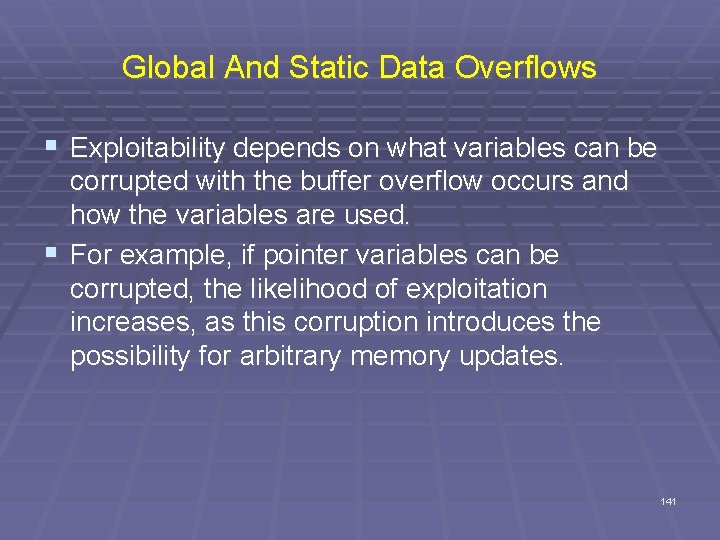
Global And Static Data Overflows § Exploitability depends on what variables can be corrupted with the buffer overflow occurs and how the variables are used. § For example, if pointer variables can be corrupted, the likelihood of exploitation increases, as this corruption introduces the possibility for arbitrary memory updates. 141
Function Point Vulnerabilities
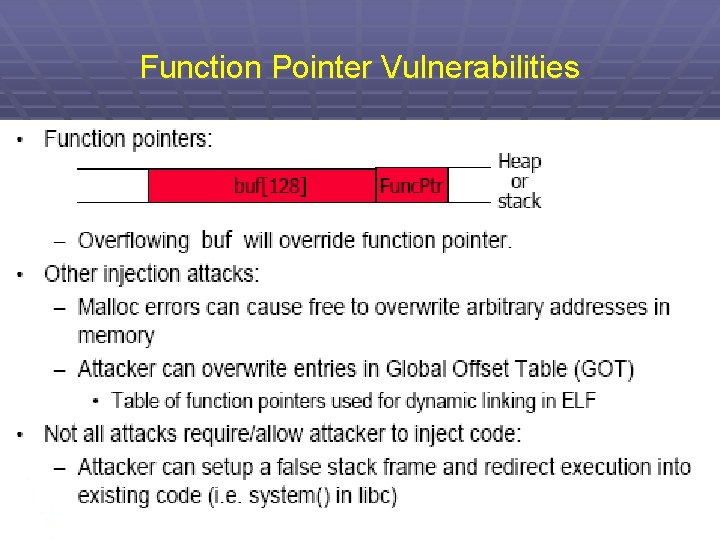
Function Pointer Vulnerabilities 143
Incomplete Mediation
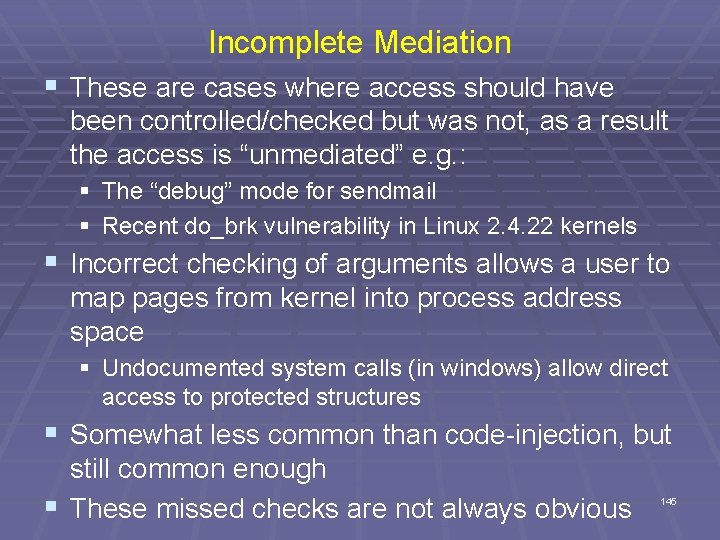
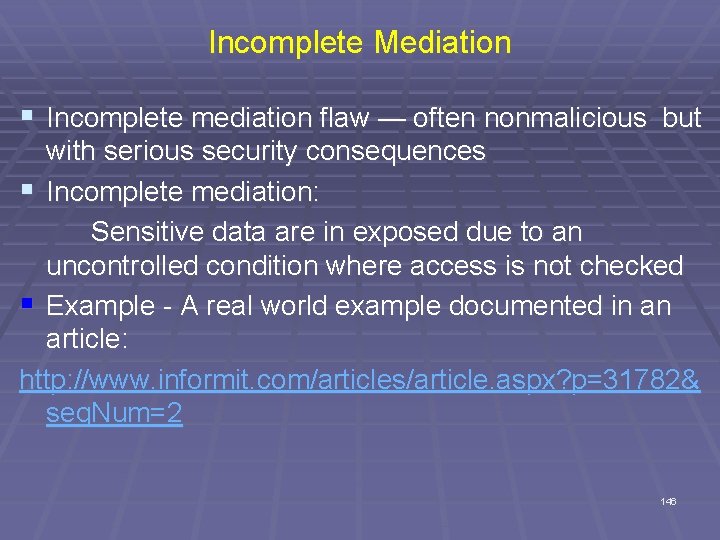
Incomplete Mediation § These are cases where access should have been controlled/checked but was not, as a result the access is “unmediated” e. g. : § The “debug” mode for sendmail § Recent do_brk vulnerability in Linux 2. 4. 22 kernels § Incorrect checking of arguments allows a user to map pages from kernel into process address space § Undocumented system calls (in windows) allow direct access to protected structures § Somewhat less common than code-injection, but still common enough § These missed checks are not always obvious 145
Incomplete Mediation § Incomplete mediation flaw — often nonmalicious but with serious security consequences § Incomplete mediation: Sensitive data are in exposed due to an uncontrolled condition where access is not checked § Example - A real world example documented in an article: http: //www. informit. com/articles/article. aspx? p=31782& seq. Num=2 146
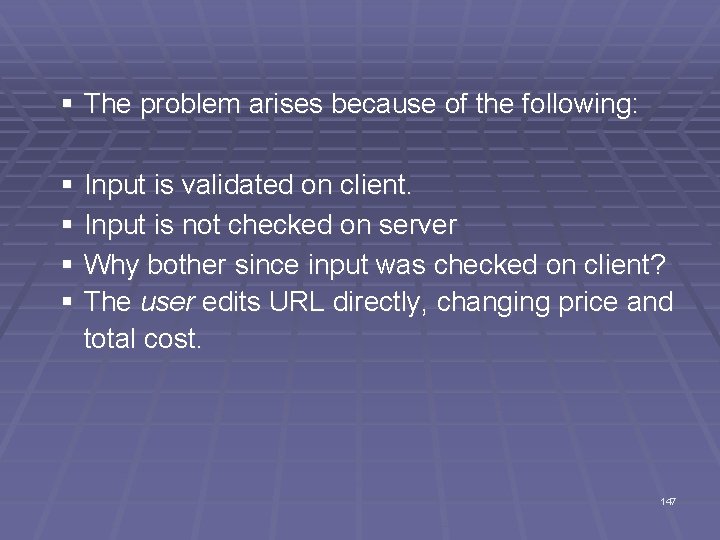
§ The problem arises because of the following: § Input is validated on client. § Input is not checked on server § Why bother since input was checked on client? § The user edits URL directly, changing price and total cost. 147
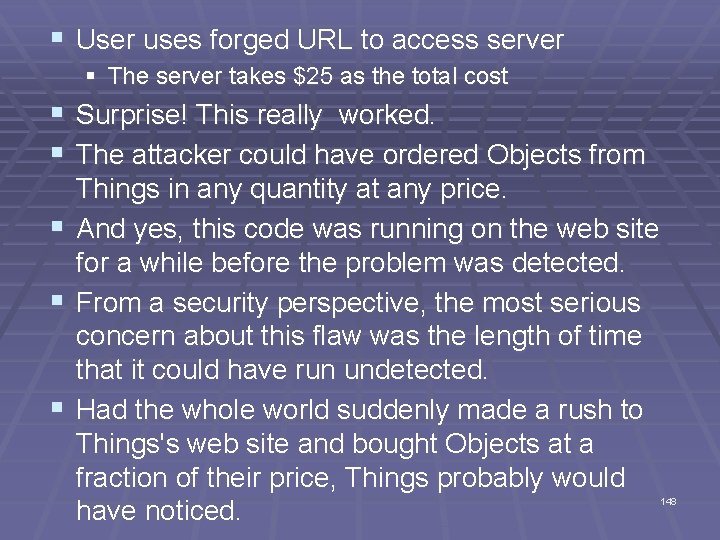
§ User uses forged URL to access server § The server takes $25 as the total cost § Surprise! This really worked. § The attacker could have ordered Objects from § § § Things in any quantity at any price. And yes, this code was running on the web site for a while before the problem was detected. From a security perspective, the most serious concern about this flaw was the length of time that it could have run undetected. Had the whole world suddenly made a rush to Things's web site and bought Objects at a fraction of their price, Things probably would have noticed. 148
§ But, Things is large enough that it would never have detected a few customers a day choosing prices that were similar to (but smaller than) the real price, say 30 percent off. § The e-commerce division would have shown a slightly smaller profit than other divisions, but the difference probably would not have been enough to raise anyone's eyebrows; the vulnerability could have gone unnoticed for years. § Fortunately Things hired a consultant to do a routine review of its code, and the consultant found the error quickly. 149
§ This web program design flaw is easy to imagine in other web settings. § Those of us interested in security must ask ourselves how many similar problems are there in running code today? § And how will those vulnerabilities ever be found? 150
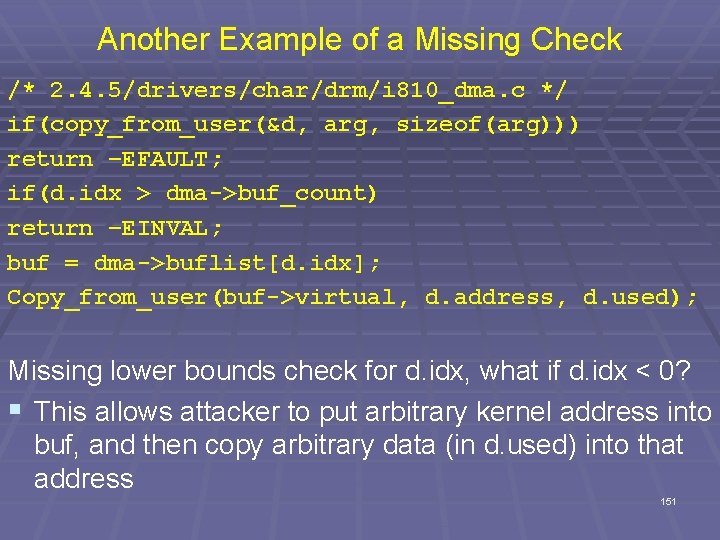
Another Example of a Missing Check /* 2. 4. 5/drivers/char/drm/i 810_dma. c */ if(copy_from_user(&d, arg, sizeof(arg))) return –EFAULT; if(d. idx > dma->buf_count) return –EINVAL; buf = dma->buflist[d. idx]; Copy_from_user(buf->virtual, d. address, d. used); Missing lower bounds check for d. idx, what if d. idx < 0? § This allows attacker to put arbitrary kernel address into buf, and then copy arbitrary data (in d. used) into that address 151
Concurrency and Race Conditions
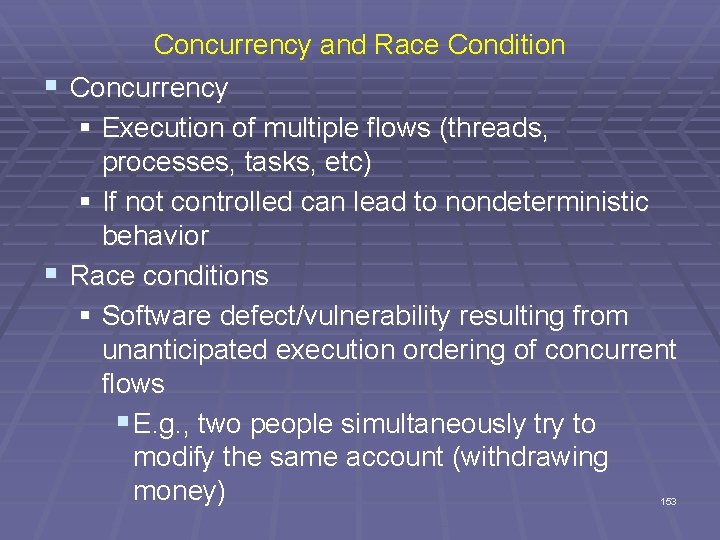
Concurrency and Race Condition § Concurrency § Execution of multiple flows (threads, processes, tasks, etc) § If not controlled can lead to nondeterministic behavior § Race conditions § Software defect/vulnerability resulting from unanticipated execution ordering of concurrent flows § E. g. , two people simultaneously try to modify the same account (withdrawing money) 153
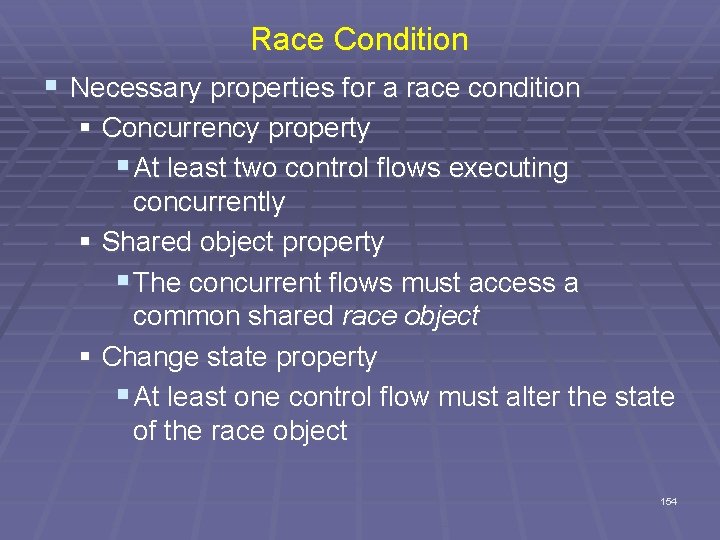
Race Condition § Necessary properties for a race condition § Concurrency property § At least two control flows executing concurrently § Shared object property § The concurrent flows must access a common shared race object § Change state property § At least one control flow must alter the state of the race object 154
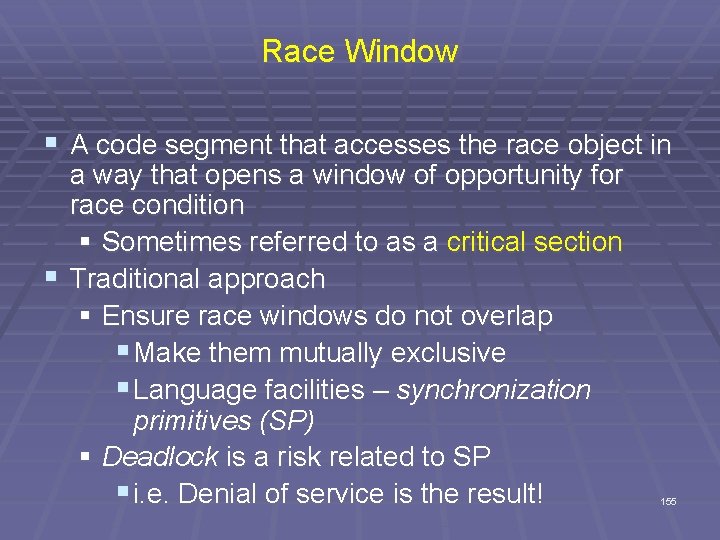
Race Window § A code segment that accesses the race object in a way that opens a window of opportunity for race condition § Sometimes referred to as a critical section § Traditional approach § Ensure race windows do not overlap § Make them mutually exclusive § Language facilities – synchronization primitives (SP) § Deadlock is a risk related to SP § i. e. Denial of service is the result! 155
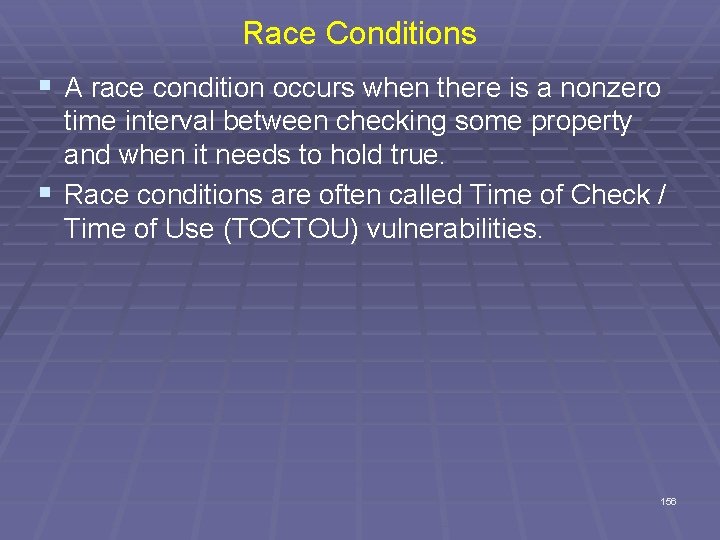
Race Conditions § A race condition occurs when there is a nonzero time interval between checking some property and when it needs to hold true. § Race conditions are often called Time of Check / Time of Use (TOCTOU) vulnerabilities. 156
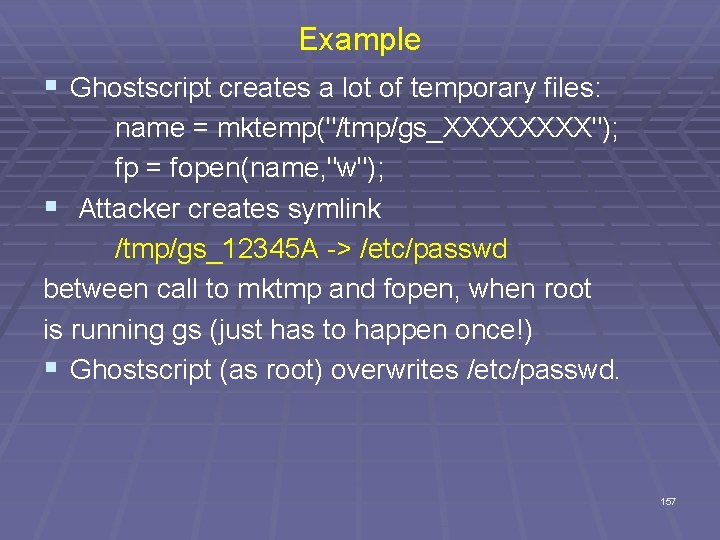
Example § Ghostscript creates a lot of temporary files: name = mktemp("/tmp/gs_XXXX"); fp = fopen(name, "w"); § Attacker creates symlink /tmp/gs_12345 A -> /etc/passwd between call to mktmp and fopen, when root is running gs (just has to happen once!) § Ghostscript (as root) overwrites /etc/passwd. 157
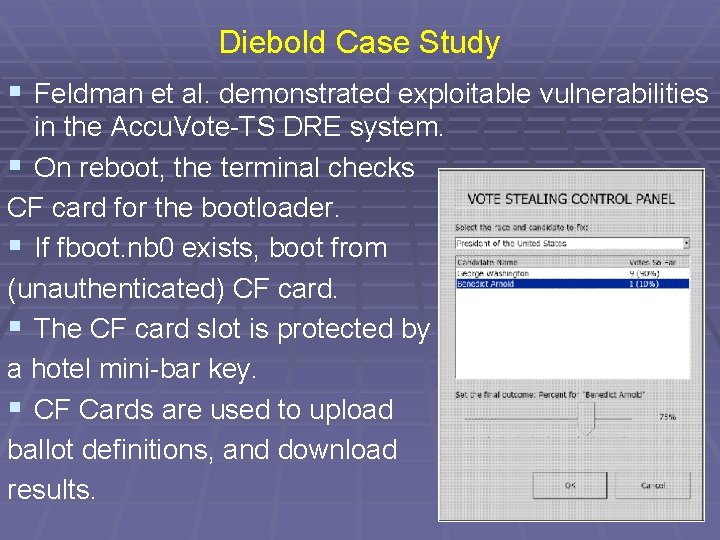
Diebold Case Study § Feldman et al. demonstrated exploitable vulnerabilities in the Accu. Vote-TS DRE system. § On reboot, the terminal checks CF card for the bootloader. § If fboot. nb 0 exists, boot from (unauthenticated) CF card. § The CF card slot is protected by a hotel mini-bar key. § CF Cards are used to upload ballot definitions, and download results. 158
Time of Check, Time of Use § Source of race conditions § Trusted (tightly coupled threads of execution) or untrusted control flows (separate application or process) § TOCTOU race conditions § Can occur during file I/O § Forms a RW by first checking some race object and then using it 159
Time-of-check to Time-of-use Errors (TOCTTOU) § Time-of-check to time-of-use flaw — often nonmalicious, but with serious security consequences § A. K. A. synchronization flaw / serialization flaw § TOCTTOU — mediation with “bait and switch” § Non-computing example: § Swindler shows buyer real Rolex watch (bait) and after buyer pays, switches real Rolex to a forged one § In computing: § Change of a resource (e. g. , data) between time access checked and time access used § Q: Any examples of TOCTTOU problems from computing? 160
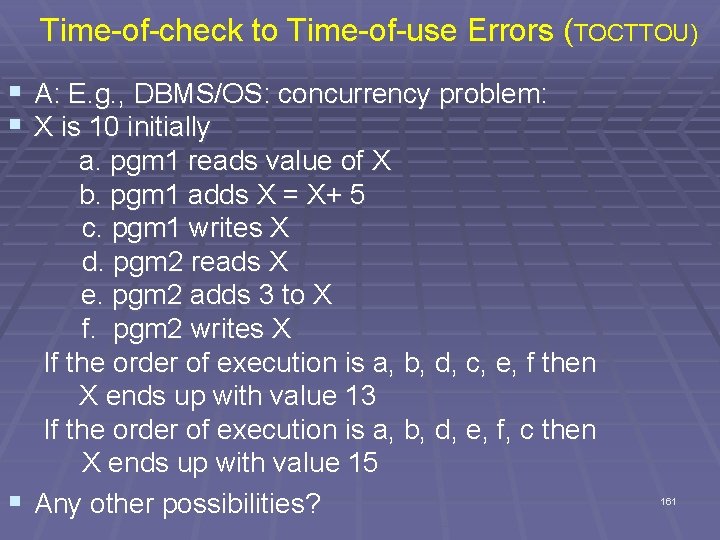
Time-of-check to Time-of-use Errors (TOCTTOU) § A: E. g. , DBMS/OS: concurrency problem: § X is 10 initially a. pgm 1 reads value of X b. pgm 1 adds X = X+ 5 c. pgm 1 writes X d. pgm 2 reads X e. pgm 2 adds 3 to X f. pgm 2 writes X If the order of execution is a, b, d, c, e, f then X ends up with value 13 If the order of execution is a, b, d, e, f, c then X ends up with value 15 § Any other possibilities? 161
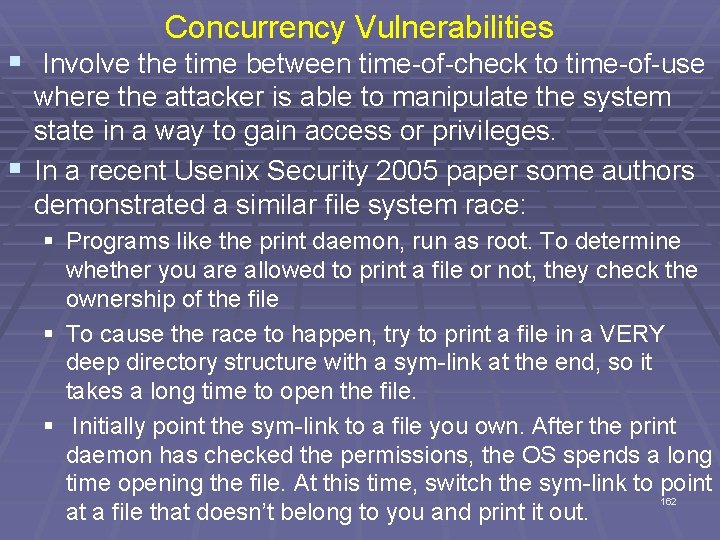
Concurrency Vulnerabilities § Involve the time between time-of-check to time-of-use where the attacker is able to manipulate the system state in a way to gain access or privileges. § In a recent Usenix Security 2005 paper some authors demonstrated a similar file system race: § Programs like the print daemon, run as root. To determine whether you are allowed to print a file or not, they check the ownership of the file § To cause the race to happen, try to print a file in a VERY deep directory structure with a sym-link at the end, so it takes a long time to open the file. § Initially point the sym-link to a file you own. After the print daemon has checked the permissions, the OS spends a long time opening the file. At this time, switch the sym-link to point 162 at a file that doesn’t belong to you and print it out.
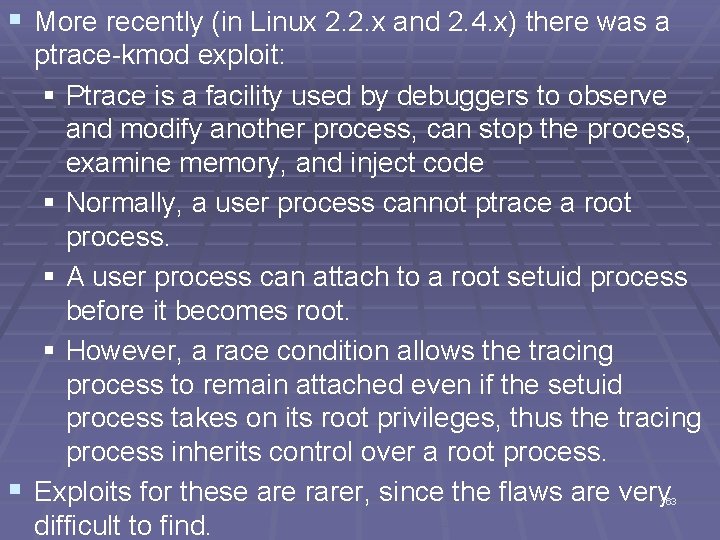
§ More recently (in Linux 2. 2. x and 2. 4. x) there was a ptrace-kmod exploit: § Ptrace is a facility used by debuggers to observe and modify another process, can stop the process, examine memory, and inject code § Normally, a user process cannot ptrace a root process. § A user process can attach to a root setuid process before it becomes root. § However, a race condition allows the tracing process to remain attached even if the setuid process takes on its root privileges, thus the tracing process inherits control over a root process. § Exploits for these are rarer, since the flaws are very difficult to find. 163
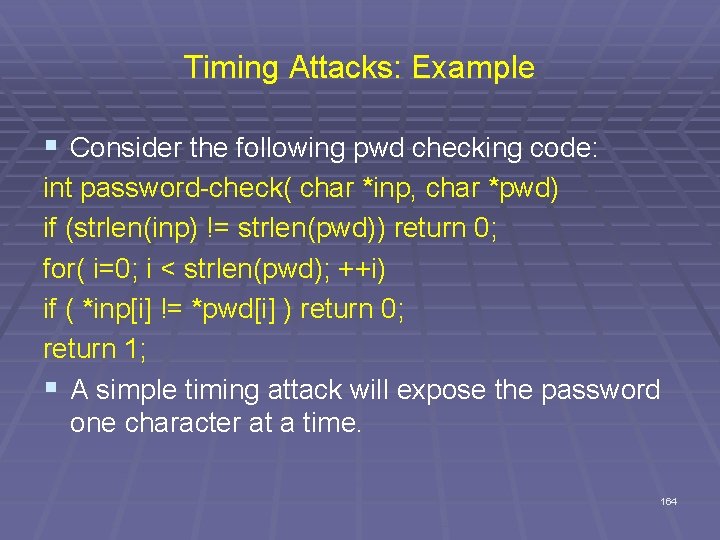
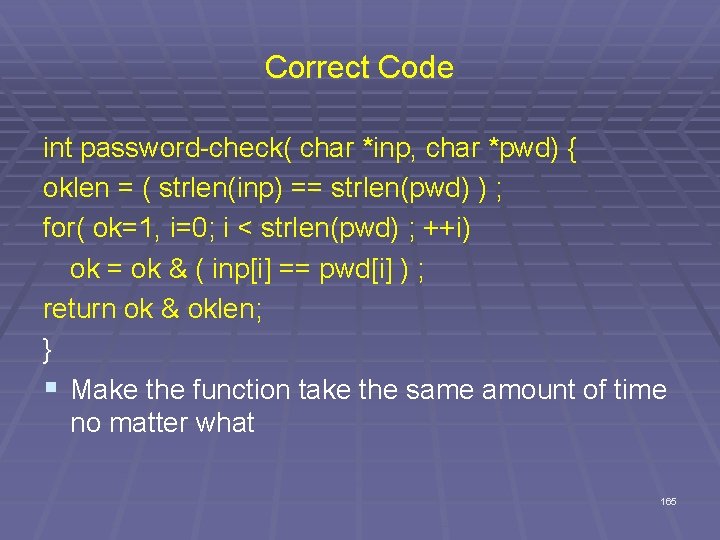
Timing Attacks: Example § Consider the following pwd checking code: int password-check( char *inp, char *pwd) if (strlen(inp) != strlen(pwd)) return 0; for( i=0; i < strlen(pwd); ++i) if ( *inp[i] != *pwd[i] ) return 0; return 1; § A simple timing attack will expose the password one character at a time. 164
Correct Code int password-check( char *inp, char *pwd) { oklen = ( strlen(inp) == strlen(pwd) ) ; for( ok=1, i=0; i < strlen(pwd) ; ++i) ok = ok & ( inp[i] == pwd[i] ) ; return ok & oklen; } § Make the function take the same amount of time no matter what 165
Formatted String Errors
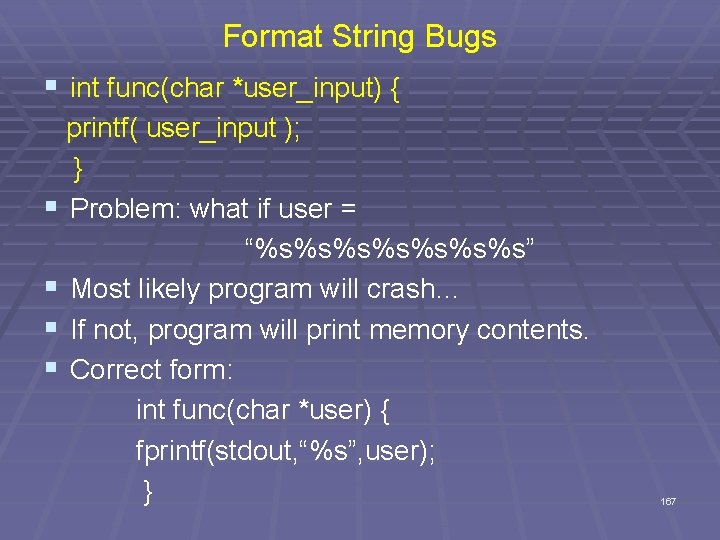
Format String Bugs § int func(char *user_input) { printf( user_input ); } § Problem: what if user = “%s%s%s%s” § Most likely program will crash… § If not, program will print memory contents. § Correct form: int func(char *user) { fprintf(stdout, “%s”, user); } 167
Format-string Overflows § char outbuf[512], errmsg[512]; sprintf(errmsg, “Illegal cmd: %. 400 s”, input); printf(outbuf, errmsg); § How could we use format strings to overflow outbuf? § input = “%512 x|Any 394 byte overflow value” 168
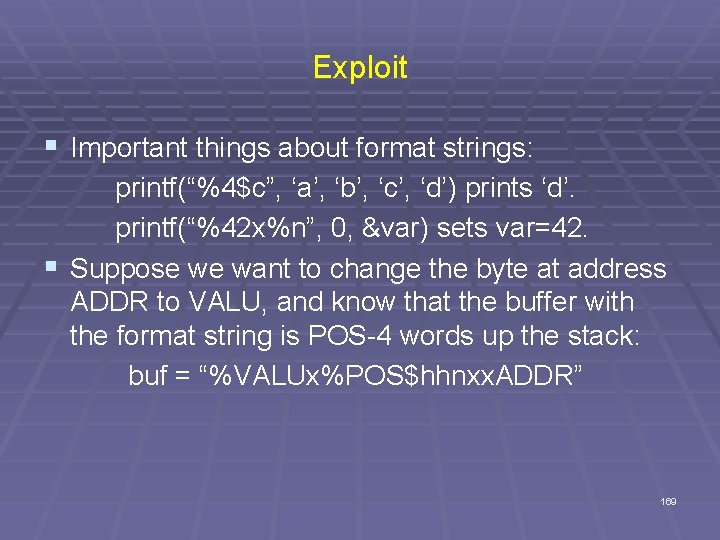
Exploit § Important things about format strings: printf(“%4$c”, ‘a’, ‘b’, ‘c’, ‘d’) prints ‘d’. printf(“%42 x%n”, 0, &var) sets var=42. § Suppose we want to change the byte at address ADDR to VALU, and know that the buffer with the format string is POS-4 words up the stack: buf = “%VALUx%POS$hhnxx. ADDR” 169
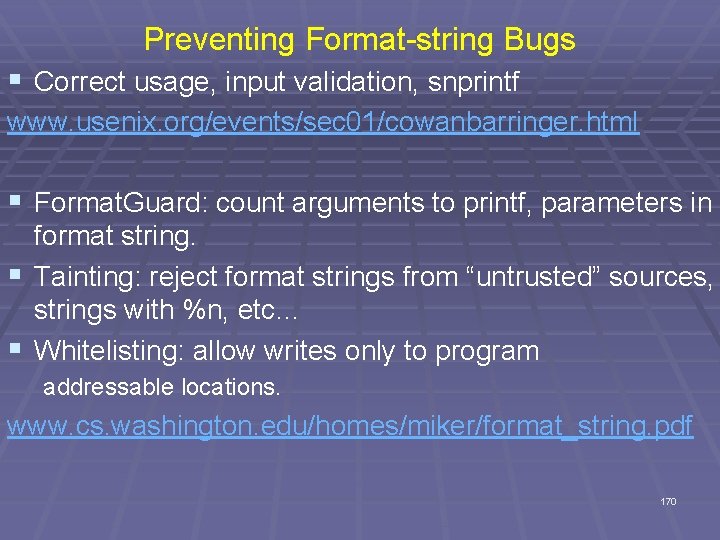
Preventing Format-string Bugs § Correct usage, input validation, snprintf www. usenix. org/events/sec 01/cowanbarringer. html § Format. Guard: count arguments to printf, parameters in format string. § Tainting: reject format strings from “untrusted” sources, strings with %n, etc… § Whitelisting: allow writes only to program addressable locations. www. cs. washington. edu/homes/miker/format_string. pdf 170
Integer Overflow
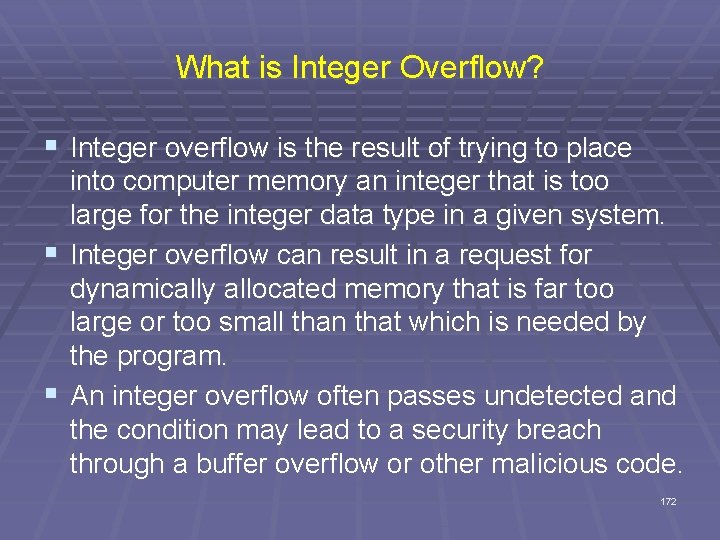
What is Integer Overflow? § Integer overflow is the result of trying to place into computer memory an integer that is too large for the integer data type in a given system. § Integer overflow can result in a request for dynamically allocated memory that is far too large or too small than that which is needed by the program. § An integer overflow often passes undetected and the condition may lead to a security breach through a buffer overflow or other malicious code. 172
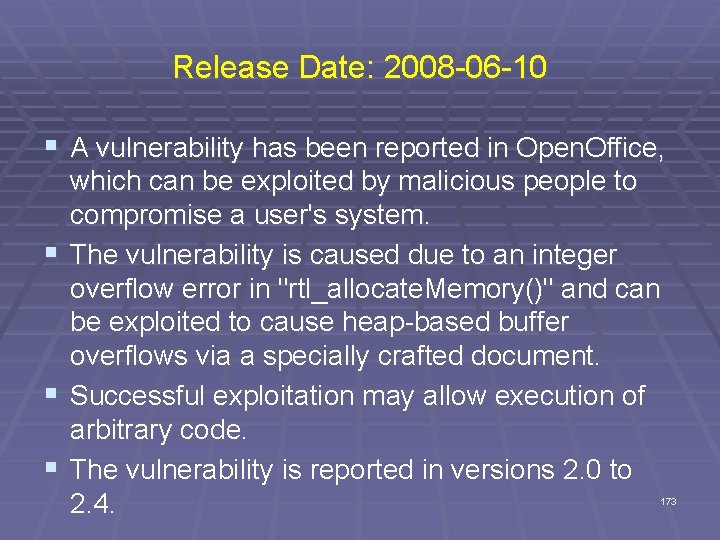
Release Date: 2008 -06 -10 § A vulnerability has been reported in Open. Office, § § § which can be exploited by malicious people to compromise a user's system. The vulnerability is caused due to an integer overflow error in "rtl_allocate. Memory()" and can be exploited to cause heap-based buffer overflows via a specially crafted document. Successful exploitation may allow execution of arbitrary code. The vulnerability is reported in versions 2. 0 to 2. 4. 173
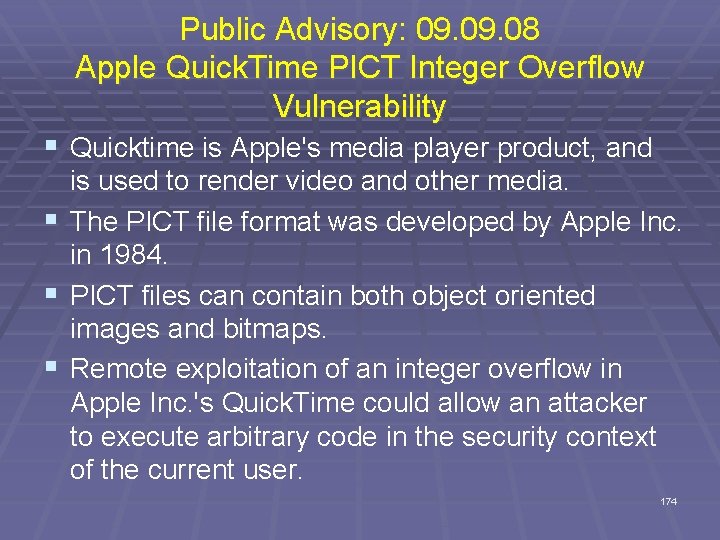
Public Advisory: 09. 08 Apple Quick. Time PICT Integer Overflow Vulnerability § Quicktime is Apple's media player product, and is used to render video and other media. § The PICT file format was developed by Apple Inc. in 1984. § PICT files can contain both object oriented images and bitmaps. § Remote exploitation of an integer overflow in Apple Inc. 's Quick. Time could allow an attacker to execute arbitrary code in the security context of the current user. 174
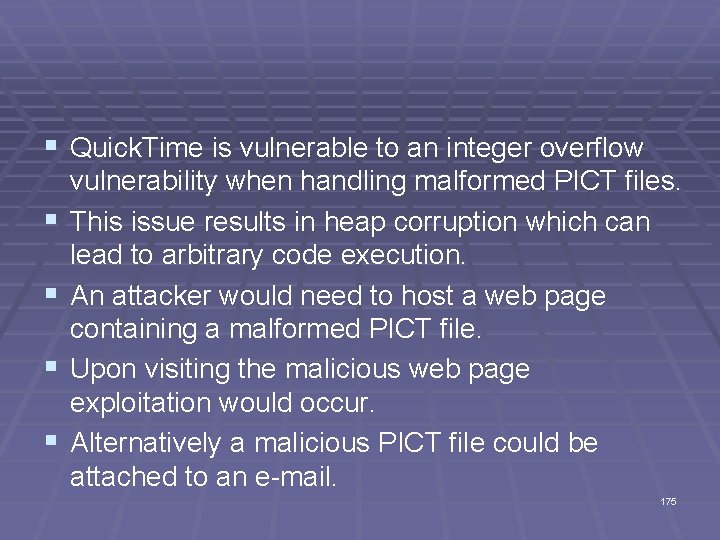
§ Quick. Time is vulnerable to an integer overflow § § vulnerability when handling malformed PICT files. This issue results in heap corruption which can lead to arbitrary code execution. An attacker would need to host a web page containing a malformed PICT file. Upon visiting the malicious web page exploitation would occur. Alternatively a malicious PICT file could be attached to an e-mail. 175
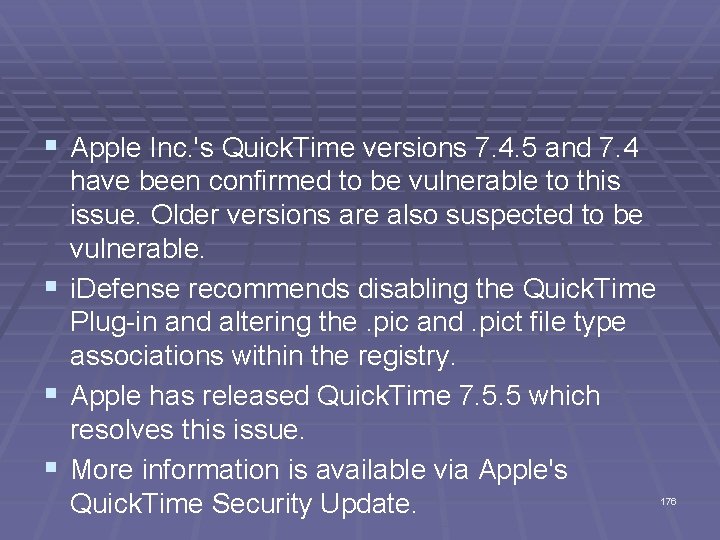
§ Apple Inc. 's Quick. Time versions 7. 4. 5 and 7. 4 have been confirmed to be vulnerable to this issue. Older versions are also suspected to be vulnerable. § i. Defense recommends disabling the Quick. Time Plug-in and altering the. pic and. pict file type associations within the registry. § Apple has released Quick. Time 7. 5. 5 which resolves this issue. § More information is available via Apple's Quick. Time Security Update. 176
Dangers of Reusing Code
Old Code Used For New Purposes - Problem § Often old code is reused in new projects. Even if the old code was thoroughly tested and written in a safe manner, it might not have accounted for things that the new code expects it to support, like international character sets. 178
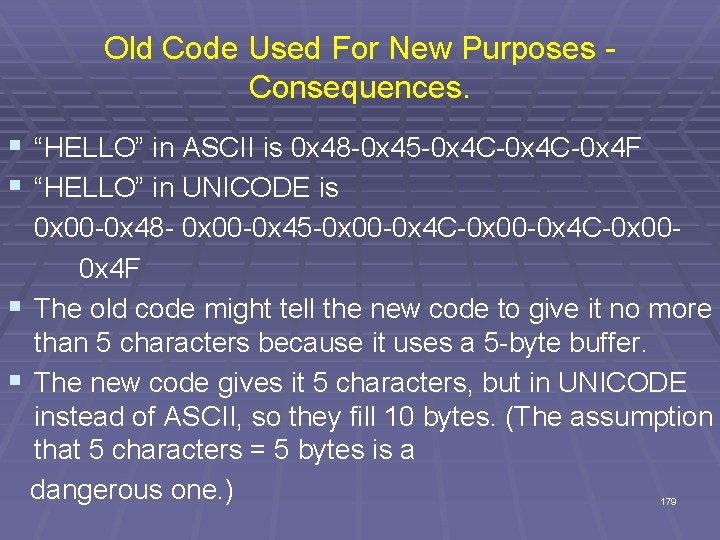
Old Code Used For New Purposes - Consequences. § “HELLO” in ASCII is 0 x 48 -0 x 45 -0 x 4 C-0 x 4 F § “HELLO” in UNICODE is 0 x 00 -0 x 48 - 0 x 00 -0 x 45 -0 x 00 -0 x 4 C-0 x 000 x 4 F § The old code might tell the new code to give it no more than 5 characters because it uses a 5 -byte buffer. § The new code gives it 5 characters, but in UNICODE instead of ASCII, so they fill 10 bytes. (The assumption that 5 characters = 5 bytes is a dangerous one. ) 179
§ • This is more common and more easily exploitable than you might think. § A “Venetian exploit” can hijack a program with a reasonably sized buffer overflow even if UNICODE format forces the attacker to have half of his attack code bytes be zeros. 180
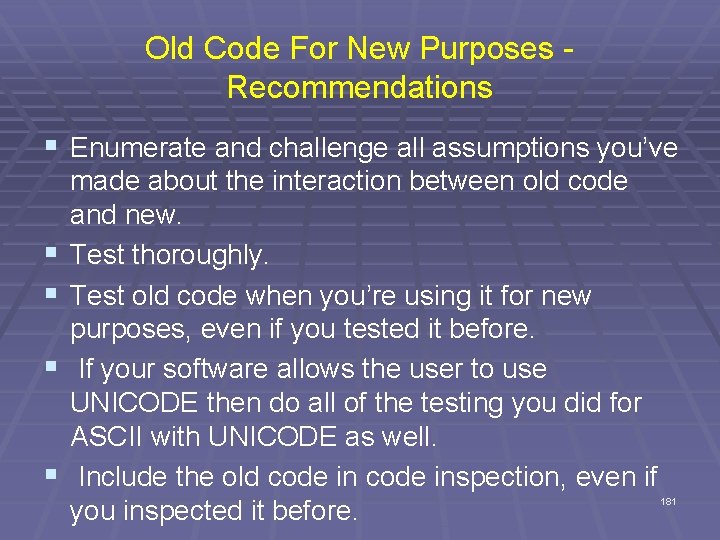
Old Code For New Purposes - Recommendations § Enumerate and challenge all assumptions you’ve § § made about the interaction between old code and new. Test thoroughly. Test old code when you’re using it for new purposes, even if you tested it before. If your software allows the user to use UNICODE then do all of the testing you did for ASCII with UNICODE as well. Include the old code inspection, even if you inspected it before. 181
Summary § We've looked at some basic vulnerabilities that § § § can be exploited in code. Most of our examples came from C code and Linux, but only because C and Linux are more open and there are not too many variations (as with Java, Windows, etc. ) Have we explored all possible types of problems? No way! Hackers spend a huge amount of time locating these vulnerabilities and they share them amongst themselves. 182
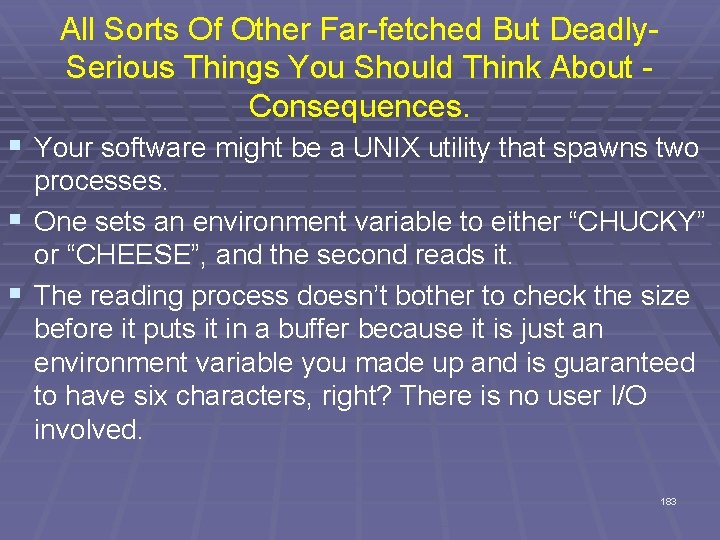
All Sorts Of Other Far-fetched But Deadly. Serious Things You Should Think About - Consequences. § Your software might be a UNIX utility that spawns two processes. § One sets an environment variable to either “CHUCKY” or “CHEESE”, and the second reads it. § The reading process doesn’t bother to check the size before it puts it in a buffer because it is just an environment variable you made up and is guaranteed to have six characters, right? There is no user I/O involved. 183
§ But an attacker can force a race condition that changes the environment variable between when one process writes it and when the other process reads it. § They give the environment variable more than six characters causing a buffer overflow. (Add getenv() to the long list of dangerous library functions. ) 184
All Sorts Of Other Far-fetched But Deadly. Serious. Things You Should Think About - Recommendations. § Challenge all of your assumptions like an attacker would. § Never assume that a well inspected and thoroughly tested piece of software is absolutely defect free. § As long as programmers use C there will always be problems, hopefully just not as many if we train programmers properly. § Also, remember other languages have problems also and there is a lot of legacy code out there! 185
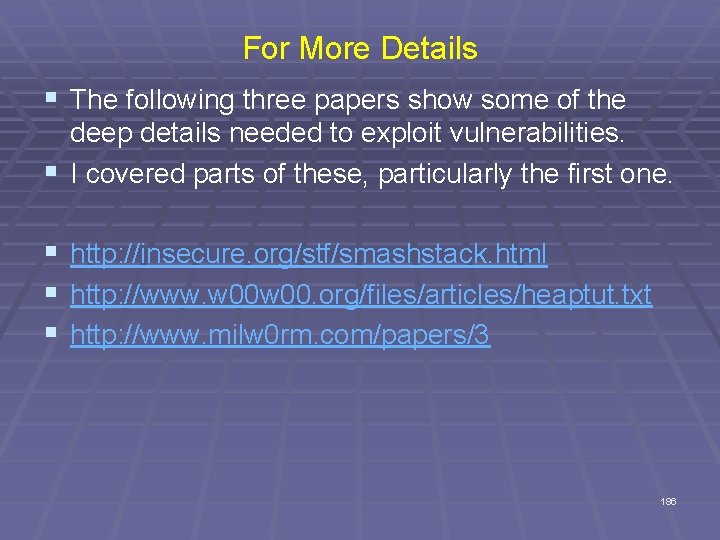
For More Details § The following three papers show some of the deep details needed to exploit vulnerabilities. § I covered parts of these, particularly the first one. § http: //insecure. org/stf/smashstack. html § http: //www. w 00. org/files/articles/heaptut. txt § http: //www. milw 0 rm. com/papers/3 186
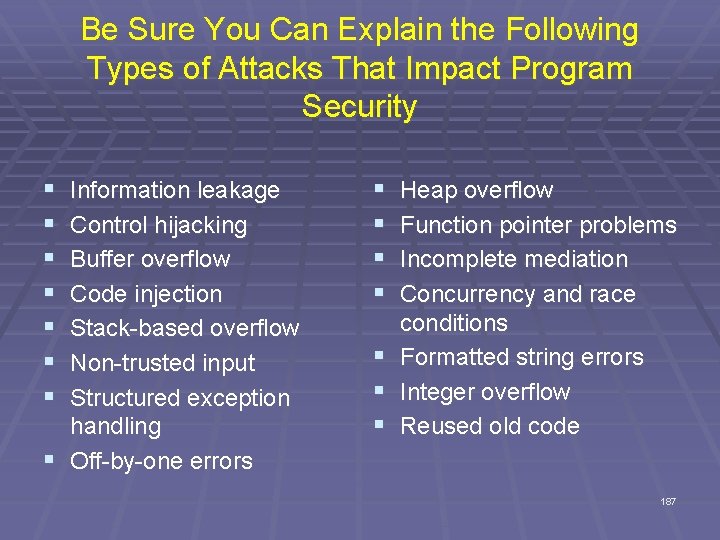
Be Sure You Can Explain the Following Types of Attacks That Impact Program Security § § § § Information leakage Control hijacking Buffer overflow Code injection Stack-based overflow Non-trusted input Structured exception handling § Off-by-one errors § § § § Heap overflow Function pointer problems Incomplete mediation Concurrency and race conditions Formatted string errors Integer overflow Reused old code 187