
PROGRAM PROGRAM CS using System using System Collections
- Slides: 10
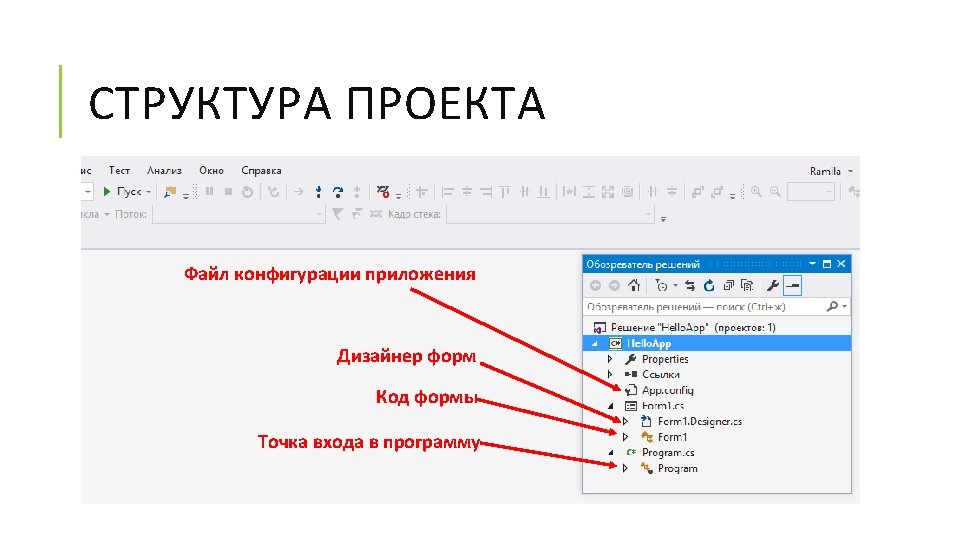
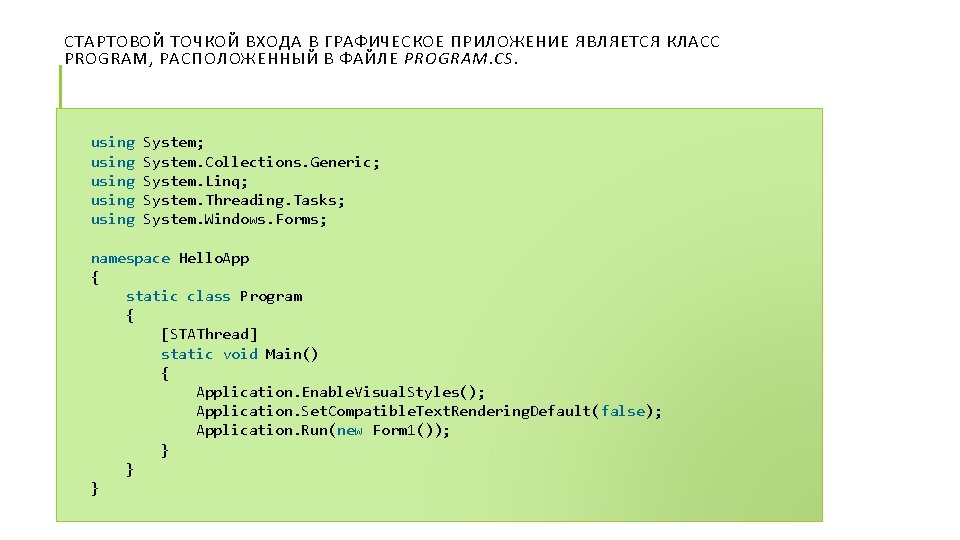
СТАРТОВОЙ ТОЧКОЙ ВХОДА В ГРАФИЧЕСКОЕ ПРИЛОЖЕНИЕ ЯВЛЯЕТСЯ КЛАСС PROGRAM, РАСПОЛОЖЕННЫЙ В ФАЙЛЕ PROGRAM. CS. using System; using System. Collections. Generic; using System. Linq; using System. Threading. Tasks; using System. Windows. Forms; namespace Hello. App { static class Program { [STAThread] static void Main() { Application. Enable. Visual. Styles(); Application. Set. Compatible. Text. Rendering. Default(false); Application. Run(new Form 1()); } } }
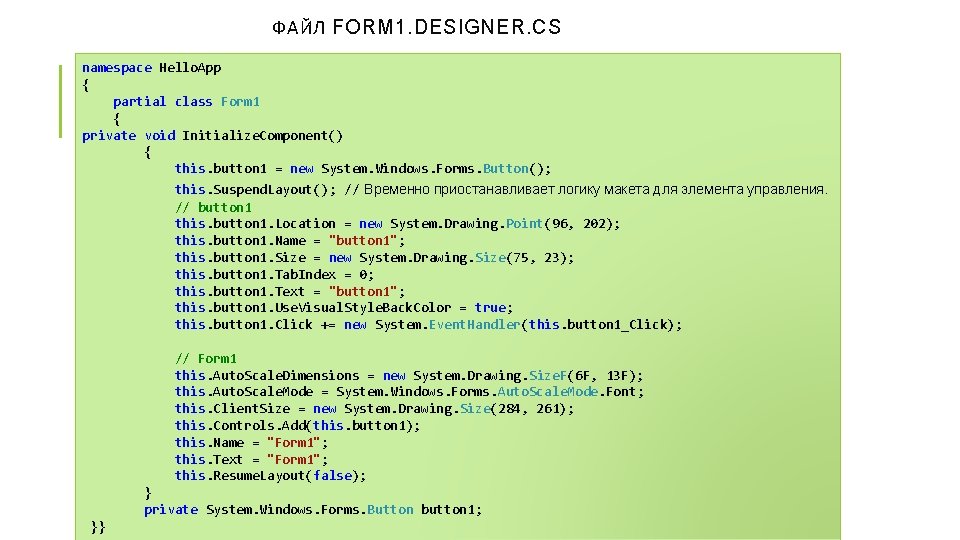
ФАЙЛ FORM 1. DESIGNER. CS namespace Hello. App { partial class Form 1 { private void Initialize. Component() { this. button 1 = new System. Windows. Forms. Button(); this. Suspend. Layout(); // Временно приостанавливает логику макета для элемента управления. // button 1 this. button 1. Location = new System. Drawing. Point(96, 202); this. button 1. Name = "button 1"; this. button 1. Size = new System. Drawing. Size(75, 23); this. button 1. Tab. Index = 0; this. button 1. Text = "button 1"; this. button 1. Use. Visual. Style. Back. Color = true; this. button 1. Click += new System. Event. Handler(this. button 1_Click); // Form 1 this. Auto. Scale. Dimensions = new System. Drawing. Size. F(6 F, 13 F); this. Auto. Scale. Mode = System. Windows. Forms. Auto. Scale. Mode. Font; this. Client. Size = new System. Drawing. Size(284, 261); this. Controls. Add(this. button 1); this. Name = "Form 1"; this. Text = "Form 1"; this. Resume. Layout(false); } private System. Windows. Forms. Button button 1; }}
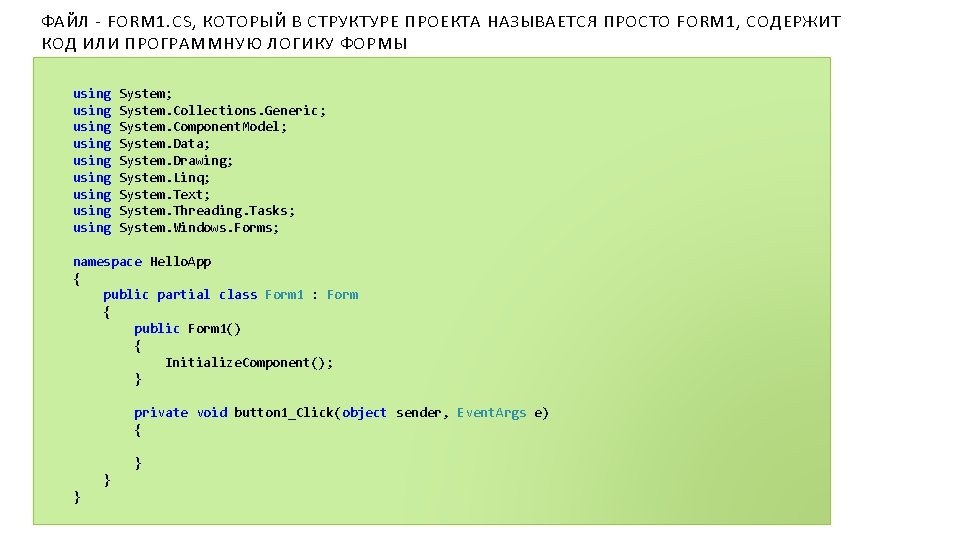
ФАЙЛ - FORM 1. CS, КОТОРЫЙ В СТРУКТУРЕ ПРОЕКТА НАЗЫВАЕТСЯ ПРОСТО FORM 1, СОДЕРЖИТ КОД ИЛИ ПРОГРАММНУЮ ЛОГИКУ ФОРМЫ using System; using System. Collections. Generic; using System. Component. Model; using System. Data; using System. Drawing; using System. Linq; using System. Text; using System. Threading. Tasks; using System. Windows. Forms; namespace Hello. App { public partial class Form 1 : Form { public Form 1() { Initialize. Component(); } private void button 1_Click(object sender, Event. Args e) { } } }
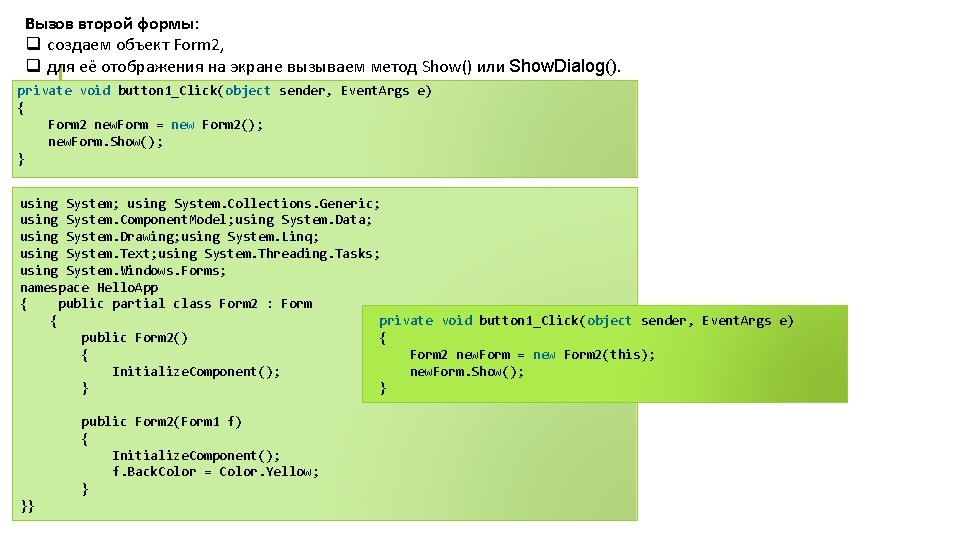
Вызов второй формы: q создаем объект Form 2, q для её отображения на экране вызываем метод Show() или Show. Dialog(). private void button 1_Click(object sender, Event. Args e) { Form 2 new. Form = new Form 2(); new. Form. Show(); } using System; using System. Collections. Generic; using System. Component. Model; using System. Data; using System. Drawing; using System. Linq; using System. Text; using System. Threading. Tasks; using System. Windows. Forms; namespace Hello. App { public partial class Form 2 : Form private void button 1_Click(object sender, Event. Args e) { { public Form 2() Form 2 new. Form = new Form 2(this); { new. Form. Show(); Initialize. Component(); } public Form 2(Form 1 f) { Initialize. Component(); f. Back. Color = Color. Yellow; } }}