
Program Elements H H We can now examine
![Variables use public static void main (String[] args) { short weeks = 14; int](https://slidetodoc.com/presentation_image_h2/120a2511d5468d714b025114118fea68/image-13.jpg "Variables use public static void main (String[] args) { short weeks = 14; int")
![Expression example public static void main (String[] args) { int number. Of. Books =](https://slidetodoc.com/presentation_image_h2/120a2511d5468d714b025114118fea68/image-23.jpg "Expression example public static void main (String[] args) { int number. Of. Books =")
![String Concatenation public static void main(String[] args) { System. out. print(“The international “ +](https://slidetodoc.com/presentation_image_h2/120a2511d5468d714b025114118fea68/image-30.jpg "String Concatenation public static void main(String[] args) { System. out. print(“The international “ +")
- Slides: 43
Program Elements H H We can now examine the core elements of programming (as implemented in Java) syllabus basic programming concepts We focuse on: • • data types variable declaration and use, constants operators and expressions data conversion object oriented programming topics in computer science 1 unit 2
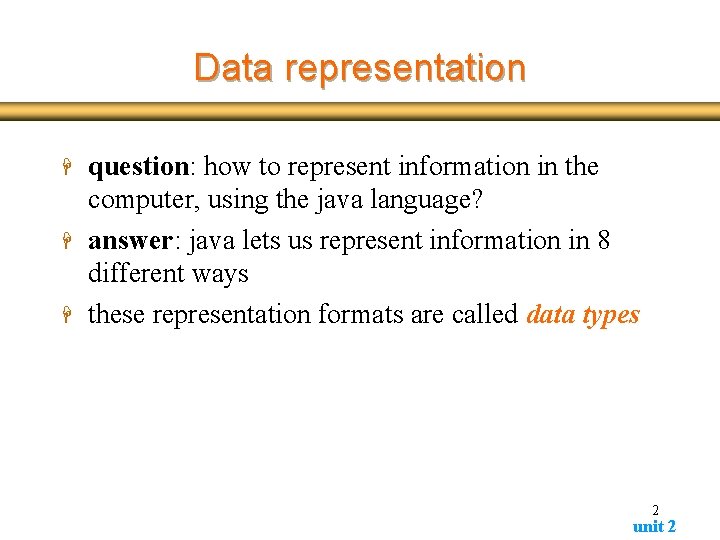
Data representation H H H question: how to represent information in the computer, using the java language? answer: java lets us represent information in 8 different ways these representation formats are called data types 2 unit 2
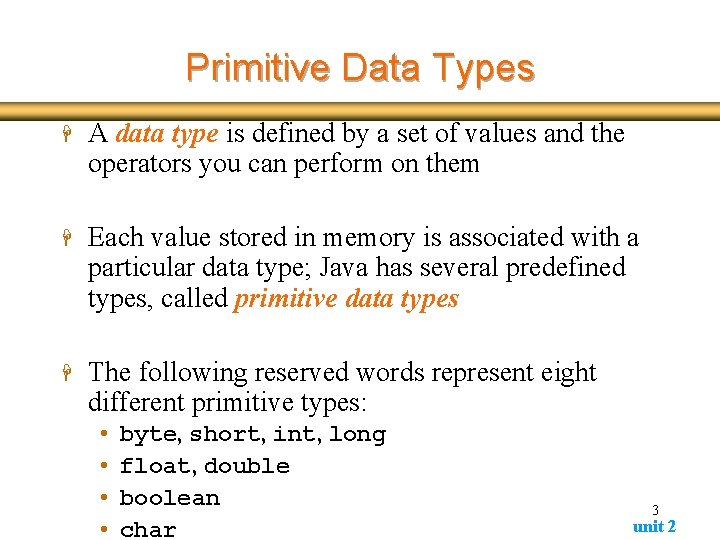
Primitive Data Types H A data type is defined by a set of values and the operators you can perform on them H Each value stored in memory is associated with a particular data type; Java has several predefined types, called primitive data types H The following reserved words represent eight different primitive types: • • byte, short, int, long float, double boolean char 3 unit 2
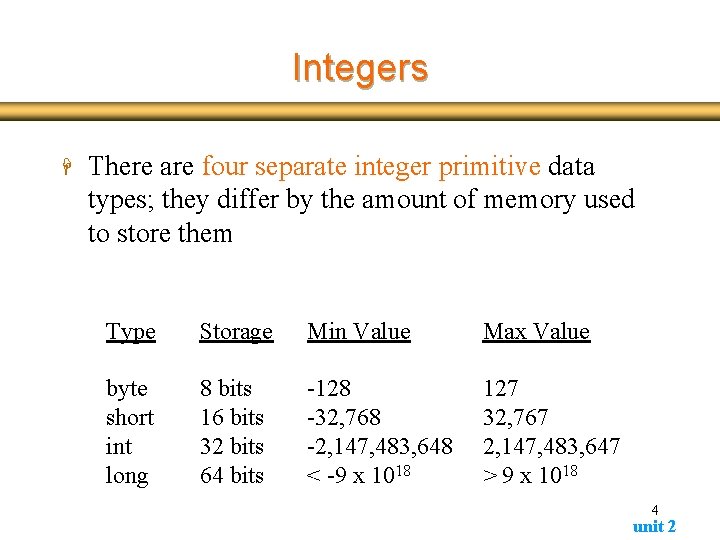
Integers H There are four separate integer primitive data types; they differ by the amount of memory used to store them Type Storage Min Value Max Value byte short int long 8 bits 16 bits 32 bits 64 bits -128 -32, 768 -2, 147, 483, 648 < -9 x 10¹⁸ 127 32, 767 2, 147, 483, 647 > 9 x 10¹⁸ 4 unit 2
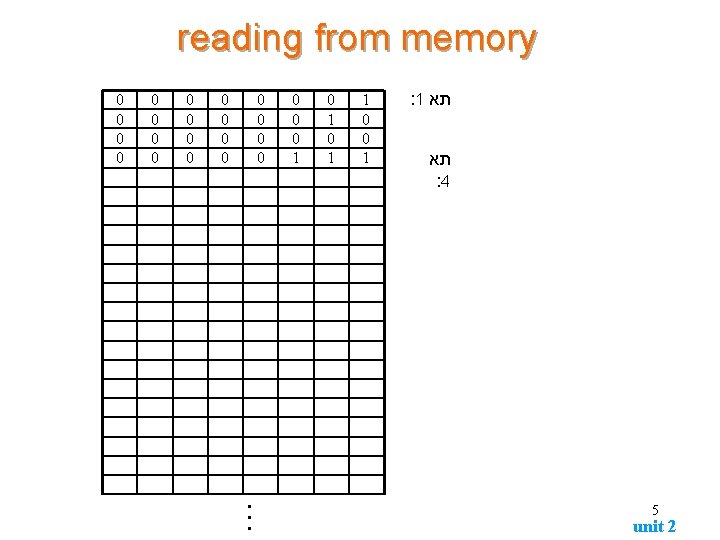
reading from memory 0 0 0 0 0 0 1 0 1 1 0 0 1 : 1 תא : 4 5 unit 2
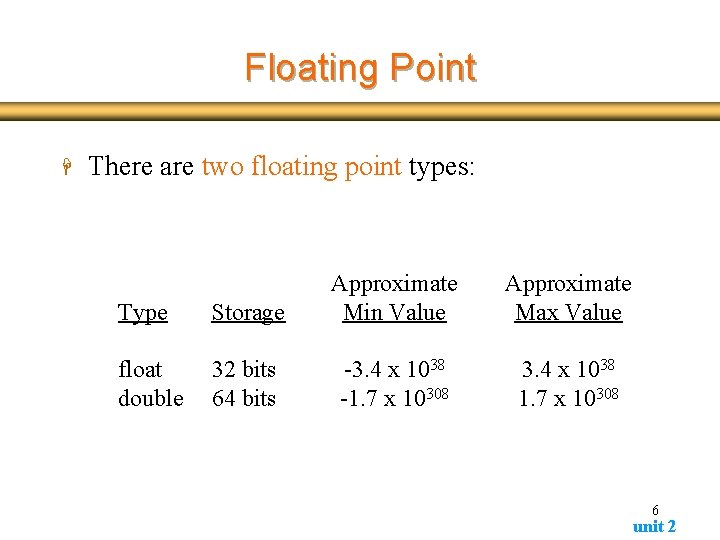
Floating Point H There are two floating point types: Type Storage Approximate Min Value float double 32 bits 64 bits -3. 4 x 1038 -1. 7 x 10308 Approximate Max Value 3. 4 x 1038 1. 7 x 10308 6 unit 2
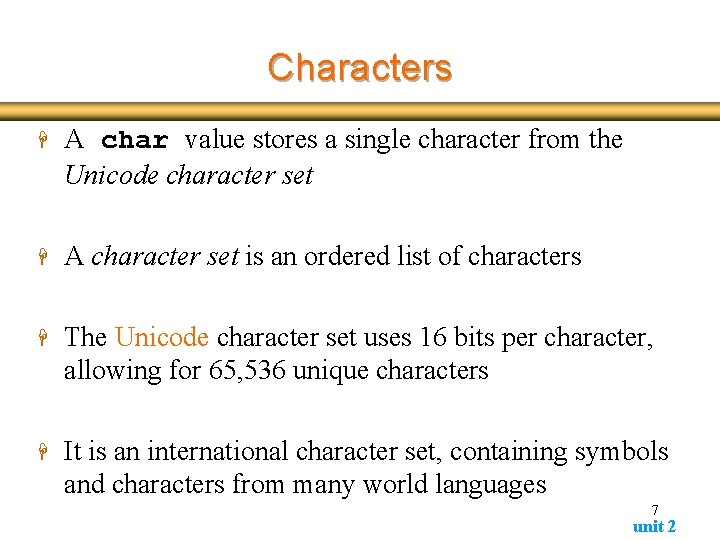
Characters H A char value stores a single character from the Unicode character set H A character set is an ordered list of characters H The Unicode character set uses 16 bits per character, allowing for 65, 536 unique characters H It is an international character set, containing symbols and characters from many world languages 7 unit 2
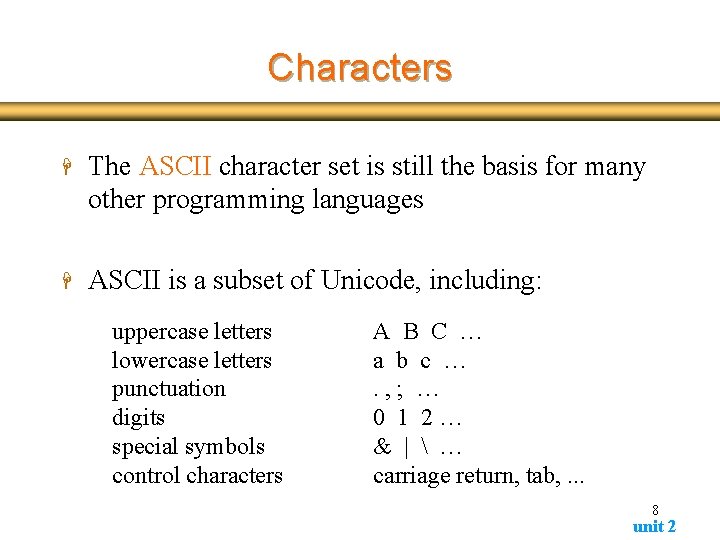
Characters H The ASCII character set is still the basis for many other programming languages H ASCII is a subset of Unicode, including: uppercase letters lowercase letters punctuation digits special symbols control characters A B C … a b c …. , ; … 0 1 2… & | … carriage return, tab, . . . 8 unit 2
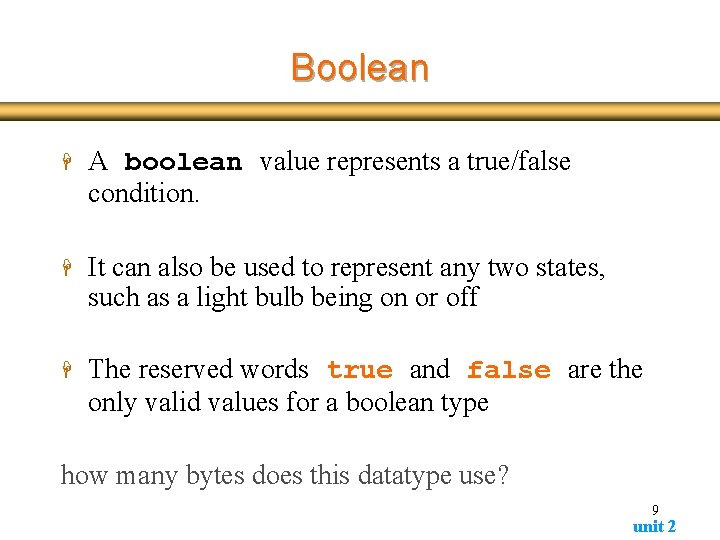
Boolean H A boolean value represents a true/false condition. H It can also be used to represent any two states, such as a light bulb being on or off H The reserved words true and false are the only valid values for a boolean type how many bytes does this datatype use? 9 unit 2
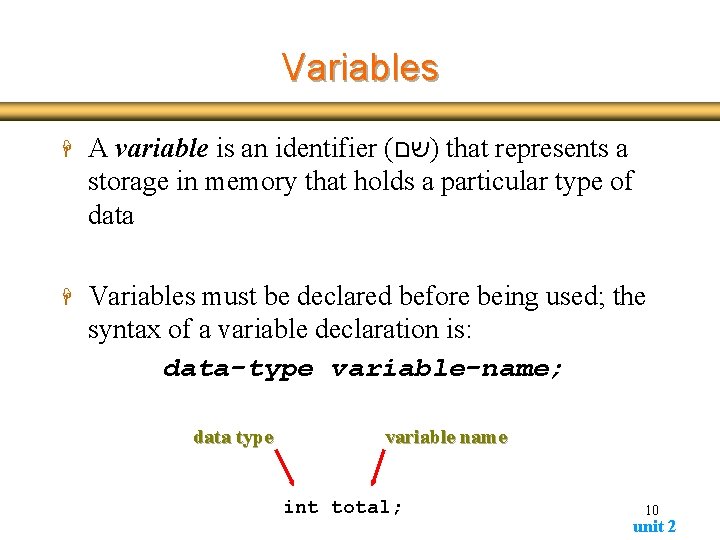
Variables H A variable is an identifier ( )שם that represents a storage in memory that holds a particular type of data H Variables must be declared before being used; the syntax of a variable declaration is: data-type variable-name; data type variable name int total; 10 unit 2
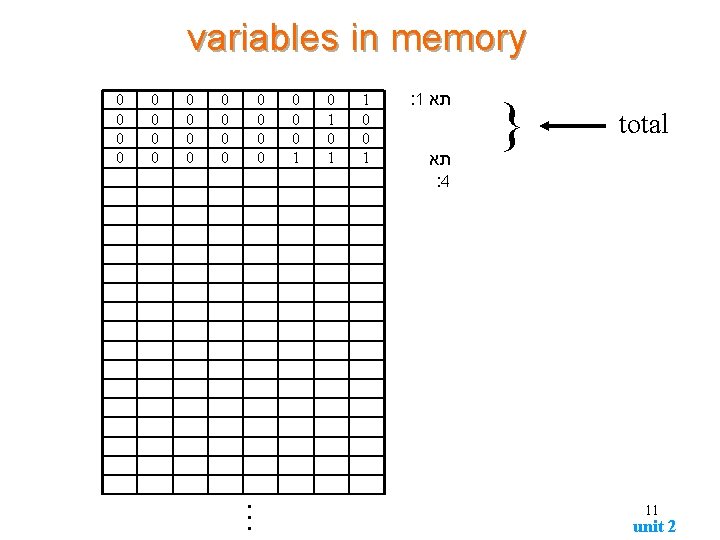
variables in memory 0 0 0 0 0 0 1 0 1 1 0 0 1 : 1 תא : 4 } total 11 unit 2
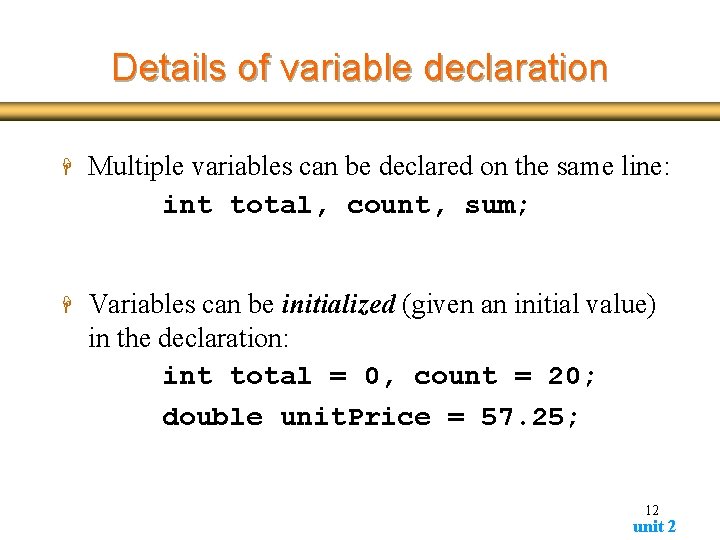
Details of variable declaration H Multiple variables can be declared on the same line: int total, count, sum; H Variables can be initialized (given an initial value) in the declaration: int total = 0, count = 20; double unit. Price = 57. 25; 12 unit 2
Variables use public static void main (String[] args) { short weeks = 14; int number. Of. Students = 120; double average. Final. Grade = 78. 6; System. out. println(weeks); System. out. println(number. Of. Students); System. out. println(average. Final. Grade); } 13 unit 2
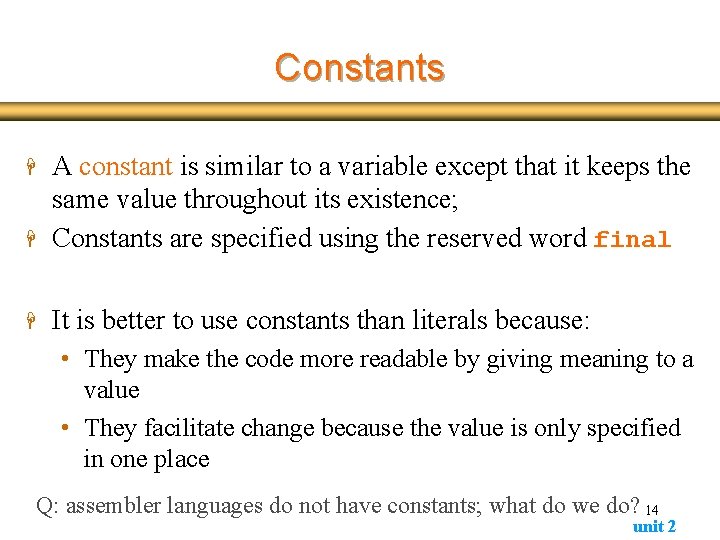
Constants H A constant is similar to a variable except that it keeps the same value throughout its existence; Constants are specified using the reserved word final H It is better to use constants than literals because: H • They make the code more readable by giving meaning to a value • They facilitate change because the value is only specified in one place Q: assembler languages do not have constants; what do we do? 14 unit 2
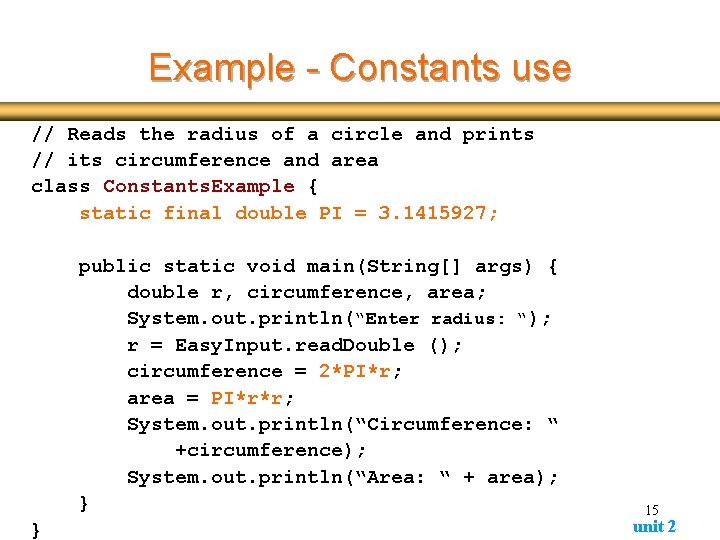
Example - Constants use // Reads the radius of a circle and prints // its circumference and area class Constants. Example { static final double PI = 3. 1415927; public static void main(String[] args) { double r, circumference, area; System. out. println(“Enter radius: “); r = Easy. Input. read. Double (); circumference = 2*PI*r; area = PI*r*r; System. out. println(“Circumference: “ +circumference); System. out. println(“Area: “ + area); } } 15 unit 2
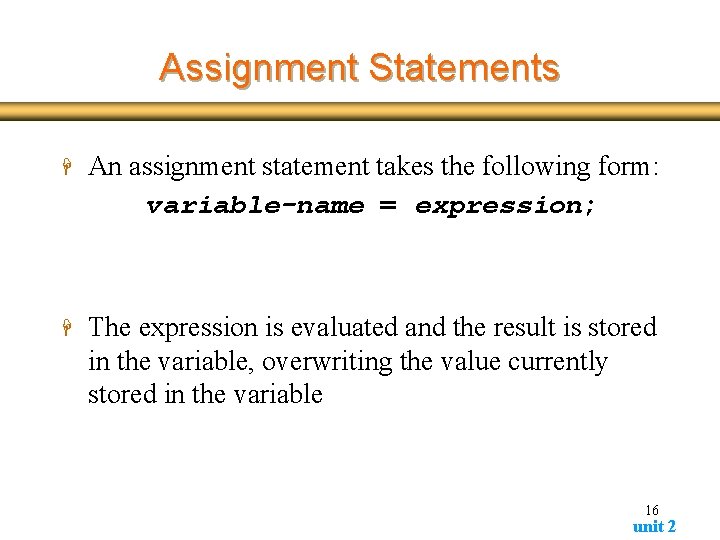
Assignment Statements H An assignment statement takes the following form: variable-name = expression; H The expression is evaluated and the result is stored in the variable, overwriting the value currently stored in the variable 16 unit 2
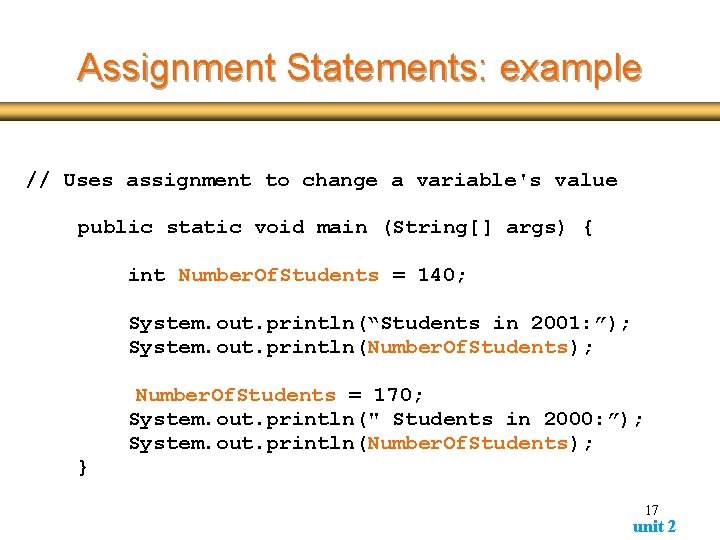
Assignment Statements: example // Uses assignment to change a variable's value public static void main (String[] args) { int Number. Of. Students = 140; System. out. println(“Students in 2001: ”); System. out. println(Number. Of. Students); Number. Of. Students = 170; System. out. println(" Students in 2000: ”); System. out. println(Number. Of. Students); } 17 unit 2
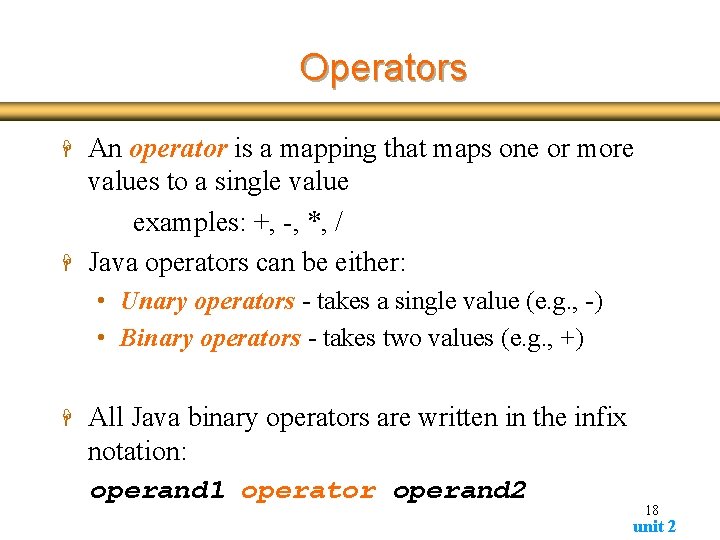
Operators H H An operator is a mapping that maps one or more values to a single value examples: +, -, *, / Java operators can be either: • Unary operators - takes a single value (e. g. , -) • Binary operators - takes two values (e. g. , +) H All Java binary operators are written in the infix notation: operand 1 operator operand 2 18 unit 2
Operators H arithmetic H increment and decrement H logical H assignment H conditional 19 unit 2
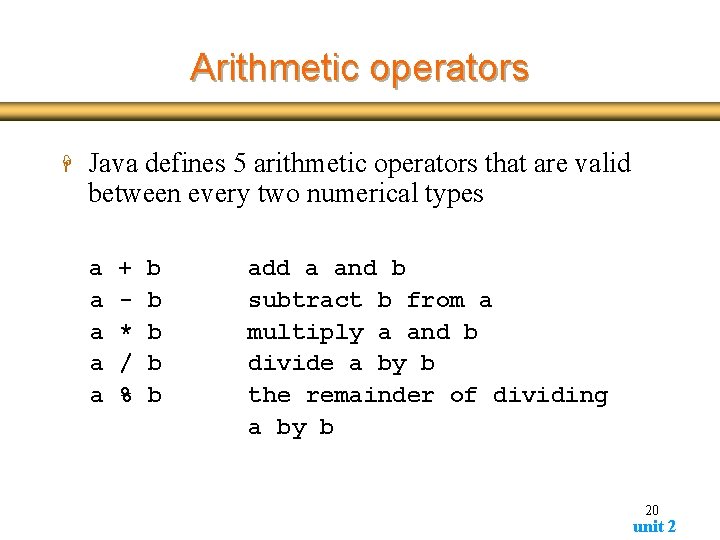
Arithmetic operators H Java defines 5 arithmetic operators that are valid between every two numerical types a a a + * / % b b b add a and b subtract b from a multiply a and b divide a by b the remainder of dividing a by b 20 unit 2
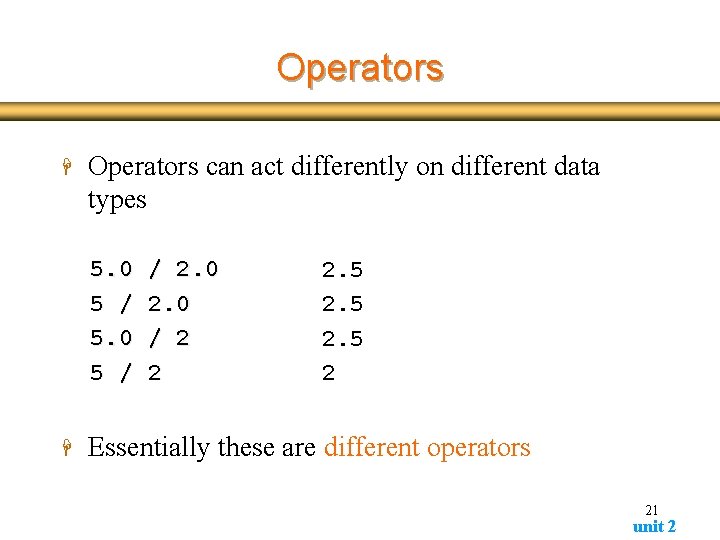
Operators H Operators can act differently on different data types 5. 0 5 / H / 2. 0 / 2 2 2. 5 2 Essentially these are different operators 21 unit 2
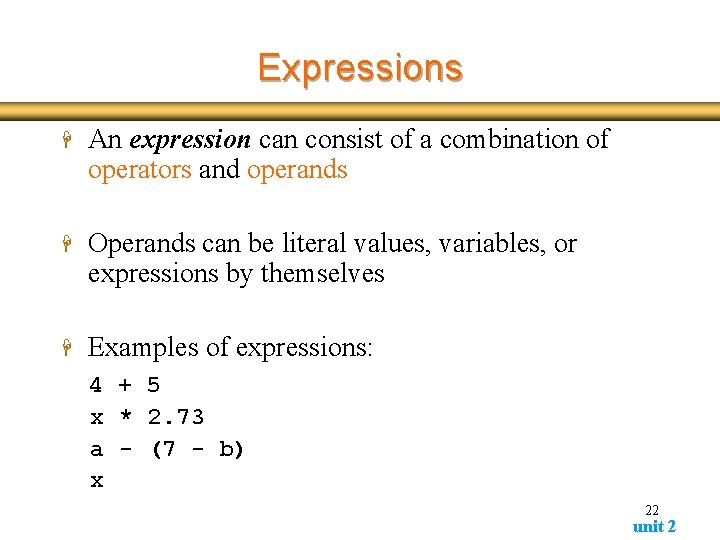
Expressions H An expression can consist of a combination of operators and operands H Operands can be literal values, variables, or expressions by themselves H Examples of expressions: 4 + 5 x * 2. 73 a - (7 - b) x 22 unit 2
Expression example public static void main (String[] args) { int number. Of. Books = 30; double book. Price = 45. 90; double total. Price; total. Price = number. Of. Books * book. Price; } System. out. println( “The total price is: ”); System. out. println(total. Price); 23 unit 2
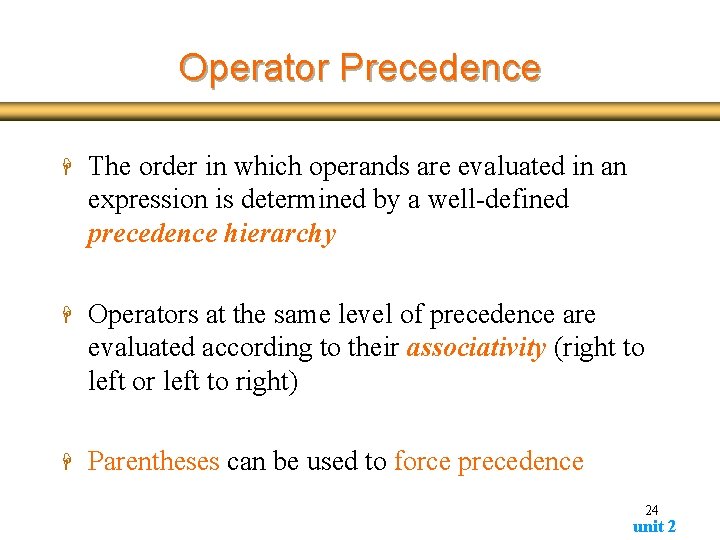
Operator Precedence H The order in which operands are evaluated in an expression is determined by a well-defined precedence hierarchy H Operators at the same level of precedence are evaluated according to their associativity (right to left or left to right) H Parentheses can be used to force precedence 24 unit 2
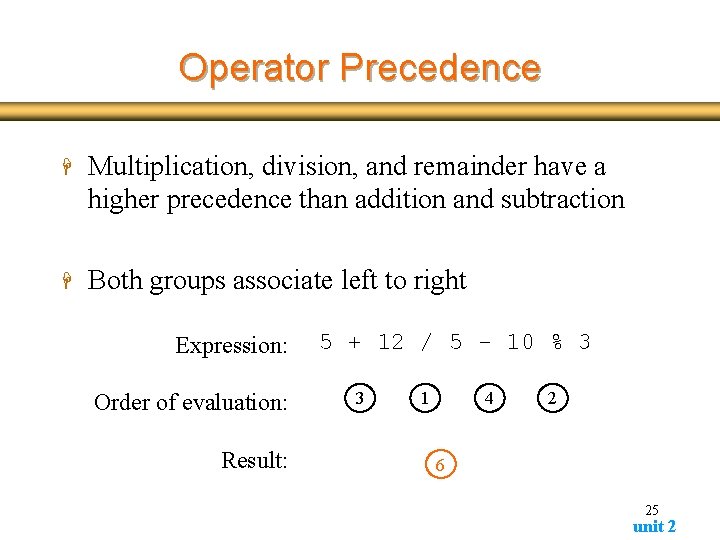
Operator Precedence H Multiplication, division, and remainder have a higher precedence than addition and subtraction H Both groups associate left to right Expression: Order of evaluation: Result: 5 + 12 / 5 - 10 % 3 3 1 4 2 6 25 unit 2
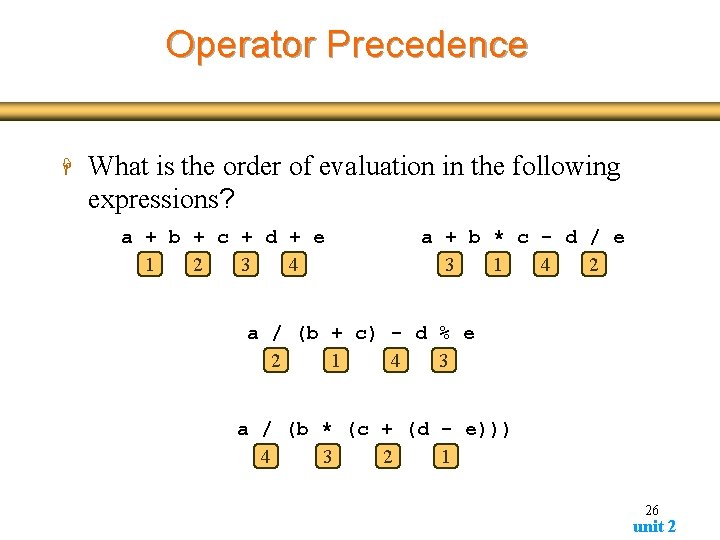
Operator Precedence H What is the order of evaluation in the following expressions? a + b + c + d + e 1 2 3 4 a + b * c - d / e 3 1 4 2 a / (b + c) - d % e 2 1 4 3 a / (b * (c + (d - e))) 4 3 2 1 26 unit 2
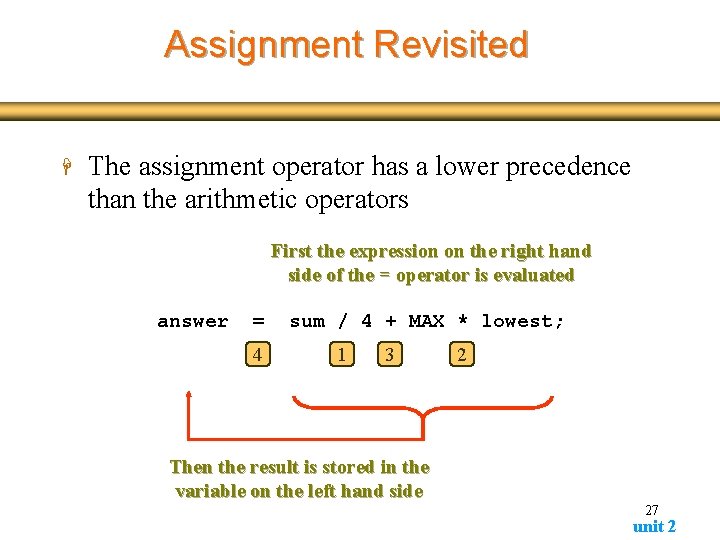
Assignment Revisited H The assignment operator has a lower precedence than the arithmetic operators First the expression on the right hand side of the = operator is evaluated answer = 4 sum / 4 + MAX * lowest; 1 3 2 Then the result is stored in the variable on the left hand side 27 unit 2
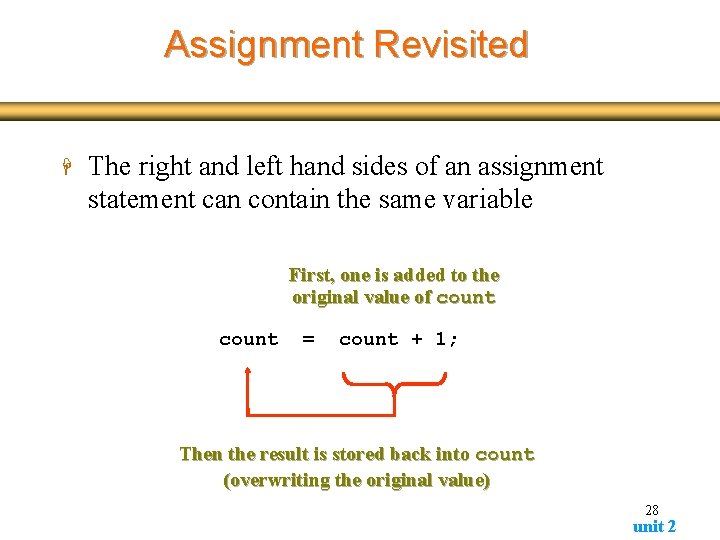
Assignment Revisited H The right and left hand sides of an assignment statement can contain the same variable First, one is added to the original value of count = count + 1; Then the result is stored back into count (overwriting the original value) 28 unit 2
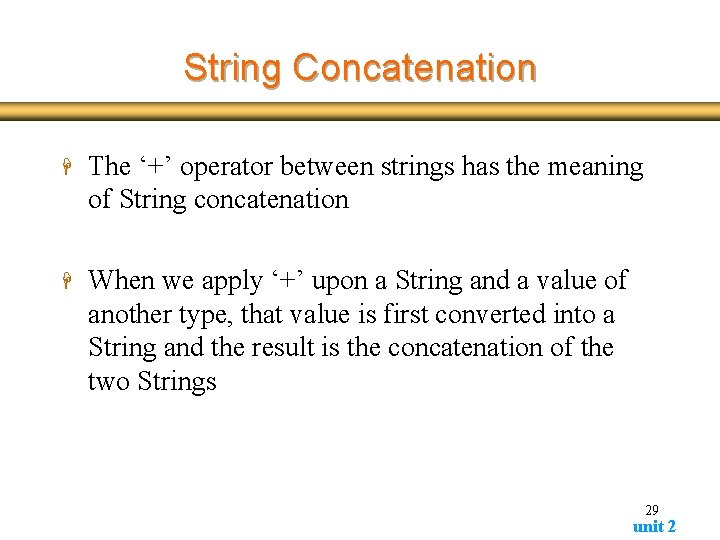
String Concatenation H The ‘+’ operator between strings has the meaning of String concatenation H When we apply ‘+’ upon a String and a value of another type, that value is first converted into a String and the result is the concatenation of the two Strings 29 unit 2
String Concatenation public static void main(String[] args) { System. out. print(“The international “ + “dialing code”); System. out. println(“for Israel is “ + 972); } Output: The international dialog code for Israel is 972 30 unit 2
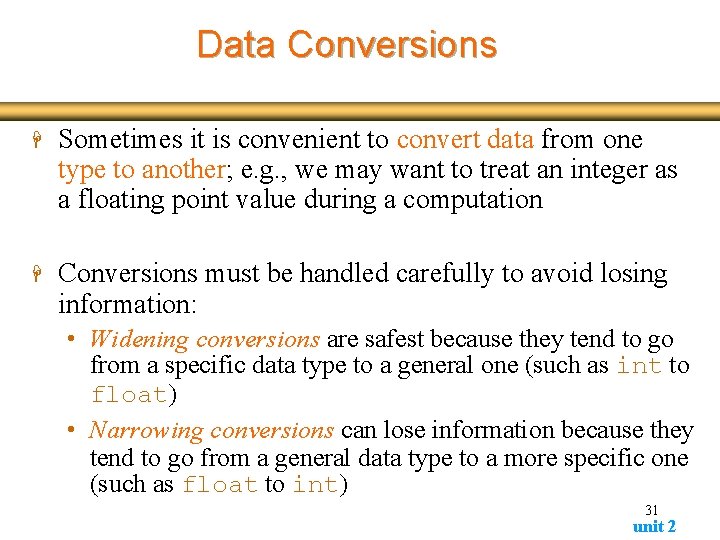
Data Conversions H Sometimes it is convenient to convert data from one type to another; e. g. , we may want to treat an integer as a floating point value during a computation H Conversions must be handled carefully to avoid losing information: • Widening conversions are safest because they tend to go from a specific data type to a general one (such as int to float) • Narrowing conversions can lose information because they tend to go from a general data type to a more specific one (such as float to int) 31 unit 2
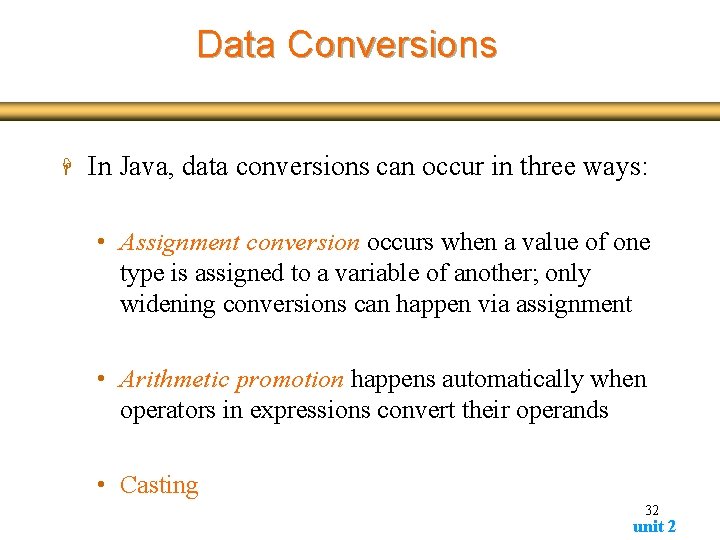
Data Conversions H In Java, data conversions can occur in three ways: • Assignment conversion occurs when a value of one type is assigned to a variable of another; only widening conversions can happen via assignment • Arithmetic promotion happens automatically when operators in expressions convert their operands • Casting 32 unit 2
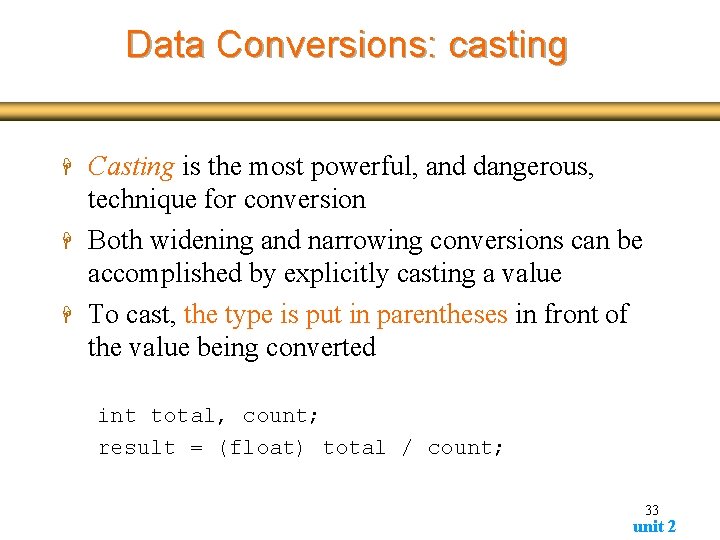
Data Conversions: casting H H H Casting is the most powerful, and dangerous, technique for conversion Both widening and narrowing conversions can be accomplished by explicitly casting a value To cast, the type is put in parentheses in front of the value being converted int total, count; result = (float) total / count; 33 unit 2
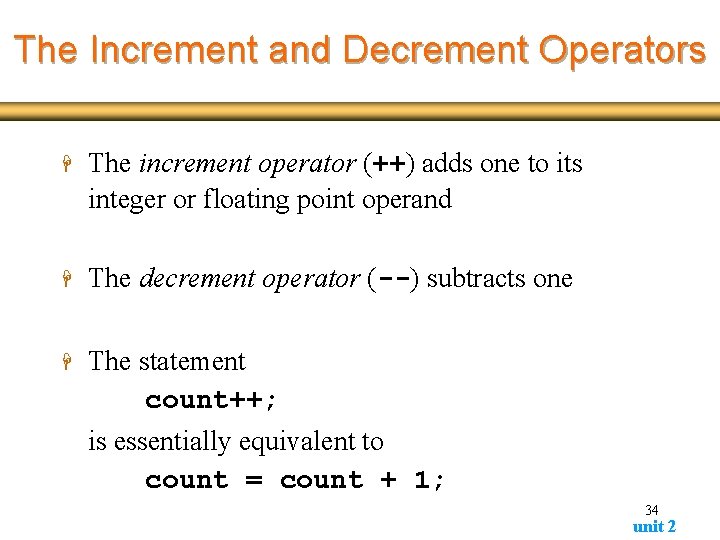
The Increment and Decrement Operators H The increment operator (++) adds one to its integer or floating point operand H The decrement operator (--) subtracts one H The statement count++; is essentially equivalent to count = count + 1; 34 unit 2
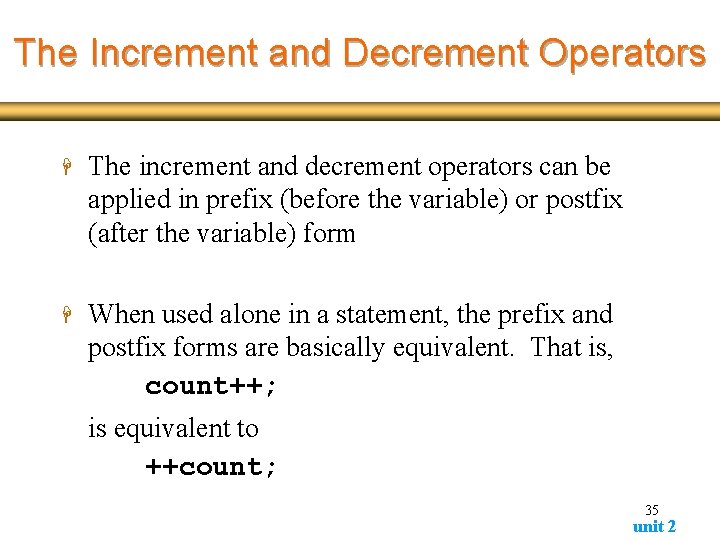
The Increment and Decrement Operators H The increment and decrement operators can be applied in prefix (before the variable) or postfix (after the variable) form H When used alone in a statement, the prefix and postfix forms are basically equivalent. That is, count++; is equivalent to ++count; 35 unit 2
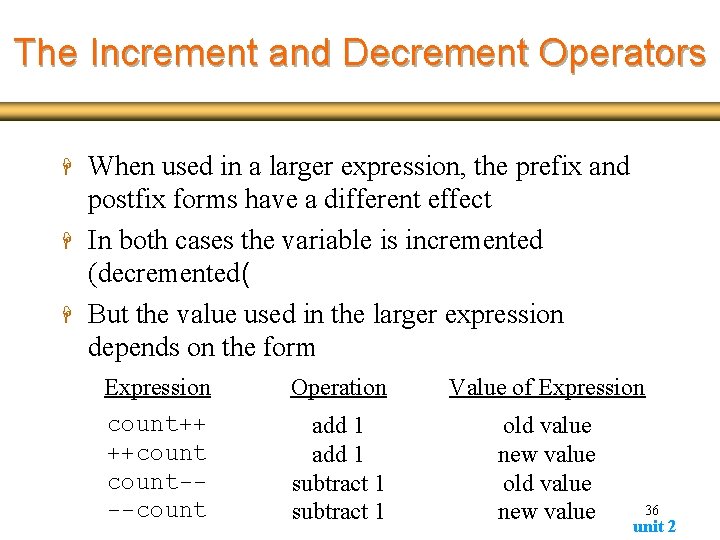
The Increment and Decrement Operators H H H When used in a larger expression, the prefix and postfix forms have a different effect In both cases the variable is incremented (decremented( But the value used in the larger expression depends on the form Expression Operation Value of Expression count++ ++count---count add 1 subtract 1 old value new value 36 unit 2
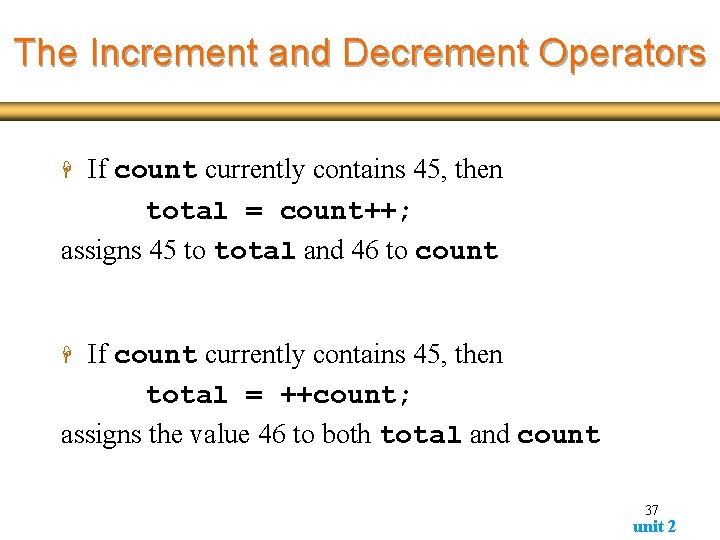
The Increment and Decrement Operators If count currently contains 45, then total = count++; assigns 45 to total and 46 to count H If count currently contains 45, then total = ++count; assigns the value 46 to both total and count H 37 unit 2
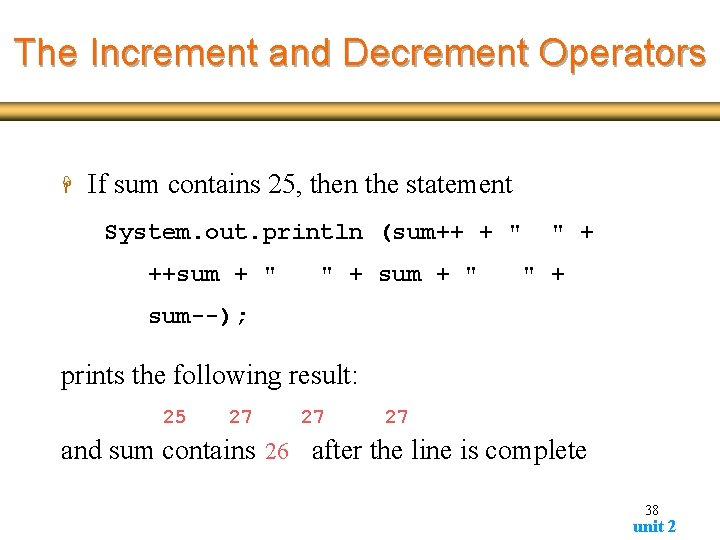
The Increment and Decrement Operators H If sum contains 25, then the statement System. out. println (sum++ + " ++sum + " " + " + sum--); prints the following result: 25 27 27 27 and sum contains 26 after the line is complete 38 unit 2
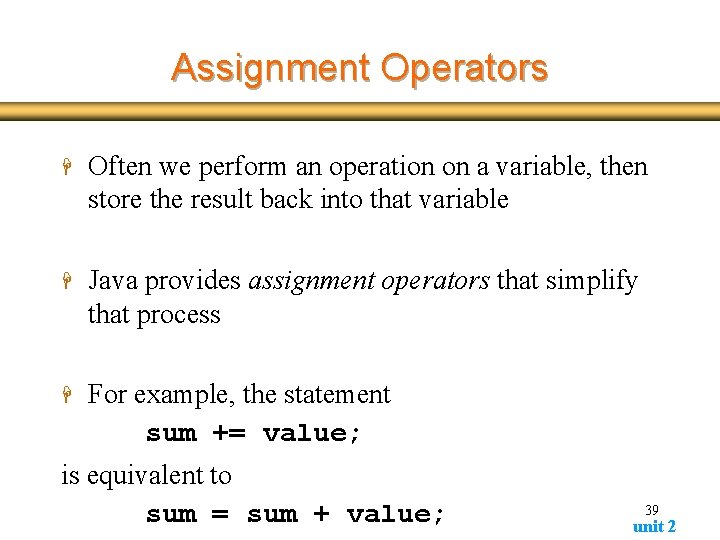
Assignment Operators H Often we perform an operation on a variable, then store the result back into that variable H Java provides assignment operators that simplify that process H For example, the statement sum += value; is equivalent to sum = sum + value; 39 unit 2
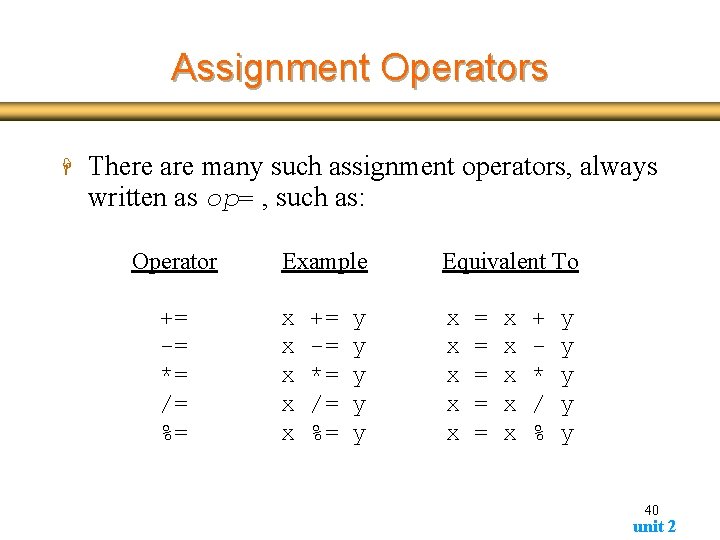
Assignment Operators H There are many such assignment operators, always written as op= , such as: Operator += -= *= /= %= Example Equivalent To x x x x x += -= *= /= %= y y y = = = x x x + * / % y y y 40 unit 2
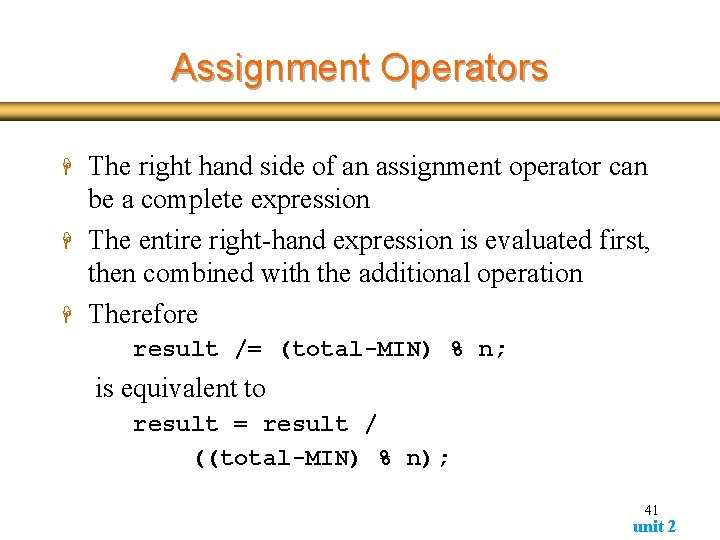
Assignment Operators H H H The right hand side of an assignment operator can be a complete expression The entire right-hand expression is evaluated first, then combined with the additional operation Therefore result /= (total-MIN) % n; is equivalent to result = result / ((total-MIN) % n); 41 unit 2
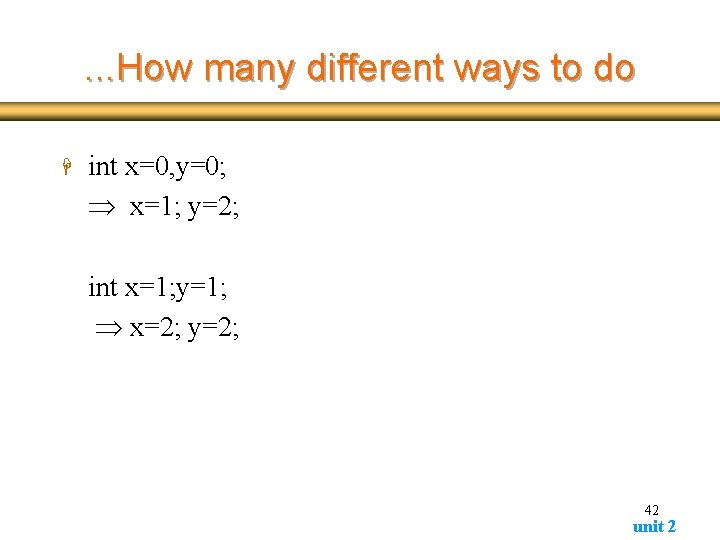
. . . How many different ways to do H int x=0, y=0; x=1; y=2; int x=1; y=1; x=2; y=2; 42 unit 2
. . . What you should be able to do H H write programs which have variables perform simple arithmetic operations and store the output value for further use 43 unit 2