
Professional Template for a 48 x 36 poster
- Slides: 1
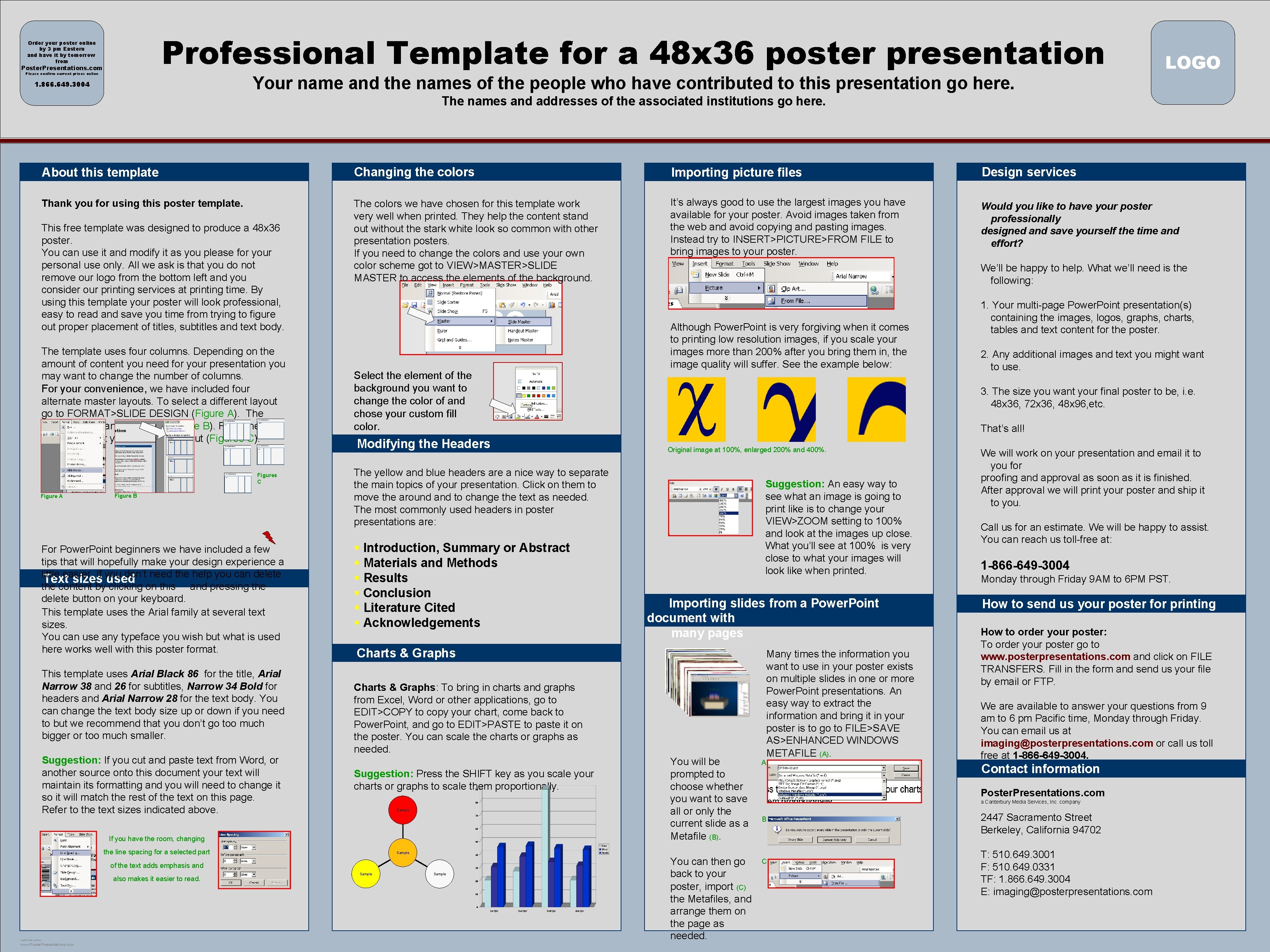
Professional Template for a 48 x 36 poster presentation Order your poster online by 3 pm Eastern and have it by tomorrow from Poster. Presentations. com Please confirm current prices online Your name and the names of the people who have contributed to this presentation go here. 1. 866. 649. 3004 LOGO The names and addresses of the associated institutions go here. About this template Changing the colors Importing picture files Design services Thank you for using this poster template. The colors we have chosen for this template work very well when printed. They help the content stand out without the stark white look so common with other presentation posters. If you need to change the colors and use your own color scheme got to VIEW>MASTER>SLIDE MASTER to access the elements of the background. It’s always good to use the largest images you have available for your poster. Avoid images taken from the web and avoid copying and pasting images. Instead try to INSERT>PICTURE>FROM FILE to bring images to your poster. Would you like to have your poster professionally designed and save yourself the time and effort? This free template was designed to produce a 48 x 36 poster. You can use it and modify it as you please for your personal use only. All we ask is that you do not remove our logo from the bottom left and you consider our printing services at printing time. By using this template your poster will look professional, easy to read and save you time from trying to figure out proper placement of titles, subtitles and text body. The template uses four columns. Depending on the amount of content you need for your presentation you may want to change the number of columns. For your convenience, we have included four alternate master layouts. To select a different layout go to FORMAT>SLIDE DESIGN (Figure A). The slide design pane will open (Figure B). From there you can select your alternate layout (Figures C). Figures C Figure A Figure B For Power. Point beginners we have included a few tips that will hopefully make your design experience a little easier. If you don’t need the help you can delete Text sizes used the content by clicking on this and pressing the delete button on your keyboard. This template uses the Arial family at several text sizes. You can use any typeface you wish but what is used here works well with this poster format. This template uses Arial Black 86 for the title, Arial Narrow 38 and 26 for subtitles, Narrow 34 Bold for headers and Arial Narrow 28 for the text body. You can change the text body size up or down if you need to but we recommend that you don’t go too much bigger or too much smaller. Suggestion: If you cut and paste text from Word, or another source onto this document your text will maintain its formatting and you will need to change it so it will match the rest of the text on this page. Refer to the text sizes indicated above. Select the element of the background you want to change the color of and chose your custom fill color. Modifying the Headers § Introduction, Summary or Abstract § Materials and Methods § Results § Conclusion § Literature Cited § Acknowledgements Sample www. Poster. Presentations. com Original image at 100%, enlarged 200% and 400%. Suggestion: An easy way to see what an image is going to print like is to change your VIEW>ZOOM setting to 100% and look at the images up close. What you’ll see at 100% is very close to what your images will look like when printed. Importing slides from a Power. Point document with many pages You will be prompted to choose whether you want to save all or only the current slide as a Metafile (B). A Many times the information you want to use in your poster exists on multiple slides in one or more Power. Point presentations. An easy way to extract the information and bring it in your poster is to go to FILE>SAVE AS>ENHANCED WINDOWS METAFILE (A). Sample You can then go back to your poster, import (C) the Metafiles, and arrange them on the page as needed. We will work on your presentation and email it to you for proofing and approval as soon as it is finished. After approval we will print your poster and ship it to you. Call us for an estimate. We will be happy to assist. You can reach us toll-free at: 1 -866 -649 -3004 Monday through Friday 9 AM to 6 PM PST. How to send us your poster for printing How to order your poster: To order your poster go to www. posterpresentations. com and click on FILE TRANSFERS. Fill in the form and send us your file by email or FTP. We are available to answer your questions from 9 am to 6 pm Pacific time, Monday through Friday. You can email us at imaging@posterpresentations. com or call us toll free at 1 -866 -649 -3004. Contact information Poster. Presentations. com a Canterbury Media Services, Inc. company B Sample of the text adds emphasis and 2. Any additional images and text you might want to use. That’s all! Charts & Graphs: To bring in charts and graphs from Excel, Word or other applications, go to EDIT>COPY to copy your chart, come back to Power. Point, and go to EDIT>PASTE to paste it on the poster. You can scale the charts or graphs as needed. Suggestion: Press the SHIFT key as you scale your charts or graphs to scale them proportionally. 1. Your multi-page Power. Point presentation(s) containing the images, logos, graphs, charts, tables and text content for the poster. 3. The size you want your final poster to be, i. e. 48 x 36, 72 x 36, 48 x 96, etc. Charts & Graphs the line spacing for a selected part POSTER TEMPLATE BY: Although Power. Point is very forgiving when it comes to printing low resolution images, if you scale your images more than 200% after you bring them in, the image quality will suffer. See the example below: The yellow and blue headers are a nice way to separate the main topics of your presentation. Click on them to move the around and to change the text as needed. The most commonly used headers in poster presentations are: If you have the room, changing also makes it easier to read. We’ll be happy to help. What we’ll need is the following: C 2447 Sacramento Street Berkeley, California 94702 T: 510. 649. 3001 F: 510. 649. 0331 TF: 1. 866. 649. 3004 E: imaging@posterpresentations. com