
PRODUCTIVITY TIPS FOR SQL SERVER MANAGEMENT STUDIO September
PRODUCTIVITY TIPS FOR SQL SERVER MANAGEMENT STUDIO September 2016 Bogdan Curcă, Senior Data Warehouse Developer
SUMMARY Chapter 1 Options menu Chapter 2 Object explorer / query window Chapter 3 View menu Chapter 4 New in SSMS 2016 Chapter 5 Free 3 rd party tools

Chapter 1 OPTIONS MENU
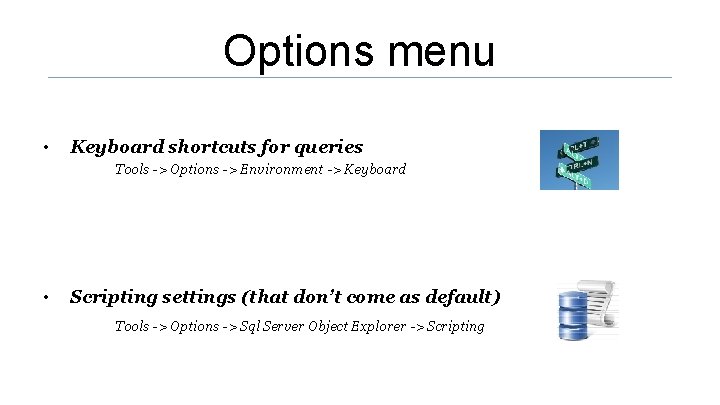
Options menu • Keyboard shortcuts for queries Tools -> Options -> Environment -> Keyboard • Scripting settings (that don’t come as default) Tools -> Options -> Sql Server Object Explorer -> Scripting

Chapter 2 OBJECT EXPLORER / QUERY WINDOW
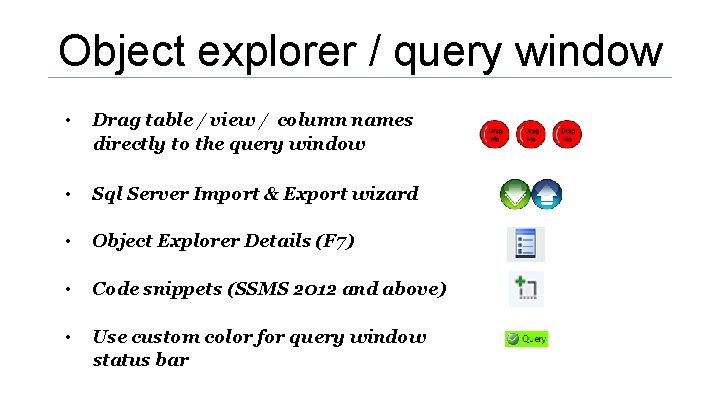
Object explorer / query window • Drag table / view / column names directly to the query window • Sql Server Import & Export wizard • Object Explorer Details (F 7) • Code snippets (SSMS 2012 and above) • Use custom color for query window status bar

Chapter 3 VIEW MENU
View menu • Solution explorer – Sql Server scripts project – group related files (Visual Studio style) – connections, script files, documentation files, etc. • Template Browser - you can add your own templates

Chapter 4 NEW IN SSMS 2016
New in SSMS 2016 • Live Query Statistics • Quick launch • Pin query windows frequently used; show pinned tabs in a separate row

Chapter 4 FREE 3 RD PARTY TOOLS
Free 3 rd party tools (1 of 2) • Sql Sentry Plan Explorer http: //www. sqlsentry. com/products/plan-explorer/ ü Plan Diagram – more advanced graphical way of presenting an execution plan ü Plan Tree / Top operators– details about each node - puts aside estimated vs actual indicators
Free 3 rd party tools (2 of 2) • Red Gate Sql Search http: //www. red-gate. com/products/sql-development/sqlsearch/ ü Impact analysis

Help yourself to be more productive…
![[ KEY POINTS ] KEYBOARD SHORTCUTS FOR QUERIES Goal: Speed-up your work! SQL SERVER](http://slidetodoc.com/presentation_image/02599c91f6dafa3f126fd3b5004226f7/image-15.jpg "[ KEY POINTS ] KEYBOARD SHORTCUTS FOR QUERIES Goal: Speed-up your work! SQL SERVER")
[ KEY POINTS ] KEYBOARD SHORTCUTS FOR QUERIES Goal: Speed-up your work! SQL SERVER IMPORT & EXPORT WIZZARD Goal: Easy data import – export from various sources SQL SENTRY PLAN EXPLORER Goal: Better view of the execution plan

Thank YOU questions ?
- Slides: 16