
Product Design CADCAM These icons indicate that teachers
- Slides: 18
Product Design CAD/CAM These icons indicate that teacher’s notes or useful web addresses are available in the Notes Page. This icon indicates that the slide contains activities created in Flash. These activities are not editable. This icon indicates that an activity contains sound. 1 of 29 For more detailed instructions, see the Getting Started presentation. © Boardworks Ltd 2005
Programming a CNC machine CNC CAM machines interpret the information provided by CAD software. Many CNC machines use a special software language called FANUC software reads the CAD file and then produces machine code for the CNC machine to use. Much of this special language is made up from information called G code and M code. G codes provide the CNC machine with information about the direction of movement of the cutting tool. M codes refer to miscellaneous functions such as starting the cutting tool and turning on the coolant. 2 of 29 © Boardworks Ltd 2005
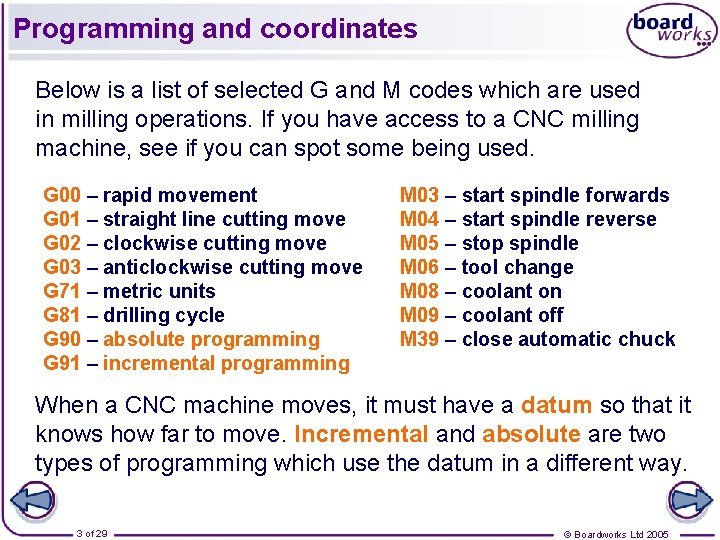
Programming and coordinates Below is a list of selected G and M codes which are used in milling operations. If you have access to a CNC milling machine, see if you can spot some being used. G 00 – rapid movement G 01 – straight line cutting move G 02 – clockwise cutting move G 03 – anticlockwise cutting move G 71 – metric units G 81 – drilling cycle G 90 – absolute programming G 91 – incremental programming M 03 – start spindle forwards M 04 – start spindle reverse M 05 – stop spindle M 06 – tool change M 08 – coolant on M 09 – coolant off M 39 – close automatic chuck When a CNC machine moves, it must have a datum so that it knows how far to move. Incremental and absolute are two types of programming which use the datum in a different way. 3 of 29 © Boardworks Ltd 2005
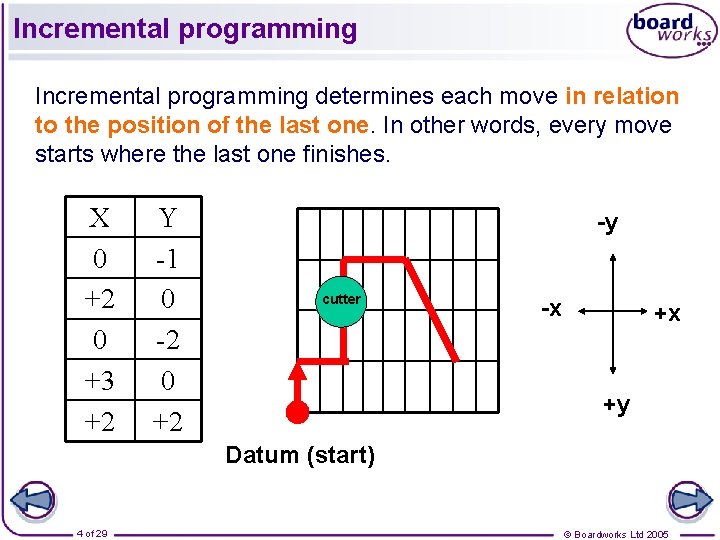
Incremental programming determines each move in relation to the position of the last one. In other words, every move starts where the last one finishes. X 0 +2 0 +3 +2 Y -1 0 -2 0 +2 -y cutter -x +x +y Datum (start) 4 of 29 © Boardworks Ltd 2005
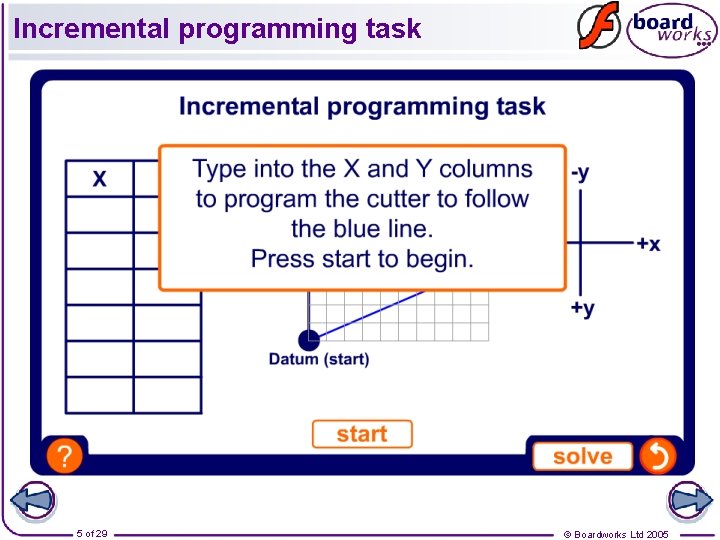
Incremental programming task 5 of 29 © Boardworks Ltd 2005
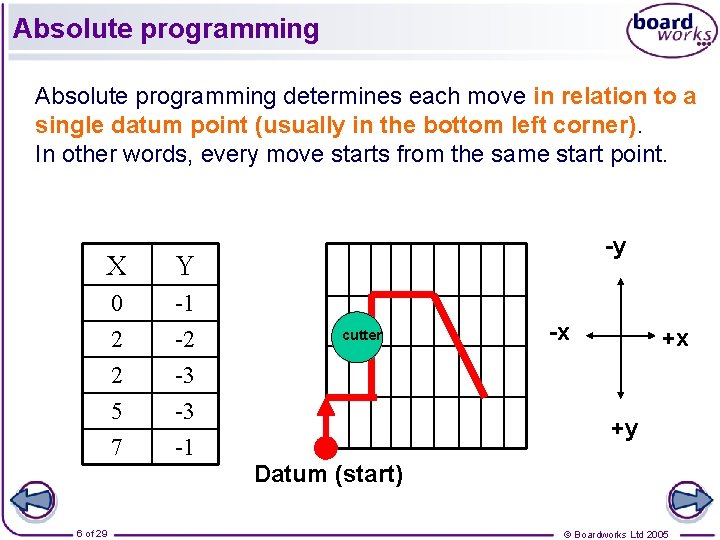
Absolute programming determines each move in relation to a single datum point (usually in the bottom left corner). In other words, every move starts from the same start point. X Y 0 2 2 5 7 -1 -2 -3 -3 -1 6 of 29 -y cutter -x +x +y Datum (start) © Boardworks Ltd 2005
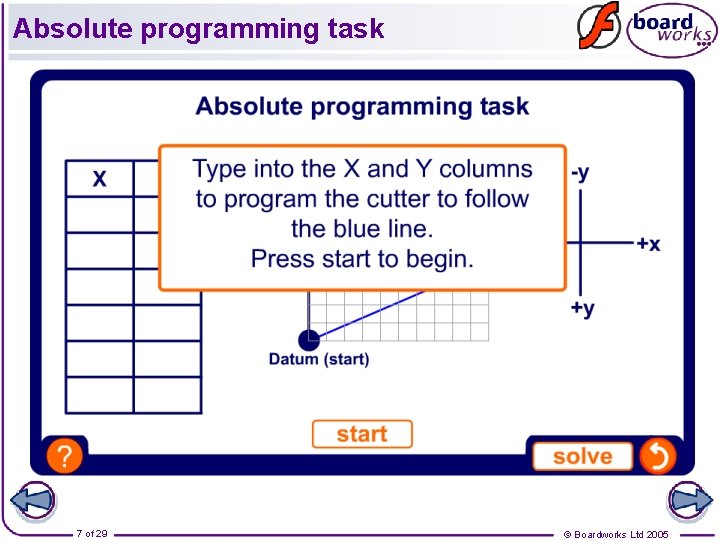
Absolute programming task 7 of 29 © Boardworks Ltd 2005
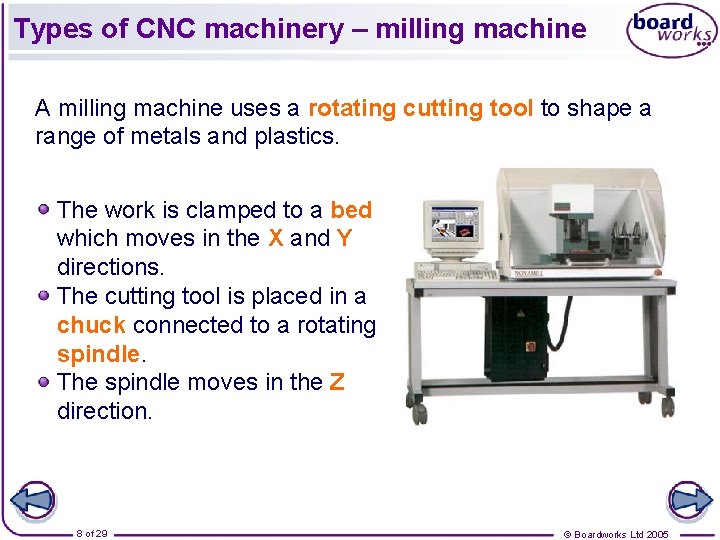
Types of CNC machinery – milling machine A milling machine uses a rotating cutting tool to shape a range of metals and plastics. The work is clamped to a bed which moves in the X and Y directions. The cutting tool is placed in a chuck connected to a rotating spindle. The spindle moves in the Z direction. 8 of 29 © Boardworks Ltd 2005
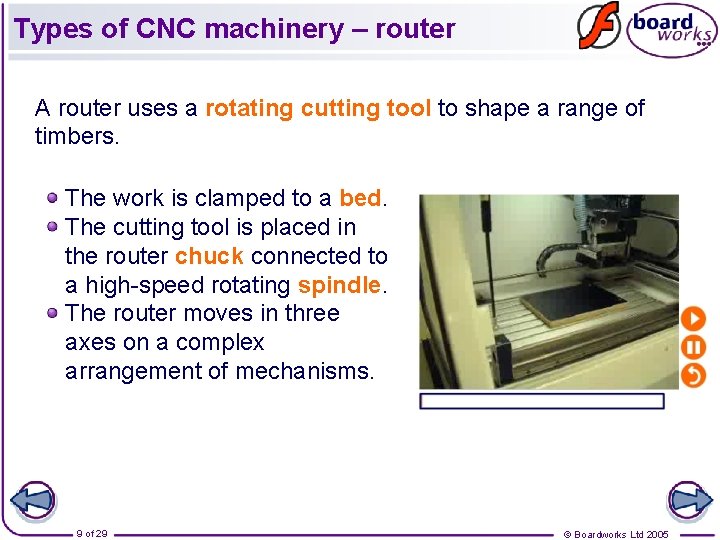
Types of CNC machinery – router A router uses a rotating cutting tool to shape a range of timbers. The work is clamped to a bed. The cutting tool is placed in the router chuck connected to a high-speed rotating spindle. The router moves in three axes on a complex arrangement of mechanisms. 9 of 29 © Boardworks Ltd 2005
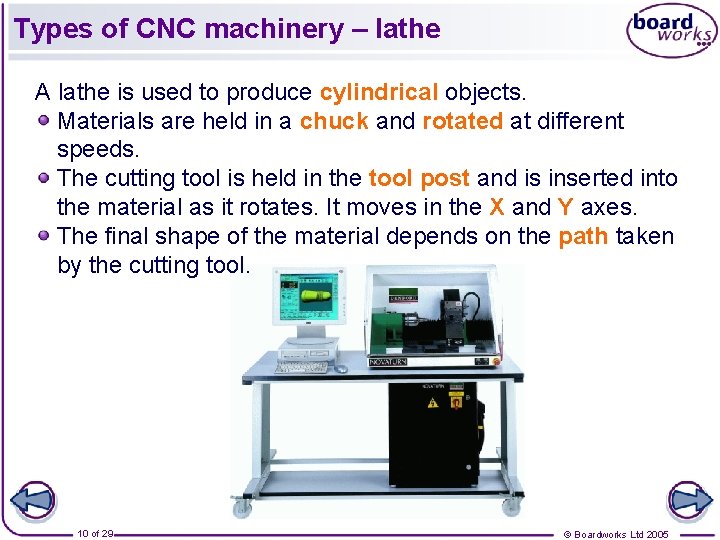
Types of CNC machinery – lathe A lathe is used to produce cylindrical objects. Materials are held in a chuck and rotated at different speeds. The cutting tool is held in the tool post and is inserted into the material as it rotates. It moves in the X and Y axes. The final shape of the material depends on the path taken by the cutting tool. 10 of 29 © Boardworks Ltd 2005
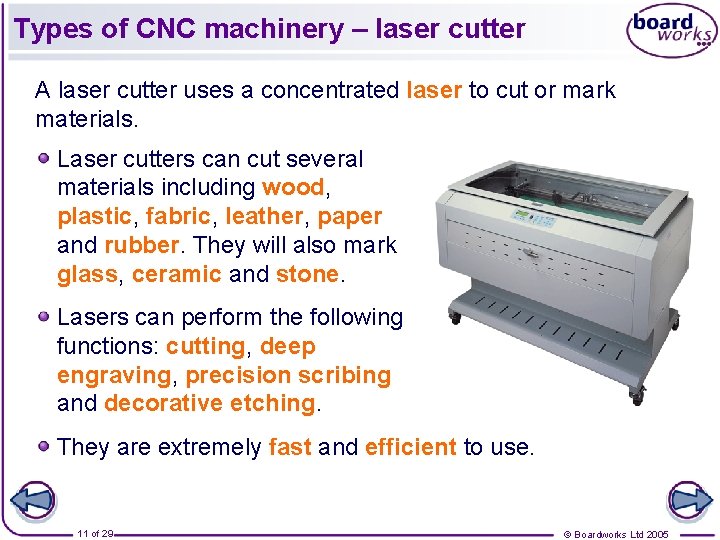
Types of CNC machinery – laser cutter A laser cutter uses a concentrated laser to cut or mark materials. Laser cutters can cut several materials including wood, plastic, fabric, leather, paper and rubber. They will also mark glass, ceramic and stone. Lasers can perform the following functions: cutting, deep engraving, precision scribing and decorative etching. They are extremely fast and efficient to use. 11 of 29 © Boardworks Ltd 2005
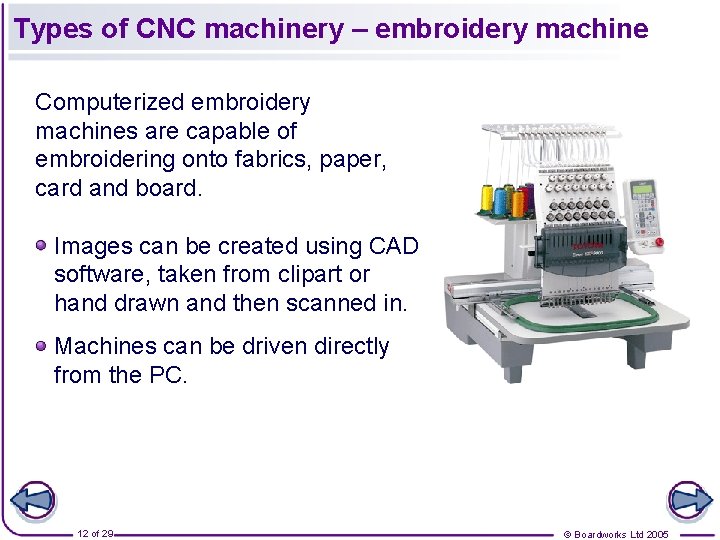
Types of CNC machinery – embroidery machine Computerized embroidery machines are capable of embroidering onto fabrics, paper, card and board. Images can be created using CAD software, taken from clipart or hand drawn and then scanned in. Machines can be driven directly from the PC. 12 of 29 © Boardworks Ltd 2005
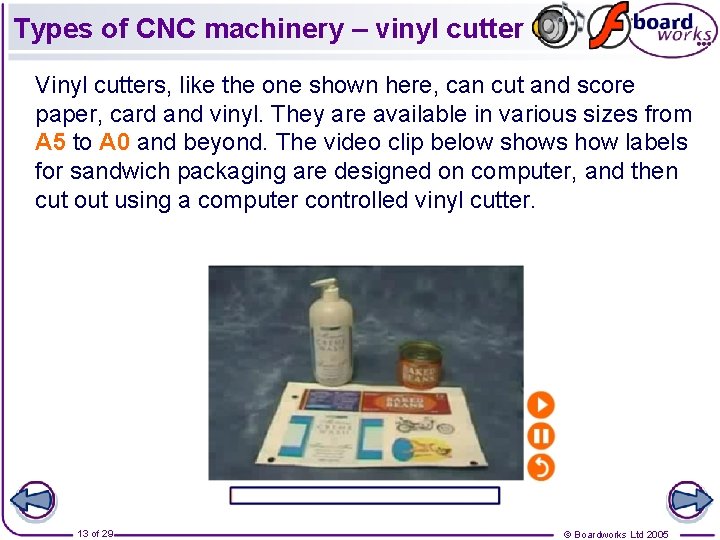
Types of CNC machinery – vinyl cutter Vinyl cutters, like the one shown here, can cut and score paper, card and vinyl. They are available in various sizes from A 5 to A 0 and beyond. The video clip below shows how labels for sandwich packaging are designed on computer, and then cut out using a computer controlled vinyl cutter. 13 of 29 © Boardworks Ltd 2005
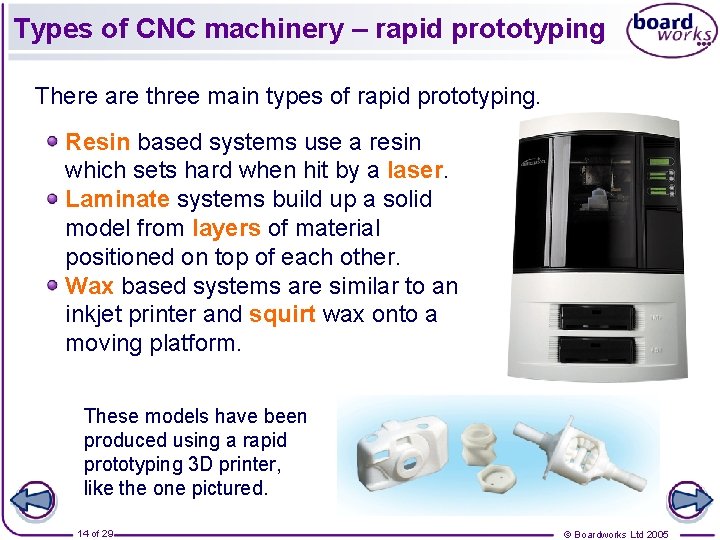
Types of CNC machinery – rapid prototyping There are three main types of rapid prototyping. Resin based systems use a resin which sets hard when hit by a laser. Laminate systems build up a solid model from layers of material positioned on top of each other. Wax based systems are similar to an inkjet printer and squirt wax onto a moving platform. These models have been produced using a rapid prototyping 3 D printer, like the one pictured. 14 of 29 © Boardworks Ltd 2005
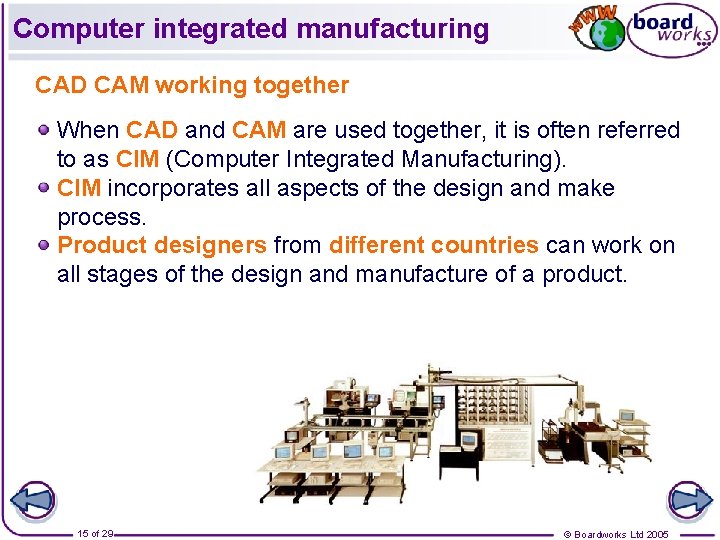
Computer integrated manufacturing CAD CAM working together When CAD and CAM are used together, it is often referred to as CIM (Computer Integrated Manufacturing). CIM incorporates all aspects of the design and make process. Product designers from different countries can work on all stages of the design and manufacture of a product. 15 of 29 © Boardworks Ltd 2005
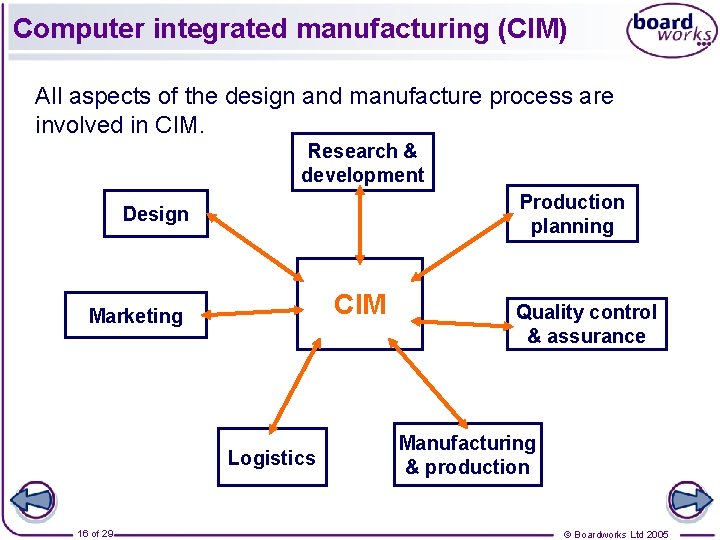
Computer integrated manufacturing (CIM) All aspects of the design and manufacture process are involved in CIM. Research & development Production planning Design CIM Marketing Logistics 16 of 29 Quality control & assurance Manufacturing & production © Boardworks Ltd 2005
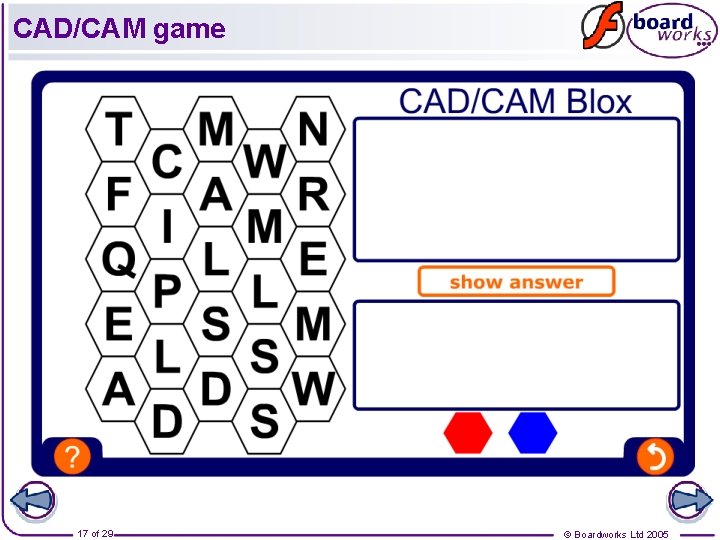
CAD/CAM game 17 of 29 © Boardworks Ltd 2005
Key points Computer aided designing allows product designers to create 2 D and 3 D designs, and view and test products before they are manufactured. Computer aided manufacturing uses a computer to control manufacturing machines. CAD drawings can be output as numerical data which CNC machines can read. When CAD and CAM are used together it is known as computer integrated manufacturing (CIM). 18 of 29 © Boardworks Ltd 2005