
Product Catalog Management Scenario Overview Click process chevrons
- Slides: 7
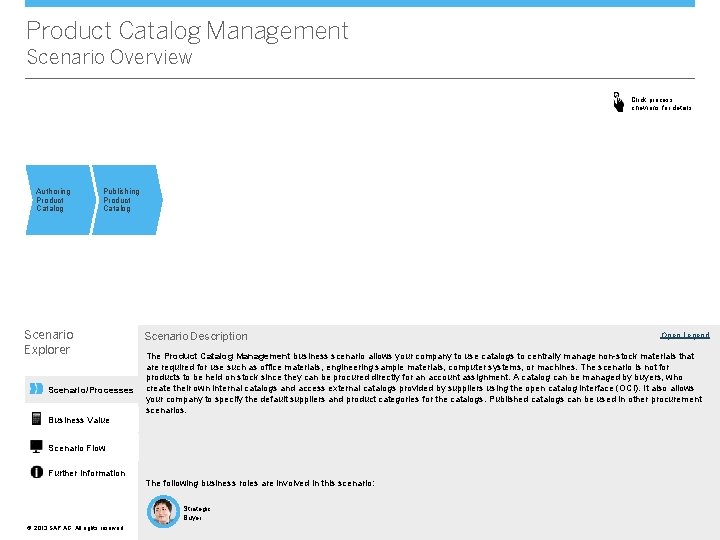
Product Catalog Management Scenario Overview Click process chevrons for details Authoring Product Catalog Publishing Product Catalog Scenario Explorer Scenario/Processes Business Value Scenario Description The Product Catalog Management business scenario allows your company to use catalogs to centrally manage non-stock materials that are required for use such as office materials, engineering sample materials, computer systems, or machines. The scenario is not for products to be held on stock since they can be procured directly for an account assignment. A catalog can be managed by buyers, who create their own internal catalogs and access external catalogs provided by suppliers using the open catalog interface (OCI). It also allows your company to specify the default suppliers and product categories for the catalogs. Published catalogs can be used in other procurement scenarios. Scenario Flow Further Information The following business roles are involved in this scenario: Strategic Buyer ©© 2013 SAP AG. All rights reserved. Open Legend
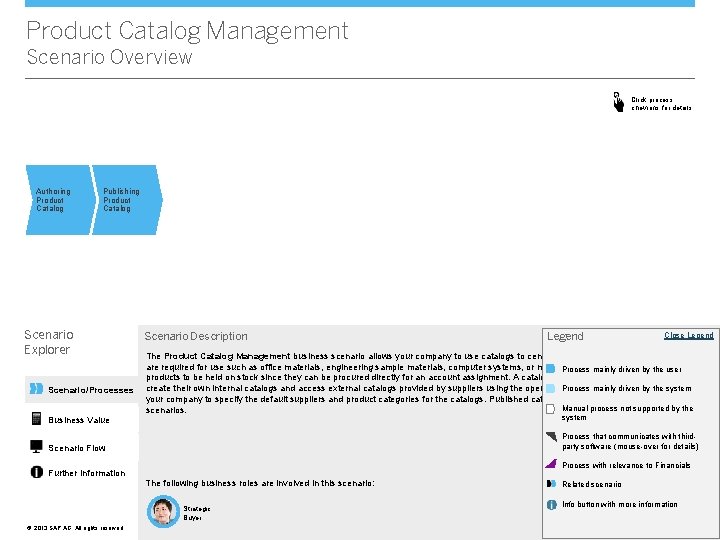
Product Catalog Management Scenario Overview Click process chevrons for details Authoring Product Catalog Publishing Product Catalog Scenario Explorer Scenario/Processes Business Value Scenario Description Open Close. Legend The Product Catalog Management business scenario allows your company to use catalogs to centrally manage non-stock materials that are required for use such as office materials, engineering sample materials, computer systems, or machines. Themainly scenario is by notthe foruser Process driven products to be held on stock since they can be procured directly for an account assignment. A catalog can be managed by buyers, who create their own internal catalogs and access external catalogs provided by suppliers using the open catalog interface It also allows Process mainly (OCI). driven by the system your company to specify the default suppliers and product categories for the catalogs. Published catalogs can be used in other procurement Manual process not supported by the scenarios. system Process that communicates with thirdparty software (mouse-over for details) Scenario Flow Process with relevance to Financials Further Information The following business roles are involved in this scenario: Strategic Buyer ©© 2013 SAP AG. All rights reserved. Legend Related scenario Info button with more information <Role Name>
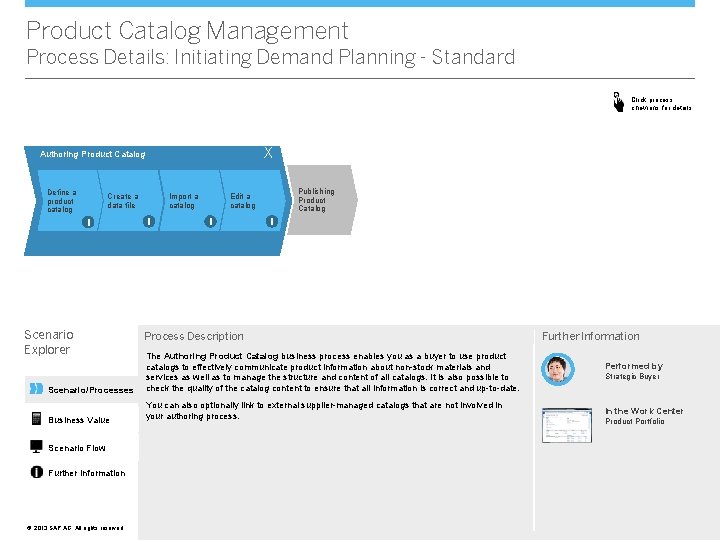
Product Catalog Management Process Details: Initiating Demand Planning - Standard Click process chevrons for details X Authoring Product Catalog Define a product catalog Create a data file i Scenario Explorer Import a catalog i Publishing Product Catalog Edit a catalog i i Process Description Scenario/Processes The Authoring Product Catalog business process enables you as a buyer to use product catalogs to effectively communicate product information about non-stock materials and services as well as to manage the structure and content of all catalogs. It is also possible to check the quality of the catalog content to ensure that all information is correct and up-to-date. Business Value You can also optionally link to external supplier-managed catalogs that are not involved in your authoring process. Scenario Flow Further Information ©© 2013 SAP AG. All rights reserved. Further Information Performed by Strategic Buyer In the Work Center Product Portfolio
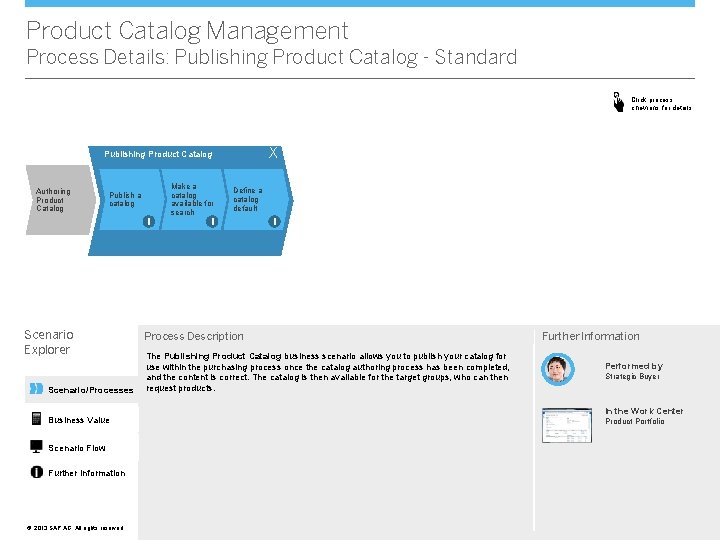
Product Catalog Management Process Details: Publishing Product Catalog - Standard Click process chevrons for details X Publishing Product Catalog Authoring Product Catalog Publish a catalog i Scenario Explorer Scenario/Processes Business Value Scenario Flow Further Information ©© 2013 SAP AG. All rights reserved. Make a catalog available for search Define a catalog default i i Process Description The Publishing Product Catalog business scenario allows you to publish your catalog for use within the purchasing process once the catalog authoring process has been completed, and the content is correct. The catalog is then available for the target groups, who can then request products. Further Information Performed by Strategic Buyer In the Work Center Product Portfolio
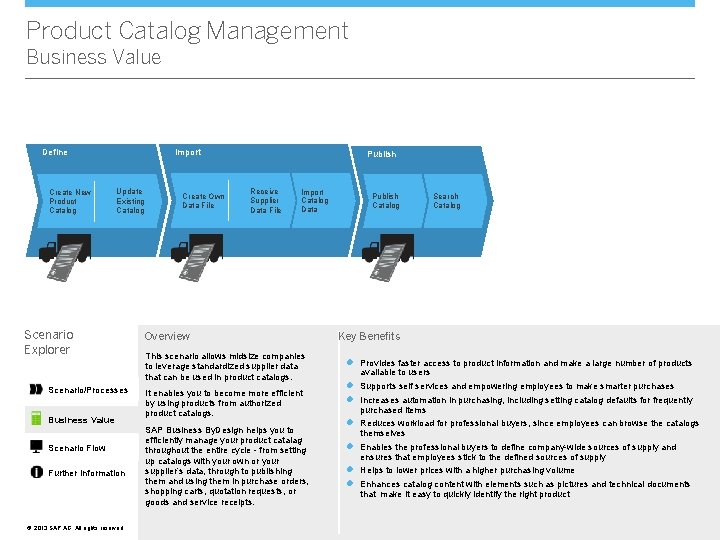
Product Catalog Management Business Value Define Create New Product Catalog Import Update Existing Catalog Scenario Explorer Scenario/Processes Business Value Scenario Flow Further Information ©© 2013 SAP AG. All rights reserved. Create Own Data File Publish Receive Supplier Data File Import Catalog Data Overview This scenario allows midsize companies to leverage standardized supplier data that can be used in product catalogs. It enables you to become more efficient by using products from authorized product catalogs. SAP Business By. Design helps you to efficiently manage your product catalag throughout the entire cycle - from setting up catalogs with your own or your supplier’s data, through to publishing them and using them in purchase orders, shopping carts, quotation requests, or goods and service receipts. Publish Catalog Search Catalog Key Benefits l Provides faster access to product information and make a large number of products available to users l Supports self services and empowering employees to make smarter purchases l Increases automation in purchasing, including setting catalog defaults for frequently purchased items l Reduces workload for professional buyers, since employees can browse the catalogs themselves l Enables the professional buyers to define company-wide sources of supply and ensures that employees stick to the defined sources of supply l Helps to lower prices with a higher purchasing volume l Enhances catalog content with elements such as pictures and technical documents that make it easy to quickly identify the right product
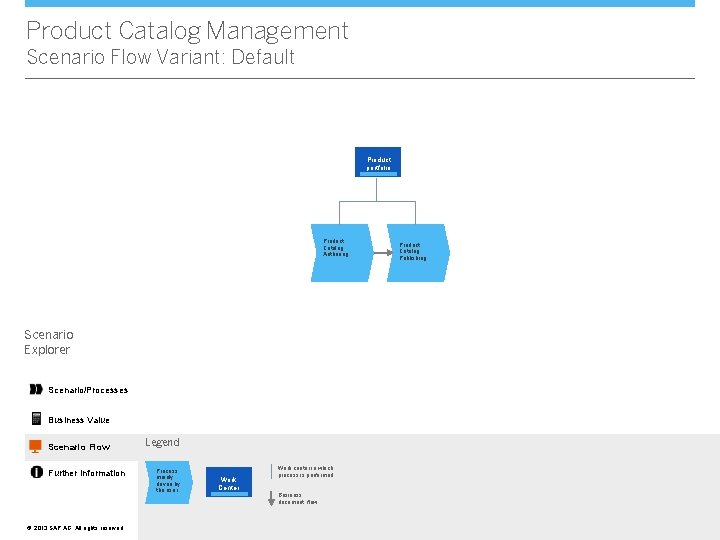
Product Catalog Management Scenario Flow Variant: Default Product portfolio Product Catalog Authoring Scenario Explorer Scenario/Processes Business Value Scenario Flow Further Information ©© 2013 SAP AG. All rights reserved. Legend Process mainly driven by the user Work Center Work center in which process is performed Business document flow Product Catalog Publishing
Product Catalog Management Further Information Scenario Explorer Scenario/Processes Do you want to try it out? Do you need more information? More Details SAP provides a complete product documentation, covering all aspects of the business scenario. For more details, click here. Self-Enablement Systems If you want to try out the business scenario, click here. * Business Value VV Scenario Flow Further Information ©© 2013 SAP AG. All rights reserved. Do you want to discuss with others? Forum Get in touch with experts to discuss your specific requirements. To enter the community, click here. * WIKI In addition to the product documentation, SAP provides Wikis that describe additional aspects of SAP Business By. Design. To access the WIKI, click here. * * Note that to access the links above you need to have a user in SAP Business Center. If you cannot access the page directly and if you are using Microsoft Internet Explorer®, please check http: //support. microsoft. com/kb/890474.