
Processing NUS Data Examples of 2 D and

- Slides: 24
Processing NUS Data Examples of 2 D and 3 D spectra 4 D to be appended soon. Assumed knowledge: NMRPipe and NMRDraw : Unix Environment
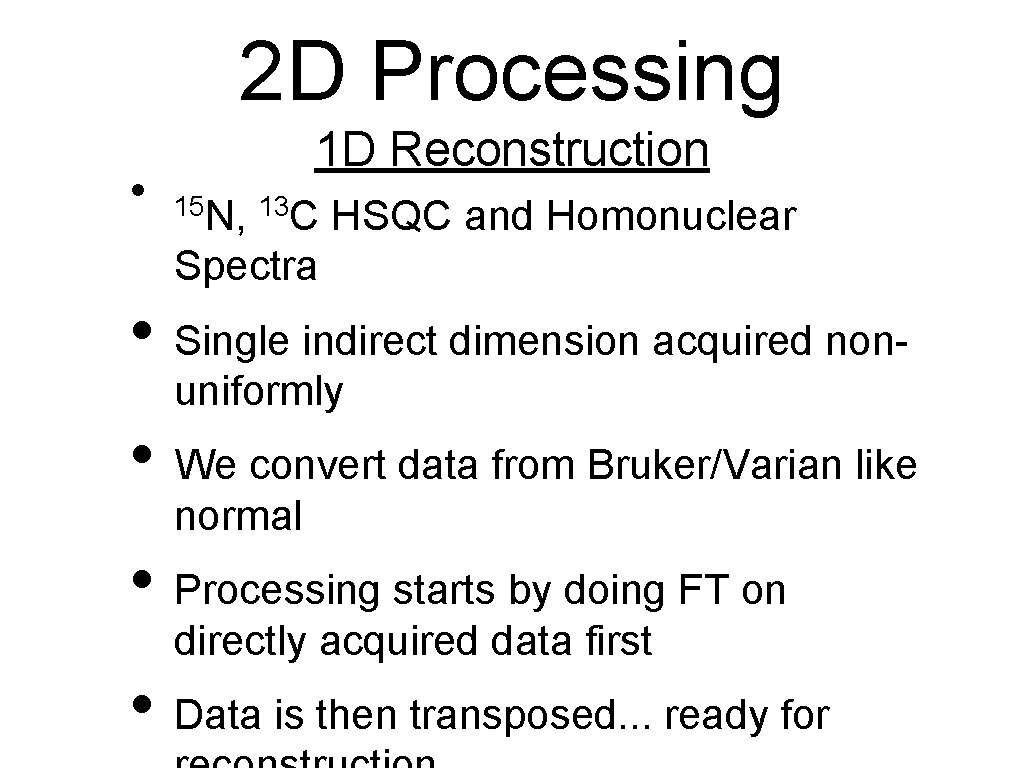
2 D Processing • 1 D Reconstruction 15 N, 13 C HSQC and Homonuclear Spectra • Single indirect dimension acquired nonuniformly • We convert data from Bruker/Varian like normal • Processing starts by doing FT on directly acquired data first • Data is then transposed. . . ready for
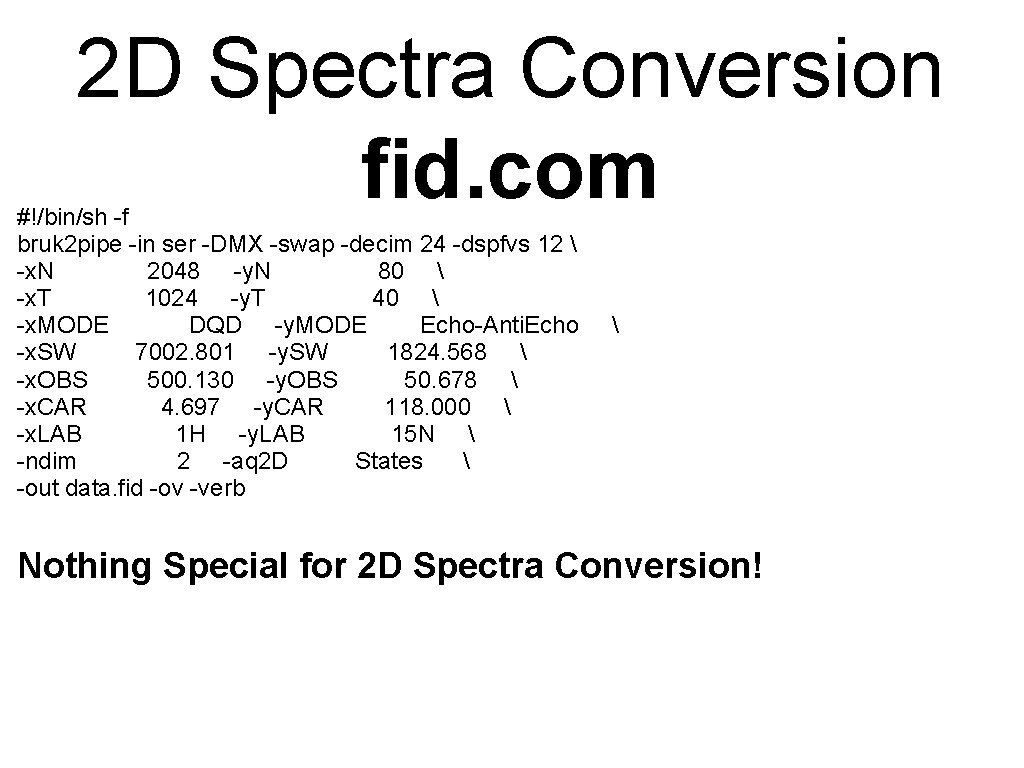
2 D Spectra Conversion fid. com #!/bin/sh -f bruk 2 pipe -in ser -DMX -swap -decim 24 -dspfvs 12 -x. N 2048 -y. N 80 -x. T 1024 -y. T 40 -x. MODE DQD -y. MODE Echo-Anti. Echo -x. SW 7002. 801 -y. SW 1824. 568 -x. OBS 500. 130 -y. OBS 50. 678 -x. CAR 4. 697 -y. CAR 118. 000 -x. LAB 1 H -y. LAB 15 N -ndim 2 -aq 2 D States -out data. fid -ov -verb Nothing Special for 2 D Spectra Conversion!
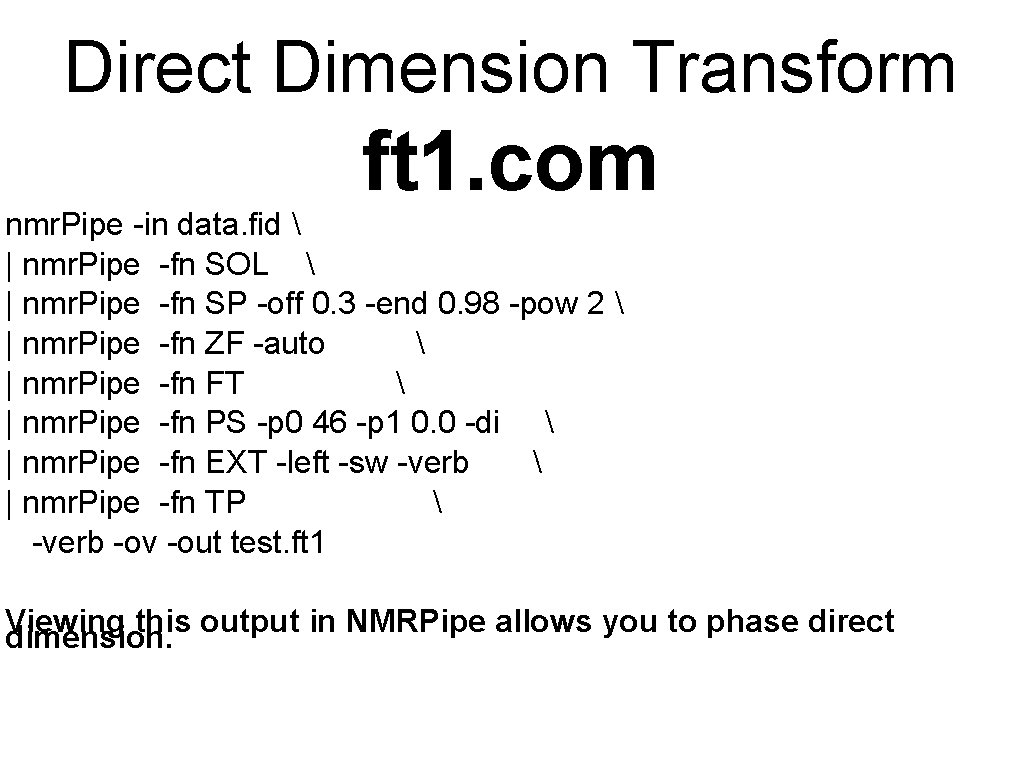
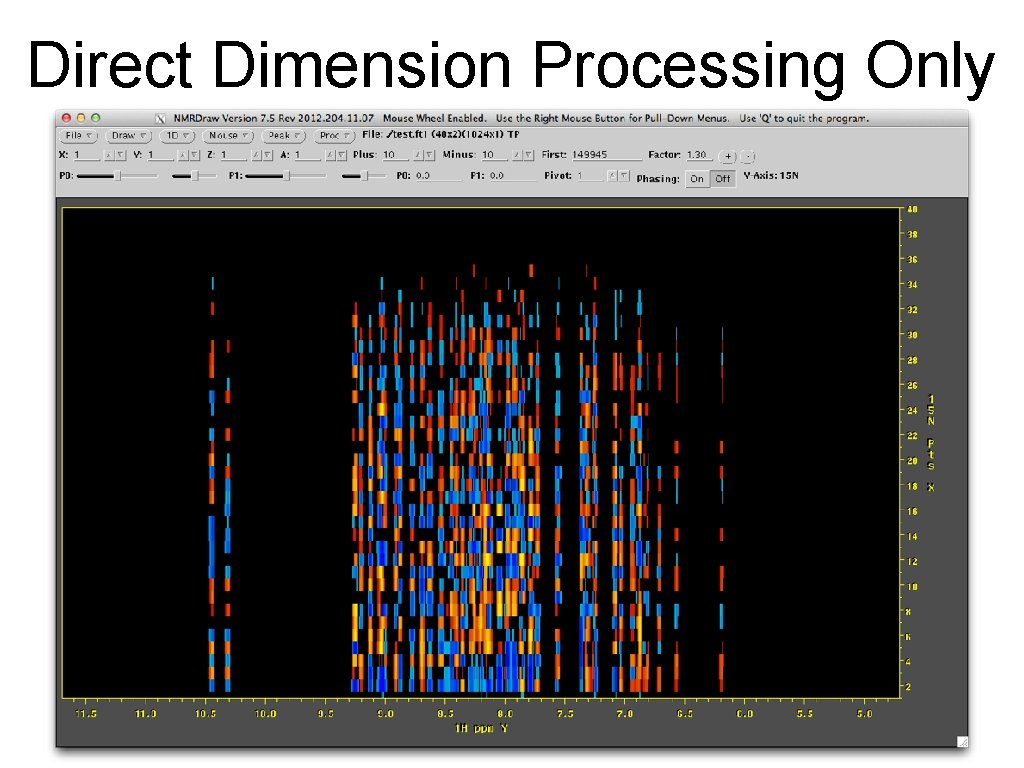
Direct Dimension Transform ft 1. com nmr. Pipe -in data. fid | nmr. Pipe -fn SOL | nmr. Pipe -fn SP -off 0. 3 -end 0. 98 -pow 2 | nmr. Pipe -fn ZF -auto | nmr. Pipe -fn FT | nmr. Pipe -fn PS -p 0 46 -p 1 0. 0 -di | nmr. Pipe -fn EXT -left -sw -verb | nmr. Pipe -fn TP -verb -ov -out test. ft 1 Viewing this output in NMRPipe allows you to phase direct dimension.
Direct Dimension Processing Only
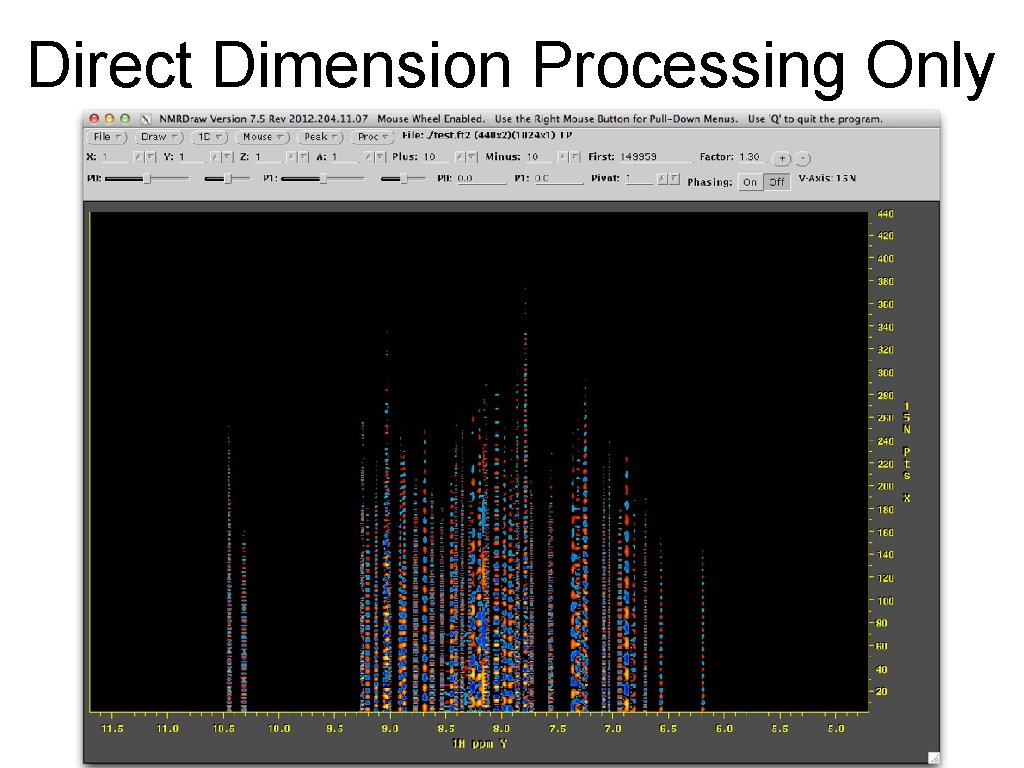
Let’s fill in the blanks ist. com #!/bin/csh ist. HMS -in $1 -out $2 -zero 1 -vlist sched. 1 d -x. N 440 -over 0 -ref 0 -itr 400 -verb 1 If this script is called ist. com then you would run it as: ist. com test. ft 1 test. ft 2
Direct Dimension Processing Only
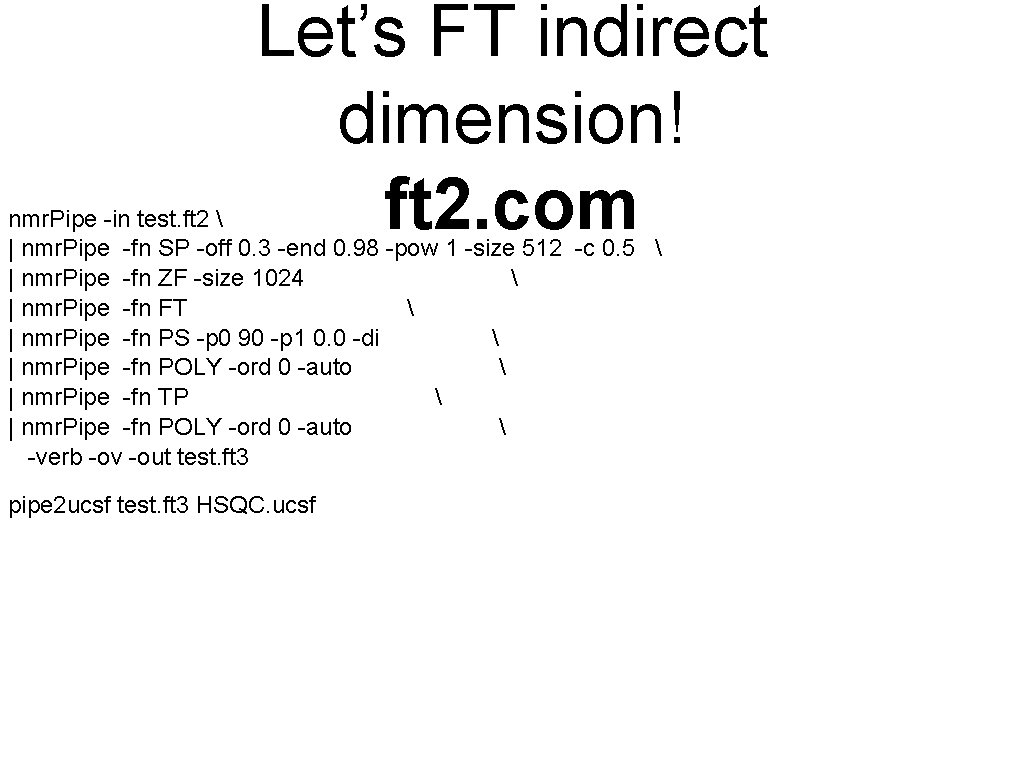
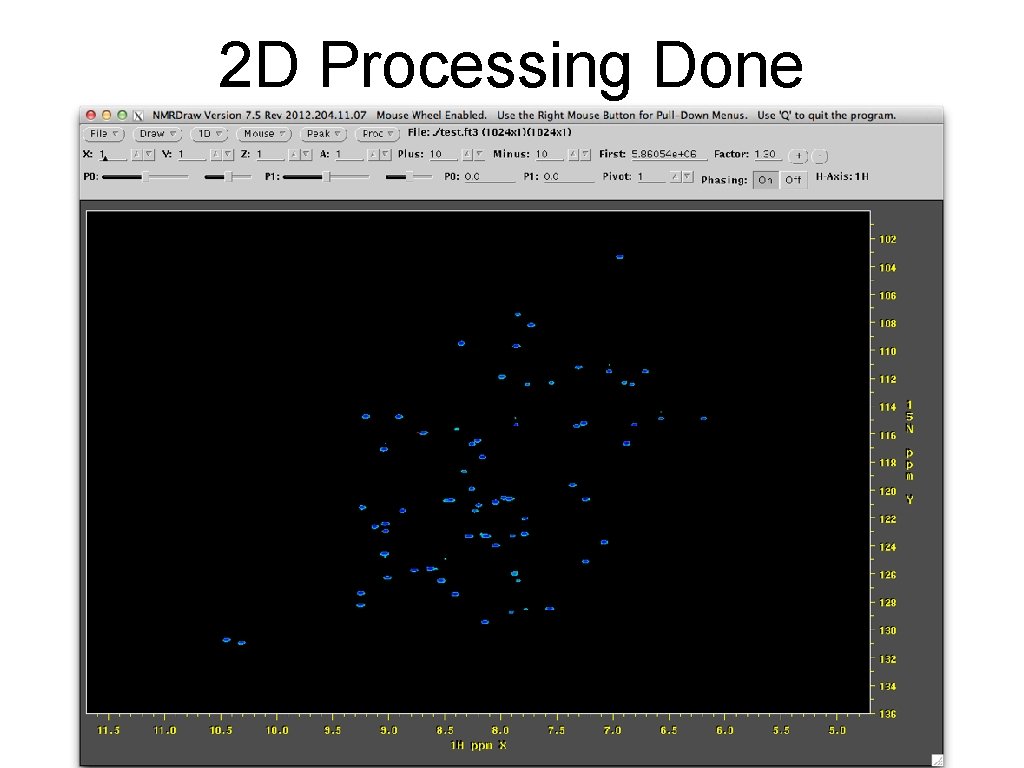
Let’s FT indirect dimension! ft 2. com nmr. Pipe -in test. ft 2 | nmr. Pipe -fn SP -off 0. 3 -end 0. 98 -pow 1 -size 512 -c 0. 5 | nmr. Pipe -fn ZF -size 1024 | nmr. Pipe -fn FT | nmr. Pipe -fn PS -p 0 90 -p 1 0. 0 -di | nmr. Pipe -fn POLY -ord 0 -auto | nmr. Pipe -fn TP | nmr. Pipe -fn POLY -ord 0 -auto -verb -ov -out test. ft 3 pipe 2 ucsf test. ft 3 HSQC. ucsf
2 D Processing Done
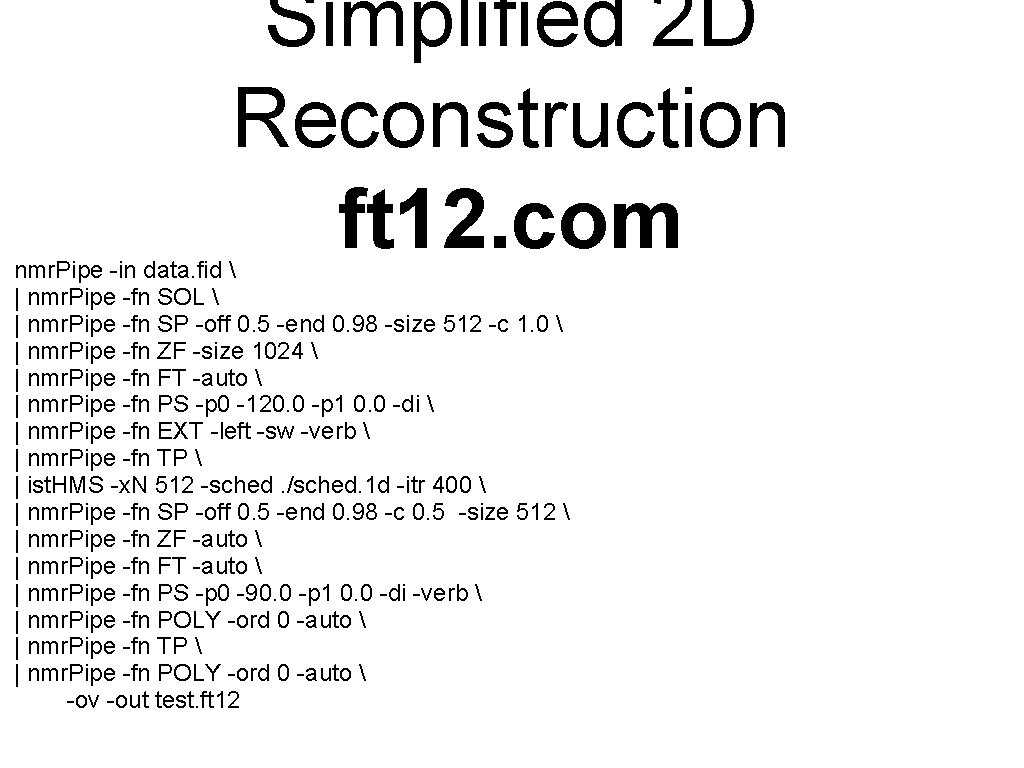
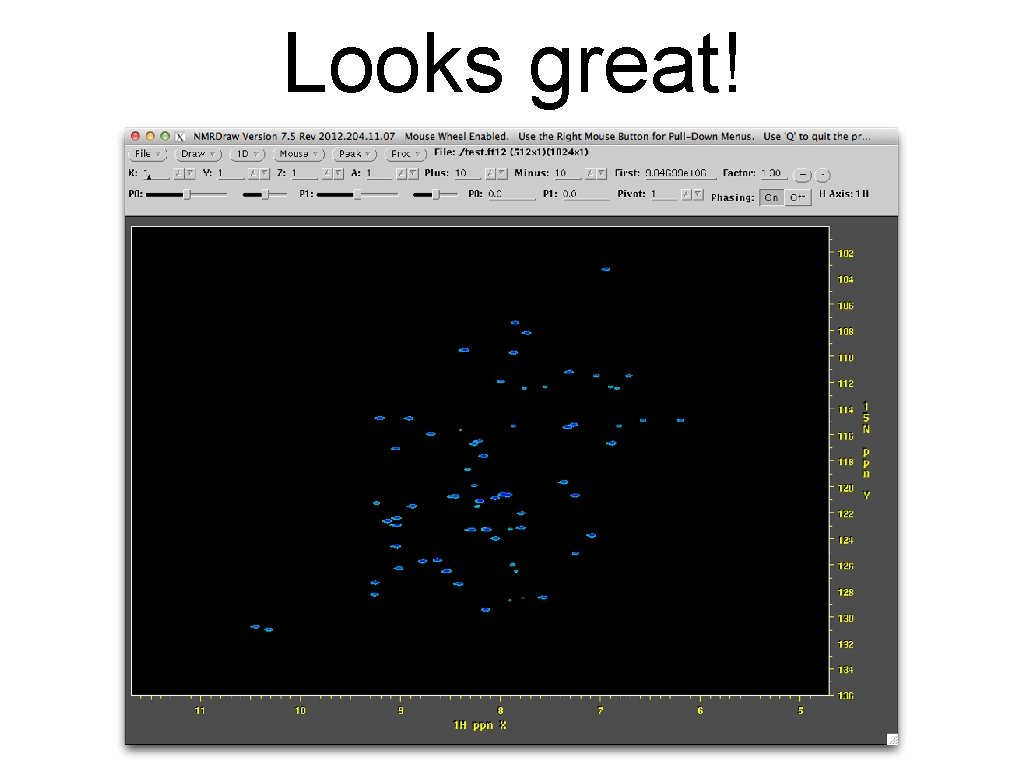
Simplified 2 D Reconstruction ft 12. com nmr. Pipe -in data. fid | nmr. Pipe -fn SOL | nmr. Pipe -fn SP -off 0. 5 -end 0. 98 -size 512 -c 1. 0 | nmr. Pipe -fn ZF -size 1024 | nmr. Pipe -fn FT -auto | nmr. Pipe -fn PS -p 0 -120. 0 -p 1 0. 0 -di | nmr. Pipe -fn EXT -left -sw -verb | nmr. Pipe -fn TP | ist. HMS -x. N 512 -sched. /sched. 1 d -itr 400 | nmr. Pipe -fn SP -off 0. 5 -end 0. 98 -c 0. 5 -size 512 | nmr. Pipe -fn ZF -auto | nmr. Pipe -fn FT -auto | nmr. Pipe -fn PS -p 0 -90. 0 -p 1 0. 0 -di -verb | nmr. Pipe -fn POLY -ord 0 -auto | nmr. Pipe -fn TP | nmr. Pipe -fn POLY -ord 0 -auto -ov -out test. ft 12
Looks great!
3 D Processing 2 D Reconstruction • Triple Rez, 3 D NOESY, HC(C)H, XX(CO)NH etc • Two indirect dimensions acquired non-uniformly • We convert data from Bruker/Varian differently and cautiously • Processing starts by doing FT on directly acquired data first - just like 2 D • Data is then transposed. . . ready for reconstruction • Reconstruction followed by FT in 2 nd and 3 rd dimension.
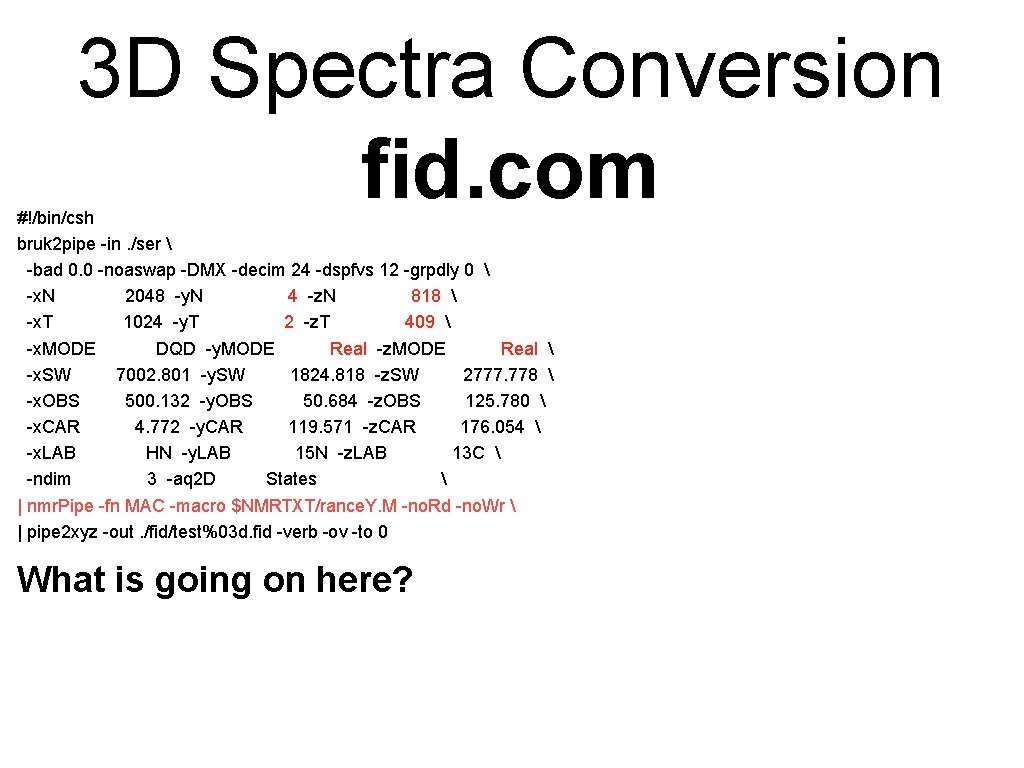
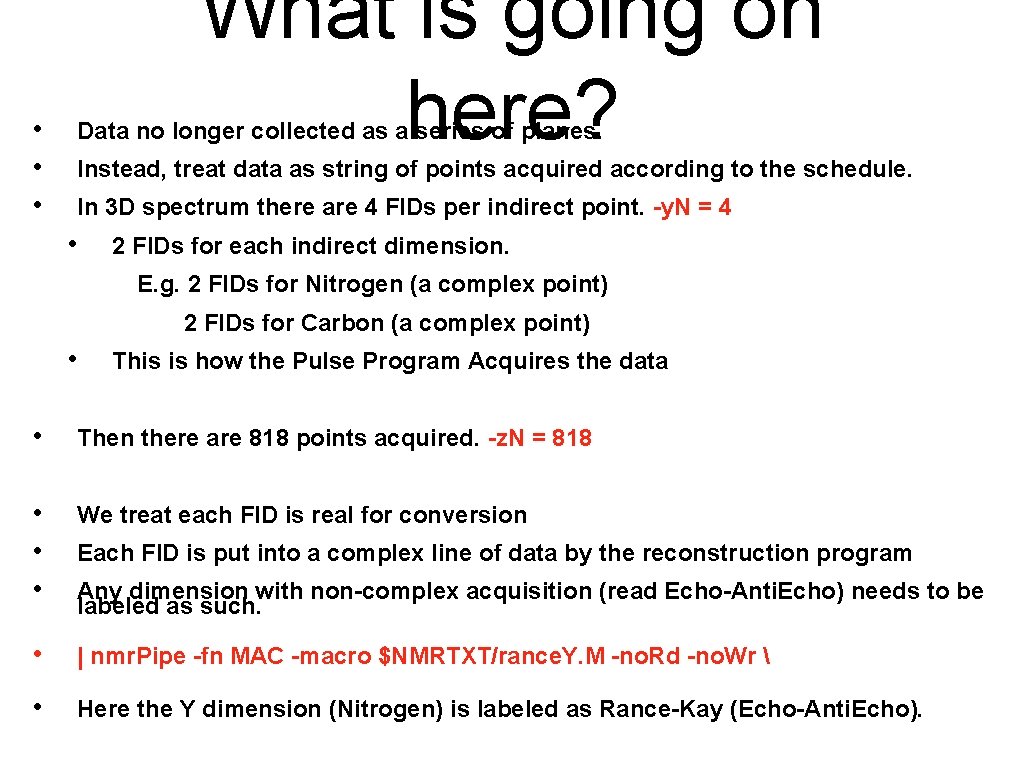
3 D Spectra Conversion fid. com #!/bin/csh bruk 2 pipe -in. /ser -bad 0. 0 -noaswap -DMX -decim 24 -dspfvs 12 -grpdly 0 -x. N 2048 -y. N 4 -z. N 818 -x. T 1024 -y. T 2 -z. T 409 -x. MODE DQD -y. MODE Real -z. MODE Real -x. SW 7002. 801 -y. SW 1824. 818 -z. SW 2777. 778 -x. OBS 500. 132 -y. OBS 50. 684 -z. OBS 125. 780 -x. CAR 4. 772 -y. CAR 119. 571 -z. CAR 176. 054 -x. LAB HN -y. LAB 15 N -z. LAB 13 C -ndim 3 -aq 2 D States | nmr. Pipe -fn MAC -macro $NMRTXT/rance. Y. M -no. Rd -no. Wr | pipe 2 xyz -out. /fid/test%03 d. fid -verb -ov -to 0 What is going on here?
• • • What is going on here? Data no longer collected as a series of planes. Instead, treat data as string of points acquired according to the schedule. In 3 D spectrum there are 4 FIDs per indirect point. -y. N = 4 • 2 FIDs for each indirect dimension. E. g. 2 FIDs for Nitrogen (a complex point) 2 FIDs for Carbon (a complex point) • This is how the Pulse Program Acquires the data • Then there are 818 points acquired. -z. N = 818 • • • We treat each FID is real for conversion • | nmr. Pipe -fn MAC -macro $NMRTXT/rance. Y. M -no. Rd -no. Wr • Here the Y dimension (Nitrogen) is labeled as Rance-Kay (Echo-Anti. Echo). Each FID is put into a complex line of data by the reconstruction program Any dimension with non-complex acquisition (read Echo-Anti. Echo) needs to be labeled as such.
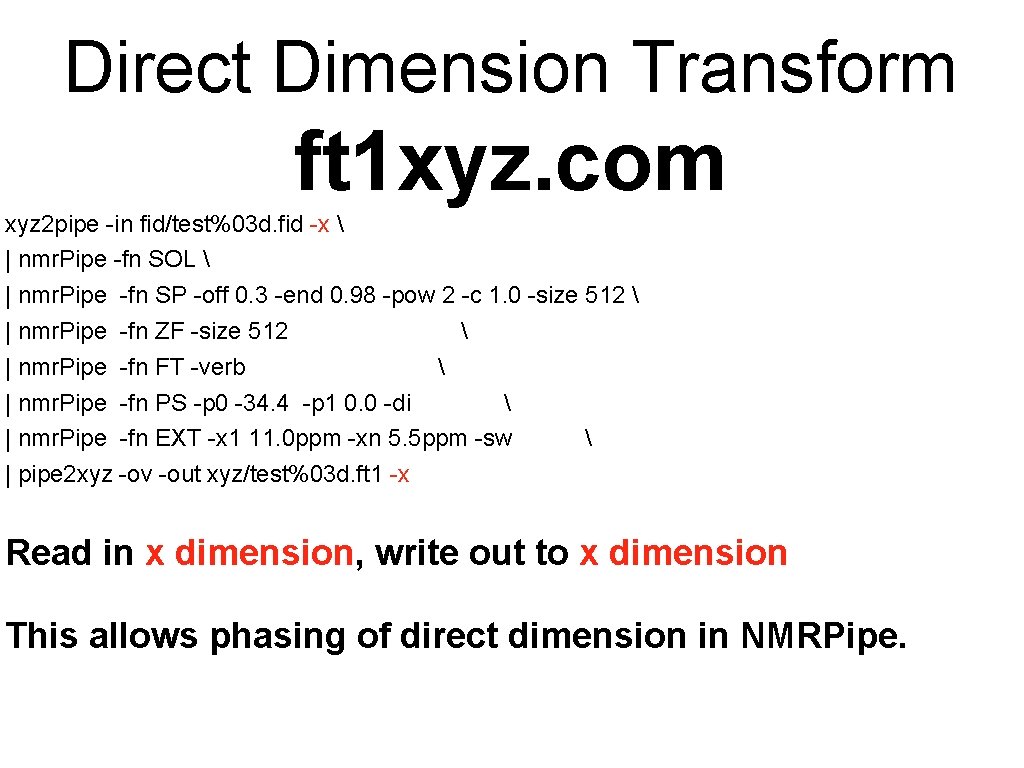
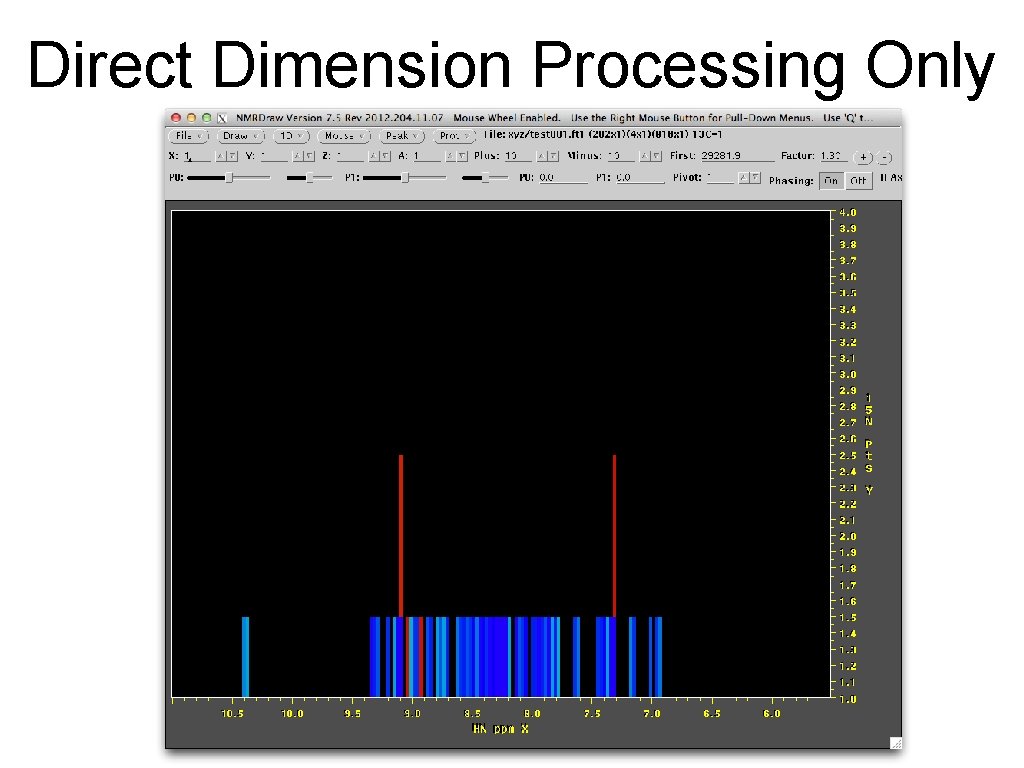
Direct Dimension Transform ft 1 xyz. com xyz 2 pipe -in fid/test%03 d. fid -x | nmr. Pipe -fn SOL | nmr. Pipe -fn SP -off 0. 3 -end 0. 98 -pow 2 -c 1. 0 -size 512 | nmr. Pipe -fn ZF -size 512 | nmr. Pipe -fn FT -verb | nmr. Pipe -fn PS -p 0 -34. 4 -p 1 0. 0 -di | nmr. Pipe -fn EXT -x 1 11. 0 ppm -xn 5. 5 ppm -sw | pipe 2 xyz -ov -out xyz/test%03 d. ft 1 -x Read in x dimension, write out to x dimension This allows phasing of direct dimension in NMRPipe.
Direct Dimension Processing Only
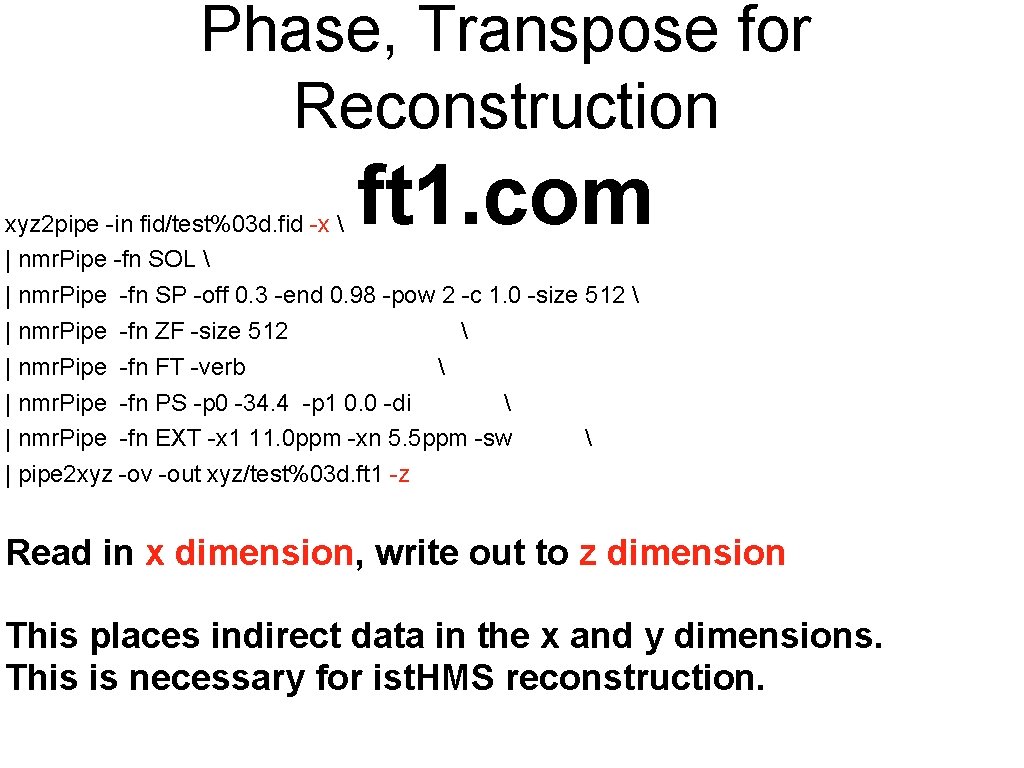
Phase, Transpose for Reconstruction ft 1. com xyz 2 pipe -in fid/test%03 d. fid -x | nmr. Pipe -fn SOL | nmr. Pipe -fn SP -off 0. 3 -end 0. 98 -pow 2 -c 1. 0 -size 512 | nmr. Pipe -fn ZF -size 512 | nmr. Pipe -fn FT -verb | nmr. Pipe -fn PS -p 0 -34. 4 -p 1 0. 0 -di | nmr. Pipe -fn EXT -x 1 11. 0 ppm -xn 5. 5 ppm -sw | pipe 2 xyz -ov -out xyz/test%03 d. ft 1 -z Read in x dimension, write out to z dimension This places indirect data in the x and y dimensions. This is necessary for ist. HMS reconstruction.
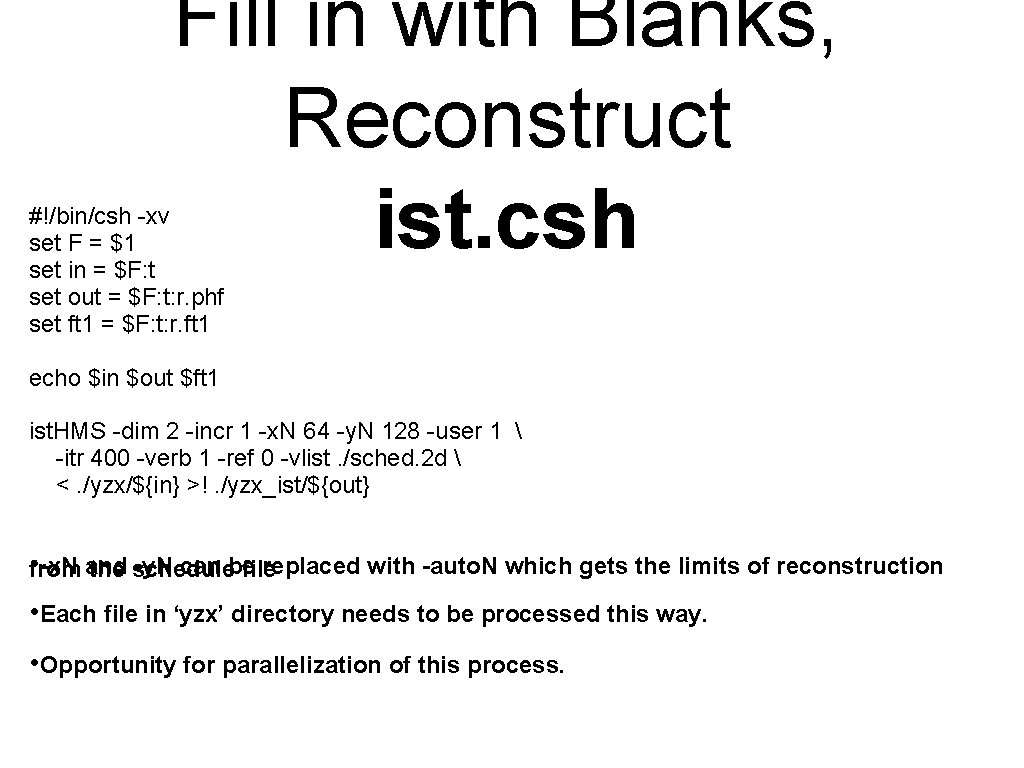
Fill in with Blanks, Reconstruct ist. csh #!/bin/csh -xv set F = $1 set in = $F: t set out = $F: t: r. phf set ft 1 = $F: t: r. ft 1 echo $in $out $ft 1 ist. HMS -dim 2 -incr 1 -x. N 64 -y. N 128 -user 1 -itr 400 -verb 1 -ref 0 -vlist. /sched. 2 d <. /yzx/${in} >!. /yzx_ist/${out} • from -x. N and -y. N can be replaced with -auto. N which gets the limits of reconstruction the schedule file • Each file in ‘yzx’ directory needs to be processed this way. • Opportunity for parallelization of this process.
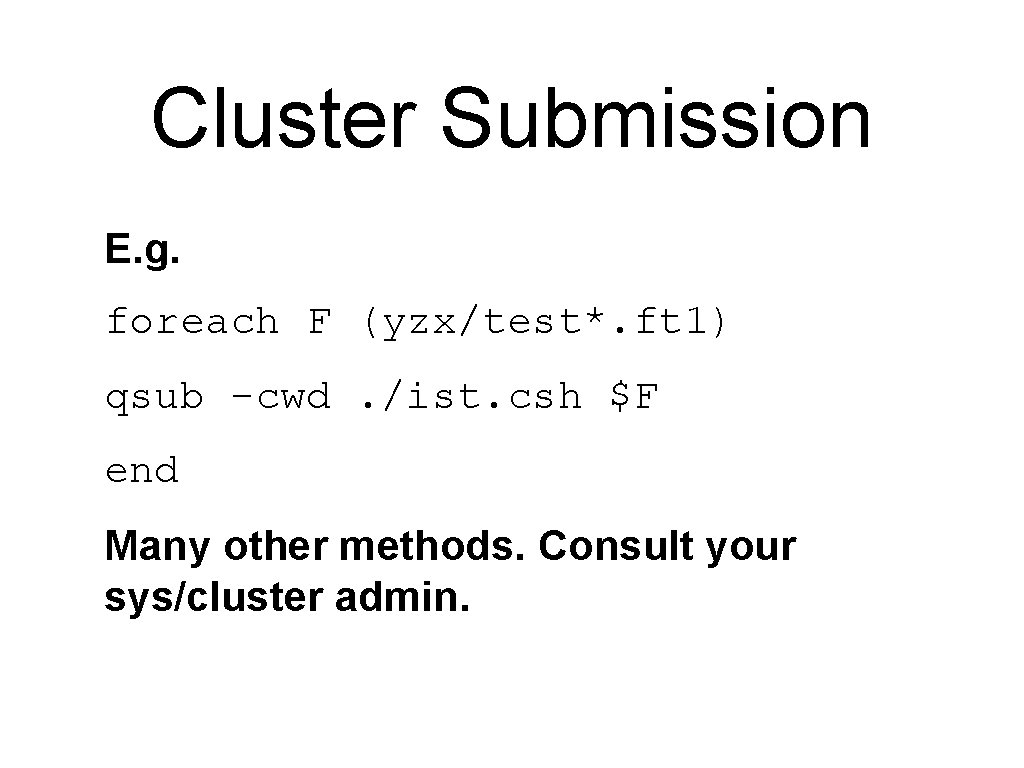
Cluster Submission E. g. foreach F (yzx/test*. ft 1) qsub -cwd. /ist. csh $F end Many other methods. Consult your sys/cluster admin.
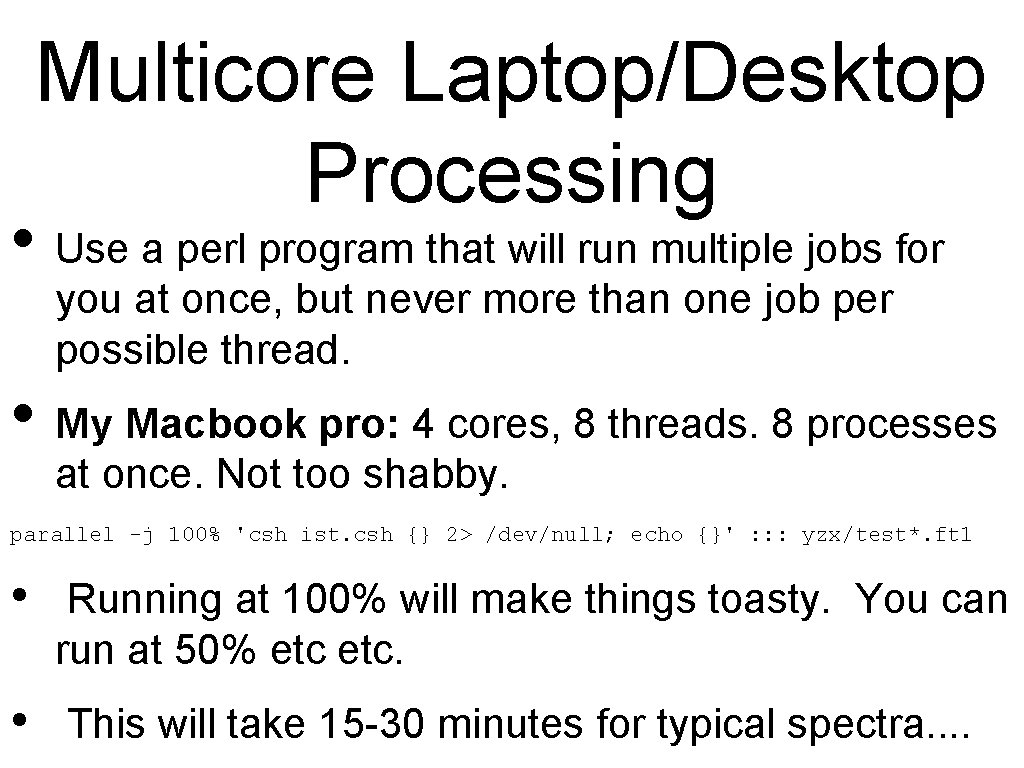
Multicore Laptop/Desktop Processing • Use a perl program that will run multiple jobs for you at once, but never more than one job per possible thread. • My Macbook pro: 4 cores, 8 threads. 8 processes at once. Not too shabby. parallel -j 100% 'csh ist. csh {} 2> /dev/null; echo {}' : : : yzx/test*. ft 1 • Running at 100% will make things toasty. You can run at 50% etc. • This will take 15 -30 minutes for typical spectra. .
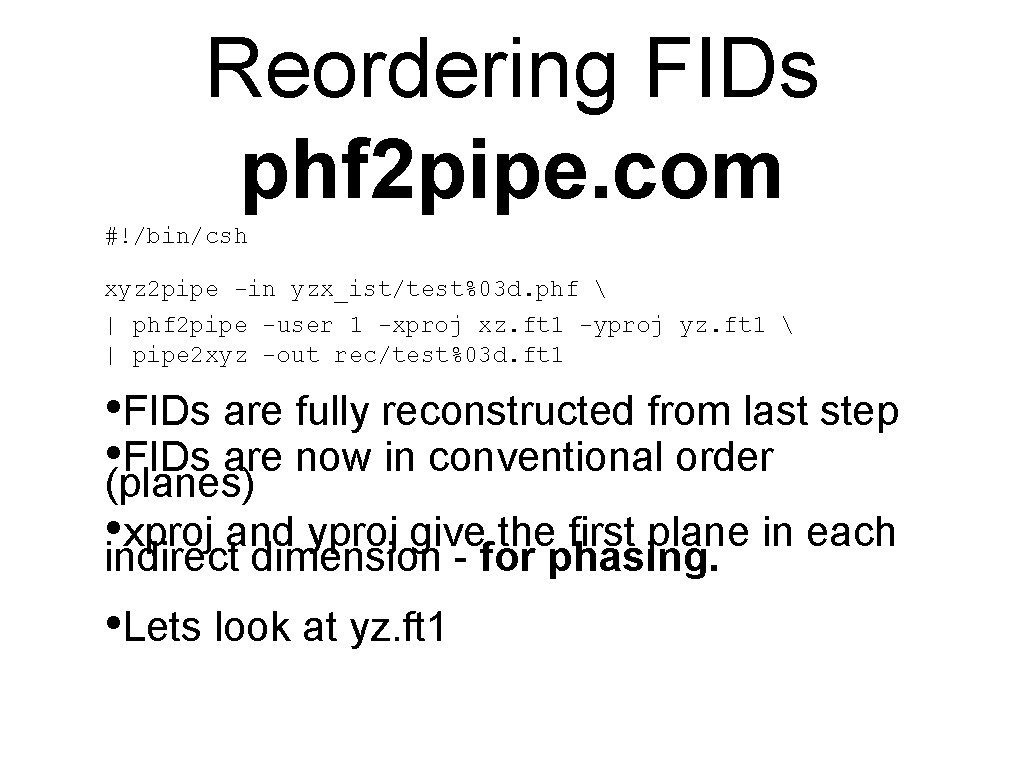
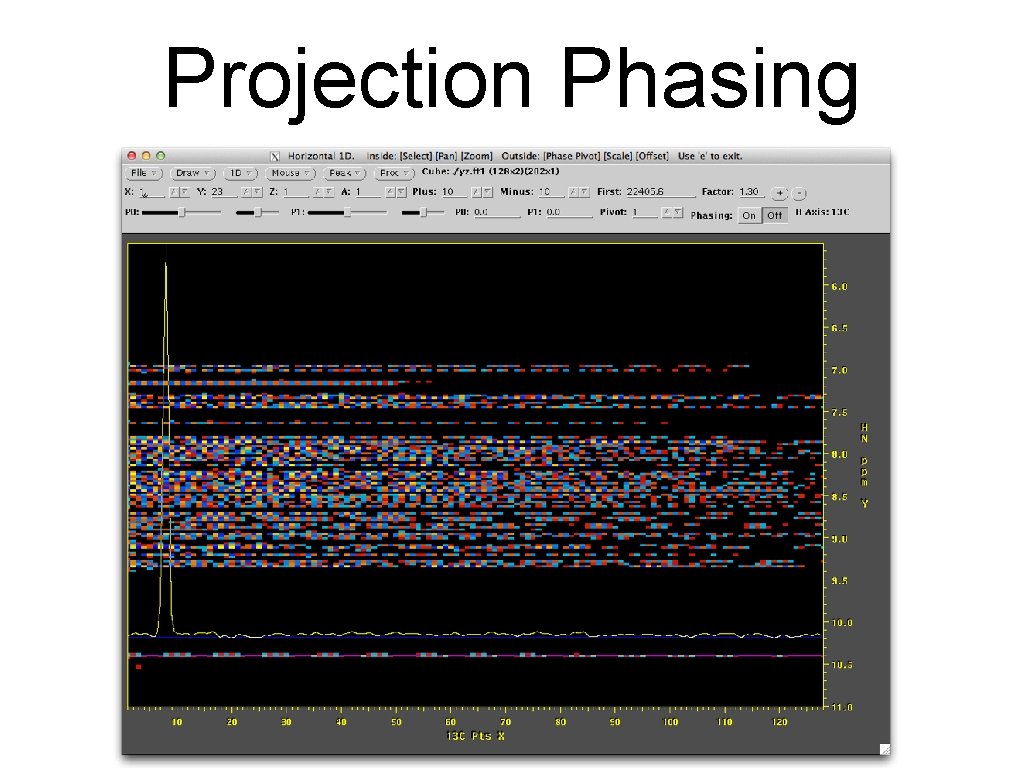
Reordering FIDs phf 2 pipe. com #!/bin/csh xyz 2 pipe -in yzx_ist/test%03 d. phf | phf 2 pipe -user 1 -xproj xz. ft 1 -yproj yz. ft 1 | pipe 2 xyz -out rec/test%03 d. ft 1 • FIDs are fully reconstructed from last step • (planes) FIDs are now in conventional order • indirect xproj and yproj give the first plane in each dimension - for phasing. • Lets look at yz. ft 1
Projection Phasing
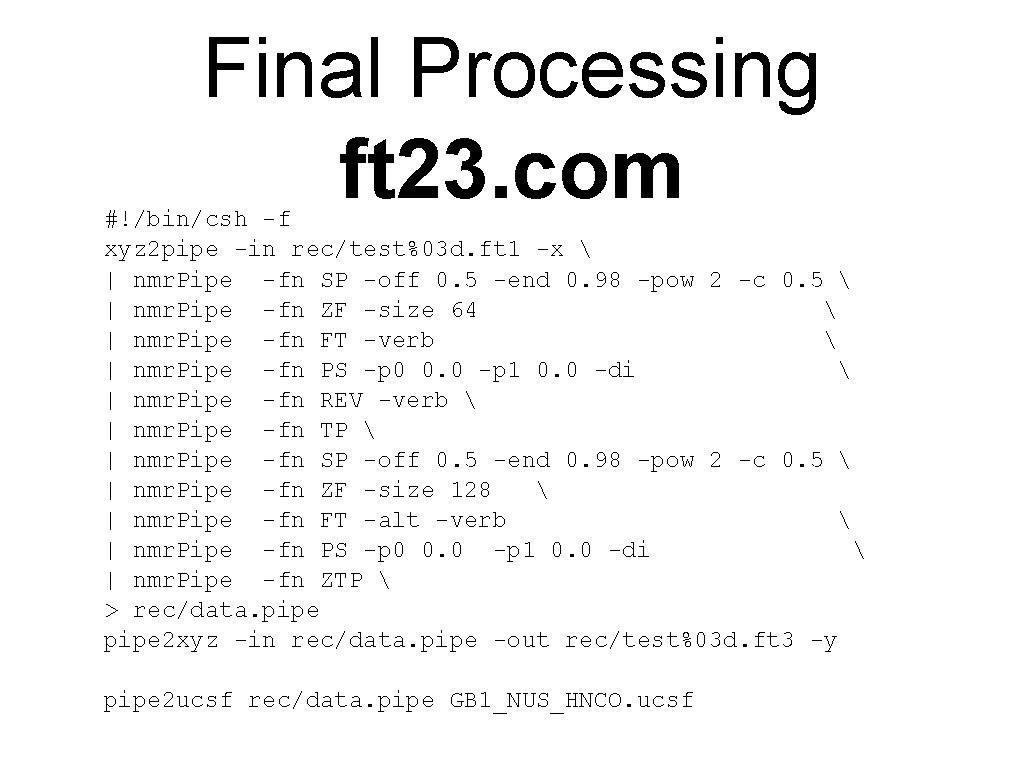
Final Processing ft 23. com #!/bin/csh -f xyz 2 pipe -in rec/test%03 d. ft 1 -x | nmr. Pipe -fn SP -off 0. 5 -end 0. 98 -pow 2 -c 0. 5 | nmr. Pipe -fn ZF -size 64 | nmr. Pipe -fn FT -verb | nmr. Pipe -fn PS -p 0 0. 0 -p 1 0. 0 -di | nmr. Pipe -fn REV -verb | nmr. Pipe -fn TP | nmr. Pipe -fn SP -off 0. 5 -end 0. 98 -pow 2 -c 0. 5 | nmr. Pipe -fn ZF -size 128 | nmr. Pipe -fn FT -alt -verb | nmr. Pipe -fn PS -p 0 0. 0 -p 1 0. 0 -di | nmr. Pipe -fn ZTP > rec/data. pipe 2 xyz -in rec/data. pipe -out rec/test%03 d. ft 3 -y pipe 2 ucsf rec/data. pipe GB 1_NUS_HNCO. ucsf
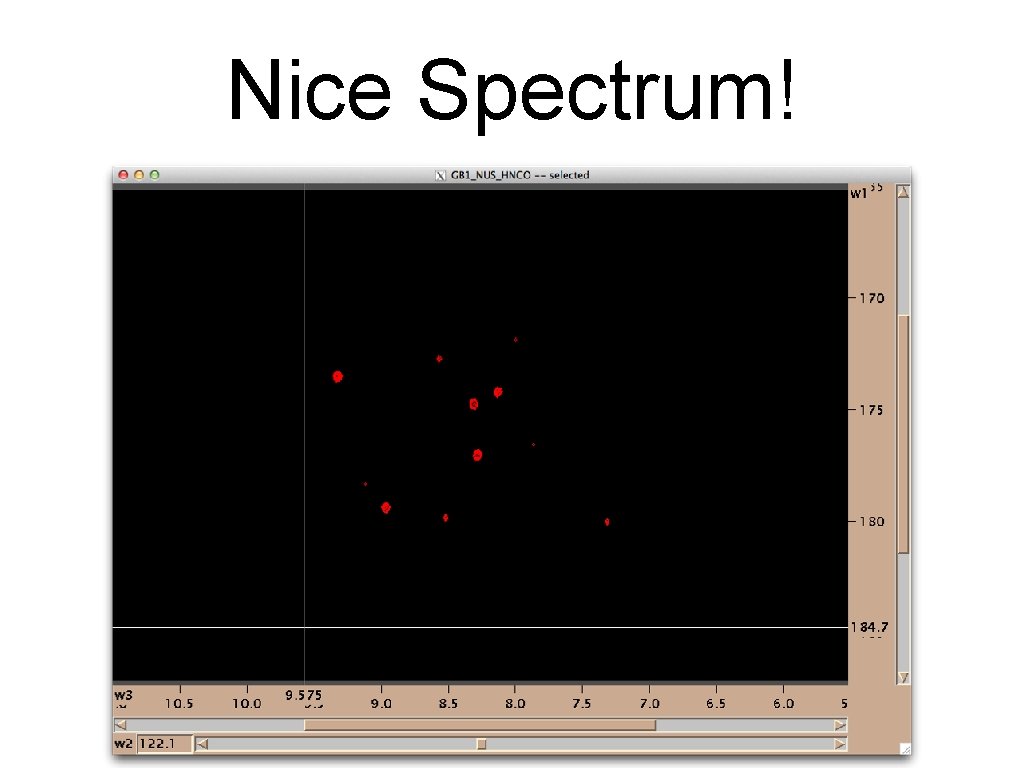
Nice Spectrum!