
Processes These slides are adapted from Operating Systems
- Slides: 17
Processes These slides are adapted from Operating Systems Concepts textbook, 8 th edition, Silberscatz, Galvin, Gagne.
Process Concept • An operating system executes a variety of programs: • • • Batch system – jobs • Time-shared systems – user programs or tasks Textbook uses the terms job and process almost interchangeably Process – a program in execution; process execution must progress in sequential fashion System and user processes execute concurrently A process includes: • program code (text section) • program counter • stack • data section A program is a passive entity, a process is an active entity. A program becomes a process when an executable file is loaded into memory.
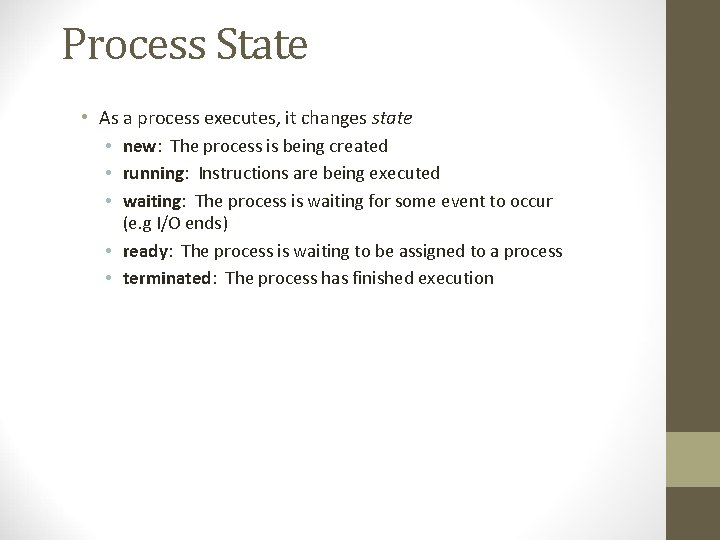
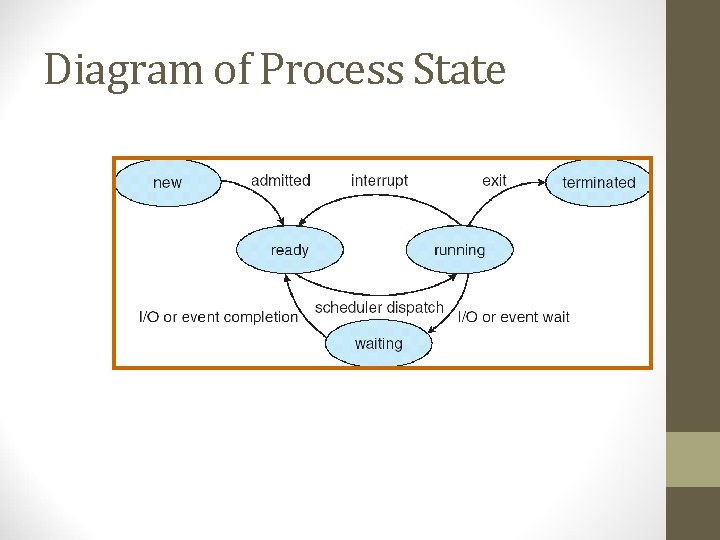
Process State • As a process executes, it changes state • new: The process is being created • running: Instructions are being executed • waiting: The process is waiting for some event to occur (e. g I/O ends) • ready: The process is waiting to be assigned to a process • terminated: The process has finished execution
Diagram of Process State
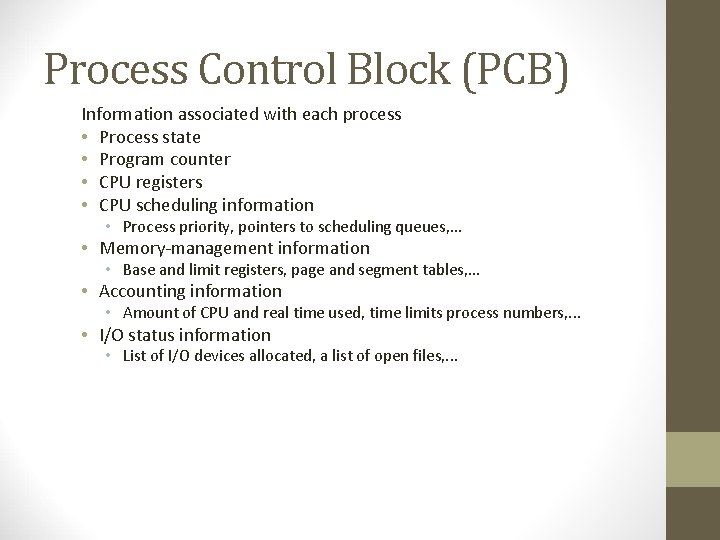
Process Control Block (PCB) Information associated with each process • Process state • Program counter • CPU registers • CPU scheduling information • Process priority, pointers to scheduling queues, . . . • Memory-management information • Base and limit registers, page and segment tables, . . . • Accounting information • Amount of CPU and real time used, time limits process numbers, . . . • I/O status information • List of I/O devices allocated, a list of open files, . . .
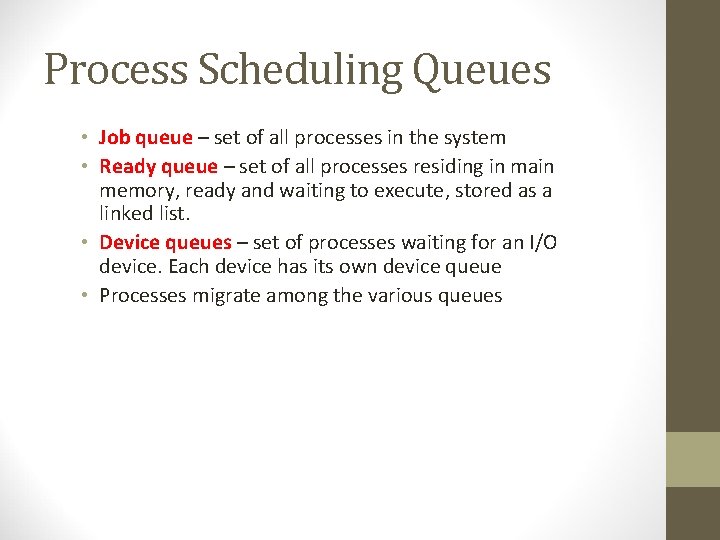
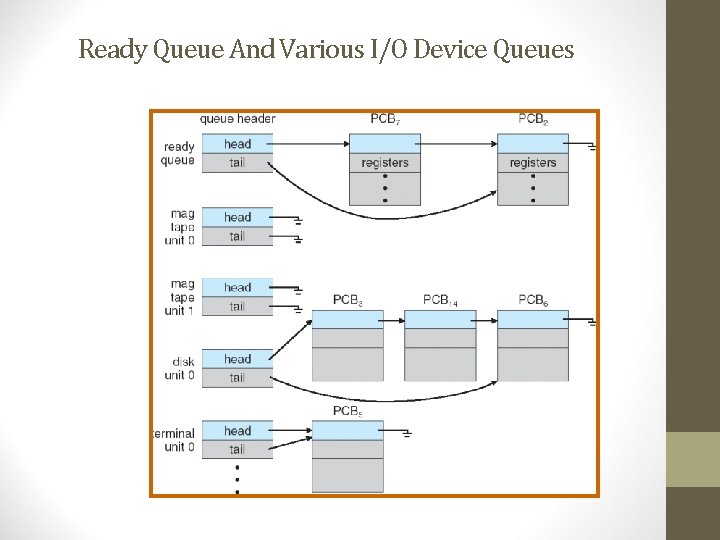
Process Scheduling Queues • Job queue – set of all processes in the system • Ready queue – set of all processes residing in main memory, ready and waiting to execute, stored as a linked list. • Device queues – set of processes waiting for an I/O device. Each device has its own device queue • Processes migrate among the various queues
Ready Queue And Various I/O Device Queues
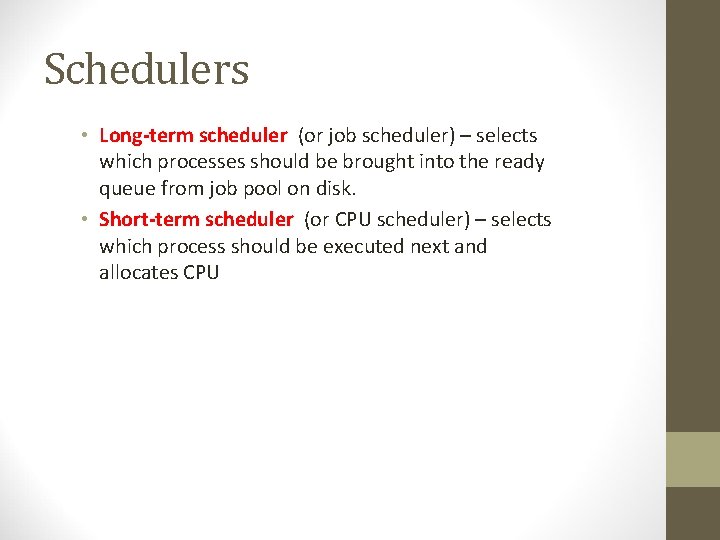
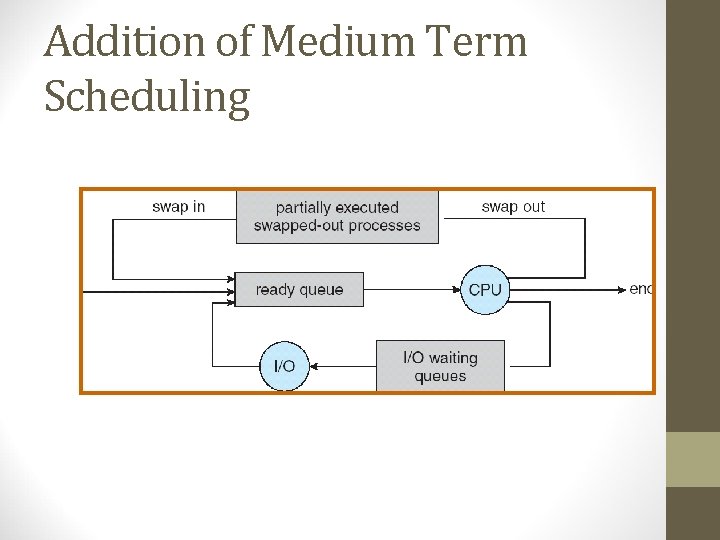
Schedulers • Long-term scheduler (or job scheduler) – selects which processes should be brought into the ready queue from job pool on disk. • Short-term scheduler (or CPU scheduler) – selects which process should be executed next and allocates CPU
Addition of Medium Term Scheduling
Schedulers (Cont. ) • Short-term scheduler is invoked very frequently (milliseconds) (must be fast) • Long-term scheduler is invoked very infrequently (seconds, minutes) (may be slow) • The long-term scheduler controls the degree of multiprogramming • Processes can be described as either: • I/O-bound process – spends more time doing I/O than computations, many short CPU bursts • CPU-bound process – spends more time doing computations; very long CPU bursts • Long-term scheduler should select a good process mix of I/Obound and CPU-bound processes to keep the ready queue and I/O waiting queues busy.
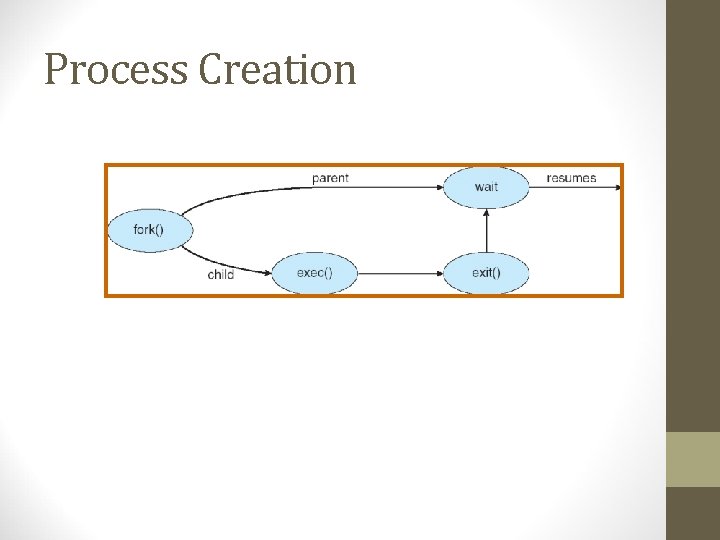
Process Creation • Parent process create children processes, which, in turn create other processes, forming a tree of processes • Process identifiers (pid) identify processes • Resource sharing • Parent and children share all resources • Children share subset of parent’s resources • Parent and child share no resources • Initialization data may be passed along by the parent to child process • Execution • Parent and children execute concurrently • Parent waits until children terminate
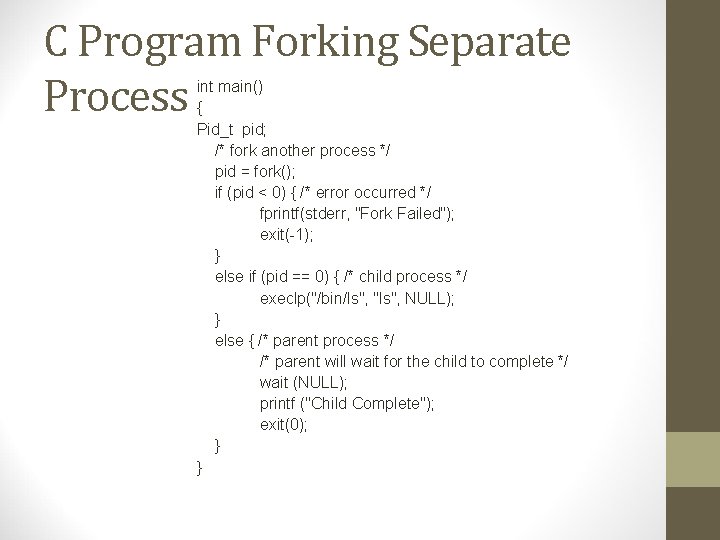
Process Creation (Cont. ) • Address space • Child duplicate of parent • Child has a program loaded into it • UNIX examples • fork system call creates new process • The new process consists of a copy of the address space of the original process • exec system call used after a fork to replace the process’ memory space with a new program • wait system call issued by parent to move itself off the ready queue until the termination of the child
Process Creation
C Program Forking Separate Process int main() { Pid_t pid; /* fork another process */ pid = fork(); if (pid < 0) { /* error occurred */ fprintf(stderr, "Fork Failed"); exit(-1); } else if (pid == 0) { /* child process */ execlp("/bin/ls", "ls", NULL); } else { /* parent process */ /* parent will wait for the child to complete */ wait (NULL); printf ("Child Complete"); exit(0); } }
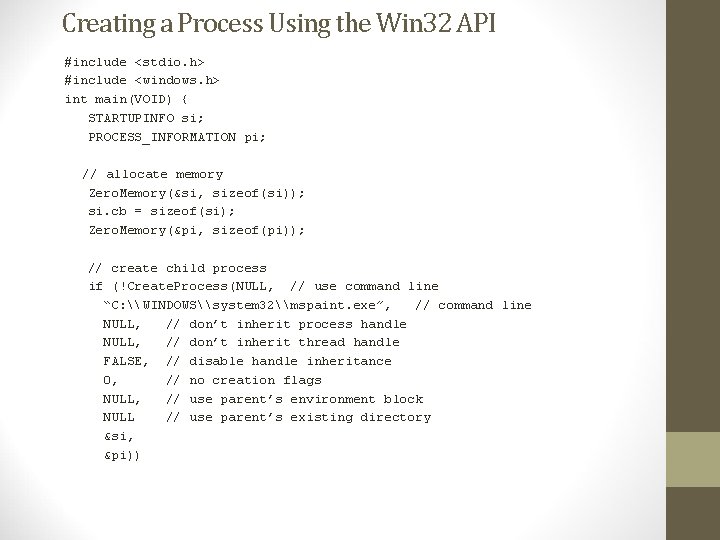
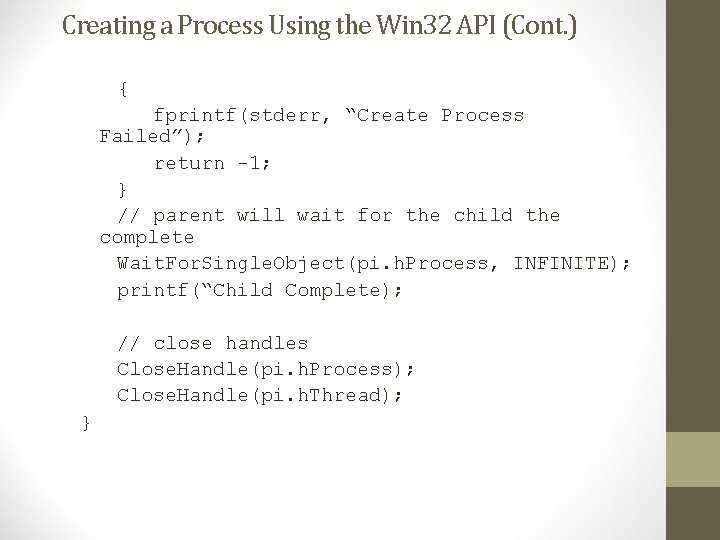
Creating a Process Using the Win 32 API #include <stdio. h> #include <windows. h> int main(VOID) { STARTUPINFO si; PROCESS_INFORMATION pi; // allocate memory Zero. Memory(&si, sizeof(si)); si. cb = sizeof(si); Zero. Memory(&pi, sizeof(pi)); // create child process if (!Create. Process(NULL, // use command line “C: \WINDOWS\system 32\mspaint. exe”, // command line NULL, // don’t inherit process handle NULL, // don’t inherit thread handle FALSE, // disable handle inheritance 0, // no creation flags NULL, // use parent’s environment block NULL // use parent’s existing directory &si, &pi))
Creating a Process Using the Win 32 API (Cont. ) { fprintf(stderr, “Create Process Failed”); return -1; } // parent will wait for the child the complete Wait. For. Single. Object(pi. h. Process, INFINITE); printf(“Child Complete); // close handles Close. Handle(pi. h. Process); Close. Handle(pi. h. Thread); }
Process Termination • Process executes last statement and asks the operating system to delete it (exit) • Output data (status) from child to parent (via wait) • Process’ resources are deallocated by operating system • Parent may terminate execution of children processes (abort) via a system call (Terminate. Process() in Win 32). Parent needs to know the identities of its children passed when child is created • Child has exceeded allocated resources • Task assigned to child is no longer required • If parent is exiting • Some operating system do not allow child to continue if its parent terminates • All children terminated - cascading termination • In UNIX, if parent terminates, all its children have assigned as their new parent the init process.