
Processes and Pipes 1 He was below me
Processes and Pipes 1
• "He was below me. I saw his markings, manoeuvred myself behind him and shot him down. If I had known it was Saint-Exupery, I would never have shot him down. I loved his books. I knew he was a French pilot, but he was probably my favourite author at the time. “ o - Horst Rippert, German fighter pilot who claims to have shot down Antoine de Saint Exupery • The one thing, however, that most people think about when they think of UNIX is the power of the command line interface and the elegance of the pipe and filter model. While many people have added to this interface, contributing tools and programs over the years, one name stands out as a significant contributor, one who originally wrote some of the most basic and timeless tools for this system. Doug Mc. Ilroy helped develop the concept of pipes and stream processing. In order to demonstrate the concept of stream programming, he wrote the original UNIX version of such tools as sort(1), spell(1), diff(1), join(1), graph(1), speak(1), and tr(1), among others o - text of the USENIX STUG award to Doug Mc. Ilroy 2
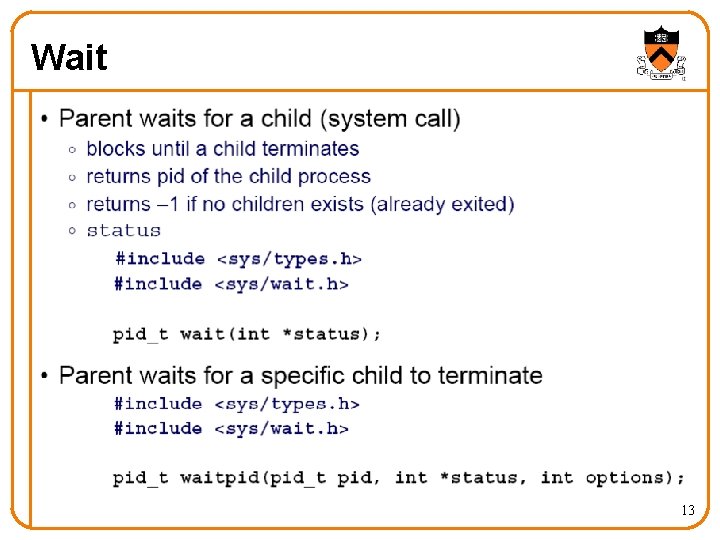
Goals of Today’s Lecture • Creating a new process o Fork: process creates a new child process o Wait: parent waits for child process to complete o Exec: child starts running a new program o System: combines fork, wait, and exec all in one • Communication between processes o Pipe between two processes o Redirecting stdin and stdout • Initial background for the shell assignment o Software that provides interface for the user o Primarily used to launch other programs 3
Creating a New Process 4
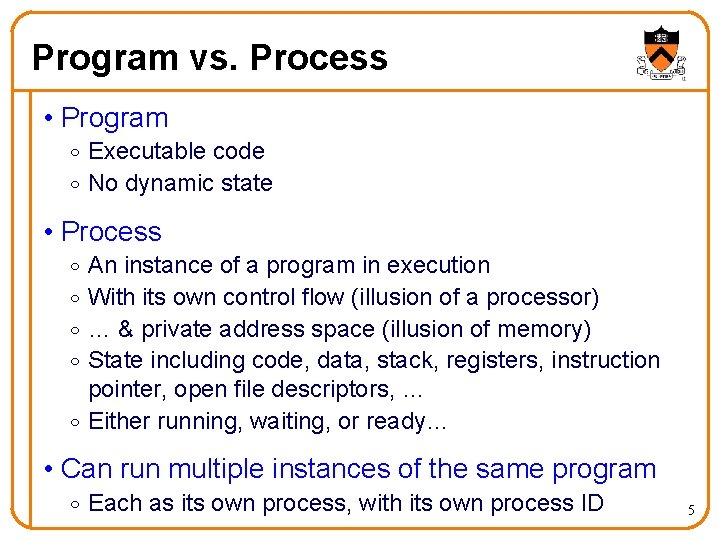
Program vs. Process • Program o Executable code o No dynamic state • Process An instance of a program in execution With its own control flow (illusion of a processor) … & private address space (illusion of memory) State including code, data, stack, registers, instruction pointer, open file descriptors, … o Either running, waiting, or ready… o o • Can run multiple instances of the same program o Each as its own process, with its own process ID 5
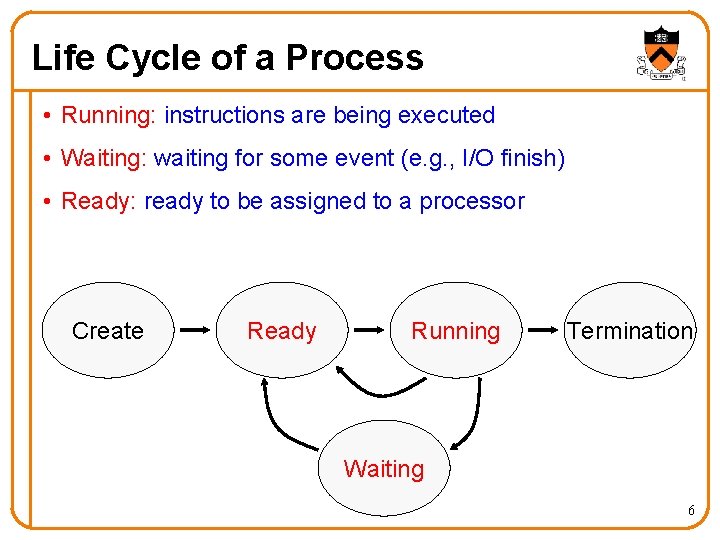
Life Cycle of a Process • Running: instructions are being executed • Waiting: waiting for some event (e. g. , I/O finish) • Ready: ready to be assigned to a processor Create Ready Running Termination Waiting 6
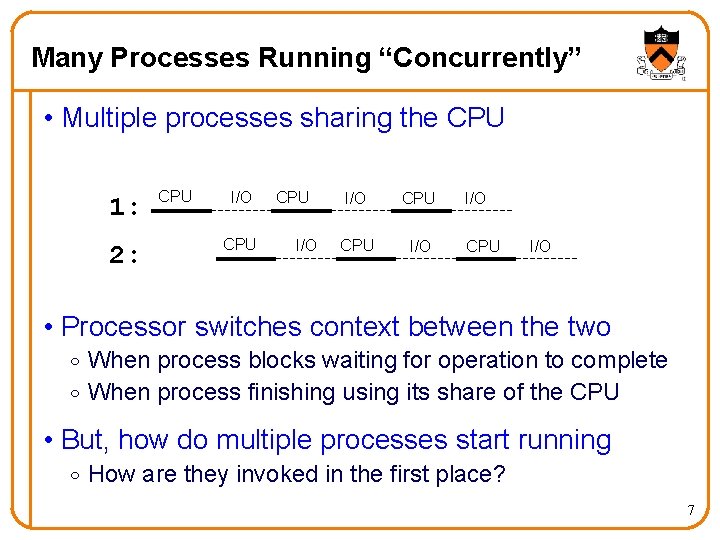
Many Processes Running “Concurrently” • Multiple processes sharing the CPU 1: 2: CPU I/O CPU CPU I/O I/O CPU I/O • Processor switches context between the two o When process blocks waiting for operation to complete o When process finishing using its share of the CPU • But, how do multiple processes start running o How are they invoked in the first place? 7
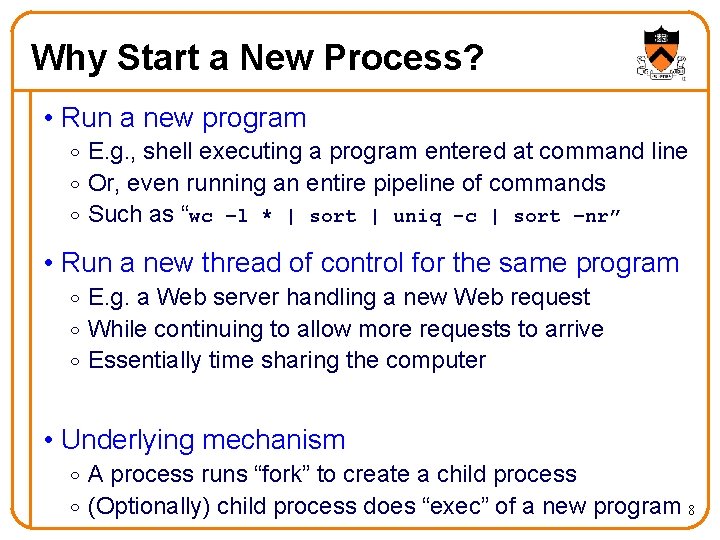
Why Start a New Process? • Run a new program o E. g. , shell executing a program entered at command line o Or, even running an entire pipeline of commands o Such as “wc –l * | sort | uniq -c | sort –nr” • Run a new thread of control for the same program o E. g. a Web server handling a new Web request o While continuing to allow more requests to arrive o Essentially time sharing the computer • Underlying mechanism o A process runs “fork” to create a child process o (Optionally) child process does “exec” of a new program 8
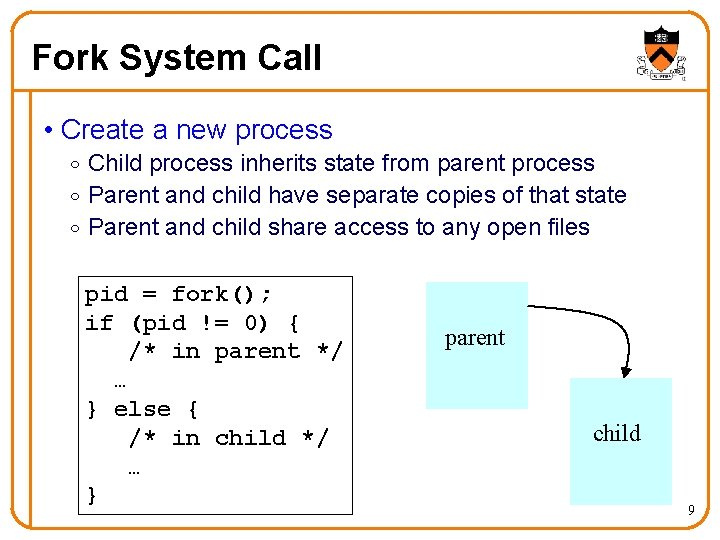
Fork System Call • Create a new process o Child process inherits state from parent process o Parent and child have separate copies of that state o Parent and child share access to any open files pid = fork(); if (pid != 0) { /* in parent */ … } else { /* in child */ … } parent child 9
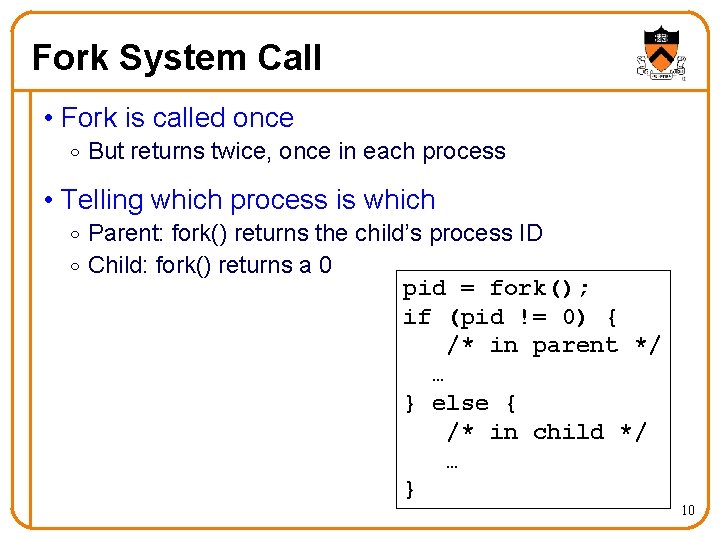
Fork System Call • Fork is called once o But returns twice, once in each process • Telling which process is which o Parent: fork() returns the child’s process ID o Child: fork() returns a 0 pid = fork(); if (pid != 0) { /* in parent */ … } else { /* in child */ … } 10
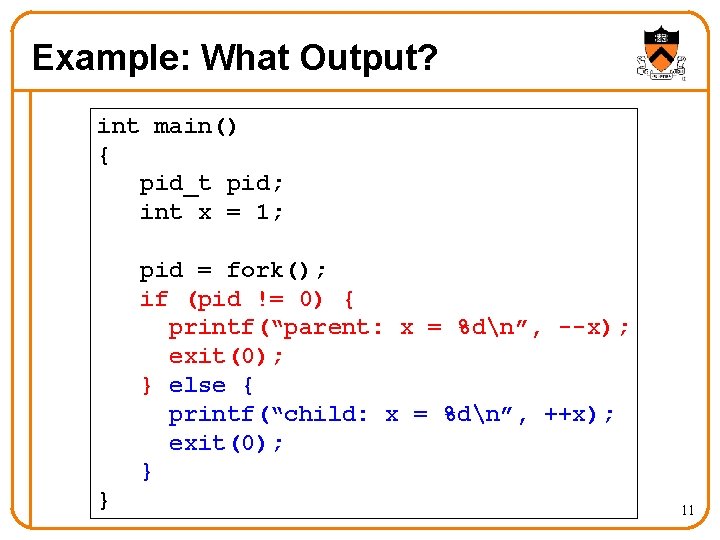
Example: What Output? int main() { pid_t pid; int x = 1; pid = fork(); if (pid != 0) { printf(“parent: x = %dn”, --x); exit(0); } else { printf(“child: x = %dn”, ++x); exit(0); } } 11
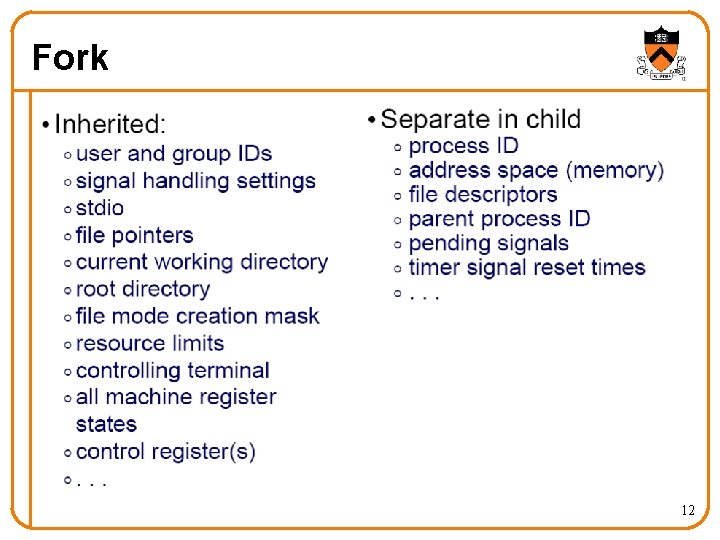
Fork 12
Wait 13
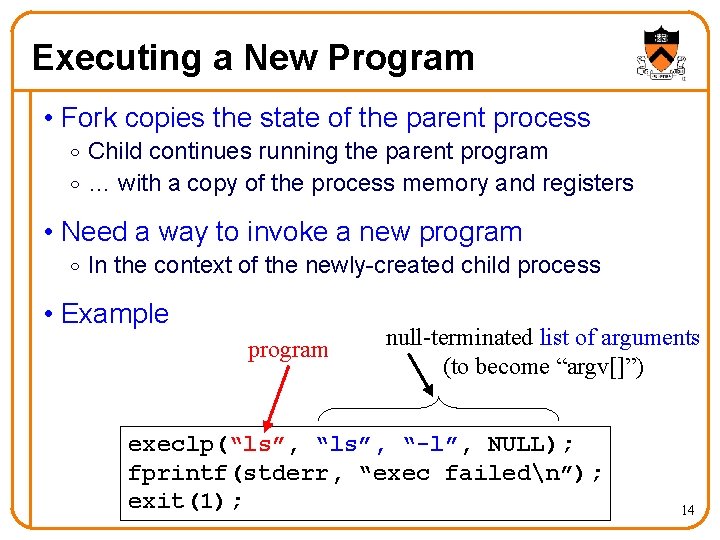
Executing a New Program • Fork copies the state of the parent process o Child continues running the parent program o … with a copy of the process memory and registers • Need a way to invoke a new program o In the context of the newly-created child process • Example program null-terminated list of arguments (to become “argv[]”) execlp(“ls”, “-l”, NULL); fprintf(stderr, “exec failedn”); exit(1); 14
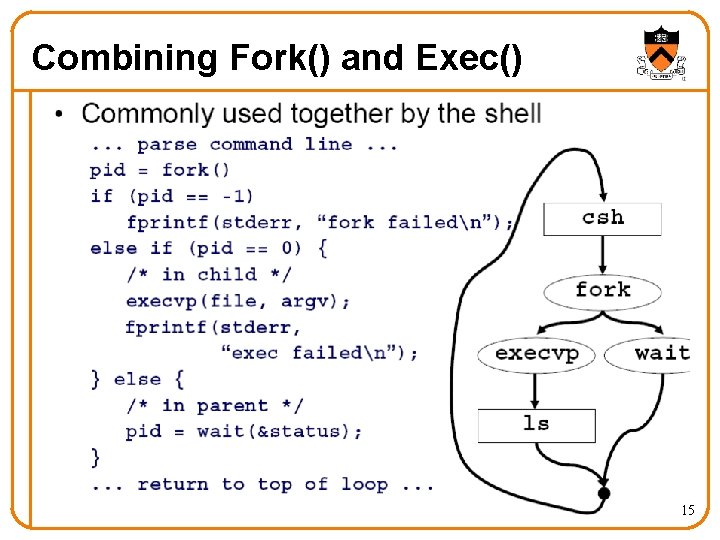
Combining Fork() and Exec() 15
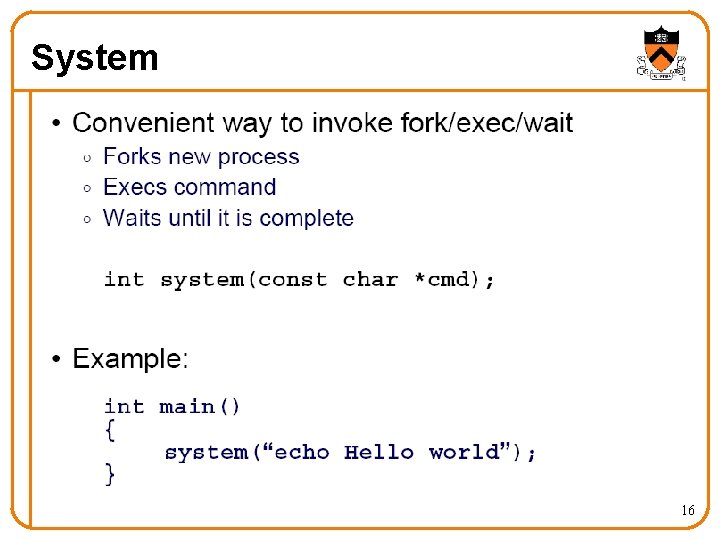
System 16
Communication Between Processes 17
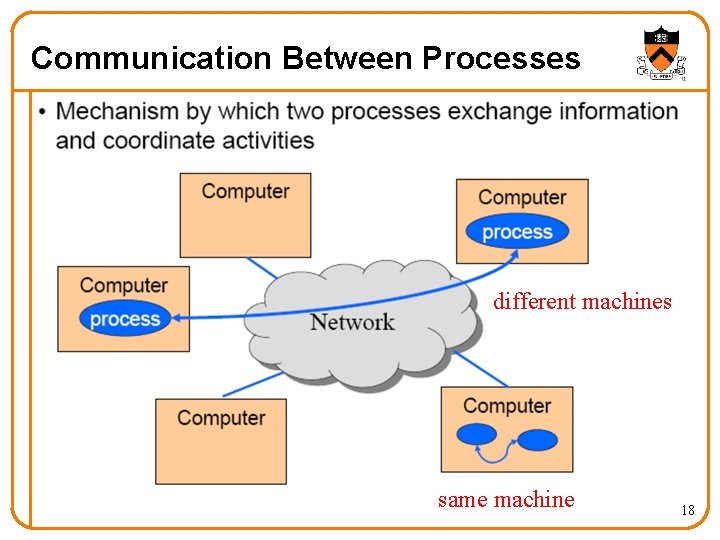
Communication Between Processes different machines same machine 18
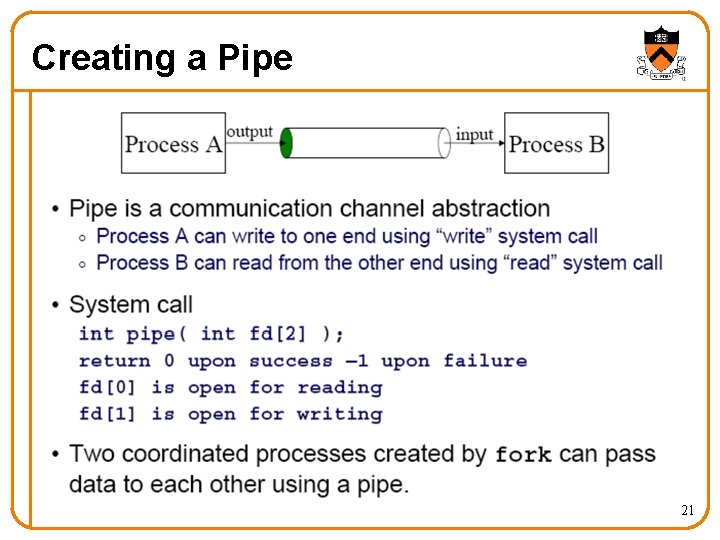
Interprocess. Communication • Pipes o Processes on the same machine o One process spawns the other o Used mostly for a pipeline of filters • Sockets o Processes on any machines o Processes created independently o Used for client/server communication (e. g. , Web) 19
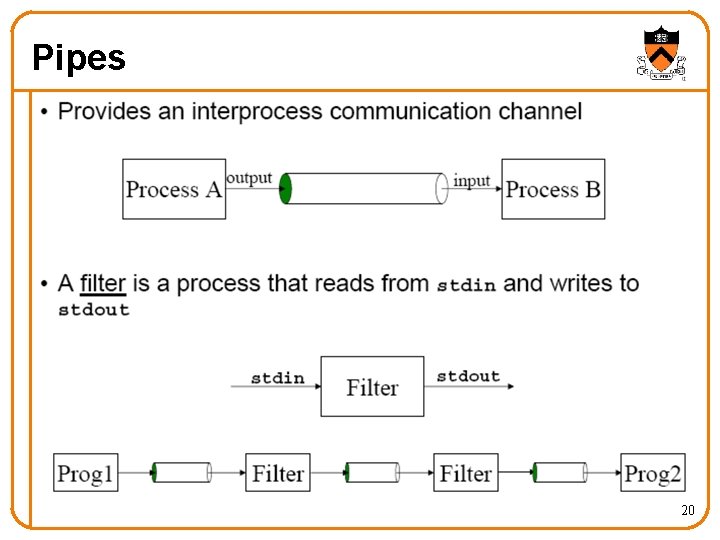
Pipes 20
Creating a Pipe 21
Pipe Example child parent 22
Dup a. out < foo 23
Dup 2 24
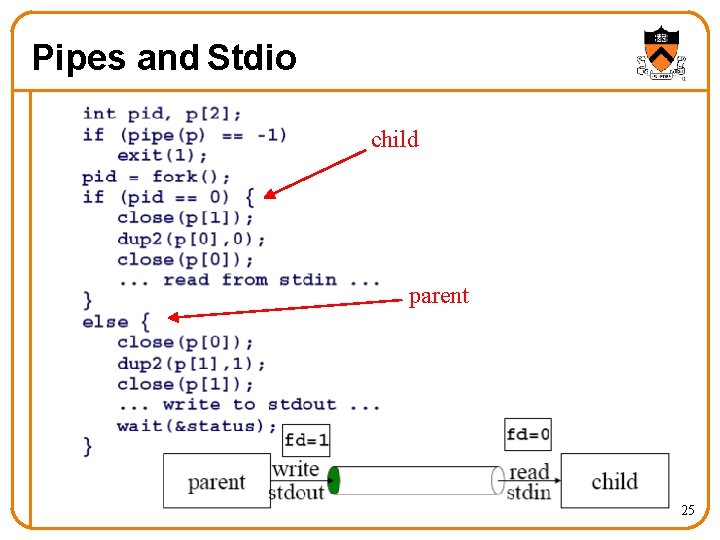
Pipes and Stdio child parent 25
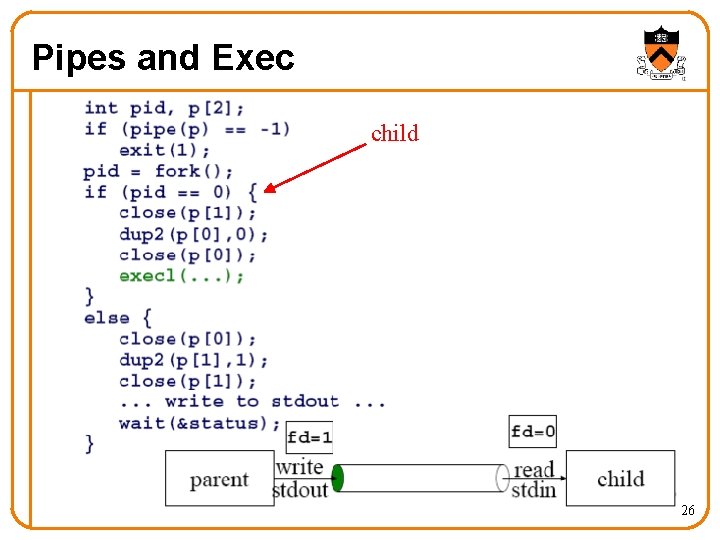
Pipes and Exec child 26
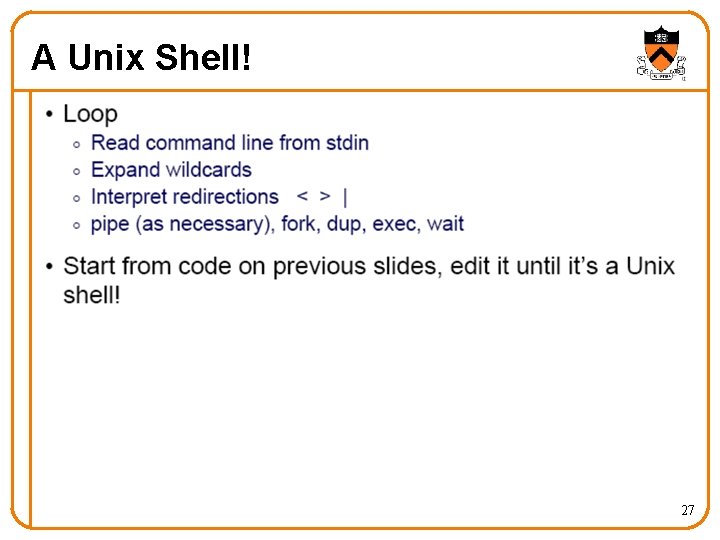
A Unix Shell! 27
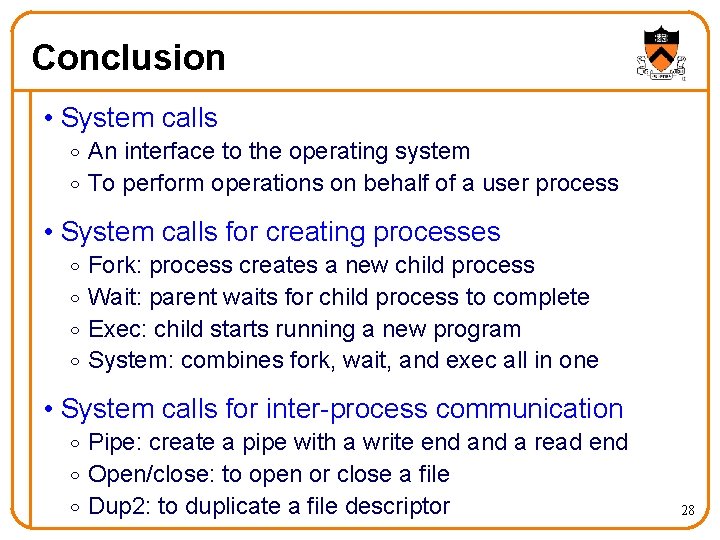
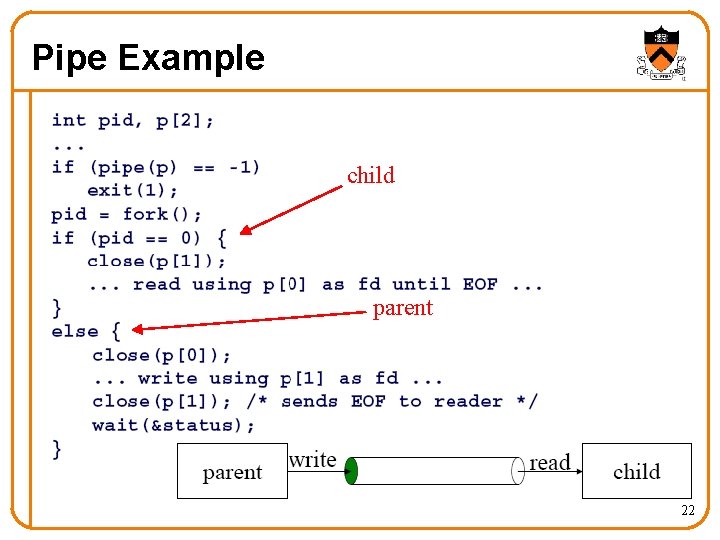
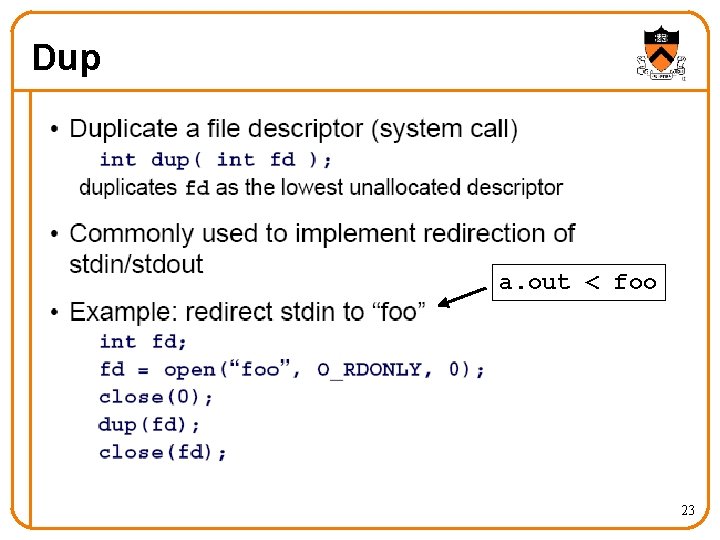
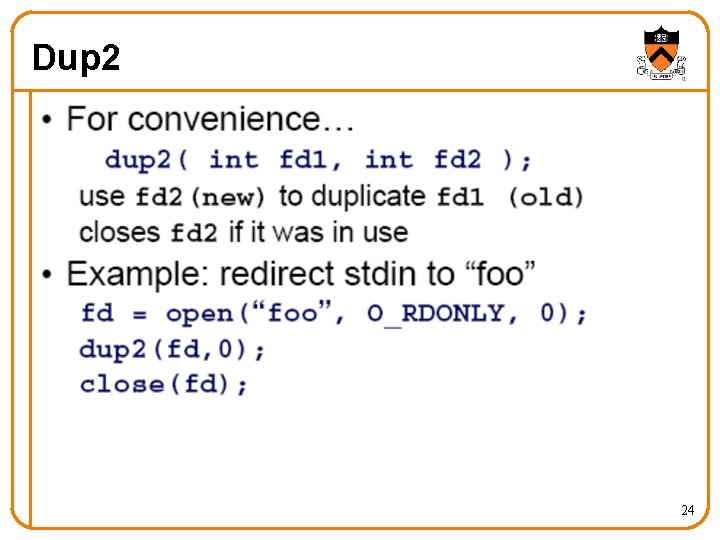
Conclusion • System calls o An interface to the operating system o To perform operations on behalf of a user process • System calls for creating processes o o Fork: process creates a new child process Wait: parent waits for child process to complete Exec: child starts running a new program System: combines fork, wait, and exec all in one • System calls for inter-process communication o Pipe: create a pipe with a write end a read end o Open/close: to open or close a file o Dup 2: to duplicate a file descriptor 28
- Slides: 28