
Process Mapping Training Workshop Acknowledgement This MAPSS Project
- Slides: 67
Process Mapping Training Workshop
Acknowledgement • This MAPSS Project is one of the Demonstrator projects funded by the Department of Health’s Information for Social Care (If. SC) initiative. • The project would also like to thank Deloitte & Touche for their contributions in the training materials.
Goals and Objectives • Introduction to the project • To understand why organisations are modelling Business Processes • To develop a common understanding of process mapping tools and techniques • To understand that process mapping is a skill that will support ongoing initiatives • To gain some experience of writing process maps • To analyse and develop concrete suggestions for improvement and to create a basis for future change initiatives
Introductions • Name • Where you work • Current Role • Your view of Process Mapping • Expectations
Agenda Morning 09: 30 – 10: 00 Workshop opening & Introductions 10: 00 – 11: 00 Module 1 11: 00 – 11: 15 Break 11: 15 – 12: 45 Module 2 12: 45 – 13: 00 Summary 13: 00 – 14: 00 Lunch
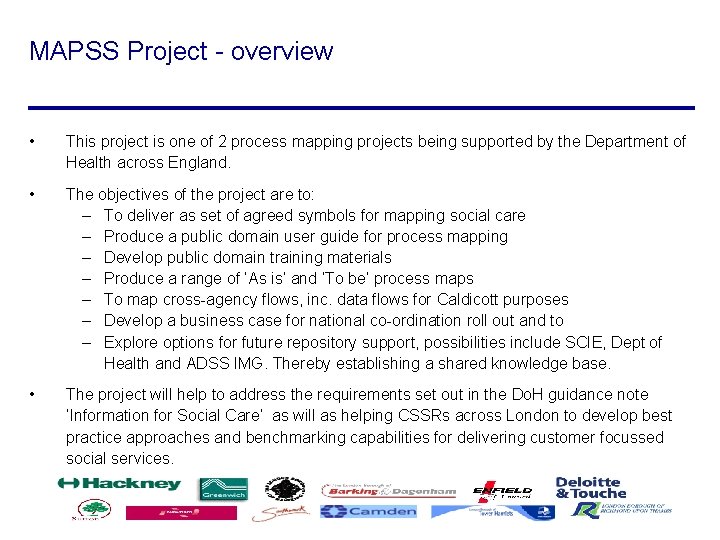
MAPSS Project - overview • This project is one of 2 process mapping projects being supported by the Department of Health across England. • The objectives of the project are to: – To deliver as set of agreed symbols for mapping social care – Produce a public domain user guide for process mapping – Develop public domain training materials – Produce a range of ‘As is’ and ‘To be’ process maps – To map cross-agency flows, inc. data flows for Caldicott purposes – Develop a business case for national co-ordination roll out and to – Explore options for future repository support, possibilities include SCIE, Dept of Health and ADSS IMG. Thereby establishing a shared knowledge base. • The project will help to address the requirements set out in the Do. H guidance note ‘Information for Social Care’ as will as helping CSSRs across London to develop best practice approaches and benchmarking capabilities for delivering customer focussed social services.
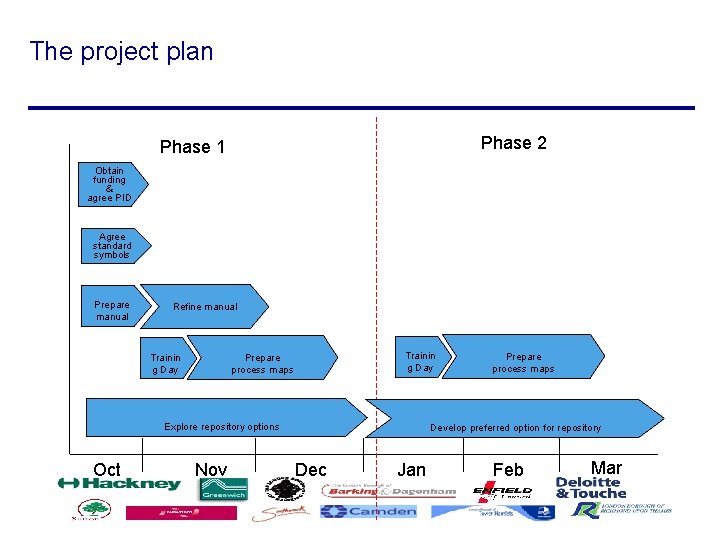
The project plan Phase 2 Phase 1 Obtain funding & agree PID Agree standard symbols Prepare manual Refine manual Trainin g Day Prepare process maps Explore repository options Oct Nov Prepare process maps Develop preferred option for repository Dec Jan Feb Mar
Links with other projects • There are 2 process mapping pathfinder projects being undertaken: – This one – Stockton on Tees Consortium which will concentrate on the Integrated MH Services, mapping the ‘As is’ and ‘As if’ processes from referral to Discharge • The relationship between the two is the agreement to share all the deliverables and lessons learnt from the process mapping • Lessons learnt and findings will be disseminated and shared via the Do. H Website. • We are linking with LEAP and IDEA to build on investments already made
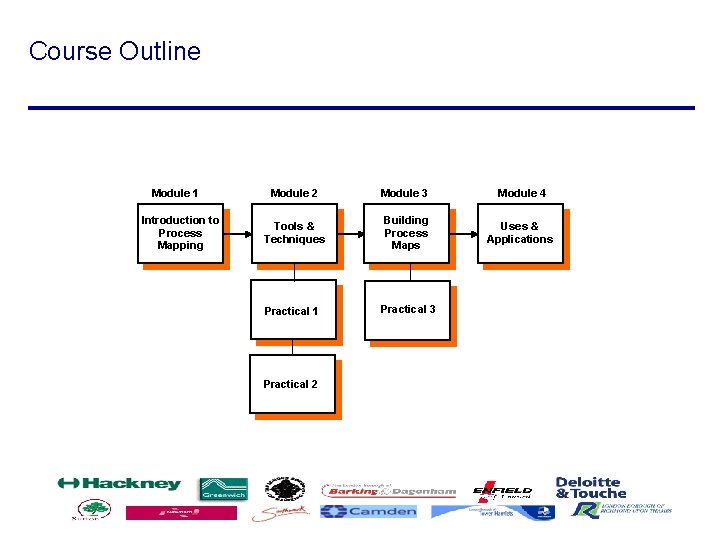
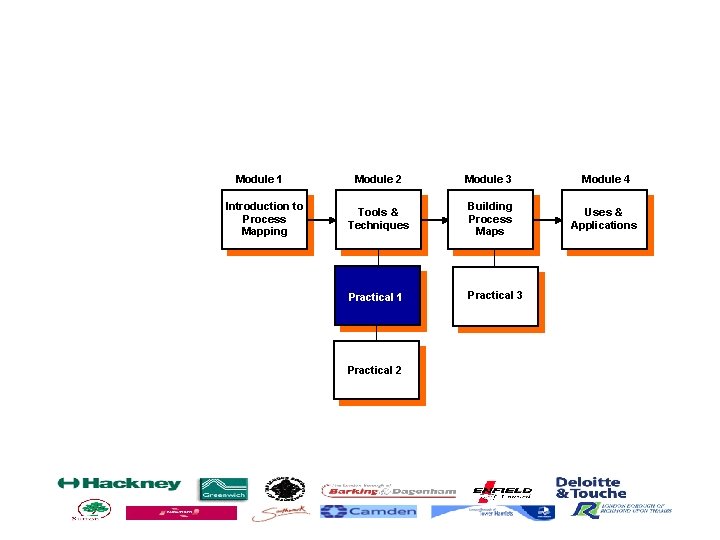
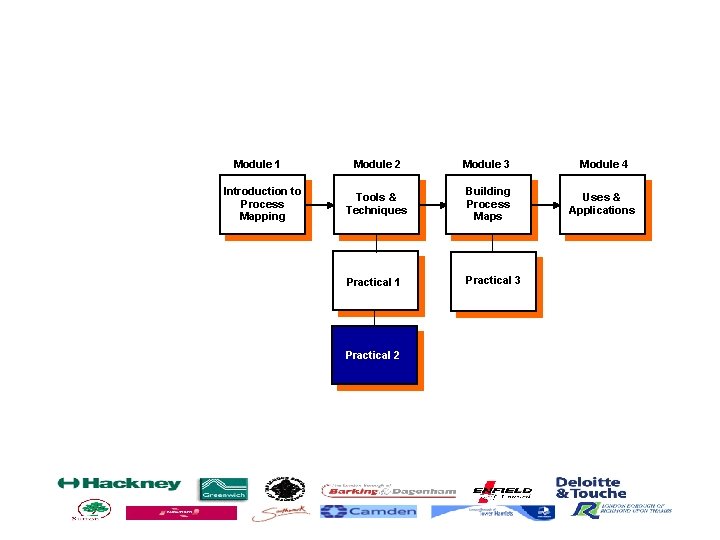
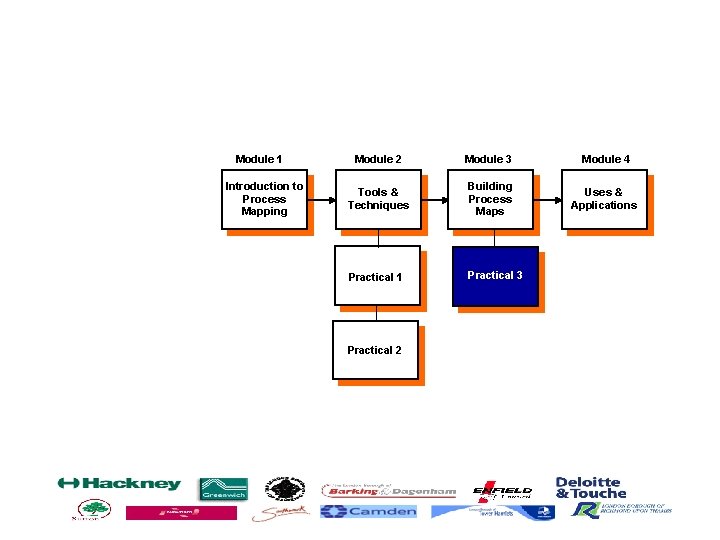
Course Outline Module 1 Introduction to Process Mapping Module 2 Module 3 Module 4 Tools & Techniques Building Process Maps Uses & Applications Practical 1 Practical 3 Practical 2
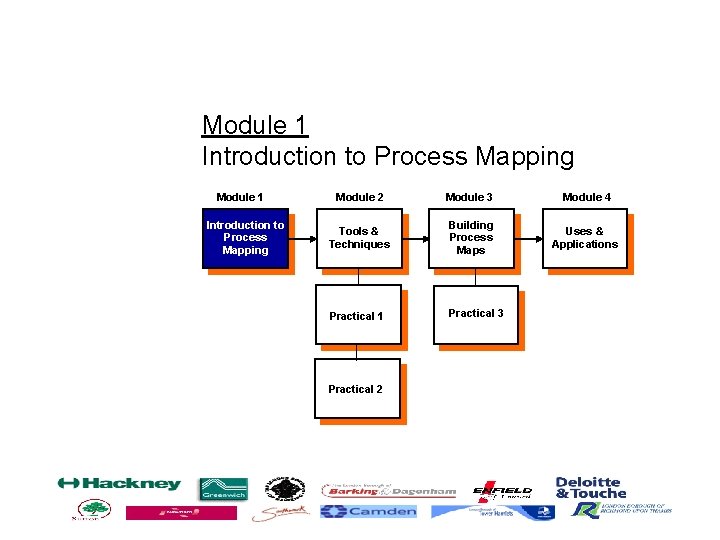
Module 1 Introduction to Process Mapping Module 2 Module 3 Module 4 Tools & Techniques Building Process Maps Uses & Applications Practical 1 Practical 3 Practical 2
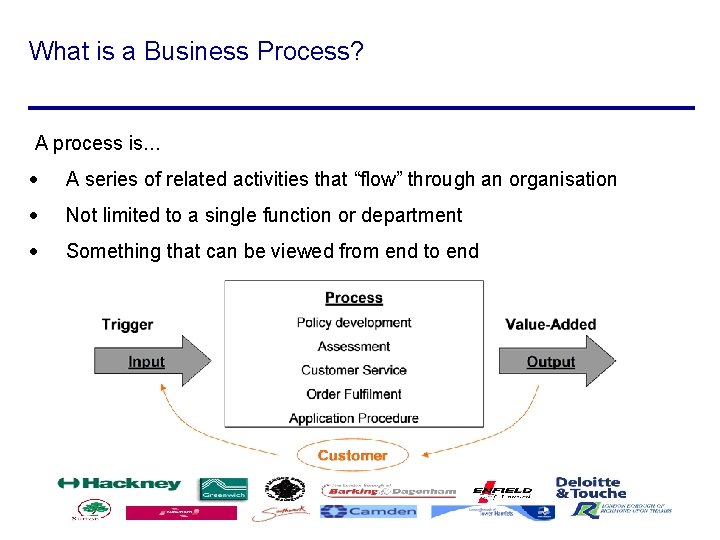
What is a Business Process? A process is. . . · A series of related activities that “flow” through an organisation · Not limited to a single function or department · Something that can be viewed from end to end
Functional View v Process View
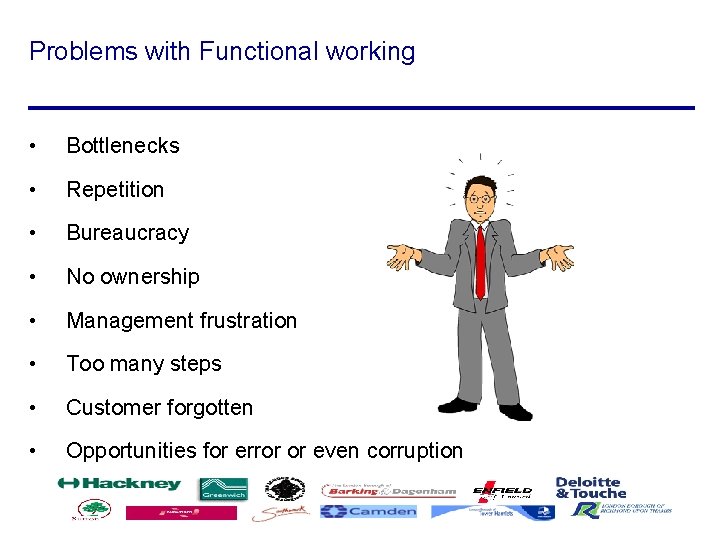
Problems with Functional working • Bottlenecks • Repetition • Bureaucracy • No ownership • Management frustration • Too many steps • Customer forgotten • Opportunities for error or even corruption
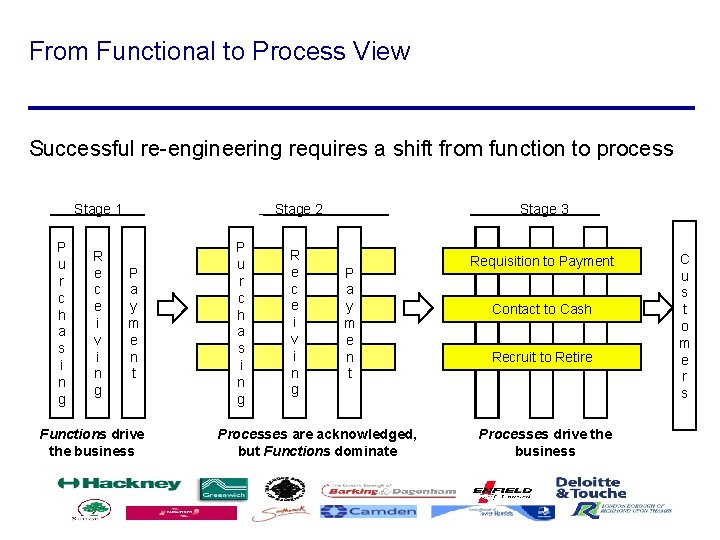
From Functional to Process View Successful re-engineering requires a shift from function to process Stage 1 P u r c h a s i n g R e c e i v i n g P a y m e n t Functions drive the business P u r c h a s i n g Stage 2 Stage 3 R e c e i v i n g Requisition to Payment P a y m e n t Processes are acknowledged, but Functions dominate Contact to Cash Recruit to Retire Processes drive the business C u s t o m e r s
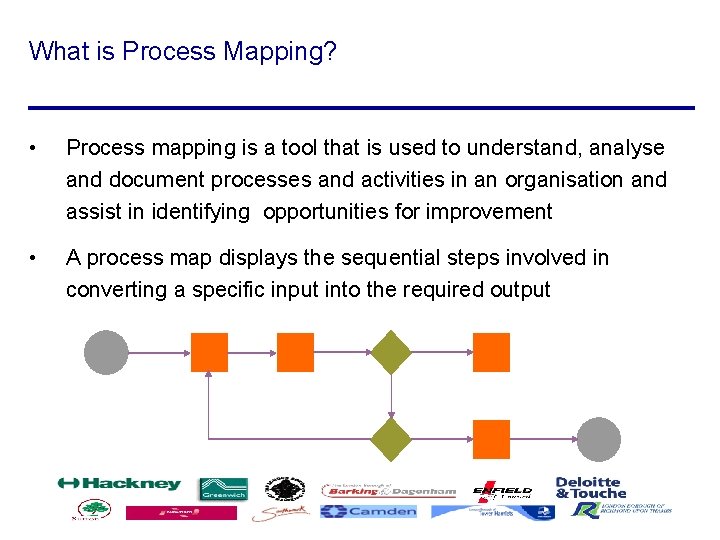
What is Process Mapping? • Process mapping is a tool that is used to understand, analyse and document processes and activities in an organisation and assist in identifying opportunities for improvement • A process map displays the sequential steps involved in converting a specific input into the required output
Why Process Map? Typical reasons for conducting process mapping include: • To improve a process, you must understand the process • Complexity of processes and lack of understanding constrains management’s attempts to improve processes • Analytical skills and process mapping skills allow us to understand communicate processes to management, staff and users • Identifies efficiency issues and where systems can support these
Advantages of Process Mapping Process mapping can be extremely valuable because it can identify improvements in a number of aspects in the work place, including: • Increases understanding of the work process • Provides understanding of resource allocation • Documents training procedures • Tracks workflow • Increases staff awareness
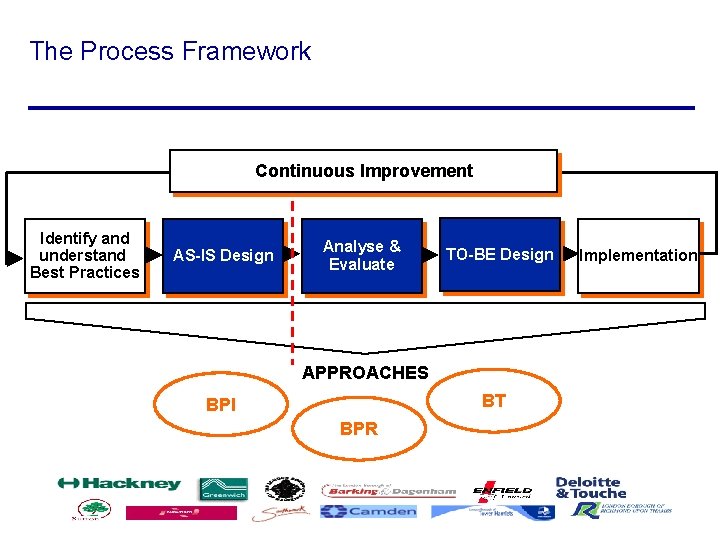
The Process Framework Continuous Improvement Identify and understand Best Practices AS-IS Design Analyse & Evaluate TO-BE Design APPROACHES BT BPI BPR Implementation
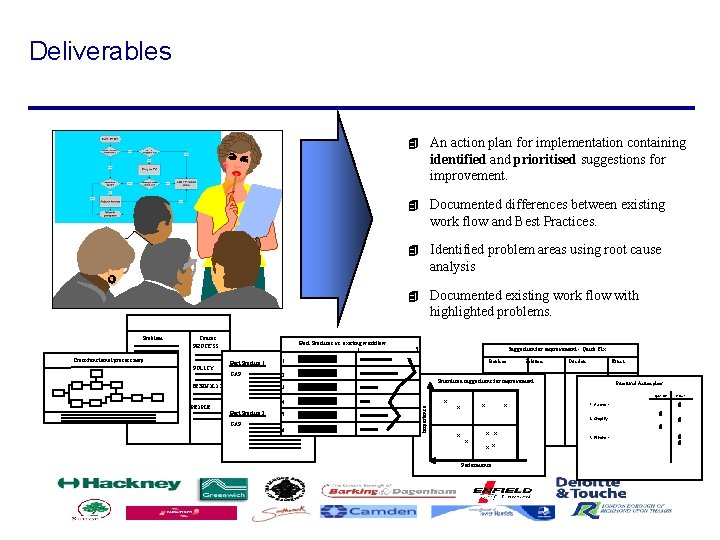
Deliverables Causes PROCESS Cross-functional process map POLICY Best Practices vs. existing workflow 1 Best Practice 1 1. GAP: 2. 4 Documented differences between existing work flow and Best Practices. 4 Identified problem areas using root cause analysis 4 Documented existing work flow with highlighted problems. 5 Suggestion for improvement - Quick Fix Problem 4. Best Practice 2 5. GAP: 6. Solution Prioritised suggestions for improvement 3. TECHNOLOGY PEOPLE An action plan for implementation containing identified and prioritised suggestions for improvement. x Importance Problem 4 x x x x x Performance Due date --------------------------------- Effect Prioritised Action plans Quick Fix --------------------------------------- 4 2. Simplify. . . . ---------------------------------------------------------- 3. Eliminate. . . . ---------------------------------------------------------- Project 4 1. Automate. . 4 4
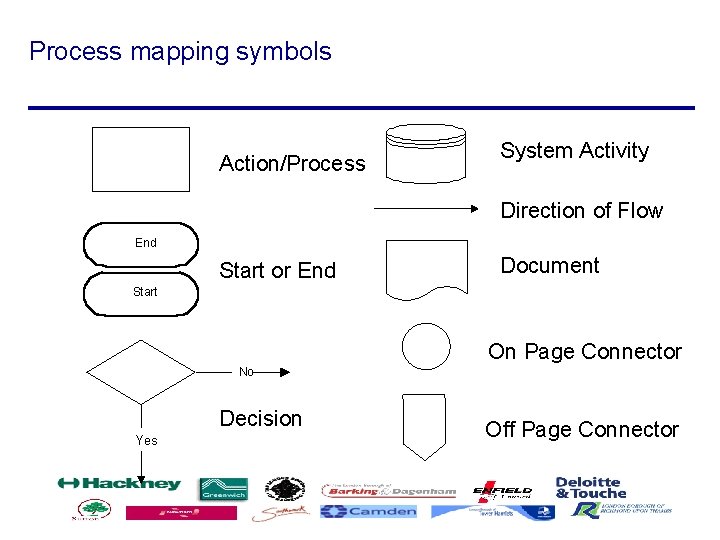
Process mapping symbols Action/Process System Activity Direction of Flow End Start or End Document Start On Page Connector No Decision Yes Off Page Connector
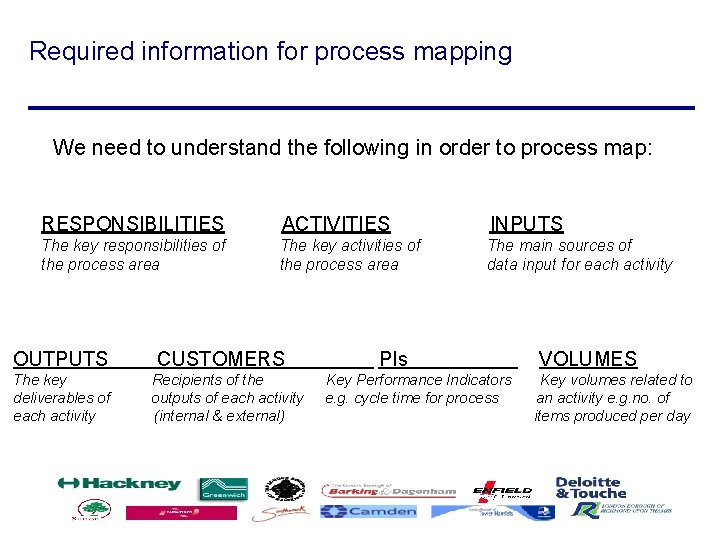
Required information for process mapping We need to understand the following in order to process map: RESPONSIBILITIES ACTIVITIES INPUTS The key responsibilities of the process area The key activities of the process area The main sources of data input for each activity OUTPUTS The key deliverables of each activity CUSTOMERS Recipients of the outputs of each activity (internal & external) PIs Key Performance Indicators e. g. cycle time for process VOLUMES Key volumes related to an activity e. g. no. of items produced per day
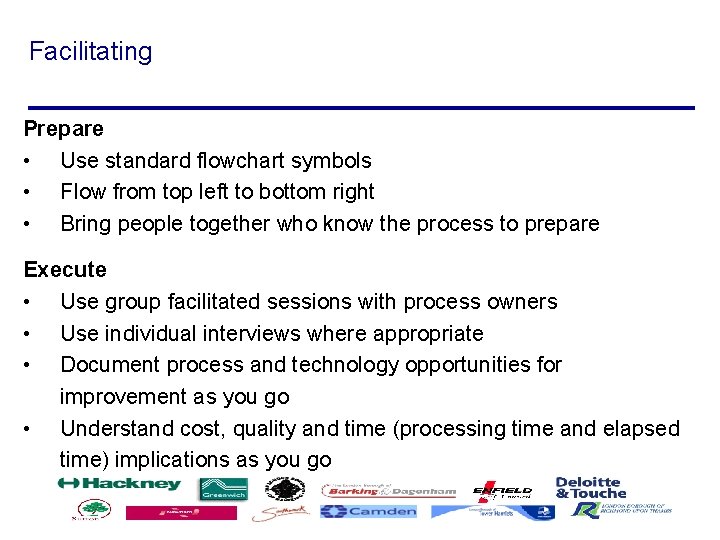
Facilitating Prepare • Use standard flowchart symbols • Flow from top left to bottom right • Bring people together who know the process to prepare Execute • Use group facilitated sessions with process owners • Use individual interviews where appropriate • Document process and technology opportunities for improvement as you go • Understand cost, quality and time (processing time and elapsed time) implications as you go
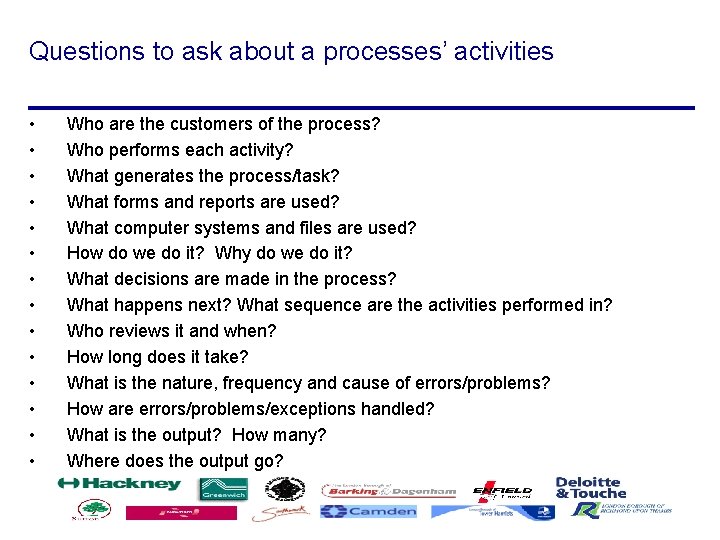
Questions to ask about a processes’ activities • • • • Who are the customers of the process? Who performs each activity? What generates the process/task? What forms and reports are used? What computer systems and files are used? How do we do it? Why do we do it? What decisions are made in the process? What happens next? What sequence are the activities performed in? Who reviews it and when? How long does it take? What is the nature, frequency and cause of errors/problems? How are errors/problems/exceptions handled? What is the output? How many? Where does the output go?
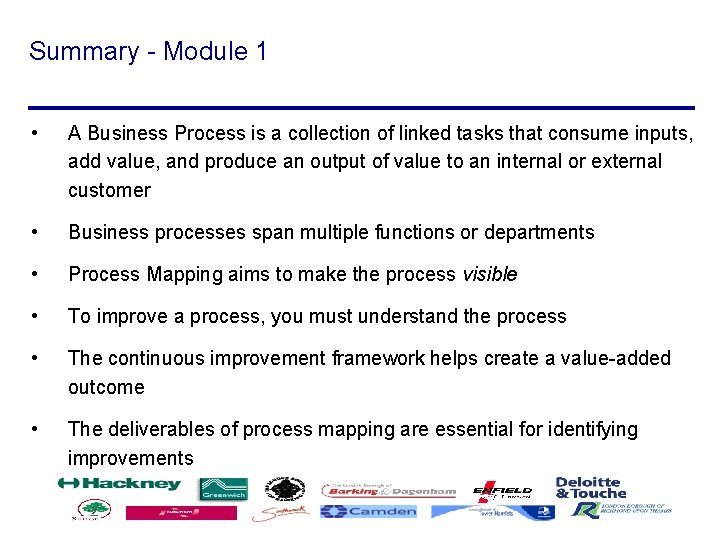
Summary - Module 1 • A Business Process is a collection of linked tasks that consume inputs, add value, and produce an output of value to an internal or external customer • Business processes span multiple functions or departments • Process Mapping aims to make the process visible • To improve a process, you must understand the process • The continuous improvement framework helps create a value-added outcome • The deliverables of process mapping are essential for identifying improvements
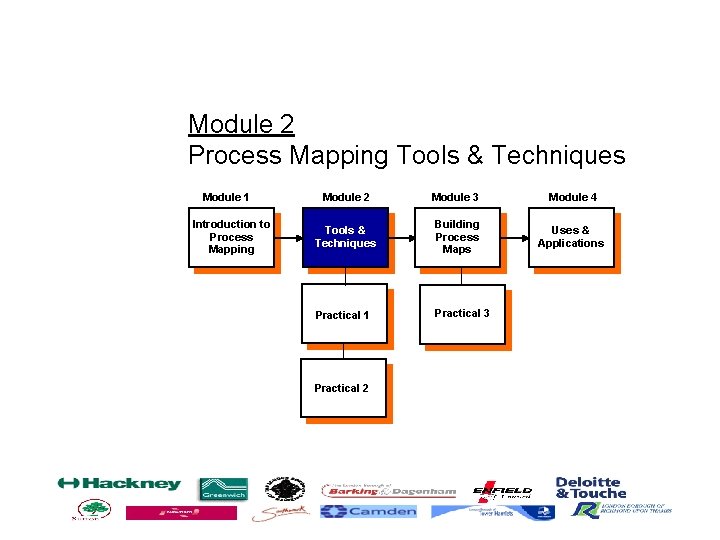
Module 2 Process Mapping Tools & Techniques Module 1 Introduction to Process Mapping Module 2 Module 3 Module 4 Tools & Techniques Building Process Maps Uses & Applications Practical 1 Practical 3 Practical 2
‘As-Is’ Process Design
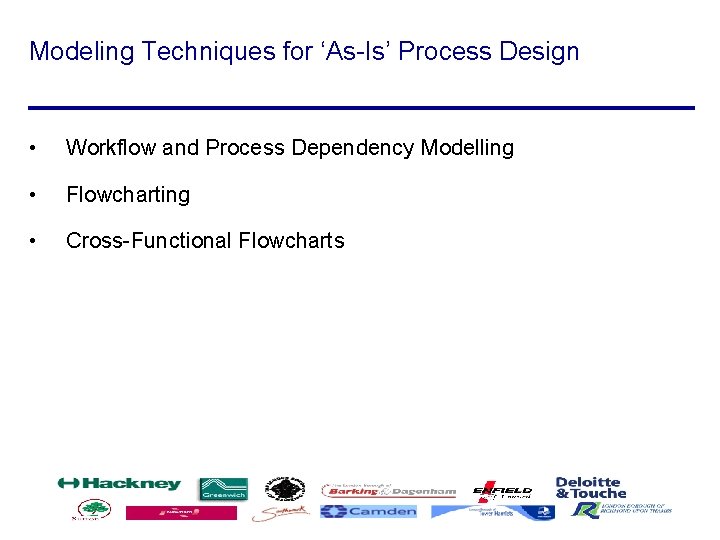
Modeling Techniques for ‘As-Is’ Process Design • Workflow and Process Dependency Modelling • Flowcharting • Cross-Functional Flowcharts
Workflow/Dependency Diagram
Module 1 Introduction to Process Mapping Module 2 Module 3 Module 4 Tools & Techniques Building Process Maps Uses & Applications Practical 1 Practical 3 Practical 2
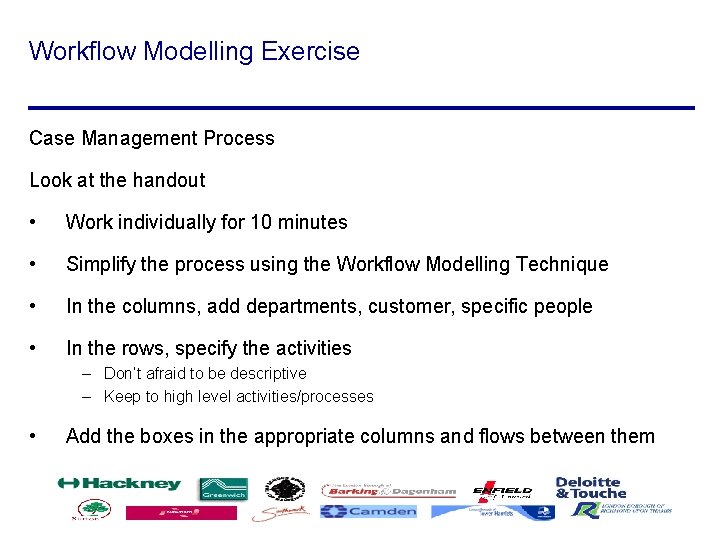
Workflow Modelling Exercise Case Management Process Look at the handout • Work individually for 10 minutes • Simplify the process using the Workflow Modelling Technique • In the columns, add departments, customer, specific people • In the rows, specify the activities – Don’t afraid to be descriptive – Keep to high level activities/processes • Add the boxes in the appropriate columns and flows between them
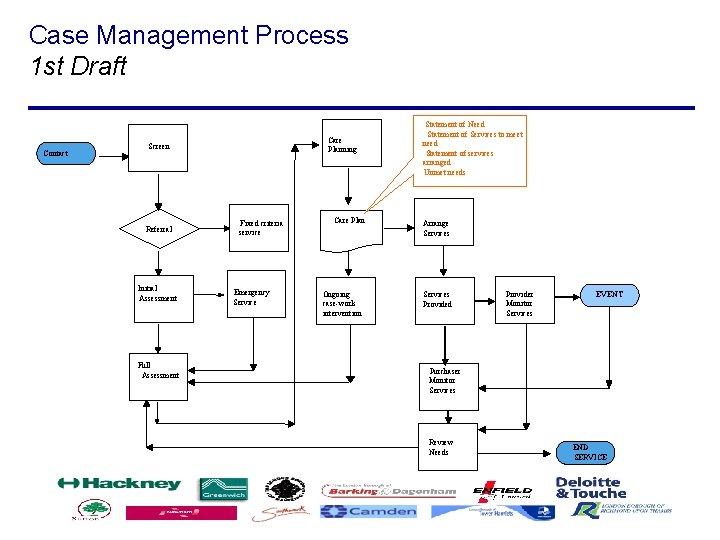
Case Management Process 1 st Draft Contact Care Planning Screen Referral Initial Assessment Full Assessment Fixed criteria service Emergency Service Care Plan Ongoing case-work intervention Statement of Need Statement of Services to meet need Statement of services arranged Unmet needs Arrange Services Provided Provider Monitor Services EVENT Purchaser Monitor Services Review Needs END SERVICE
Advantages of Workflow Modelling • Simple to understand • Identifies Processes • Identifies dependencies • Highlights the number of ‘hand-offs’ • Finds ‘black holes’ • Easy to document metrics • Can show by person, department, geographical location etc.
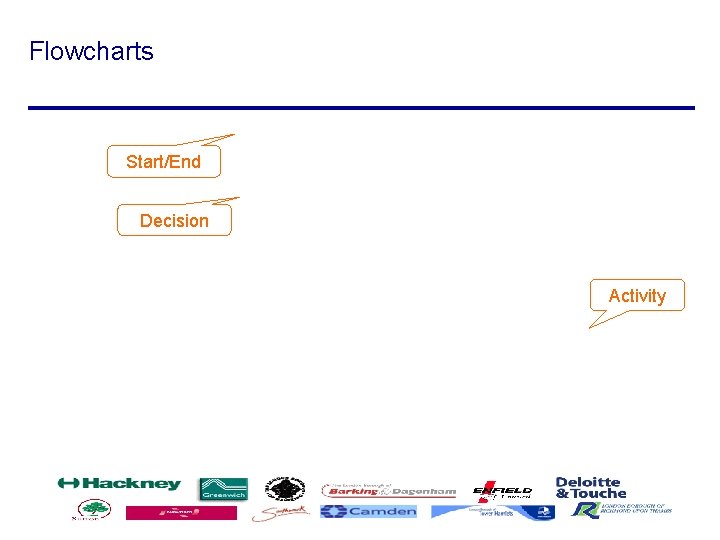
Flowcharts Start/End Decision Activity
Cross-Functional Flowcharts - ‘Swim Lanes’
Cross-Functional Flowcharts - ‘Swim Lanes’ Hints: • Use workshops / focus groups • Keep things moving • Encourage everyone to join in • Energise, share and build • Use Paper / ‘Brown Paper Technique’ / White Board / Flipcharts / PC based tool (e. g. Microsoft VISIO)
Suggested steps in process mapping • • Start with a high-level flow (Context Diagram) and then drop to the next level of detail if necessary (i. e. sub processes) Define the beginning and end of each sub process (stay focused) Define key inputs and outputs Walk through each key sub process step by step Don't waste time: If you get bogged down, take a break or move on to another area Identify process and technology opportunities for improvement as you go or at the end of each sub process Verify the accuracy of the flow
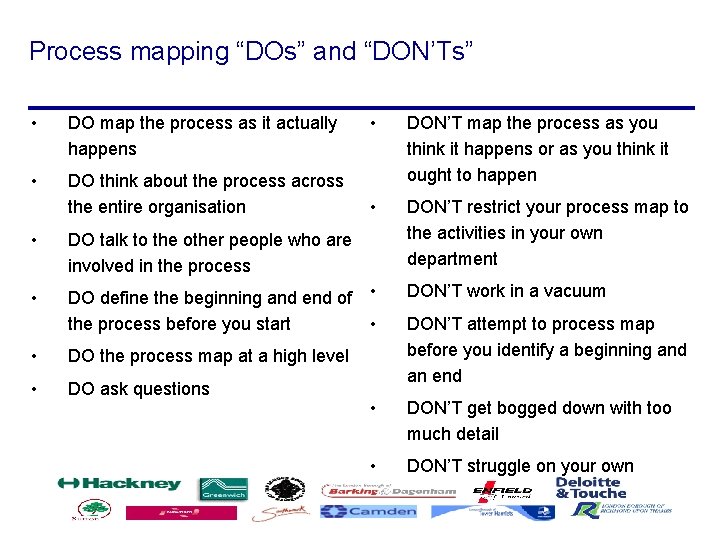
Process mapping “DOs” and “DON’Ts” • DO map the process as it actually happens • DO think about the process across the entire organisation • DON’T map the process as you think it happens or as you think it ought to happen • DON’T restrict your process map to the activities in your own department • DO talk to the other people who are involved in the process • DO define the beginning and end of • the process before you start • • DO the process map at a high level • DO ask questions DON’T work in a vacuum DON’T attempt to process map before you identify a beginning and an end • DON’T get bogged down with too much detail • DON’T struggle on your own
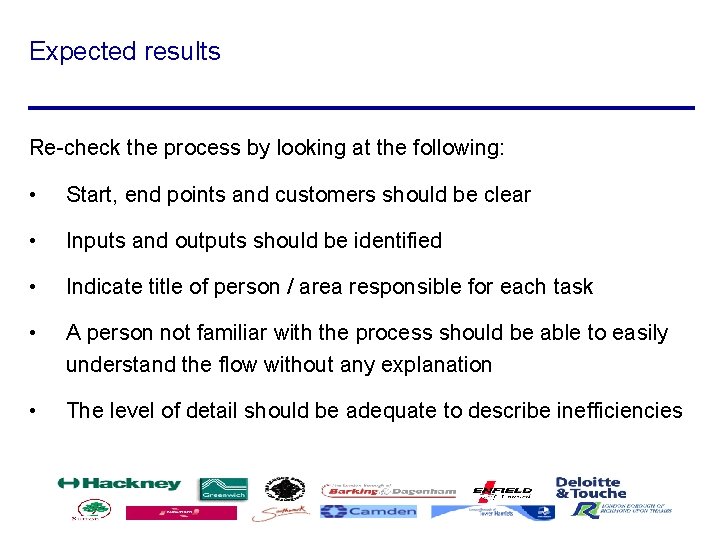
Expected results Re-check the process by looking at the following: • Start, end points and customers should be clear • Inputs and outputs should be identified • Indicate title of person / area responsible for each task • A person not familiar with the process should be able to easily understand the flow without any explanation • The level of detail should be adequate to describe inefficiencies
Module 1 Introduction to Process Mapping Module 2 Module 3 Module 4 Tools & Techniques Building Process Maps Uses & Applications Practical 1 Practical 3 Practical 2
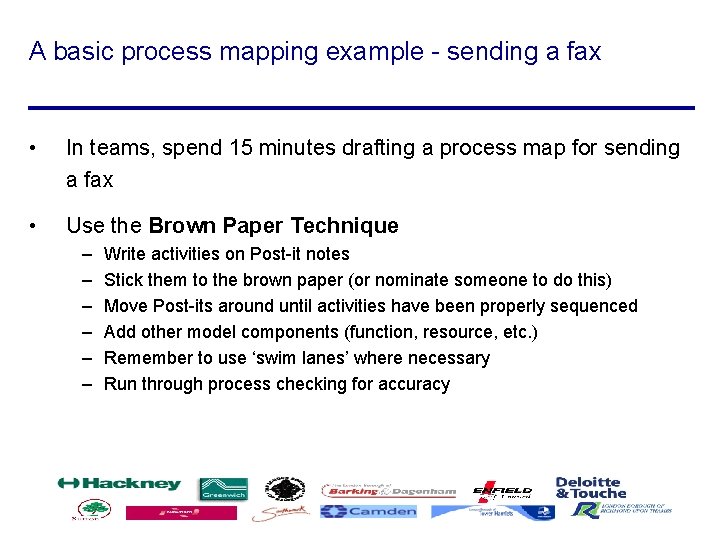
A basic process mapping example - sending a fax • In teams, spend 15 minutes drafting a process map for sending a fax • Use the Brown Paper Technique – – – Write activities on Post-it notes Stick them to the brown paper (or nominate someone to do this) Move Post-its around until activities have been properly sequenced Add other model components (function, resource, etc. ) Remember to use ‘swim lanes’ where necessary Run through process checking for accuracy
A basic process mapping example - sending a fax Example answer
Adding Metrics What do we want to measure? • Time - value, cycle, waiting, Keep In View (KIV), productive / non-productive • Volumes - transactions/day, units/hour, % • Rates or Costs - computed, fixed, per unit • Equipment Used - cost PIs • Value Added - real value, business value, no-value Advantages of using Metrics • Illustrates contribution or non-contribution of the activity • Shows bottlenecks, idle time, productive time • Basis for measuring success
Adding Metrics - an example An Insurance Company’s Metrics for their Claims Process: Analyse the results
Summary - Module 2 • The As-Is process design is the most important part of the process improvement exercise • Modelling Techniques – Workflow and Process Dependency – Flowcharting – Cross-Functional Flowcharts /Swim Lane Modelling • Always re-check the process • Ask lots of questions to ensure a correct design • Metrics and PIs are used as a basis for measuring success
Agenda Afternoon 14: 00 – 14: 30 Introduction to module 3 14: 30 - 15: 30 case study 15: 30 – 15: 45 Break 15: 45 – 16: 15 case study continued 16: 15 – 16: 40 Module 4 16: 40 – 17: 00 Summary and Next Steps
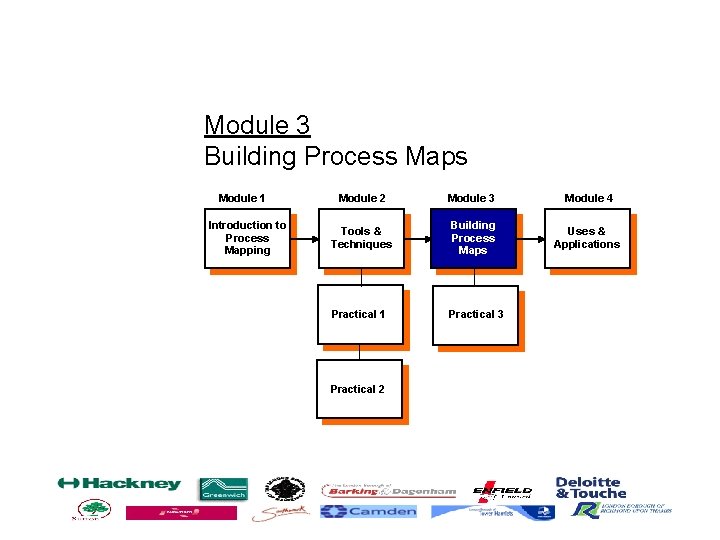
Module 3 Building Process Maps Module 1 Introduction to Process Mapping Module 2 Module 3 Module 4 Tools & Techniques Building Process Maps Uses & Applications Practical 1 Practical 3 Practical 2
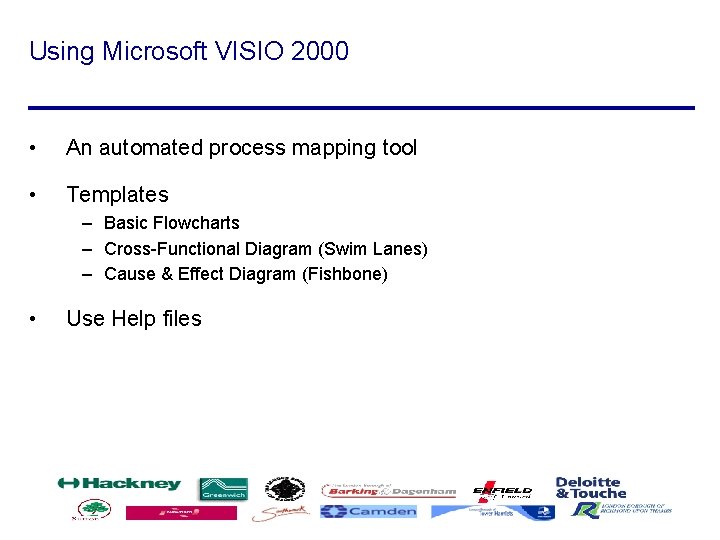
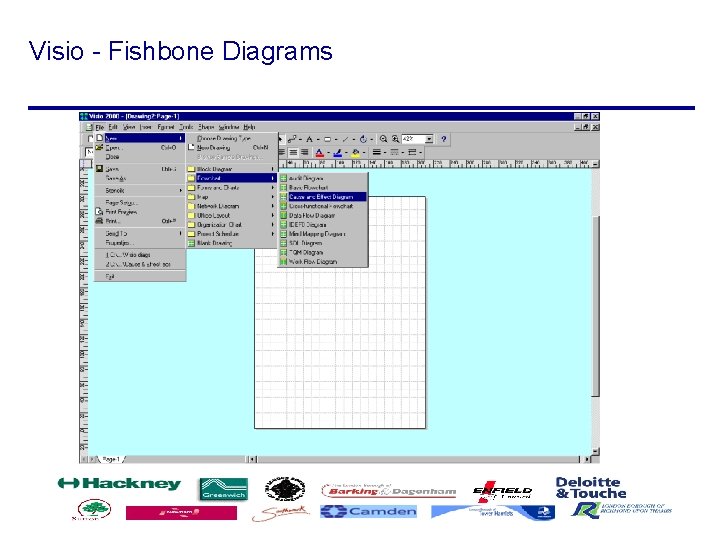
Using Microsoft VISIO 2000 • An automated process mapping tool • Templates – Basic Flowcharts – Cross-Functional Diagram (Swim Lanes) – Cause & Effect Diagram (Fishbone) • Use Help files
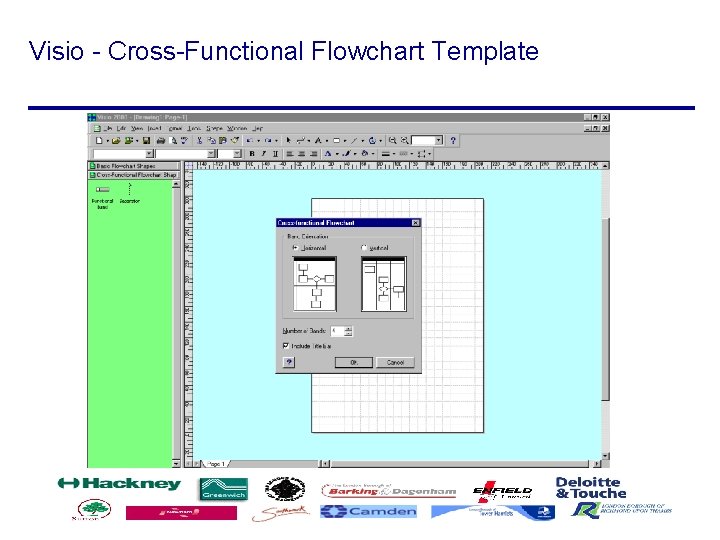
Visio - Cross-Functional Flowchart Template
Module 1 Introduction to Process Mapping Module 2 Module 3 Module 4 Tools & Techniques Building Process Maps Uses & Applications Practical 1 Practical 3 Practical 2
Your task. . . • Choose a process you are familiar with in the workplace • Map the process using the Cross-Functional Flowchart Method (Swim Lanes) • Re-check the process • Analyse the results • List some problems and improvements
Using VISIO 2000 • Use the process you have mapped by hand • Transfer this process into a Visio document • Use the Cross-Functional Flowchart template
Summary - Module 3 • Microsoft VISIO 2000 is a valuable tool for automating and documenting various design techniques • Process Mapping takes practice • The process maps act as a basis for the Analysis and Evaluation phase
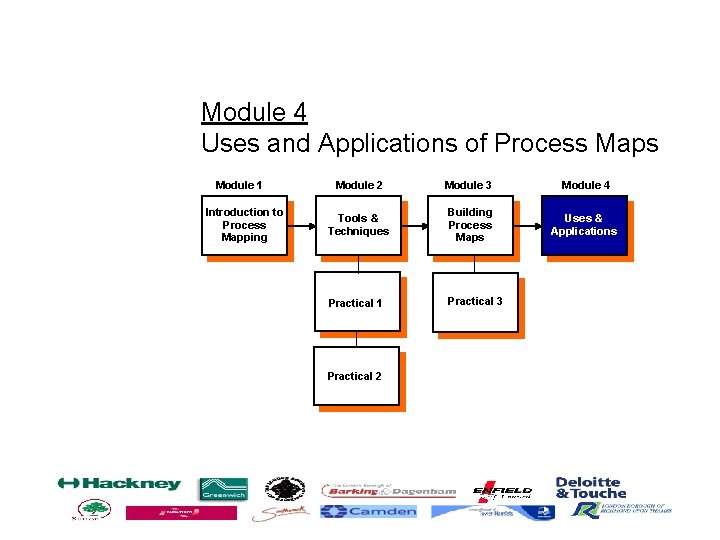
Module 4 Uses and Applications of Process Maps Module 1 Introduction to Process Mapping Module 2 Module 3 Module 4 Tools & Techniques Building Process Maps Uses & Applications Practical 1 Practical 3 Practical 2
Identify opportunities for improvement During process mapping we should go beyond understanding the current flow to identifying areas for improvement, such as: • Process opportunities • Technology opportunities and issues • Short-term fixes or urgent action items
Identify opportunities for improvement Process opportunities Once we have our process maps, we can begin to analyse them for process opportunities for improvement. Specifically, we can improve the work flow by using the following analysis techniques: • Value Chain Analysis • Why-Why Diagram • Cause and Effect Diagram • Critical Analysis
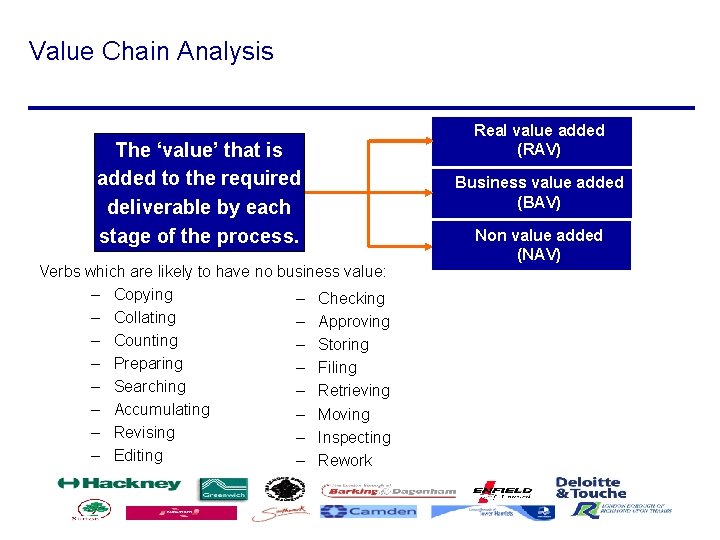
Value Chain Analysis The ‘value’ that is added to the required deliverable by each stage of the process. Verbs which are likely to have no business value: – Copying – Checking – Collating – Approving – Counting – Storing – Preparing – Filing – Searching – Retrieving – Accumulating – Moving – Revising – Inspecting – Editing – Rework Real value added (RAV) Business value added (BAV) Non value added (NAV)
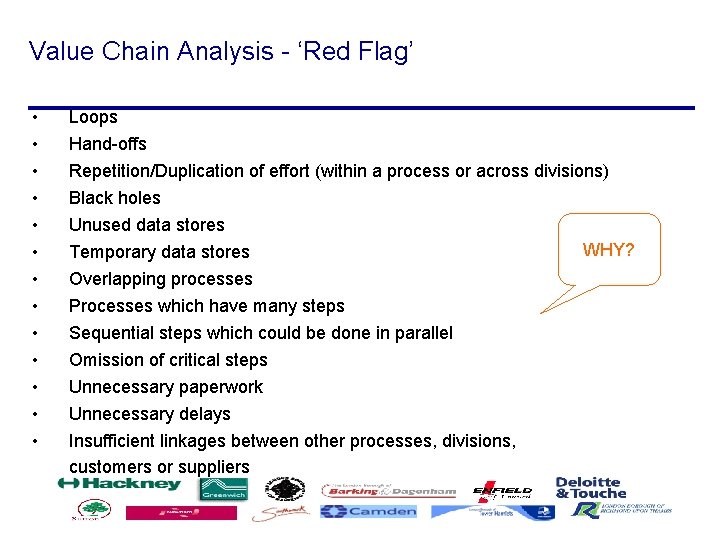
Value Chain Analysis - ‘Red Flag’ • • • • Loops Hand-offs Repetition/Duplication of effort (within a process or across divisions) Black holes Unused data stores WHY? Temporary data stores Overlapping processes Processes which have many steps Sequential steps which could be done in parallel Omission of critical steps Unnecessary paperwork Unnecessary delays Insufficient linkages between other processes, divisions, customers or suppliers
Why-Why Diagram Why?
Cause and Effect Diagram Effect, Problem or Objective
Critical Analysis
Visio - Fishbone Diagrams
‘To-Be’ Design Customer Needs & Wants
Design Principles • • • • Work Backwards See the business through the customers eyes Focus on the logical workflow first ‘What’ first, then who, where, when and how Look at I. T. as an enabler Assume ‘Paradise Principle’ to start with Minimise hand-offs Use ‘Triage’ principle Integrate tasks / activities Place decision making close to the customer / transfer Simplify Test using PIs and metrics Have a single point of contact - Ownership
Identify opportunities for improvement Technology opportunities and issues During the process mapping we will capture current system limitations as well as ideas for ways technology can enable a more effective or efficient process: • Identify potential uses for new technology (e. g. automation, better availability and sharing of information, etc. ) • Understand current system constraints (e. g. information not available on a timely basis due to batch processing, hardware capacity constraints, lack of interface between key systems, etc. )
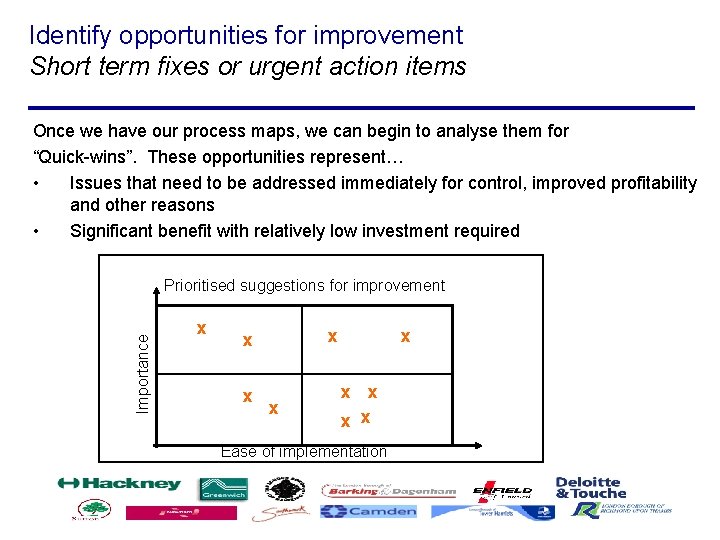
Identify opportunities for improvement Short term fixes or urgent action items Once we have our process maps, we can begin to analyse them for “Quick-wins”. These opportunities represent… • Issues that need to be addressed immediately for control, improved profitability and other reasons • Significant benefit with relatively low investment required Importance Prioritised suggestions for improvement x x x x x Ease of implementation
Summary - Module 4 • Process Mapping and Analysis identifies critical problems that need to be resolved • Business processes are re-designed to achieve ambitious business goals • Business Value is added • Quick Win projects are identified • Improvement Opportunities are identified • I. T. is used as an enabler for competitive advantage • The investment is justified using metrics and PIs
Next Steps • Prioritise the main processes you have identified • Process map at least one of them by the end of Week 1 (or continue to work on the one you have started) • Start of with the high-level process (Context Diagram) • Decompose this process into sub-processes • Don’t hesitate to ask for Help.