
Process for requesting a Mileage Certification Change through
- Slides: 16
Process for requesting a Mileage Certification Change through INDOT Road Inventory Kathy Eaton-Mc. Kalip
Road Inventory Mileage Change Request • Verify current INDOT Inventory of your roads • INDOT’s Inventory of Roads is limited to what has been reported to the Office of Road Inventory in the past. • If a segment of Roadway is not shown in INDOT’s Inventory it is not getting reported to the Auditor of the State of Indiana and no MVH funding is being distributed for that mileage. • It is equally important to remove segments that appear in INDOT’s Inventory that are not actually County Roads, City or Town Street. • There could be certain maintenance and liability issues associated with these types of roads. • New property owners along a “Private” street or drive may expect the Jurisdiction (County, City, or Town) to maintain the drive. • an injury accident occurs on a “Private” drive that is in the official Inventory and the Jurisdiction (County, City, or Town) could be named in litigation as a defendant. • INDOT Road Inventory recently audited many Counties to remove roads that were not actually in the Counties Inventory. • Inventory Summary tables and Map viewer are available online
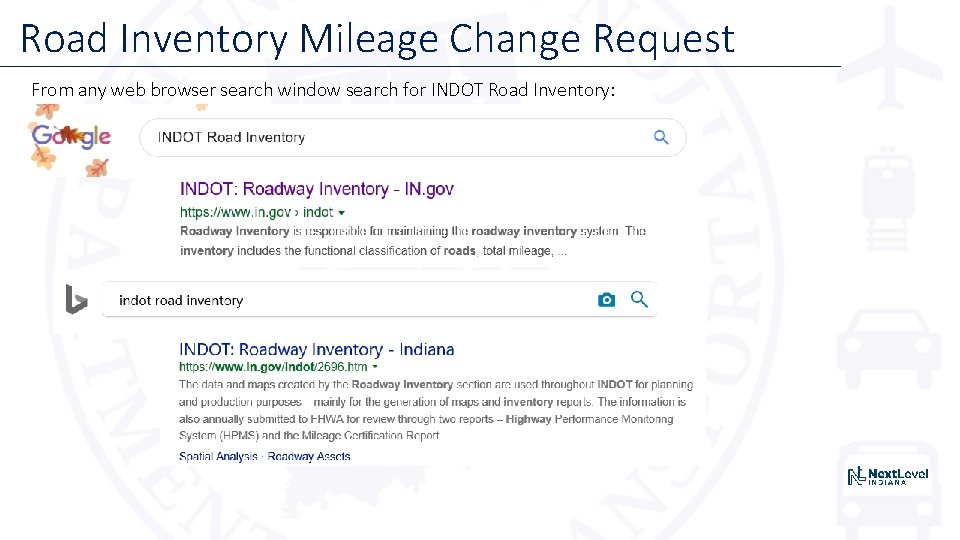
Road Inventory Mileage Change Request From any web browser search window search for INDOT Road Inventory:
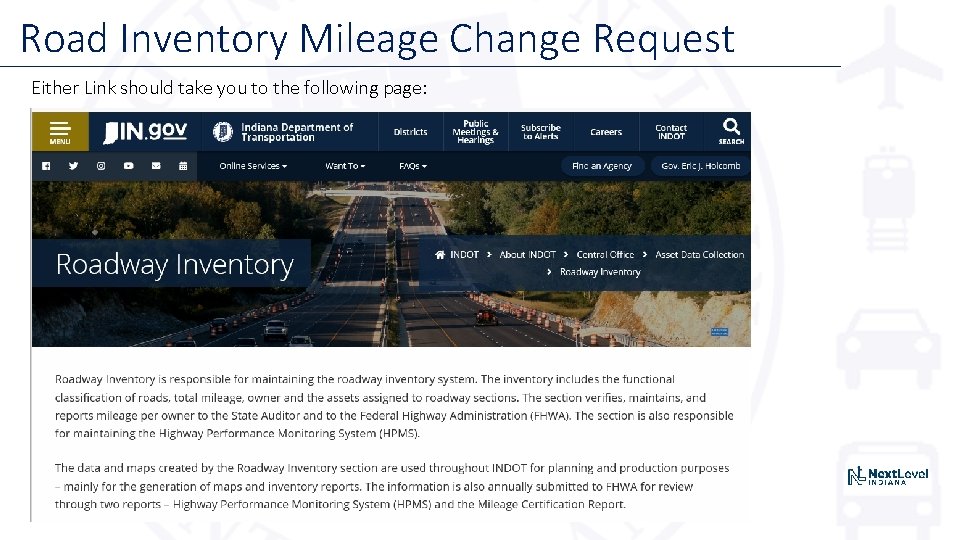
Road Inventory Mileage Change Request Either Link should take you to the following page:
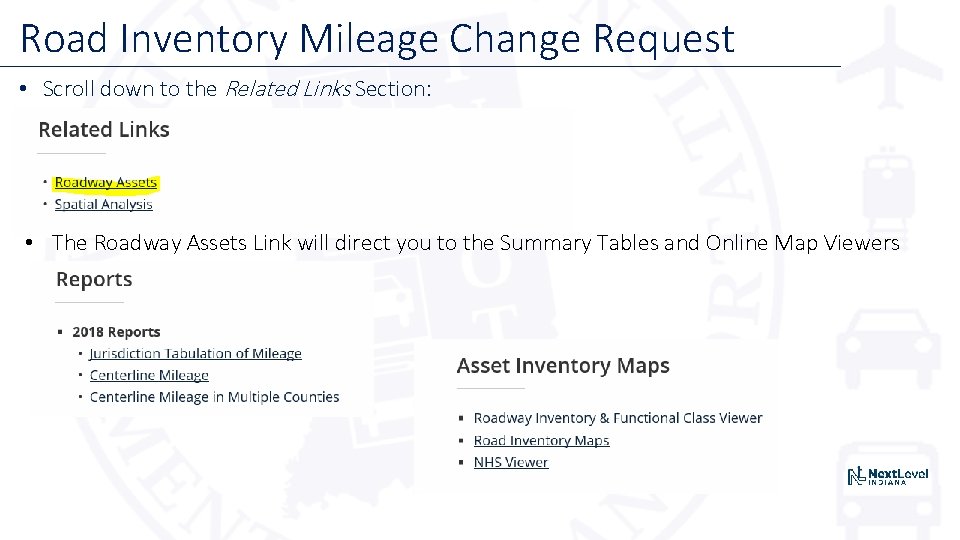
Road Inventory Mileage Change Request • Scroll down to the Related Links Section: • The Roadway Assets Link will direct you to the Summary Tables and Online Map Viewers
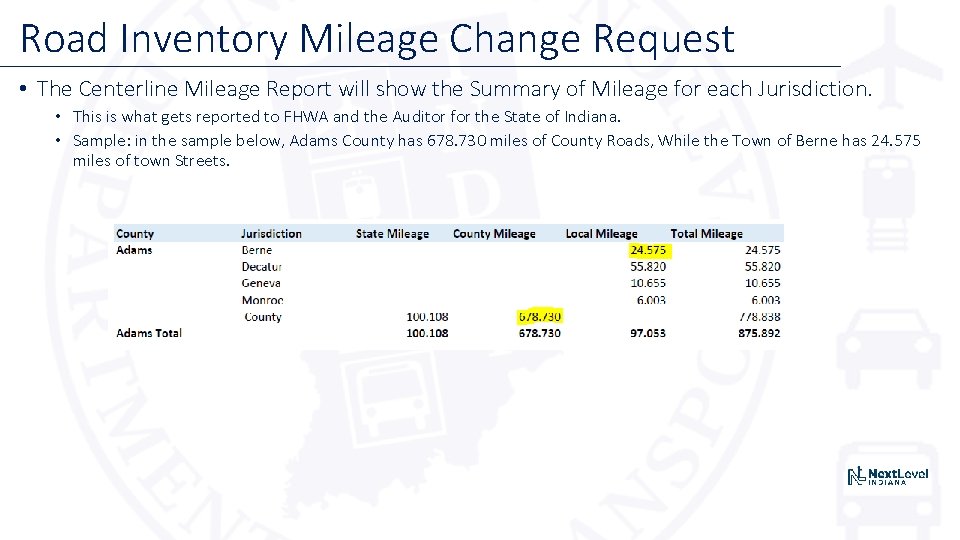
Road Inventory Mileage Change Request • The Centerline Mileage Report will show the Summary of Mileage for each Jurisdiction. • This is what gets reported to FHWA and the Auditor for the State of Indiana. • Sample: in the sample below, Adams County has 678. 730 miles of County Roads, While the Town of Berne has 24. 575 miles of town Streets.
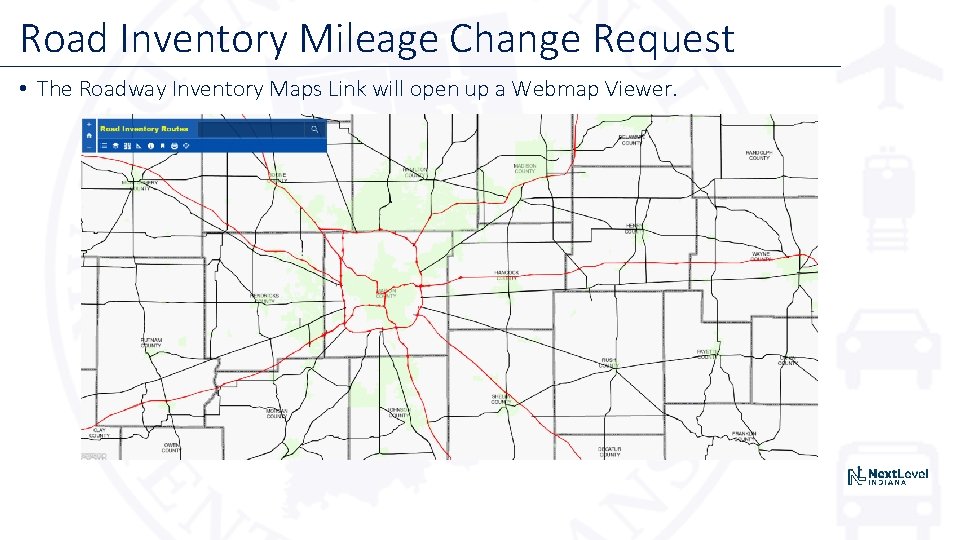
Road Inventory Mileage Change Request • The Roadway Inventory Maps Link will open up a Webmap Viewer.
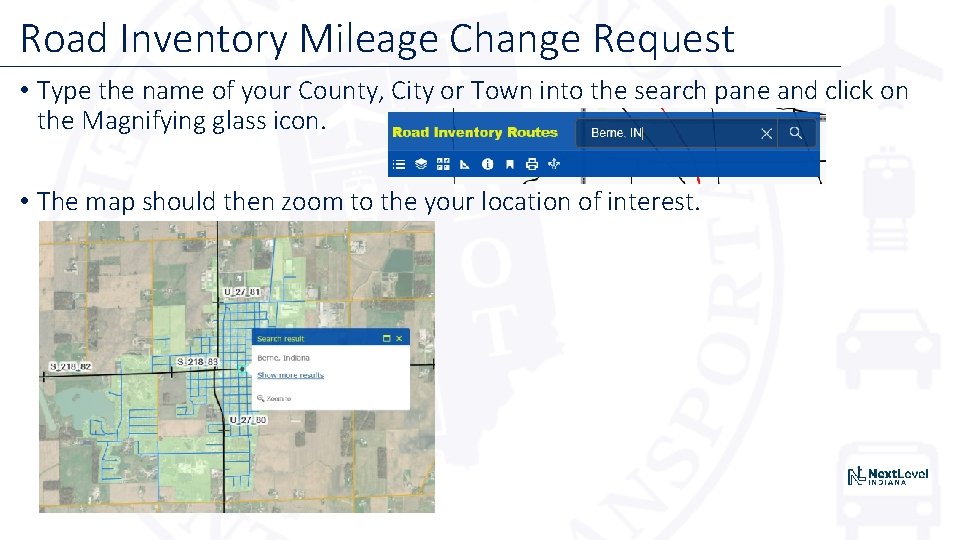
Road Inventory Mileage Change Request • Type the name of your County, City or Town into the search pane and click on the Magnifying glass icon. • The map should then zoom to the your location of interest.
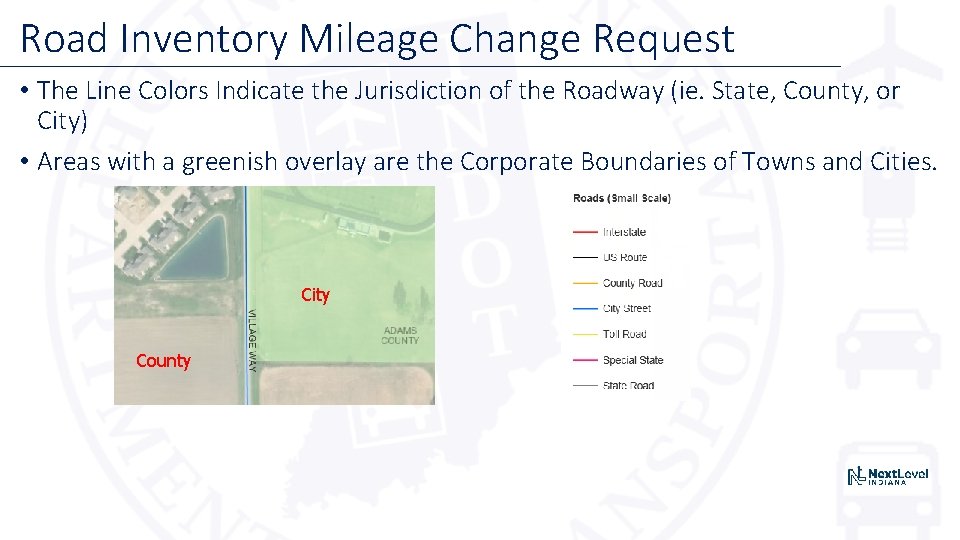
Road Inventory Mileage Change Request • The Line Colors Indicate the Jurisdiction of the Roadway (ie. State, County, or City) • Areas with a greenish overlay are the Corporate Boundaries of Towns and Cities. City County
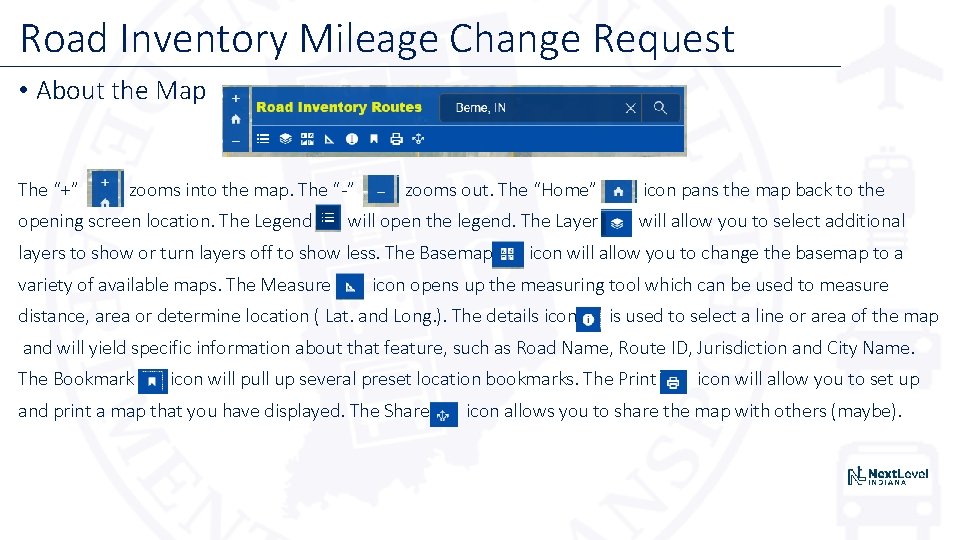
Road Inventory Mileage Change Request • About the Map The “+” zooms into the map. The “-” opening screen location. The Legend zooms out. The “Home” will open the legend. The Layer layers to show or turn layers off to show less. The Basemap variety of available maps. The Measure icon pans the map back to the will allow you to select additional icon will allow you to change the basemap to a icon opens up the measuring tool which can be used to measure distance, area or determine location ( Lat. and Long. ). The details icon is used to select a line or area of the map and will yield specific information about that feature, such as Road Name, Route ID, Jurisdiction and City Name. The Bookmark icon will pull up several preset location bookmarks. The Print and print a map that you have displayed. The Share icon will allow you to set up icon allows you to share the map with others (maybe).
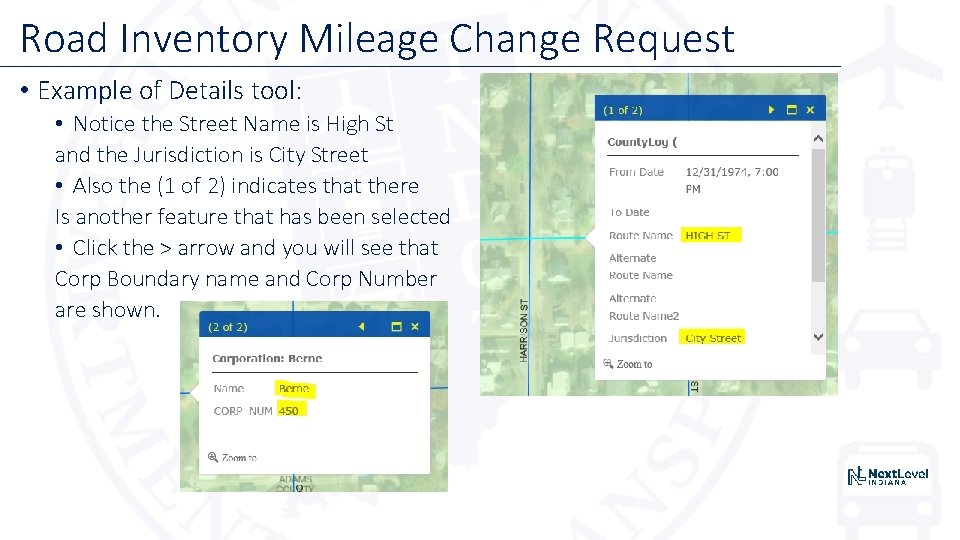
Road Inventory Mileage Change Request • Example of Details tool: • Notice the Street Name is High St and the Jurisdiction is City Street • Also the (1 of 2) indicates that there Is another feature that has been selected • Click the > arrow and you will see that Corp Boundary name and Corp Number are shown.
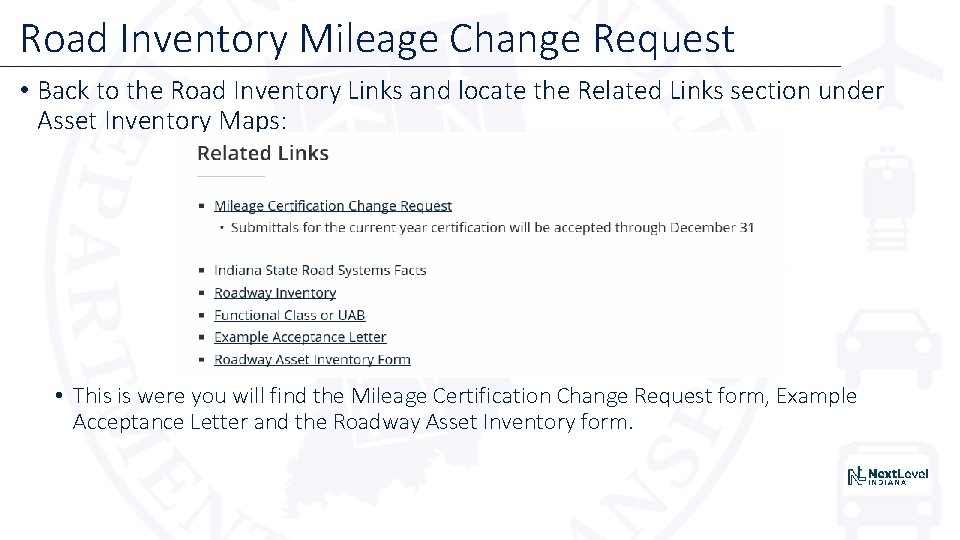
Road Inventory Mileage Change Request • Back to the Road Inventory Links and locate the Related Links section under Asset Inventory Maps: • This is were you will find the Mileage Certification Change Request form, Example Acceptance Letter and the Roadway Asset Inventory form.
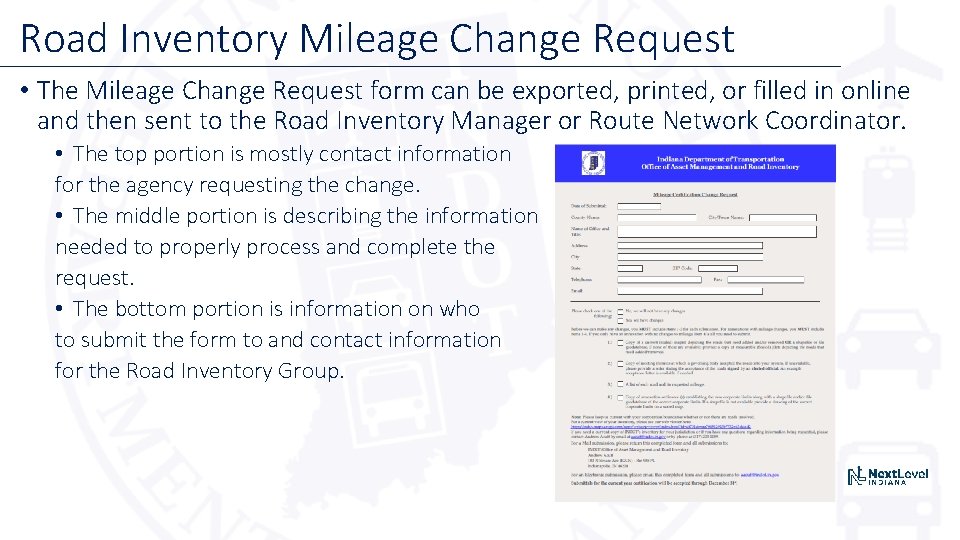
Road Inventory Mileage Change Request • The Mileage Change Request form can be exported, printed, or filled in online and then sent to the Road Inventory Manager or Route Network Coordinator. • The top portion is mostly contact information for the agency requesting the change. • The middle portion is describing the information needed to properly process and complete the request. • The bottom portion is information on who to submit the form to and contact information for the Road Inventory Group.
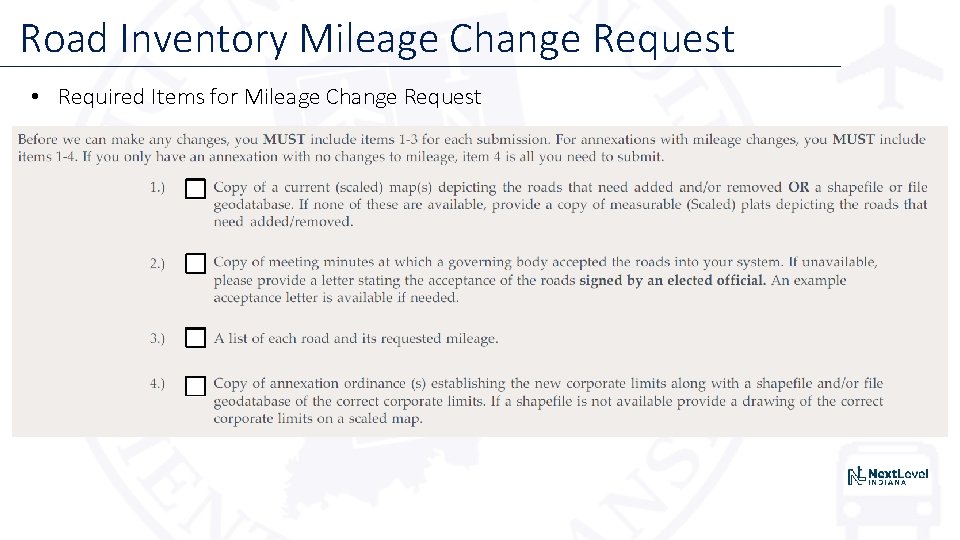
Road Inventory Mileage Change Request • Required Items for Mileage Change Request
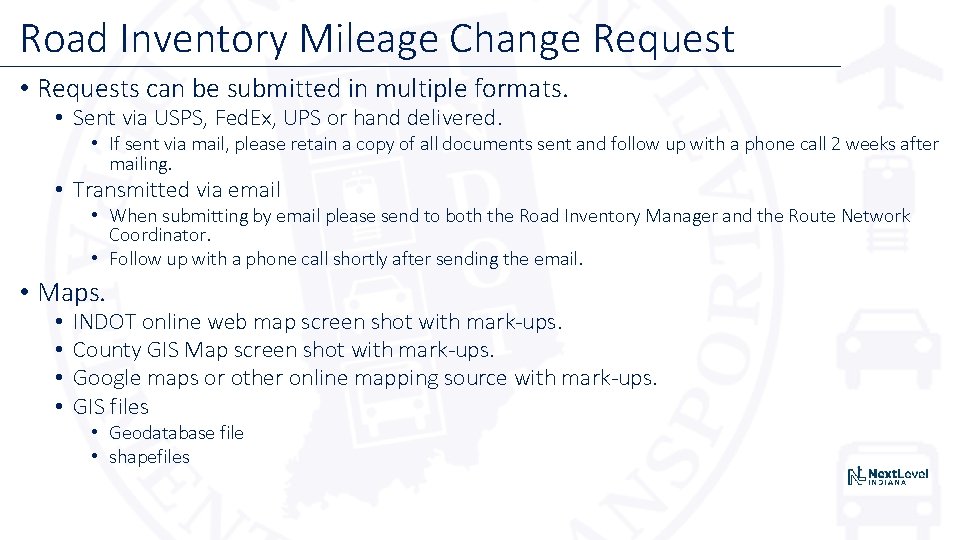
Road Inventory Mileage Change Request • Requests can be submitted in multiple formats. • Sent via USPS, Fed. Ex, UPS or hand delivered. • If sent via mail, please retain a copy of all documents sent and follow up with a phone call 2 weeks after mailing. • Transmitted via email • When submitting by email please send to both the Road Inventory Manager and the Route Network Coordinator. • Follow up with a phone call shortly after sending the email. • Maps. • • INDOT online web map screen shot with mark-ups. County GIS Map screen shot with mark-ups. Google maps or other online mapping source with mark-ups. GIS files • Geodatabase file • shapefiles
Road Inventory Mileage Change Request • Contact Information: • Questions or Comments?