
Process es A process is just an instance
- Slides: 16
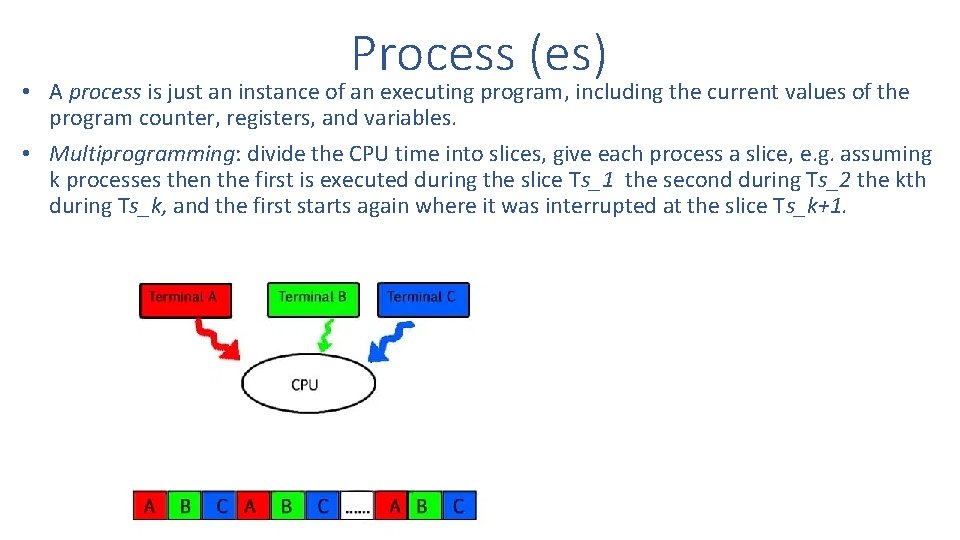
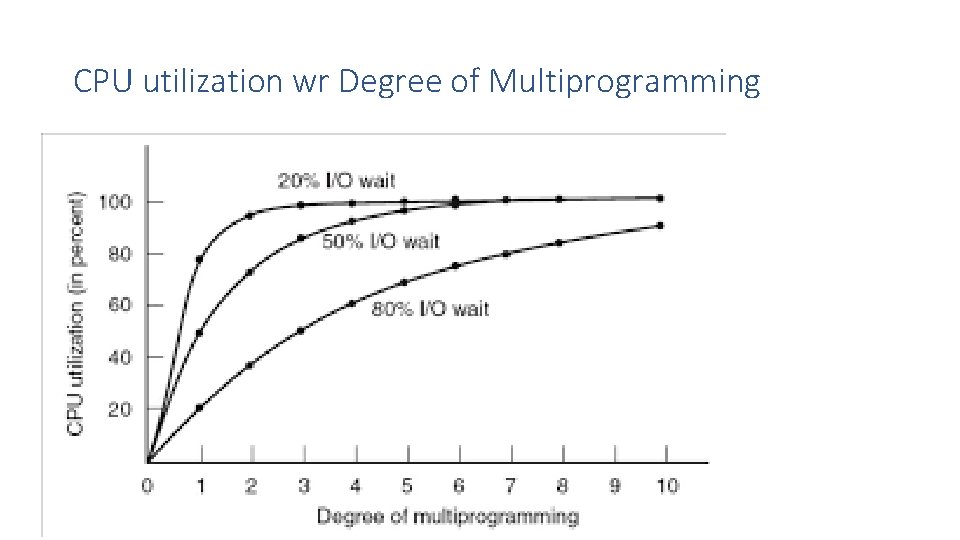
Process (es) • A process is just an instance of an executing program, including the current values of the program counter, registers, and variables. • Multiprogramming: divide the CPU time into slices, give each process a slice, e. g. assuming k processes then the first is executed during the slice Ts_1 the second during Ts_2 the kth during Ts_k, and the first starts again where it was interrupted at the slice Ts_k+1.
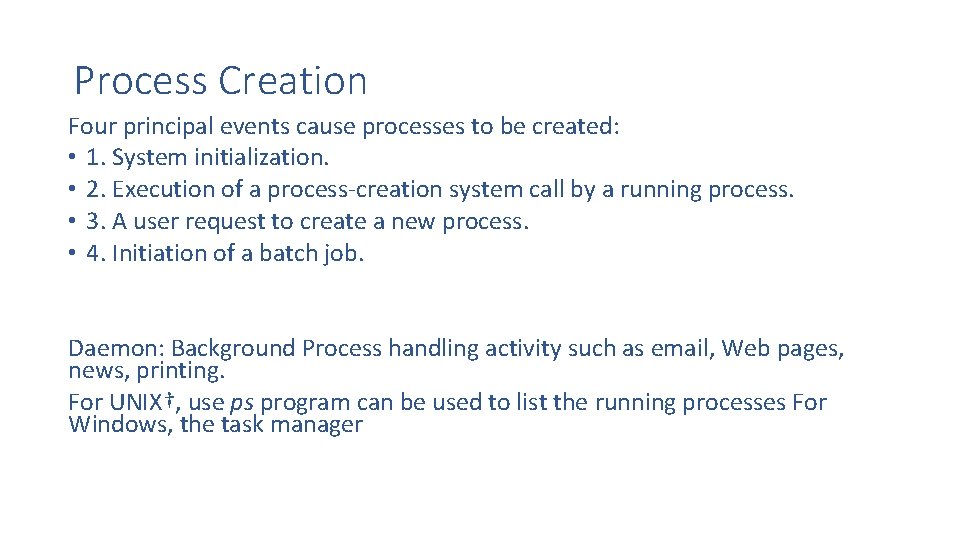
Process Creation Four principal events cause processes to be created: • 1. System initialization. • 2. Execution of a process-creation system call by a running process. • 3. A user request to create a new process. • 4. Initiation of a batch job. Daemon: Background Process handling activity such as email, Web pages, news, printing. For UNIX†, use ps program can be used to list the running processes For Windows, the task manager
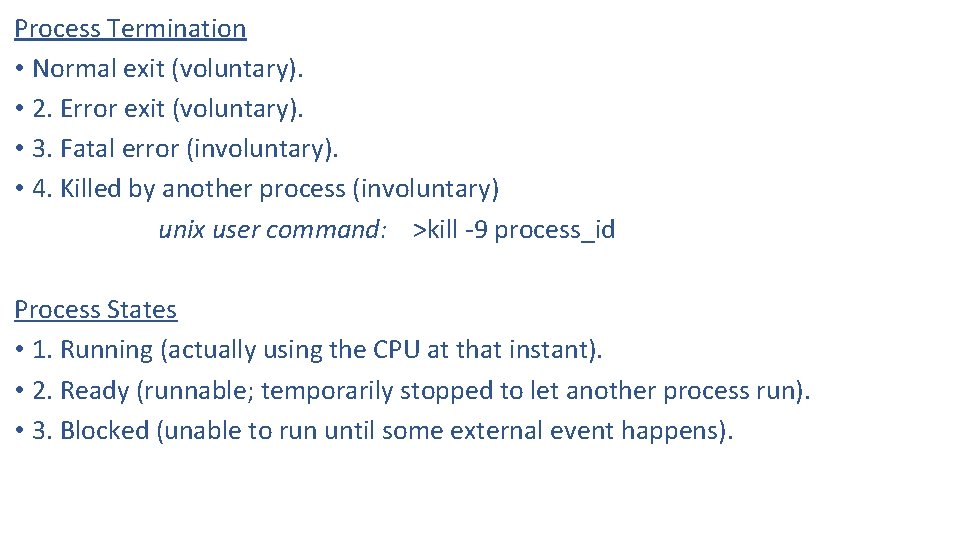
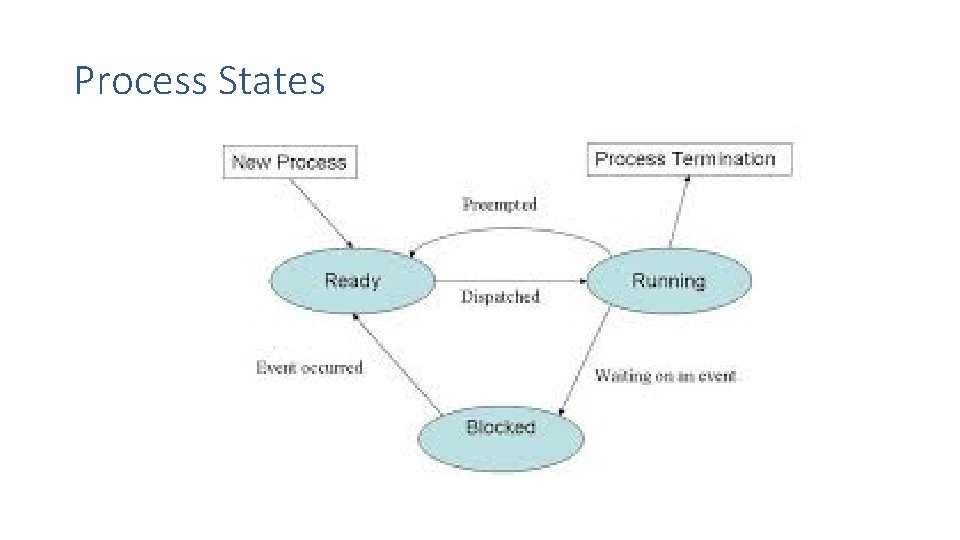
Process Termination • Normal exit (voluntary). • 2. Error exit (voluntary). • 3. Fatal error (involuntary). • 4. Killed by another process (involuntary) unix user command: >kill -9 process_id Process States • 1. Running (actually using the CPU at that instant). • 2. Ready (runnable; temporarily stopped to let another process run). • 3. Blocked (unable to run until some external event happens).
Process States
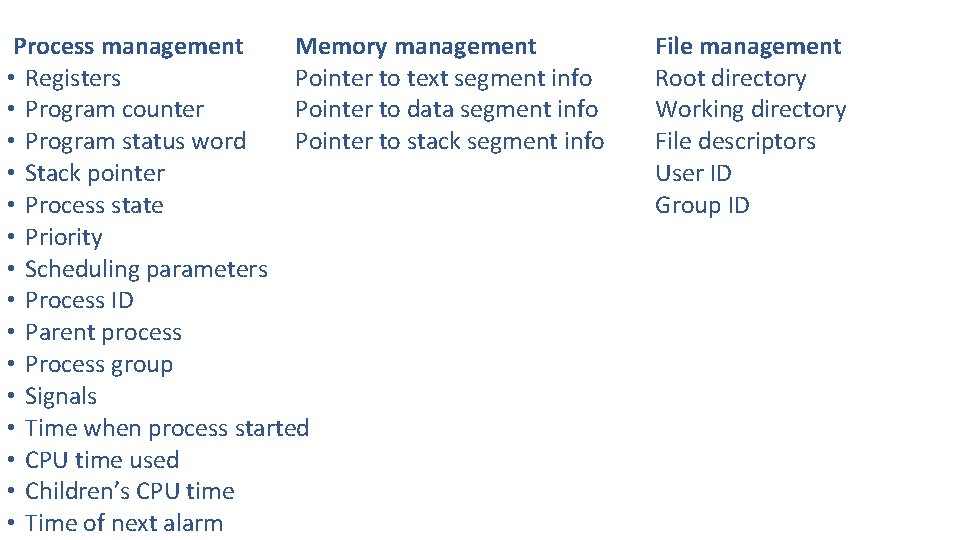
Process management Memory management • Registers Pointer to text segment info • Program counter Pointer to data segment info • Program status word Pointer to stack segment info • Stack pointer • Process state • Priority • Scheduling parameters • Process ID • Parent process • Process group • Signals • Time when process started • CPU time used • Children’s CPU time • Time of next alarm File management Root directory Working directory File descriptors User ID Group ID
CPU utilization wr Degree of Multiprogramming
Critical Region (Section) solution • 1. No two processes may be simultaneously inside their critical regions. • 2. No assumptions may be made about speeds or the number of CPUs. • 3. No process running outside its critical region may block any process. • 4. No process should have to wait forever to enter its critical region.
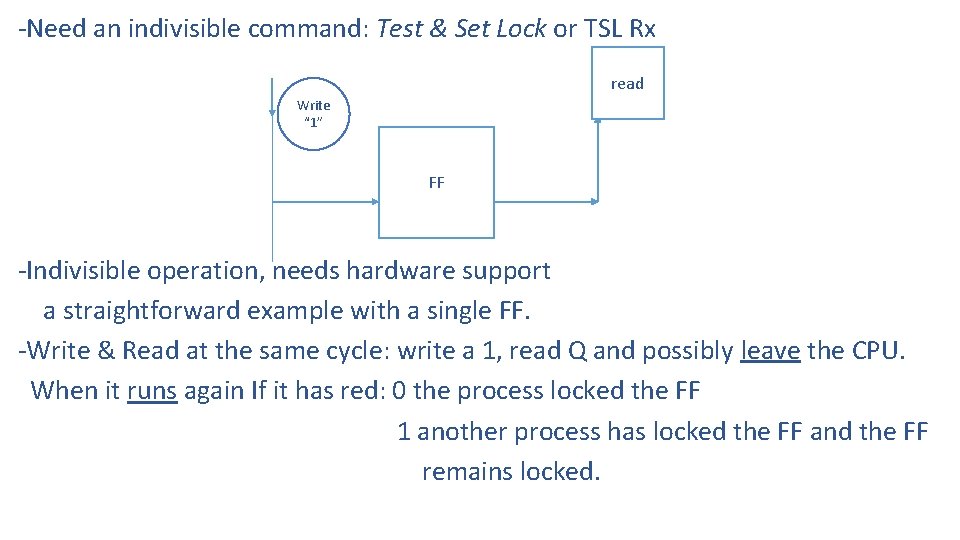
-Need an indivisible command: Test & Set Lock or TSL Rx read Write “ 1” FF -Indivisible operation, needs hardware support a straightforward example with a single FF. -Write & Read at the same cycle: write a 1, read Q and possibly leave the CPU. When it runs again If it has red: 0 the process locked the FF 1 another process has locked the FF and the FF remains locked.
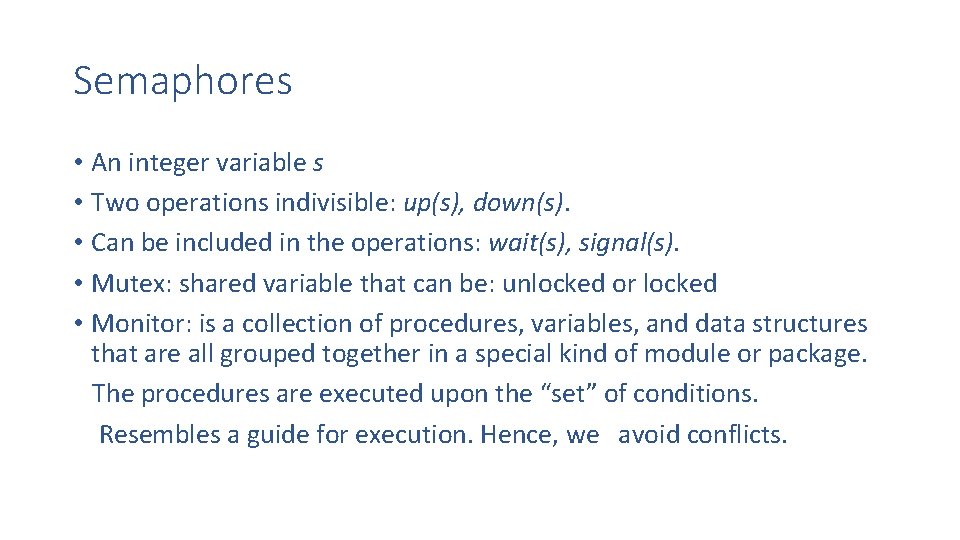
Semaphores • An integer variable s • Two operations indivisible: up(s), down(s). • Can be included in the operations: wait(s), signal(s). • Mutex: shared variable that can be: unlocked or locked • Monitor: is a collection of procedures, variables, and data structures that are all grouped together in a special kind of module or package. The procedures are executed upon the “set” of conditions. Resembles a guide for execution. Hence, we avoid conflicts.
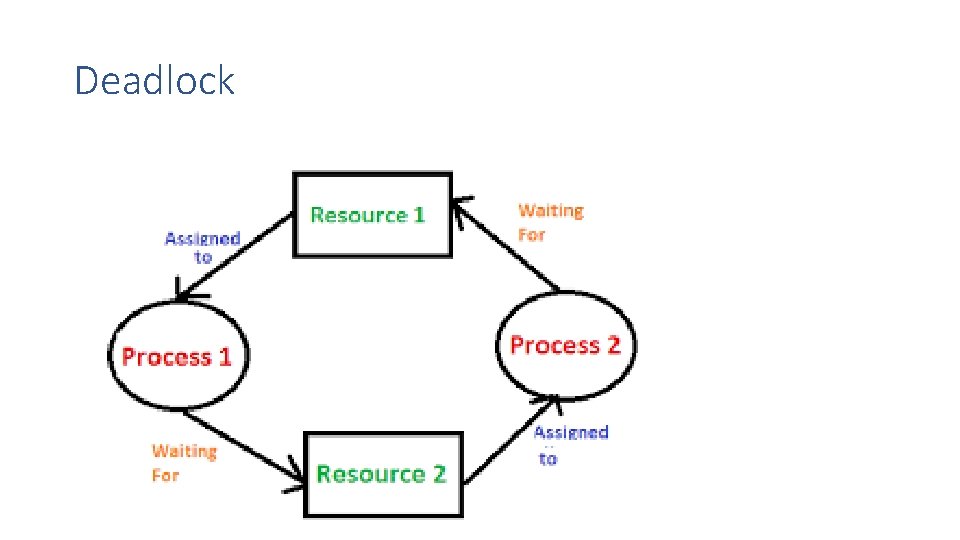
Deadlock
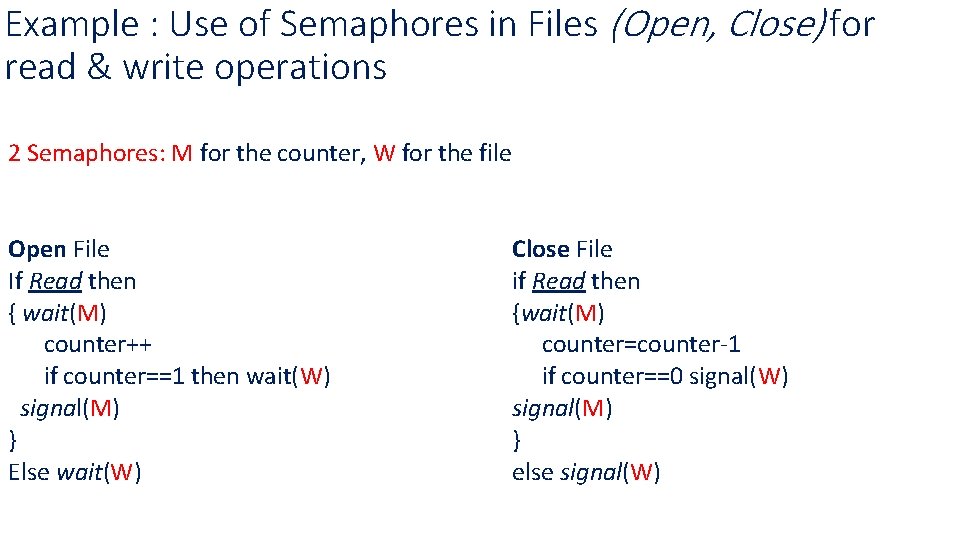
Example : Use of Semaphores in Files (Open, Close) for read & write operations 2 Semaphores: M for the counter, W for the file Open File If Read then { wait(M) counter++ if counter==1 then wait(W) signal(M) } Else wait(W) Close File if Read then {wait(M) counter=counter-1 if counter==0 signal(W) signal(M) } else signal(W)
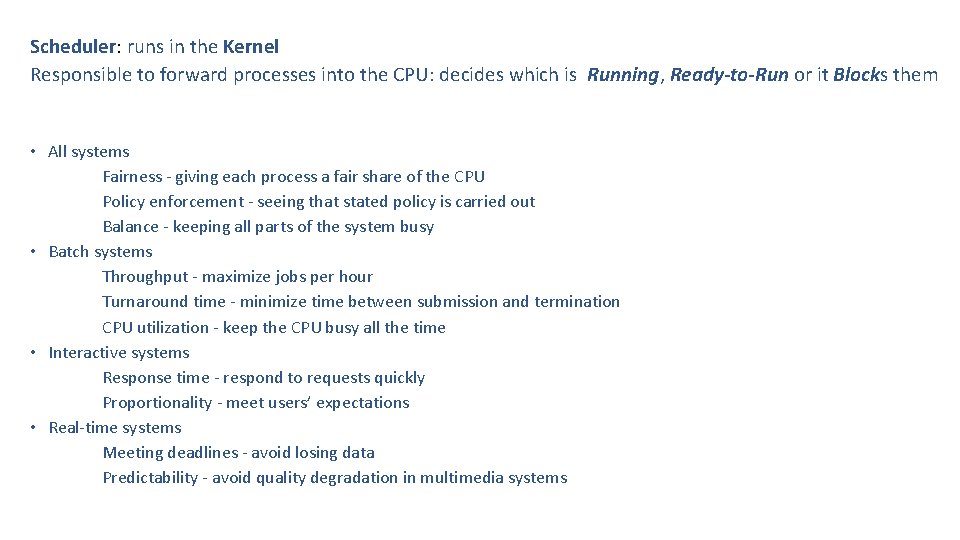
Scheduler: runs in the Kernel Responsible to forward processes into the CPU: decides which is Running, Ready-to-Run or it Blocks them • All systems Fairness - giving each process a fair share of the CPU Policy enforcement - seeing that stated policy is carried out Balance - keeping all parts of the system busy • Batch systems Throughput - maximize jobs per hour Turnaround time - minimize time between submission and termination CPU utilization - keep the CPU busy all the time • Interactive systems Response time - respond to requests quickly Proportionality - meet users’ expectations • Real-time systems Meeting deadlines - avoid losing data Predictability - avoid quality degradation in multimedia systems
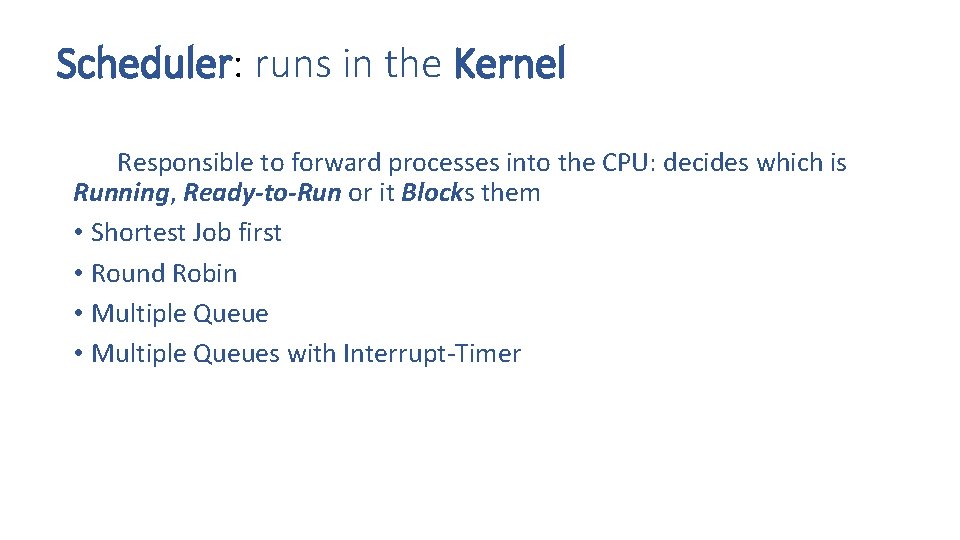
Scheduler: runs in the Kernel Responsible to forward processes into the CPU: decides which is Running, Ready-to-Run or it Blocks them • Shortest Job first • Round Robin • Multiple Queues with Interrupt-Timer
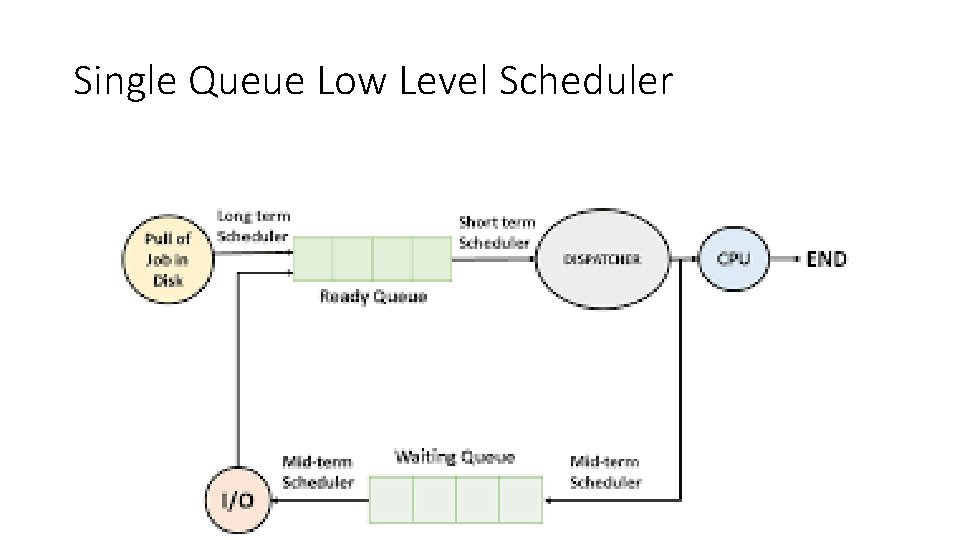
Single Queue Low Level Scheduler
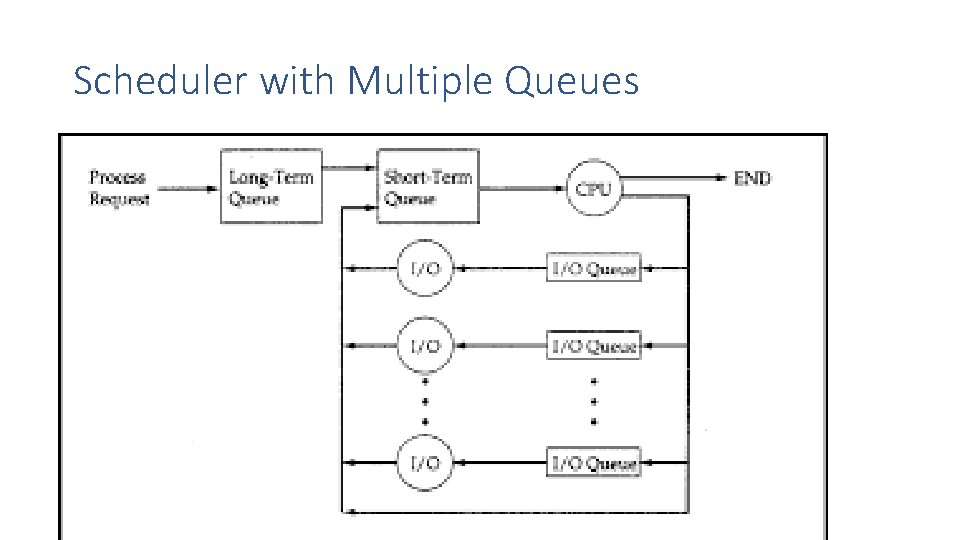
Scheduler with Multiple Queues