
PROCESS DESCRIPTIONS VS INSTRUCTIONS SIMILARITIES o Purpose n

- Slides: 35
PROCESS DESCRIPTIONS VS. INSTRUCTIONS
SIMILARITIES o Purpose: n o Format: n o Accurate description of a series of steps leading to a specific result ABC format Reader Analysis: n Audience’s technical level 2
SIMILARITIES o Graphics: n n o Page Design: n n n o flow charts, for Process Descriptions various graphics for Instructions headings, subdivision information grouped steps (for easy reading) numbered or bulleted lists Chronology: n step-by-step arrangement of steps 3
DIFFERENCES o o o To understand vs. To perform Informative vs. Directive POV Degree of detail Use of graphics Inclusion of warning, cautions, dangers 4
PROCESS DESCRIPTIONS 5
PROCESS DESCRIPTIONS v v o o To understand (a task) Informative, informational Summarize a procedure Used in a larger document 6
PROCESS DESCRIPTIONS o EXAMPLES: n n To describe an experiment To explain how a machine works To record steps in developing a new product To describe what happened during a field test 7
PROCESS DESCRIPTIONS o READER ANALYSIS: n Technical Background? o n n (experts vs. lay persons) Need overview or details? Is the PD a main part of the document? o OR in the appendix 8
PROCESS DESCRIPTIONS o READER ANALYSIS: n Mixed Technical Backgrounds: o o Write for the least common denominator Write for the least technical readers n n Use non-technical language Define technical terms o (informally, in parentheses) 9
PROCESS DESCRIPTIONS o ABC Format: n ABSTRACT – o Purpose Statement n o Overview n n o place the PD into a context of the entire document or, list of main steps gives a framework for interpreting the forthcoming details List of Equipment n materials used in the process 10
PROCESS DESCRIPTIONS o ABC Format: n BODY – o o Chronological Order Paragraphs n n o this gives readers a smooth explanation of the entire process with transitions between sentences Numbered List of Steps n n this places emphasis on the individual steps with a brief lead-in paragraph 11
PROCESS DESCRIPTIONS o ABC Format: n CONCLUSION – o o Help the reader put the steps together into a coherent whole Show the process fits into a larger context n how & where this fits into other procedures being performed 12
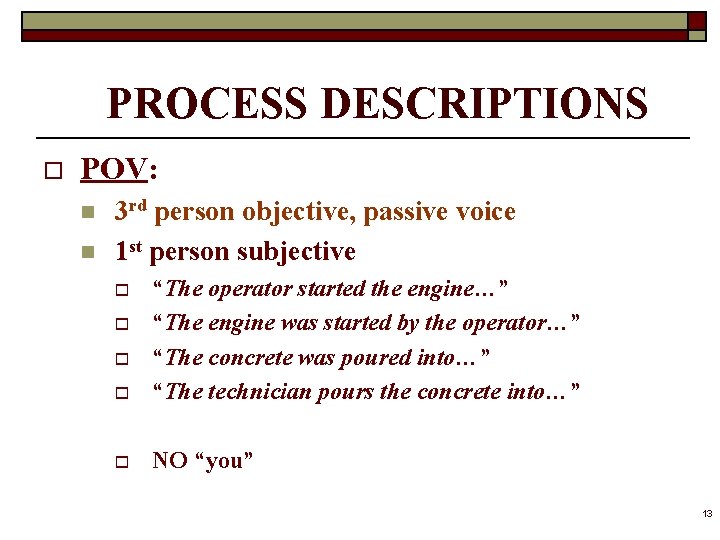
PROCESS DESCRIPTIONS o POV: n n 3 rd person objective, passive voice 1 st person subjective o “The operator started the engine…” “The engine was started by the operator…” “The concrete was poured into…” “The technician pours the concrete into…” o NO “you” o o o 13
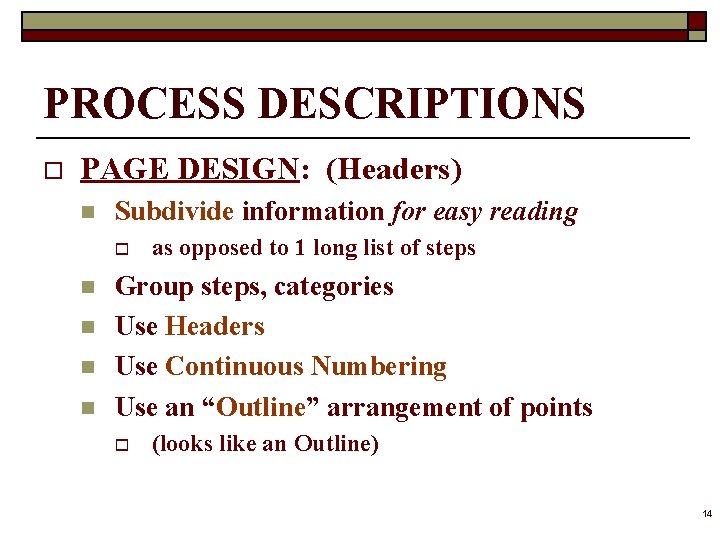
PROCESS DESCRIPTIONS o PAGE DESIGN: (Headers) n Subdivide information for easy reading o n n as opposed to 1 long list of steps Group steps, categories Use Headers Use Continuous Numbering Use an “Outline” arrangement of points o (looks like an Outline) 14
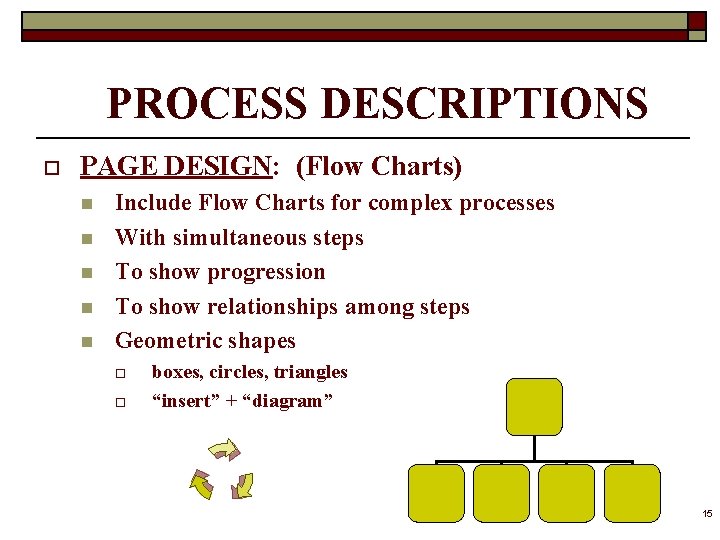
PROCESS DESCRIPTIONS o PAGE DESIGN: (Flow Charts) n n n Include Flow Charts for complex processes With simultaneous steps To show progression To show relationships among steps Geometric shapes o o boxes, circles, triangles “insert” + “diagram” 15
INSTRUCTIONS 16
INSTRUCTIONS o o To perform, do (a task) Directive, directional Set of detailed instructions Like training/operating manuals n n which have instructions + features, parts, troubleshooting 17
INSTRUCTIONS o READER ANALYSIS: n n Determine Technical Level Appeal to the lowest common denominator Define technical terms or name/explain objects “Define” & “Describe” 18
PROCESS DESCRIPTIONS o ABC Format: n ABSTRACT – o o o Purpose Statement Summary of Main Steps List of Equipment n n n materials used in the process perhaps illustrations of equipment/materials Under its OWN heading 19
PROCESS DESCRIPTIONS o ABC Format: n ABSTRACT – o Bonus Info n n pointers that will help with installation definitions of terms theory of something works notes, cautions, warnings, dangers that apply to ALL steps 20
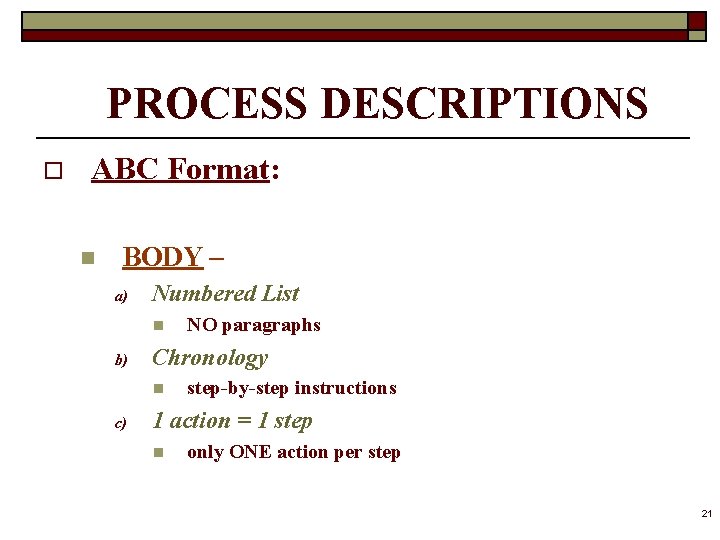
PROCESS DESCRIPTIONS o ABC Format: n BODY – a) Numbered List n b) Chronology n c) NO paragraphs step-by-step instructions 1 action = 1 step n only ONE action per step 21
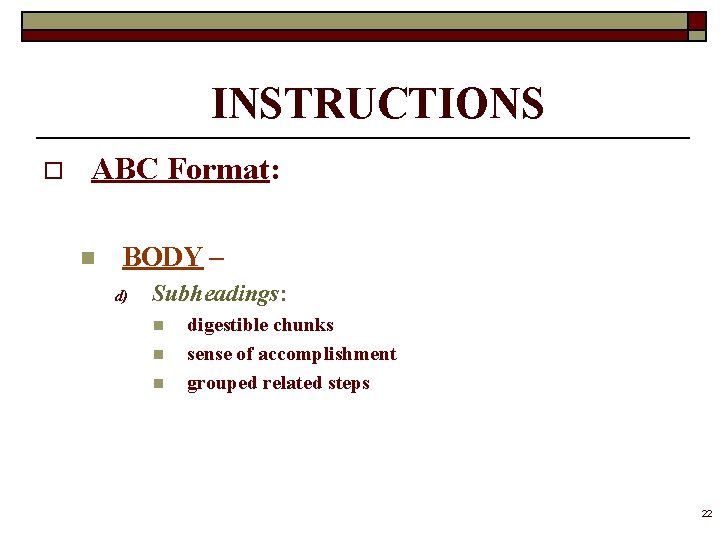
INSTRUCTIONS o ABC Format: n BODY – d) Subheadings: n n n digestible chunks sense of accomplishment grouped related steps 22
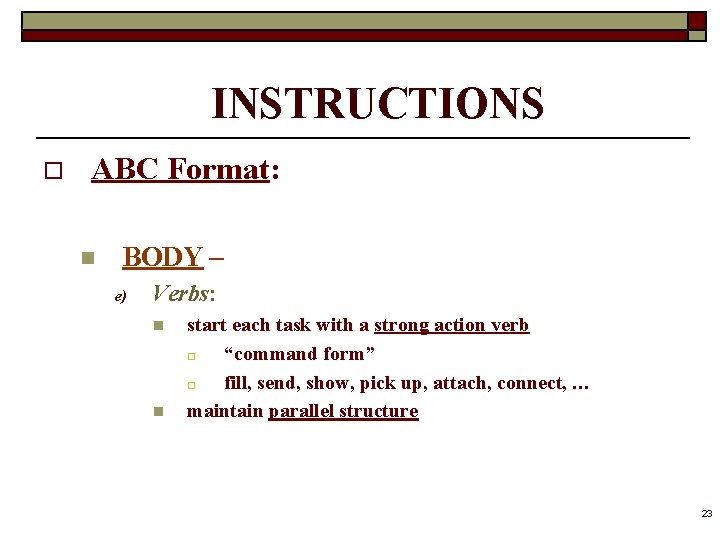
INSTRUCTIONS o ABC Format: n BODY – e) Verbs: n n start each task with a strong action verb o “command form” o fill, send, show, pick up, attach, connect, … maintain parallel structure 23
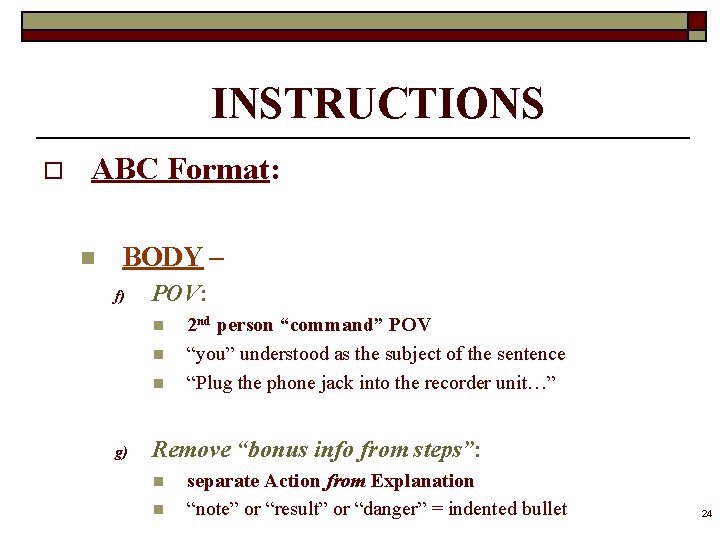
INSTRUCTIONS o ABC Format: n BODY – f) POV: n n n g) 2 nd person “command” POV “you” understood as the subject of the sentence “Plug the phone jack into the recorder unit…” Remove “bonus info from steps”: n n separate Action from Explanation “note” or “result” or “danger” = indented bullet 24
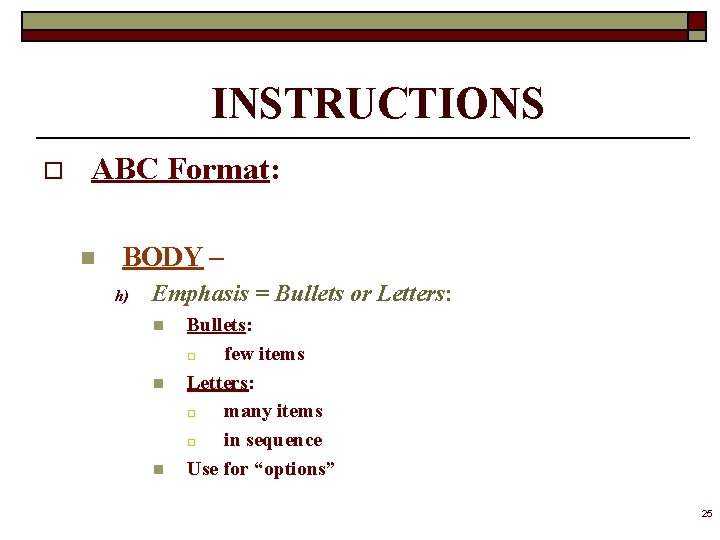
INSTRUCTIONS o ABC Format: n BODY – h) Emphasis = Bullets or Letters: n n n Bullets: o few items Letters: o many items o in sequence Use for “options” 25
INSTRUCTIONS o ABC Format: n BODY – i) DANGERS!: ** YOUR MOST IMPORTANT OBLIGATION ** 26
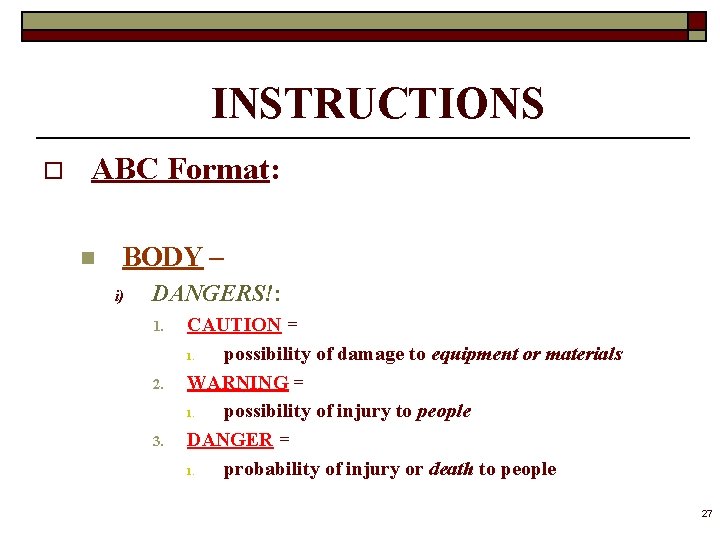
INSTRUCTIONS o ABC Format: n BODY – i) DANGERS!: 1. 2. 3. CAUTION = 1. possibility of damage to equipment or materials WARNING = 1. possibility of injury to people DANGER = 1. probability of injury or death to people 27
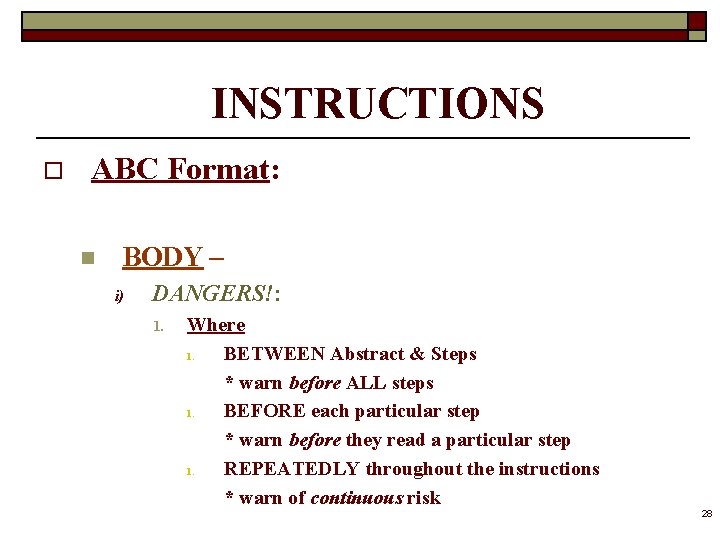
INSTRUCTIONS o ABC Format: n BODY – i) DANGERS!: 1. Where 1. BETWEEN Abstract & Steps * warn before ALL steps 1. BEFORE each particular step * warn before they read a particular step 1. REPEATEDLY throughout the instructions * warn of continuous risk 28
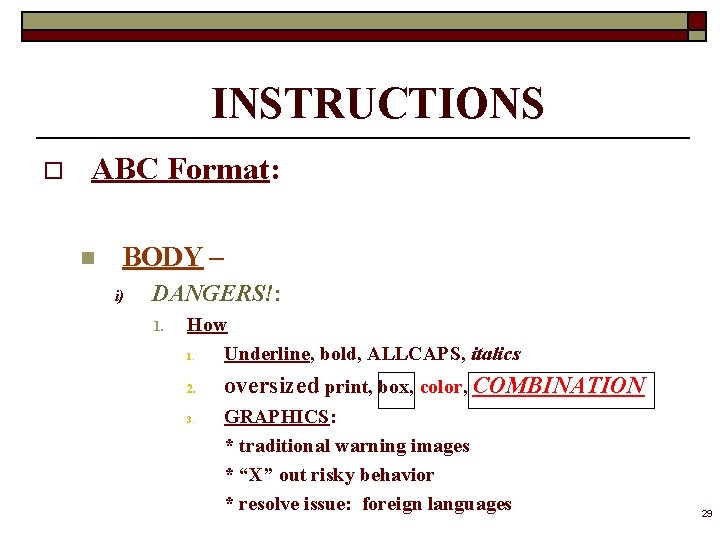
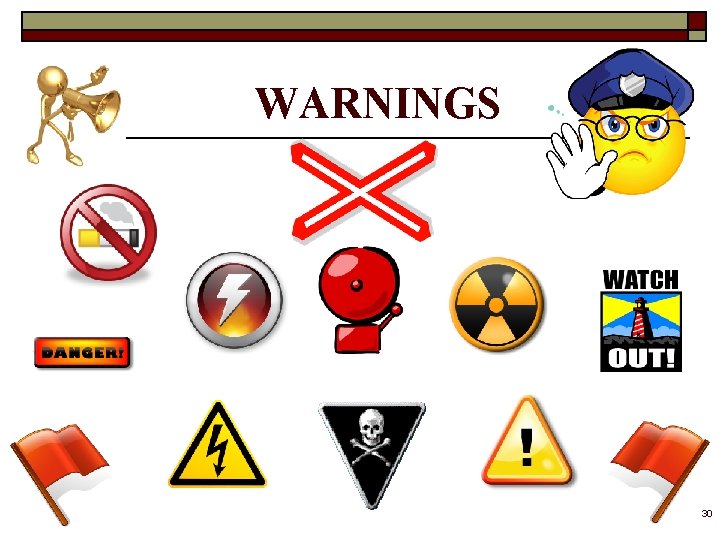
INSTRUCTIONS o ABC Format: n BODY – i) DANGERS!: 1. How 1. Underline, bold, ALLCAPS, italics 2. 3. oversized print, box, color, COMBINATION GRAPHICS: * traditional warning images * “X” out risky behavior * resolve issue: foreign languages 29
WARNINGS 30
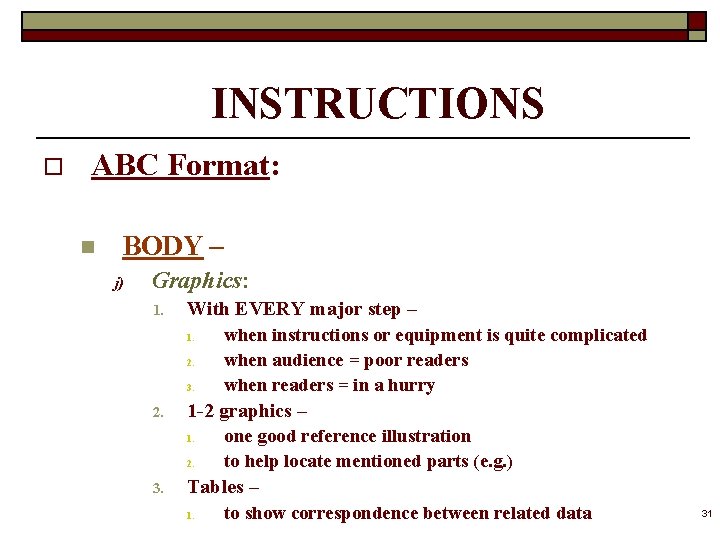
INSTRUCTIONS o ABC Format: n BODY – j) Graphics: 1. With EVERY major step – 1. 2. 3. 2. 1 -2 graphics – 1. 2. 3. when instructions or equipment is quite complicated when audience = poor readers when readers = in a hurry one good reference illustration to help locate mentioned parts (e. g. ) Tables – 1. to show correspondence between related data 31
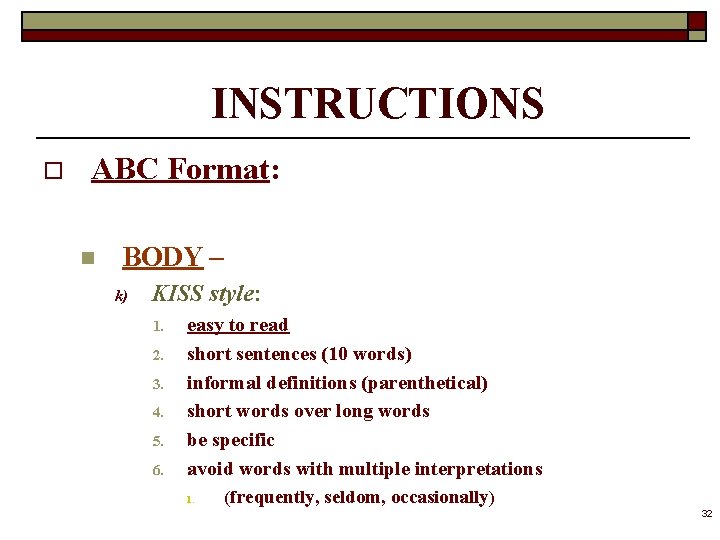
INSTRUCTIONS o ABC Format: n BODY – k) KISS style: 1. 2. 3. 4. 5. 6. easy to read short sentences (10 words) informal definitions (parenthetical) short words over long words be specific avoid words with multiple interpretations 1. (frequently, seldom, occasionally) 32
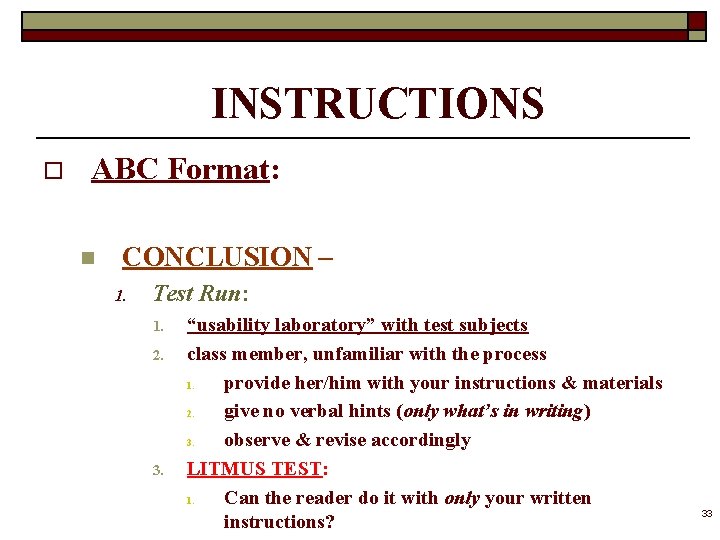
INSTRUCTIONS o ABC Format: n CONCLUSION – 1. Test Run: 1. 2. 3. “usability laboratory” with test subjects class member, unfamiliar with the process 1. provide her/him with your instructions & materials 2. give no verbal hints (only what’s in writing) 3. observe & revise accordingly LITMUS TEST: 1. Can the reader do it with only your written instructions? 33
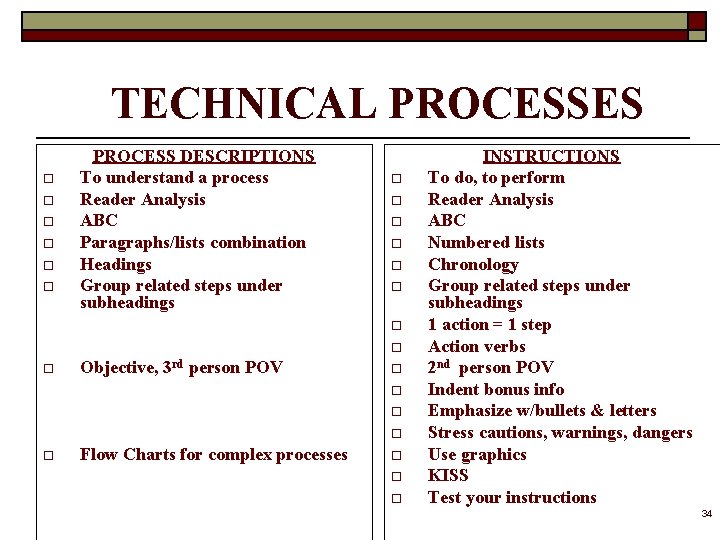
TECHNICAL PROCESSES o o o PROCESS DESCRIPTIONS To understand a process Reader Analysis ABC Paragraphs/lists combination Headings Group related steps under subheadings o o o o o Objective, 3 rd person POV o o o Flow Charts for complex processes o o o INSTRUCTIONS To do, to perform Reader Analysis ABC Numbered lists Chronology Group related steps under subheadings 1 action = 1 step Action verbs 2 nd person POV Indent bonus info Emphasize w/bullets & letters Stress cautions, warnings, dangers Use graphics KISS Test your instructions 34
35