
PROC GPLOT l GPLOT is used to make
- Slides: 28
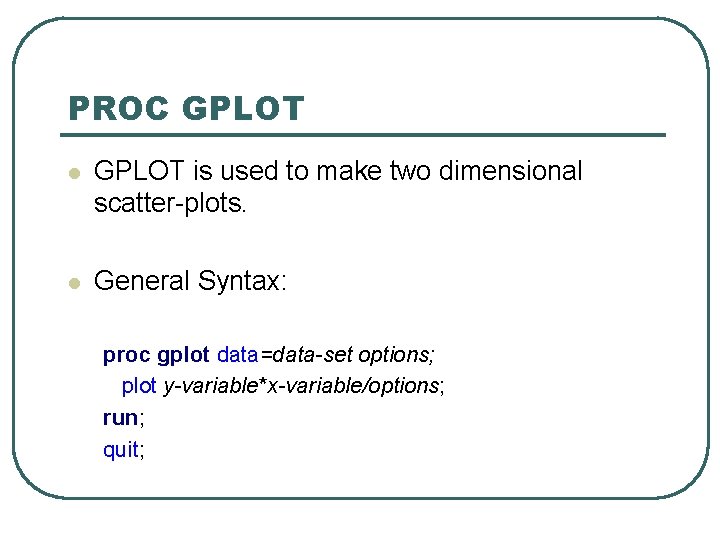
PROC GPLOT l GPLOT is used to make two dimensional scatter-plots. l General Syntax: proc gplot data=data-set options; plot y-variable*x-variable/options; run; quit;
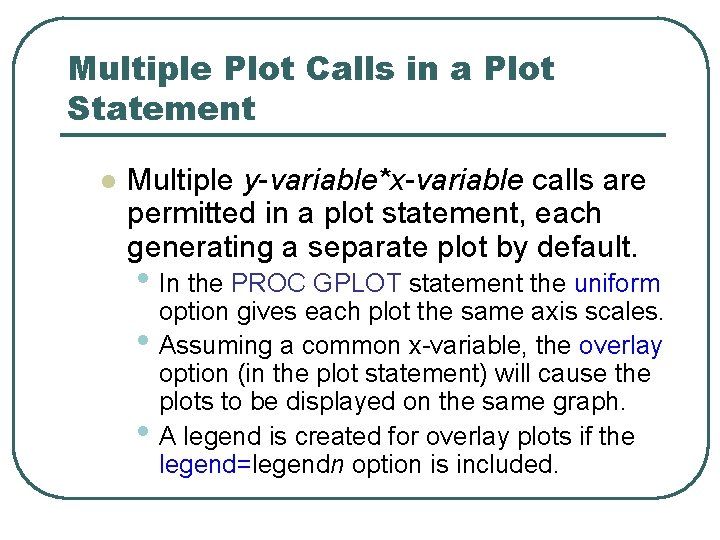
Multiple Plot Calls in a Plot Statement l Multiple y-variable*x-variable calls are permitted in a plot statement, each generating a separate plot by default. • In the PROC GPLOT statement the uniform • • option gives each plot the same axis scales. Assuming a common x-variable, the overlay option (in the plot statement) will cause the plots to be displayed on the same graph. A legend is created for overlay plots if the legend=legendn option is included.
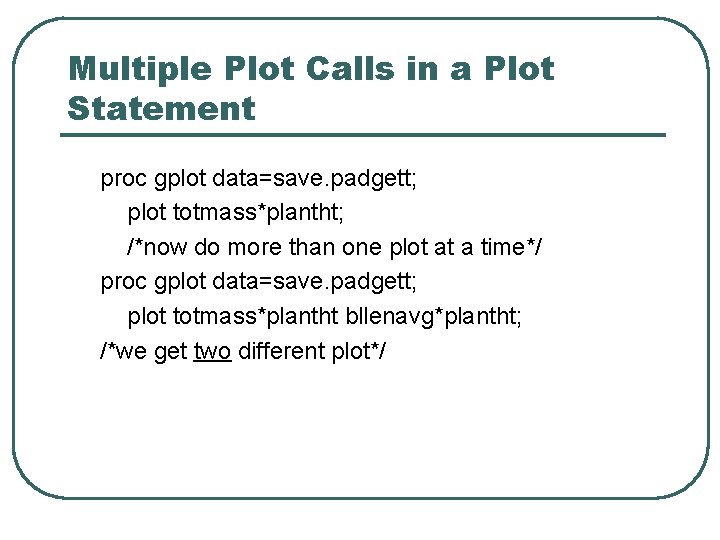
Multiple Plot Calls in a Plot Statement proc gplot data=save. padgett; plot totmass*plantht; /*now do more than one plot at a time*/ proc gplot data=save. padgett; plot totmass*plantht bllenavg*plantht; /*we get two different plot*/
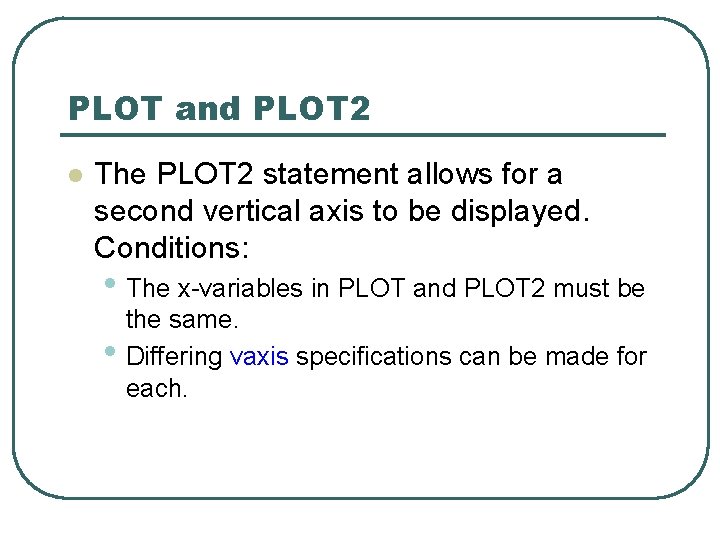
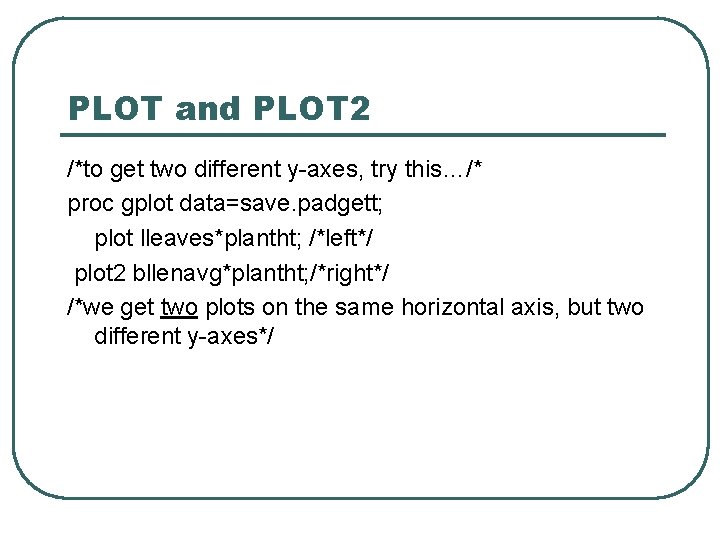
PLOT and PLOT 2 l The PLOT 2 statement allows for a second vertical axis to be displayed. Conditions: • The x-variables in PLOT and PLOT 2 must be • the same. Differing vaxis specifications can be made for each.
PLOT and PLOT 2 /*to get two different y-axes, try this…/* proc gplot data=save. padgett; plot lleaves*plantht; /*left*/ plot 2 bllenavg*plantht; /*right*/ /*we get two plots on the same horizontal axis, but two different y-axes*/
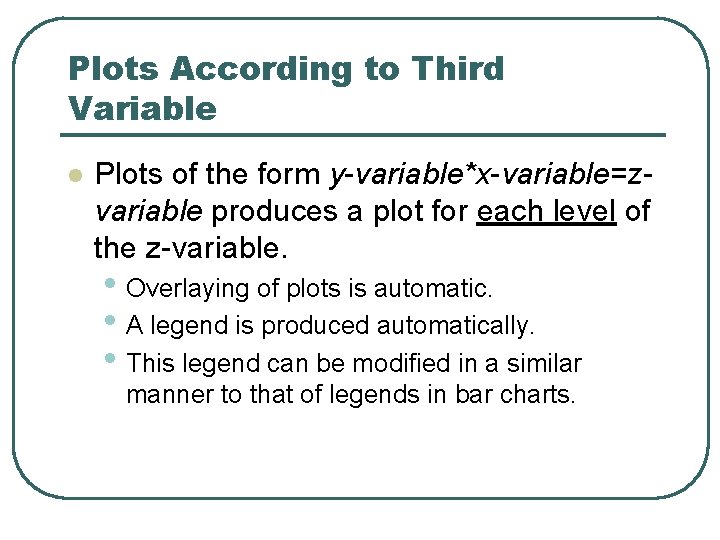
Plots According to Third Variable l Plots of the form y-variable*x-variable=zvariable produces a plot for each level of the z-variable. • Overlaying of plots is automatic. • A legend is produced automatically. • This legend can be modified in a similar manner to that of legends in bar charts.
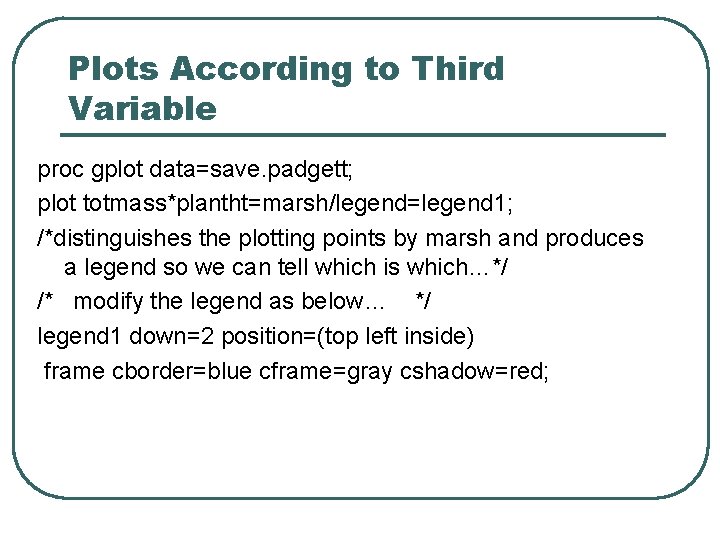
Plots According to Third Variable proc gplot data=save. padgett; plot totmass*plantht=marsh/legend=legend 1; /*distinguishes the plotting points by marsh and produces a legend so we can tell which is which…*/ /* modify the legend as below… */ legend 1 down=2 position=(top left inside) frame cborder=blue cframe=gray cshadow=red;
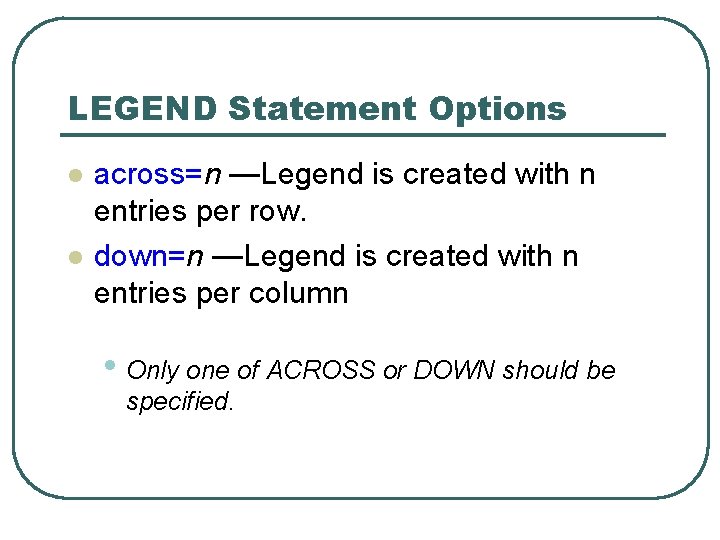
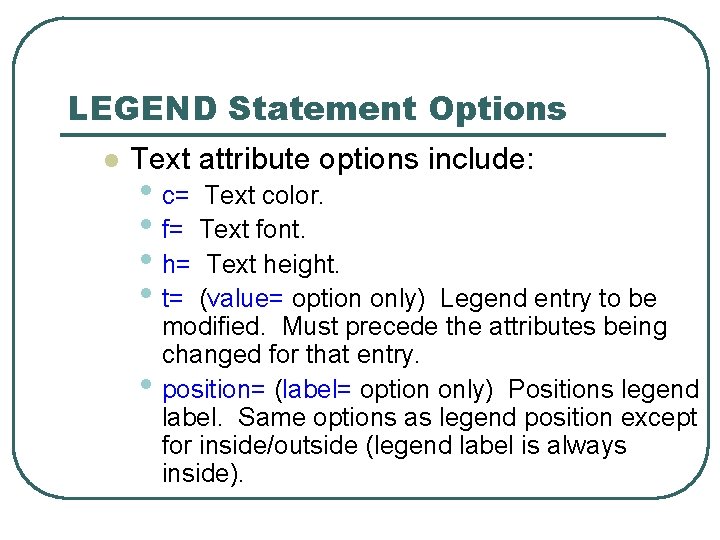
LEGEND Statement Options l l across=n —Legend is created with n entries per row. down=n —Legend is created with n entries per column • Only one of ACROSS or DOWN should be specified.
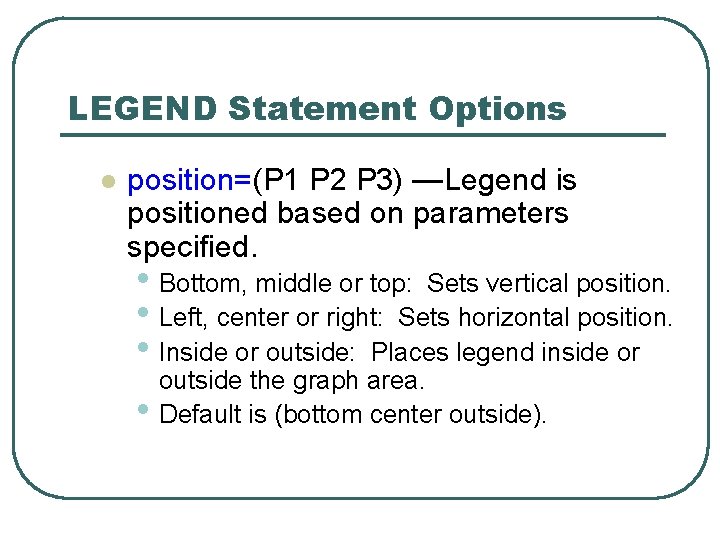
LEGEND Statement Options l position=(P 1 P 2 P 3) —Legend is positioned based on parameters specified. • Bottom, middle or top: Sets vertical position. • Left, center or right: Sets horizontal position. • Inside or outside: Places legend inside or • outside the graph area. Default is (bottom center outside).
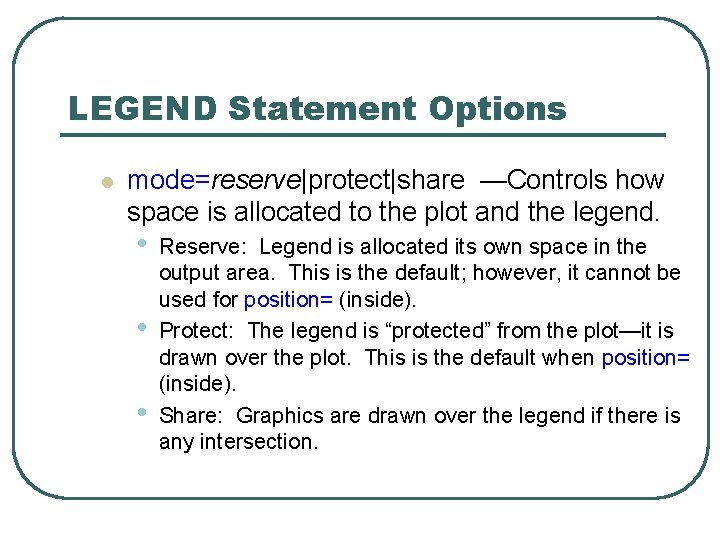
LEGEND Statement Options l mode=reserve|protect|share —Controls how space is allocated to the plot and the legend. • • • Reserve: Legend is allocated its own space in the output area. This is the default; however, it cannot be used for position= (inside). Protect: The legend is “protected” from the plot—it is drawn over the plot. This is the default when position= (inside). Share: Graphics are drawn over the legend if there is any intersection.
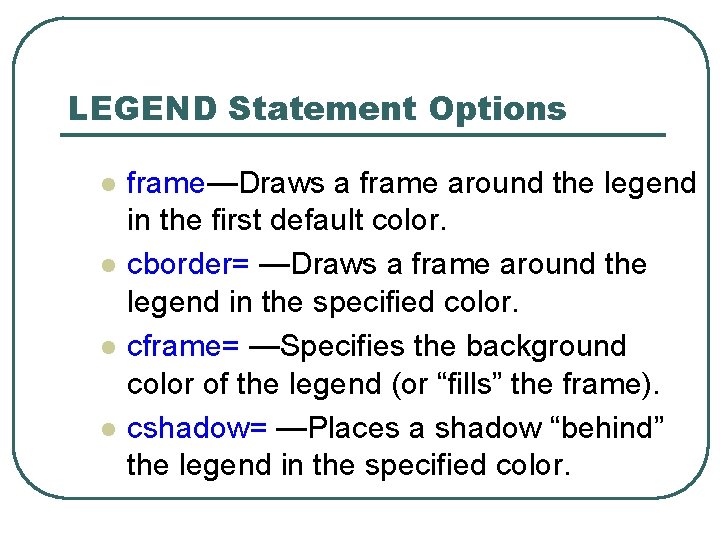
LEGEND Statement Options l l frame—Draws a frame around the legend in the first default color. cborder= —Draws a frame around the legend in the specified color. cframe= —Specifies the background color of the legend (or “fills” the frame). cshadow= —Places a shadow “behind” the legend in the specified color.
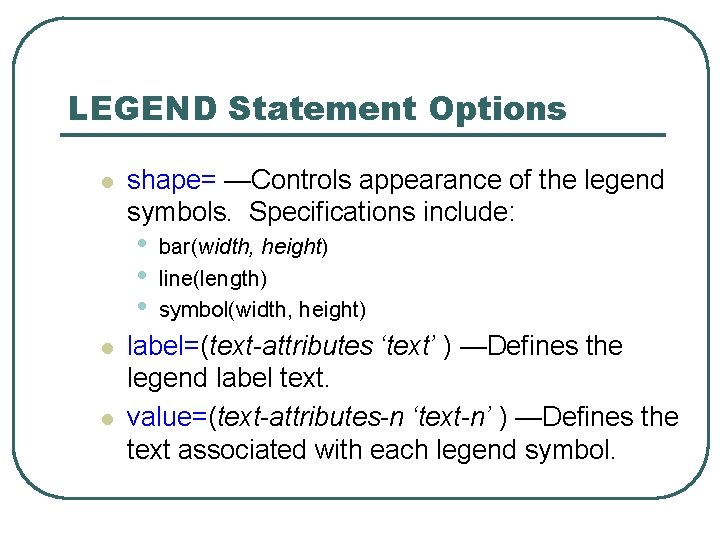
LEGEND Statement Options l shape= —Controls appearance of the legend symbols. Specifications include: • • • l l bar(width, height) line(length) symbol(width, height) label=(text-attributes ‘text’ ) —Defines the legend label text. value=(text-attributes-n ‘text-n’ ) —Defines the text associated with each legend symbol.
LEGEND Statement Options l Text attribute options include: • c= Text color. • f= Text font. • h= Text height. • t= (value= option only) • Legend entry to be modified. Must precede the attributes being changed for that entry. position= (label= option only) Positions legend label. Same options as legend position except for inside/outside (legend label is always inside).
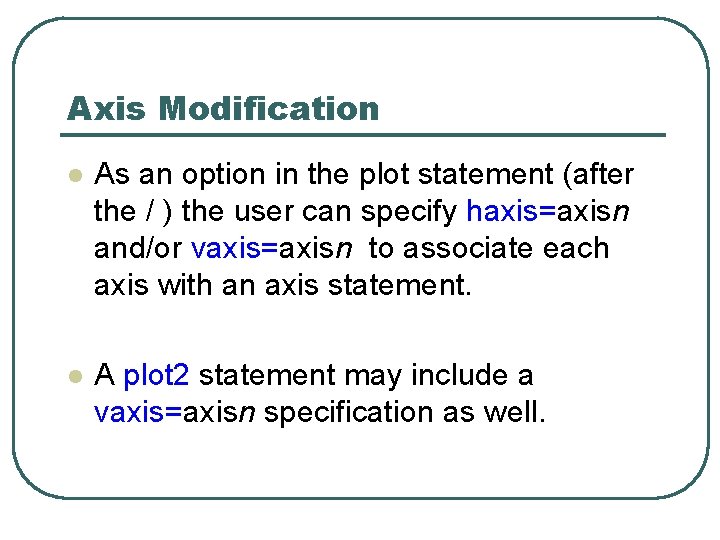
Axis Modification l As an option in the plot statement (after the / ) the user can specify haxis=axisn and/or vaxis=axisn to associate each axis with an axis statement. l A plot 2 statement may include a vaxis=axisn specification as well.
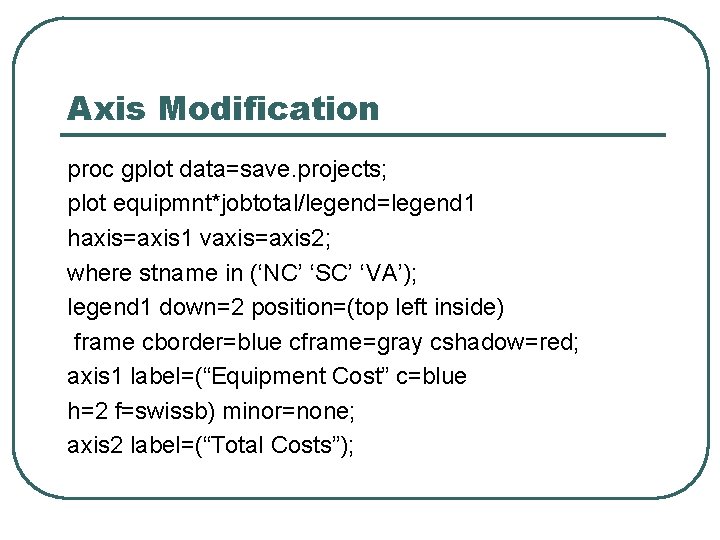
Axis Modification proc gplot data=save. projects; plot equipmnt*jobtotal/legend=legend 1 haxis=axis 1 vaxis=axis 2; where stname in (‘NC’ ‘SC’ ‘VA’); legend 1 down=2 position=(top left inside) frame cborder=blue cframe=gray cshadow=red; axis 1 label=(“Equipment Cost” c=blue h=2 f=swissb) minor=none; axis 2 label=(“Total Costs”);
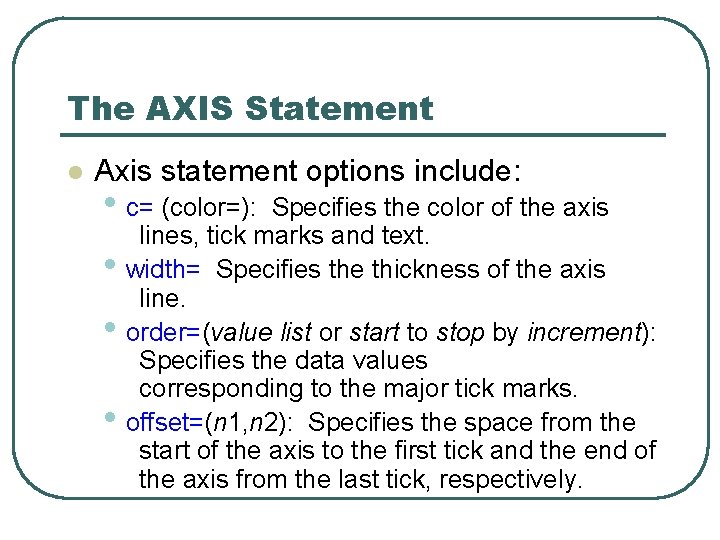
The AXIS Statement l Axis statement options include: • c= (color=): • • • Specifies the color of the axis lines, tick marks and text. width= Specifies the thickness of the axis line. order=(value list or start to stop by increment): Specifies the data values corresponding to the major tick marks. offset=(n 1, n 2): Specifies the space from the start of the axis to the first tick and the end of the axis from the last tick, respectively.
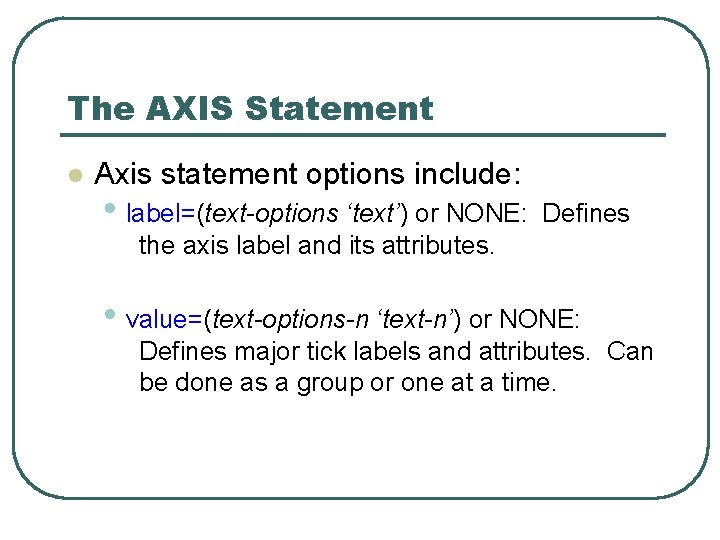
The AXIS Statement l Axis statement options include: • label=(text-options ‘text’) or NONE: Defines the axis label and its attributes. • value=(text-options-n ‘text-n’) or NONE: Defines major tick labels and attributes. Can be done as a group or one at a time.
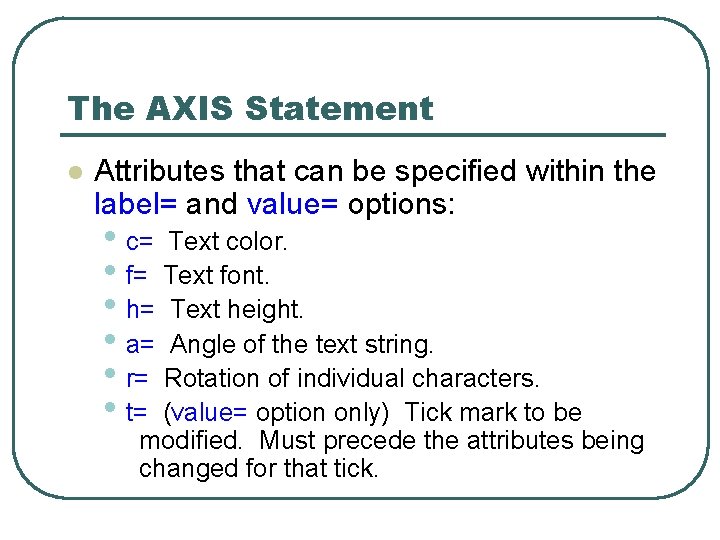
The AXIS Statement l Attributes that can be specified within the label= and value= options: • c= Text color. • f= Text font. • h= Text height. • a= Angle of the text string. • r= Rotation of individual characters. • t= (value= option only) Tick mark to be modified. Must precede the attributes being changed for that tick.
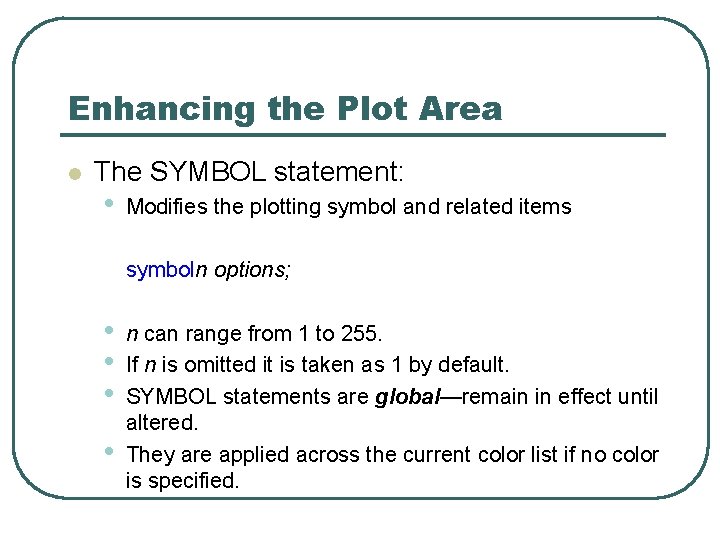
Enhancing the Plot Area l The SYMBOL statement: • Modifies the plotting symbol and related items symboln options; • • n can range from 1 to 255. If n is omitted it is taken as 1 by default. SYMBOL statements are global—remain in effect until altered. They are applied across the current color list if no color is specified.
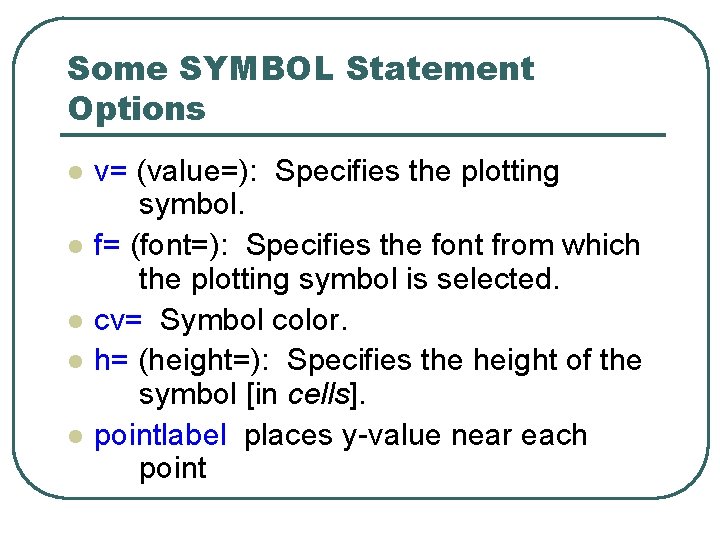
Some SYMBOL Statement Options l l l v= (value=): Specifies the plotting symbol. f= (font=): Specifies the font from which the plotting symbol is selected. cv= Symbol color. h= (height=): Specifies the height of the symbol [in cells]. pointlabel places y-value near each point
Inheritance in SYMBOL Statements l SYMBOL statements are global, some behaviors: • Unmodified options will be inherited in • • subsequent definitions of a symbol statement. Modifications to a symbol statement (e. g. symbol 2) does not alter symbol statements with other numbers. The statement goptions reset=symbol cancels all currently defined symbol statements.
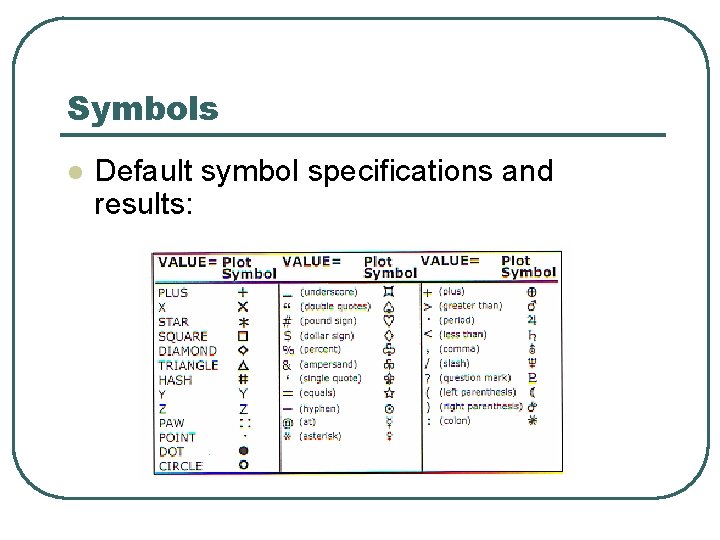
Symbols l Default symbol specifications and results:
Symbols l l Write 3 symbol statements to change the colors, shapes, sizes of the 3 plotting symbols for “NC”, “SC” and “VA” Go back to Padgett data and experiment with symbol statements
The GFONT Procedure l You can view a SAS/GRAPH font using PROC GFONT. The typical syntax will be: proc gfont name=font nobuild showroman ctext=color ; run; l This code will display the font symbols with their standard counterparts. Fonts can be found in the fonts catalog in the SAShelp library.
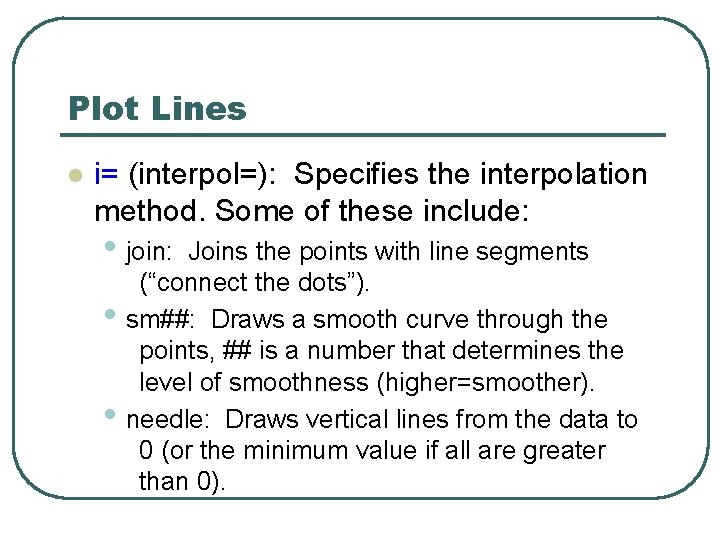
Plot Lines l i= (interpol=): Specifies the interpolation method. Some of these include: • join: • • Joins the points with line segments (“connect the dots”). sm##: Draws a smooth curve through the points, ## is a number that determines the level of smoothness (higher=smoother). needle: Draws vertical lines from the data to 0 (or the minimum value if all are greater than 0).
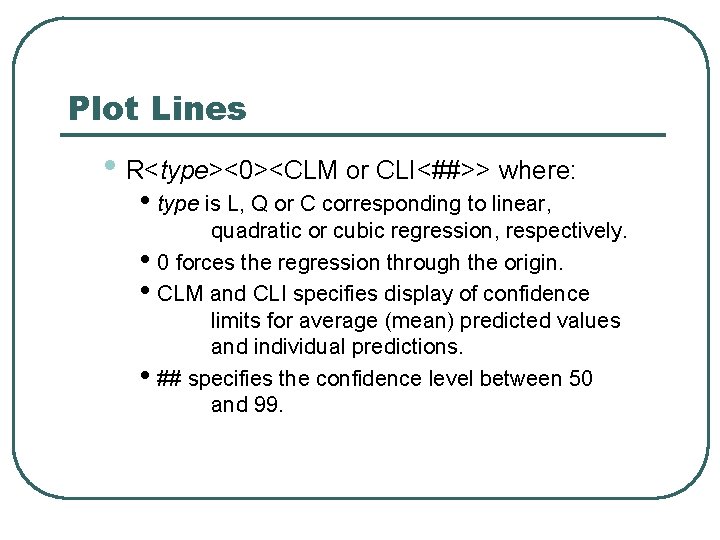
Plot Lines • R<type><0><CLM or CLI<##>> where: • type is L, Q or C corresponding to linear, quadratic or cubic regression, respectively. • 0 forces the regression through the origin. • CLM and CLI specifies display of confidence limits for average (mean) predicted values and individual predictions. • ## specifies the confidence level between 50 and 99.
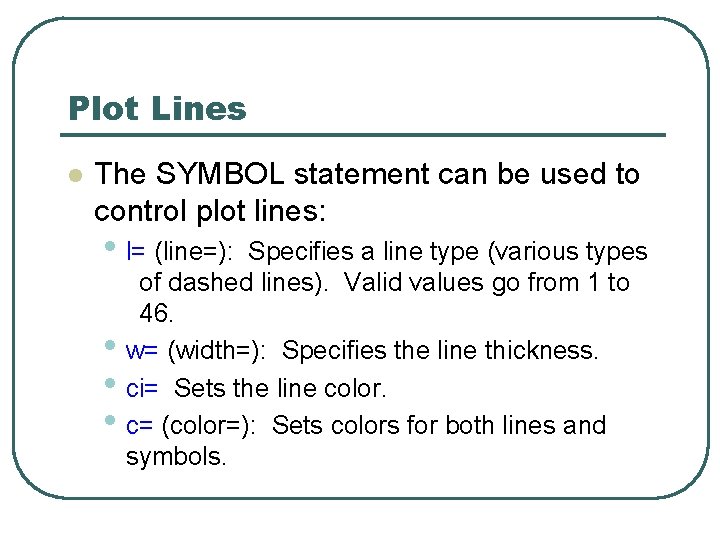
Plot Lines l The SYMBOL statement can be used to control plot lines: • l= (line=): • • • Specifies a line type (various types of dashed lines). Valid values go from 1 to 46. w= (width=): Specifies the line thickness. ci= Sets the line color. c= (color=): Sets colors for both lines and symbols.
Plot Lines l Now try your hand at some of the interpolation methods - see if you can find the best smoothing for total mass against plantht by marsh in the Padgett data…