
Problem Solving and Program Design in C 5
Problem Solving and Program Design in C (5 th Edition) by Jeri R. Hanly and Elliot B. Koffman Chapter 1 (Software Development Method) © CPCS 202 1432/1433– Term 1
# CHAPTER 1 1. The Software Development Method 2. Building Programs Processing Exercise in the Lab Terms to Remember 3. 4. column shows the topics index. column shows the programs index. 2

HUMAN & COMPUTER Computer Problem Solving a human problem requires analysis the problem and design a solution and then execute the result, while solving a computer problem requires analysis the problem and design the algorithm, and then execute the writing code.
1 The Software Development Method A. Introduction You need to be a problem solver A good problem solver a good programmer Programmers use the Software Development Method (method to develop software) This course will teach you to solve realcase problems and use the programming language C to illustrate the solution 4
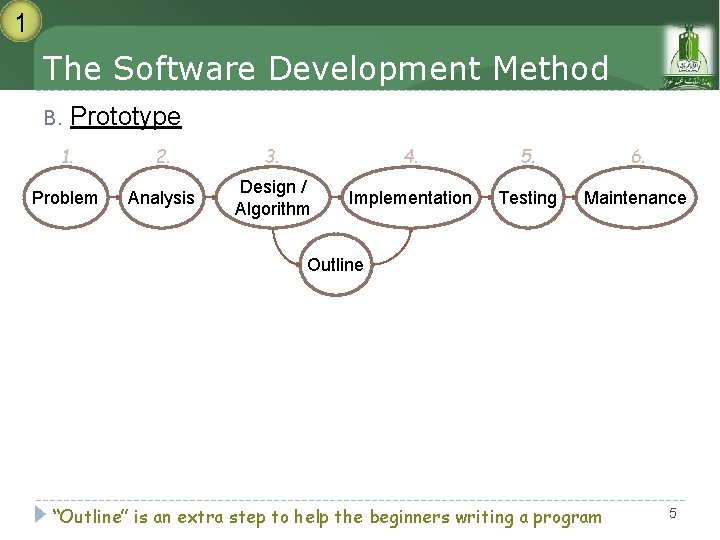
1 The Software Development Method B. Prototype 1. 2. 3. 4. 5. 6. Problem Analysis Design / Algorithm Implementation Testing Maintenance Outline “Outline” is an extra step to help the beginners writing a program 5
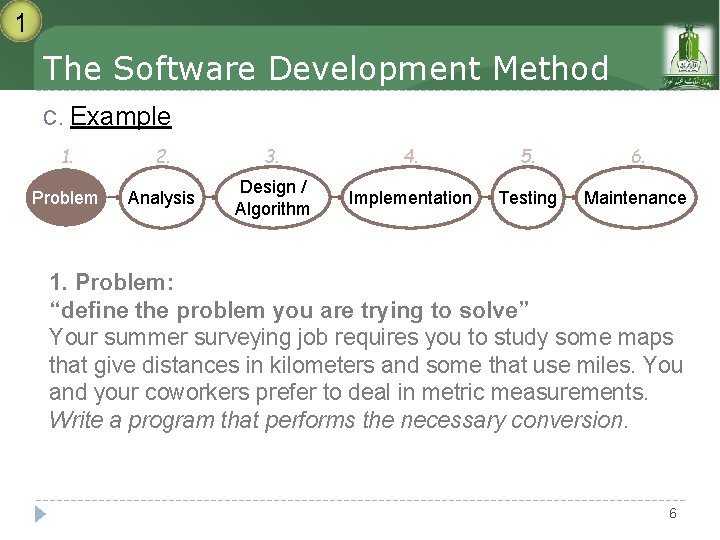
1 The Software Development Method C. Example 1. 2. 3. 4. 5. 6. Problem Analysis Design / Algorithm Implementation Testing Maintenance 1. Problem: “define the problem you are trying to solve” Your summer surveying job requires you to study some maps that give distances in kilometers and some that use miles. You and your coworkers prefer to deal in metric measurements. Write a program that performs the necessary conversion. 6
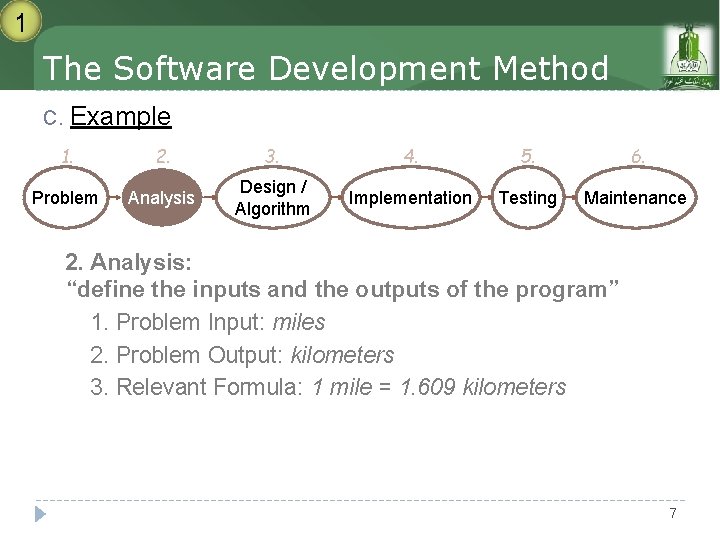
1 The Software Development Method C. Example 1. 2. 3. 4. 5. 6. Problem Analysis Design / Algorithm Implementation Testing Maintenance 2. Analysis: “define the inputs and the outputs of the program” 1. Problem Input: miles 2. Problem Output: kilometers 3. Relevant Formula: 1 mile = 1. 609 kilometers 7
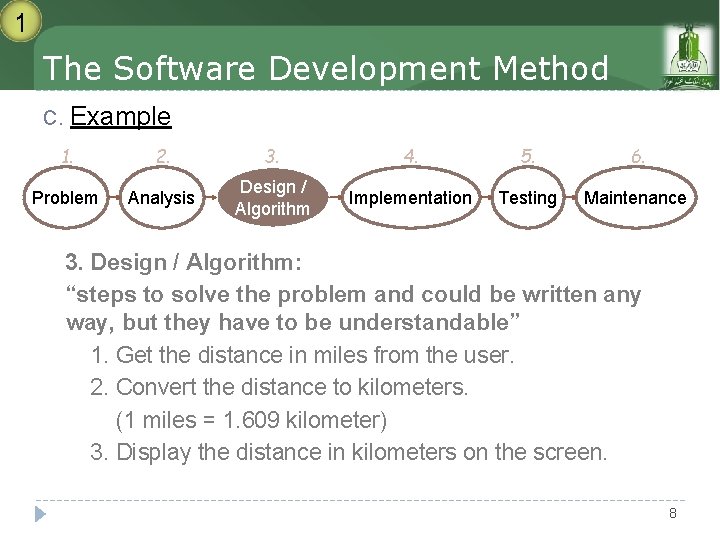
1 The Software Development Method C. Example 1. 2. 3. 4. 5. 6. Problem Analysis Design / Algorithm Implementation Testing Maintenance 3. Design / Algorithm: “steps to solve the problem and could be written any way, but they have to be understandable” 1. Get the distance in miles from the user. 2. Convert the distance to kilometers. (1 miles = 1. 609 kilometer) 3. Display the distance in kilometers on the screen. 8
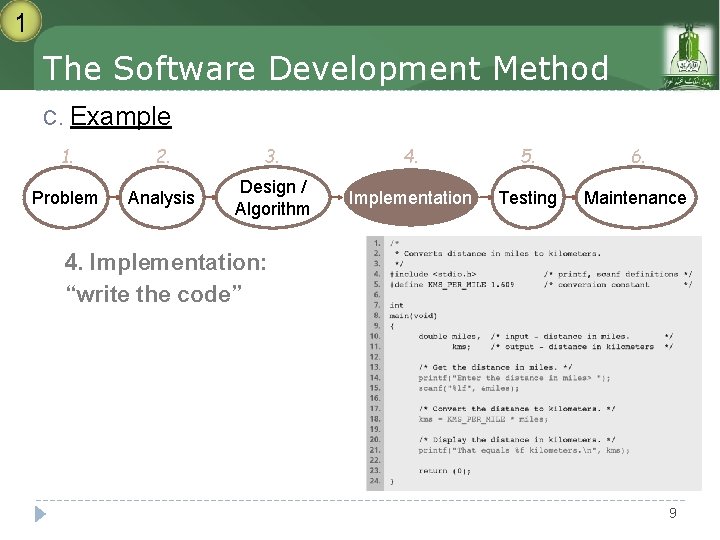
1 The Software Development Method C. Example 1. 2. 3. 4. 5. 6. Problem Analysis Design / Algorithm Implementation Testing Maintenance 4. Implementation: “write the code” 9
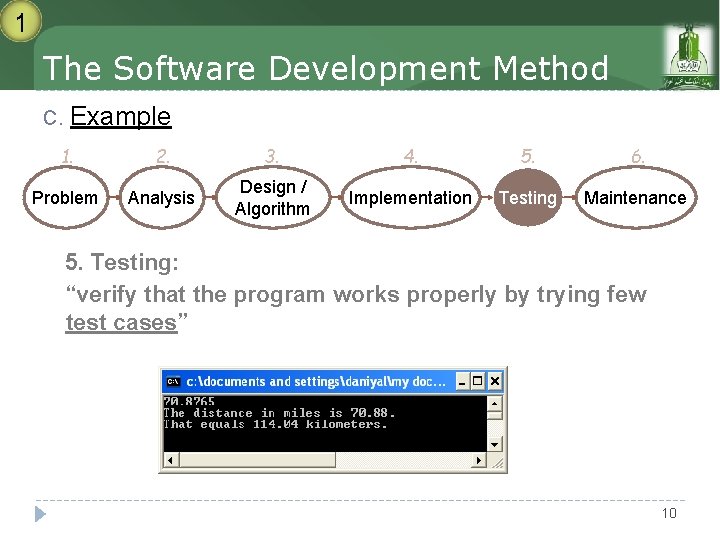
1 The Software Development Method C. Example 1. 2. 3. 4. 5. 6. Problem Analysis Design / Algorithm Implementation Testing Maintenance 5. Testing: “verify that the program works properly by trying few test cases” 10
1 The Software Development Method C. Example 1. 2. 3. 4. 5. 6. Problem Analysis Design / Algorithm Implementation Testing Maintenance 6. Maintenance / Debugging: “remove undetected errors” When a program has a BUG, you need to DEBUG 11
HUMAN & COMPUTER Programming Language Humans use different speaking languages, and they share a common language called sign language. Computers use different programming languages, and they share a common language called machine language.
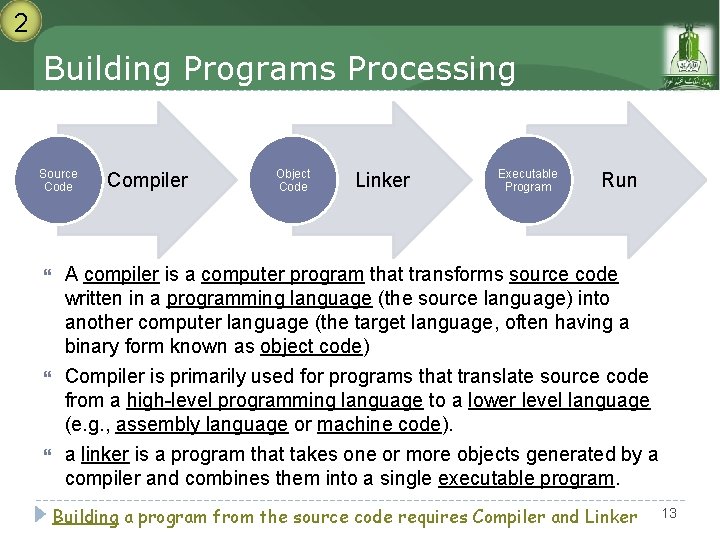
2 Building Programs Processing Source Code Compiler Object Code Linker Executable Program Run A compiler is a computer program that transforms source code written in a programming language (the source language) into another computer language (the target language, often having a binary form known as object code) Compiler is primarily used for programs that translate source code from a high-level programming language to a lower level language (e. g. , assembly language or machine code). a linker is a program that takes one or more objects generated by a compiler and combines them into a single executable program. Building a program from the source code requires Compiler and Linker 13
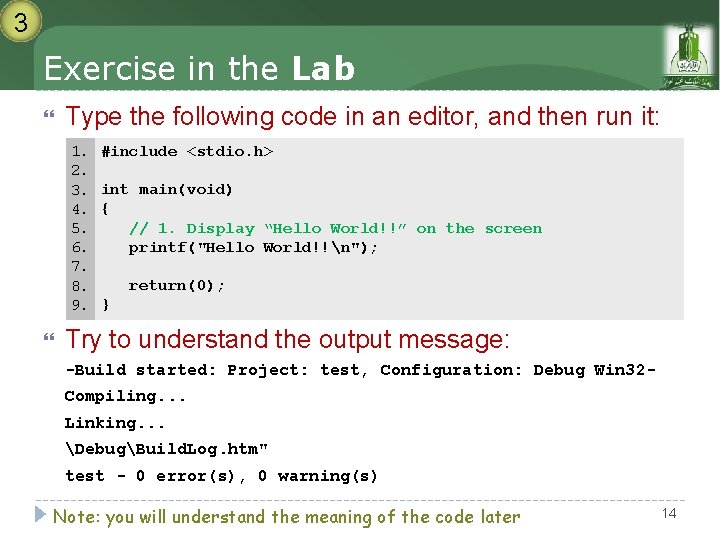
3 Exercise in the Lab Type the following code in an editor, and then run it: 1. 2. 3. 4. 5. 6. 7. 8. 9. #include <stdio. h> int main(void) { // 1. Display “Hello World!!” on the screen printf("Hello World!!n"); return(0); } Try to understand the output message: -Build started: Project: test, Configuration: Debug Win 32 Compiling. . . Linking. . . DebugBuild. Log. htm" test - 0 error(s), 0 warning(s) Note: you will understand the meaning of the code later 14
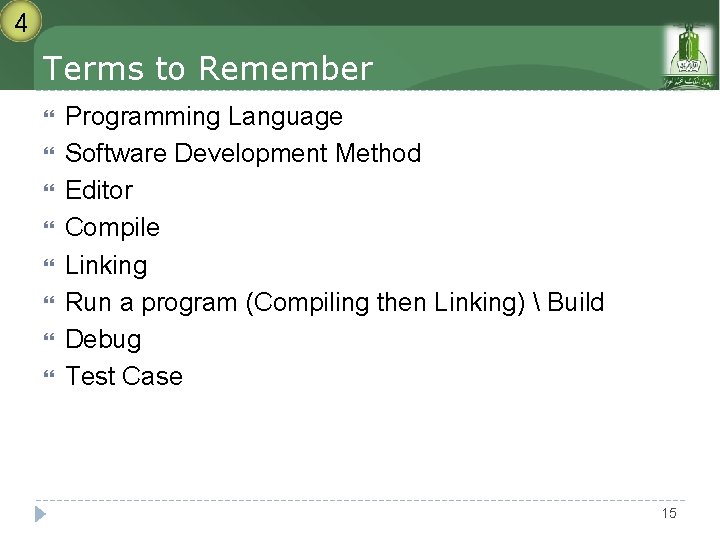
4 Terms to Remember Programming Language Software Development Method Editor Compile Linking Run a program (Compiling then Linking) Build Debug Test Case 15
- Slides: 15