
Pro Top version 3 An open source Progress
- Slides: 22
Pro. Top version 3 – An open source Progress database performance monitor Pro. Top is a free, Open Source database monitor for Progress Open. Edge databases. Pro. Top sorts, filters and groups realtime VST data into insightful analysis screens that help to keep your database and application performance in tip top shape. This session will examine Pro. Top's "out of the box" capabilities. We'll learn how to approach common monitoring problems through live demonstrations and explain how to get started on the road to proactively managing your database and application.
Pro. Top 3 Open Source Monitoring For Your Progress Open. Edge Database
A Few Words About The Speaker • Tom Bascom, Roaming DBA & Progress User since 1987 • President, DBAppraise, LLC – Remote Database Management Service. – Simplifying the job of Managing and Monitoring the world’s best business applications. – tom@dbappraise. com • VP, White Star Software, LLC – Expert Consulting Services related to all aspects of Progress and Open. Edge. – tom@wss. com
Pro. Top 3 What Is It? What Is It Good For? How Do I Use It? How To Install?
Pro. Top -- What is It? • An Interactive Monitoring Program for Your Open. Edge Database • A hybrid of PROMON and the UNIX “top” monitor. • Based on Virtual System Tables… • … plus some meta-schema and OS bits. • Open Source! • Free!
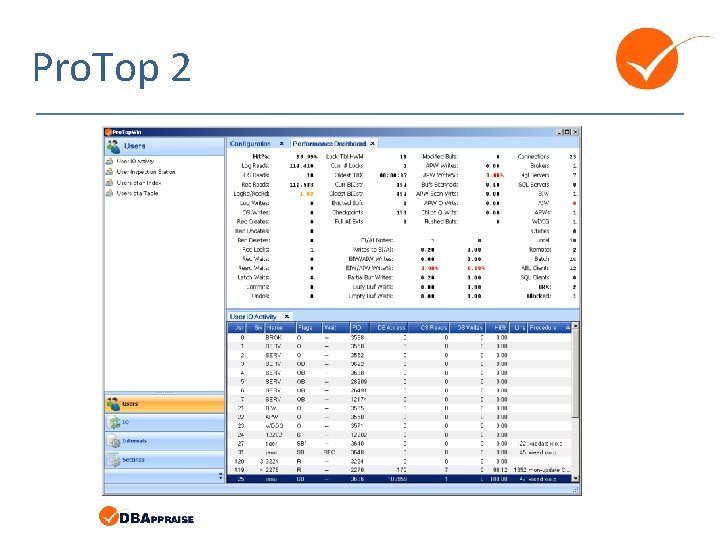
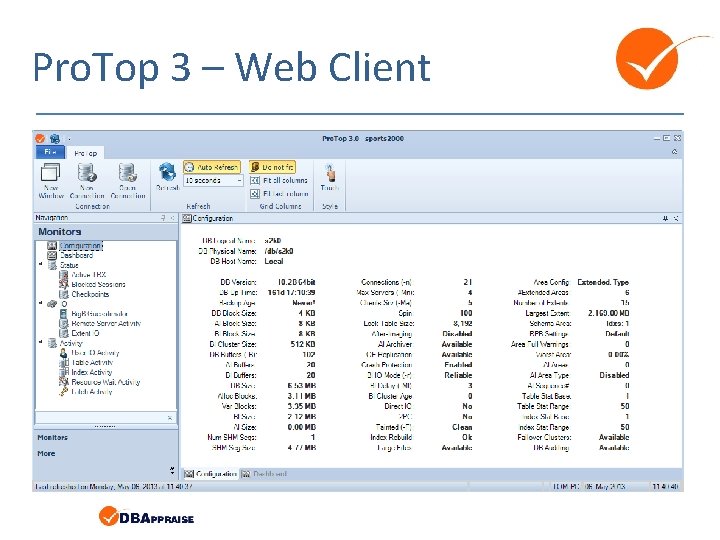
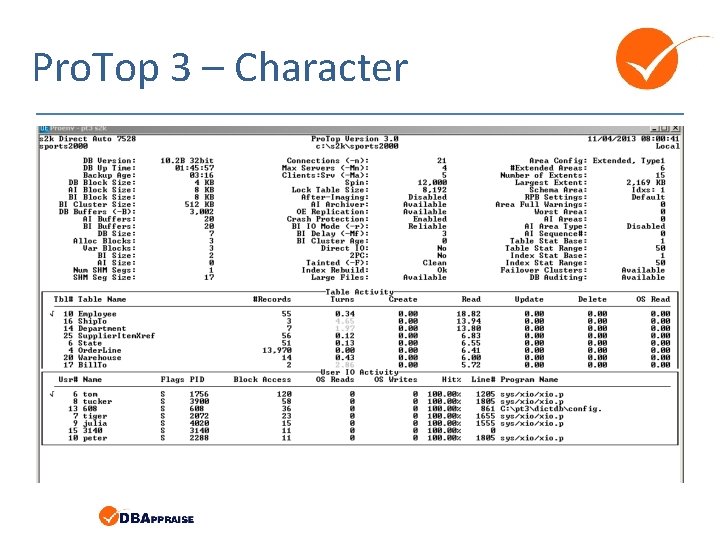
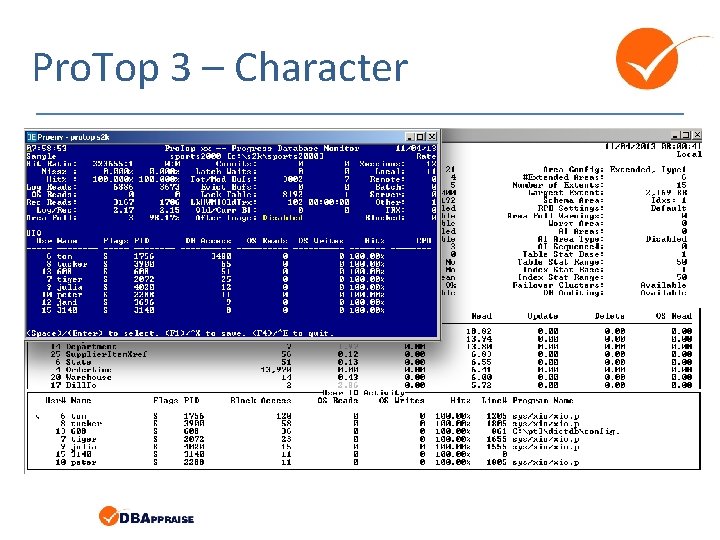
Pro. Top Flavors • Pro. Top xxi – v 9, OE 10+ Character client only. – Still works with version 11+ – Limited support for “new stuff”. • Pro. Top 2. 0 – 10. 2 A, . NET GUI – Pretty. – But impossible to maintain and ship. • Pro. Top 3. 0 – 10. 2 B+, Ch. UI, Webclient – Much better separation of UI and Logic. – Shared Memory, Stomp, HTTP and App. Server agents!
New Features! • All new look & feel! – Character client *requires* 132 columns & 48 rows. – Web client • “Data Collectors” can communicate with clients via: – Shared Memory (character only) – Stomp (any platform) – Progress App. Server (any platform) – HTTP (UNIX & Apache only) • An actual install script!
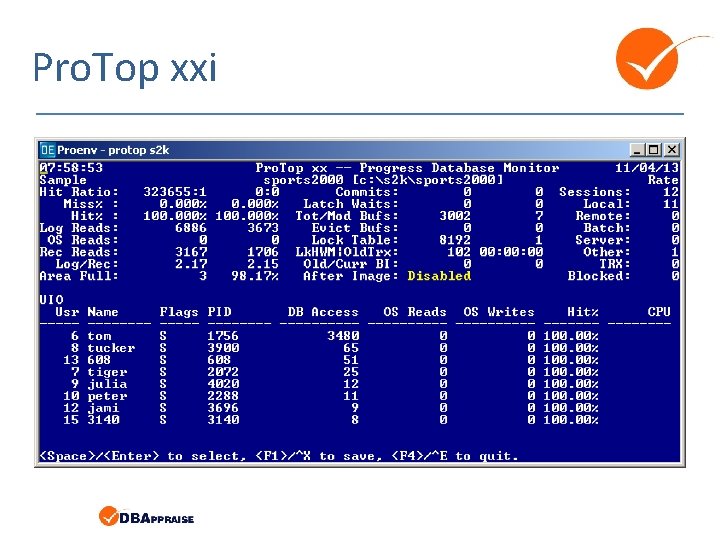
Pro. Top xxi
Pro. Top 2
Pro. Top 3 – Web Client
Pro. Top 3 – Character
Pro. Top 3 – Character
What Is It Good For? • Checking Your Configuration • Development and Testing – Comparing Theory to Reality • • • Identifying Performance Problem Areas Correlating Scattered Metrics Finding Trends Drilling Down Studying VST focused 4 GL Coding Techniques
How Do I Use It?
How Do I Use It? Demo!
How To Install?
How To Install? • Download from dbappraise. com/protop. html – Choose the flavor that you need • Follow the instructions carefully • Send questions to: adam@wss. com
How To Install? • Download from dbappraise. com/protop. html – Choose the flavor that you need • Follow the instructions carefully • Send questions that you want answered to: tom@wss. com
{inc/disclaimer. i} • Your mileage will vary. • Remember what you paid for it ; )
Questions?
Suggestions/ Enhancement Requests?
Thank You!